Noticky
Стікери, що нікуди не зникають
Mac
Версія 1.9.4
macOS 15.0 чи новіша
39.1 MB
15 мов(и)
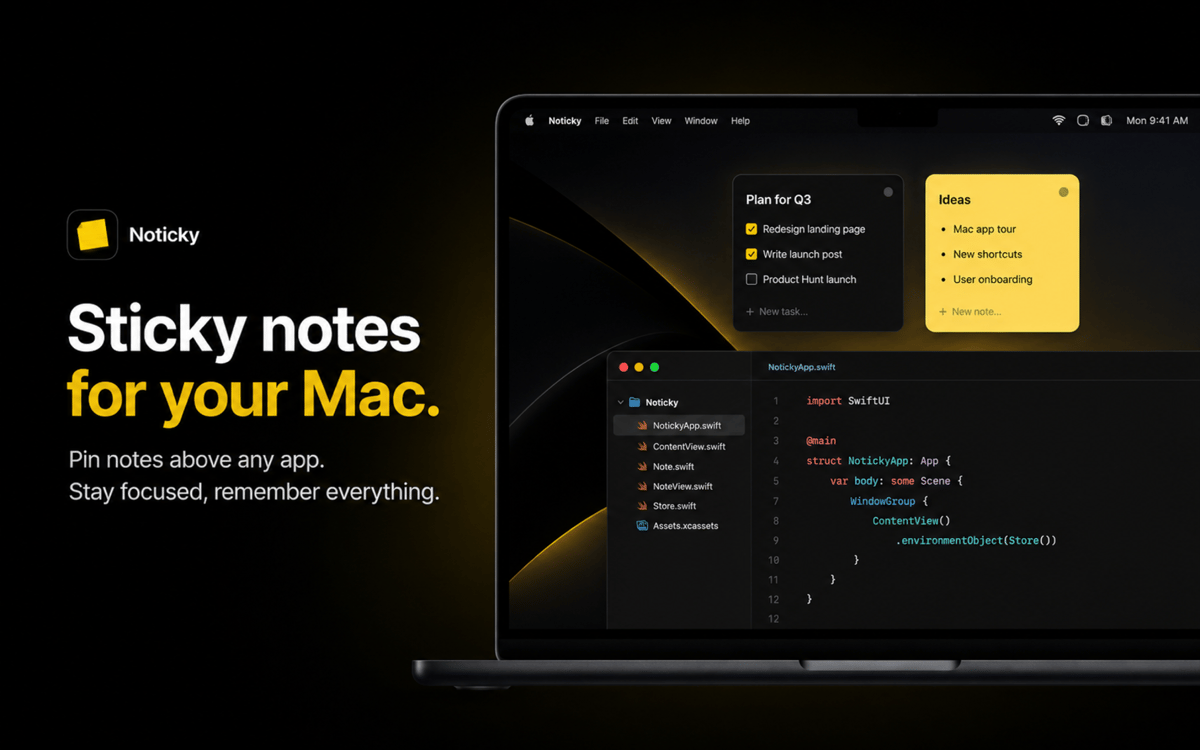
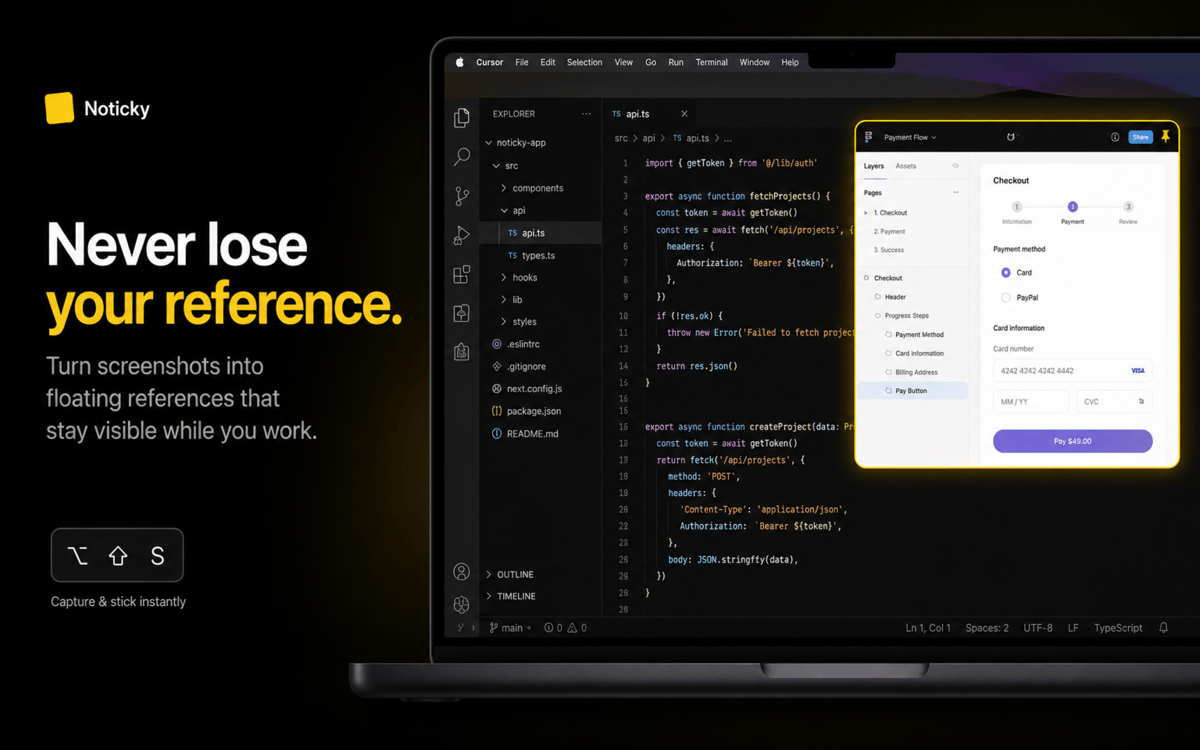
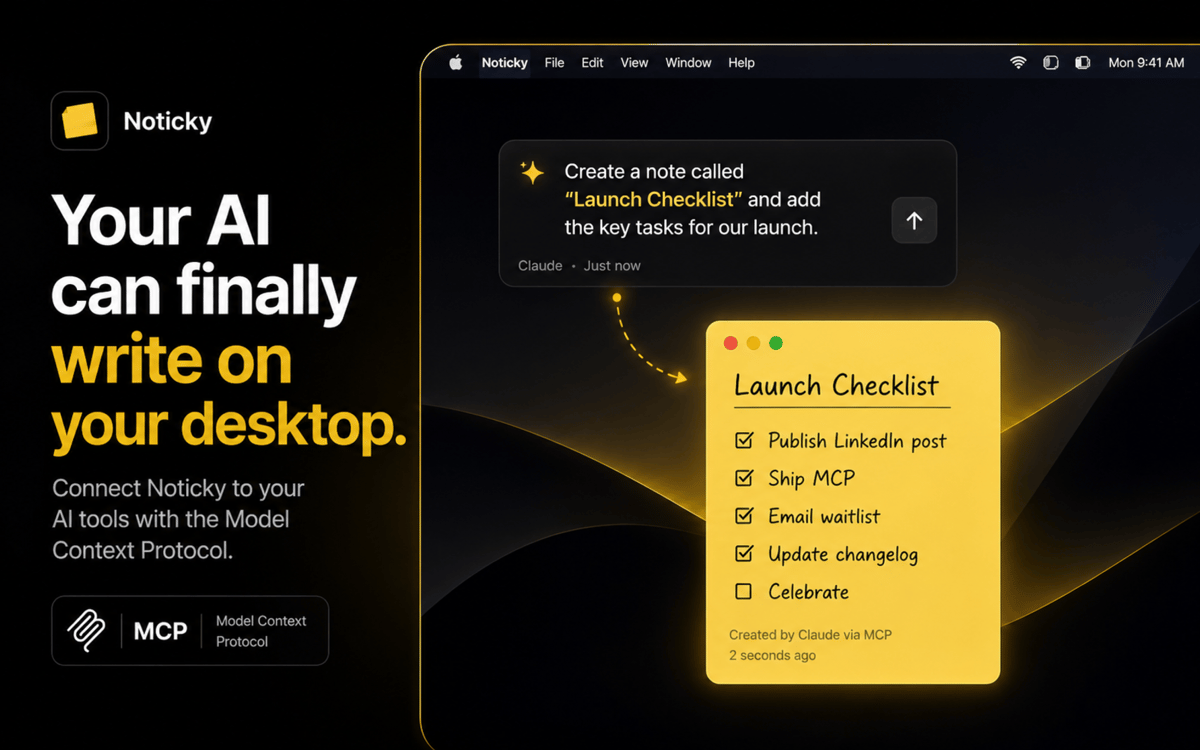
Noticky додає на твій Mac стікери — саме ті, на які ти справді можеш покластися. Закріплюй їх над будь-яким вікном, складай у стопку або розміщуй мозаїкою в акуратний макет, а всю колекцію викликай комбінацією клавіш або активним кутом. Зберігай вміст з будь-якого застосунку через меню поширення, позначай кольором за темою, групуй у папки та експортуй у PDF, коли закінчиш. Нотатки слідують за тобою в Spaces, синхронізуються через iCloud і відображаються як віджети на робочому столі.
Закріплюй нагадування поверх інших вікон
Стопки й мозаїка нотаток одним кліком
Захоплення через меню поширення
Сортувати за кольором, групою або датою
Можливості Noticky
Закріпити над будь-яким вікном
Тримай нотатку на виду, працюючи в інших вікнах. Noticky зависає поверх усього, слідує за тобою між Spaces і ніколи не ховається за вкладкою Safari.
Стекуй і впорядковуй нотатки
Автоматично впорядковуй відкриті нотатки в акуратний стос або мозаїчну сітку одним ярликом. Перетягуй, щоб змінити порядок, клацай — і нотатка виходить на передній план. Годі ганятися за ними по екрану.
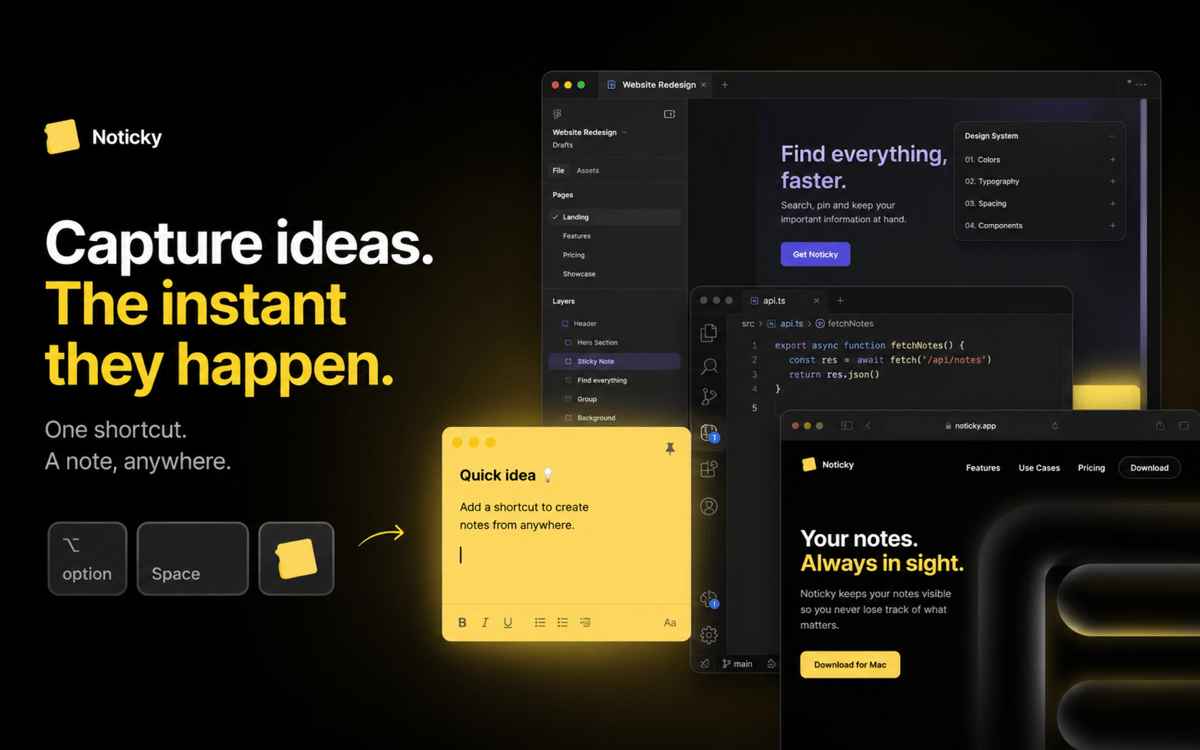
Знімайте з будь-якого місця
Натисни ⌘⇧N для нової нотатки, перемісти курсор у гарячий кут або надішли вибраний текст з будь-якого застосунку через меню поширення macOS. Ваш вибір.
Колірний код та група
Сортуй нотатки за кольором, перетягуй їх у папки та фільтруй список за кольором, датою, групою чи ключовим словом, коли нотаток стає більше.
Віджети на вашому робочому столі
Перетягни одну нотатку, дошку з кількома нотатками або повний список на робочий стіл macOS. Закріпи як віджет — і він оновлюватиметься під час редагування.
Синхронізація iCloud і експорт PDF
Нотатки синхронізуються на всіх Mac, де ти увійшов у систему. Експортуй будь-яку нотатку у PDF, щоб поділитися нею за межами Noticky.
Отримайте сотні програм з Membership
Підпишіться на Setapp і користуйтесь сотнями чудових програм.
Перші 7 днів безплатно, а далі – в єдиному простому плані.
Завантажити Setapp на Mac
Знайдіть в Setapp застосунок для macOS, iOS або web, що допоможе вирішити ваше завдання.

Установіть знайдену програму
Виконайте завдання за допомогою новенької програми зі Setapp.

Noticky
Виберіть план підписки
Один застосунок або всі разом в підписці Setapp. Користуйтеся застосунками на своїх умовах.

Отримайте сотні програм з Membership
Підпишіться на Setapp і користуйтесь сотнями чудових програм.
Перші 7 днів безплатно, а далі – в єдиному простому плані.
1
Завантажити Setapp на Mac
Знайдіть в Setapp застосунок для macOS, iOS або web, що допоможе вирішити ваше завдання.
2
Установіть знайдену програму
Виконайте завдання за допомогою новенької програми зі Setapp.
Noticky
3
Виберіть план підписки
Один застосунок або всі разом в підписці Setapp. Користуйтеся застосунками на своїх умовах.
Нагору
Від планування та рутинних завдань до програмування і творчості – працюйте ефективніше зі Setapp.

TypingMind
ШІ зі зручним інтерфейсом
генеруйте й обробляйте текст
користуйтеся бібліотекою
ШІ

Spark Mail
Упорядкуйте імейли
ШІ

CleanMyMac
Видаляйте тільки непотрібне

Bartender
Налаштуйте меню під себе

CleanShot X
Робіть будь-які скриншоти

Luminar Neo
Редагуйте фото
ШІ

ClearVPN
Безпечний звʼязок

Craft
Робота з документами
ШІ
Noticky
Стікери, що нікуди не зникають