
NowPlayingWidget
Music controls, always close

Mac
Версія 1.5.0
macOS 13.0 чи новіша
7.3 MB
1 мов(и)
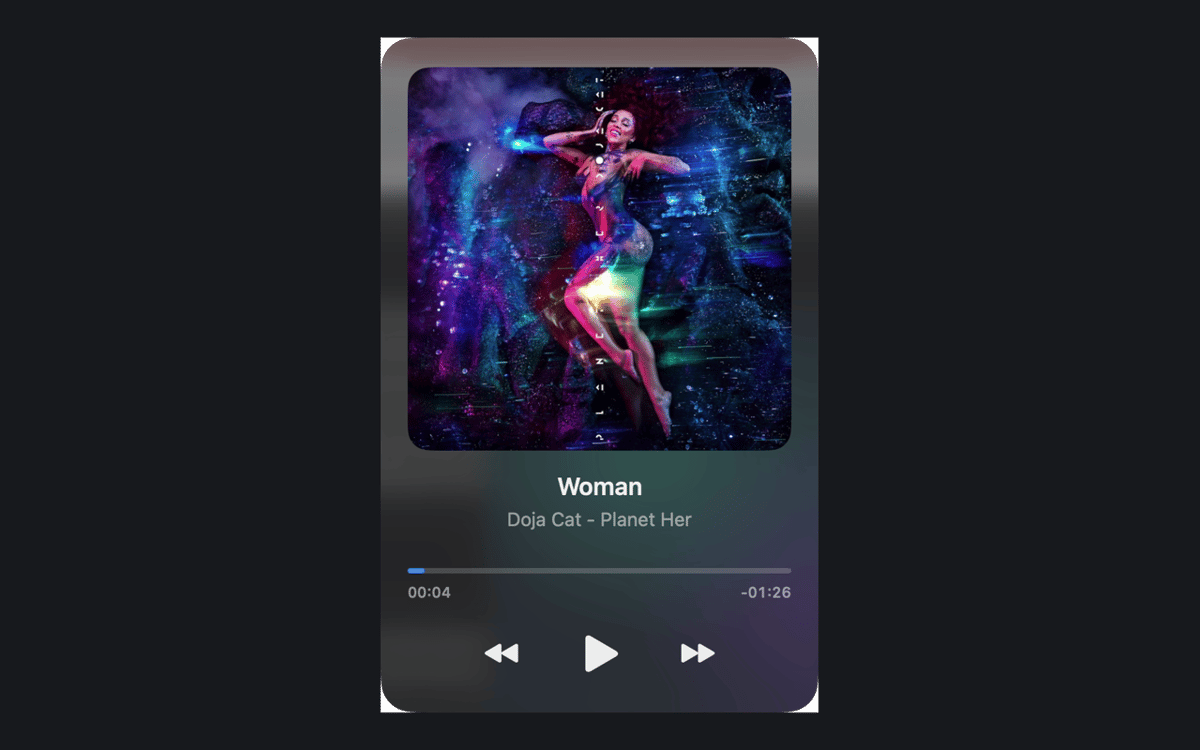
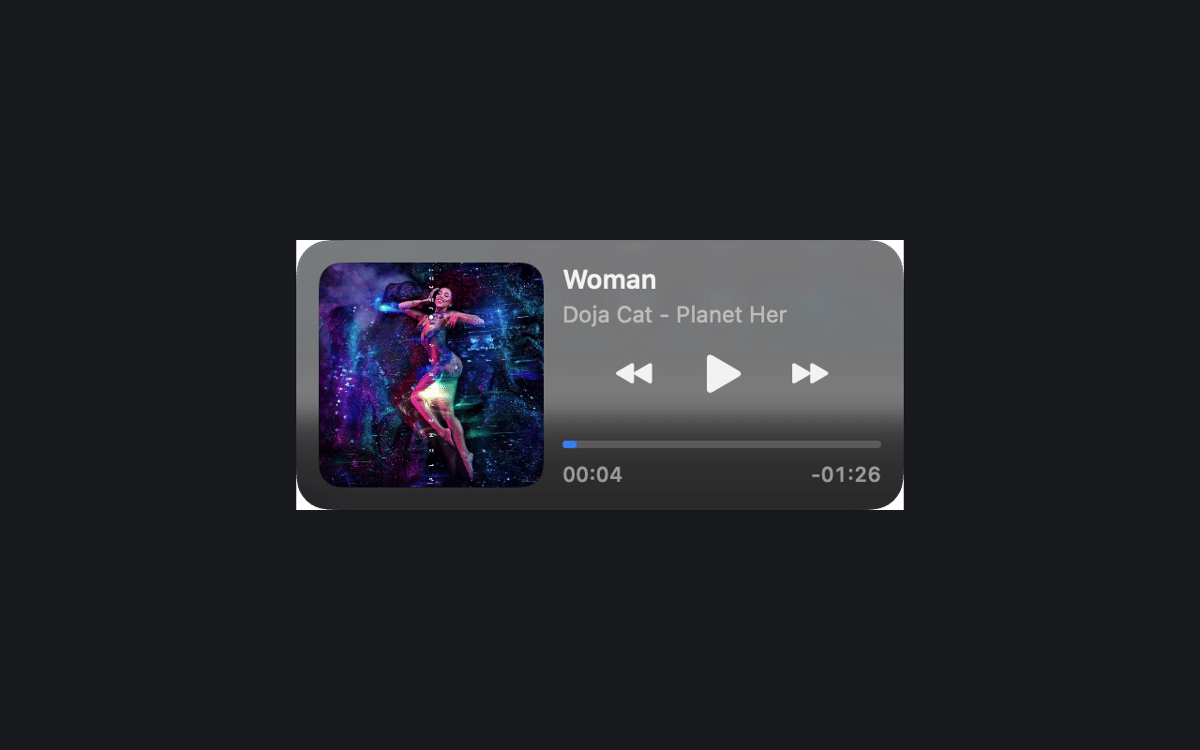
NowPlayingWidget is a music control widget for Mac. It floats above your windows and shows the current track, so you can pause, skip, or seek without leaving your work. Follow synced lyrics, dock the player at the top or the sides, and pick the size that suits your screen. Your play history and artwork stay on your Mac.
Pause music without switching apps
Sing along with synced lyrics
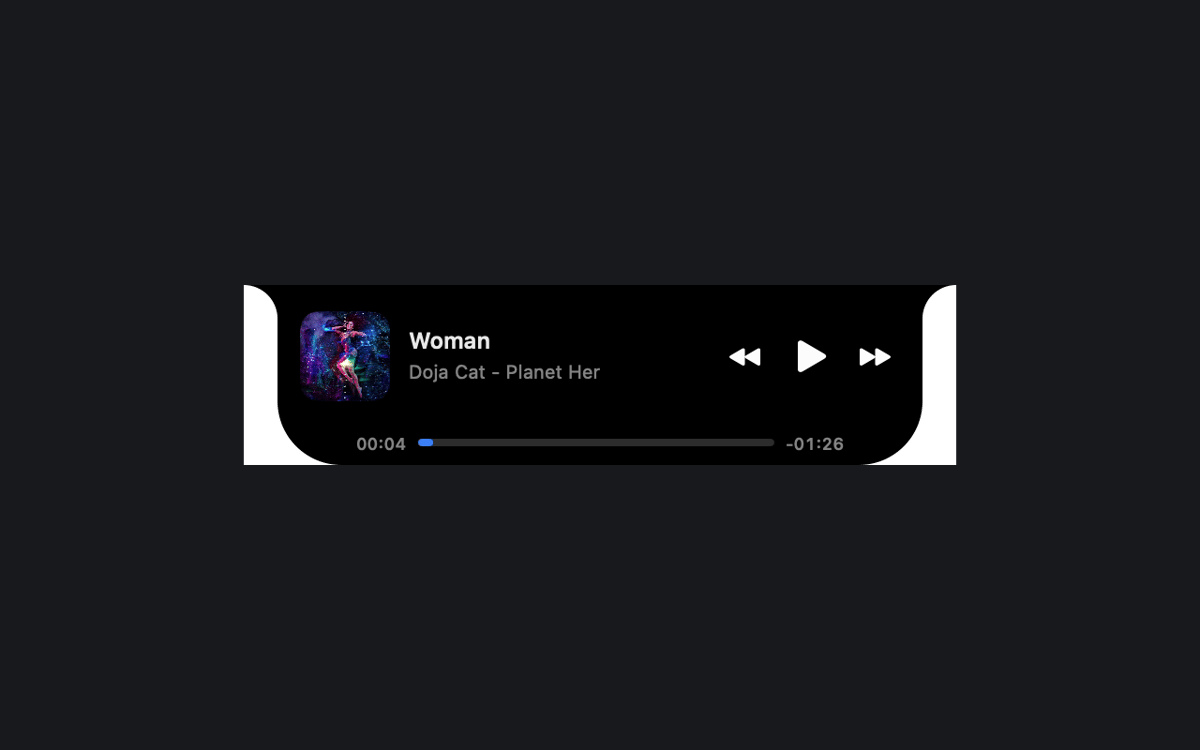
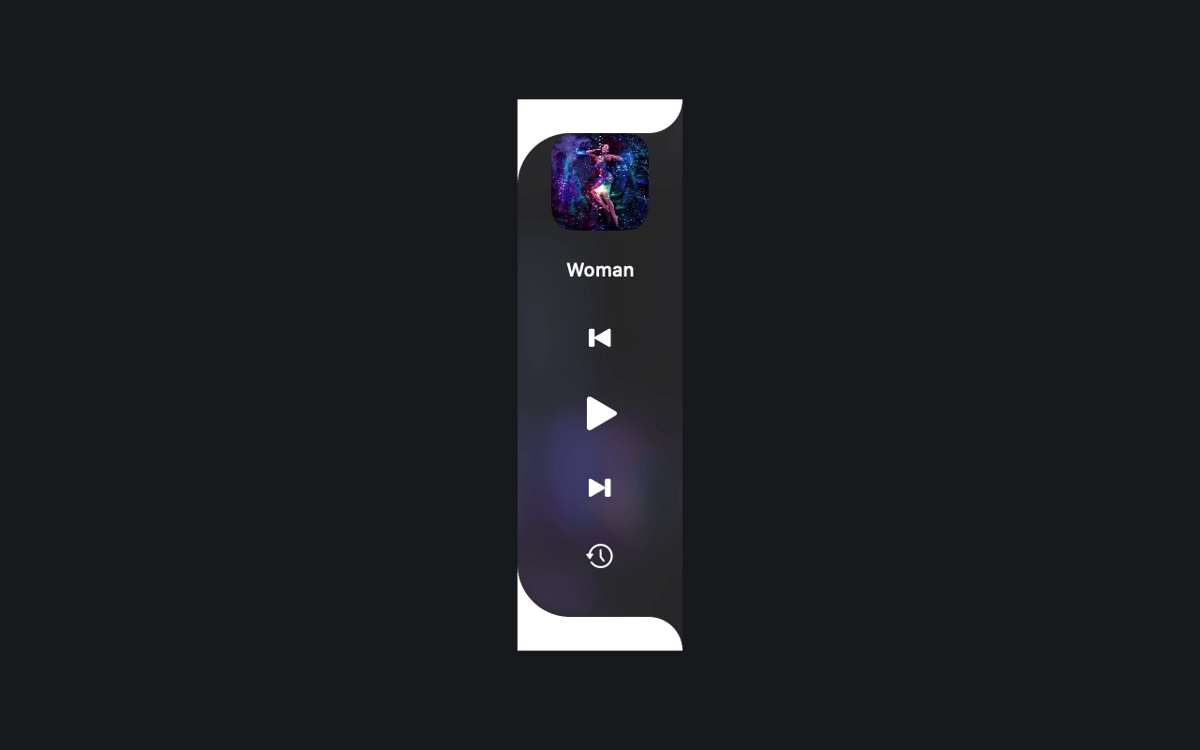
Dock a tidy player by the notch
Look back at what you played
Можливості NowPlayingWidget
Controls right where you work
See the current track and playback controls above your windows. Pause, resume, skip, or seek in compatible apps and browsers. What you see depends on what the source shares with macOS Now Playing.
Three sizes, easy docking
Pick Compact, Normal, or Full. Or drag the player to the top center or either screen edge to dock it. A preview and a smooth animation show you what's happening.
Lyrics that keep up
Follow synced lyrics when a provider has your recording. In Full mode, you can also scroll them yourself. The Setapp edition asks before it looks up lyrics online, so you stay in charge.
Play History, kept local
Revisit tracks you've played in your local history. The history and cached artwork stay on your Mac.
A look that fits your Mac
The notch-style player stays black. Floating players and side docks use translucent glass, with native Liquid Glass on macOS 26 or later. Choose Dark, Light, or System appearance.
Your language, your setup
Use any of the 24 official EU interface languages. Keep the player above other windows across Spaces, and launch it at login if you like.
Отримайте сотні програм з Membership
Підпишіться на Setapp і користуйтесь сотнями чудових програм.
Перші 7 днів безплатно, а далі – в єдиному простому плані.
Завантажити Setapp на Mac
Знайдіть в Setapp застосунок для macOS, iOS або web, що допоможе вирішити ваше завдання.

Установіть знайдену програму
Виконайте завдання за допомогою новенької програми зі Setapp.

NowPlayingWidget
Виберіть план підписки
Один застосунок або всі разом в підписці Setapp. Користуйтеся застосунками на своїх умовах.

Отримайте сотні програм з Membership
Підпишіться на Setapp і користуйтесь сотнями чудових програм.
Перші 7 днів безплатно, а далі – в єдиному простому плані.
1
Завантажити Setapp на Mac
Знайдіть в Setapp застосунок для macOS, iOS або web, що допоможе вирішити ваше завдання.
2
Установіть знайдену програму
Виконайте завдання за допомогою новенької програми зі Setapp.
NowPlayingWidget
3
Виберіть план підписки
Один застосунок або всі разом в підписці Setapp. Користуйтеся застосунками на своїх умовах.
Нагору
Від планування та рутинних завдань до програмування і творчості – працюйте ефективніше зі Setapp.

TypingMind
ШІ зі зручним інтерфейсом
генеруйте й обробляйте текст
користуйтеся бібліотекою
ШІ

Spark Mail
Упорядкуйте імейли
ШІ

CleanMyMac
Видаляйте тільки непотрібне

Bartender
Налаштуйте меню під себе

CleanShot X
Робіть будь-які скриншоти

Luminar Neo
Редагуйте фото
ШІ

ClearVPN
Безпечний звʼязок

Craft
Робота з документами
ШІ
NowPlayingWidget
Music controls, always close