
Proximate
Отримуй сповіщення там, де твій курсор


Mac
Версія 1.13.6
macOS 14.0 чи новіша
239 MB
52 мов(и)
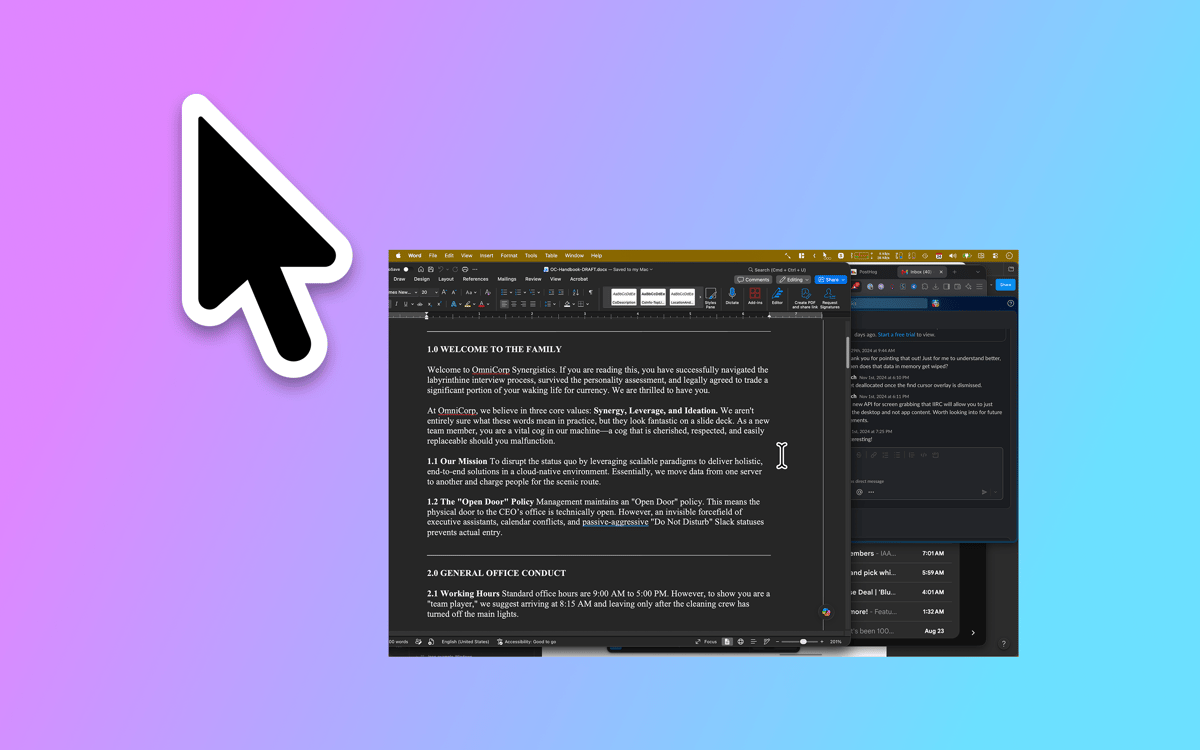
Proximate — це утиліта для сповіщень курсора на Mac. Він переміщує те, що ти зазвичай пропускаєш — сповіщення програм, час, таймери зворотного відліку — прямо поряд із тим, де вже знаходяться твої очі: біля вказівника миші. На великих дисплеях сповіщення з'являються десь далеко в кутку, коли ти поринаєш у роботу. Proximate непомітно показує те, що важливо, не вириваючи тебе з робочого процесу.
Не пропускай сповіщення на великих екранах
Завжди знай час, не відводячи погляду
Налаштуй таймери зворотного відліку мишею
Залишайся зосередженим і в курсі справ
Можливості Proximate
Сповіщення біля курсора
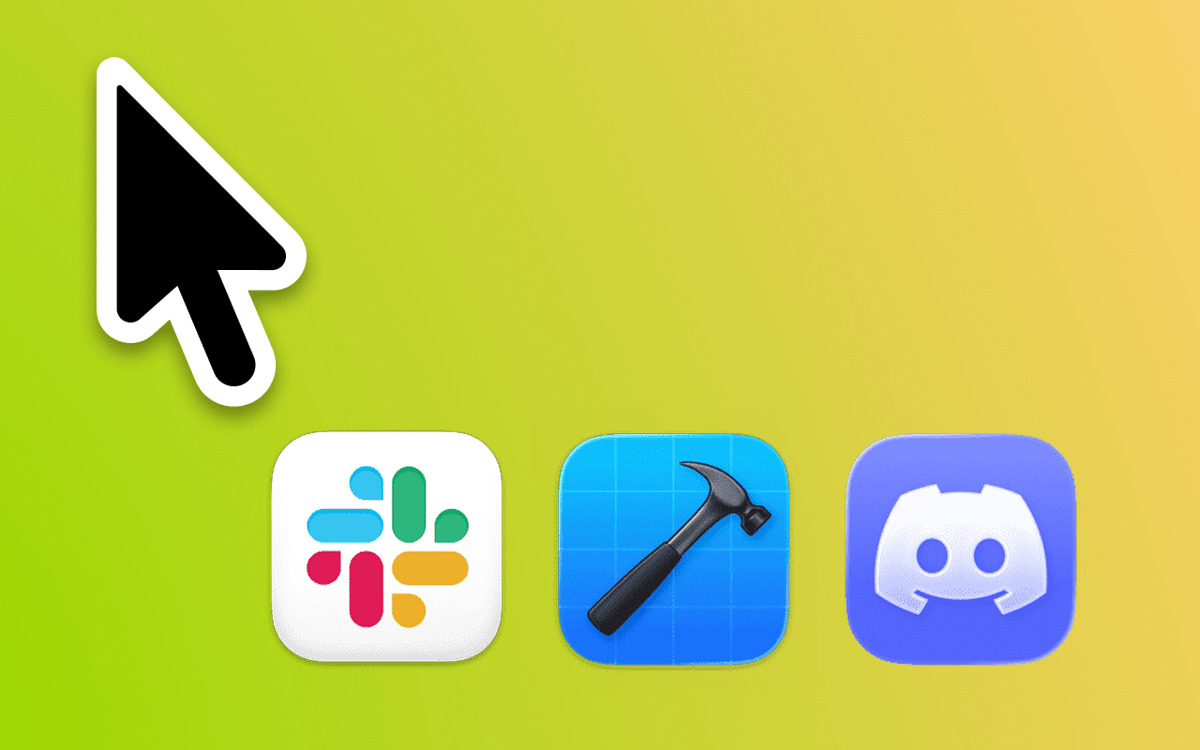
Вибери, які програми потрібно відстежувати, і Proximate покаже їхні значки прямо біля твого вказівника, щойно вони потребуватимуть уваги. Більше ніколи не напружуй зір, дивлячись у верхній правий кут 27-дюймового екрана. Значки зникають автоматично, коли ти приходиш на місце — ніякого прибирання не потрібно.
Курсорний годинник
Працюєш в повноекранному режимі? Годинник у рядку меню зникає. Proximate відображає час і дату поруч із курсором, тож ти завжди знаєш, котра година, не відриваючи погляду від роботи.
Таймери курсора
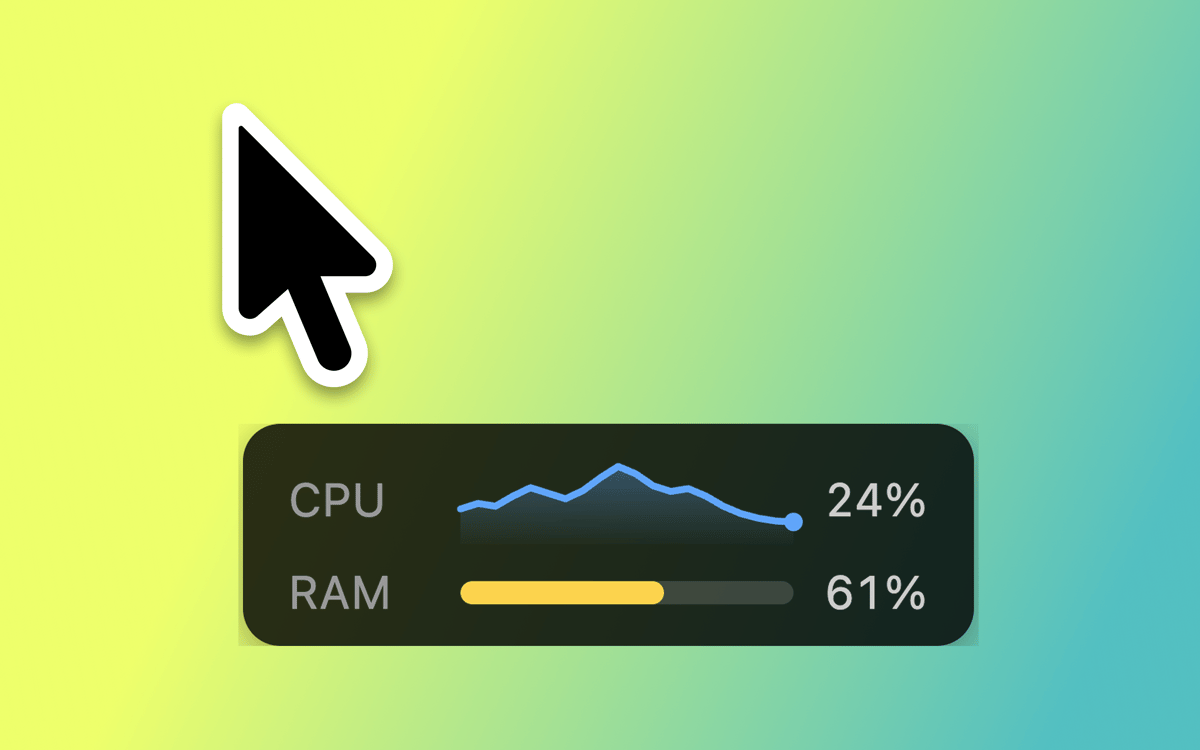
Встанови один або декілька таймерів, які з'являються прямо поруч із курсором. Веди зворотний відлік до дедлайну, засікай час для зосередженої роботи або просто відстежуй, скільки часу щось триває. Обирай із цифрового лічильника, прогрес-бара або кольорового кола.
Клавіатурні скорочення для всього
Вмикай і вимикай усі елементи Proximate, прибирай сповіщення піктограм одним рухом або повертай курсор миші в центр екрана — все це без дотику до трекпада. Швидко, акуратно й завжди під рукою.
Повністю настроюваний вигляд
Розмісти значки програм і годинник під будь-яким кутом і на будь-якій відстані від курсора. Налаштуй розмір іконки, шрифт годинника, кольори та формат часу. Встанови правила прозорості залежно від того, рухається миша чи залишається нерухомою. Proximate підлаштовується саме так, як ти хочеш.
Синхронізація налаштувань через iCloud
Користуєшся Proximate на кількох Mac? Твої налаштування автоматично синхронізуються через iCloud. Налаштуй один раз, і він працюватиме скрізь — ручне налаштування не потрібне.
Отримайте сотні програм з Membership
Підпишіться на Setapp і користуйтесь сотнями чудових програм.
Перші 7 днів безплатно, а далі – в єдиному простому плані.
Завантажити Setapp на Mac
Знайдіть в Setapp застосунок для macOS, iOS або web, що допоможе вирішити ваше завдання.

Установіть знайдену програму
Виконайте завдання за допомогою новенької програми зі Setapp.

Proximate
Виберіть план підписки
Один застосунок або всі разом в підписці Setapp. Користуйтеся застосунками на своїх умовах.

Отримайте сотні програм з Membership
Підпишіться на Setapp і користуйтесь сотнями чудових програм.
Перші 7 днів безплатно, а далі – в єдиному простому плані.
1
Завантажити Setapp на Mac
Знайдіть в Setapp застосунок для macOS, iOS або web, що допоможе вирішити ваше завдання.
2
Установіть знайдену програму
Виконайте завдання за допомогою новенької програми зі Setapp.
Proximate
3
Виберіть план підписки
Один застосунок або всі разом в підписці Setapp. Користуйтеся застосунками на своїх умовах.
Нагору
Від планування та рутинних завдань до програмування і творчості – працюйте ефективніше зі Setapp.

TypingMind
ШІ зі зручним інтерфейсом
генеруйте й обробляйте текст
користуйтеся бібліотекою
ШІ

Spark Mail
Упорядкуйте імейли
ШІ

CleanMyMac
Видаляйте тільки непотрібне

Bartender
Налаштуйте меню під себе

CleanShot X
Робіть будь-які скриншоти

Luminar Neo
Редагуйте фото
ШІ

ClearVPN
Безпечний звʼязок

Craft
Робота з документами
ШІ
Proximate
Отримуй сповіщення там, де твій курсор