
SaneBar
Private menu bar control

Mac
Версія 2.1.71
macOS 14.0 чи новіша
22.8 MB
1 мов(и)
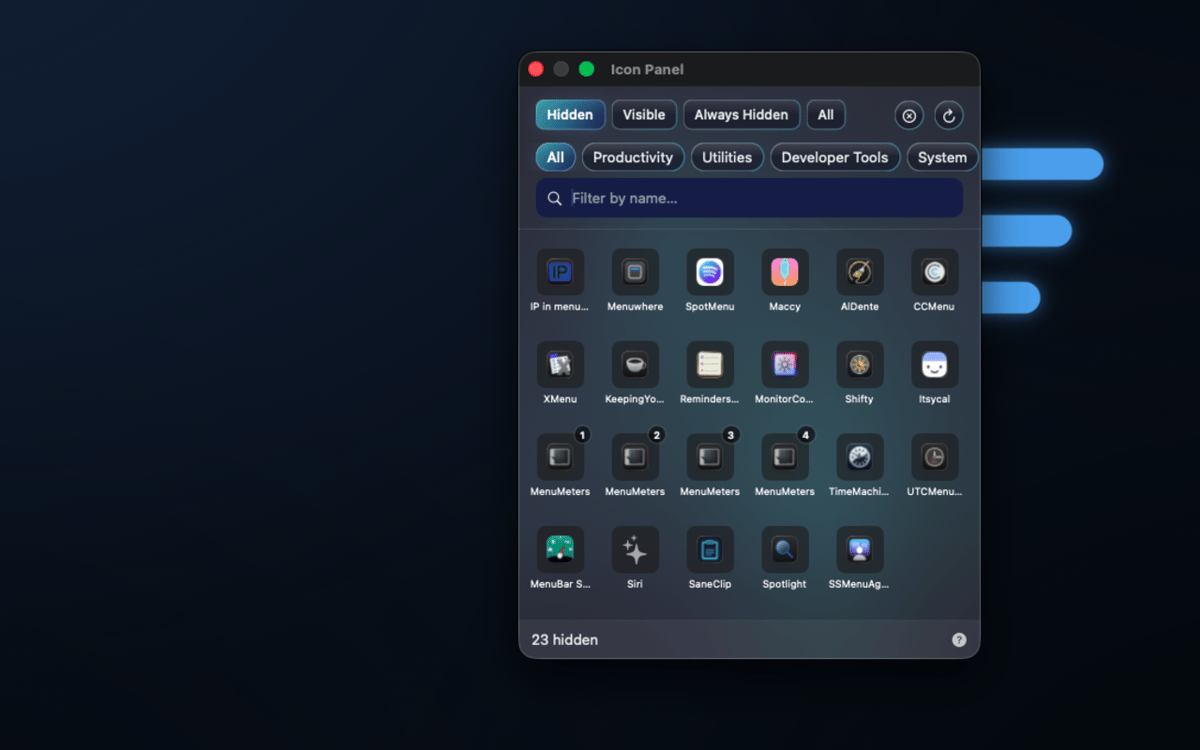
SaneBar is a privacy-first menu bar manager for Mac. It keeps your menu bar setup on your Mac: no cloud account, no user-content upload, and no spying on your menu bar contents. Hide icons you do not need, reveal them with a click, search, hotkey, hover, or scroll, and lock sensitive hidden icons behind Touch ID or a password.
Hide clutter privately
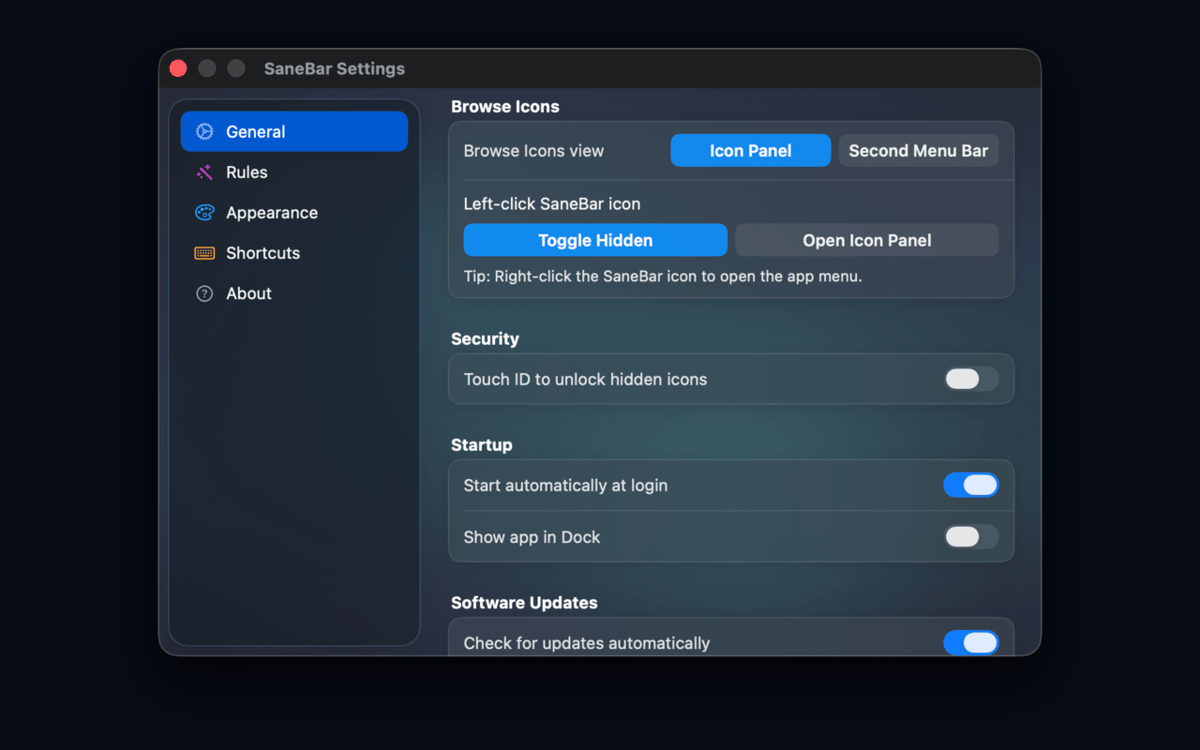
Lock icons with Touch ID
Find hidden icons fast
Automate menu bar layouts
Можливості SaneBar
Keep menu bar organization private
SaneBar keeps everything on your Mac — layouts, preferences, icon names, screenshots, and personal content never reach SaneApps servers. No cloud account required, no data uploaded. What's in your menu bar stays exactly where it belongs: with you.
Hide and reveal icons your way
Keep the icons you actually use front and center. Tuck the rest away and bring them back whenever you need them — with a click, a hotkey, a hover, or a scroll. You're always one gesture away from the full picture.
Lock sensitive icons from prying eyes
Screen sharing or presenting to a crowd? Lock hidden icons behind Touch ID or a password so no one accidentally glimpses what's tucked away. It's a small thing that makes a big difference.
Smart triggers that read the room
Set SaneBar to reveal icons automatically based on context — Focus mode, battery level, Wi-Fi network, schedule, app launch, or a custom script. Your menu bar adapts to what you're doing, not the other way around.
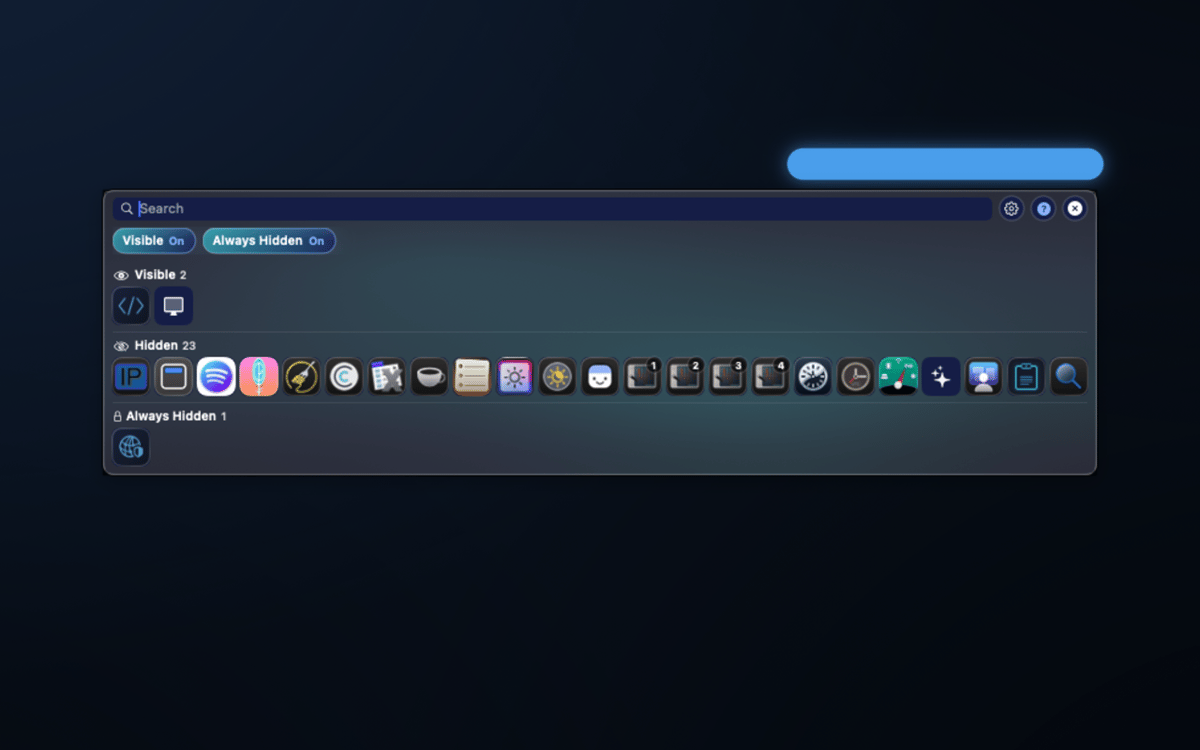
Find any icon in seconds
A floating icon panel and a second menu bar let you search hidden icons by app name and open their menu items on the spot — no need to shuffle your layout every time you need something buried.
Organize like a pro
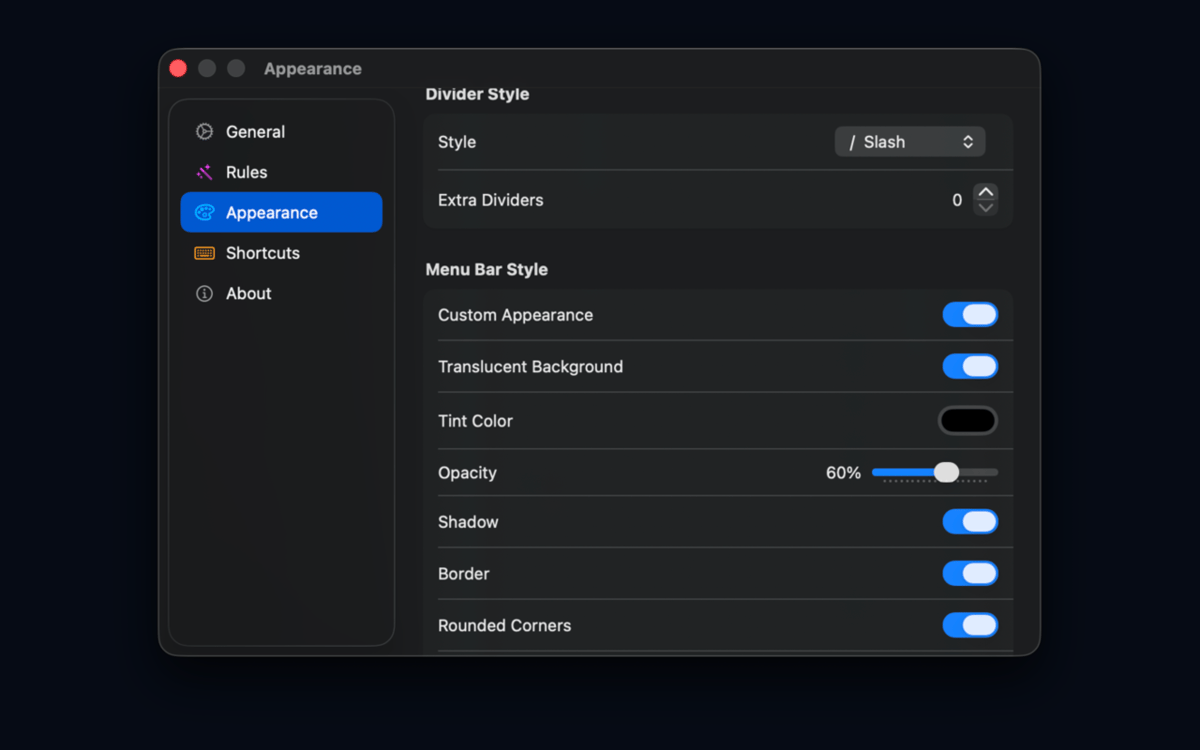
Group icons, create profiles, set up an Always Hidden zone, adjust spacing, tweak appearance, and use import/export to back up or share your setup. Migrating from Bartender or Ice? SaneBar handles that too.
Отримайте сотні програм з Membership
Підпишіться на Setapp і користуйтесь сотнями чудових програм.
Перші 7 днів безплатно, а далі – в єдиному простому плані.
Завантажити Setapp на Mac
Знайдіть в Setapp застосунок для macOS, iOS або web, що допоможе вирішити ваше завдання.

Установіть знайдену програму
Виконайте завдання за допомогою новенької програми зі Setapp.

SaneBar
Виберіть план підписки
Один застосунок або всі разом в підписці Setapp. Користуйтеся застосунками на своїх умовах.

Отримайте сотні програм з Membership
Підпишіться на Setapp і користуйтесь сотнями чудових програм.
Перші 7 днів безплатно, а далі – в єдиному простому плані.
1
Завантажити Setapp на Mac
Знайдіть в Setapp застосунок для macOS, iOS або web, що допоможе вирішити ваше завдання.
2
Установіть знайдену програму
Виконайте завдання за допомогою новенької програми зі Setapp.
SaneBar
3
Виберіть план підписки
Один застосунок або всі разом в підписці Setapp. Користуйтеся застосунками на своїх умовах.
Нагору
Від планування та рутинних завдань до програмування і творчості – працюйте ефективніше зі Setapp.

TypingMind
ШІ зі зручним інтерфейсом
генеруйте й обробляйте текст
користуйтеся бібліотекою
ШІ

Spark Mail
Упорядкуйте імейли
ШІ

CleanMyMac
Видаляйте тільки непотрібне

Bartender
Налаштуйте меню під себе

CleanShot X
Робіть будь-які скриншоти

Luminar Neo
Редагуйте фото
ШІ

ClearVPN
Безпечний звʼязок

Craft
Робота з документами
ШІ
SaneBar
Private menu bar control