Screenshot Blur
Швидке приховування конфіденційних даних
Mac
Версія 1.1.0
macOS 13.0 чи новіша
23.3 MB
1 мов(и)
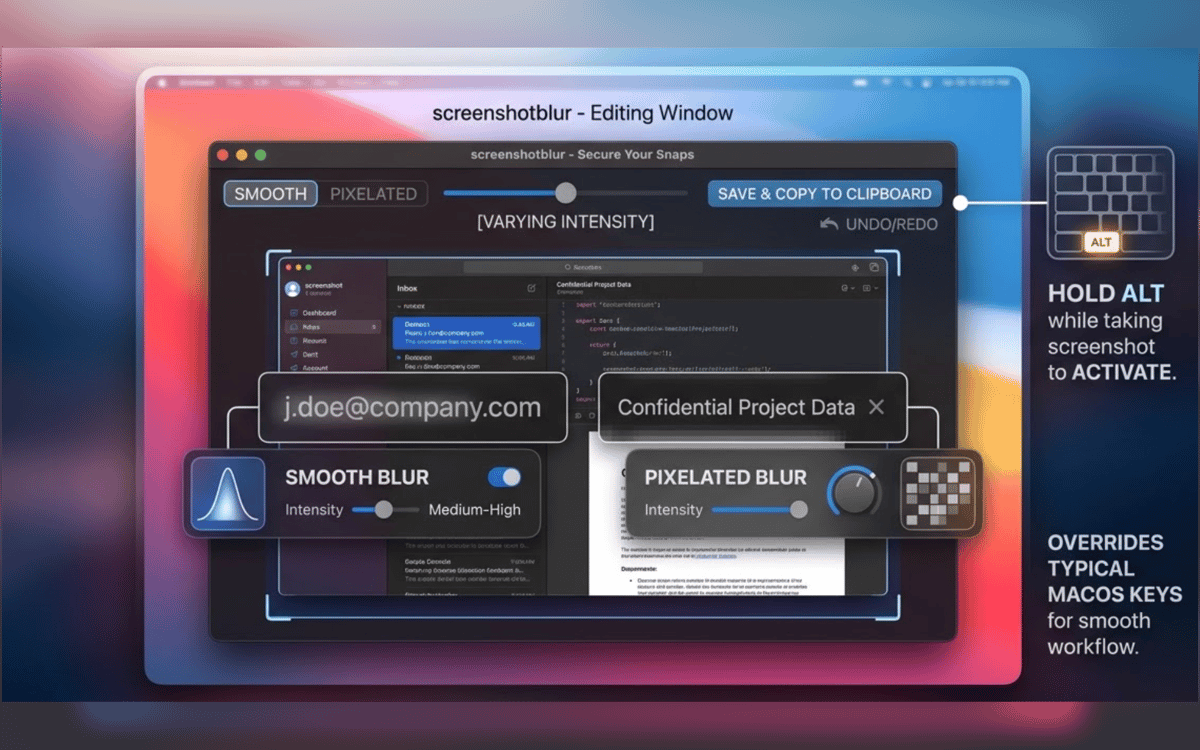
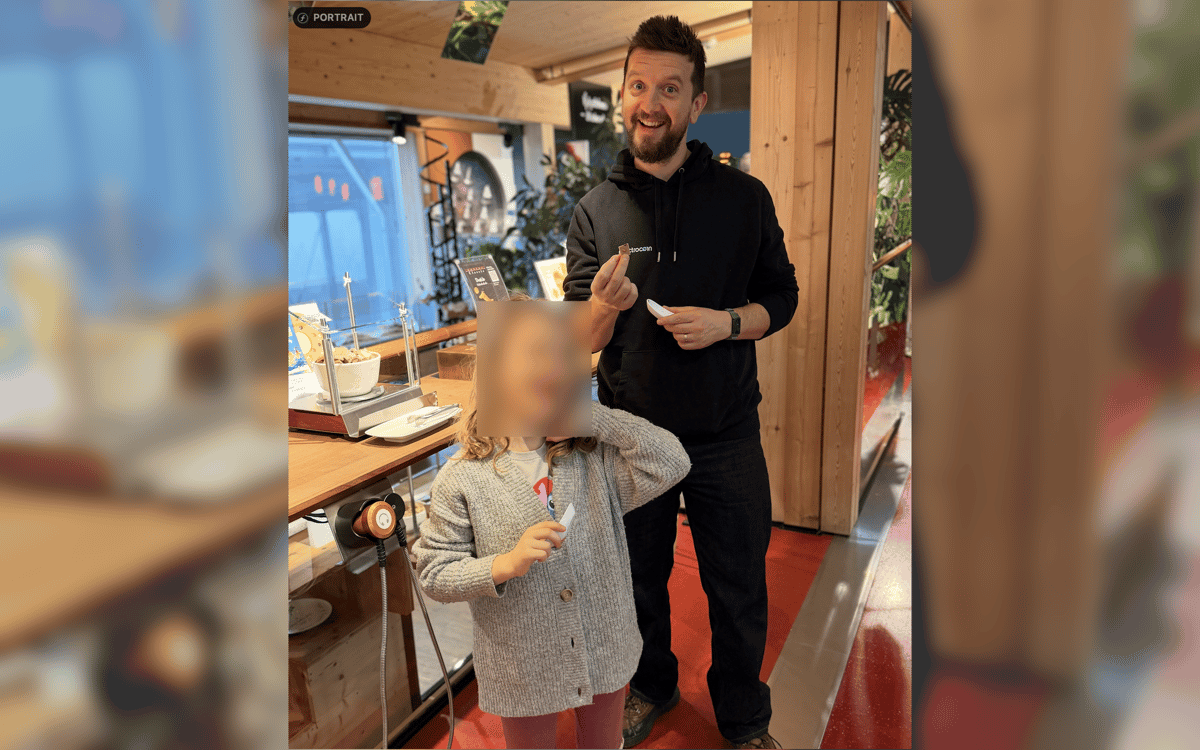
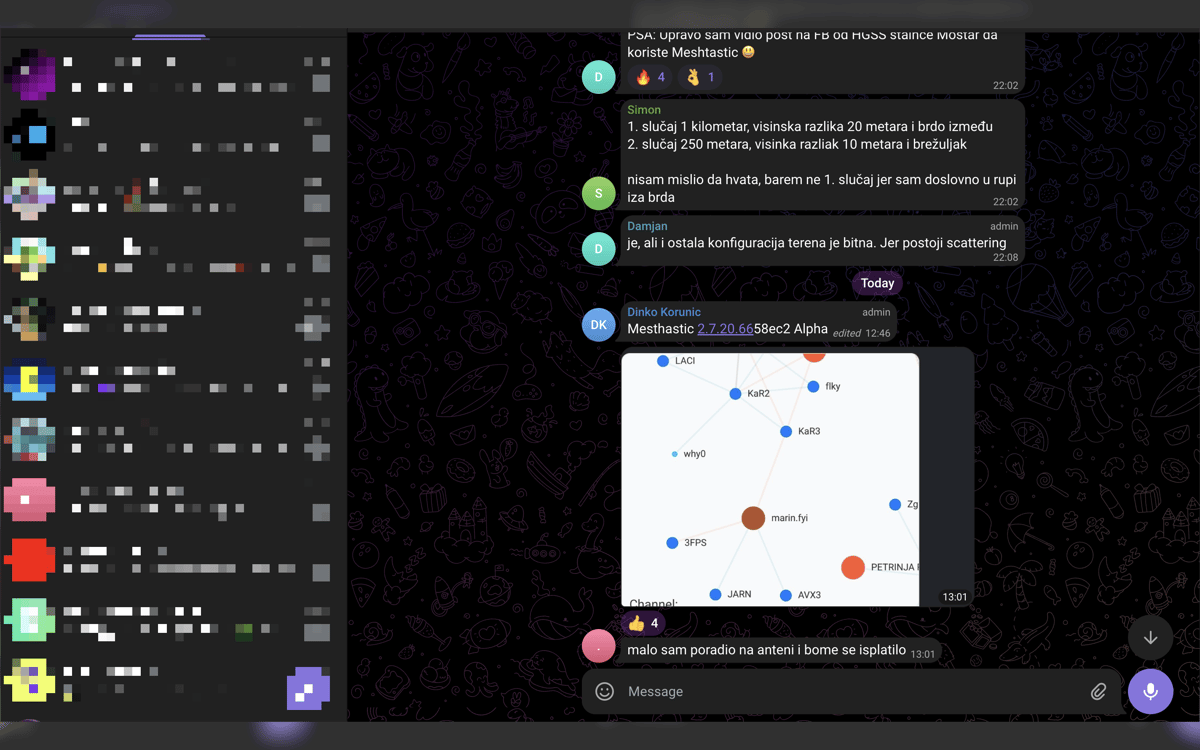
Screenshot Blur — інструмент приватності скріншотів для Mac. Він інтегрується з нативним процесом створення знімків екрана macOS, тож ви можете одразу переходити від захоплення до редагування, не порушуючи свого ритму. Розмивайте або пікселізуйте паролі, токени, email, адреси гаманців та інші конфіденційні дані перед публікацією. Усі редагування залишаються локально на вашому Mac. Ви можете зберегти результат, скопіювати його або зробити обидві дії в один крок.
Розмийте приватні дані перед діленням
Приховуйте токени, email та URL
Чисті скріншоти для документів і постів
Збереження або копіювання одним рухом
Можливості Screenshot Blur
Редагуйте скріншоти одразу після створення
Не потрібно відкривати файли повторно. Ніякого пошуку по папках. Зробіть знімок екрана за допомогою вбудованого сполучення клавіш macOS, утримуйте Option, і Screenshot Blur одразу відкриє зображення, щоб ви могли його очистити на місці.
Працюйте зі знімками екрана у звичному режимі
Screenshot Blur працює з вбудованим робочим процесом створення скріншотів macOS замість примусового використання окремого інструменту захоплення. Це означає менше перешкод і кроків щоразу, коли потрібно швидко чимось поділитися.
Розмийте або пікселізуйте приватні дані
Приховайте те, що не повинно покидати ваш екран – паролі, ключі API, токени доступу, дані клієнтів, адреси гаманців, внутрішні URL-адреси тощо. Вибирайте між плавним розмиттям та пікселізацією залежно від того, що найкраще виглядає на фінальному зображенні.
Зберігайте всі зміни локально
Цей додаток створено для приватності, а не завантажень. Ваші скріншоти залишаються на Mac без хмарного редактора, примусових облікових записів та залежності від онлайн-сервісів просто для приховування кількох деталей.
Експортуйте так, як працюєте
Після обробки знімка екрана збережіть його, скопіюйте або зробіть обидві дії одним рухом. Це дрібниця, але вона усуває надокучливий останній крок під час роботи з документами, відповідями служби підтримки, внутрішніми чатами або публікаціями в соцмережах.
Отримайте сотні програм з Membership
Підпишіться на Setapp і користуйтесь сотнями чудових програм.
Перші 7 днів безплатно, а далі – в єдиному простому плані.
Завантажити Setapp на Mac
Знайдіть в Setapp застосунок для macOS, iOS або web, що допоможе вирішити ваше завдання.

Установіть знайдену програму
Виконайте завдання за допомогою новенької програми зі Setapp.

Screenshot Blur
Виберіть план підписки
Один застосунок або всі разом в підписці Setapp. Користуйтеся застосунками на своїх умовах.

Отримайте сотні програм з Membership
Підпишіться на Setapp і користуйтесь сотнями чудових програм.
Перші 7 днів безплатно, а далі – в єдиному простому плані.
1
Завантажити Setapp на Mac
Знайдіть в Setapp застосунок для macOS, iOS або web, що допоможе вирішити ваше завдання.
2
Установіть знайдену програму
Виконайте завдання за допомогою новенької програми зі Setapp.
Screenshot Blur
3
Виберіть план підписки
Один застосунок або всі разом в підписці Setapp. Користуйтеся застосунками на своїх умовах.
Нагору
Від планування та рутинних завдань до програмування і творчості – працюйте ефективніше зі Setapp.

TypingMind
ШІ зі зручним інтерфейсом
генеруйте й обробляйте текст
користуйтеся бібліотекою
ШІ

Spark Mail
Упорядкуйте імейли
ШІ

CleanMyMac
Видаляйте тільки непотрібне

Bartender
Налаштуйте меню під себе

CleanShot X
Робіть будь-які скриншоти

Luminar Neo
Редагуйте фото
ШІ

ClearVPN
Безпечний звʼязок

Craft
Робота з документами
ШІ
Screenshot Blur
Швидке приховування конфіденційних даних