
ShelfShot
Фото товарів як з обкладинки
Mac
Версія 0.5.7
macOS 13.0 чи новіша
43.3 MB
1 мов(и)
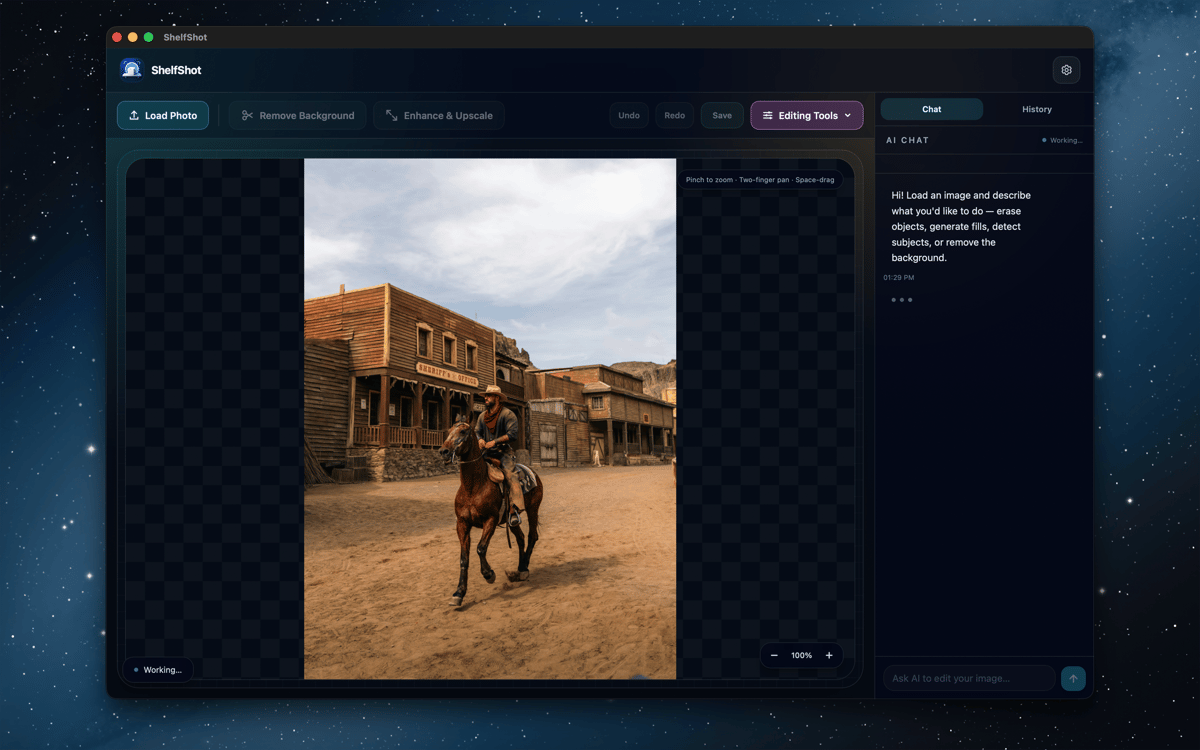
ShelfShot — редактор фото товарів зі штучним інтелектом для Mac. Видаляйте фони, ретушуйте деталі, створюйте нові сцени, покращуйте якість зображень та обробляйте цілі папки в єдиному зручному робочому просторі. Ручні зміни залишаються на вашому пристрої, а дії зі штучним інтелектом виконуються через Setapp AI лише тоді, коли ви їх запускаєте. Застосунок створений, щоб ваші фото товарів виглядали охайніше, а Mac не перетворювався на цілий цирк із фотовиробництва.
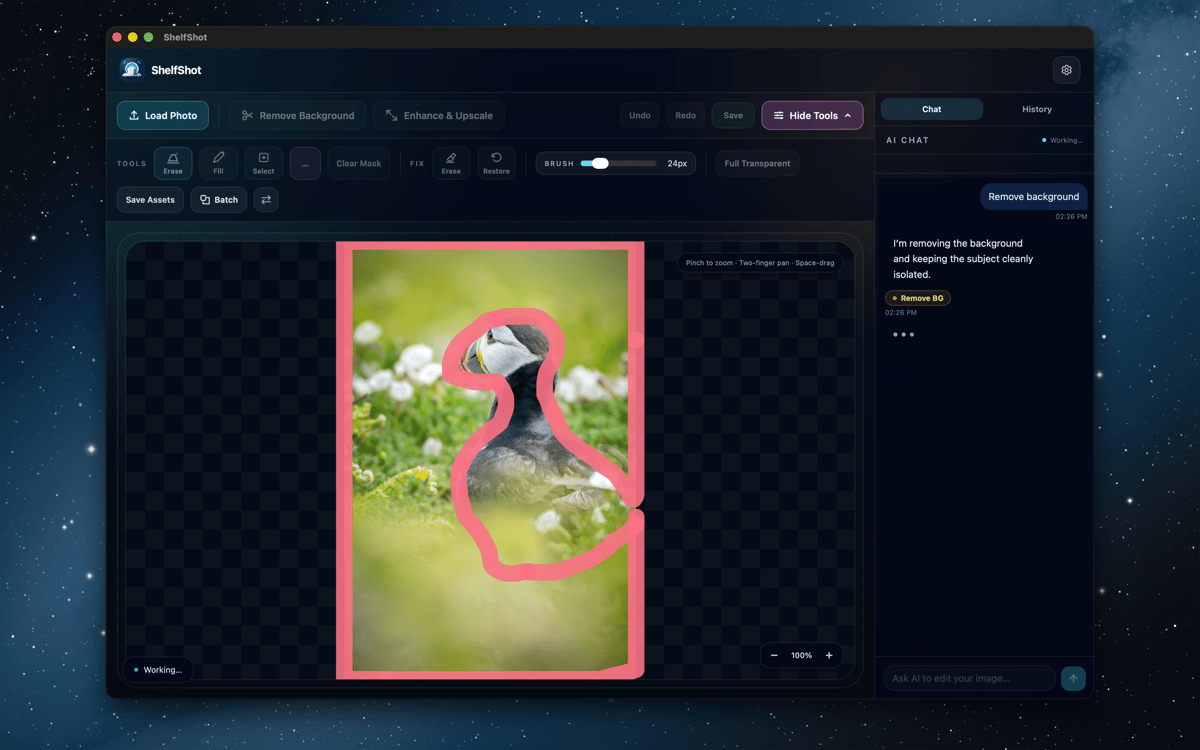
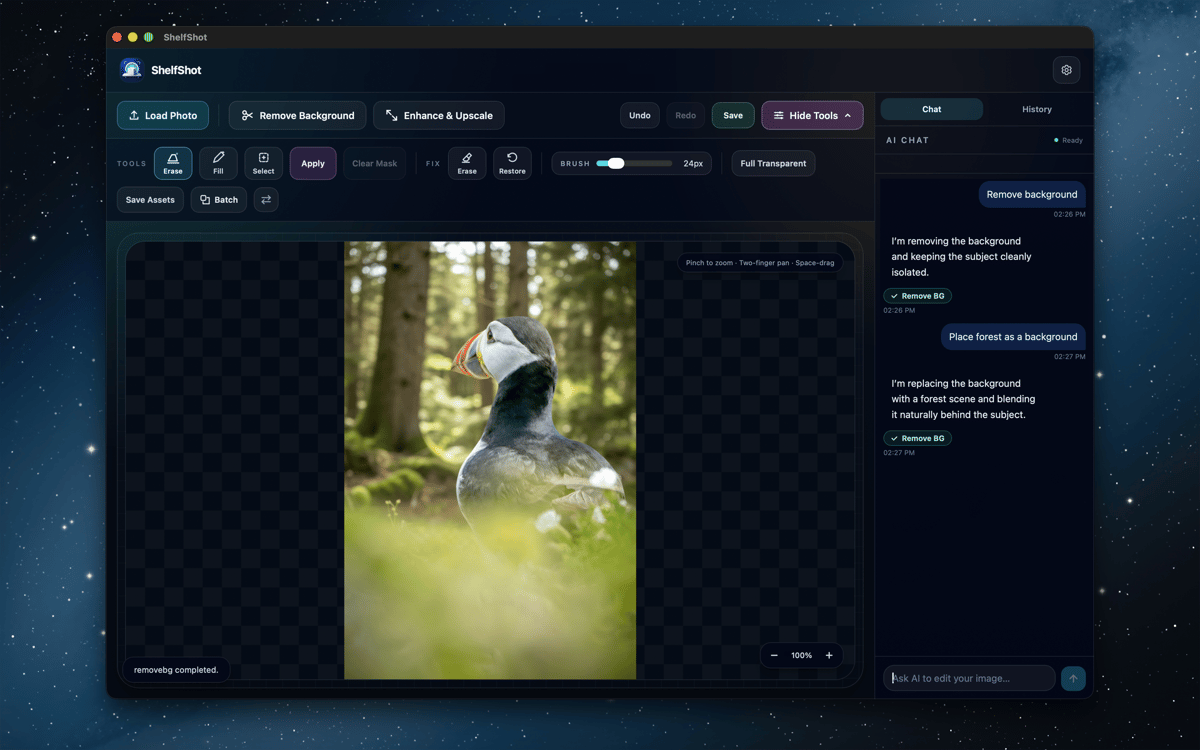
Видалення фону товару
Ретушування дрібних деталей зображення
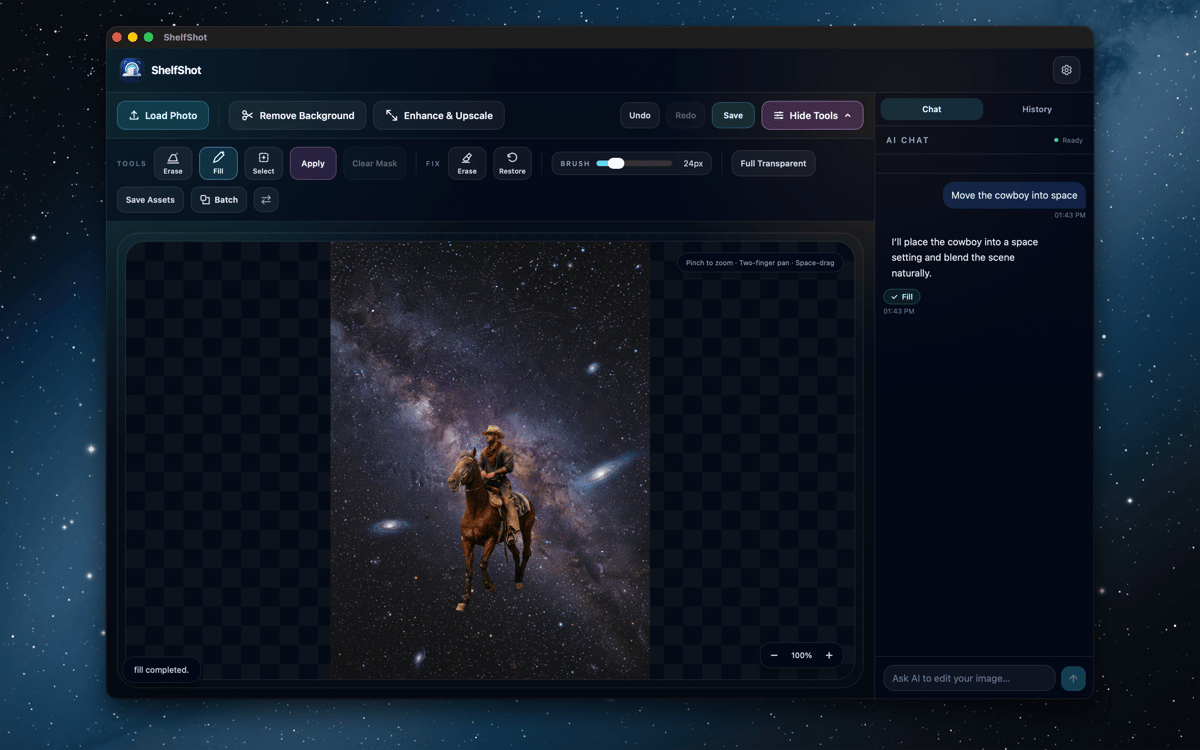
Створення нових сцен для товару
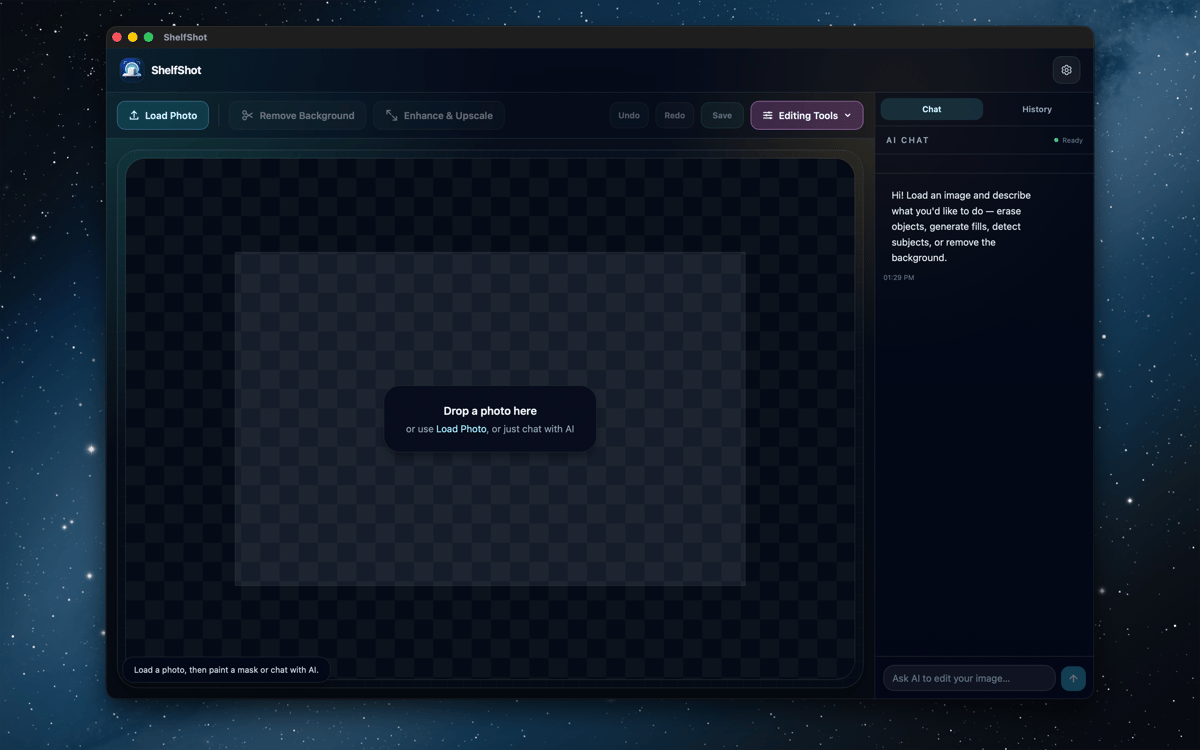
Пакетне редагування папок каталогу
Можливості ShelfShot
Видалення фону та доопрацювання країв
Вирізайте товари за допомогою штучного інтелекту, а потім доопрацьовуйте складні ділянки локальними пензлями для стирання та відновлення. Ідеально підходить для скла, тіней, тонких країв і всіх тих дрібних пікселів, що люблять створювати проблеми.
Ретушування за допомогою штучного інтелекту
Використовуйте інструкції та додаткові маски, щоб виправляти деталі, замінювати ділянки, видаляти фон, покращувати якість зображень або вносити власні правки. Перевіряйте кожен результат перед публікацією, особливо кольори, етикетки, текстури та форму товару.
Генерування сцен із товаром
Опишіть обстановку, настрій або рекламну композицію, щоб створити нове візуальне зображення товару. Зручно для ідей кампаній, матеріалів для магазину та тестування образу перед плануванням масштабнішої зйомки.
Покращення якості для чіткіших експортів
Створюйте більші PNG-файли, коли для каталогу, оголошення чи кампанії потрібно більше пікселів. Перевірте кінцеве зображення в повному розмірі, а потім експортуйте версію, готову до роботи.
Пакетна обробка папок
Застосовуйте видалення фону, прозорий фон, збільшення масштабу, власні запити або пресети у стилі маркетплейсу до кількох файлів. Результати пакетної обробки зберігаються в окремій папці.
Використовуйте пресети для маркетплейсів
Почніть з автоматизацій у стилі Amazon, Etsy або Shopify для підготовки типових оголошень. Це корисні комбінації швидкого доступу, а не гарантія відповідності вимогам, тому варто все одно перевірити чинні правила маркетплейсу, перш ніж публікувати оголошення.
Оцінки та відгуки
ShelfShot
•
Оцінок: 4
Khabib
26 жовт. 2026 р.
Версія: 0.5.7
Great app for editing photos
Greg Wilkinson
30 вер. 2026 р.
Версія: 0.5.7
Works easily - good with sharpening portraits. Early days as yet.
Отримайте сотні програм з Membership
Підпишіться на Setapp і користуйтесь сотнями чудових програм.
Перші 7 днів безплатно, а далі – в єдиному простому плані.
Завантажити Setapp на Mac
Знайдіть в Setapp застосунок для macOS, iOS або web, що допоможе вирішити ваше завдання.

Установіть знайдену програму
Виконайте завдання за допомогою новенької програми зі Setapp.

ShelfShot
Виберіть план підписки
Один застосунок або всі разом в підписці Setapp. Користуйтеся застосунками на своїх умовах.

Отримайте сотні програм з Membership
Підпишіться на Setapp і користуйтесь сотнями чудових програм.
Перші 7 днів безплатно, а далі – в єдиному простому плані.
1
Завантажити Setapp на Mac
Знайдіть в Setapp застосунок для macOS, iOS або web, що допоможе вирішити ваше завдання.
2
Установіть знайдену програму
Виконайте завдання за допомогою новенької програми зі Setapp.
ShelfShot
3
Виберіть план підписки
Один застосунок або всі разом в підписці Setapp. Користуйтеся застосунками на своїх умовах.
Нагору
Від планування та рутинних завдань до програмування і творчості – працюйте ефективніше зі Setapp.

TypingMind
ШІ зі зручним інтерфейсом
генеруйте й обробляйте текст
користуйтеся бібліотекою
ШІ

Spark Mail
Упорядкуйте імейли
ШІ

CleanMyMac
Видаляйте тільки непотрібне

Bartender
Налаштуйте меню під себе

CleanShot X
Робіть будь-які скриншоти

Luminar Neo
Редагуйте фото
ШІ

ClearVPN
Безпечний звʼязок

Craft
Робота з документами
ШІ
ShelfShot
Фото товарів як з обкладинки