Tinyyy Sweep
Make "later" happen on its own
Mac
Версія 1.0.2
macOS 14.0 чи новіша
10.8 MB
2 мов(и)
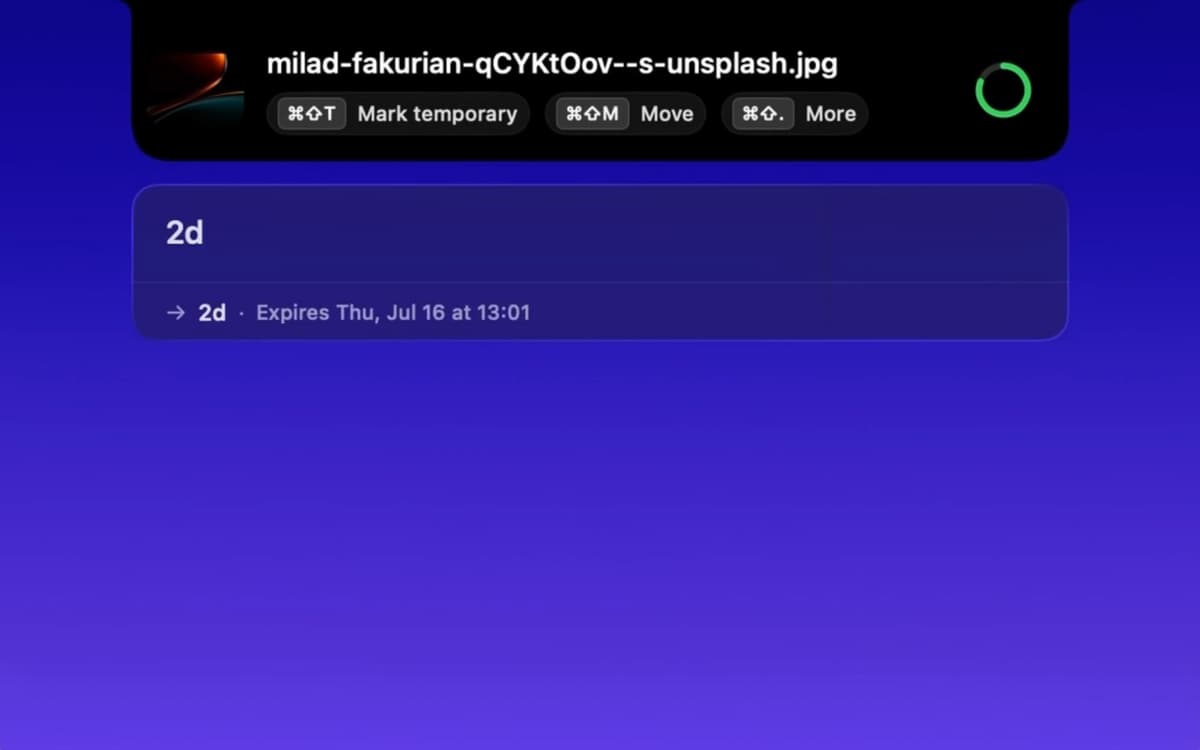
Tinyyy Sweep is a Downloads cleaner for Mac that lives in your menu bar. Most downloads are temporary: installers, one-off PDFs, zips. Nobody deletes them, so they pile up. When a download finishes, Tinyyy Sweep pops up a small toast so you can decide the file's fate right then. Mark it temporary and the app moves it to the Trash when its timer runs out. Your Downloads folder stays clean, and "I'll deal with it later" finally deals with itself.
Trash installers after you've used them
Auto-clear one-off PDFs and zips
File keepers into folders in seconds
Keep Downloads tidy without Finder
Можливості Tinyyy Sweep
Decide at the moment of download
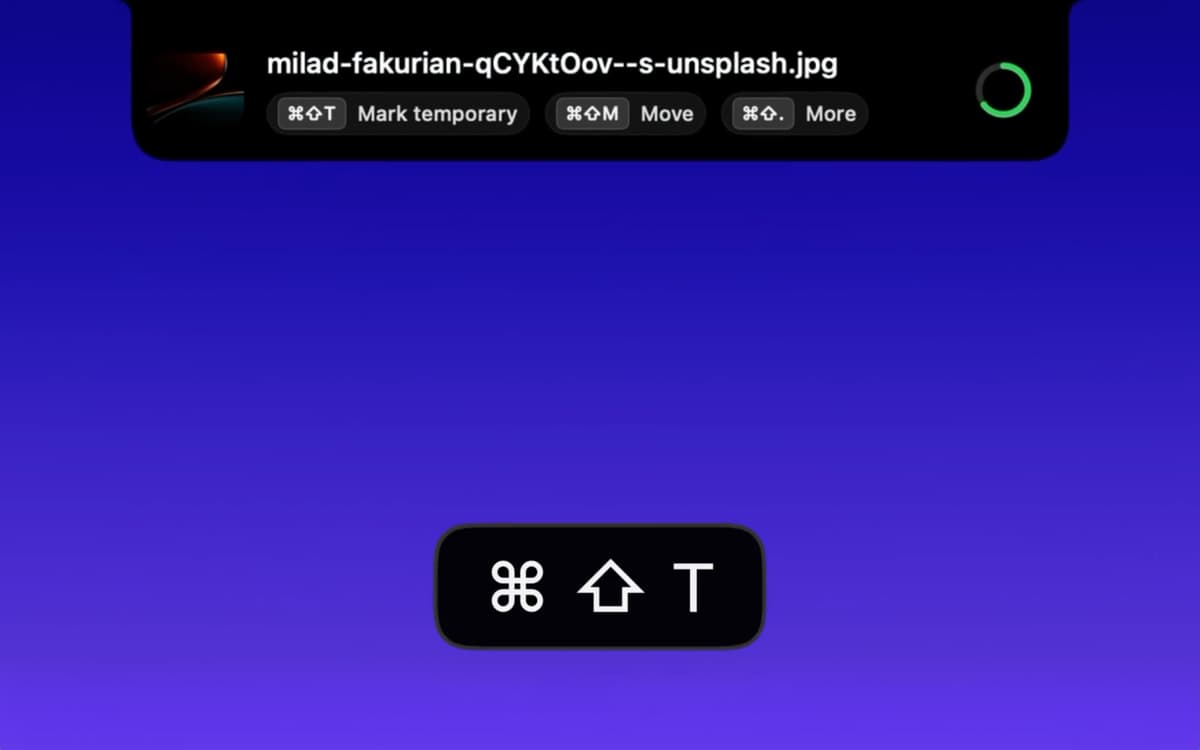
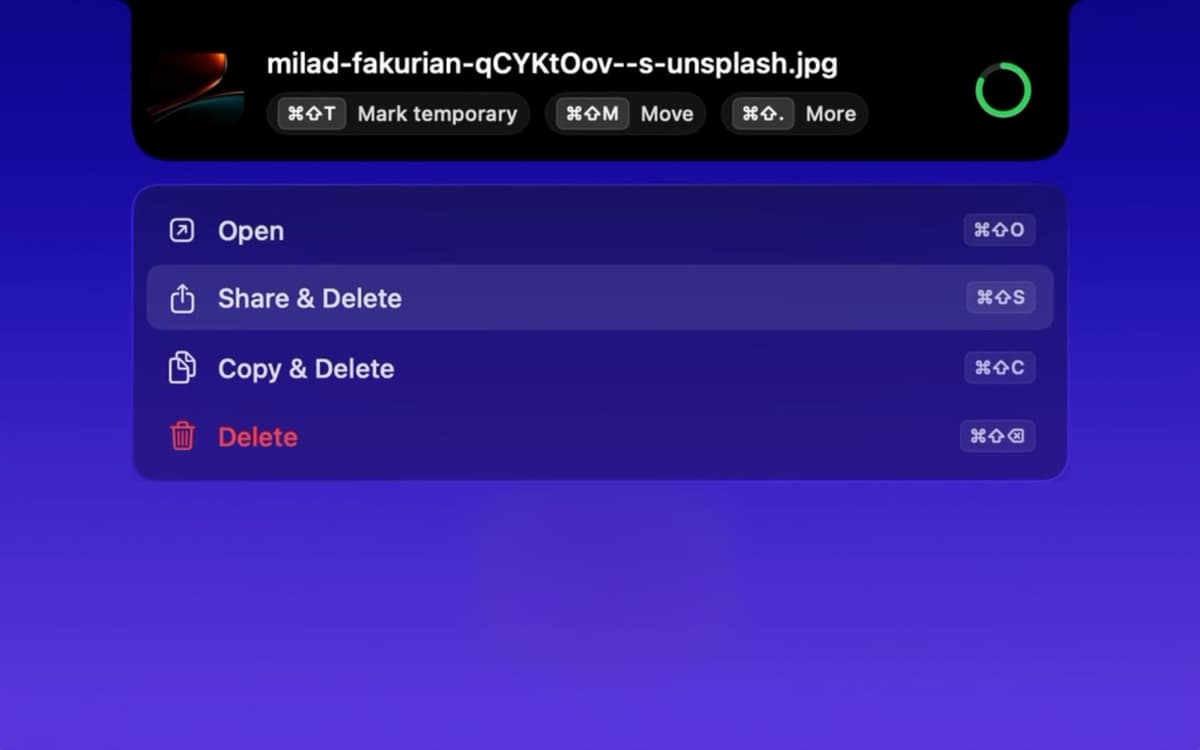
A small toast appears at the top of your screen whenever a new file lands. Mark it temporary, open it, share it, copy it, or delete it, all with a click or a shortcut. You can also combine actions. "Open & Delete" is perfect for an installer you'll never need again.
Set timers in plain words
Type "2h," "30 min," or "1d 4h," and Tinyyy Sweep gets it. It understands English and Spanish. Prefer fewer decisions? Pick a default expiry once, then mark files temporary with one click or shortcut.
Move keepers where they belong
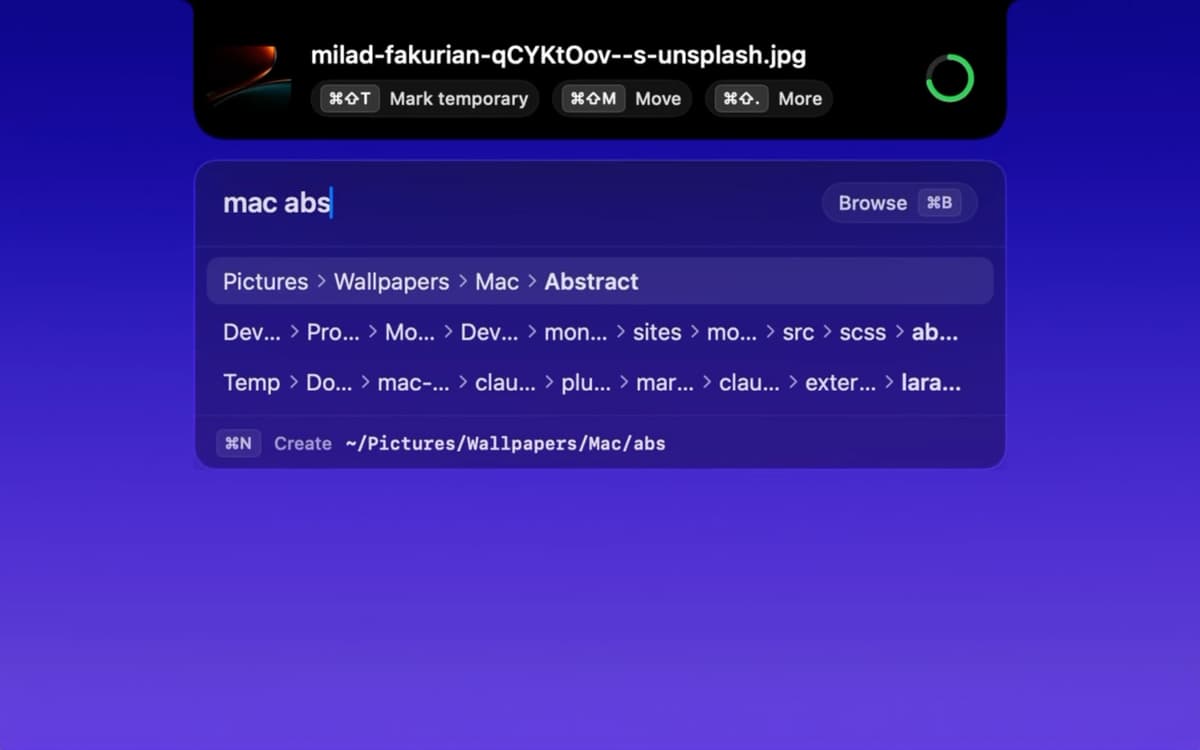
Some files are worth saving. Type a few letters of a folder name, and Tinyyy Sweep sends the file there with fuzzy matching and a list of recent destinations. Need a new folder? Create it on the spot, no Finder required.
Handle zips without the extra work
Unzip an archive that's marked temporary, and the extracted folder inherits the same timer. No re-marking, no forgotten folders hanging around.
Track everything from the menu bar
Click the icon to see every temporary file with a live countdown. Want to keep one? One click does it. When everything's swept, you'll see a "Downloads folder is clean" message. Satisfying, right?
Stay safe and out of the way
Files always go to the macOS Trash, never straight to permanent deletion, so you can get anything back. Tinyyy Sweep runs as a menu bar app with no Dock icon, starts at login (you can switch that off in Settings), and has keyboard shortcuts for every action.
Отримайте сотні програм з Membership
Підпишіться на Setapp і користуйтесь сотнями чудових програм.
Перші 7 днів безплатно, а далі – в єдиному простому плані.
Завантажити Setapp на Mac
Знайдіть в Setapp застосунок для macOS, iOS або web, що допоможе вирішити ваше завдання.

Установіть знайдену програму
Виконайте завдання за допомогою новенької програми зі Setapp.

Tinyyy Sweep
Виберіть план підписки
Один застосунок або всі разом в підписці Setapp. Користуйтеся застосунками на своїх умовах.

Отримайте сотні програм з Membership
Підпишіться на Setapp і користуйтесь сотнями чудових програм.
Перші 7 днів безплатно, а далі – в єдиному простому плані.
1
Завантажити Setapp на Mac
Знайдіть в Setapp застосунок для macOS, iOS або web, що допоможе вирішити ваше завдання.
2
Установіть знайдену програму
Виконайте завдання за допомогою новенької програми зі Setapp.
Tinyyy Sweep
3
Виберіть план підписки
Один застосунок або всі разом в підписці Setapp. Користуйтеся застосунками на своїх умовах.
Нагору
Від планування та рутинних завдань до програмування і творчості – працюйте ефективніше зі Setapp.

TypingMind
ШІ зі зручним інтерфейсом
генеруйте й обробляйте текст
користуйтеся бібліотекою
ШІ

Spark Mail
Упорядкуйте імейли
ШІ

CleanMyMac
Видаляйте тільки непотрібне

Bartender
Налаштуйте меню під себе

CleanShot X
Робіть будь-які скриншоти

Luminar Neo
Редагуйте фото
ШІ

ClearVPN
Безпечний звʼязок

Craft
Робота з документами
ШІ
Tinyyy Sweep
Make "later" happen on its own