
TackNote
Notes that know where they go

Mac
Версія 1.3.2
macOS 14.0 чи новіша
20.7 MB
18 мов(и)
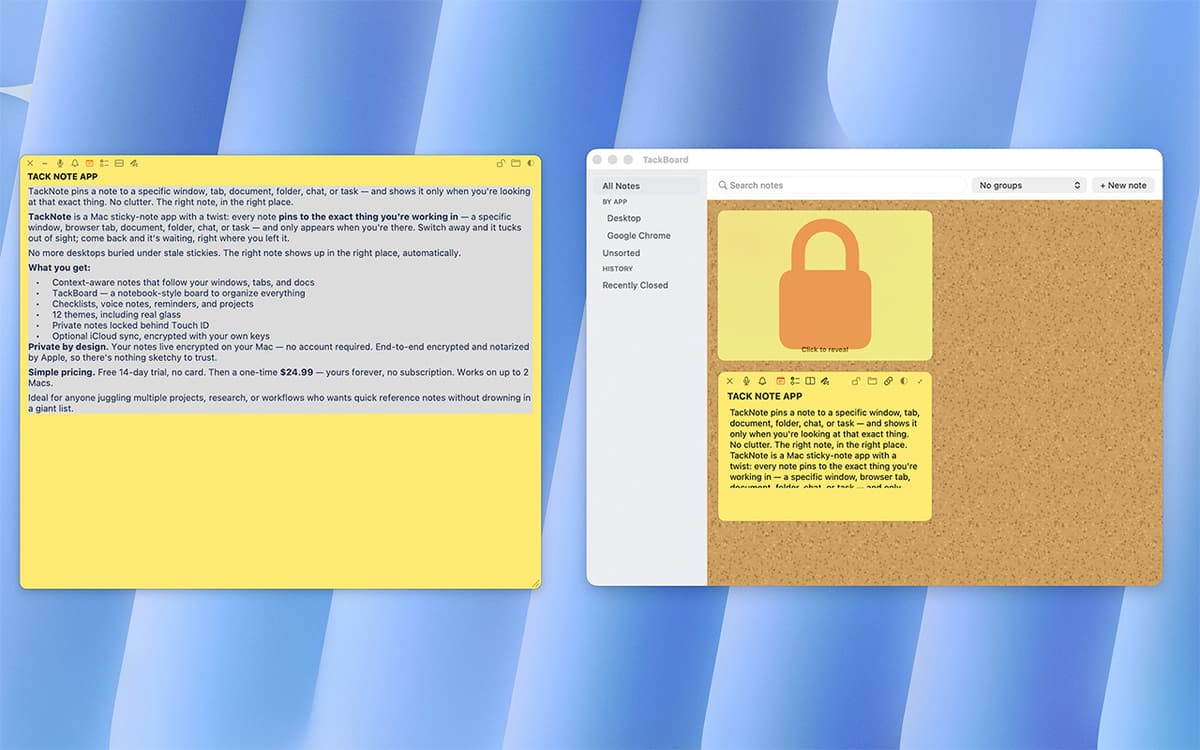
TackNote is a sticky notes app for Mac that actually pays attention. Instead of piling up on your desktop, notes pin to the exact window, tab, or folder they belong to — and only show up when you're looking at that thing. Switch away, and the note steps aside. Come back, and it's right where you left it. No account needed, no subscription — just notes that finally make sense.
Pin reminders to a browser tab
Track to-dos inside any project
Sketch quick ideas on any window
Never lose a note again
Можливості TackNote
Context-aware pinning
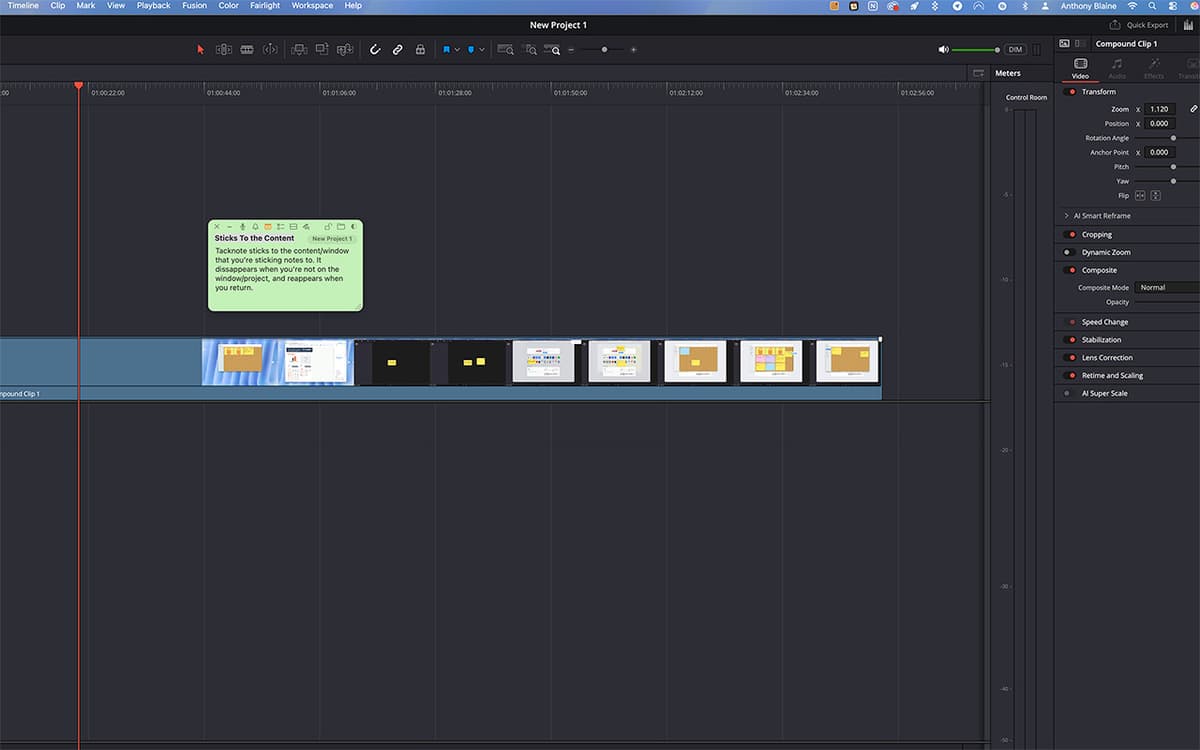
A note on your staging site shows up only when that browser tab is open. A note on a Notion project appears only when you're in it. TackNote quietly tracks the window, tab, or folder behind each note, so your notes find you instead of the other way around.
Five ways to capture a thought
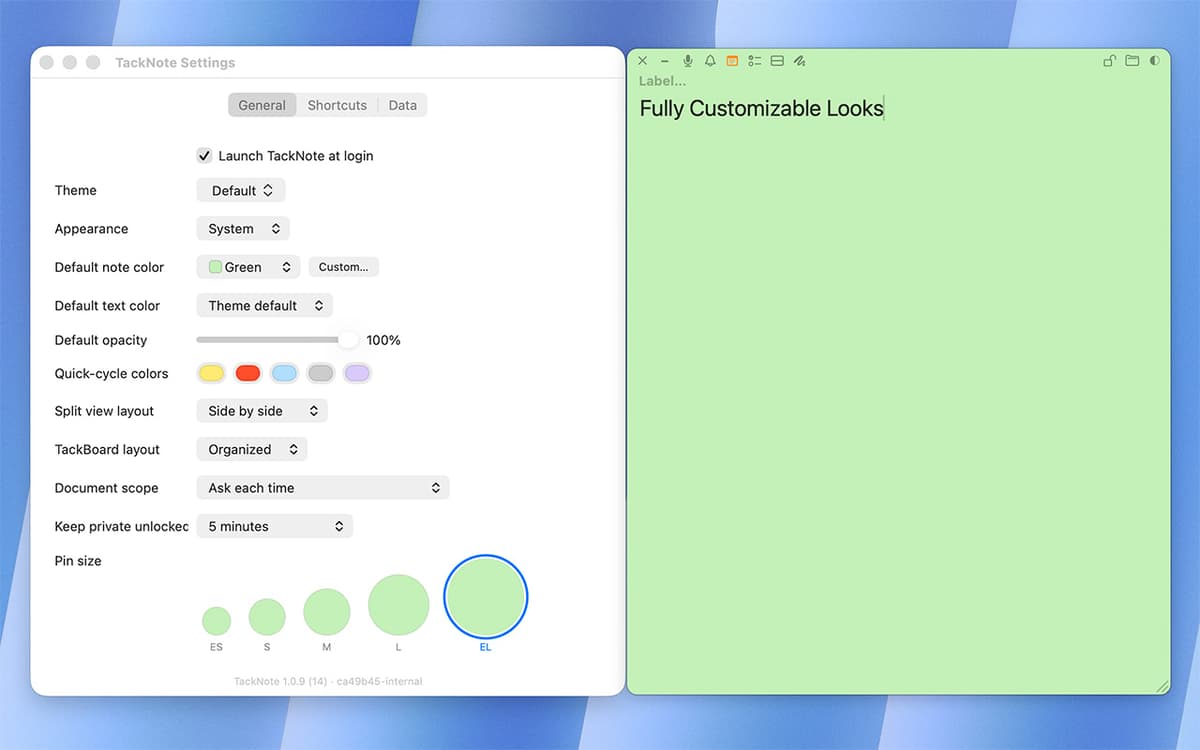
Every note can hold plain text, a checklist with live progress tracking, a split layout for side-by-side info, a quick sketch, or a voice capture. Switch between them without starting over.
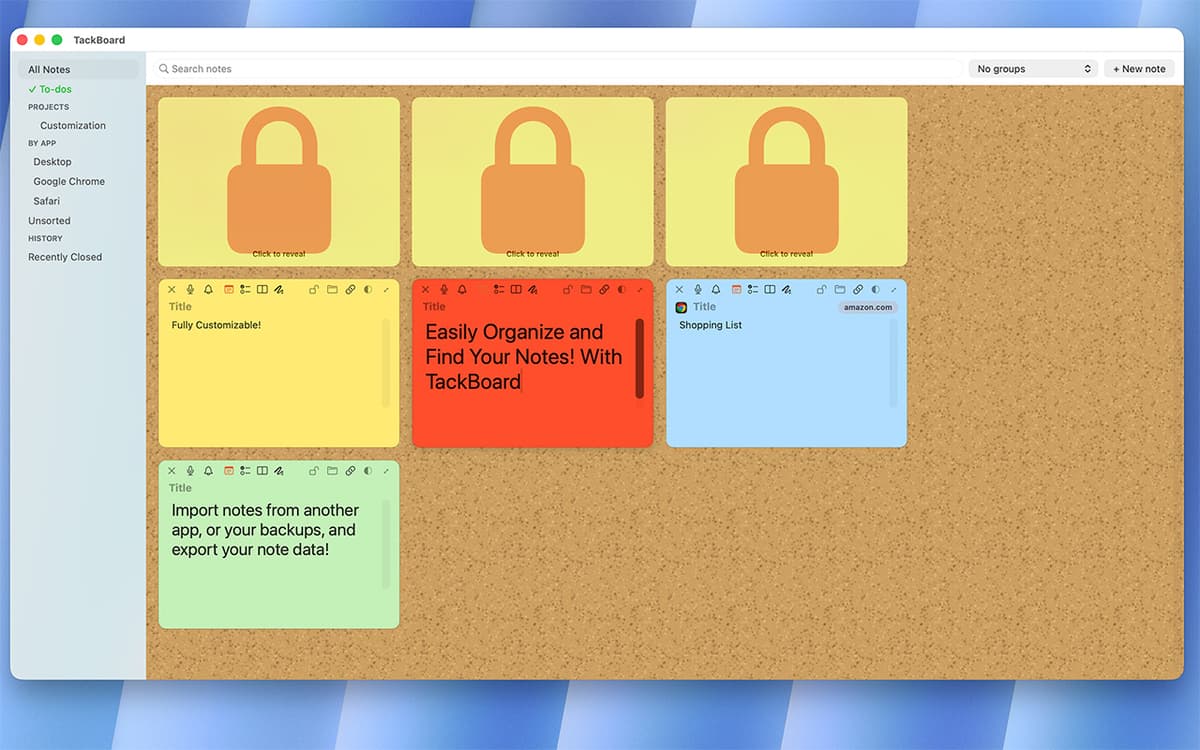
TackBoard
Zoom out and see every note at once. TackBoard lays your notes out like a corkboard, organized into projects and folders, fully searchable — text, checklists, labels, even voice transcripts.
Voice memos, transcribed on-device
Record a quick voice note right inside TackNote. Right-click the playhead to transcribe it and drop the text straight into your note — transcription happens on-device, stays private, and is fully searchable later.
Smart reminders
Set a reminder for a specific time, or ask TackNote to nudge you next time you open something. A quiet badge keeps track, so nothing slips through.
Built for privacy
Every note is encrypted end-to-end, with the key stored in your Mac's Keychain. No account, no cloud storage of your notes — just you and your Mac.
Отримайте сотні програм з Membership
Підпишіться на Setapp і користуйтесь сотнями чудових програм.
Перші 7 днів безплатно, а далі – в єдиному простому плані.
Завантажити Setapp на Mac
Знайдіть в Setapp застосунок для macOS, iOS або web, що допоможе вирішити ваше завдання.

Установіть знайдену програму
Виконайте завдання за допомогою новенької програми зі Setapp.

TackNote
Виберіть план підписки
Один застосунок або всі разом в підписці Setapp. Користуйтеся застосунками на своїх умовах.

Отримайте сотні програм з Membership
Підпишіться на Setapp і користуйтесь сотнями чудових програм.
Перші 7 днів безплатно, а далі – в єдиному простому плані.
1
Завантажити Setapp на Mac
Знайдіть в Setapp застосунок для macOS, iOS або web, що допоможе вирішити ваше завдання.
2
Установіть знайдену програму
Виконайте завдання за допомогою новенької програми зі Setapp.
TackNote
3
Виберіть план підписки
Один застосунок або всі разом в підписці Setapp. Користуйтеся застосунками на своїх умовах.
Нагору
Від планування та рутинних завдань до програмування і творчості – працюйте ефективніше зі Setapp.

TypingMind
ШІ зі зручним інтерфейсом
генеруйте й обробляйте текст
користуйтеся бібліотекою
ШІ

Spark Mail
Упорядкуйте імейли
ШІ

CleanMyMac
Видаляйте тільки непотрібне

Bartender
Налаштуйте меню під себе

CleanShot X
Робіть будь-які скриншоти

Luminar Neo
Редагуйте фото
ШІ

ClearVPN
Безпечний звʼязок

Craft
Робота з документами
ШІ
TackNote
Notes that know where they go