Tintd
Автоматичні значки папок для твого Mac
Mac
Версія 2.0.0
macOS 14.0 чи новіша
55.8 MB
11 мов(и)
Усі папки на твоєму Mac виглядають однаково, а налаштування персональних іконок для кожної — справжнє мучення. Tintd вирішує цю проблему, автоматично призначаючи значки та кольори на основі назв папок. Створи папку «Рахунки», і вона отримає відповідний значок. «Відпустка 2026» отримує пальму. Це просто відбувається у фоні — жодної програми, жодних налаштувань. Для більшого контролю клікни правою кнопкою будь-яку папку або відкрий повний редактор із понад 11 000 іконок та емодзі. Усе працює локально на твоєму Mac — без хмари, без ШІ-сервісів, повністю приватно.
Автозмін іконок за назвою папки
Стилізуй нові папки під час роботи
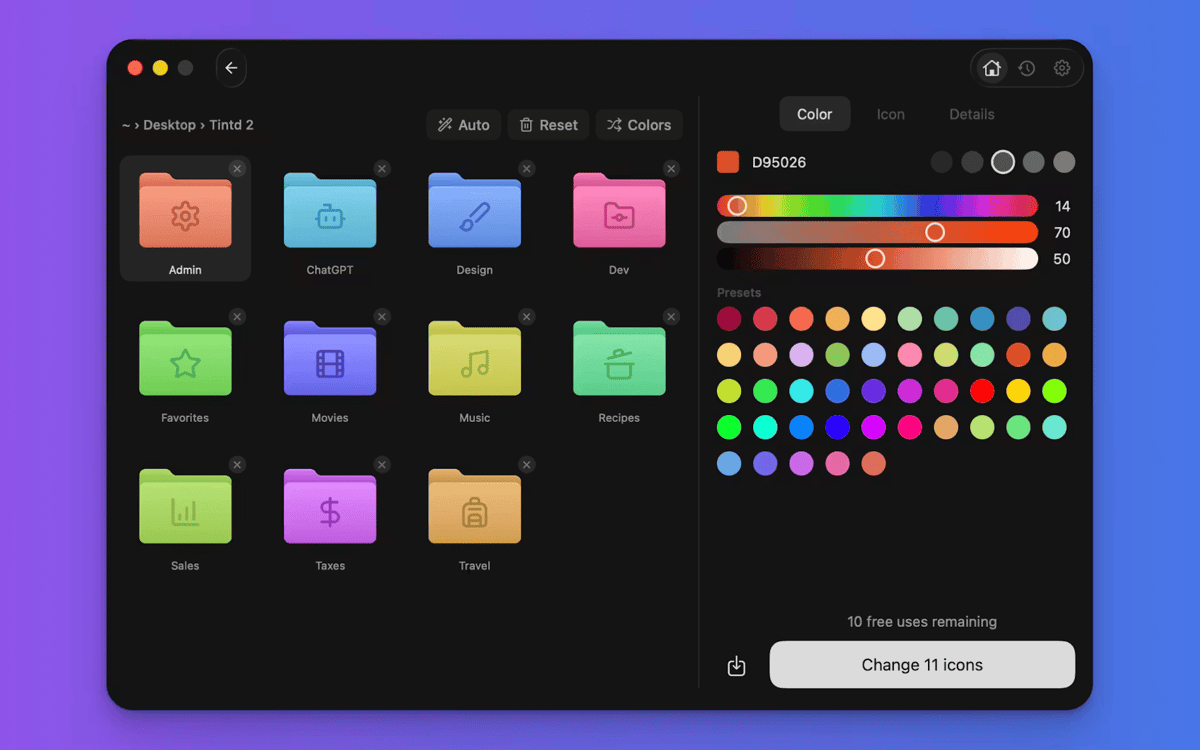
Кольорове кодування папок одним кліком
Стилізуй десятки папок пакетно
Можливості Tintd
Іконки, що налаштовуються самі
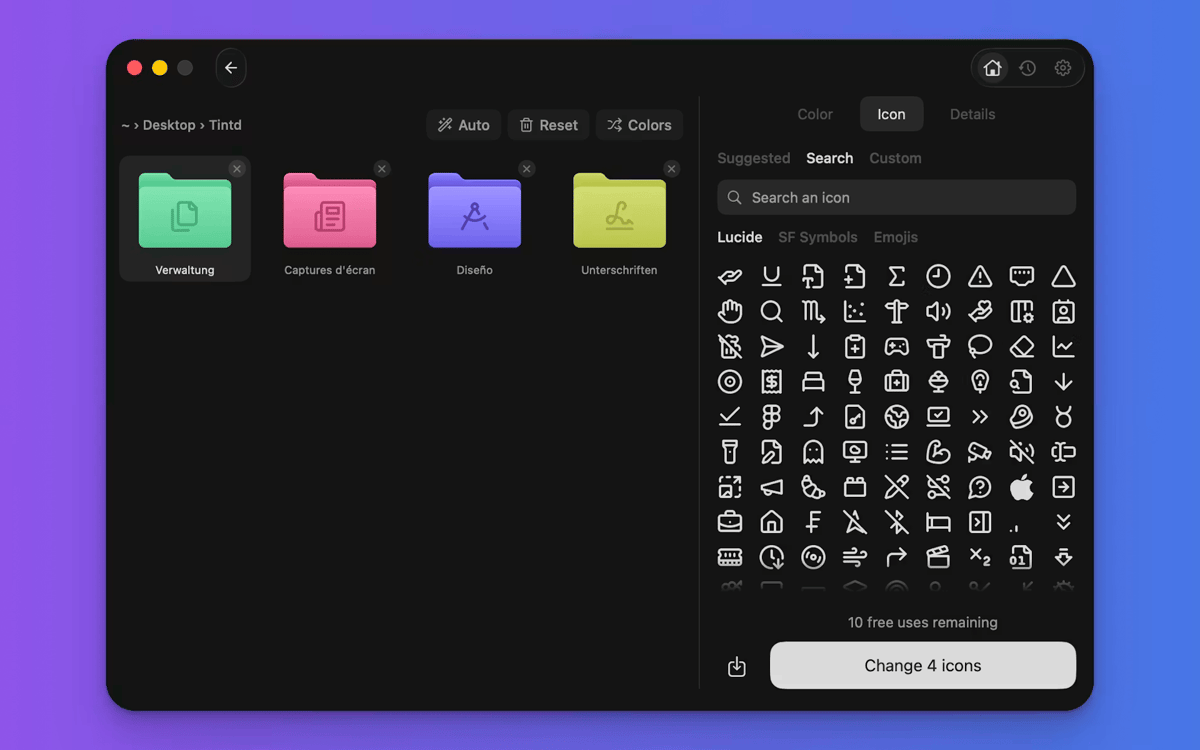
Ось чим Tintd відрізняється. Читає назву папки, порівнює з 11 000+ іконок і вибирає найкращу — миттєво й офлайн. «Знімки екрана» отримують камеру. «Музика» отримує оцінку. Ти не шукаєш, не перетягуєш, не думаєш про це. Працює з 11 мовами, навіть змішаними в одній папці.
Нові папки зі стилем миттєво
Увімкни Folder Watcher, і Tintd працюватиме у фоні. Кожна нова папка отримує відповідний значок і колір одразу після її появи у Finder. Твої папки залишаються впорядкованими під час зростання файлової системи — без будь-яких зусиль з твого боку.
Клацни правою кнопкою будь-яку папку
У тебе вже є папки, які потребують оновлення? Клацни правою кнопкою у Finder, і Tintd одним кліком додасть розумну піктограму. Не потрібно відкривати додаток або переривати робочий процес.
Повне налаштування на твій смак
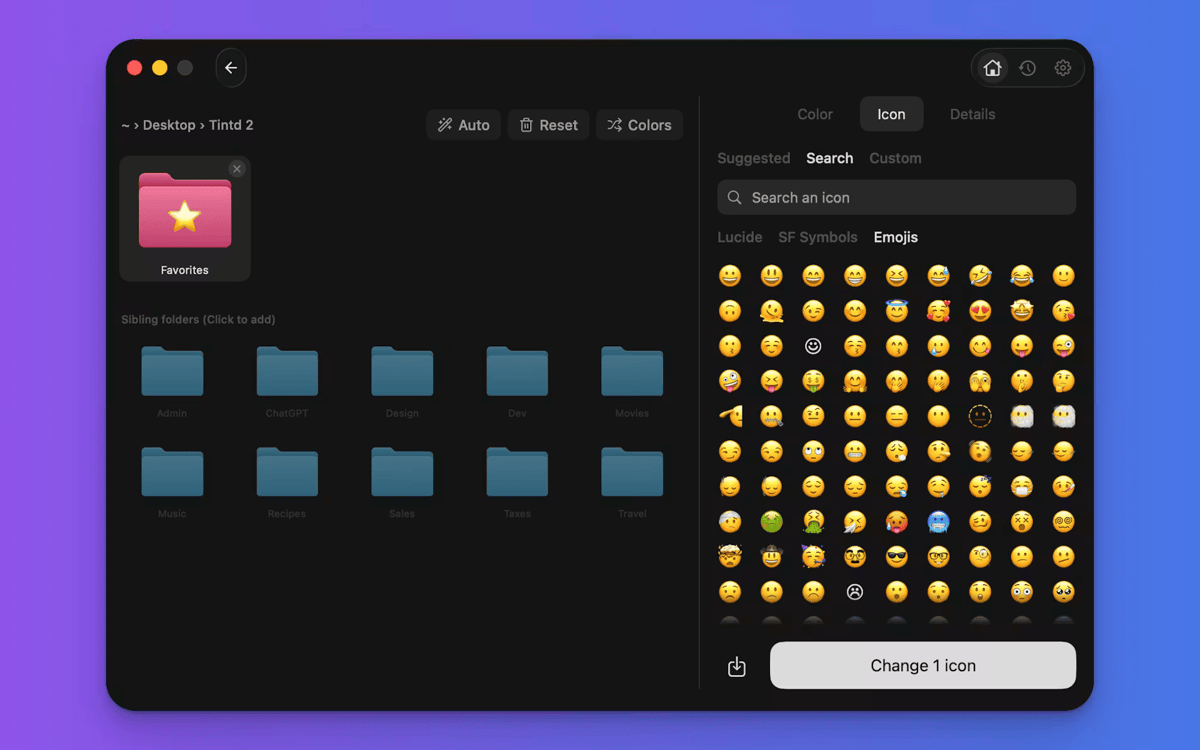
Tintd не обмежує тебе лише автоматичним режимом. Відкрий будь-яку папку в редакторі, щоб обрати власний колір, вибрати з понад 11 000 іконок та емодзі, імпортувати власні зображення або змінити розмір і колір накладок. Кожна створена іконка зберігається в історії для швидкого доступу.
Швидке пакетне редагування папок
Вибери кілька папок і стилізуй їх усі одночасно. Рандомізуй кольори, застосовуй один значок для всіх або дозволь Smart Icon підібрати кожній папці свій власний. Відмінно для налаштування папки проекту або очищення робочого столу за один раз.
Розумні кольори, які завжди однакові
Smart Color від Tintd аналізує папки навколо тієї, яку ти стилізуєш, і підбирає колір, який заповнює прогалину на колірному колі. Результат виглядає продуманим та цілісним — навіть якщо ти його не планував.
Отримайте сотні програм з Membership
Підпишіться на Setapp і користуйтесь сотнями чудових програм.
Перші 7 днів безплатно, а далі – в єдиному простому плані.
Завантажити Setapp на Mac
Знайдіть в Setapp застосунок для macOS, iOS або web, що допоможе вирішити ваше завдання.

Установіть знайдену програму
Виконайте завдання за допомогою новенької програми зі Setapp.

Tintd
Виберіть план підписки
Один застосунок або всі разом в підписці Setapp. Користуйтеся застосунками на своїх умовах.

Отримайте сотні програм з Membership
Підпишіться на Setapp і користуйтесь сотнями чудових програм.
Перші 7 днів безплатно, а далі – в єдиному простому плані.
1
Завантажити Setapp на Mac
Знайдіть в Setapp застосунок для macOS, iOS або web, що допоможе вирішити ваше завдання.
2
Установіть знайдену програму
Виконайте завдання за допомогою новенької програми зі Setapp.
Tintd
3
Виберіть план підписки
Один застосунок або всі разом в підписці Setapp. Користуйтеся застосунками на своїх умовах.
Нагору
Від планування та рутинних завдань до програмування і творчості – працюйте ефективніше зі Setapp.

TypingMind
ШІ зі зручним інтерфейсом
генеруйте й обробляйте текст
користуйтеся бібліотекою
ШІ

Spark Mail
Упорядкуйте імейли
ШІ

CleanMyMac
Видаляйте тільки непотрібне

Bartender
Налаштуйте меню під себе

CleanShot X
Робіть будь-які скриншоти

Luminar Neo
Редагуйте фото
ШІ

ClearVPN
Безпечний звʼязок

Craft
Робота з документами
ШІ
Tintd
Автоматичні значки папок для твого Mac