
Vexel
Будь-який текст. Будь-який голос.
Mac
Версія 1.5.0
macOS 15.0 чи новіша
27 MB
8 мов(и)
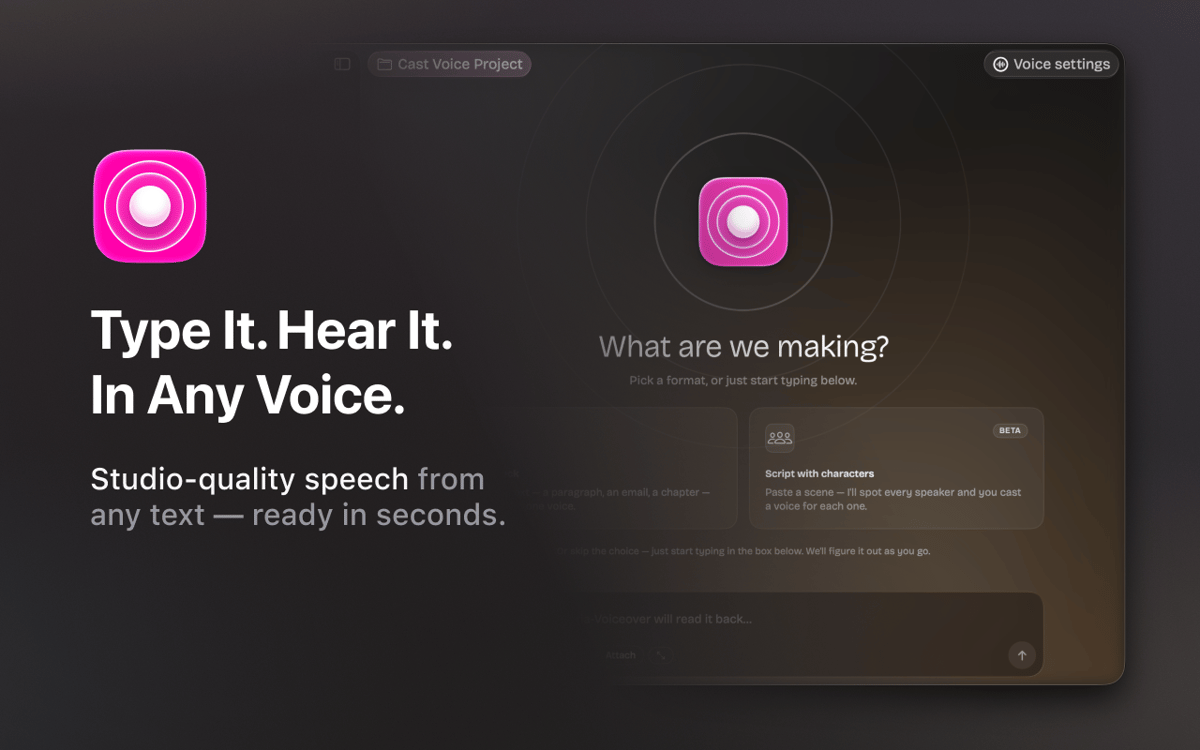
Vexel — це застосунок для Mac, який перетворює текст на мовлення. Створений для письменників, подкастерів, дикторів та всіх, хто працює зі словом. Введи свій текст, вибери голос і отримай аудіо студійної якості за лічені секунди. Vexel працює на базі Respeecher та підтримує понад 22 професійні голоси кількома мовами. Потрібна сцена з кількома динаміками? Встав скрипт, і Vexel автоматично розпізнає кожного персонажа — тобі залишиться лише призначити голос для кожного з них. Організовуйте свою роботу в проектах, налаштовуйте стиль і тон голосу та експортуйте аудіо у форматі WAV, не виходячи з програми.
Миттєво перетворюй сценарії на озвучене аудіо
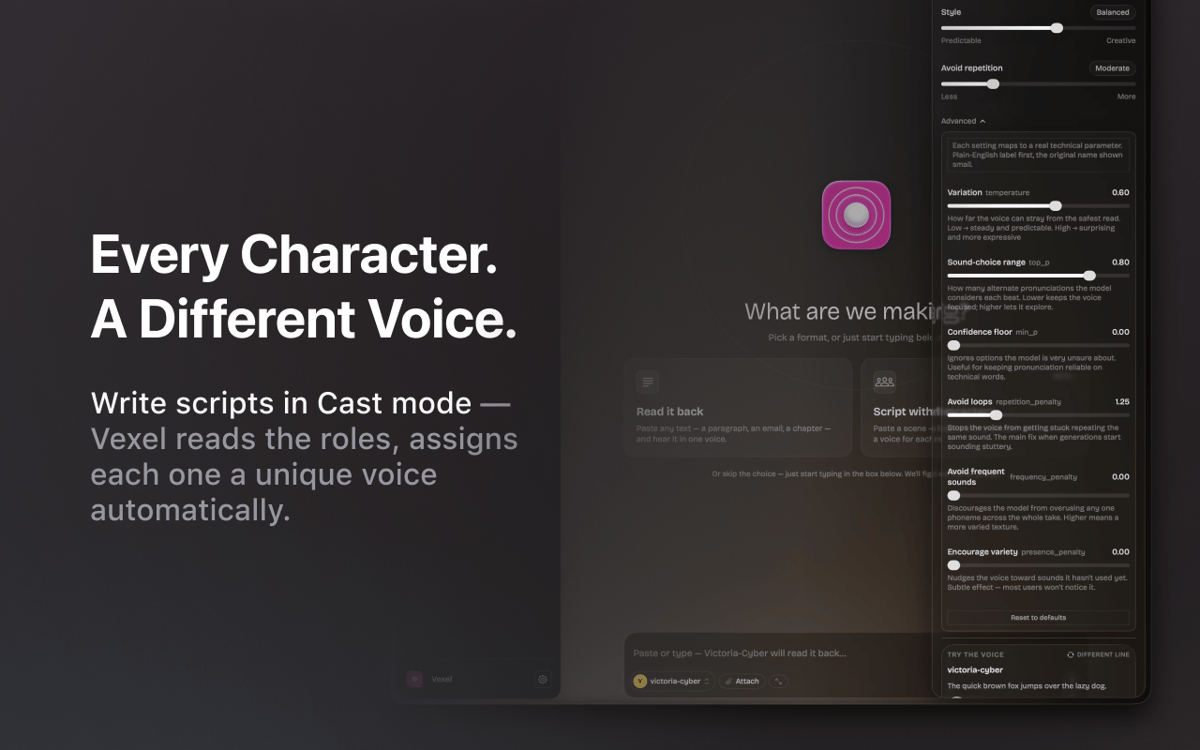
Призначай різні голоси кожному персонажу
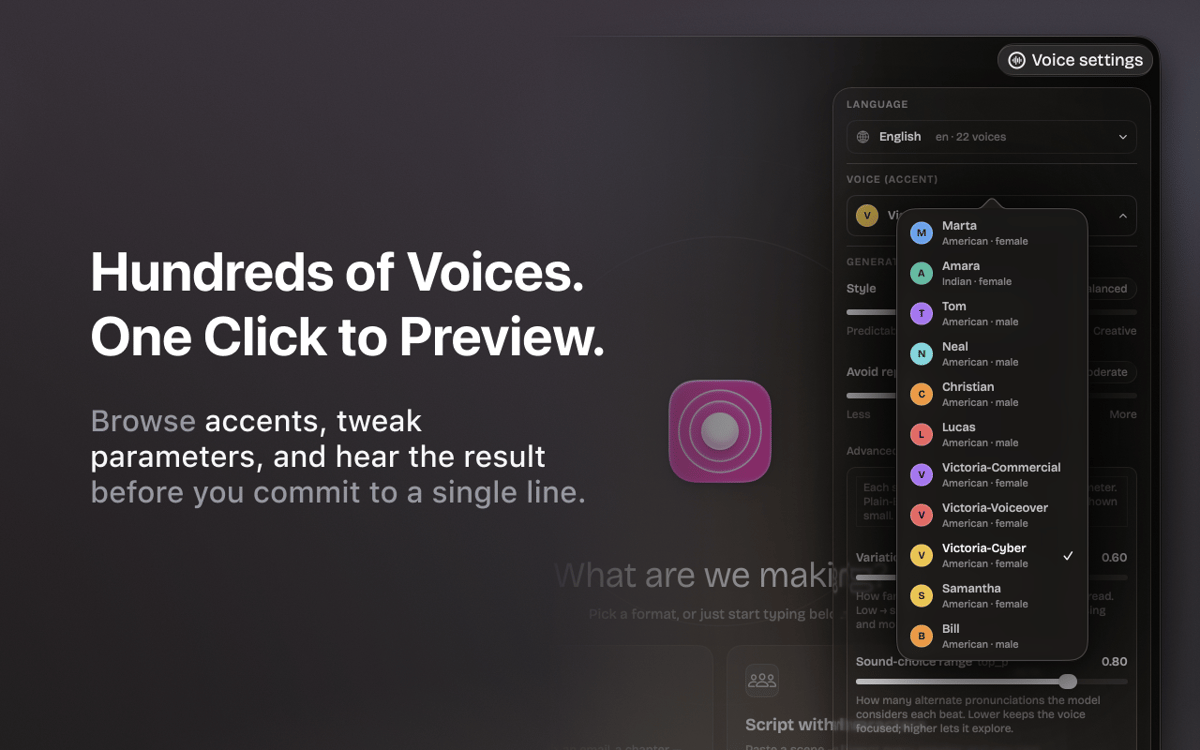
Переглядай будь-який голос перед генерацією
Експортуй чисті WAV-файли одним кліком
Можливості Vexel
Природні, професійні голоси
Понад 22 голоси студійної якості англійською та українською мовами. Працює на технології Respeecher — тій самій технології, що використовується в професійних продакшнах.
Сценарії для кількох спікерів
Встав діалог, і Vexel автоматично розпізнає кожного мовця. Признач кожному персонажу різний голос і згенеруй всю сцену одночасно.
Голосовий тюнер
Налаштуй стиль від передбачуваного до виразного, відрегулюй рівень уникання повторів і вдосконалюй результат, поки він не звучатиме саме так, як потрібно.
Спробуйте, перш ніж створювати
Прослухай будь-який голос на тестовому рядку, перш ніж запускати повну обробку. Без сюрпризів, без марних дублів.
Робоча область проекту
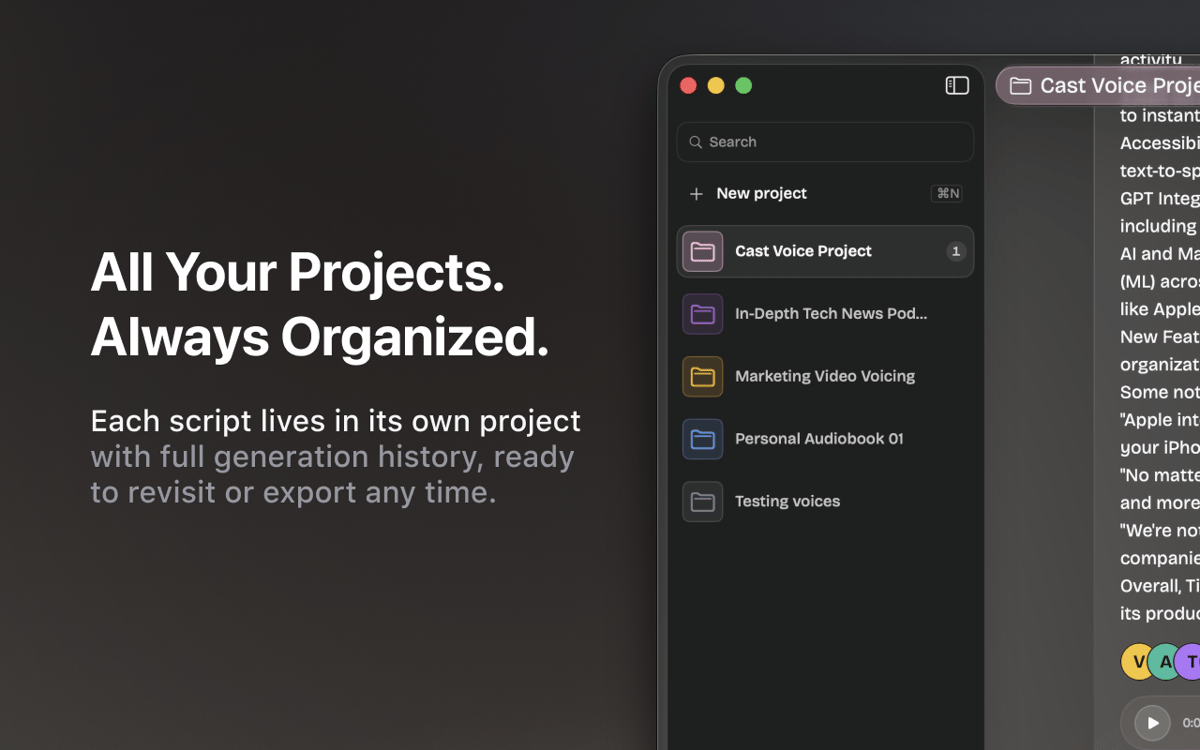
Кожен скрипт зберігається у власному проєкті з повною історією створення. Перемикайся між подкастами, озвученням і чернетками — не втрачаючи місця зупинки.
Обрізати та експортувати
Обрізуй згенероване аудіо, експортуй чисті WAV-файли та одразу додавай їх до свого робочого процесу — жодних додаткових інструментів.
Оцінки та відгуки
Vexel
•
Оцінок: 7
Andrii R.
6 жовт. 2026 р.
Версія: 1.5.0
I really like this app! Helped a lot in making a nice audiobook
Відповідь розробника
7 жовт. 2026 р.
Thank you for your feedback, Andrii! We're glad to hear that you liked Vexel. There's more to come in upcoming updates.
Abdel
27 вер. 2026 р.
Версія: 1.5.0
Ne propose pas de langues en ligne en français, uniquement Arabe, Allemand, Anglais, Portugais et Ukrainien. Dommage. Les voix synthètiques locales sont bien trop robotiques et datées, inutilisables sauf si vous voulez faire des blagues en copiant la voix de Siri...
Відповідь розробника
29 вер. 2026 р.
Hello, Abdel! Thank you for your honest feedback. Right now, we're working to expand the library of available voices, including more reliable, human-sounding options. Please stay tuned for our updates.
Sean
21 вер. 2026 р.
Версія: 1.5.0
Really nice App. If I could use a local model or use my own AI subscriptions it would be useful. But I'm not purchasing AI credits through Setapp, that's ridiculous to me.
Відповідь розробника
22 вер. 2026 р.
Thank you for the kind words and for the honest feedback! Good news: support for local models is coming in one of the next updates of the app. We're also looking into letting you connect your models. To make sure we cover what you actually use, could you drop us a line at [email protected] and tell us which models or providers you'd like to connect? That would help us a lot. Thanks again for using the app!
Отримайте сотні програм з Membership
Підпишіться на Setapp і користуйтесь сотнями чудових програм.
Перші 7 днів безплатно, а далі – в єдиному простому плані.
Завантажити Setapp на Mac
Знайдіть в Setapp застосунок для macOS, iOS або web, що допоможе вирішити ваше завдання.

Установіть знайдену програму
Виконайте завдання за допомогою новенької програми зі Setapp.

Vexel
Виберіть план підписки
Один застосунок або всі разом в підписці Setapp. Користуйтеся застосунками на своїх умовах.

Отримайте сотні програм з Membership
Підпишіться на Setapp і користуйтесь сотнями чудових програм.
Перші 7 днів безплатно, а далі – в єдиному простому плані.
1
Завантажити Setapp на Mac
Знайдіть в Setapp застосунок для macOS, iOS або web, що допоможе вирішити ваше завдання.
2
Установіть знайдену програму
Виконайте завдання за допомогою новенької програми зі Setapp.
Vexel
3
Виберіть план підписки
Один застосунок або всі разом в підписці Setapp. Користуйтеся застосунками на своїх умовах.
Нагору
Від планування та рутинних завдань до програмування і творчості – працюйте ефективніше зі Setapp.

TypingMind
ШІ зі зручним інтерфейсом
генеруйте й обробляйте текст
користуйтеся бібліотекою
ШІ

Spark Mail
Упорядкуйте імейли
ШІ

CleanMyMac
Видаляйте тільки непотрібне

Bartender
Налаштуйте меню під себе

CleanShot X
Робіть будь-які скриншоти

Luminar Neo
Редагуйте фото
ШІ

ClearVPN
Безпечний звʼязок

Craft
Робота з документами
ШІ
Vexel
Будь-який текст. Будь-який голос.