Vidarium
Organize your video library
Mac, iOS
Версія 1.0.11
macOS 26.0 чи новіша
69.9 MB
8 мов(и)
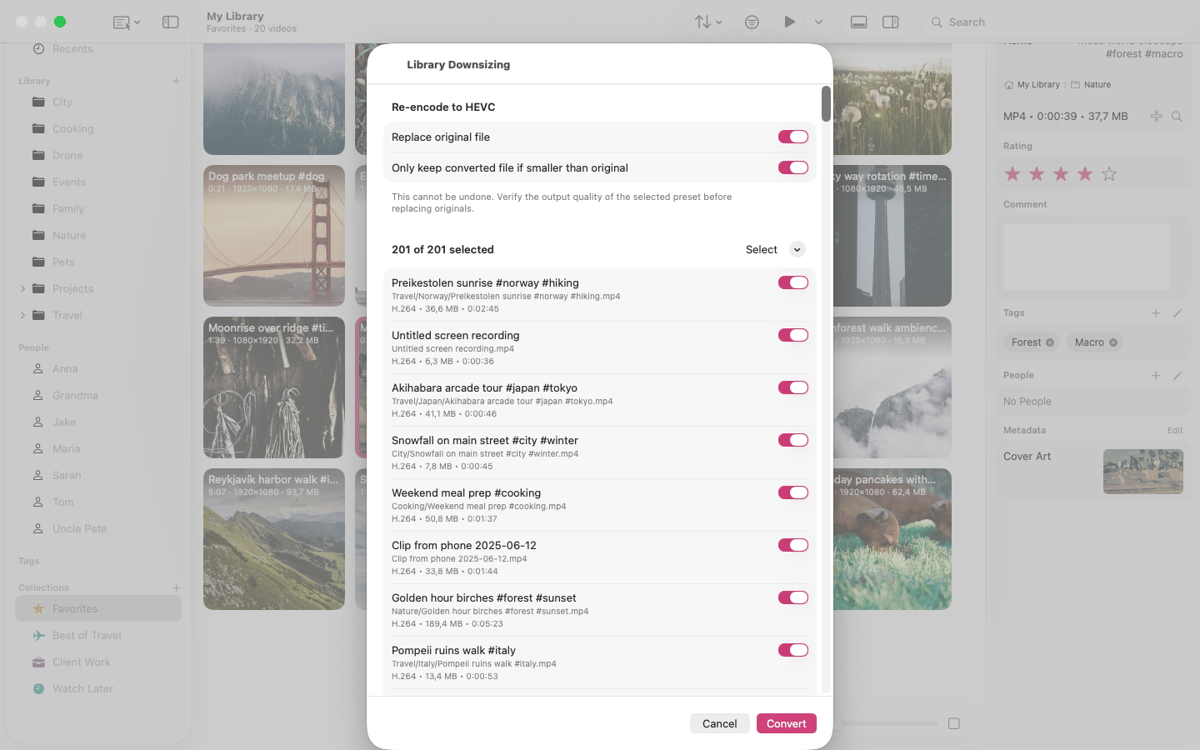
Vidarium is a local video library manager for Mac, iPad, and iPhone. Point it at the folders you already have — your files stay put, untouched, right where you left them. Add thumbnails, hover-scrub previews, tags, people, collections, and smart searches on top. No media server, no required account, no tracking. Just your videos, finally organized.
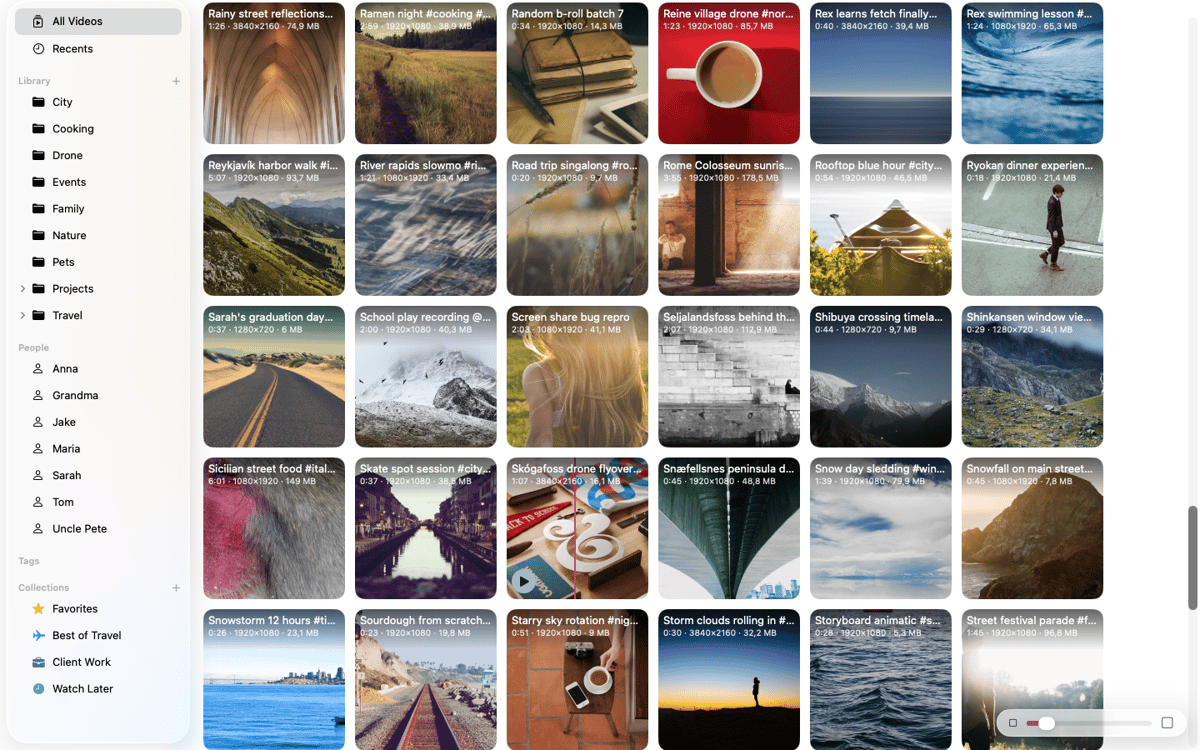
Browse clips with hover-scrub previews
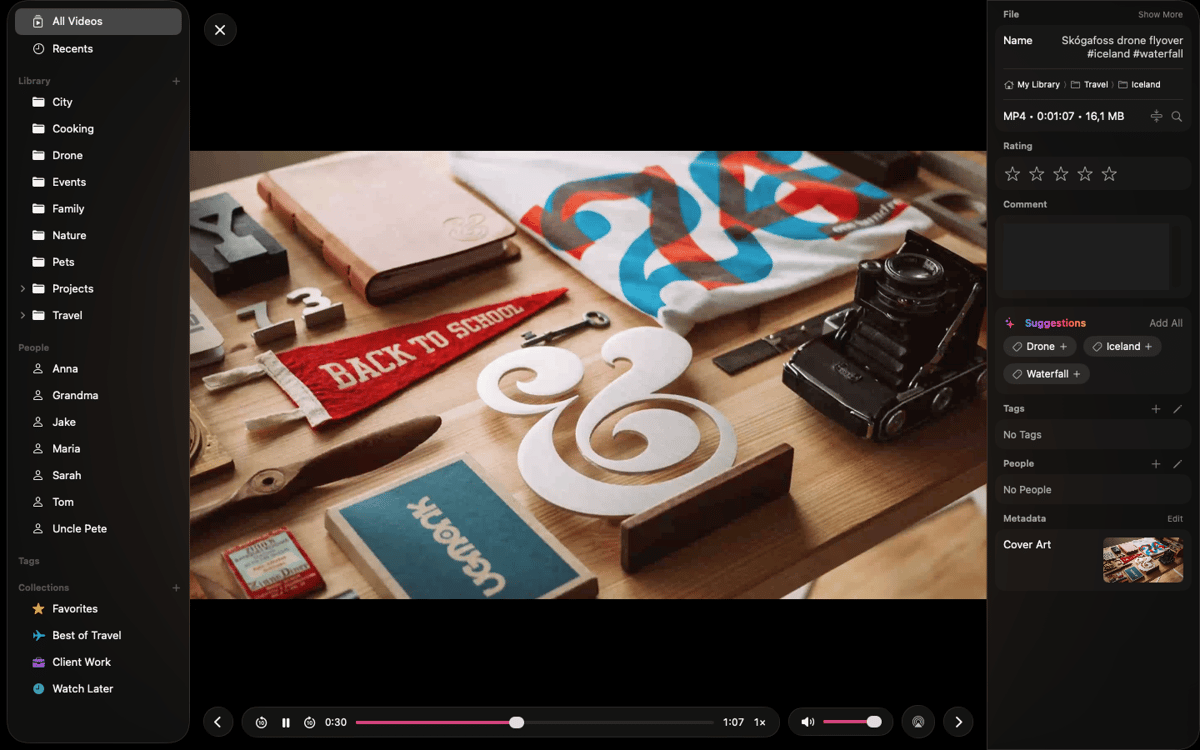
Tag, rate, and organize your videos
Sync your library across Apple devices
Keep files where they are, no cloud lock-in
Можливості Vidarium
Browse without opening a player
Every clip gets a thumbnail. Hover over it to scrub through frame by frame and find the right moment instantly — no need to launch a separate player. Works with the video formats your Apple devices play, including MOV, MP4, and M4V.
Organize the way you think
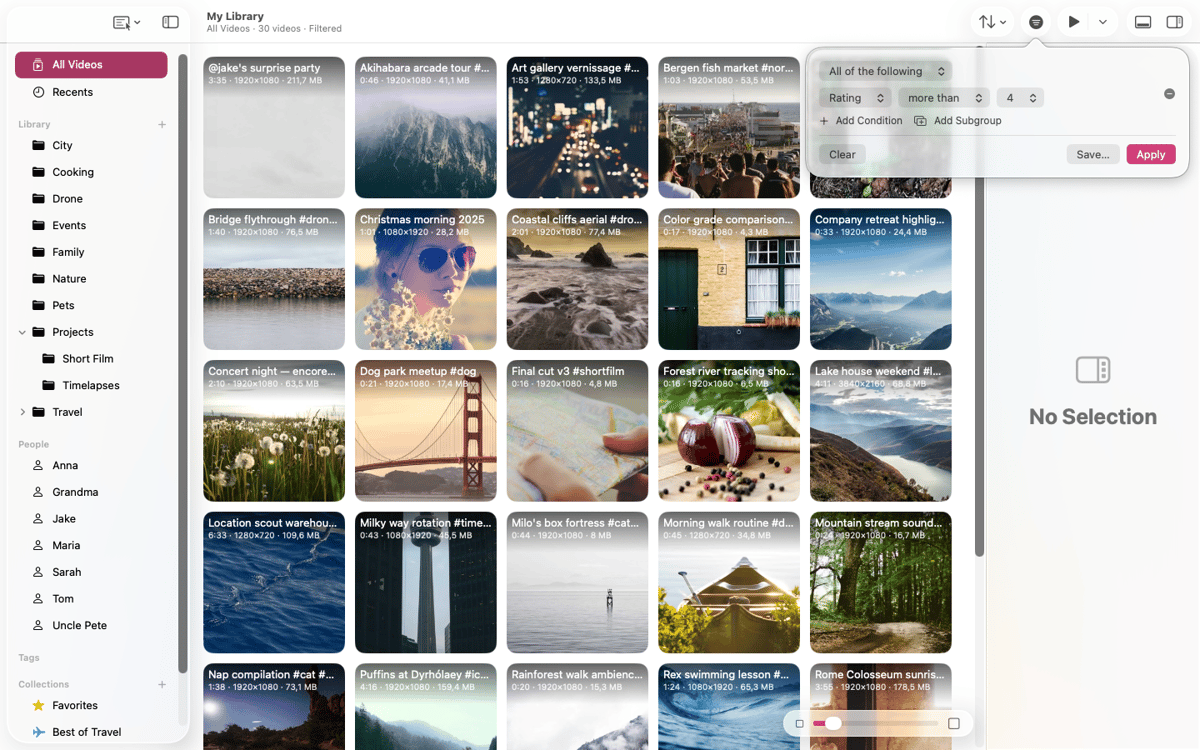
Folders, tags, people, and collections let you cross-cut your library however makes sense to you. Use hierarchical folders that mirror your disk, create saved searches with a rule editor, add star ratings, and drag and drop from Finder to import or rearrange.
Your files, untouched
Vidarium points at your existing folders and never copies, moves, or hides your originals. Delete the app and your videos are exactly as they were. No server, no account, no tracking.
Native on every Apple device
Runs natively on Mac, iPad, and iPhone. Keep multiple libraries, open them in separate windows on Mac and iPad, and play videos right in the grid or full-screen — with play-all and shuffle built in.
On-device AI suggestions
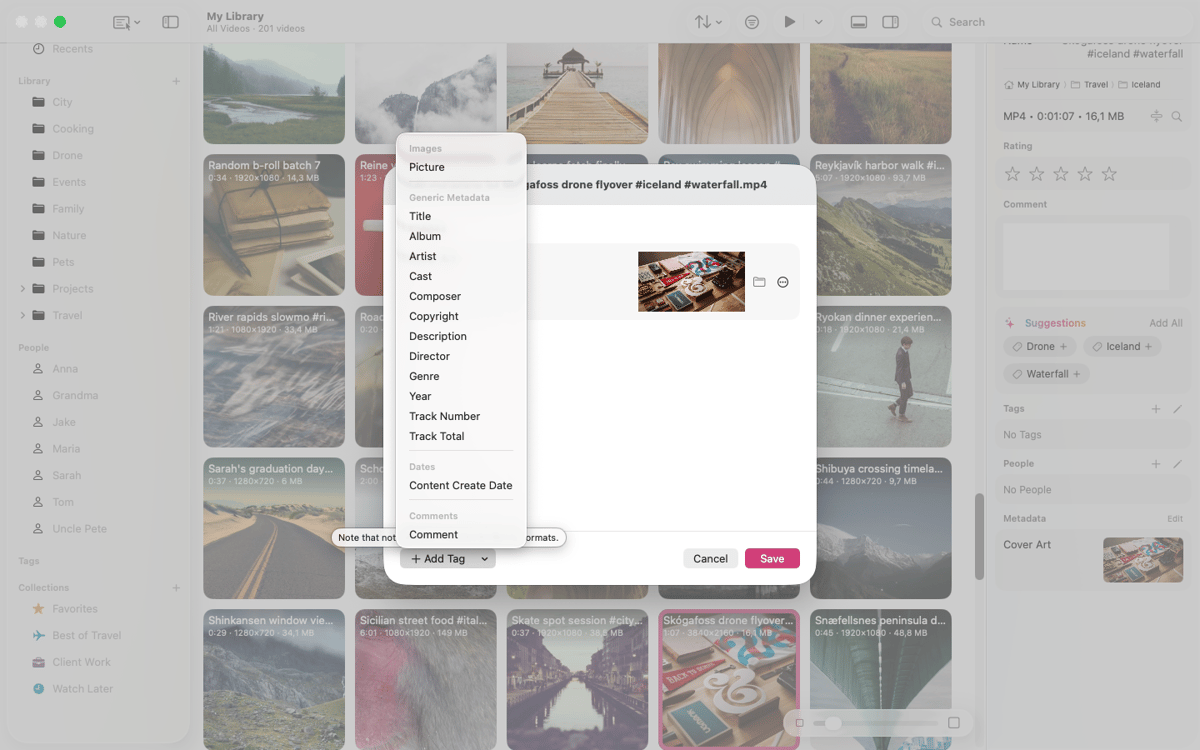
Vidarium reads file names and metadata to suggest matching tags and people — including ones it spots for the first time. On devices with Apple Intelligence, suggestions use the on-device model. Everywhere else, a fast text matcher steps in. Nothing leaves your device.
iCloud sync that just works
Sync one library across all your devices. Your organization syncs instantly; video files download from iCloud Drive on demand. Tap to pull a clip down with live progress, or let it fetch when you play. Clips you haven't downloaded yet are clearly marked — never mistaken for missing, never silently deleted.
Оцінки та відгуки
Vidarium
•
Оцінок: 3
Chris W
10 жовт. 2026 р.
Версія: 1.0.7
Holy crap, I am so thankful that I found this software! It has a LOT of potential and gets the most important things right! Even handles 30,000+ videos in one library. Requests: Dark Mode - please... And dragging a video thumbnail should make it somewhat transparent so it becomes easier to drag the video to the correct folder in the side bar. Also, dunno if it's because of a large library, but there is a weird lag between clicking on a video and the highlight appearing around the thumbnail. Pressing space opens the video Quicklook style, but does not close it, it pauses instead. Hm. That's all for now :) Thanks!
Отримайте сотні програм з Membership
Підпишіться на Setapp і користуйтесь сотнями чудових програм.
Перші 7 днів безплатно, а далі – в єдиному простому плані.
Завантажити Setapp на Mac
Знайдіть в Setapp застосунок для macOS, iOS або web, що допоможе вирішити ваше завдання.

Установіть знайдену програму
Виконайте завдання за допомогою новенької програми зі Setapp.

Vidarium
Виберіть план підписки
Один застосунок або всі разом в підписці Setapp. Користуйтеся застосунками на своїх умовах.

Отримайте сотні програм з Membership
Підпишіться на Setapp і користуйтесь сотнями чудових програм.
Перші 7 днів безплатно, а далі – в єдиному простому плані.
1
Завантажити Setapp на Mac
Знайдіть в Setapp застосунок для macOS, iOS або web, що допоможе вирішити ваше завдання.
2
Установіть знайдену програму
Виконайте завдання за допомогою новенької програми зі Setapp.
Vidarium
3
Виберіть план підписки
Один застосунок або всі разом в підписці Setapp. Користуйтеся застосунками на своїх умовах.
Нагору
Від планування та рутинних завдань до програмування і творчості – працюйте ефективніше зі Setapp.

TypingMind
ШІ зі зручним інтерфейсом
генеруйте й обробляйте текст
користуйтеся бібліотекою
ШІ

Spark Mail
Упорядкуйте імейли
ШІ

CleanMyMac
Видаляйте тільки непотрібне

Bartender
Налаштуйте меню під себе

CleanShot X
Робіть будь-які скриншоти

Luminar Neo
Редагуйте фото
ШІ

ClearVPN
Безпечний звʼязок

Craft
Робота з документами
ШІ
Vidarium
Organize your video library