Every December, we clean our closets, throw away old papers, and promise ourselves a “new year, new me.” But what about the digital clutter we’ve been ignoring since, well, March? A tidy digital space means a lighter, calmer mind and a Mac that actually opens things when you ask it to without freezing.
Let’s declutter the things you don’t see every day but definitely feel.
CleanMyMac: Clear out the junk you forgot you had
Your Mac isn’t slow just because it’s old. It’s slow because it’s hoarding files like a dragon guarding treasure it doesn’t need. CleanMyMac clears leftover files, hidden app junk, ancient caches, and all the “oh, I’ll delete this later” items that have outlived their usefulness.
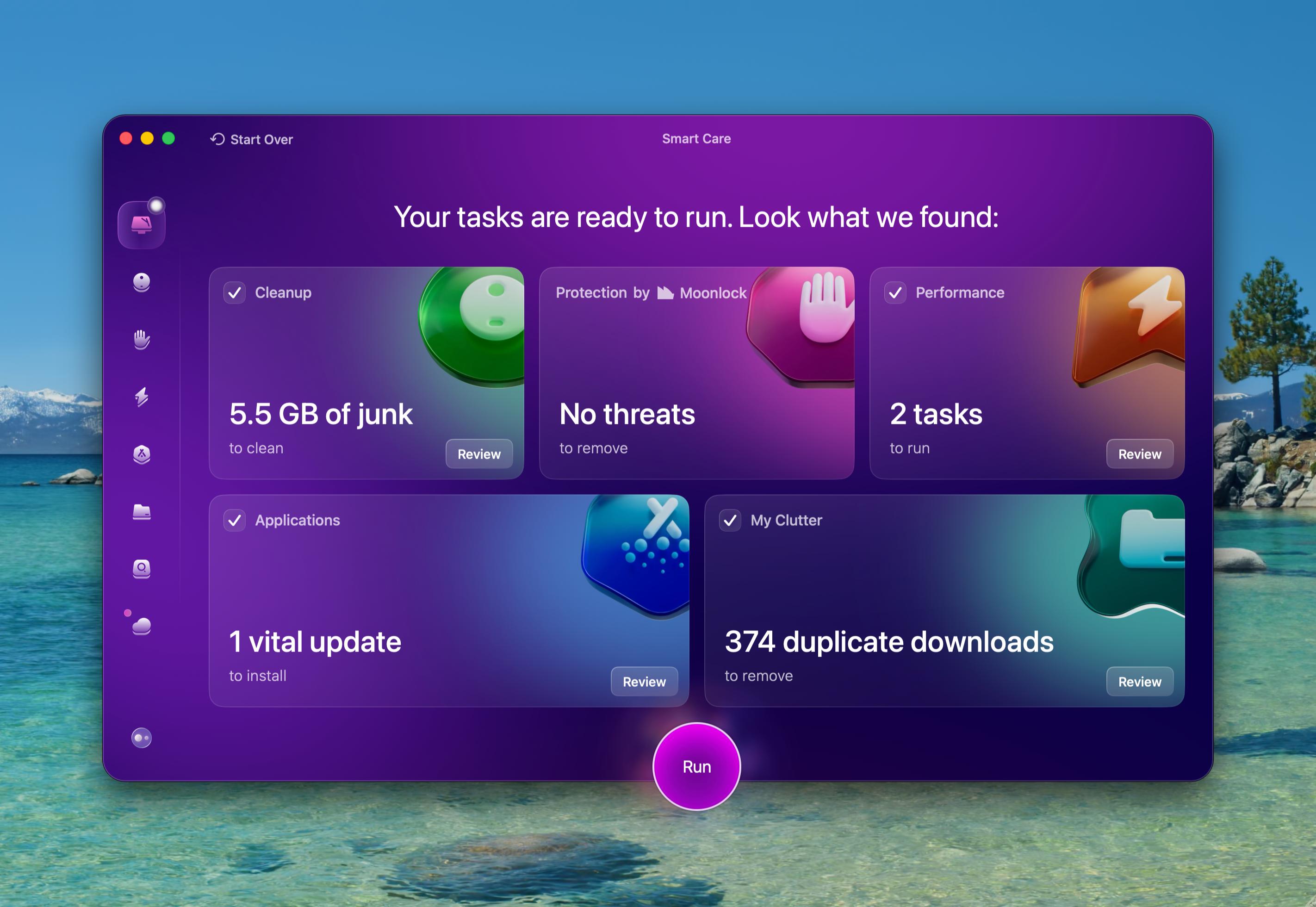
Free up space and uninstall unused apps with all their leftovers to give your Mac a fresh start.
Spotless: a desktop that tidy people would be proud of
Remember when your desktop turned into a mosaic of screenshots, downloads, and “Untitled 11” files? You need Spotless to fix that. Set your rules once, and Spotless automatically sends every file exactly where it belongs. Documents go to Documents, images go to Photos, and screenshots go anywhere but your desktop.
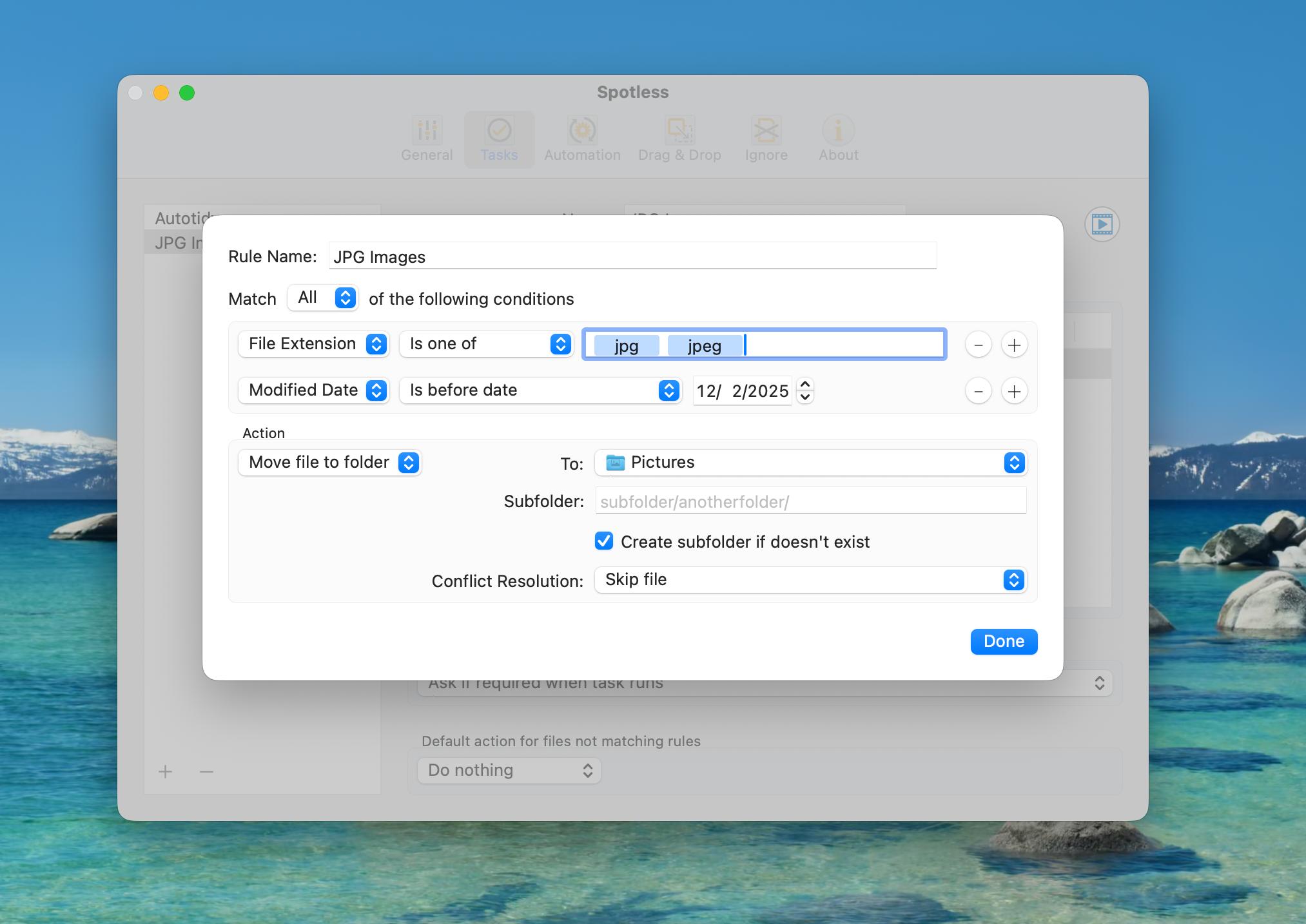
Drag files to the menu bar drawer when you’re feeling lazy, or let the app organize your mess daily. Either way, your desktop will finally look like it belongs to someone who has their life together.
Gemini: Destroy duplicate files kindly
Somehow, your Mac has five copies of the same photo and ten shots taken from a similar angle. Gemini finds duplicates, lookalikes, blurry photos, and accidental clones, and then asks if you want to delete them.
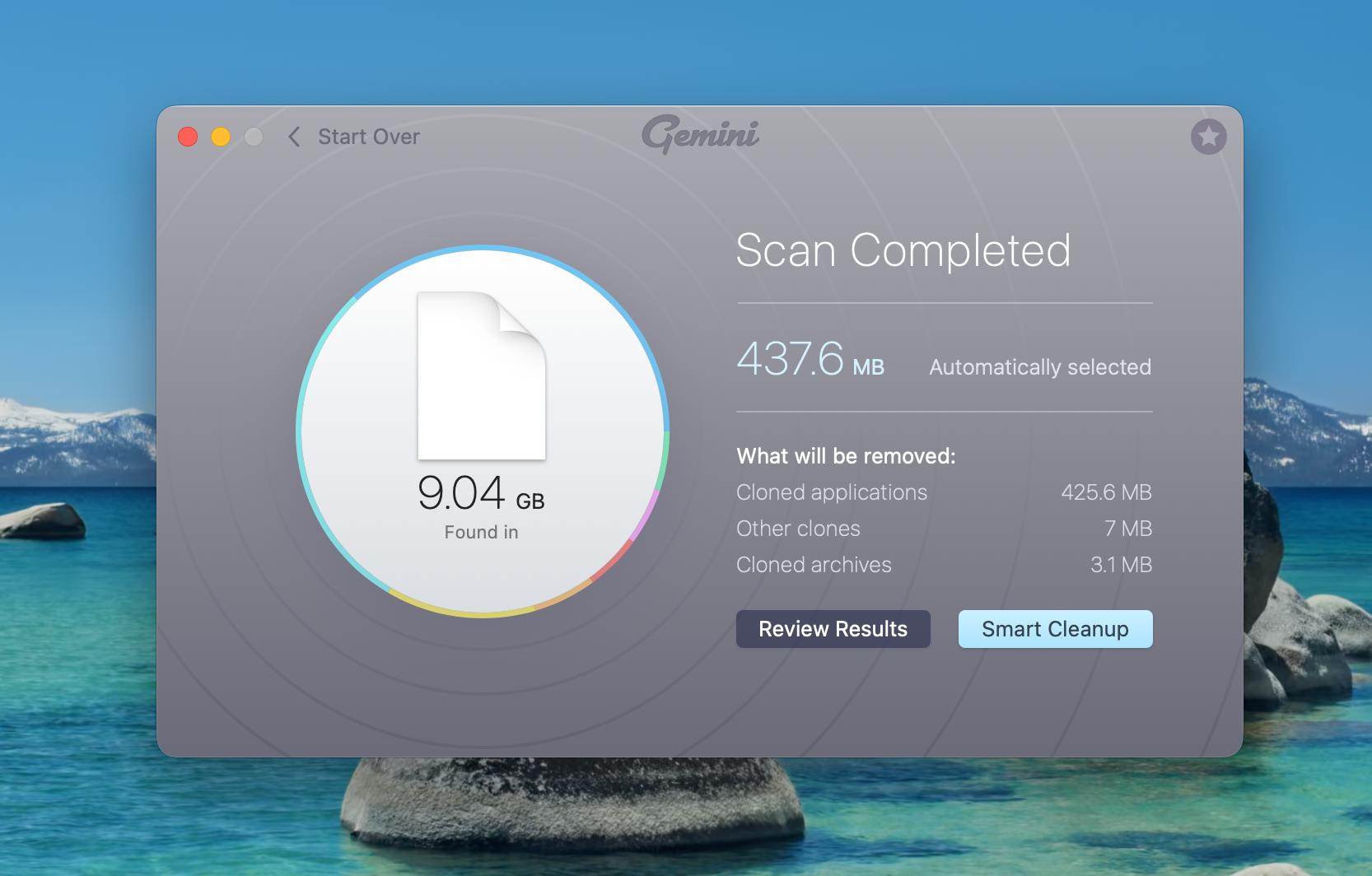
Watching your storage come back to life in minutes feels so good: quick, easy, and clutter gone.
Spark Mail: Finally tame the inbox chaos
Emails pile up fast: promotions, receipts, “just checking in” messages… and somehow the important stuff gets buried three pages down. Spark Mail helps you bring order back without spending half your day hitting the archive.
 desktop light mode (1).png)
Prioritize what matters, mute what doesn’t, and let smart filters group everything neatly so you can actually find things again. A calmer inbox means a calmer you. Step into the new year with focus and ease.
Unclutter: A little shelf for the things you need right now
A screenshot you need later? A file you’re about to upload? A note you don’t want to forget but also don’t want living on your desktop forever? Unclutter gives you a hidden drawer for all your “temporary chaos.”
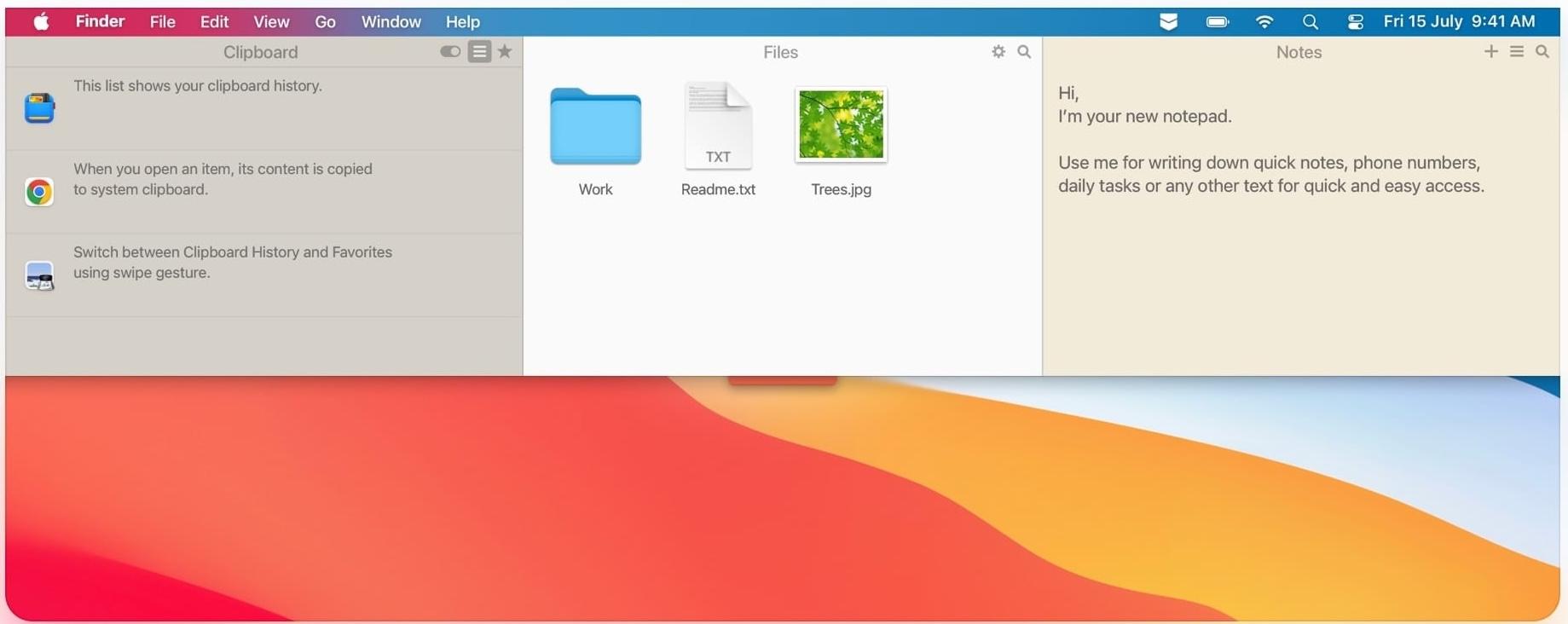
Swipe down from the menu bar and drop in anything: files, notes, links, ideas. It keeps things accessible without letting them roam free around your Mac.
Hope this how-to will help you solve tasks faster, and enjoy solving them, too! Check out more how-tos picked for you below.