App Trust Preview
Check apps before they run
Mac
Version 1.5.1
macOS 11.5 oder neuer
64.9 MB
42 Sprachen
App Trust Preview is a security inspector for Mac designed to provide clear, easy-to-understand information for nontechnical users. Examine apps, installers, disk images, scripts, and executables before running them. Review code signing, notarization, permissions, network capabilities, and download history in reports that make technical findings easier to understand.
Check an app without opening it
Review signing and notarization
Spot sensitive access and permissions
Export reports for deeper analysis
App Trust Preview-Funktionen
Inspect before you open
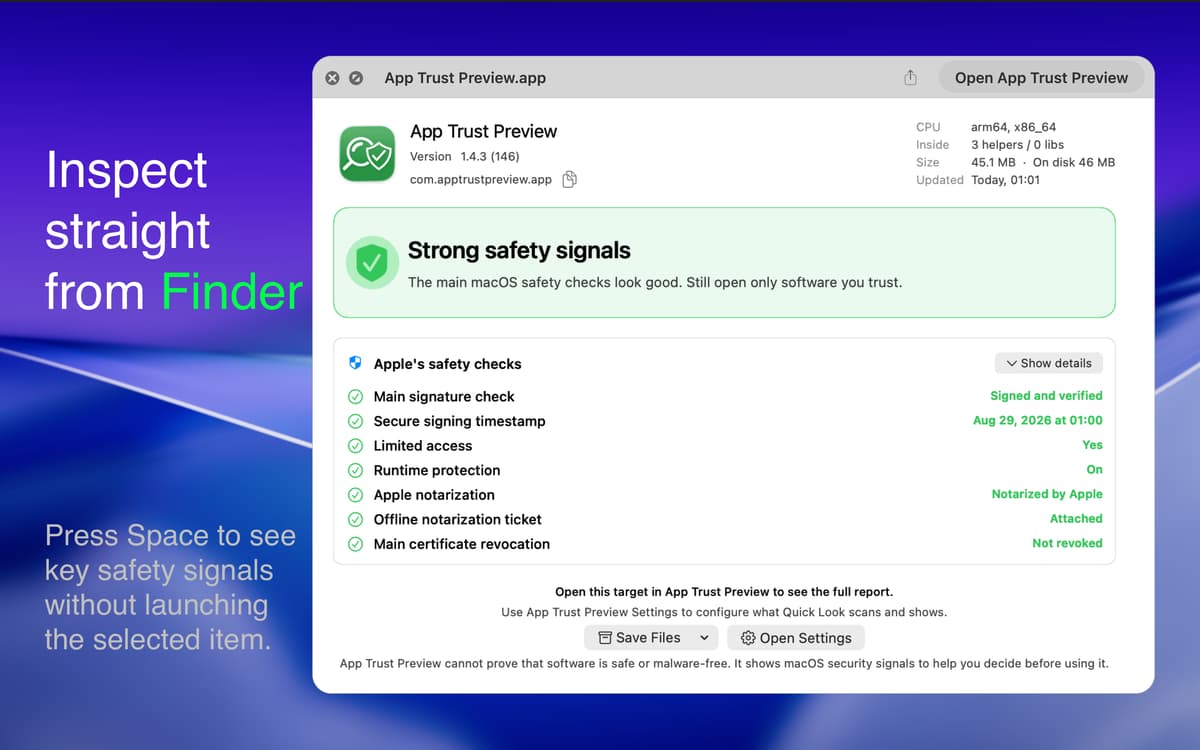
Select an app in Finder and press Space to view its report in Quick Look. For a closer look, open it in App Trust Preview. The inspected software doesn’t need to be launched.
Look beyond the app icon
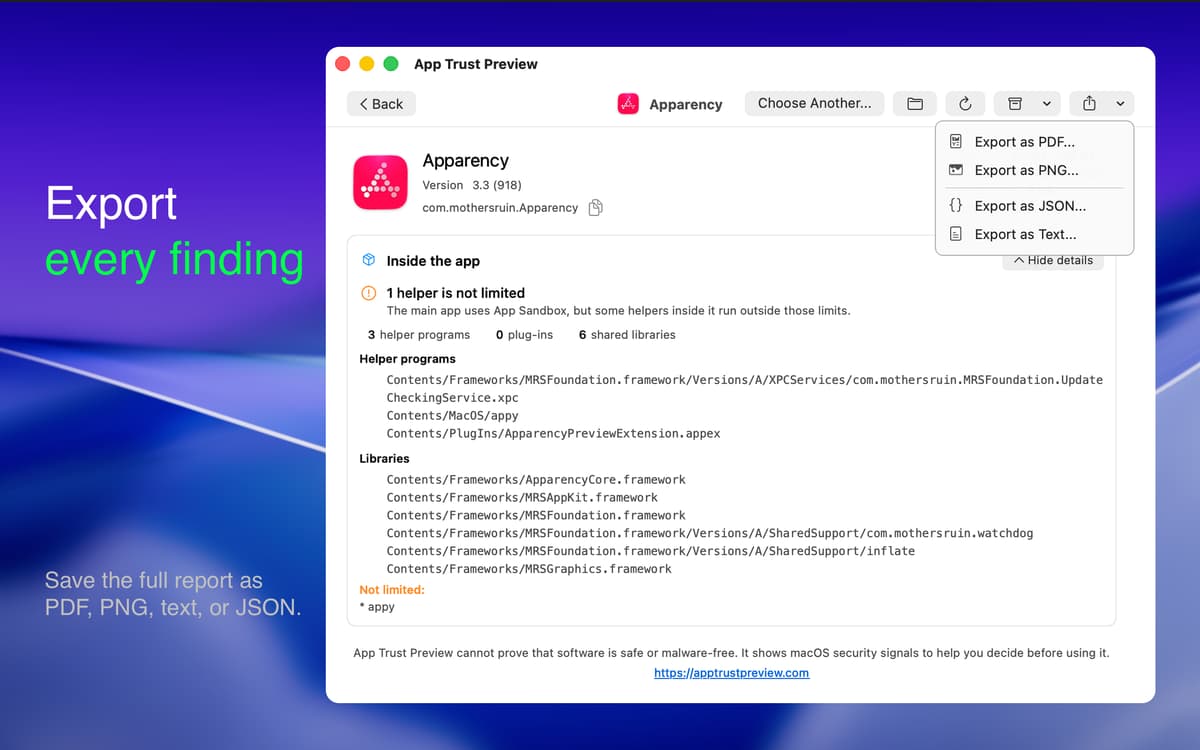
Examine bundled helpers and executable components separately. See differences in sandboxing, permissions, and network capabilities that may be hidden inside the main app.
Check important security details
Review code-signing and notarization results, including separate checks for disk images and the apps inside them. App Trust Preview also highlights sensitive capabilities such as unsigned executable memory, debugger access, and loading unvalidated code.
Understand privacy and network access
See available macOS permission choices with explanations of whether they match the inspected build. Explore potential network connections detected during analysis, with a clear warning when results are incomplete or can’t be verified.
Trace where an app came from
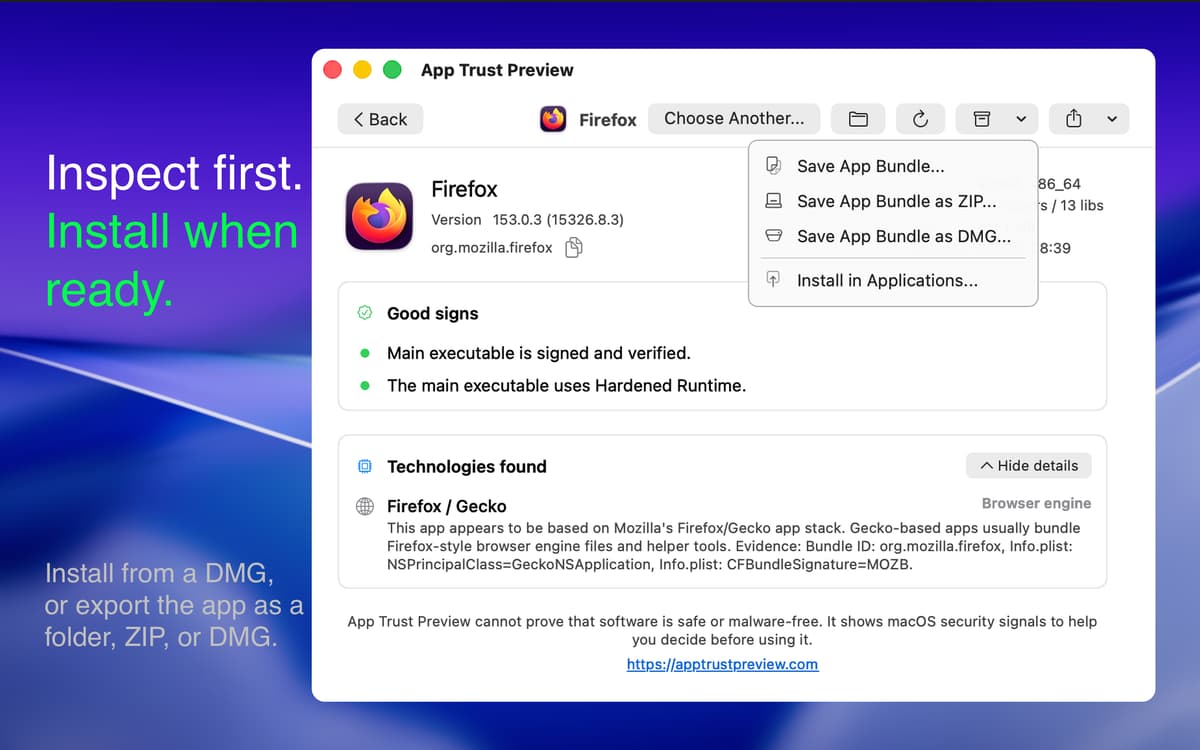
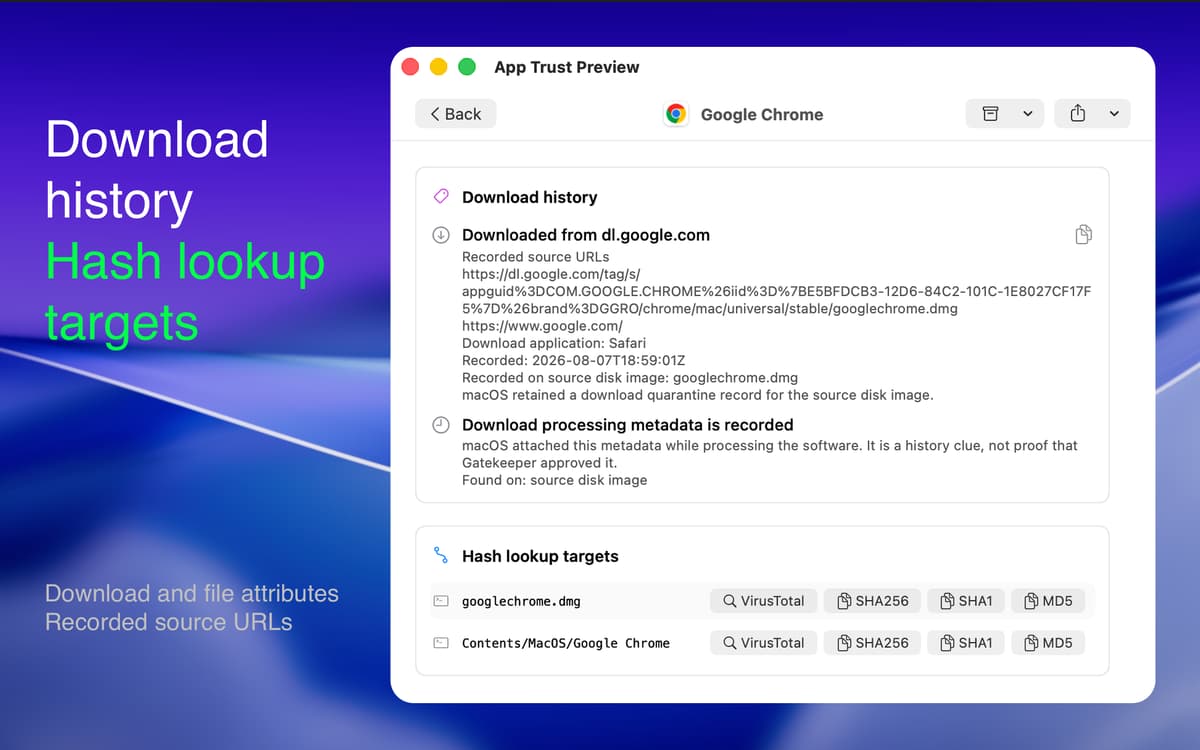
Review available source URLs, download dates, quarantine details, and the app used for the download. Copy the original URL and check architectures, macOS requirements, logical size, and actual disk usage.
Build it into your workflow
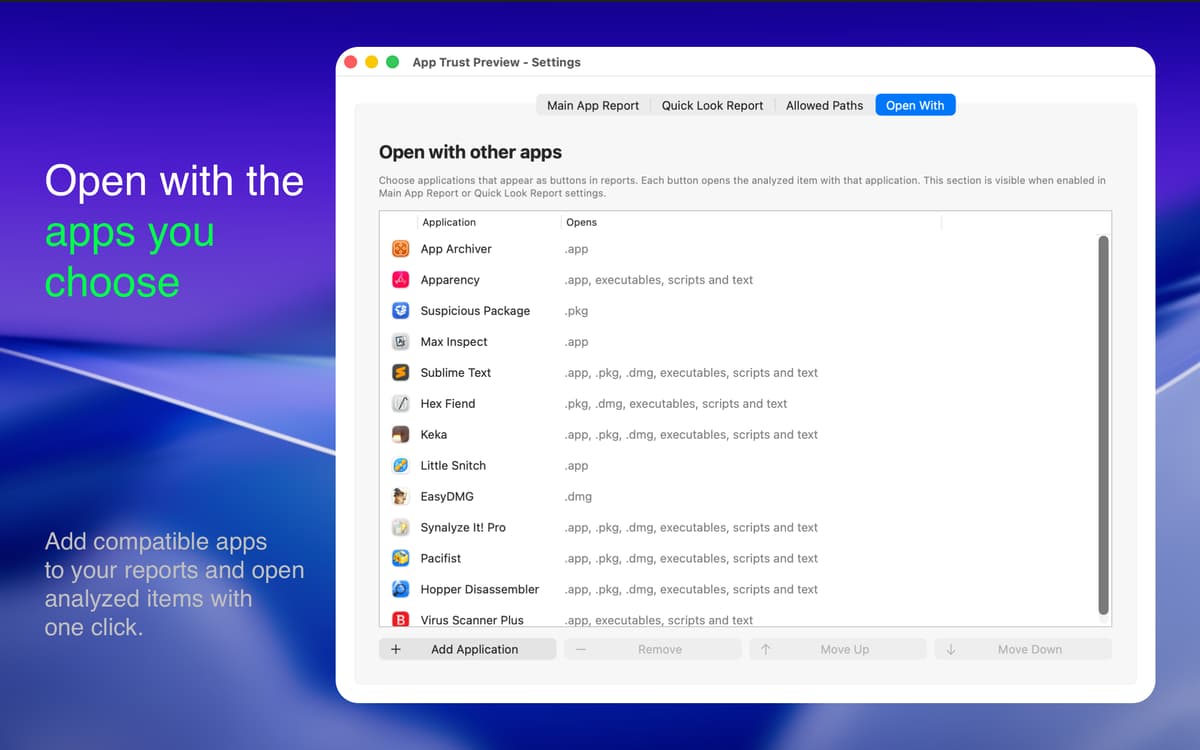
Monitor apps in the background, keep personal notes, and open files with your preferred antivirus or utility. Export reports as readable text or structured JSON, or use the command-line interface for automated checks.
Erhalten Sie Hunderte von Apps mit Membership
Werden Sie Setapp Member und nutzen Sie mit nur einem Abonnement hunderte genialer Apps.
Testen Sie 7 Tage kostenlos, im Anschluss nur eine einfach monatliche Gebühr.
Setapp auf dem Mac installieren
Erkunden Sie Apps für Mac, iOS und Web. Finden Sie einfache Möglichkeiten für die Bewältigung täglicher Aufgaben.

Die gesuchte App finden
In Setapp wartet eine wunderbare App auf Sie. Installieren Sie sie mit einem Klick.

App Trust Preview
Abonnement wählen
Eine App oder mehr mit der Setapp Membership. Holen Sie sich Apps, so wie Sie es möchten.

Erhalten Sie Hunderte von Apps mit Membership
Werden Sie Setapp Member und nutzen Sie mit nur einem Abonnement hunderte genialer Apps.
Testen Sie 7 Tage kostenlos, im Anschluss nur eine einfach monatliche Gebühr.
1
Setapp auf dem Mac installieren
Erkunden Sie Apps für Mac, iOS und Web. Finden Sie einfache Möglichkeiten für die Bewältigung täglicher Aufgaben.
2
Die gesuchte App finden
In Setapp wartet eine wunderbare App auf Sie. Installieren Sie sie mit einem Klick.
App Trust Preview
3
Abonnement wählen
Eine App oder mehr mit der Setapp Membership. Holen Sie sich Apps, so wie Sie es möchten.
Die besten Apps
Von Planung und Routineaufgaben bis hin zu kreativen Tätigkeiten und Programmieren – mit den Apps von Setapp sind Sie bestens für Aufgaben gerüstet.

TypingMind
KI-Chat mit alternativer UI
Text erzeugen oder zusammenfassen
Prompt-Bibliothek nutzen
KI

Spark Mail
E-Mails verwalten
KI

CleanMyMac
Datenmüll entfernen

Bartender
Menüleiste anpassen

CleanShot X
Vielseitige Bildschirmfotos aufnehmen

Luminar Neo
Fotos bearbeiten
KI

ClearVPN
Sichere Verbindung herstellen

Craft
Mit Dokumenten arbeiten
KI
App Trust Preview
Check apps before they run