
AwakeBar
Your Mac, wide awake
Mac
Version 1.1.0
macOS 13.0 oder neuer
13.7 MB
2 Sprachen
AwakeBar — Menu bar keep-awake utility for Mac. Your Mac falls asleep at the worst times — mid-presentation, during a big download, halfway through a long render. AwakeBar fixes that with one click. Pick a duration from the menu bar, and your Mac stays on until you say otherwise. No digging through System Settings, no dock icon, no data collection — just the control you needed all along.
Keep Mac awake during presentations
Prevent sleep on long downloads
Set a custom keep-awake duration
Stop screen dimming mid-render
AwakeBar-Funktionen
One click in the menu bar
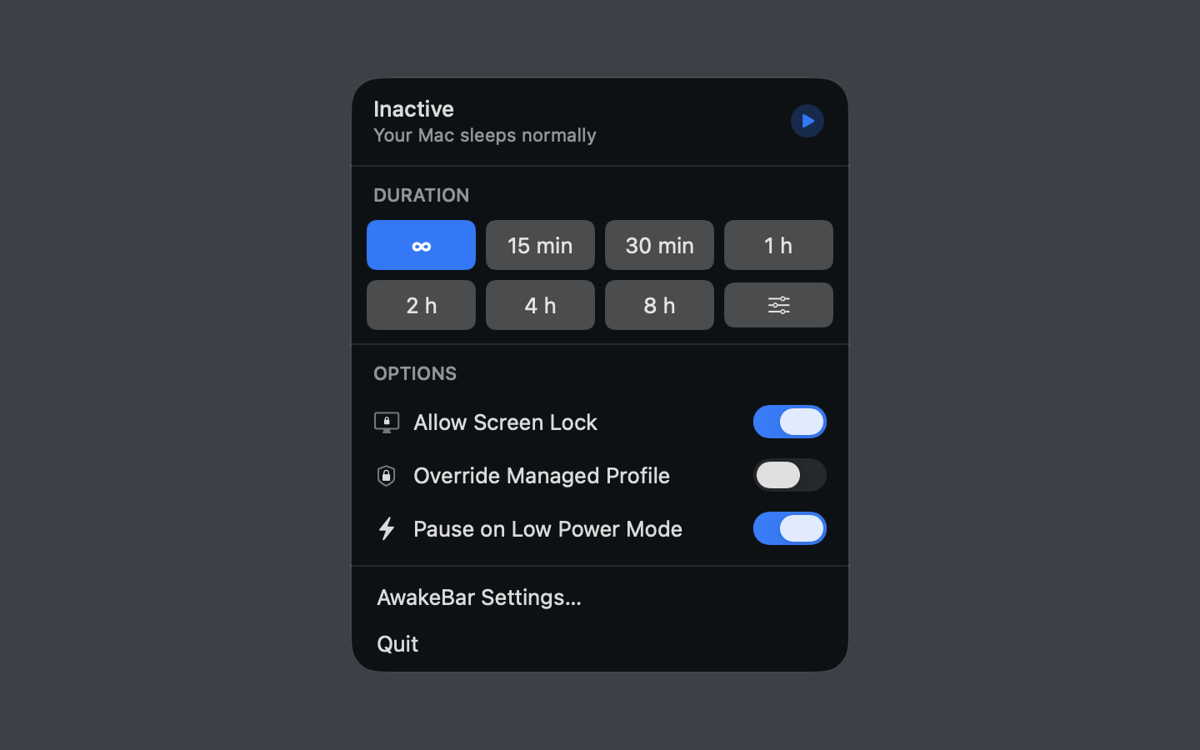
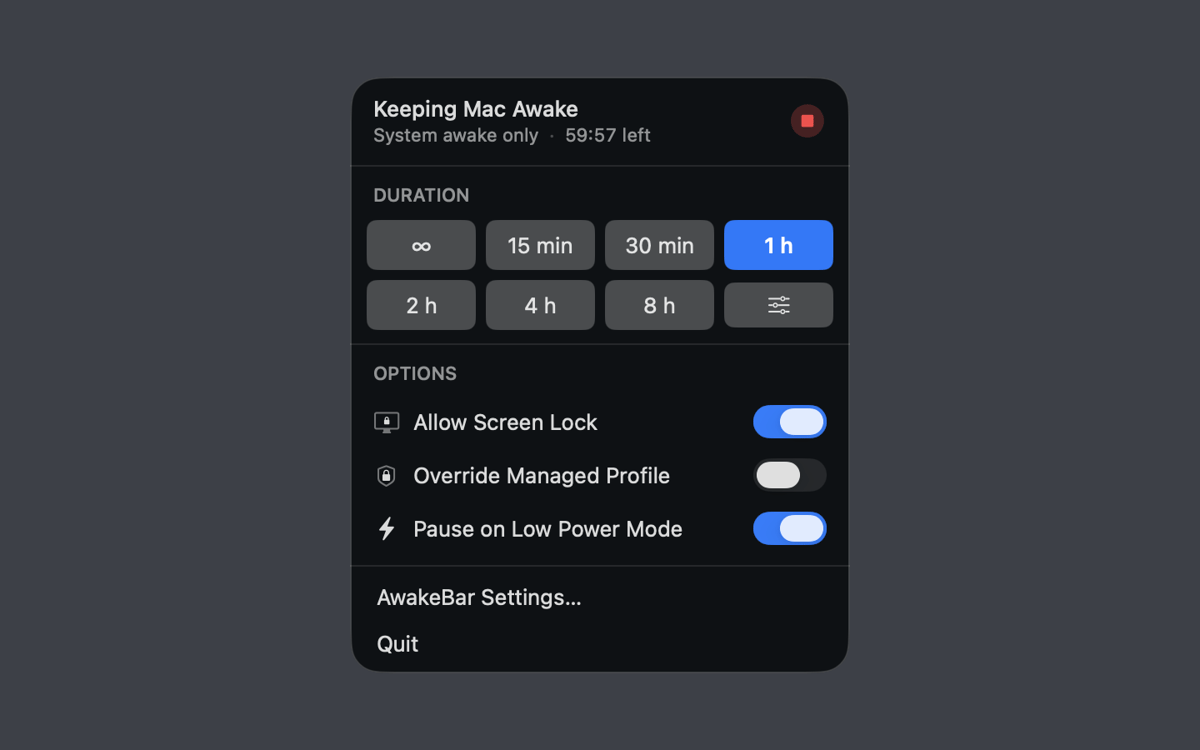
AwakeBar lives entirely in the menu bar — no dock icon, no main window. Click to open the popover, pick your duration, and you're done. A glance at the icon tells you whether keep-awake is active and how much time's left. Stop it any time, just as easily.
Duration presets and custom time
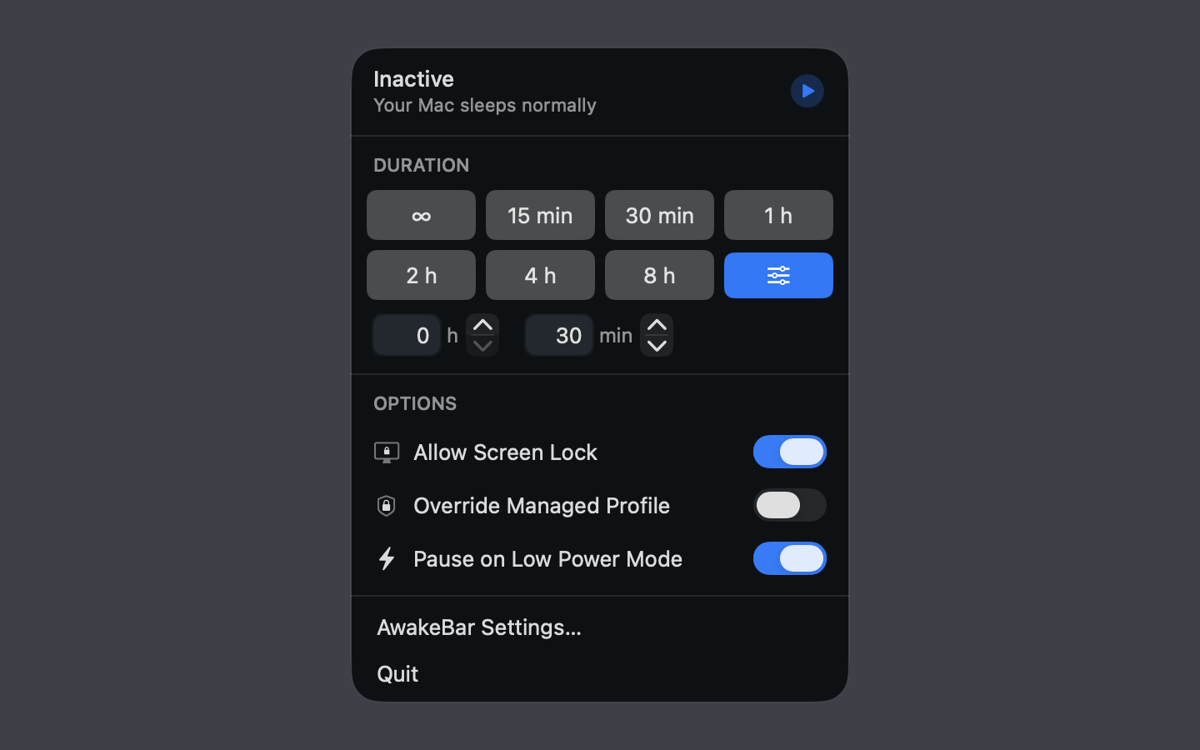
Choose from built-in presets — 15 minutes, 30 minutes, 1, 2, 4, or 8 hours — or type in any custom duration in hours and minutes. Need to stay awake indefinitely? There's a setting for that too.
Screen lock stays an option
Keeping your Mac awake doesn't have to mean leaving it exposed. AwakeBar lets you enable screen lock while the keep-awake session is running — so your display stays on, but unauthorized access stays out.
Low Power Mode and managed Mac support
On MacBooks, AwakeBar can automatically pause when Low Power Mode kicks in, saving your battery when it counts. If you're on a managed device, it can also override your MDM profile's power policy — provided the profile allows it.
Launch at login
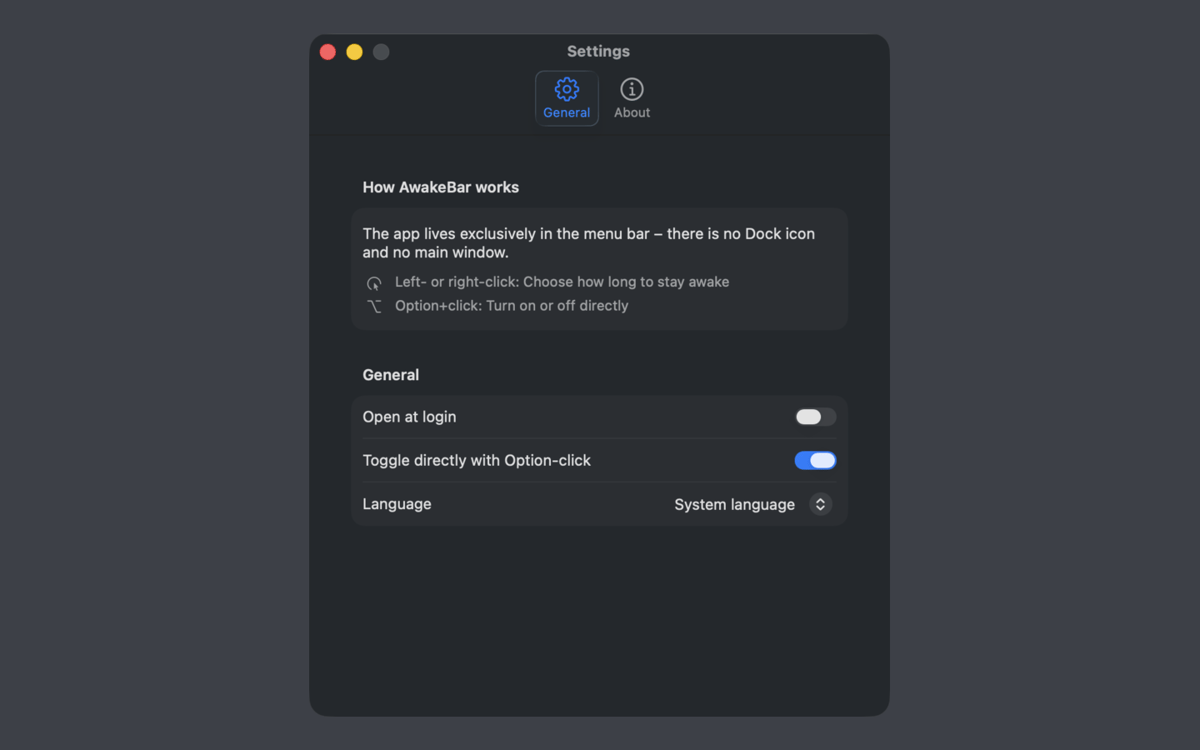
Set AwakeBar to start automatically at login via macOS login items, and it'll always be there when you need it. No manual launch required.
Fully offline, zero data collected
AwakeBar works entirely offline and collects no personal data — not now, not ever. It keeps your Mac awake using standard macOS power management, and that's all it does.
Erhalten Sie Hunderte von Apps mit Membership
Werden Sie Setapp Member und nutzen Sie mit nur einem Abonnement hunderte genialer Apps.
Testen Sie 7 Tage kostenlos, im Anschluss nur eine einfach monatliche Gebühr.
Setapp auf dem Mac installieren
Erkunden Sie Apps für Mac, iOS und Web. Finden Sie einfache Möglichkeiten für die Bewältigung täglicher Aufgaben.

Die gesuchte App finden
In Setapp wartet eine wunderbare App auf Sie. Installieren Sie sie mit einem Klick.

AwakeBar
Abonnement wählen
Eine App oder mehr mit der Setapp Membership. Holen Sie sich Apps, so wie Sie es möchten.

Erhalten Sie Hunderte von Apps mit Membership
Werden Sie Setapp Member und nutzen Sie mit nur einem Abonnement hunderte genialer Apps.
Testen Sie 7 Tage kostenlos, im Anschluss nur eine einfach monatliche Gebühr.
1
Setapp auf dem Mac installieren
Erkunden Sie Apps für Mac, iOS und Web. Finden Sie einfache Möglichkeiten für die Bewältigung täglicher Aufgaben.
2
Die gesuchte App finden
In Setapp wartet eine wunderbare App auf Sie. Installieren Sie sie mit einem Klick.
AwakeBar
3
Abonnement wählen
Eine App oder mehr mit der Setapp Membership. Holen Sie sich Apps, so wie Sie es möchten.
Die besten Apps
Von Planung und Routineaufgaben bis hin zu kreativen Tätigkeiten und Programmieren – mit den Apps von Setapp sind Sie bestens für Aufgaben gerüstet.

TypingMind
KI-Chat mit alternativer UI
Text erzeugen oder zusammenfassen
Prompt-Bibliothek nutzen
KI

Spark Mail
E-Mails verwalten
KI

CleanMyMac
Datenmüll entfernen

Bartender
Menüleiste anpassen

CleanShot X
Vielseitige Bildschirmfotos aufnehmen

Luminar Neo
Fotos bearbeiten
KI

ClearVPN
Sichere Verbindung herstellen

Craft
Mit Dokumenten arbeiten
KI
AwakeBar
Your Mac, wide awake