BeeRoll
Transcribe, cut, caption
Mac
Version 1.0.0
macOS 26.0 oder neuer
58.6 MB
1 Sprachen
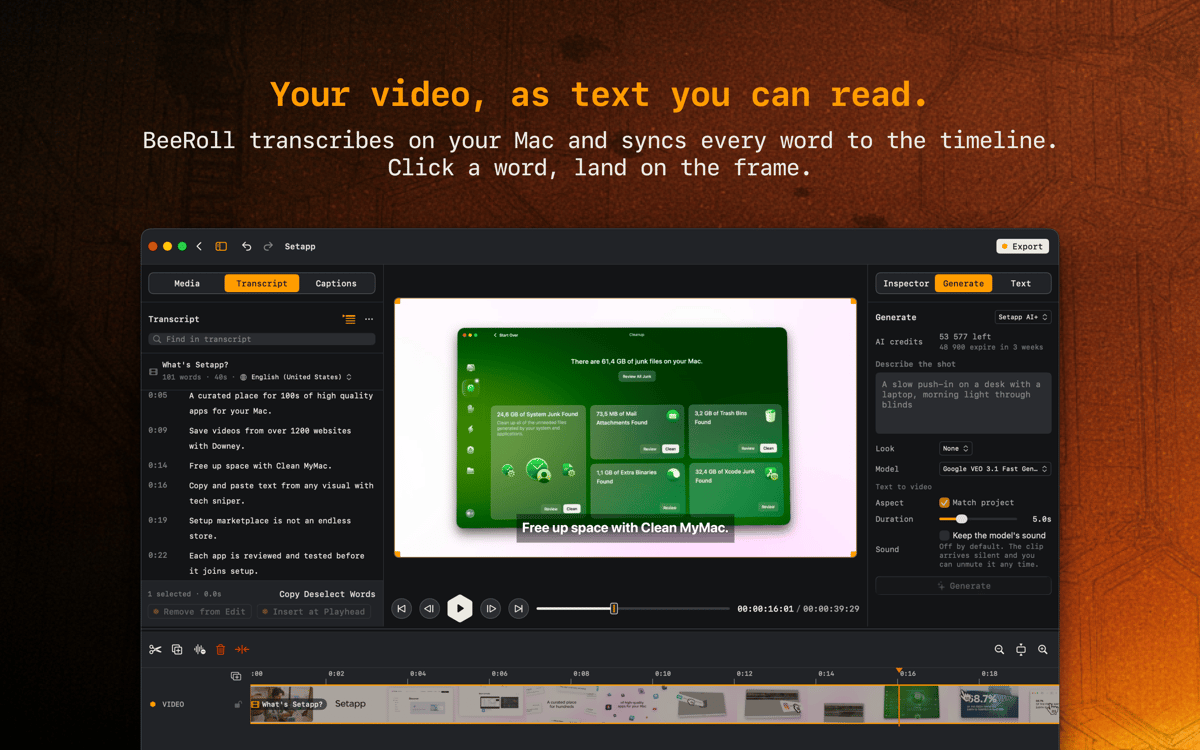
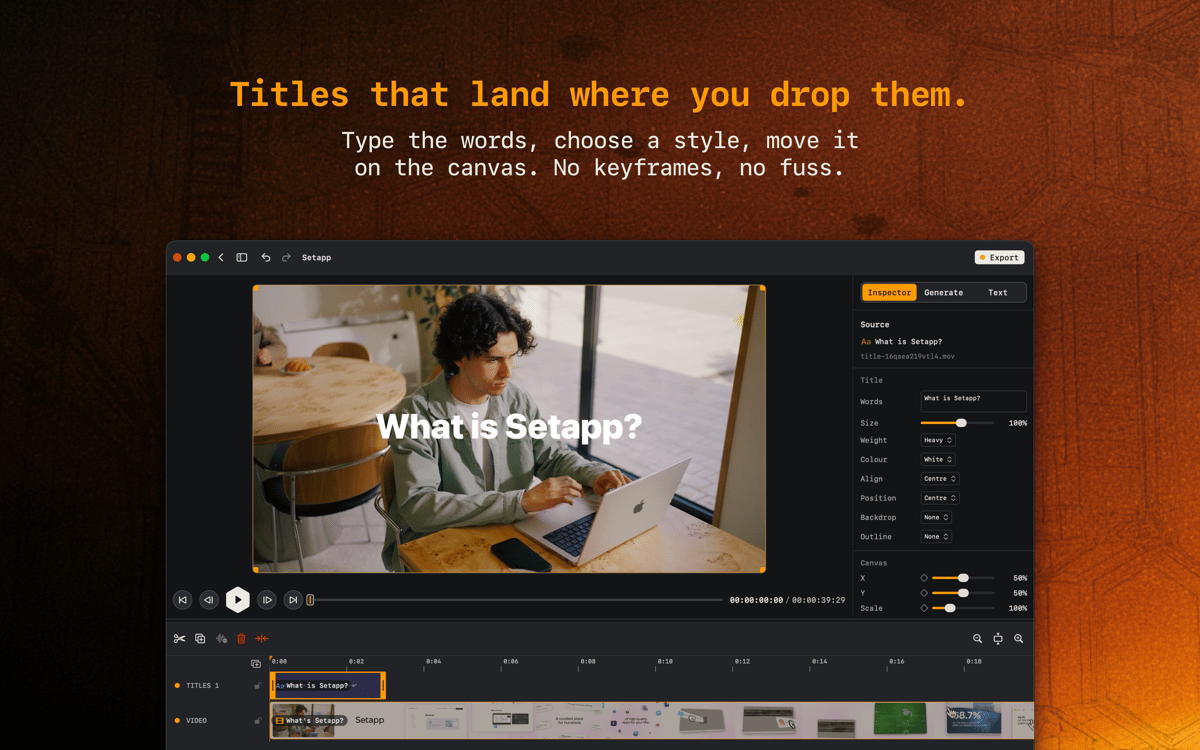
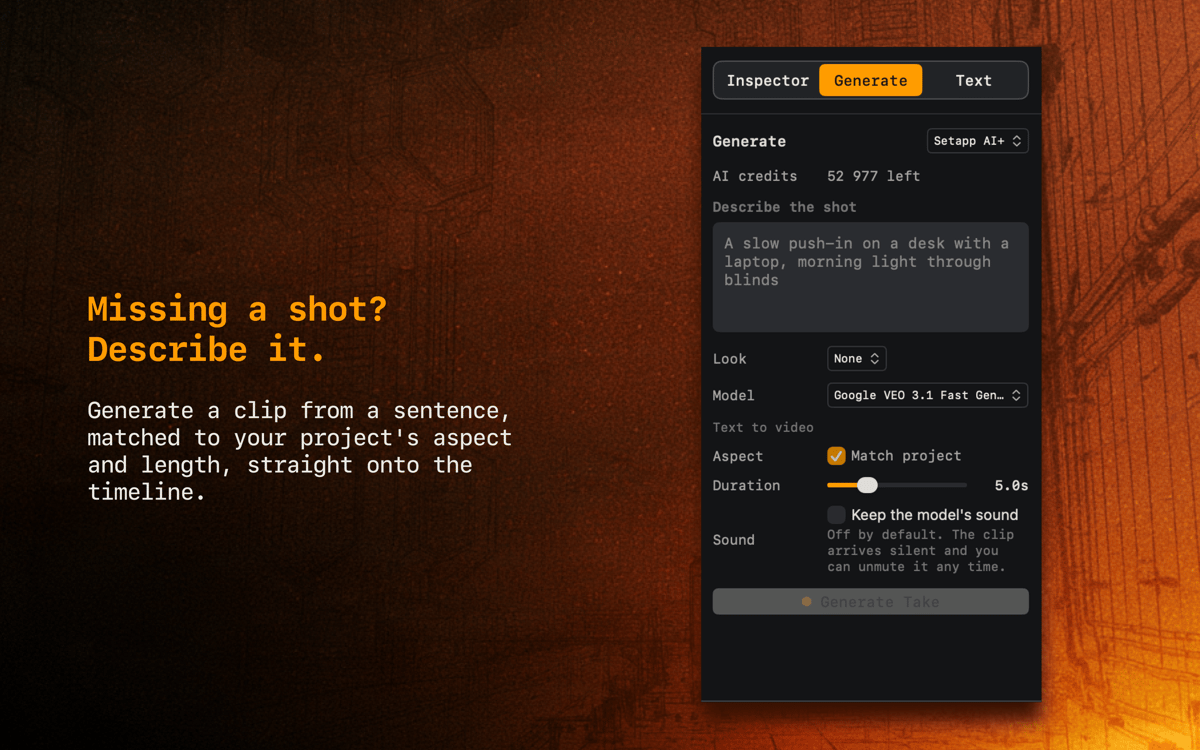
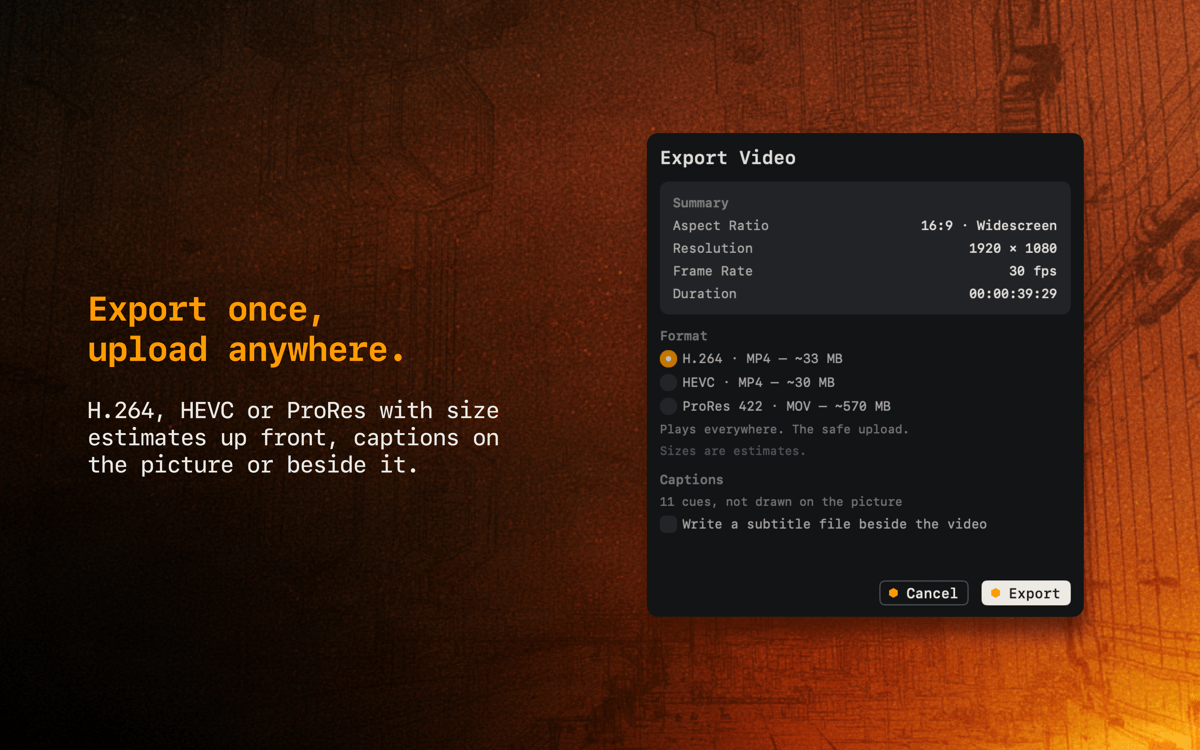
BeeRoll turns your footage into something you can read. Every word lands on the timeline, so finding the right moment means scanning a transcript instead of scrubbing a waveform — click a word, and you're on the frame. Titles go where you drop them, captions burn in or export as a separate file, and when a shot is missing you can describe it and drop the generated clip straight onto the timeline. Export once, upload anywhere.
Cut a video by editing its transcript
Add captions without leaving the app
Drop titles right onto the canvas
Export H.264, HEVC, or ProRes
BeeRoll-Funktionen
Transcription that runs on your Mac
Every word syncs to the timeline, nothing leaves your machine.
Click a word, land on the frame
Search the transcript, select words, cut them out of the edit.
Titles without keyframes
Type the words, pick a style, move it on the canvas.
Captions your way
Burned onto the picture or written beside the video as a subtitle file.
Describe a missing shot
Generate a clip from a sentence, matched to your project's aspect and length. Runs on Setapp AI+ credits.
Export with the numbers up front
H.264, HEVC, or ProRes with size estimates before you commit.
Bewertungen und Rezensionen
BeeRoll
•
7 Bewertungen
Andrii
6. Okt. 2026
App-Version: 1.0.0
Great app! Though I would like to have the ability to generate longer videos
Antwort vom Entwickler
7. Okt. 2026
Hi, Andrii! We're planning to expand the list of available models in future updates, enabling you to generate longer videos. Thank you for trying BeeRoll and sharing your feedback!
Erhalten Sie Hunderte von Apps mit Membership
Werden Sie Setapp Member und nutzen Sie mit nur einem Abonnement hunderte genialer Apps.
Testen Sie 7 Tage kostenlos, im Anschluss nur eine einfach monatliche Gebühr.
Setapp auf dem Mac installieren
Erkunden Sie Apps für Mac, iOS und Web. Finden Sie einfache Möglichkeiten für die Bewältigung täglicher Aufgaben.

Die gesuchte App finden
In Setapp wartet eine wunderbare App auf Sie. Installieren Sie sie mit einem Klick.

BeeRoll
Abonnement wählen
Eine App oder mehr mit der Setapp Membership. Holen Sie sich Apps, so wie Sie es möchten.

Erhalten Sie Hunderte von Apps mit Membership
Werden Sie Setapp Member und nutzen Sie mit nur einem Abonnement hunderte genialer Apps.
Testen Sie 7 Tage kostenlos, im Anschluss nur eine einfach monatliche Gebühr.
1
Setapp auf dem Mac installieren
Erkunden Sie Apps für Mac, iOS und Web. Finden Sie einfache Möglichkeiten für die Bewältigung täglicher Aufgaben.
2
Die gesuchte App finden
In Setapp wartet eine wunderbare App auf Sie. Installieren Sie sie mit einem Klick.
BeeRoll
3
Abonnement wählen
Eine App oder mehr mit der Setapp Membership. Holen Sie sich Apps, so wie Sie es möchten.
Die besten Apps
Von Planung und Routineaufgaben bis hin zu kreativen Tätigkeiten und Programmieren – mit den Apps von Setapp sind Sie bestens für Aufgaben gerüstet.

TypingMind
KI-Chat mit alternativer UI
Text erzeugen oder zusammenfassen
Prompt-Bibliothek nutzen
KI

Spark Mail
E-Mails verwalten
KI

CleanMyMac
Datenmüll entfernen

Bartender
Menüleiste anpassen

CleanShot X
Vielseitige Bildschirmfotos aufnehmen

Luminar Neo
Fotos bearbeiten
KI

ClearVPN
Sichere Verbindung herstellen

Craft
Mit Dokumenten arbeiten
KI
BeeRoll
Transcribe, cut, caption