
choclift
Turn iPhone into a touch bar
Mac, iOS
Version 2.3.6
macOS 14 oder neuer
39.3 MB
8 Sprachen
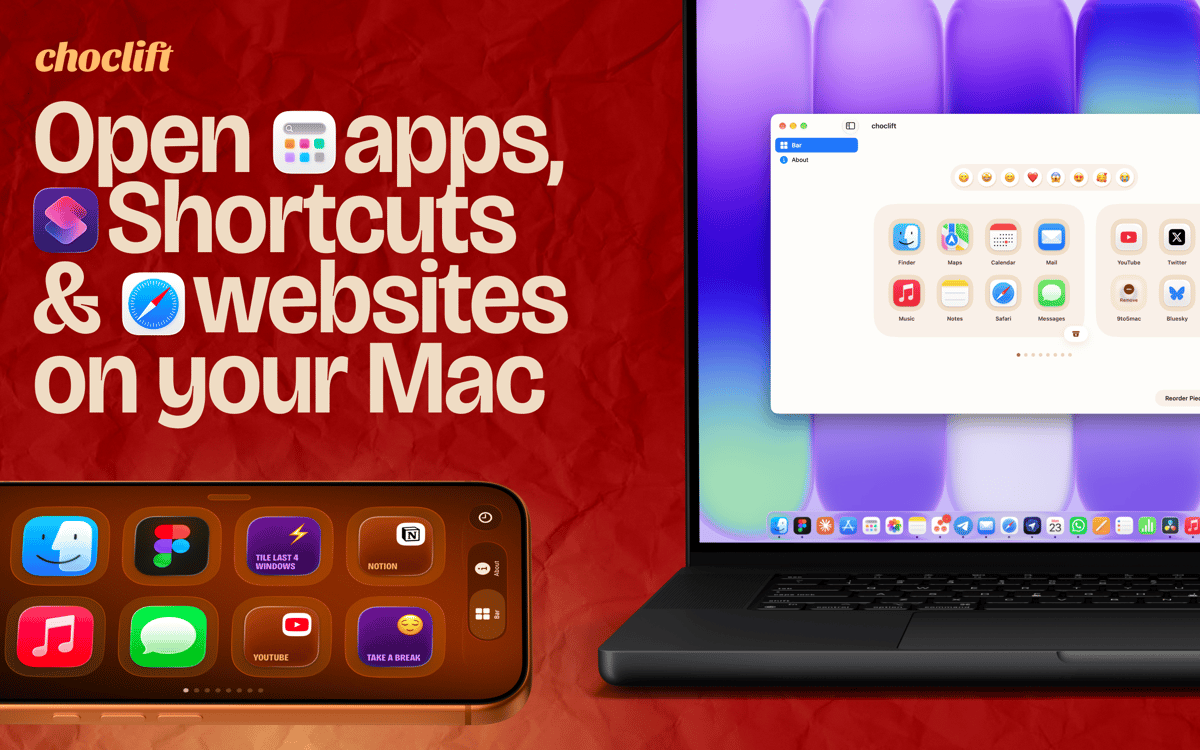
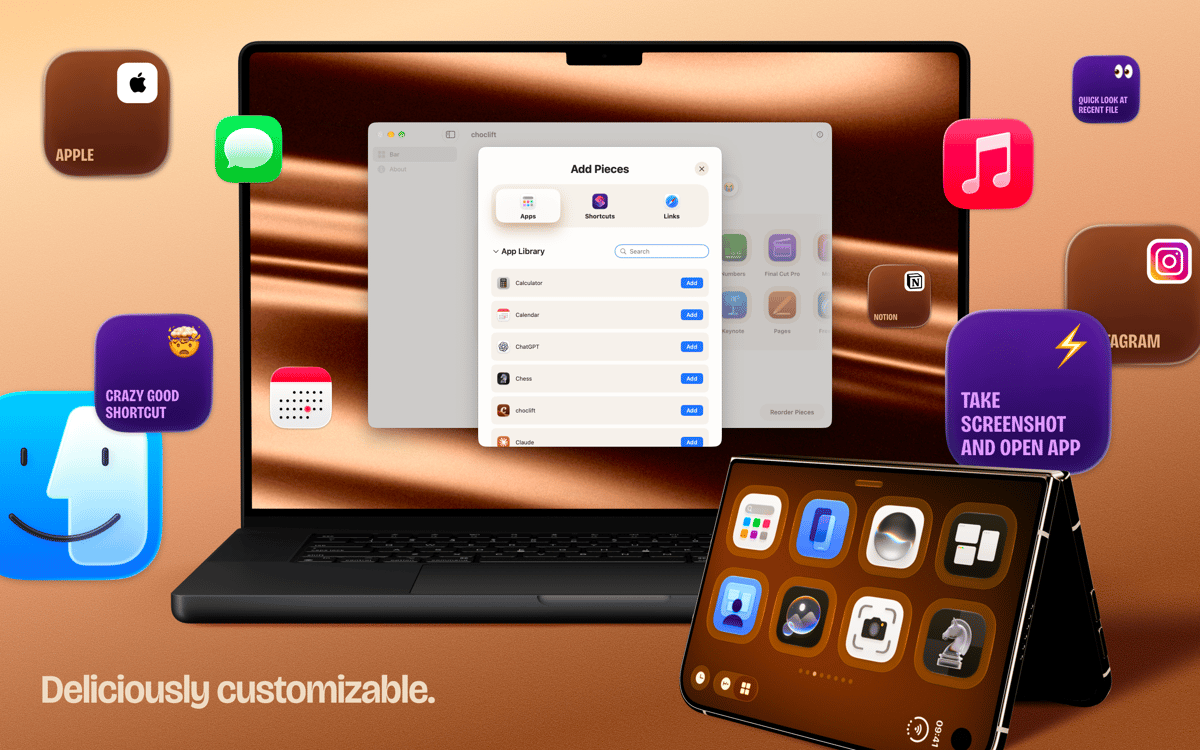
choclift is the third input device you didn't know your Mac needed. It turns your iPhone or iPad into a touch (chocolate) bar, so your favorite apps, Apple Shortcuts, and website bookmarks are always one tap away. Expect a beautiful design, a satisfying feel, and a few sweet chocolate references along the way. One thing to know: you need choclift installed on both your Mac and your iPhone or iPad. It's also highly optimized for iPhone Duo.
Launch apps, Shortcuts and websites in one tap
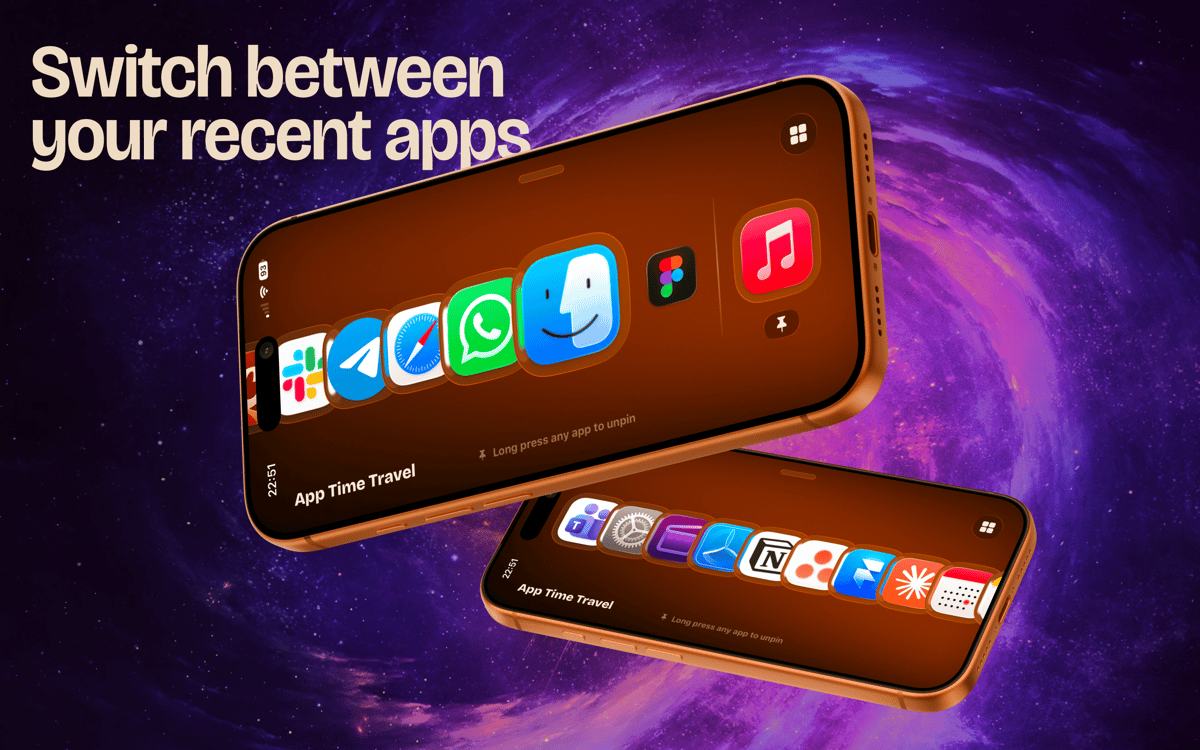
Switch between recently opened apps in an instant
Use swipe gestures for common actions
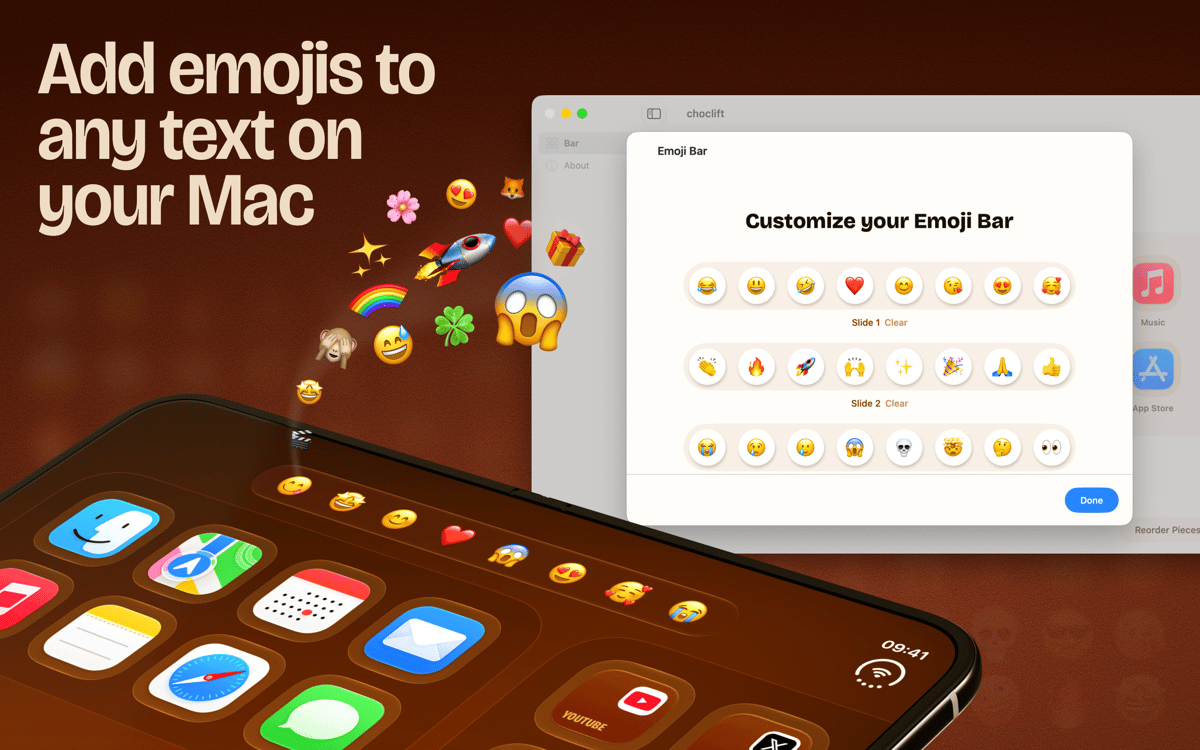
Pick emojis right where you type
choclift-Funktionen
Keep your favorites one tap away
Set up to eight pages in your choclift bar. Fill them with the apps, Apple Shortcuts, and website bookmarks you reach for most. No more digging through the Dock or menus. Just tap and go.
Switch apps and drag things faster
Tapping an app on choclift feels great, and it does more than launch. You can switch between apps in an instant and speed up drag and drop. Small time savers add up quickly when you do them all day.
Let App Time Travel follow your workflow
This is a smart dock that shows the apps you opened recently. It adapts as you work, so the apps you need next are usually already there. No setup, no rearranging.
Swipe through your windows
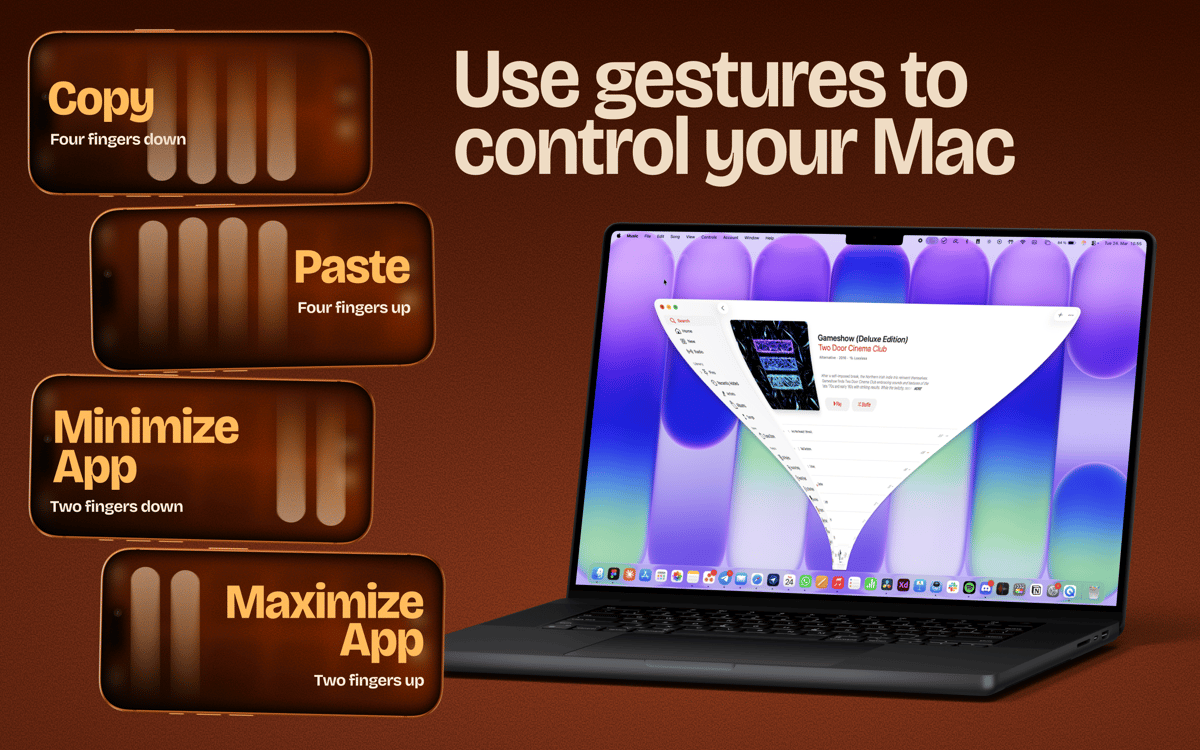
choclift isn't limited by physical buttons, so it can do things a Stream Deck can't. Swipe to minimize or maximize a window. Swipe to copy and paste. It's a different way to work, and it clicks fast.
Add emojis without breaking your flow
Turn on Emoji Bar and get a toolbar for your favorite emojis whenever you type in a text field on your Mac. Tap one and keep writing. It's optional, and it's a nice example of what a touchscreen can do.
Erhalten Sie Hunderte von Apps mit Membership
Werden Sie Setapp Member und nutzen Sie mit nur einem Abonnement hunderte genialer Apps.
Testen Sie 7 Tage kostenlos, im Anschluss nur eine einfach monatliche Gebühr.
Setapp auf dem Mac installieren
Erkunden Sie Apps für Mac, iOS und Web. Finden Sie einfache Möglichkeiten für die Bewältigung täglicher Aufgaben.

Die gesuchte App finden
In Setapp wartet eine wunderbare App auf Sie. Installieren Sie sie mit einem Klick.

choclift
Abonnement wählen
Eine App oder mehr mit der Setapp Membership. Holen Sie sich Apps, so wie Sie es möchten.

Erhalten Sie Hunderte von Apps mit Membership
Werden Sie Setapp Member und nutzen Sie mit nur einem Abonnement hunderte genialer Apps.
Testen Sie 7 Tage kostenlos, im Anschluss nur eine einfach monatliche Gebühr.
1
Setapp auf dem Mac installieren
Erkunden Sie Apps für Mac, iOS und Web. Finden Sie einfache Möglichkeiten für die Bewältigung täglicher Aufgaben.
2
Die gesuchte App finden
In Setapp wartet eine wunderbare App auf Sie. Installieren Sie sie mit einem Klick.
choclift
3
Abonnement wählen
Eine App oder mehr mit der Setapp Membership. Holen Sie sich Apps, so wie Sie es möchten.
Die besten Apps
Von Planung und Routineaufgaben bis hin zu kreativen Tätigkeiten und Programmieren – mit den Apps von Setapp sind Sie bestens für Aufgaben gerüstet.

TypingMind
KI-Chat mit alternativer UI
Text erzeugen oder zusammenfassen
Prompt-Bibliothek nutzen
KI

Spark Mail
E-Mails verwalten
KI

CleanMyMac
Datenmüll entfernen

Bartender
Menüleiste anpassen

CleanShot X
Vielseitige Bildschirmfotos aufnehmen

Luminar Neo
Fotos bearbeiten
KI

ClearVPN
Sichere Verbindung herstellen

Craft
Mit Dokumenten arbeiten
KI
choclift
Turn iPhone into a touch bar