ChopShop
Edit video. Skip the drama

Mac
Version 2.2
macOS 15.0 oder neuer
37.5 MB
11 Sprachen
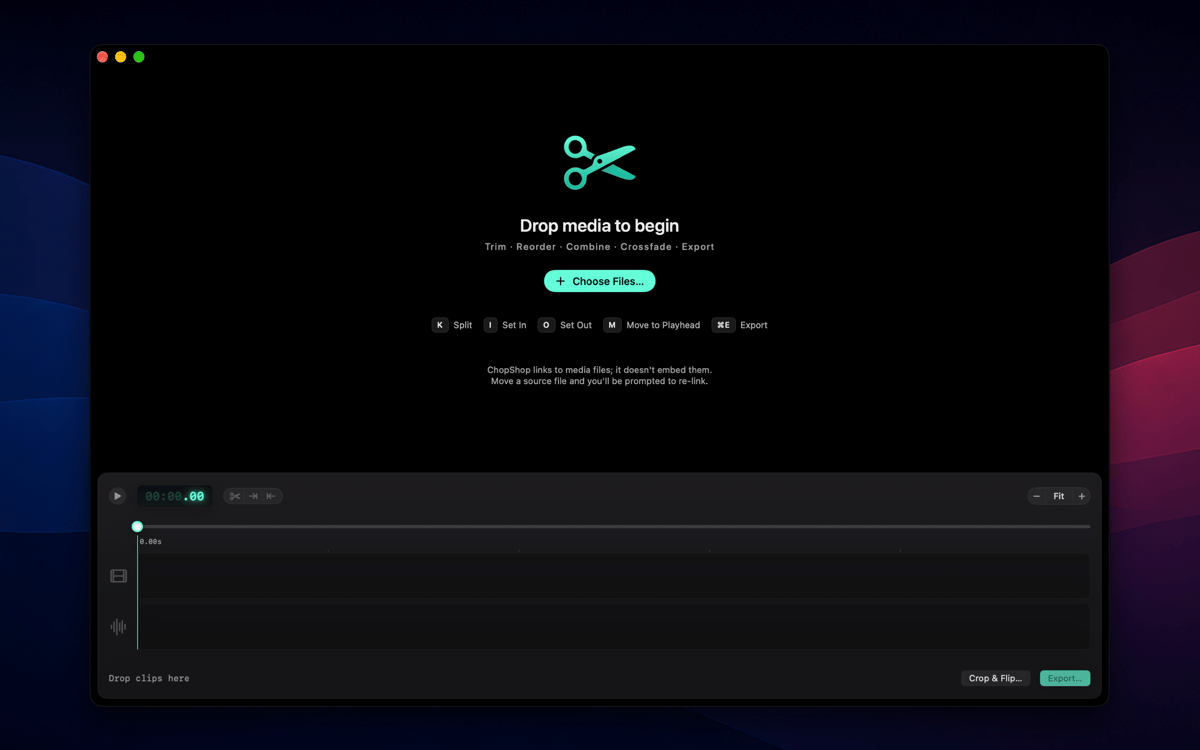
ChopShop is a fast, focused video editor for Mac. Drop in your clips, trim them down, and export — no project setup, no subscriptions, no ceremony. It's built for the everyday cut: the screen recording you need to shorten, the voice memo sequence you want to tidy up, the clip you'd like to play in reverse. ChopShop gets out of the way and lets you get it done.
Trim and export a screen recording fast
Cut voice memos into a clean sequence
Reverse a clip for a creative effect
Edit on the timeline, no project setup
ChopShop-Funktionen
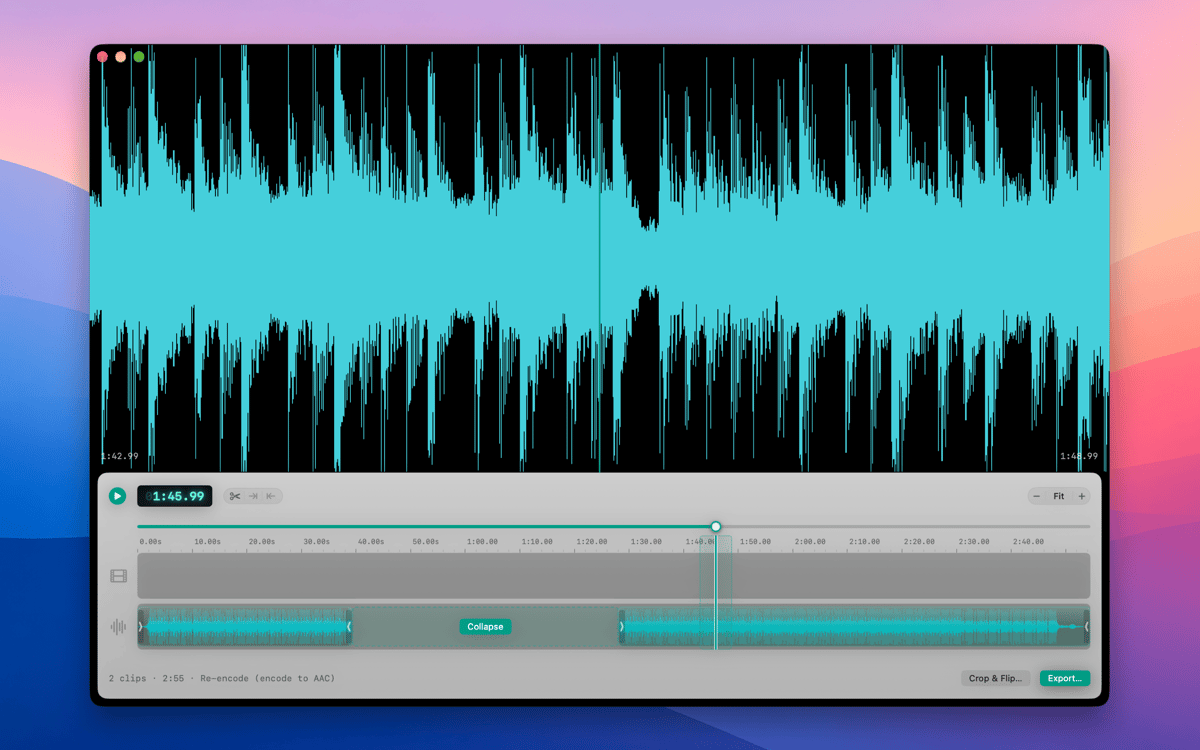
Two-track timeline
Lay video and audio side by side, overlap them, and arrange everything exactly where you want it. No nesting, no nested sequences, no surprises — just a clean two-track layout that does what you expect.
Frame-accurate editing
Split clips at the playhead, set in and out points, and nudge by a single frame or ten at a time. Single-key shortcuts for splits and I/O points keep your hands on the keyboard and your edit moving.
Reverse and retime
Flip any clip to play backward or dial in a new speed — ChopShop pre-renders the result so playback stays smooth. Great for effect shots or slowing down a detail you want viewers to catch.
Linked and unlinked audio
Keep a clip's sound married to its picture when you need them to move together — or break them apart when you don't. Full control over which way your audio behaves, always.
Live preview and frame copy
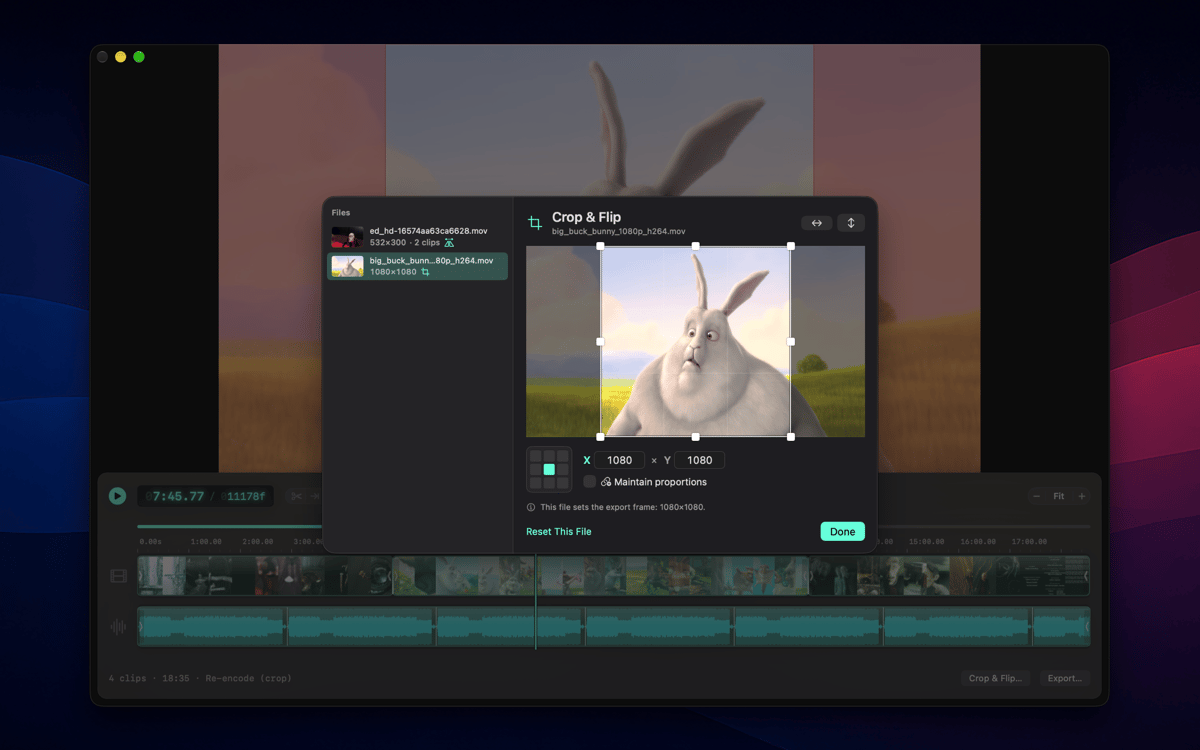
Size the preview window to fit your footage in one click, then copy the current frame straight to your clipboard whenever you need a still. What you see is exactly what you'll export.
Native Mac app, lightweight by design
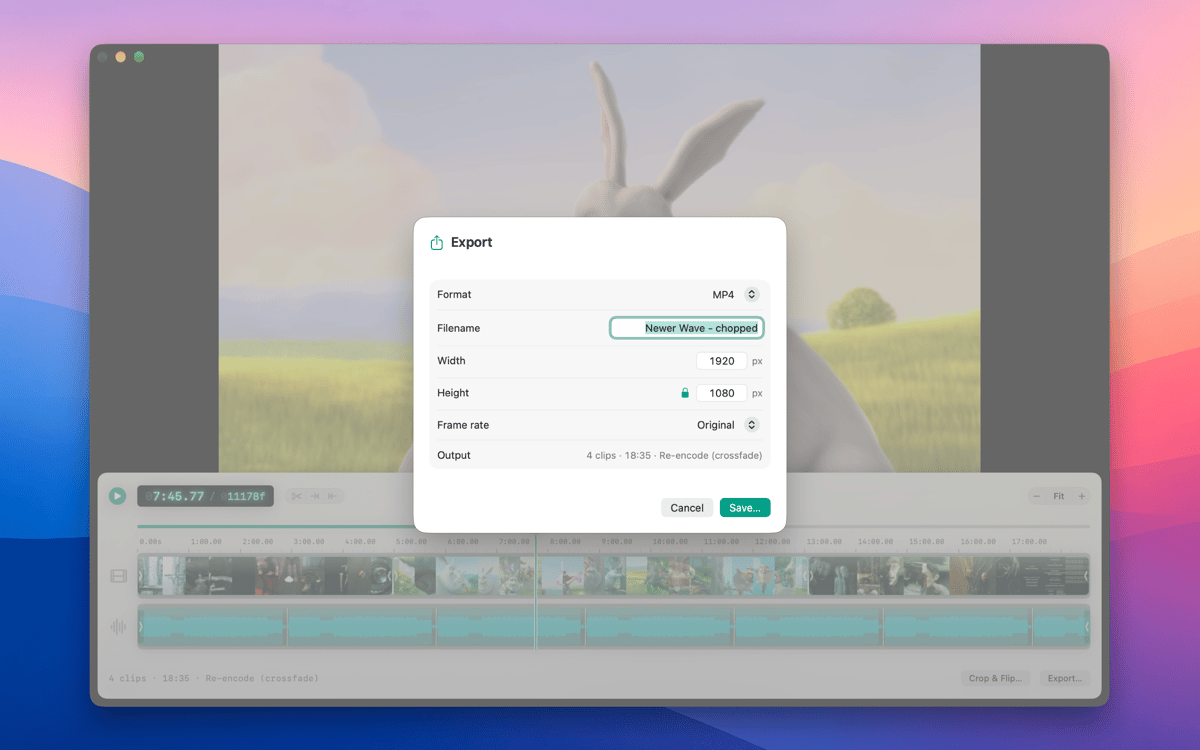
ChopShop is a true Mac app — document-based .chop format, multi-window editing, full undo/redo, and copy/paste of clips. It imports MP4, MOV, M4A and more, exports fast, and stays out of your Dock when you're not using it. Available in 11 languages.
Erhalten Sie Hunderte von Apps mit Membership
Werden Sie Setapp Member und nutzen Sie mit nur einem Abonnement hunderte genialer Apps.
Testen Sie 7 Tage kostenlos, im Anschluss nur eine einfach monatliche Gebühr.
Setapp auf dem Mac installieren
Erkunden Sie Apps für Mac, iOS und Web. Finden Sie einfache Möglichkeiten für die Bewältigung täglicher Aufgaben.

Die gesuchte App finden
In Setapp wartet eine wunderbare App auf Sie. Installieren Sie sie mit einem Klick.

ChopShop
Abonnement wählen
Eine App oder mehr mit der Setapp Membership. Holen Sie sich Apps, so wie Sie es möchten.

Erhalten Sie Hunderte von Apps mit Membership
Werden Sie Setapp Member und nutzen Sie mit nur einem Abonnement hunderte genialer Apps.
Testen Sie 7 Tage kostenlos, im Anschluss nur eine einfach monatliche Gebühr.
1
Setapp auf dem Mac installieren
Erkunden Sie Apps für Mac, iOS und Web. Finden Sie einfache Möglichkeiten für die Bewältigung täglicher Aufgaben.
2
Die gesuchte App finden
In Setapp wartet eine wunderbare App auf Sie. Installieren Sie sie mit einem Klick.
ChopShop
3
Abonnement wählen
Eine App oder mehr mit der Setapp Membership. Holen Sie sich Apps, so wie Sie es möchten.
Die besten Apps
Von Planung und Routineaufgaben bis hin zu kreativen Tätigkeiten und Programmieren – mit den Apps von Setapp sind Sie bestens für Aufgaben gerüstet.

TypingMind
KI-Chat mit alternativer UI
Text erzeugen oder zusammenfassen
Prompt-Bibliothek nutzen
KI

Spark Mail
E-Mails verwalten
KI

CleanMyMac
Datenmüll entfernen

Bartender
Menüleiste anpassen

CleanShot X
Vielseitige Bildschirmfotos aufnehmen

Luminar Neo
Fotos bearbeiten
KI

ClearVPN
Sichere Verbindung herstellen

Craft
Mit Dokumenten arbeiten
KI
ChopShop
Edit video. Skip the drama