
Contain
Bring your Mac windows together in tabs
Mac
Version 1.5.0
macOS 13.0 oder neuer
2.5 MB
1 Sprachen
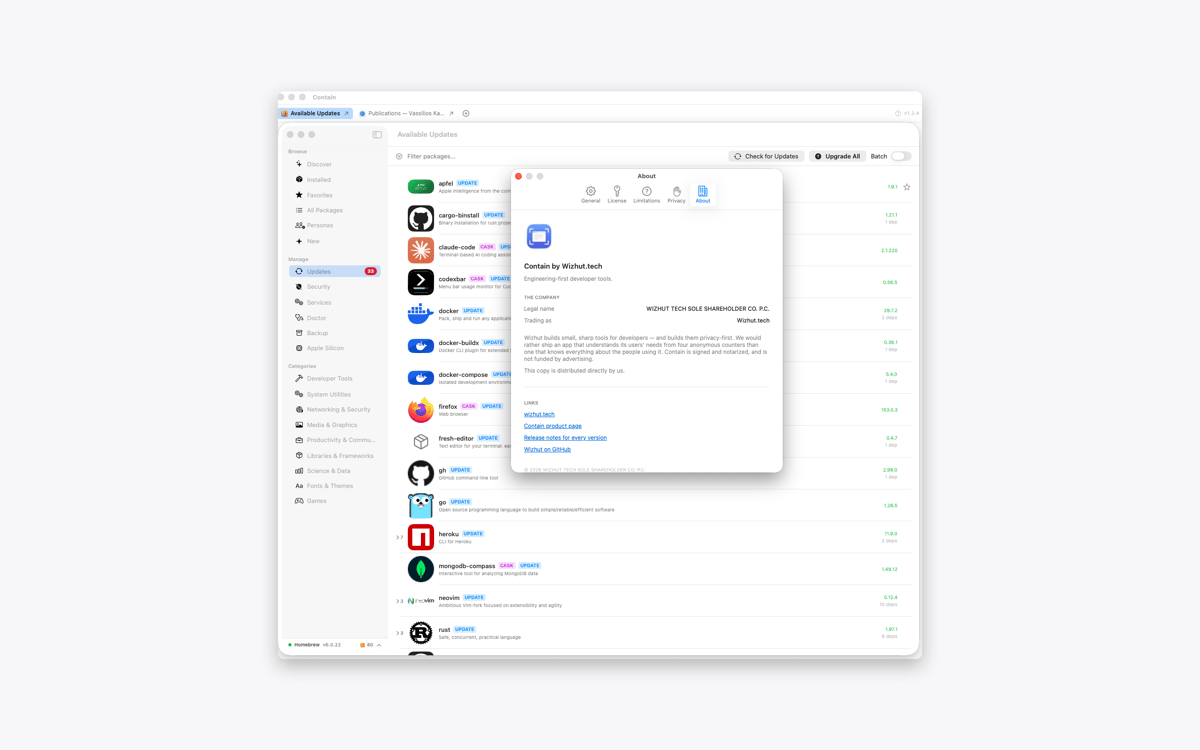
Contain is a tabbed window manager for Mac. Gather documents, browser windows, terminals, and other windows into one resizable container. Each window gets its own tab, so switching between tasks takes one click. When you release a window, it returns to its previous size and position.
Gather windows from different apps
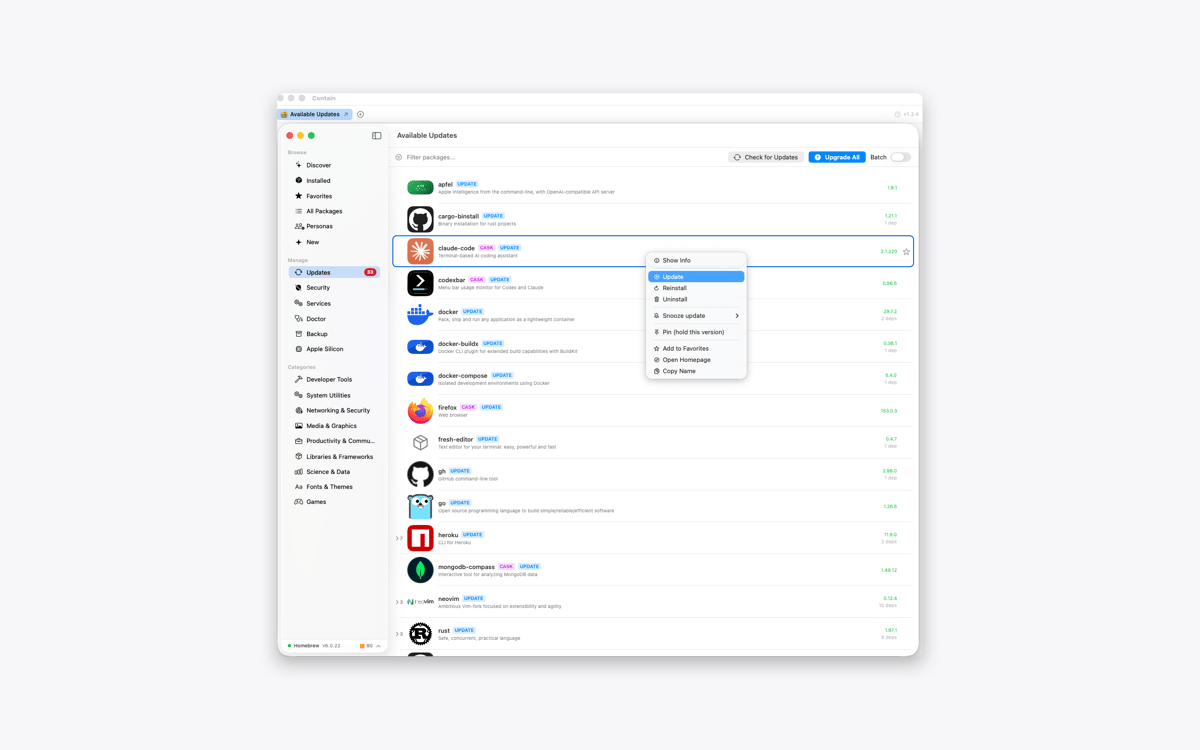
Switch between them using tabs
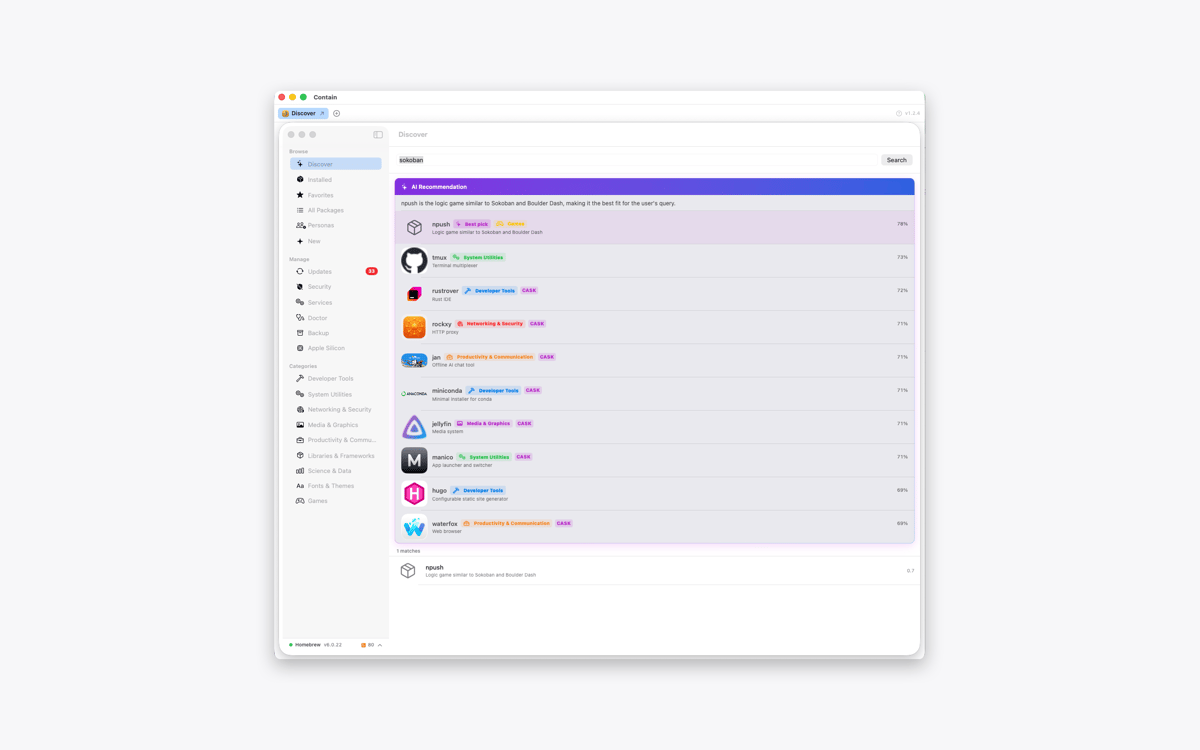
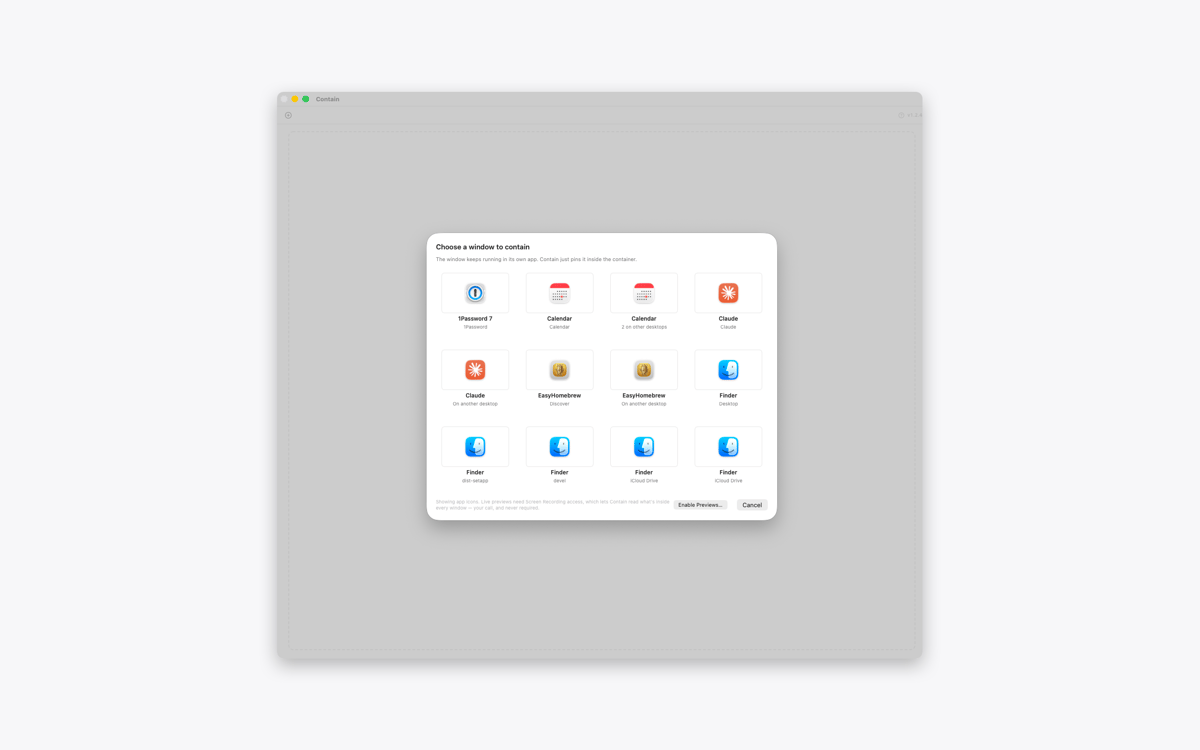
Find windows across desktops and displays
Restore every window to its previous layout
Contain-Funktionen
Keep different apps together
Collect the windows you need inside one tidy container. Add a document, browser, terminal, or any other open window without changing the rest of your desktop.
Give every window a tab
Contain creates one tab per window, not one per app. If you’re working with three documents from the same app, you’ll get three separate tabs. Click a tab to switch between them.
Find windows across your Mac
Open the grid picker to see windows from different desktops and displays. Select one, and Contain brings it into your current workspace. With optional Screen Recording access, the picker can show live previews instead of app icons.
Move and resize as one
Move or resize the container, and the active window follows along. Use the green window button to fill the display and resize every contained window to match.
Release windows without losing your layout
Click the release button to return a window to the desktop. Contain restores its previous position, size, display, and full-screen state. Quit the app, and all contained windows go back where they were.
Keep every window interactive
Contain doesn’t copy or mirror your windows. The original windows remain fully interactive inside the container, while other windows from the same apps stay untouched.
Erhalten Sie Hunderte von Apps mit Membership
Werden Sie Setapp Member und nutzen Sie mit nur einem Abonnement hunderte genialer Apps.
Testen Sie 7 Tage kostenlos, im Anschluss nur eine einfach monatliche Gebühr.
Setapp auf dem Mac installieren
Erkunden Sie Apps für Mac, iOS und Web. Finden Sie einfache Möglichkeiten für die Bewältigung täglicher Aufgaben.

Die gesuchte App finden
In Setapp wartet eine wunderbare App auf Sie. Installieren Sie sie mit einem Klick.

Contain
Abonnement wählen
Eine App oder mehr mit der Setapp Membership. Holen Sie sich Apps, so wie Sie es möchten.

Erhalten Sie Hunderte von Apps mit Membership
Werden Sie Setapp Member und nutzen Sie mit nur einem Abonnement hunderte genialer Apps.
Testen Sie 7 Tage kostenlos, im Anschluss nur eine einfach monatliche Gebühr.
1
Setapp auf dem Mac installieren
Erkunden Sie Apps für Mac, iOS und Web. Finden Sie einfache Möglichkeiten für die Bewältigung täglicher Aufgaben.
2
Die gesuchte App finden
In Setapp wartet eine wunderbare App auf Sie. Installieren Sie sie mit einem Klick.
Contain
3
Abonnement wählen
Eine App oder mehr mit der Setapp Membership. Holen Sie sich Apps, so wie Sie es möchten.
Die besten Apps
Von Planung und Routineaufgaben bis hin zu kreativen Tätigkeiten und Programmieren – mit den Apps von Setapp sind Sie bestens für Aufgaben gerüstet.

TypingMind
KI-Chat mit alternativer UI
Text erzeugen oder zusammenfassen
Prompt-Bibliothek nutzen
KI

Spark Mail
E-Mails verwalten
KI

CleanMyMac
Datenmüll entfernen

Bartender
Menüleiste anpassen

CleanShot X
Vielseitige Bildschirmfotos aufnehmen

Luminar Neo
Fotos bearbeiten
KI

ClearVPN
Sichere Verbindung herstellen

Craft
Mit Dokumenten arbeiten
KI
Contain
Bring your Mac windows together in tabs