
DateDrop
Drop a date and time in a click
Mac
Version 2.2.0
macOS 14.0 oder neuer
15.2 MB
11 Sprachen
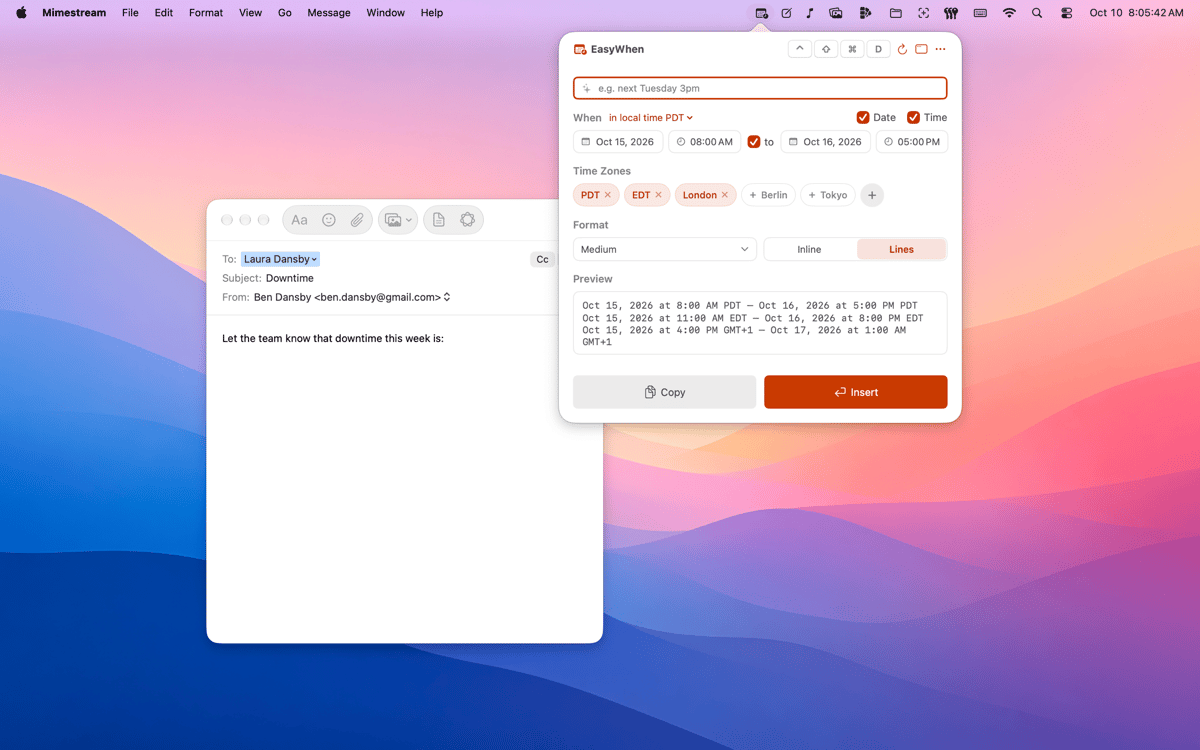
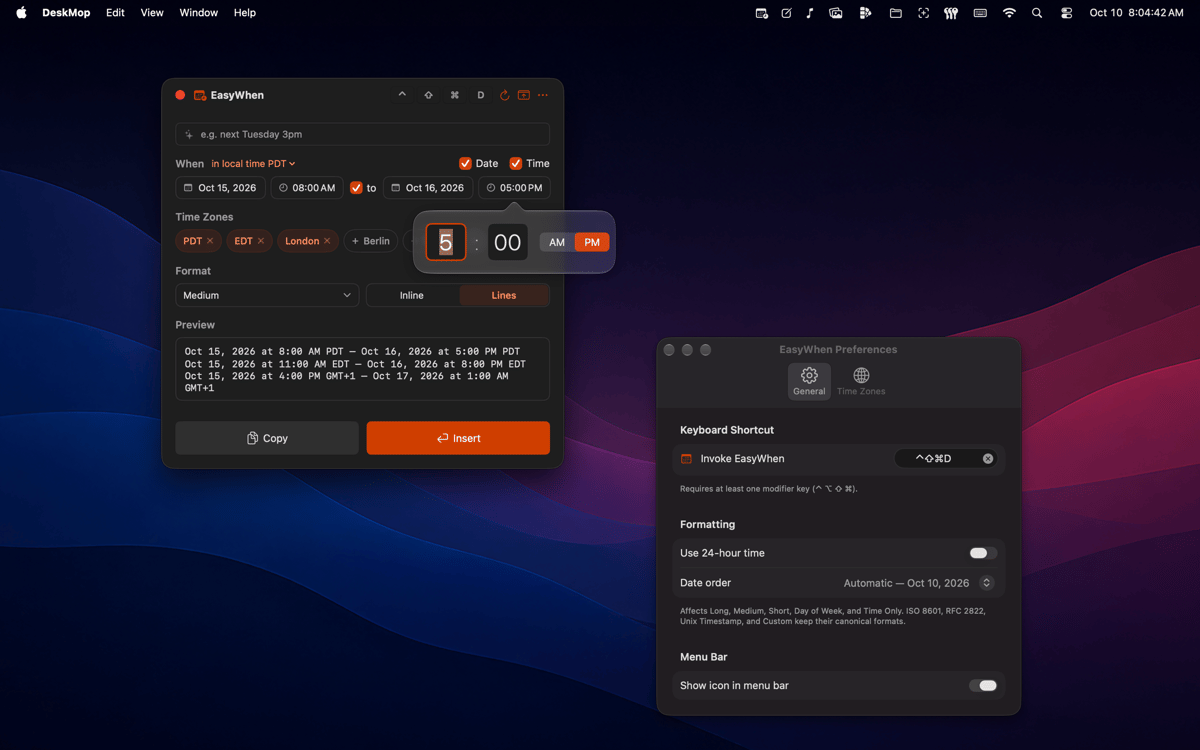
DateDrop sits in your menu bar with every date and time format you actually use. Pick your date and time, then copy or insert — no typing, no re-formatting, no second-guessing. It speaks every time zone, every locale, and any custom format you save.
Meeting times across time zones
Timestamps for files and exports
Invoices and receipts, dated right
Custom formats — save once, reuse forever
DateDrop-Funktionen
Always one shortcut away
A global hotkey brings DateDrop up from anywhere on your Mac — mid-document, mid-email, mid-anything. No switching windows, no hunting through apps. It's just there when you need it.
Every format you actually use
ISO, RFC, polite-email, filename-safe — DateDrop comes loaded with the formats that show up in real work. Switch between them in a click. No formatting guides needed, ever again.
Time-zone aware from the start
Set up the time zones you work with and DateDrop remembers them. Pick your time, choose your zone, paste — and everyone on the other end sees the right time in their locale. No mental math, no timezone converters.
Build your own formats
Build your own formats
Menu-bar native, nothing to manage
DateDrop doesn't ask for a window or a spot in your Dock. It sits quietly in the menu bar and appears on demand. Clean, lightweight, and always exactly where you left it.
Tiny on memory
Native Swift, no Electron, no background drain.
Erhalten Sie Hunderte von Apps mit Membership
Werden Sie Setapp Member und nutzen Sie mit nur einem Abonnement hunderte genialer Apps.
Testen Sie 7 Tage kostenlos, im Anschluss nur eine einfach monatliche Gebühr.
Setapp auf dem Mac installieren
Erkunden Sie Apps für Mac, iOS und Web. Finden Sie einfache Möglichkeiten für die Bewältigung täglicher Aufgaben.

Die gesuchte App finden
In Setapp wartet eine wunderbare App auf Sie. Installieren Sie sie mit einem Klick.

DateDrop
Abonnement wählen
Eine App oder mehr mit der Setapp Membership. Holen Sie sich Apps, so wie Sie es möchten.

Erhalten Sie Hunderte von Apps mit Membership
Werden Sie Setapp Member und nutzen Sie mit nur einem Abonnement hunderte genialer Apps.
Testen Sie 7 Tage kostenlos, im Anschluss nur eine einfach monatliche Gebühr.
1
Setapp auf dem Mac installieren
Erkunden Sie Apps für Mac, iOS und Web. Finden Sie einfache Möglichkeiten für die Bewältigung täglicher Aufgaben.
2
Die gesuchte App finden
In Setapp wartet eine wunderbare App auf Sie. Installieren Sie sie mit einem Klick.
DateDrop
3
Abonnement wählen
Eine App oder mehr mit der Setapp Membership. Holen Sie sich Apps, so wie Sie es möchten.
Die besten Apps
Von Planung und Routineaufgaben bis hin zu kreativen Tätigkeiten und Programmieren – mit den Apps von Setapp sind Sie bestens für Aufgaben gerüstet.

TypingMind
KI-Chat mit alternativer UI
Text erzeugen oder zusammenfassen
Prompt-Bibliothek nutzen
KI

Spark Mail
E-Mails verwalten
KI

CleanMyMac
Datenmüll entfernen

Bartender
Menüleiste anpassen

CleanShot X
Vielseitige Bildschirmfotos aufnehmen

Luminar Neo
Fotos bearbeiten
KI

ClearVPN
Sichere Verbindung herstellen

Craft
Mit Dokumenten arbeiten
KI
DateDrop
Drop a date and time in a click