Desktop Composer
Customize & switch macOS looks
Mac
Version 1.2
macOS 26 oder neuer
50.2 MB
10 Sprachen
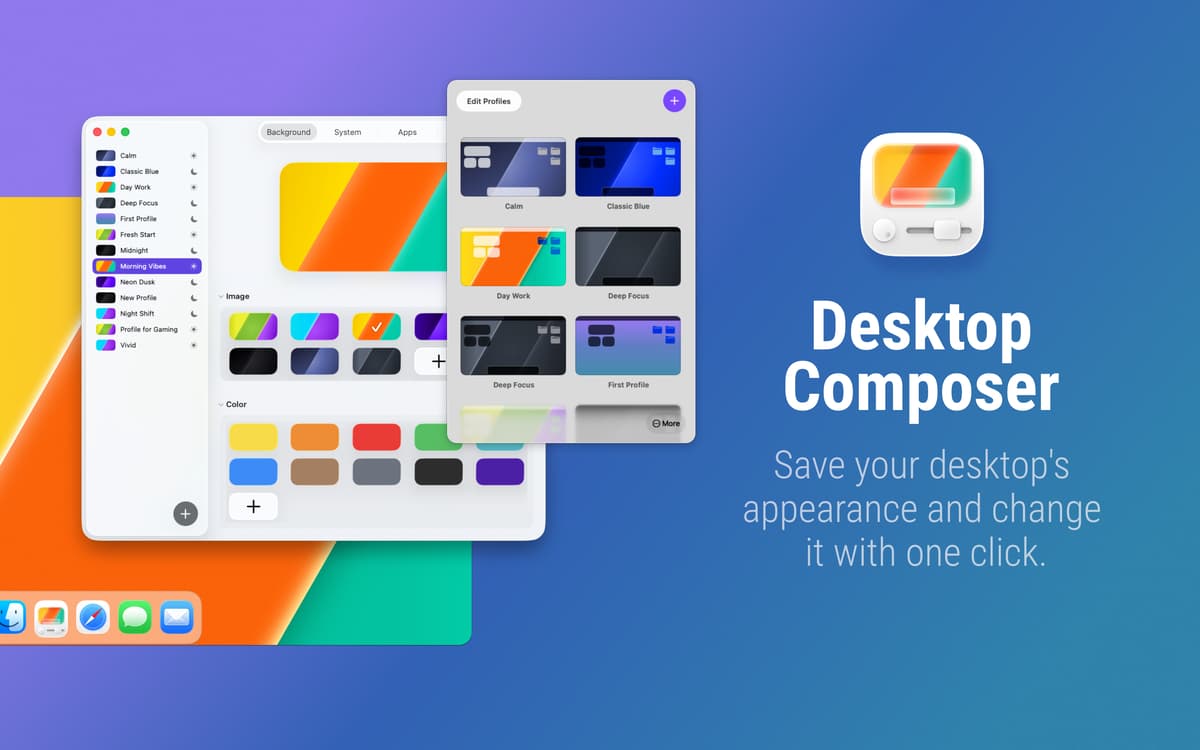
Do you want a minimalist setup for deep work and a vibrant vibe for creative sessions? Why manually toggle system settings and app themes every time? Desktop Composer combines your entire macOS aesthetic into one-click profiles, finally allowing your environment to keep up with your brain.
Create multiple profiles for every mood
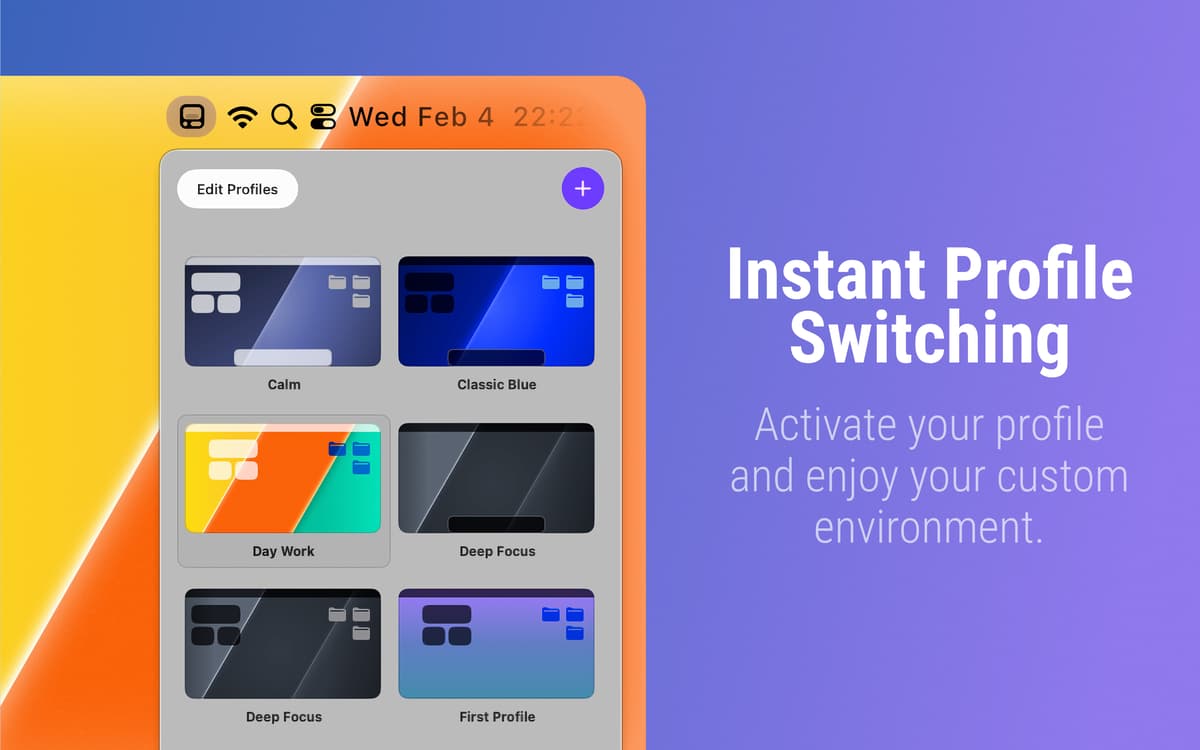
Switch Mac looks instantly
Schedule profiles to apply automatically
Sync settings via iCloud
Desktop Composer-Funktionen
Create profiles for your macOS aesthetic
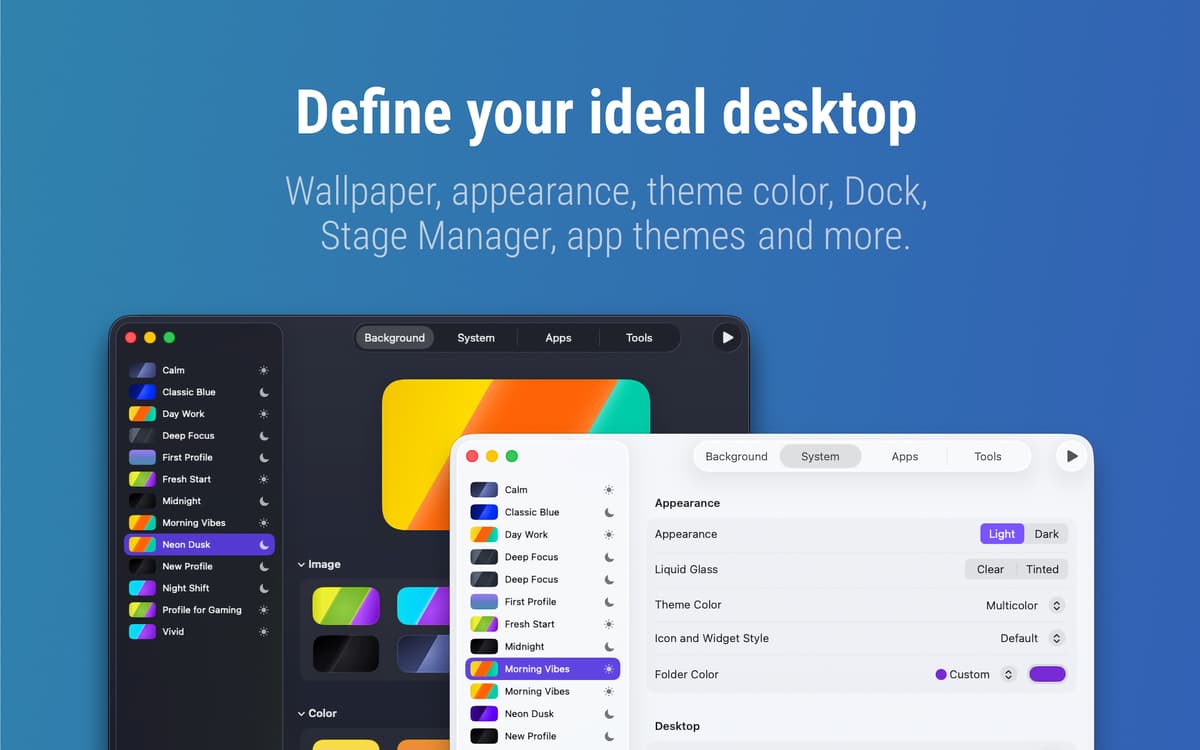
Why spend ten minutes clicking through menus when you could be working? This app captures everything, from your wallpaper and Dock position to your Terminal and Xcode themes. It even handles Tahoe’s new folder colors and widget styles. Save your favorite “workspace outfits” once, then swap your entire environment whenever you need a change of pace.
Automate your workspace transitions
Your Mac should know when it’s time to shift gears. You can schedule profiles for specific times or link them directly to Focus modes. For example, your “Coding” profile can activate the moment you start a deep work session, while your “Meeting” profile can hide your messy desktop icons and widgets the moment you start a screen share.
Define exactly what never changes
Is there a specific setting you want to keep permanent? You can disable options selectively, either globally or per profile, which gives you total control over what the app modifies. This allows you to keep your favorite configurations locked in while the rest of the look evolves.
Carry your setups across devices
Your hard-earned setups shouldn’t be trapped on just one machine. Everything stays synced via iCloud, so your MacBook and iMac always feel consistent. For added security, the app also creates local backups of your profiles. Now, your ideal workspace follows you wherever you go, safe and ready for your next project.
Bewertungen und Rezensionen
Desktop Composer
•
37 Bewertungen
Ben Pruitt
25. Mai 2026
App-Version: 1.1
HEY!, what a great idea and great implementation
Eric Vorm
30. März 2026
App-Version: 1.1
Beautiful and simple. Sometimes makes my dock appear even though I have it set to auto-hide. Generally I love this app!
Antwort vom Entwickler
31. März 2026
Thank you!
Christopher Cook
25. März 2026
App-Version: 1.1
I didn’t fully read the app page for this. I was flabbergasted when I was tabbing through the settings and saw it supported setting themes in other apps like VS Code. ⭐⭐⭐⭐⭐
Erhalten Sie Hunderte von Apps mit Membership
Werden Sie Setapp Member und nutzen Sie mit nur einem Abonnement hunderte genialer Apps.
Testen Sie 7 Tage kostenlos, im Anschluss nur eine einfach monatliche Gebühr.
Setapp auf dem Mac installieren
Erkunden Sie Apps für Mac, iOS und Web. Finden Sie einfache Möglichkeiten für die Bewältigung täglicher Aufgaben.

Die gesuchte App finden
In Setapp wartet eine wunderbare App auf Sie. Installieren Sie sie mit einem Klick.

Desktop Composer
Abonnement wählen
Eine App oder mehr mit der Setapp Membership. Holen Sie sich Apps, so wie Sie es möchten.

Erhalten Sie Hunderte von Apps mit Membership
Werden Sie Setapp Member und nutzen Sie mit nur einem Abonnement hunderte genialer Apps.
Testen Sie 7 Tage kostenlos, im Anschluss nur eine einfach monatliche Gebühr.
1
Setapp auf dem Mac installieren
Erkunden Sie Apps für Mac, iOS und Web. Finden Sie einfache Möglichkeiten für die Bewältigung täglicher Aufgaben.
2
Die gesuchte App finden
In Setapp wartet eine wunderbare App auf Sie. Installieren Sie sie mit einem Klick.
Desktop Composer
3
Abonnement wählen
Eine App oder mehr mit der Setapp Membership. Holen Sie sich Apps, so wie Sie es möchten.
Die besten Apps
Von Planung und Routineaufgaben bis hin zu kreativen Tätigkeiten und Programmieren – mit den Apps von Setapp sind Sie bestens für Aufgaben gerüstet.

TypingMind
KI-Chat mit alternativer UI
Text erzeugen oder zusammenfassen
Prompt-Bibliothek nutzen
KI

Spark Mail
E-Mails verwalten
KI

CleanMyMac
Datenmüll entfernen

Bartender
Menüleiste anpassen

CleanShot X
Vielseitige Bildschirmfotos aufnehmen

Luminar Neo
Fotos bearbeiten
KI

ClearVPN
Sichere Verbindung herstellen

Craft
Mit Dokumenten arbeiten
KI
Desktop Composer
Customize & switch macOS looks