DiskMap
Sehen Sie, wo Ihr Speicherplatz geblieben ist
Mac
Version 5.0
macOS 13.0 oder neuer
13.7 MB
7 Sprachen
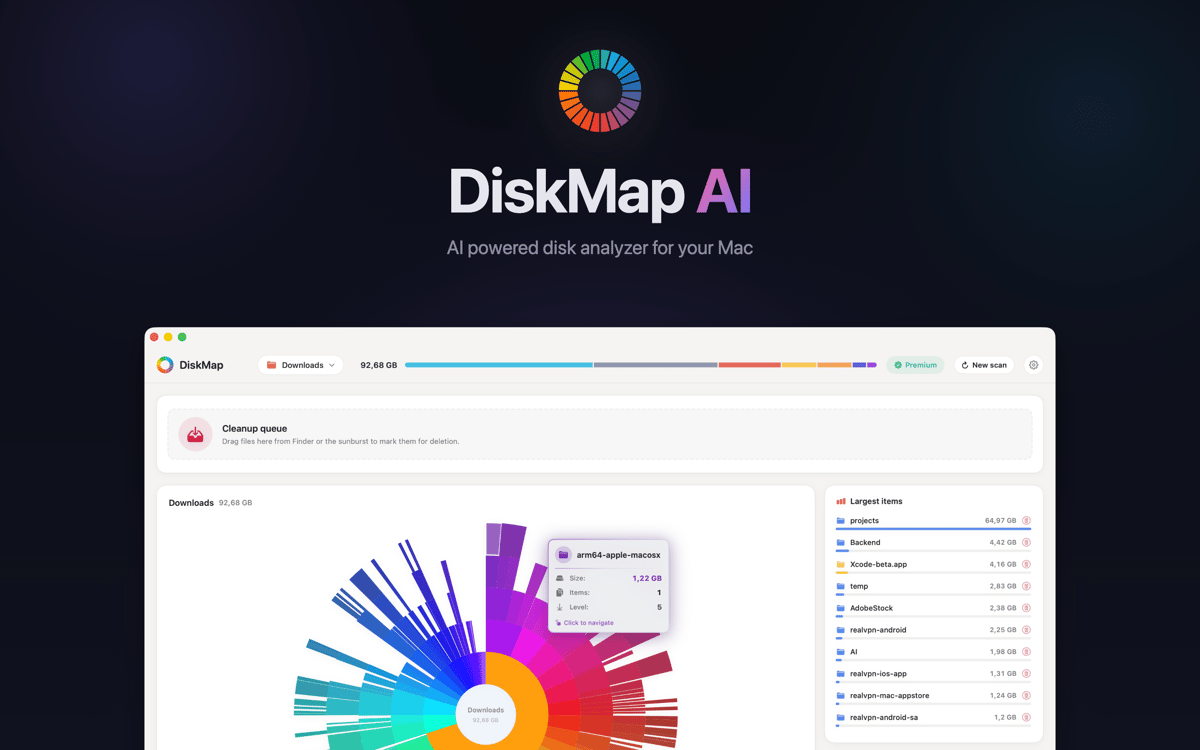
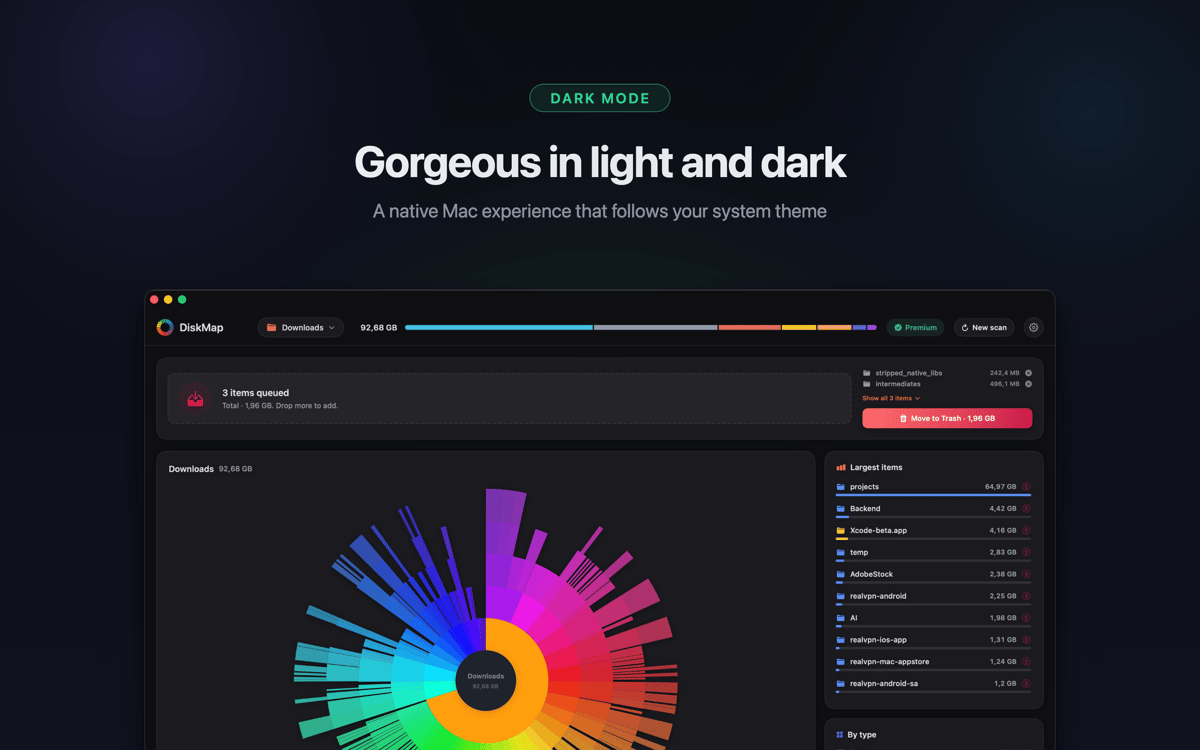
DiskMap ist ein Festplattenspeicher-Analyseprogramm für Mac. Es scannt jedes Laufwerk und erstellt eine interaktive visuelle Karte aller Dateien und Ordner – sortiert nach Größe, sodass die größten Speicherplatzfresser auf einen Blick erkennbar sind. Wählen Sie ein Laufwerk aus, klicken Sie auf „Scannen Haben Sie etwas gefunden, das Sie nicht brauchen? Betrachten Sie es in der Vorschau und entfernen Sie es sofort.
Scannen Sie Laufwerke und sehen Sie Größen sofort
Große Dateien und alte Downloads schnell finden
Vergessene doppelte Ordner entdecken
Dateien ohne Finder anzeigen und löschen
DiskMap-Funktionen
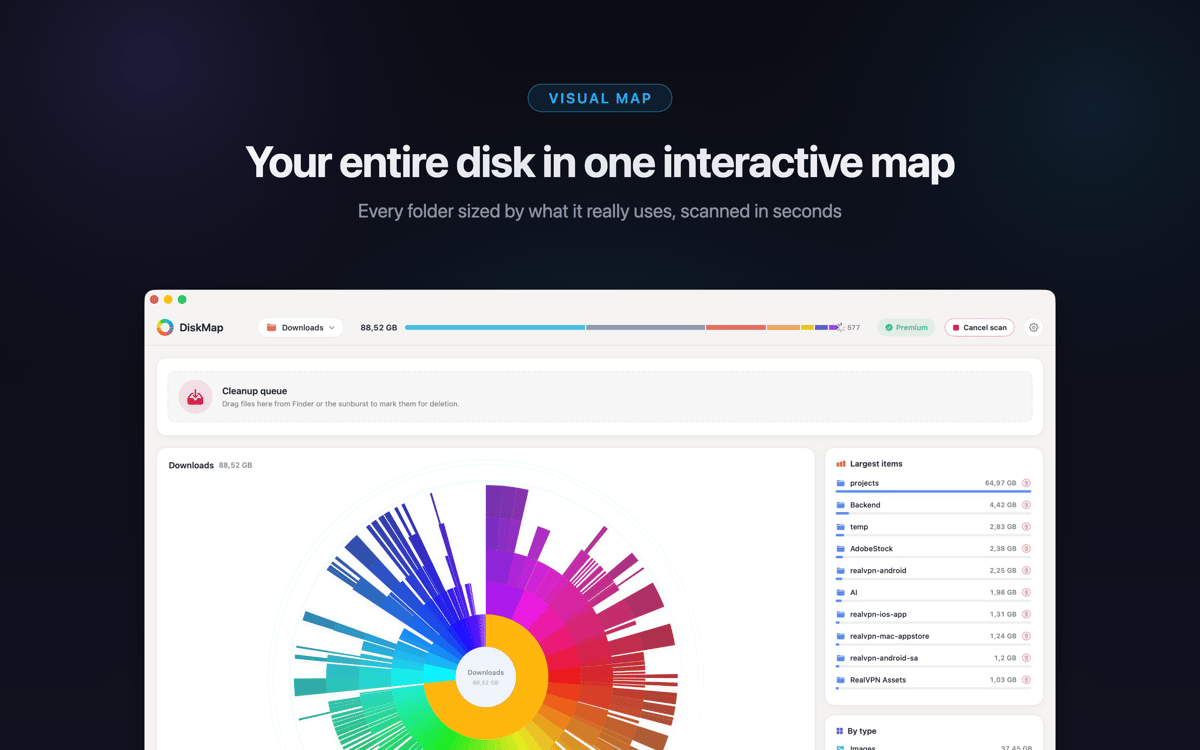
Sehen Sie Ihre gesamte Festplatte in Sekunden
DiskMap scannt Ihre Festplatte und stellt jede Datei und jeden Ordner nach Größe dar – ohne Wartezeit, ohne Rätselraten. Die meisten Scans sind in weniger als 30 Sekunden abgeschlossen, selbst bei Laufwerken mit Millionen von Dateien. Das visuelle Layout macht das Problem deutlich: Die größten Ordner sind unübersehbar.
In jeden Ordner hineinzoomen
Tippen Sie auf einen beliebigen Ordner, um tiefer zu navigieren. Navigieren Sie durch Ihr gesamtes Laufwerk Ebene für Ebene und sehen Sie die Größen auf jeder Stufe. Sie behalten stets die Kontrolle darüber, wo Sie suchen – Dateipfade müssen Sie nicht im Voraus kennen.
Finden und entfernen Sie, was Speicherplatz verschwendet
Entdecken Sie alte Downloads, vergessene Archive, aufgeblähte App-Caches und doppelte Ordner, von deren Existenz Sie nichts wussten. Zeigen Sie sich mit der Schnellvorschau alles an, bevor Sie es löschen. Nichts wird ohne Ihre Zustimmung entfernt.
Funktioniert mit allen Ihren Laufwerken
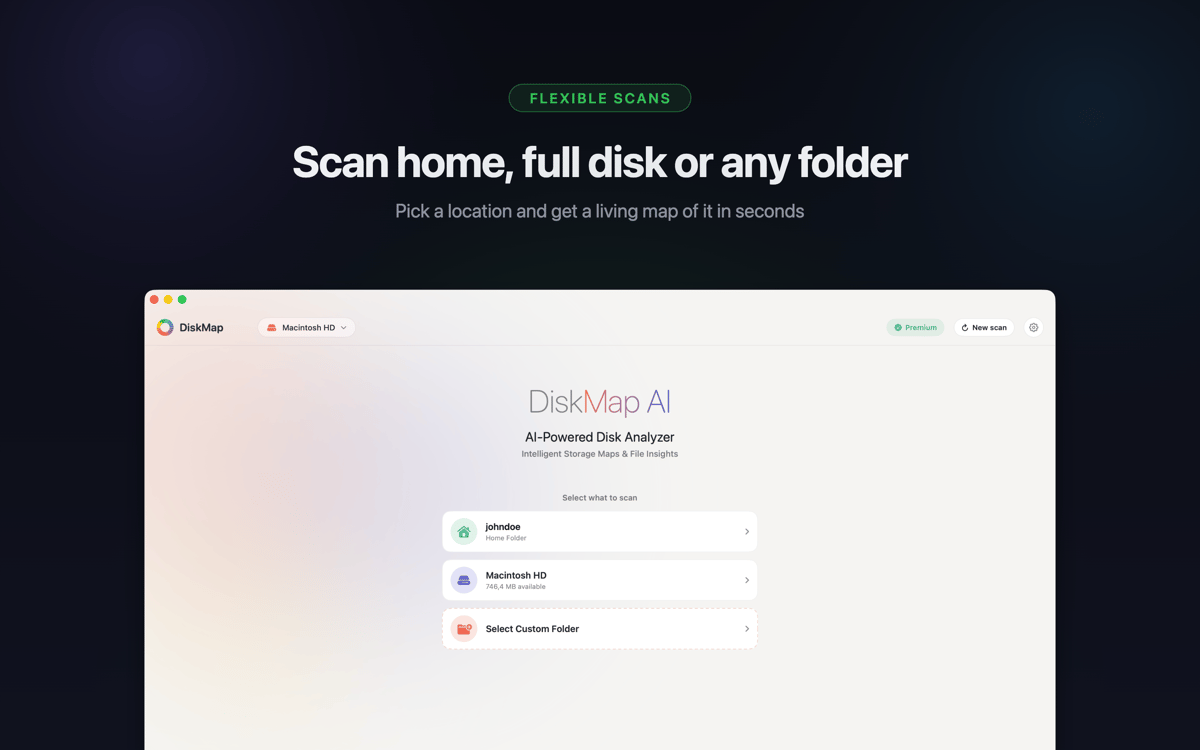
Scannen Sie Ihre Startfestplatte, externe USB- und Thunderbolt-Laufwerke, SD-Karten, Flash-Laufwerke, Netzwerk-Volumes, eingehängte DMG-Images und Time Machine-Laufwerke. Unterstützt APFS, HFS+, ExFAT und FAT32 – wenn es auf Ihrem Mac eingehängt werden kann, kann DiskMap es visualisieren.
Systemdateien bleiben sicher
Systemdateien sind eindeutig gekennzeichnet und geschützt. DiskMap löscht niemals automatisch etwas oder ohne Ihre ausdrückliche Bestätigung. Sie behalten jederzeit die volle Kontrolle.
Leichtbauweise
Keine Hintergrundprozesse, keine Telemetrie, keine Datenübertragung. DiskMap läuft unauffällig, ist schnell fertig und stört Sie nicht. Ihre Dateien bleiben auf Ihrem Mac – basta.
Erhalten Sie Hunderte von Apps mit Membership
Werden Sie Setapp Member und nutzen Sie mit nur einem Abonnement hunderte genialer Apps.
Testen Sie 7 Tage kostenlos, im Anschluss nur eine einfach monatliche Gebühr.
Setapp auf dem Mac installieren
Erkunden Sie Apps für Mac, iOS und Web. Finden Sie einfache Möglichkeiten für die Bewältigung täglicher Aufgaben.

Die gesuchte App finden
In Setapp wartet eine wunderbare App auf Sie. Installieren Sie sie mit einem Klick.

DiskMap
Abonnement wählen
Eine App oder mehr mit der Setapp Membership. Holen Sie sich Apps, so wie Sie es möchten.

Erhalten Sie Hunderte von Apps mit Membership
Werden Sie Setapp Member und nutzen Sie mit nur einem Abonnement hunderte genialer Apps.
Testen Sie 7 Tage kostenlos, im Anschluss nur eine einfach monatliche Gebühr.
1
Setapp auf dem Mac installieren
Erkunden Sie Apps für Mac, iOS und Web. Finden Sie einfache Möglichkeiten für die Bewältigung täglicher Aufgaben.
2
Die gesuchte App finden
In Setapp wartet eine wunderbare App auf Sie. Installieren Sie sie mit einem Klick.
DiskMap
3
Abonnement wählen
Eine App oder mehr mit der Setapp Membership. Holen Sie sich Apps, so wie Sie es möchten.
Die besten Apps
Von Planung und Routineaufgaben bis hin zu kreativen Tätigkeiten und Programmieren – mit den Apps von Setapp sind Sie bestens für Aufgaben gerüstet.

TypingMind
KI-Chat mit alternativer UI
Text erzeugen oder zusammenfassen
Prompt-Bibliothek nutzen
KI

Spark Mail
E-Mails verwalten
KI

CleanMyMac
Datenmüll entfernen

Bartender
Menüleiste anpassen

CleanShot X
Vielseitige Bildschirmfotos aufnehmen

Luminar Neo
Fotos bearbeiten
KI

ClearVPN
Sichere Verbindung herstellen

Craft
Mit Dokumenten arbeiten
KI
DiskMap
Sehen Sie, wo Ihr Speicherplatz geblieben ist