Eney
Proactive AI Assistant

Mac, iOS
Version 0.23.1
macOS 15.0 oder neuer
233.2 MB
8 Sprachen
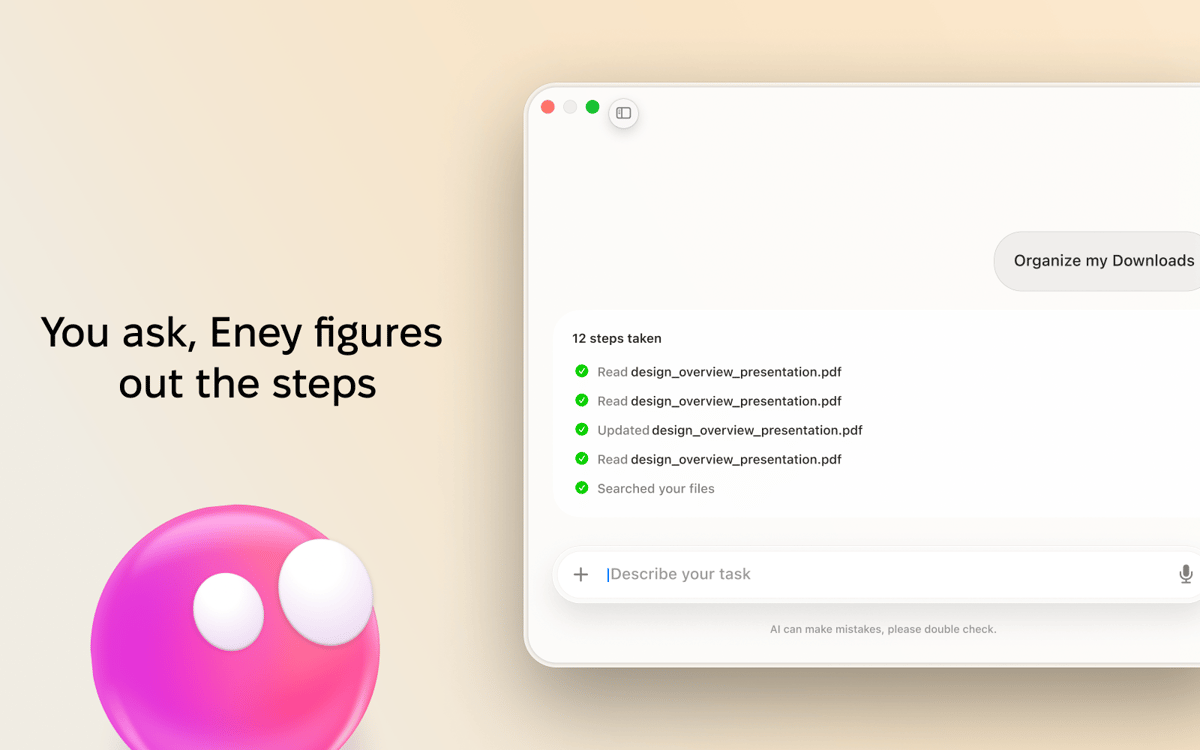
Eney is a proactive AI assistant for Mac that gets things done with you. Most AI assistants just answer questions. Eney takes action. Ask it to find a Notion page, update a Linear task, summarize your inbox, create a Google Doc, or start a Meet. It does the thing — you stay in the conversation.
Ask and get tasks done
Save time figuring out apps
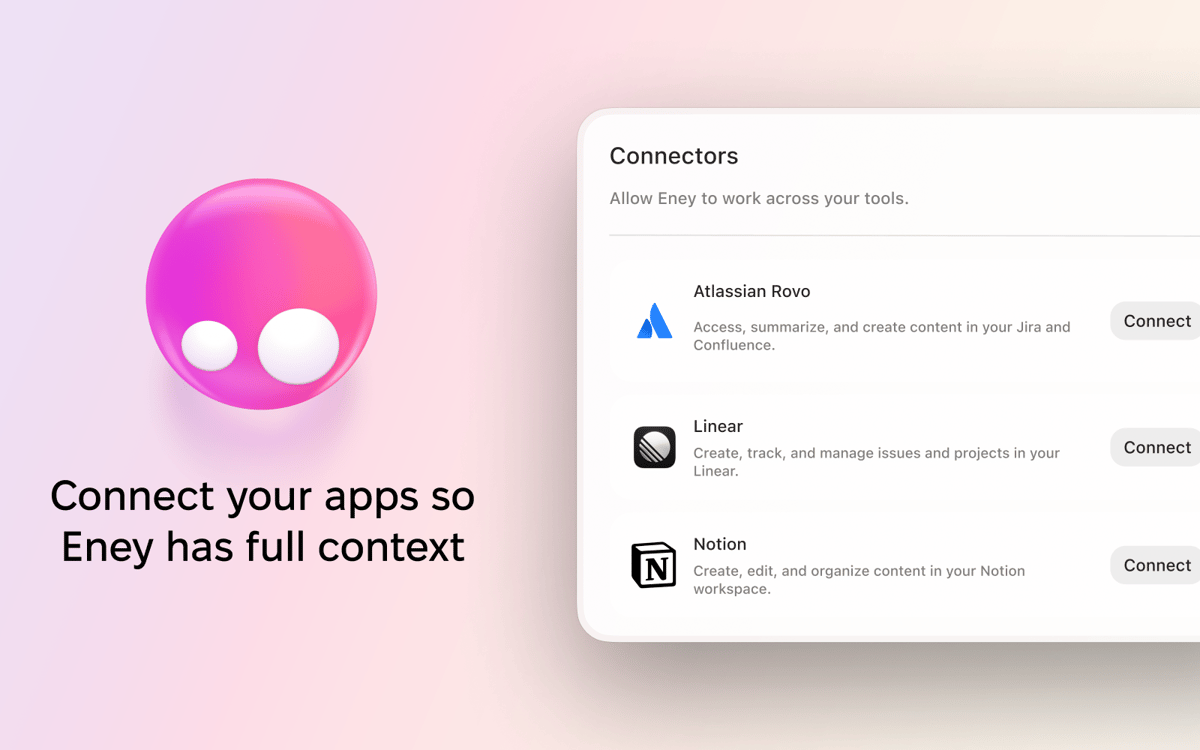
Connect Eney to your work tools
Stay in flow, without interruptions
Eney-Funktionen
Your flow, protected
Every tab switch costs you something. Notion, Linear, Jira, Confluence, Google Workspace, email — Eney works across all of them, so you don’t have to leave the conversation, lose your place, or rebuild your focus from scratch.
Built-in skills
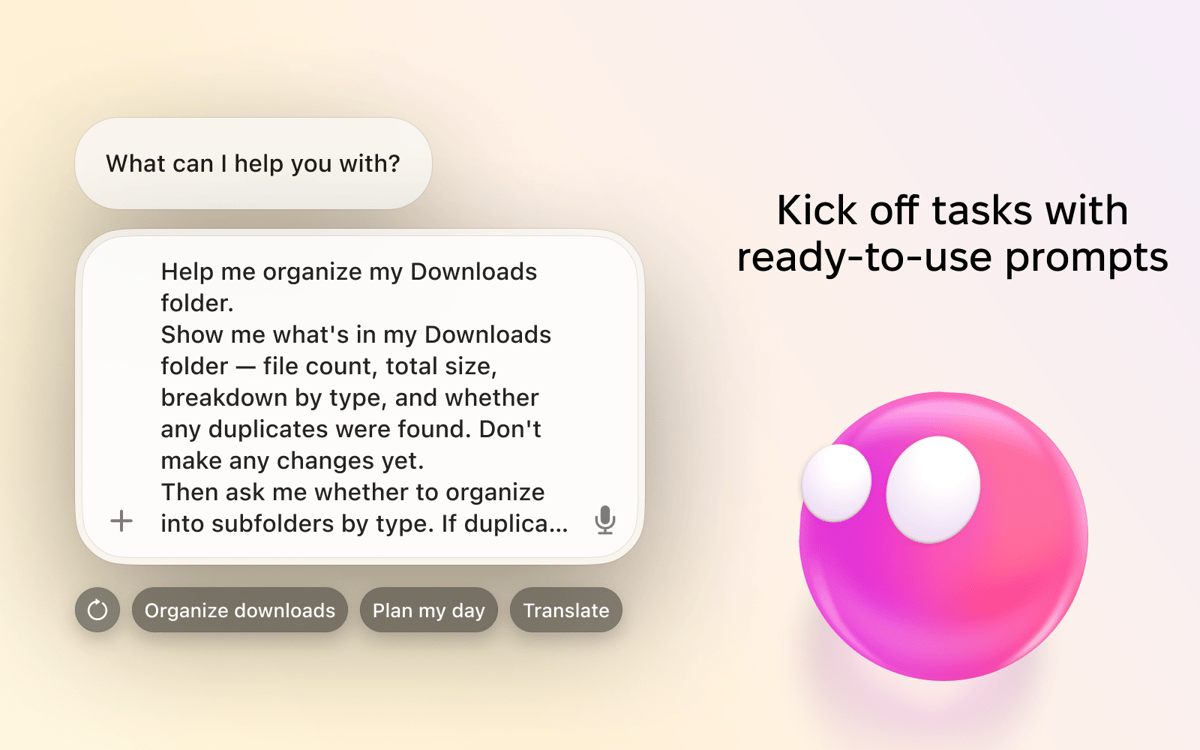
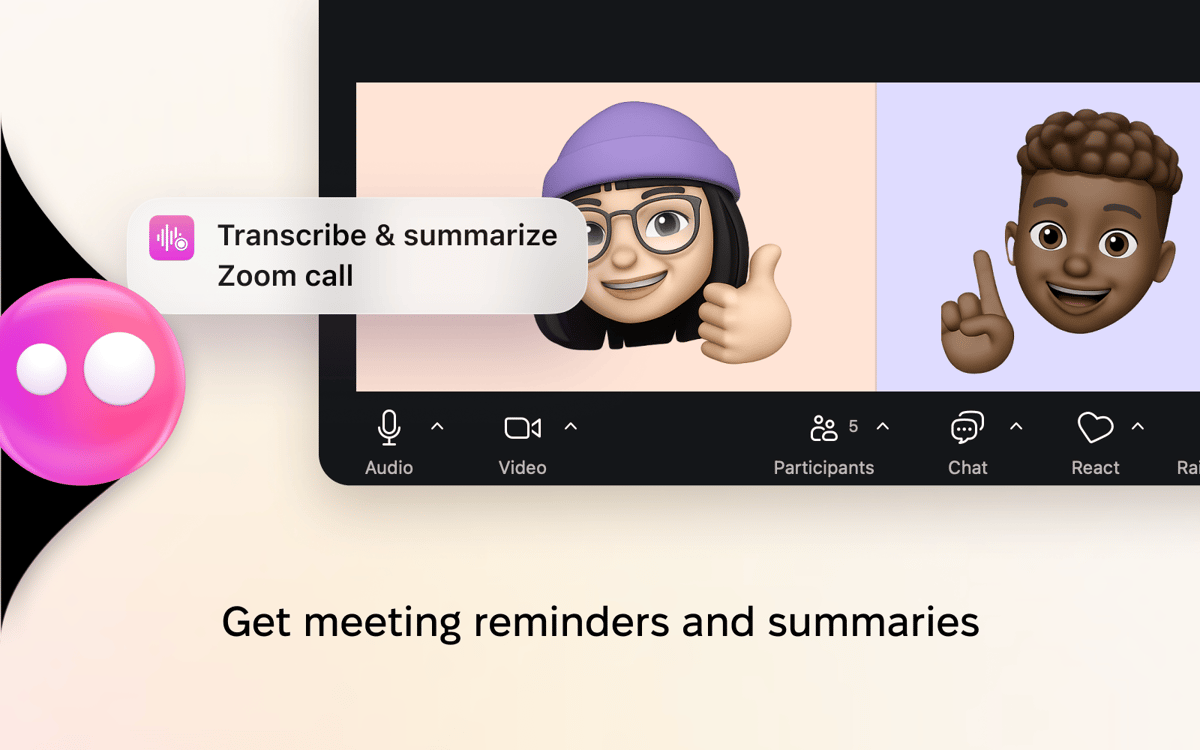
From summarizing meetings and drafting emails to managing files and completing multi-step tasks, Eney comes with built-in skills that help you get work done. Just ask naturally.
Eney is proactive
Before you ask, Eney is already there. A snapshot of your day when you open the app. A nudge to join your next meeting. More proactive skills are on the way.
Connect Eney to your favorite tools
Notion, Linear, Jira, Confluence, Google Workspace — ask Eney to do the work instead of clicking your way through it. Eney works where you work, bringing your essential tools into one streamlined experience.
Always getting better
Eney is constantly improving. We ship updates regularly, and every piece of feedback shapes what comes next. The more you use it, the more useful it becomes.
Bewertungen und Rezensionen
Eney
•
137 Bewertungen
rags radke
Gestern
App-Version: 0.23.1
Pretty cool
Pablo
13. Okt. 2026
App-Version: 0.23.1
Have to figure out how to use all feats, but ball is very cool.
Surendra Golchha
10. Okt. 2026
App-Version: 0.23.1
Already there are so many AI. Meeting recording is not working when I am talking on WhatsApp. I have not tried Zoom or MS meet.. Till now, not too happy
Erhalten Sie Hunderte von Apps mit Membership
Werden Sie Setapp Member und nutzen Sie mit nur einem Abonnement hunderte genialer Apps.
Testen Sie 7 Tage kostenlos, im Anschluss nur eine einfach monatliche Gebühr.
Setapp auf dem Mac installieren
Erkunden Sie Apps für Mac, iOS und Web. Finden Sie einfache Möglichkeiten für die Bewältigung täglicher Aufgaben.

Die gesuchte App finden
In Setapp wartet eine wunderbare App auf Sie. Installieren Sie sie mit einem Klick.

Eney
Abonnement wählen
Eine App oder mehr mit der Setapp Membership. Holen Sie sich Apps, so wie Sie es möchten.

Erhalten Sie Hunderte von Apps mit Membership
Werden Sie Setapp Member und nutzen Sie mit nur einem Abonnement hunderte genialer Apps.
Testen Sie 7 Tage kostenlos, im Anschluss nur eine einfach monatliche Gebühr.
1
Setapp auf dem Mac installieren
Erkunden Sie Apps für Mac, iOS und Web. Finden Sie einfache Möglichkeiten für die Bewältigung täglicher Aufgaben.
2
Die gesuchte App finden
In Setapp wartet eine wunderbare App auf Sie. Installieren Sie sie mit einem Klick.
Eney
3
Abonnement wählen
Eine App oder mehr mit der Setapp Membership. Holen Sie sich Apps, so wie Sie es möchten.
Die besten Apps
Von Planung und Routineaufgaben bis hin zu kreativen Tätigkeiten und Programmieren – mit den Apps von Setapp sind Sie bestens für Aufgaben gerüstet.

TypingMind
KI-Chat mit alternativer UI
Text erzeugen oder zusammenfassen
Prompt-Bibliothek nutzen
KI

Spark Mail
E-Mails verwalten
KI

CleanMyMac
Datenmüll entfernen

Bartender
Menüleiste anpassen

CleanShot X
Vielseitige Bildschirmfotos aufnehmen

Luminar Neo
Fotos bearbeiten
KI

ClearVPN
Sichere Verbindung herstellen

Craft
Mit Dokumenten arbeiten
KI
Eney
Proactive AI Assistant