
Fuse Caption Studio
Transcribe, edit, and create captions
Mac
Version 3.0.1
macOS 26.0 oder neuer
35.3 MB
1 Sprachen
Fuse Caption Studio is a powerful caption and transcription editor built for Mac. Import video or audio, transcribe it in about 100 languages, and edit every caption as a clip on a visual timeline. Clean up filler words, customize caption styling, identify speakers, preview your work in 16:9, 4:3, or 9:16, and export subtitle files, transcripts, or videos with captions burned in. With Apple Intelligence, you can also understand your content, ask questions about it, and turn recordings into chapters, titles, descriptions, hashtags, and social posts.
Transcribe video and audio in about 100 languages
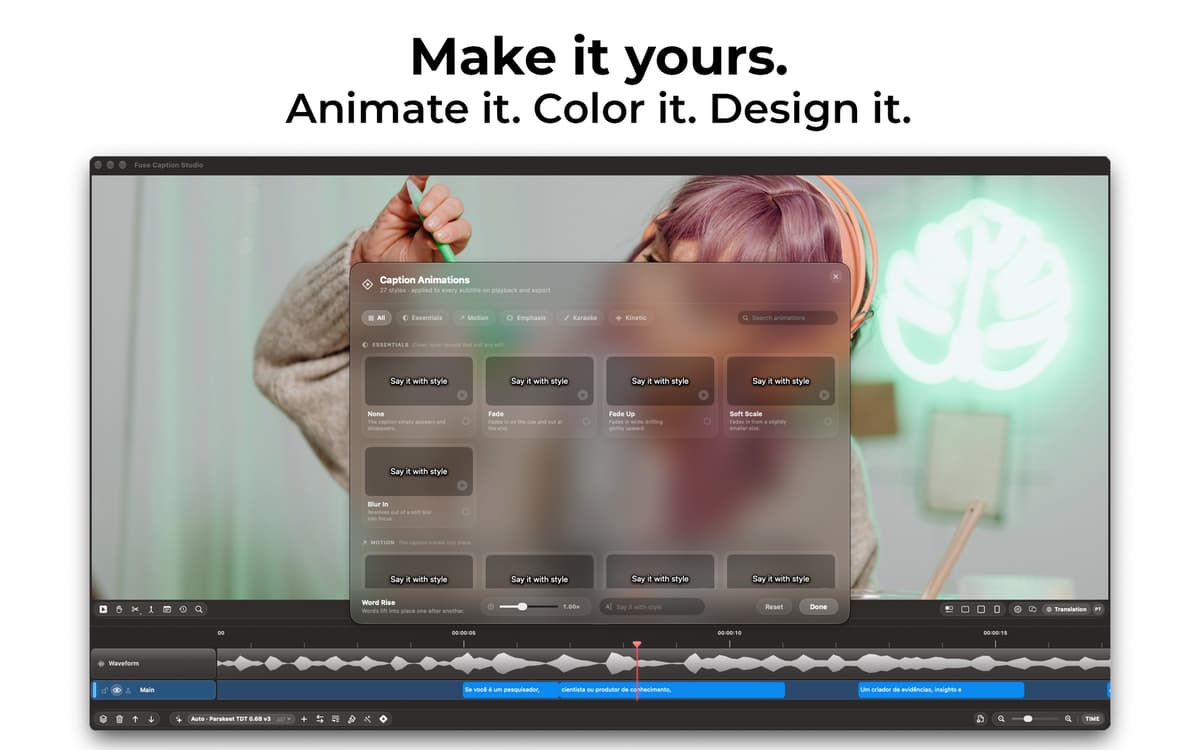
Edit and style captions on a visual timeline
Ask questions and create content with Apple AI
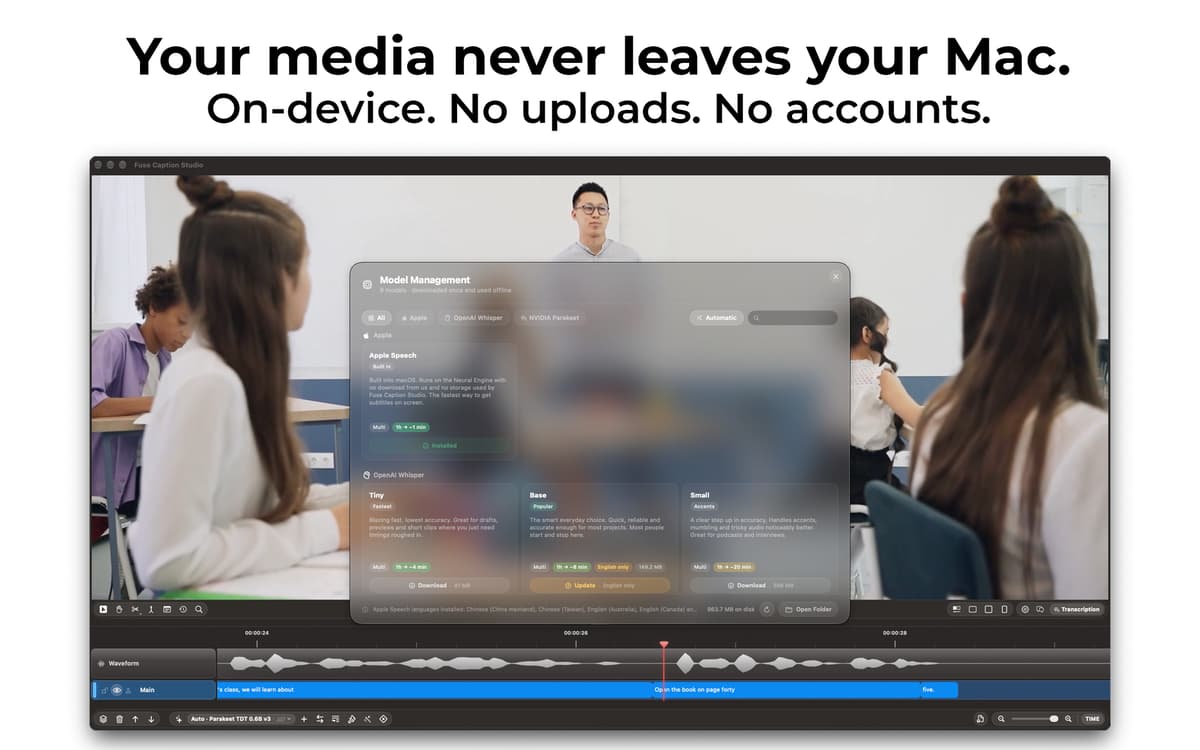
Keep transcription private and on your Mac
Fuse Caption Studio-Funktionen
Edit captions like clips
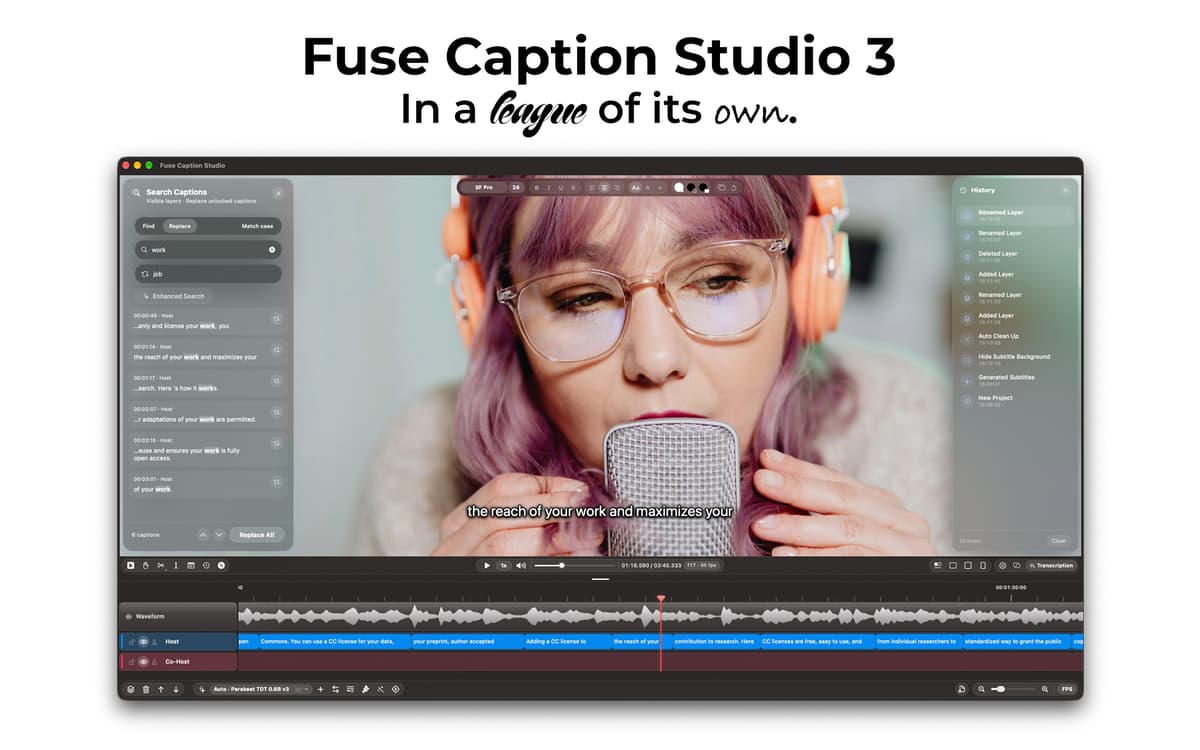
Most transcription apps give you a text file and wave goodbye. Fuse Caption Studio puts your media above a visual timeline, where every caption becomes an editable clip. Split, merge, move, retime, and edit captions while seeing exactly where they appear in your video or audio.
Transcribe in about 100 languages
Turn video, podcasts, interviews, lectures, and other recordings into editable captions in about 100 languages. Fuse Caption Studio gives you multiple transcription options so you can choose the workflow that best fits your content while keeping the entire process inside a native Mac app.
Style captions your way
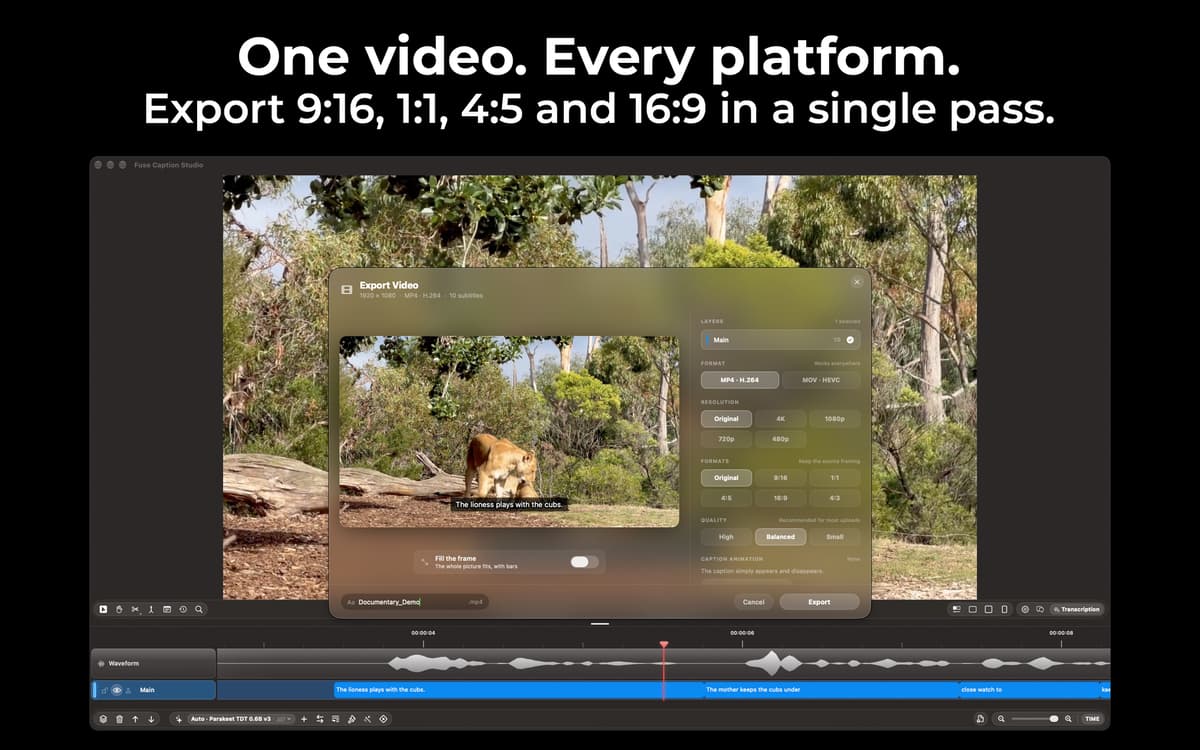
Go beyond plain subtitles with powerful caption customization. Adjust typography and styling with Type Control, create captions that fit your content, and preview the result in 16:9, 4:3, and 9:16 before exporting.
Work faster with Speaker Awareness
Fuse Caption Studio can identify different speakers in your content with Speaker Awareness, making conversations, podcasts, and interviews easier to organize and edit. Spend less time figuring out who said what and more time refining the final result.
Edit in batches and clean up filler words
Fixing captions one by one gets old fast. Make changes across multiple captions at once, adjust timing directly on the timeline, and remove filler words such as “um” and “uh” in one pass. Then preview everything before you export.
Understand your content with Apple Intelligence
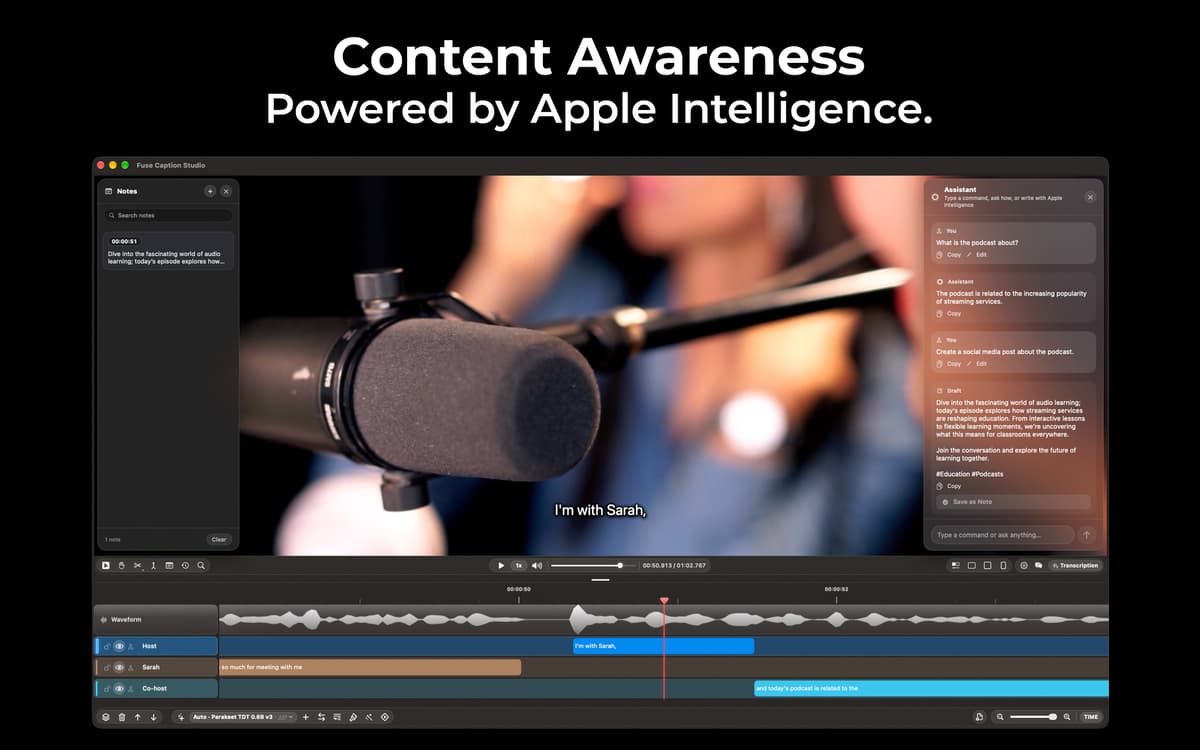
Fuse Caption Studio goes beyond transcription with Content Awareness. Ask questions about what was said or turn a recording into chapters, title ideas, descriptions, hashtags, and ready-to-post social captions using Apple Intelligence. Go from raw recording to useful publishing content without leaving the app.
Erhalten Sie Hunderte von Apps mit Membership
Werden Sie Setapp Member und nutzen Sie mit nur einem Abonnement hunderte genialer Apps.
Testen Sie 7 Tage kostenlos, im Anschluss nur eine einfach monatliche Gebühr.
Setapp auf dem Mac installieren
Erkunden Sie Apps für Mac, iOS und Web. Finden Sie einfache Möglichkeiten für die Bewältigung täglicher Aufgaben.

Die gesuchte App finden
In Setapp wartet eine wunderbare App auf Sie. Installieren Sie sie mit einem Klick.

Fuse Caption Studio
Abonnement wählen
Eine App oder mehr mit der Setapp Membership. Holen Sie sich Apps, so wie Sie es möchten.

Erhalten Sie Hunderte von Apps mit Membership
Werden Sie Setapp Member und nutzen Sie mit nur einem Abonnement hunderte genialer Apps.
Testen Sie 7 Tage kostenlos, im Anschluss nur eine einfach monatliche Gebühr.
1
Setapp auf dem Mac installieren
Erkunden Sie Apps für Mac, iOS und Web. Finden Sie einfache Möglichkeiten für die Bewältigung täglicher Aufgaben.
2
Die gesuchte App finden
In Setapp wartet eine wunderbare App auf Sie. Installieren Sie sie mit einem Klick.
Fuse Caption Studio
3
Abonnement wählen
Eine App oder mehr mit der Setapp Membership. Holen Sie sich Apps, so wie Sie es möchten.
Die besten Apps
Von Planung und Routineaufgaben bis hin zu kreativen Tätigkeiten und Programmieren – mit den Apps von Setapp sind Sie bestens für Aufgaben gerüstet.

TypingMind
KI-Chat mit alternativer UI
Text erzeugen oder zusammenfassen
Prompt-Bibliothek nutzen
KI

Spark Mail
E-Mails verwalten
KI

CleanMyMac
Datenmüll entfernen

Bartender
Menüleiste anpassen

CleanShot X
Vielseitige Bildschirmfotos aufnehmen

Luminar Neo
Fotos bearbeiten
KI

ClearVPN
Sichere Verbindung herstellen

Craft
Mit Dokumenten arbeiten
KI
Fuse Caption Studio
Transcribe, edit, and create captions