Hush
Blur the mess, share the work
Mac
Version 2.8.5
macOS 14.0 oder neuer
8.9 MB
23 Sprachen
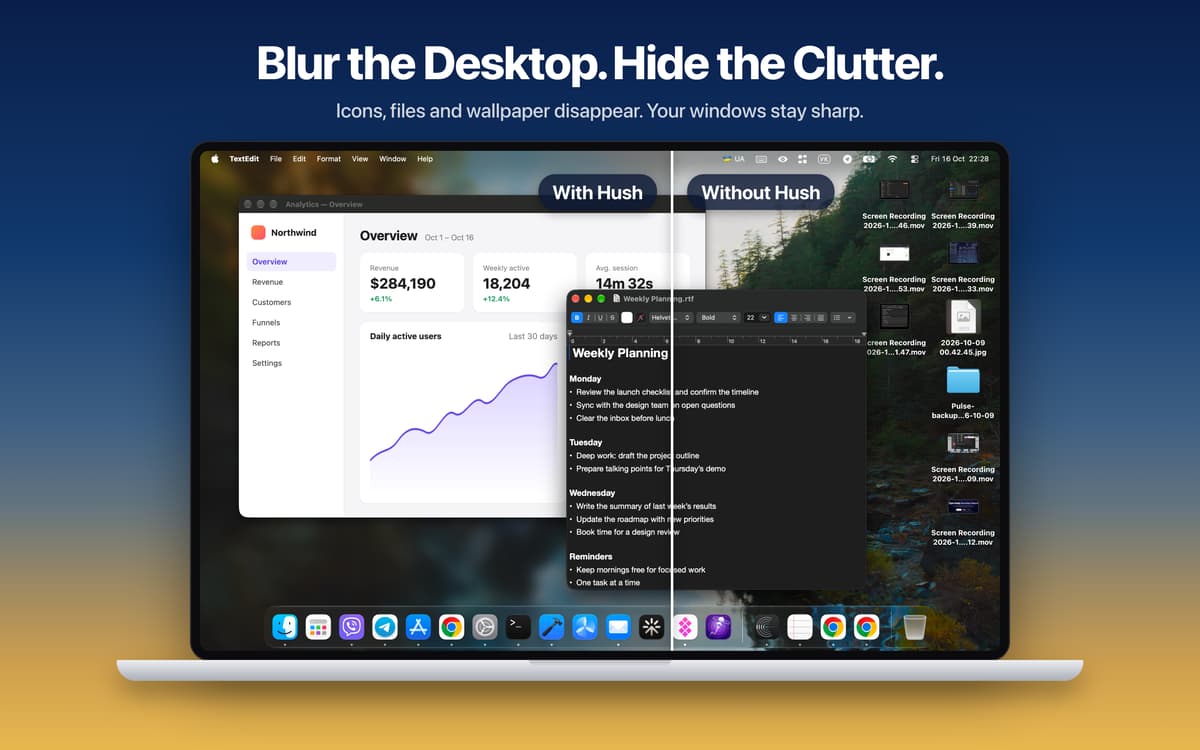
Hush is a screen focus app for Mac that hides visual clutter in one click. It blurs or dims everything around the window you're working in, so your calls, demos, and recordings show only what matters. Your windows and files stay untouched, and no Screen Recording permission is needed. Great for anyone who shares their screen, presents, or just wants a calmer desktop.
Share your screen without the clutter
Record clean tutorials and screencasts
Run live demos viewers can follow
Stay on one task all day
Hush-Funktionen
Desktop
Messy desktop? Blur it, tint it, or cover it with your own image. Desktop icons and widgets disappear, while your app windows stay sharp and fully usable. The Dock stays right where it is.
Focus
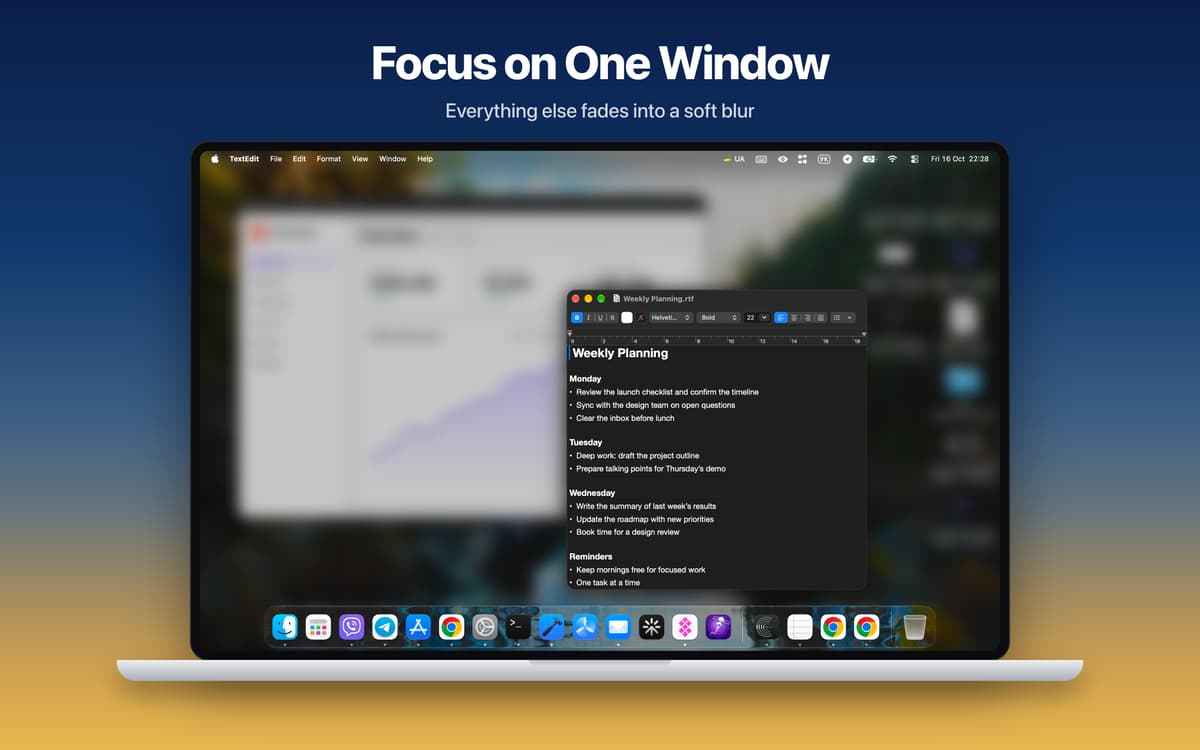
Hush dims or blurs everything except the active window and follows you as you switch apps. Want a few apps to stay visible? Pick them yourself. You can also cover the Dock and menu bar for a fully clean screen.
Cursor Focus
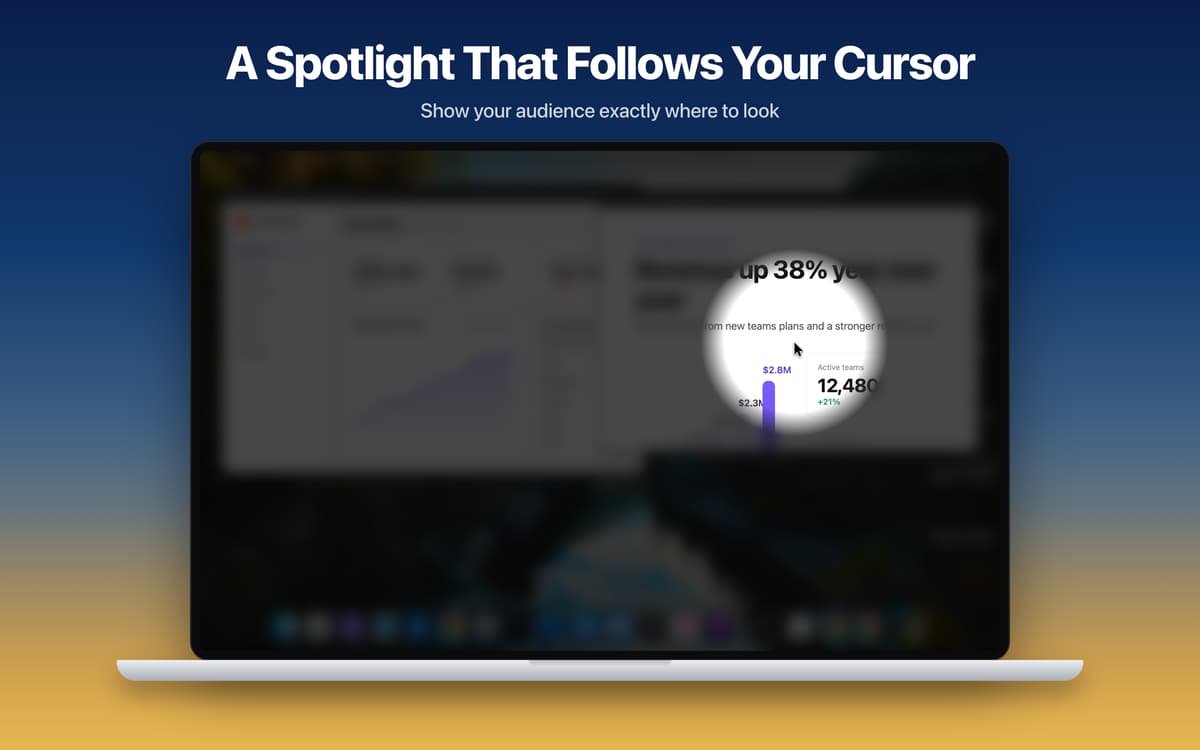
A soft spotlight follows your cursor and darkens the rest of the screen. Viewers always know where to look, which is handy for live demos and tutorials. Scroll to resize the spotlight, freeze it with a hotkey, or hold the hotkey to show it only when you need it.
Everyday
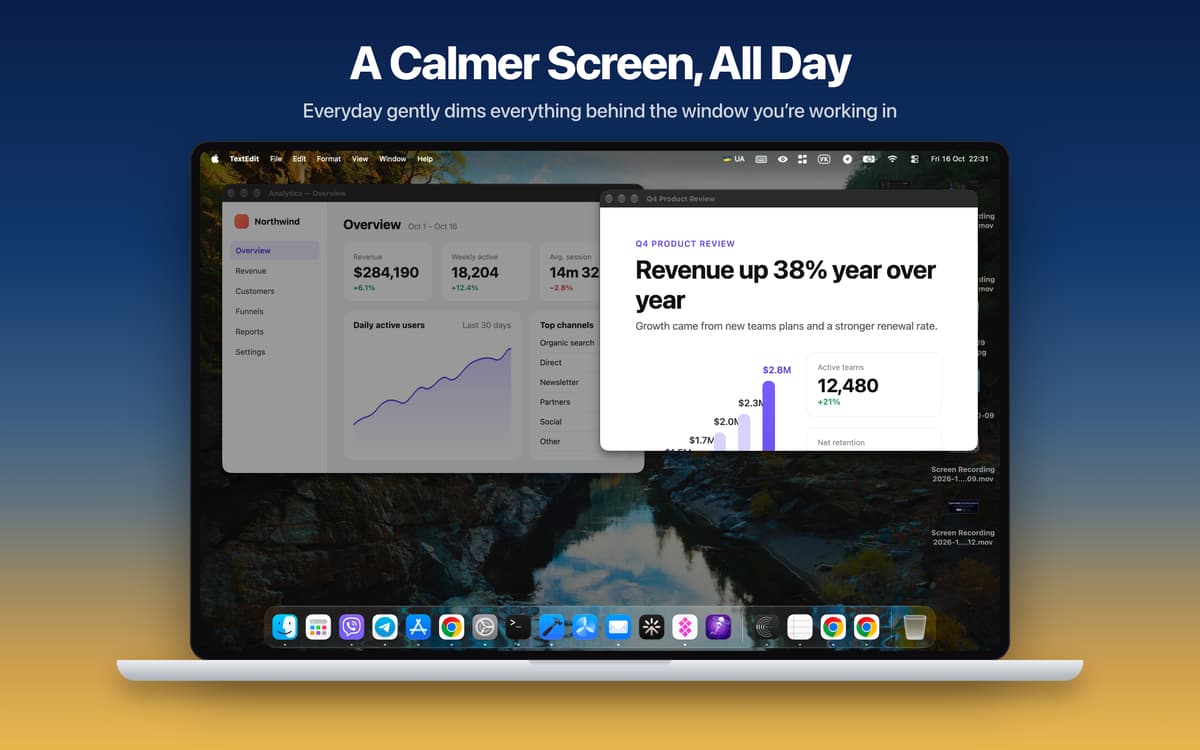
Light dimming behind your current window, all day long. It follows you from app to app and keeps you on one task. Hold Fn to peek at everything, then release to dim again. Hold Option and scroll to change the strength.
Made for screen sharing
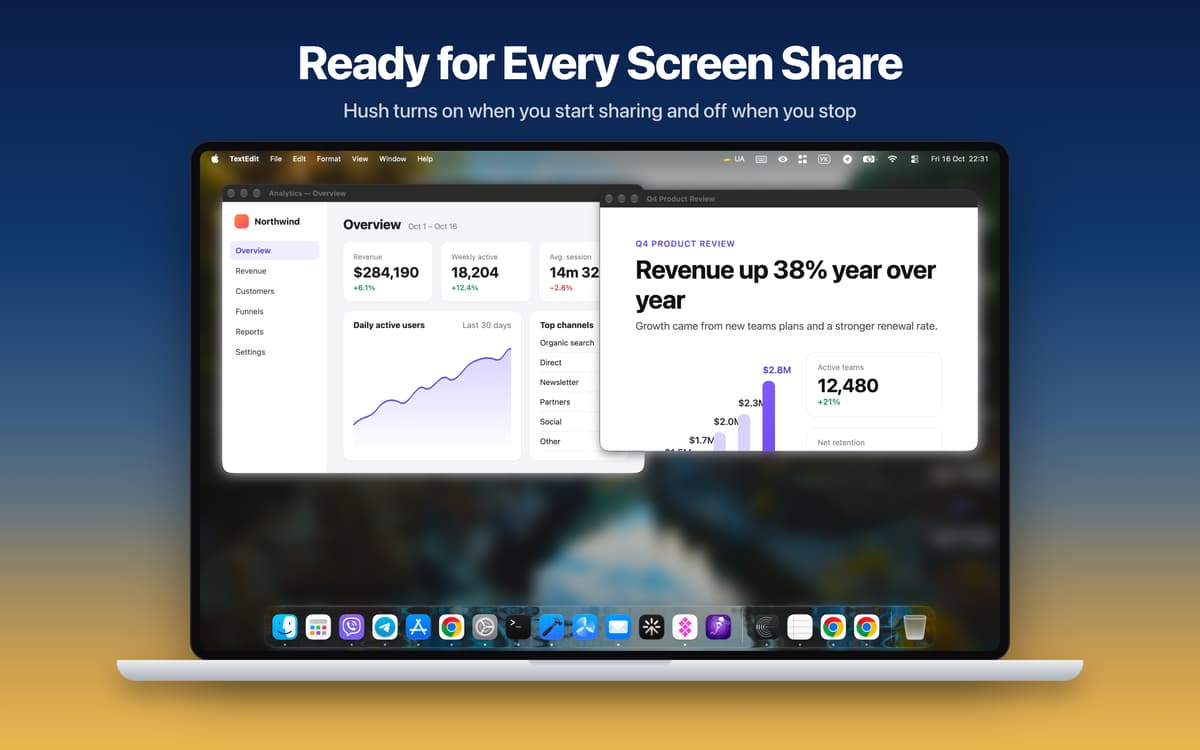
Hush turns on when you start sharing your screen and turns off when you stop. Save your ideal call setup as a Sharing Preset and apply it in one click. Need to toggle it manually? Use the global hotkey (Cmd+Shift+H by default) from anywhere.
Your Mac, your rules
Every display gets its own overlay, and you choose which ones to cover. Tweak blur strength, tint color, dim level, custom images, and the softness and size of the spotlight. Hush also works with Shortcuts and Focus Filters, and it's available in 24 languages. It's built in Swift, and Cursor Focus runs at your display's full refresh rate, up to 120 Hz.
Erhalten Sie Hunderte von Apps mit Membership
Werden Sie Setapp Member und nutzen Sie mit nur einem Abonnement hunderte genialer Apps.
Testen Sie 7 Tage kostenlos, im Anschluss nur eine einfach monatliche Gebühr.
Setapp auf dem Mac installieren
Erkunden Sie Apps für Mac, iOS und Web. Finden Sie einfache Möglichkeiten für die Bewältigung täglicher Aufgaben.

Die gesuchte App finden
In Setapp wartet eine wunderbare App auf Sie. Installieren Sie sie mit einem Klick.

Hush
Abonnement wählen
Eine App oder mehr mit der Setapp Membership. Holen Sie sich Apps, so wie Sie es möchten.

Erhalten Sie Hunderte von Apps mit Membership
Werden Sie Setapp Member und nutzen Sie mit nur einem Abonnement hunderte genialer Apps.
Testen Sie 7 Tage kostenlos, im Anschluss nur eine einfach monatliche Gebühr.
1
Setapp auf dem Mac installieren
Erkunden Sie Apps für Mac, iOS und Web. Finden Sie einfache Möglichkeiten für die Bewältigung täglicher Aufgaben.
2
Die gesuchte App finden
In Setapp wartet eine wunderbare App auf Sie. Installieren Sie sie mit einem Klick.
Hush
3
Abonnement wählen
Eine App oder mehr mit der Setapp Membership. Holen Sie sich Apps, so wie Sie es möchten.
Die besten Apps
Von Planung und Routineaufgaben bis hin zu kreativen Tätigkeiten und Programmieren – mit den Apps von Setapp sind Sie bestens für Aufgaben gerüstet.

TypingMind
KI-Chat mit alternativer UI
Text erzeugen oder zusammenfassen
Prompt-Bibliothek nutzen
KI

Spark Mail
E-Mails verwalten
KI

CleanMyMac
Datenmüll entfernen

Bartender
Menüleiste anpassen

CleanShot X
Vielseitige Bildschirmfotos aufnehmen

Luminar Neo
Fotos bearbeiten
KI

ClearVPN
Sichere Verbindung herstellen

Craft
Mit Dokumenten arbeiten
KI
Hush
Blur the mess, share the work