Image Stack
Batch image processing, simplified
Mac
Version 1.1.2
macOS 15.0 oder neuer
20.5 MB
6 Sprachen
Image Stack is a batch image processor for Mac that helps you convert, resize, rename, and organize images with reusable presets. Create your workflow once, then apply it to a single image or thousands of files in just a few clicks. Presets sync through iCloud, so your setup is always ready wherever you work. It’s a simple way to keep image processing fast, consistent, and hassle-free.
Convert images in batches
Resize photos with presets
Rename files automatically
Prepare images for delivery
Image Stack-Funktionen
Build once, reuse forever
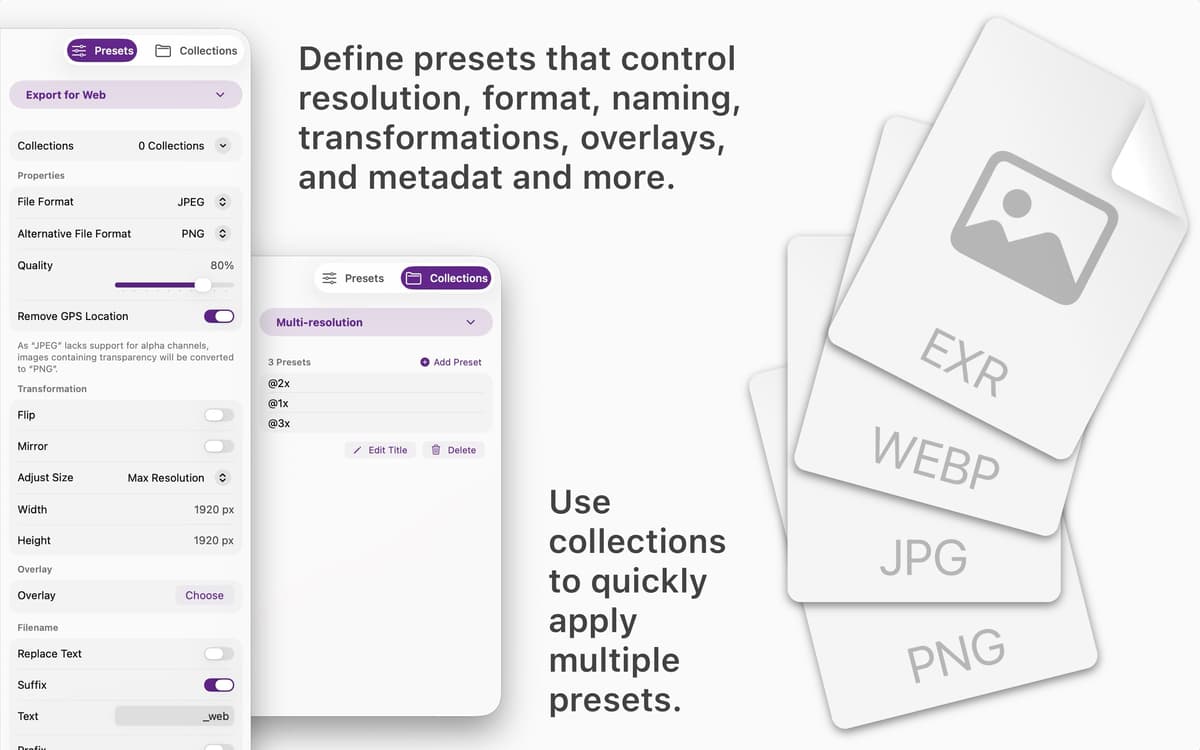
Create presets for formats, dimensions, file names, metadata, watermarks, and more. Save them once and use them whenever you need consistent results.
Process thousands of images at once
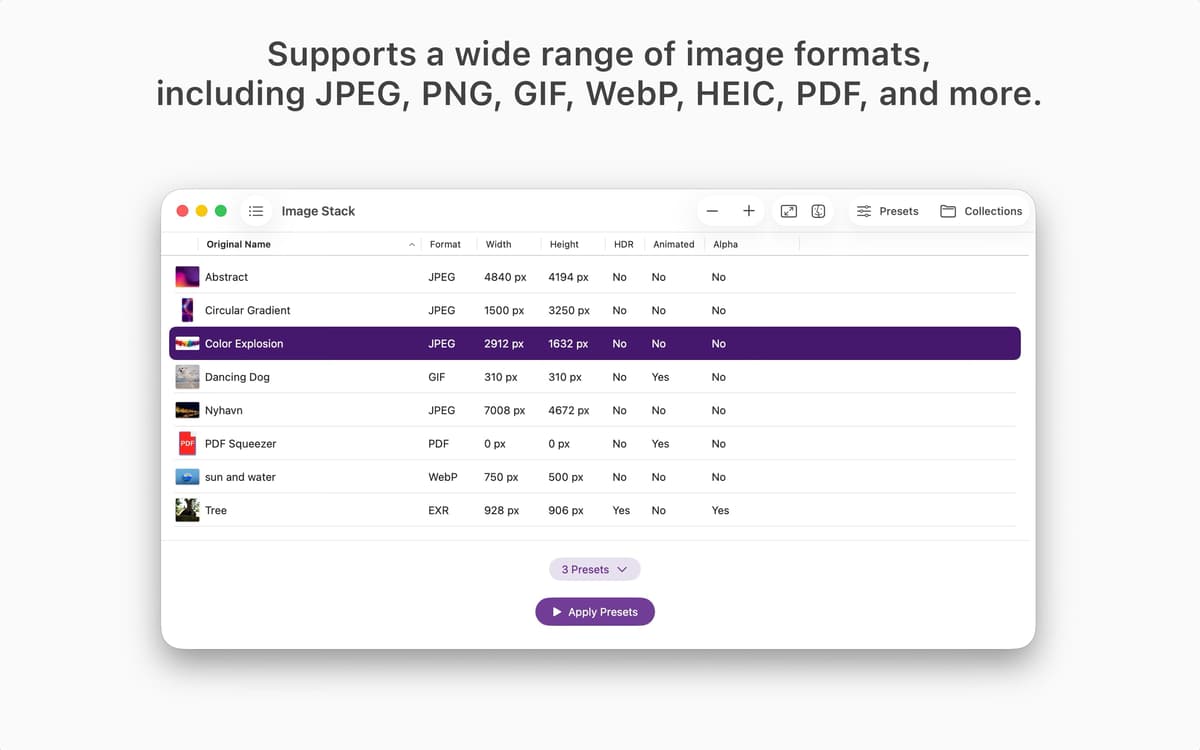
Drop in a single file or a huge image collection. Image Stack handles batch processing quickly without turning your workflow into a waiting game.
Combine presets into collections
Group multiple presets together and run them in one step. Prepare images for websites, social media, clients, archives, or internal projects with less manual work.
Keep your workflow consistent
Every image follows the same rules every time. No forgotten settings, no accidental mismatches, no repetitive adjustments.
Access presets on all your devices
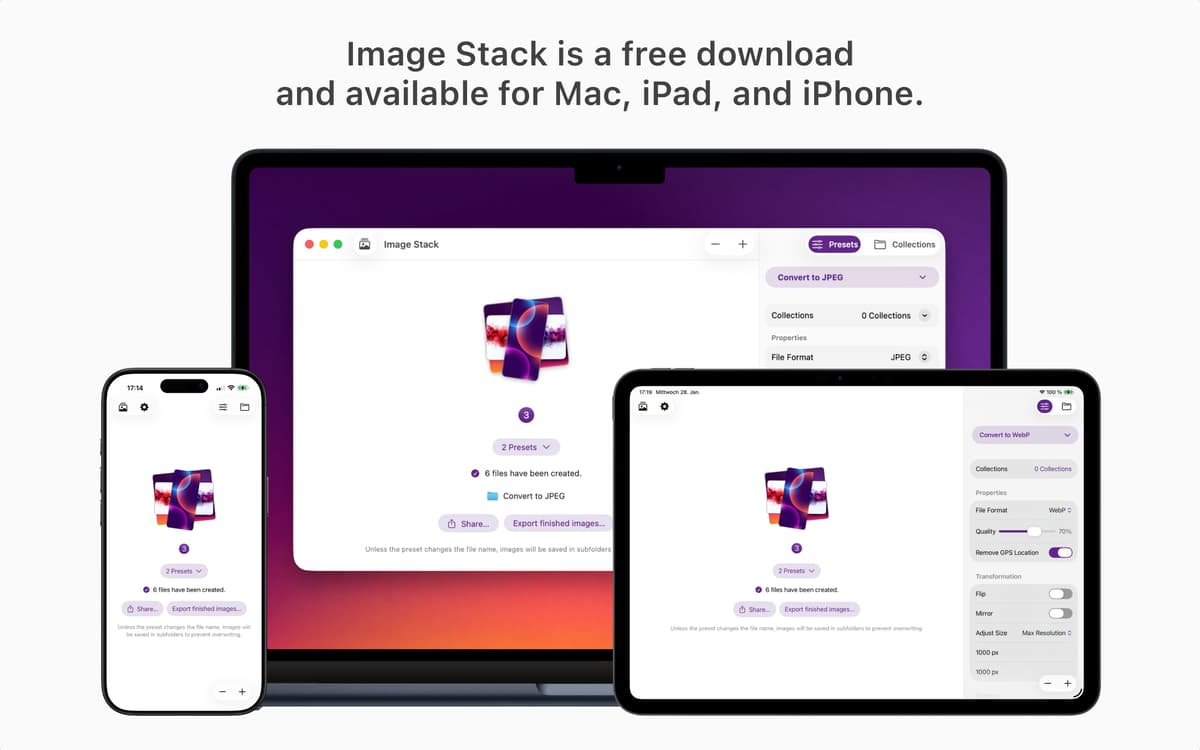
Your presets sync through iCloud, making them available wherever you use Image Stack. Pick up right where you left off.
Designed for speed and clarity
Image Stack focuses on one job: getting images in and ready-to-use files out. No unnecessary menus, no complicated setup, just a clean workflow that stays out of your way.
Erhalten Sie Hunderte von Apps mit Membership
Werden Sie Setapp Member und nutzen Sie mit nur einem Abonnement hunderte genialer Apps.
Testen Sie 7 Tage kostenlos, im Anschluss nur eine einfach monatliche Gebühr.
Setapp auf dem Mac installieren
Erkunden Sie Apps für Mac, iOS und Web. Finden Sie einfache Möglichkeiten für die Bewältigung täglicher Aufgaben.

Die gesuchte App finden
In Setapp wartet eine wunderbare App auf Sie. Installieren Sie sie mit einem Klick.

Image Stack
Abonnement wählen
Eine App oder mehr mit der Setapp Membership. Holen Sie sich Apps, so wie Sie es möchten.

Erhalten Sie Hunderte von Apps mit Membership
Werden Sie Setapp Member und nutzen Sie mit nur einem Abonnement hunderte genialer Apps.
Testen Sie 7 Tage kostenlos, im Anschluss nur eine einfach monatliche Gebühr.
1
Setapp auf dem Mac installieren
Erkunden Sie Apps für Mac, iOS und Web. Finden Sie einfache Möglichkeiten für die Bewältigung täglicher Aufgaben.
2
Die gesuchte App finden
In Setapp wartet eine wunderbare App auf Sie. Installieren Sie sie mit einem Klick.
Image Stack
3
Abonnement wählen
Eine App oder mehr mit der Setapp Membership. Holen Sie sich Apps, so wie Sie es möchten.
Die besten Apps
Von Planung und Routineaufgaben bis hin zu kreativen Tätigkeiten und Programmieren – mit den Apps von Setapp sind Sie bestens für Aufgaben gerüstet.

TypingMind
KI-Chat mit alternativer UI
Text erzeugen oder zusammenfassen
Prompt-Bibliothek nutzen
KI

Spark Mail
E-Mails verwalten
KI

CleanMyMac
Datenmüll entfernen

Bartender
Menüleiste anpassen

CleanShot X
Vielseitige Bildschirmfotos aufnehmen

Luminar Neo
Fotos bearbeiten
KI

ClearVPN
Sichere Verbindung herstellen

Craft
Mit Dokumenten arbeiten
KI
Image Stack
Batch image processing, simplified