
Microphone Selector
Your mic, always in control
Mac
Version 1.1.0
macOS 13.0 oder neuer
13.9 MB
3 Sprachen
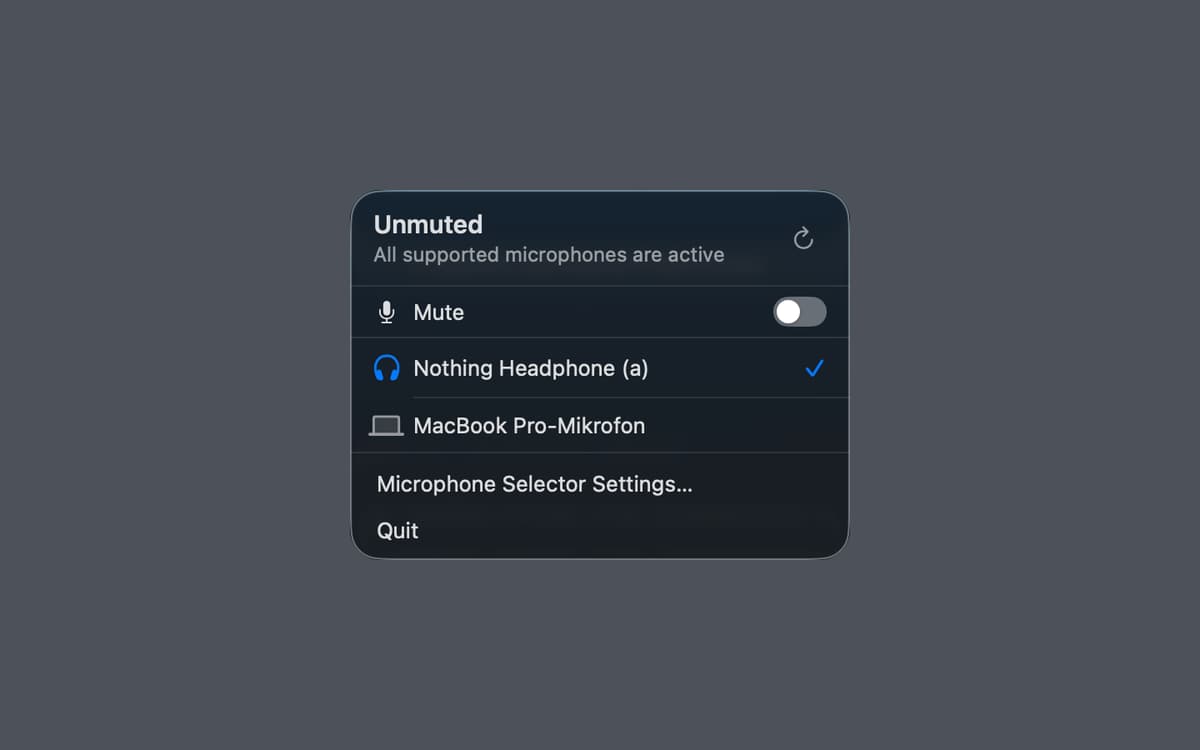
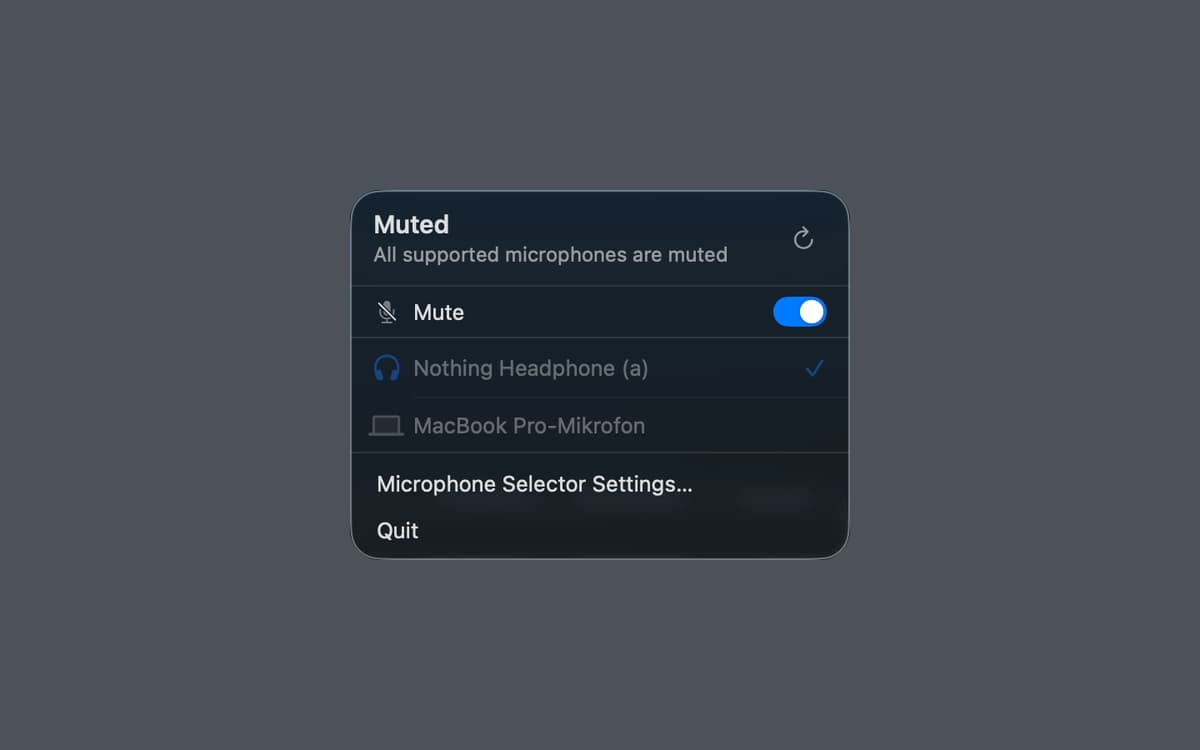
Microphone Selector — Menu bar microphone manager for Mac. It puts your active input device right in the menu bar, so you can switch between mics or mute yourself in one click — no System Settings required. A global keyboard shortcut makes it even faster. The menu bar icon always shows whether you're live or muted, so there are no more awkward "wait, am I muted?" moments. Great for remote calls, home studios, and anyone who regularly juggles multiple input devices.
Switch mics without opening Settings
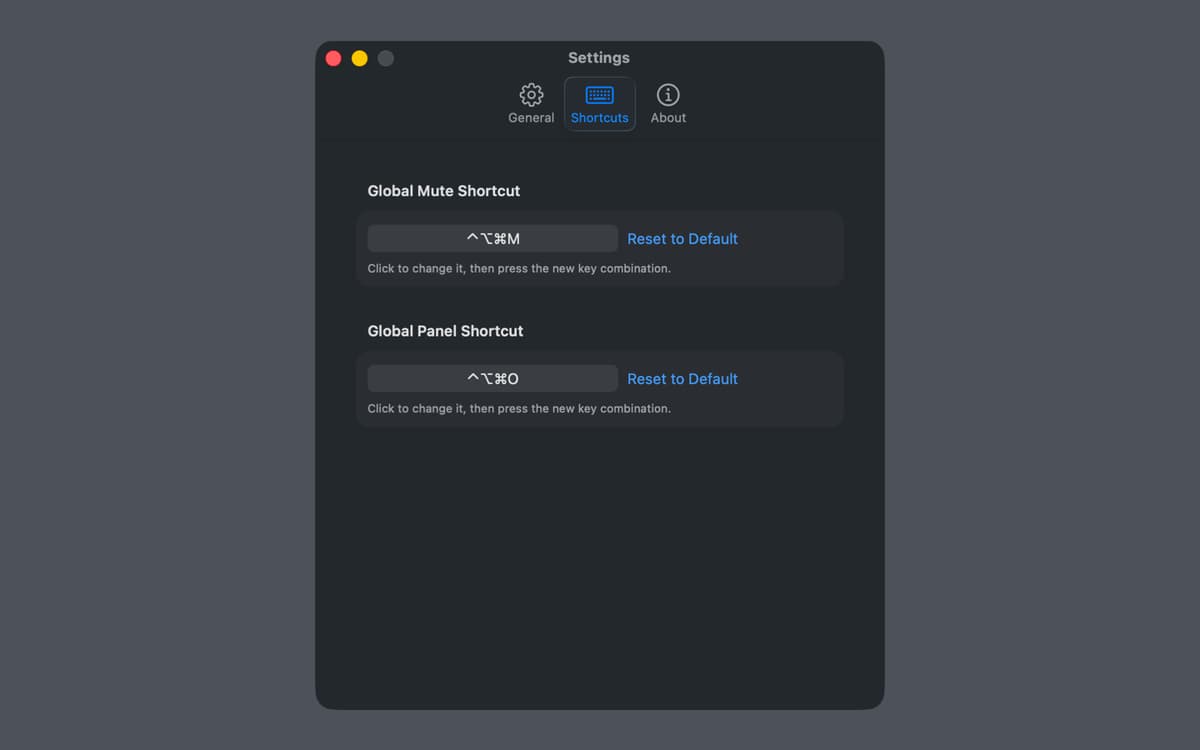
Mute and unmute with a keyboard shortcut
See your mic status at a glance
Manage audio for calls and recording
Microphone Selector-Funktionen
Your mic, always one click away
Microphone Selector lives in the menu bar and shows your current input device at a glance. Switch between microphones instantly — no digging through System Settings, no interrupting your workflow. Everything you need is right where you need it.
Mute in a flash
Hit mute instantly with a global keyboard shortcut, from any app, at any moment. Whether you're on a call, recording a voiceover, or going live, you can silence yourself without switching windows. And you'll always know your mute state — the menu bar icon makes it obvious.
See if you're live
The menu bar icon reflects your current mic and mute status in real time. Never wonder whether your mic is on again — just glance up and you'll know immediately.
Built for calls, recording, and streaming
Microphone Selector fits right into the workflows that depend on reliable audio. Use it during video calls, podcast recording sessions, or live streams — wherever switching inputs quickly or muting on cue makes a real difference.
Works offline, collects no data
There's no account, no cloud sync, no analytics. Microphone Selector does its job quietly and locally. Your audio setup stays on your Mac, exactly as it should.
Lightweight and out of the way
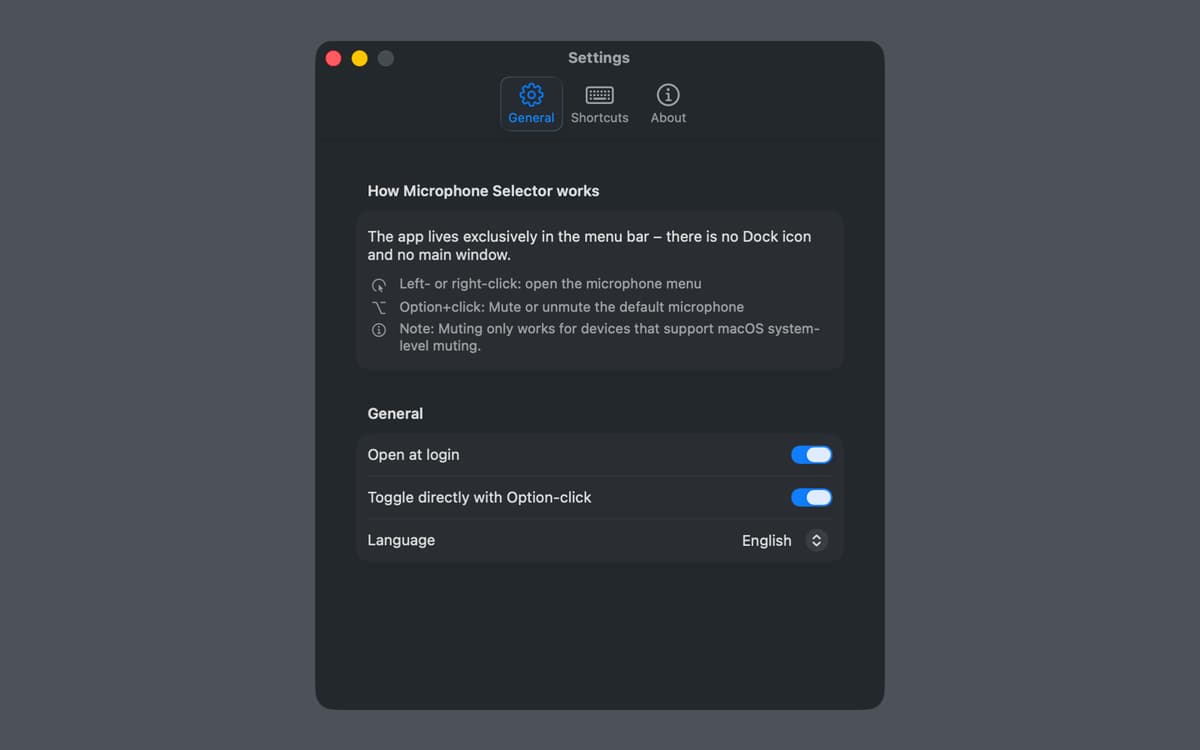
Microphone Selector lives entirely in the menu bar — no dock icon, no extra windows. It's there when you need it and invisible when you don't.
Erhalten Sie Hunderte von Apps mit Membership
Werden Sie Setapp Member und nutzen Sie mit nur einem Abonnement hunderte genialer Apps.
Testen Sie 7 Tage kostenlos, im Anschluss nur eine einfach monatliche Gebühr.
Setapp auf dem Mac installieren
Erkunden Sie Apps für Mac, iOS und Web. Finden Sie einfache Möglichkeiten für die Bewältigung täglicher Aufgaben.

Die gesuchte App finden
In Setapp wartet eine wunderbare App auf Sie. Installieren Sie sie mit einem Klick.

Microphone Selector
Abonnement wählen
Eine App oder mehr mit der Setapp Membership. Holen Sie sich Apps, so wie Sie es möchten.

Erhalten Sie Hunderte von Apps mit Membership
Werden Sie Setapp Member und nutzen Sie mit nur einem Abonnement hunderte genialer Apps.
Testen Sie 7 Tage kostenlos, im Anschluss nur eine einfach monatliche Gebühr.
1
Setapp auf dem Mac installieren
Erkunden Sie Apps für Mac, iOS und Web. Finden Sie einfache Möglichkeiten für die Bewältigung täglicher Aufgaben.
2
Die gesuchte App finden
In Setapp wartet eine wunderbare App auf Sie. Installieren Sie sie mit einem Klick.
Microphone Selector
3
Abonnement wählen
Eine App oder mehr mit der Setapp Membership. Holen Sie sich Apps, so wie Sie es möchten.
Die besten Apps
Von Planung und Routineaufgaben bis hin zu kreativen Tätigkeiten und Programmieren – mit den Apps von Setapp sind Sie bestens für Aufgaben gerüstet.

TypingMind
KI-Chat mit alternativer UI
Text erzeugen oder zusammenfassen
Prompt-Bibliothek nutzen
KI

Spark Mail
E-Mails verwalten
KI

CleanMyMac
Datenmüll entfernen

Bartender
Menüleiste anpassen

CleanShot X
Vielseitige Bildschirmfotos aufnehmen

Luminar Neo
Fotos bearbeiten
KI

ClearVPN
Sichere Verbindung herstellen

Craft
Mit Dokumenten arbeiten
KI
Microphone Selector
Your mic, always in control