
Proximate
Benachrichtigungen an Ihren Cursor bringen

Mac
Version 1.13.6
macOS 14.0 oder neuer
239 MB
52 Sprachen
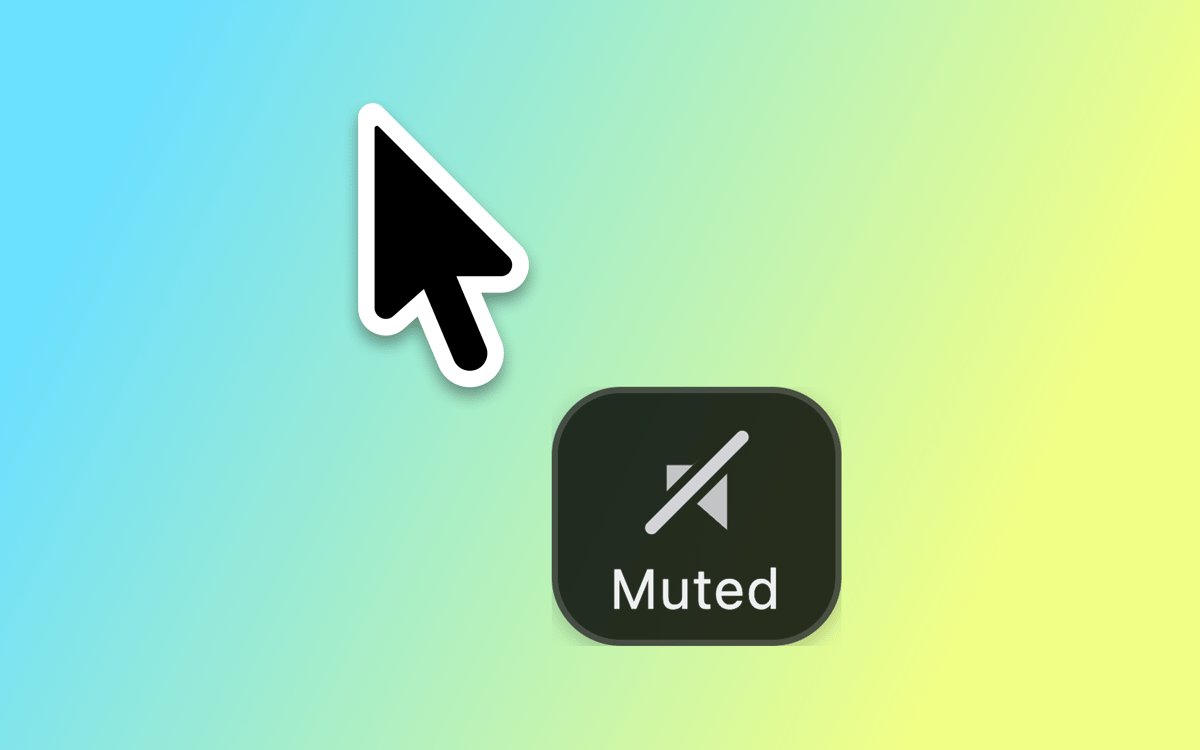
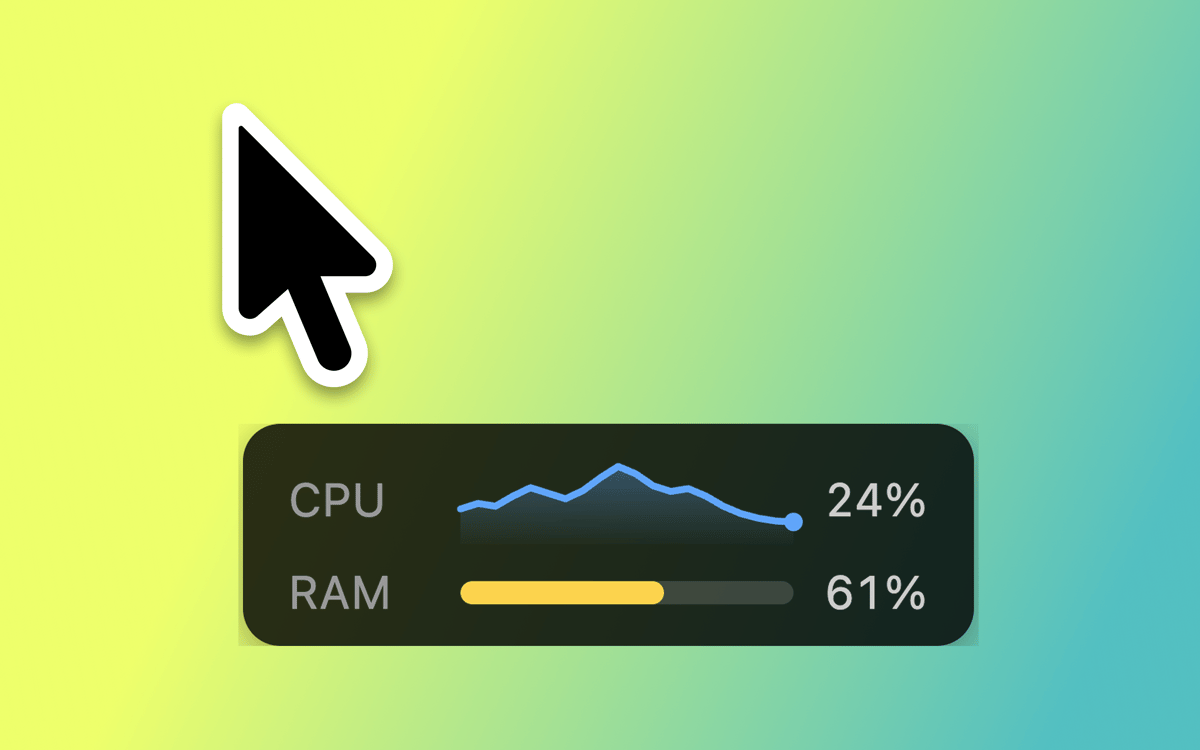
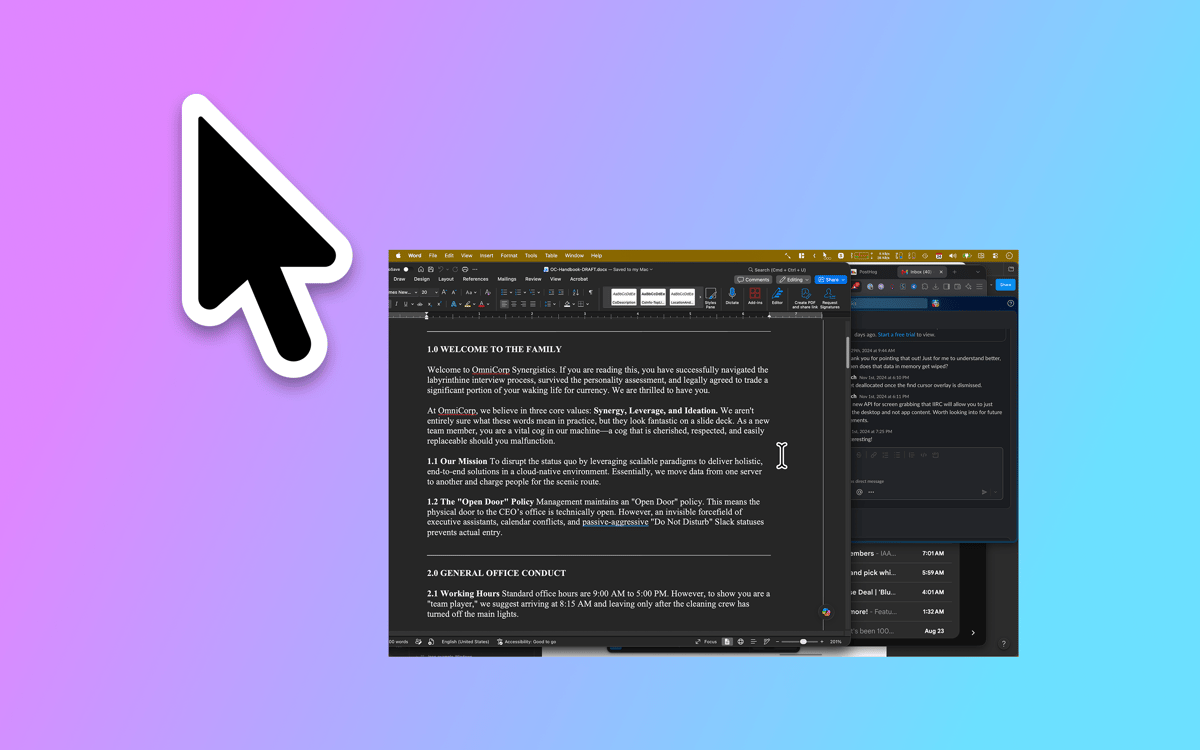
Proximate ist ein Hilfsprogramm für Cursor-Benachrichtigungen für Mac. Es bringt die Dinge, die Sie leicht übersehen – App-Benachrichtigungen, die Uhrzeit, Countdown-Timer – direkt dorthin, wo Ihre Augen bereits sind: zu Ihrem Mauszeiger. Auf großen Bildschirmen erscheinen Benachrichtigungen weit entfernt in einer Ecke, während Sie vertieft arbeiten. Proximate bringt dezent das Wichtige zur Oberfläche, ohne Sie aus Ihrem Arbeitsfluss zu reißen.
Benachrichtigungen nie verpassen
Kennen Sie die Zeit immer, ohne wegzuschauen
Countdown-Timer per Mauszeiger einstellen
Fokussiert und informiert bleiben
Proximate-Funktionen
Cursor-Benachrichtigungen
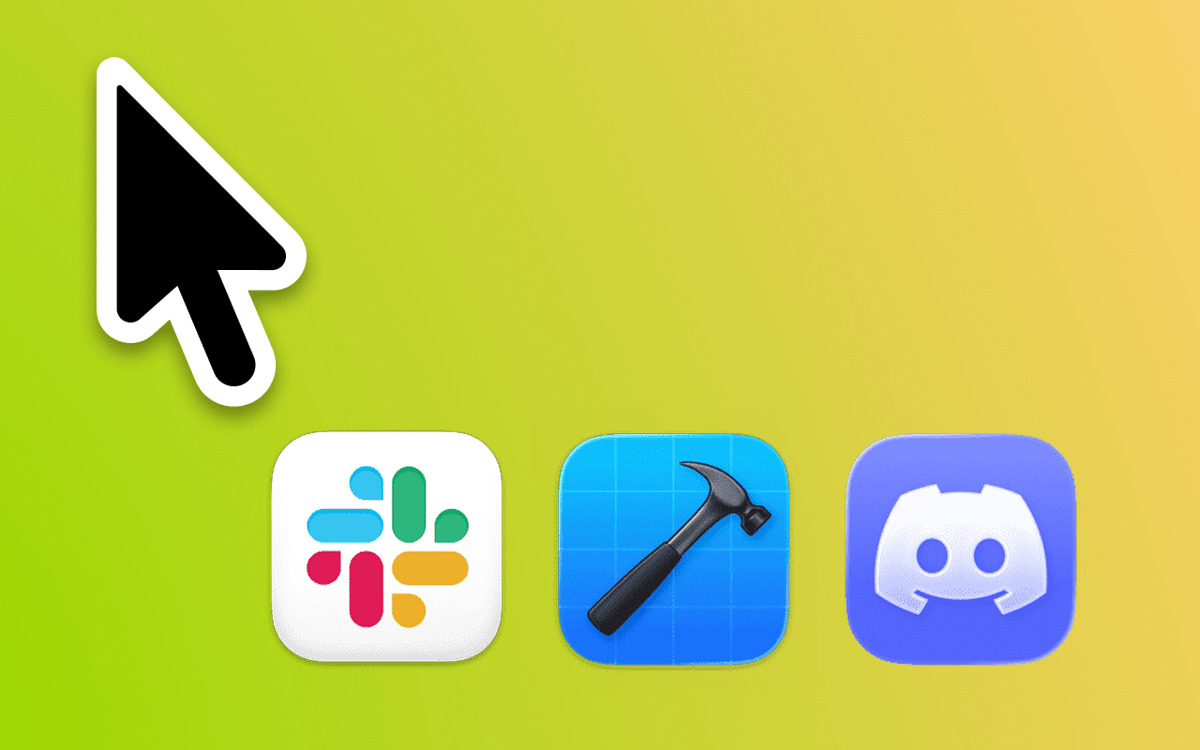
Wählen Sie aus, welche Apps überwacht werden sollen, und Proximate zeigt deren Symbole direkt neben Ihrem Zeiger an, sobald sie Aufmerksamkeit benötigen. Schluss mit dem Zusammenkneifen der Augen in der oberen rechten Ecke eines 27-Zoll-Bildschirms. Symbole verschwinden automatisch nach dem Check-in – keine Bereinigung erforderlich.
Cursor-Uhr
Im Vollbildmodus? Die Uhr in der Menüleiste verschwindet ebenfalls. Proximate zeigt Uhrzeit und Datum schwebend neben Ihrem Cursor an, sodass Sie immer wissen, wie spät es ist – ohne den Blick von Ihrer Arbeit abwenden zu müssen.
Cursor-Timer
Stellen Sie einen oder mehrere Timer ein, die direkt neben Ihrem Zeiger angezeigt werden. Zählen Sie die Zeit bis zu einer Deadline herunter, stoppen Sie die Zeit für einen fokussierten Arbeitssprint oder behalten Sie einfach im Blick, wie lange etwas bereits läuft. Wählen Sie zwischen einem digitalen Zähler, einer Fortschrittsanzeige oder einem farbwechselnden Kreis.
Tastaturkurzbefehle für alles
Schalten Sie alle Proximate-Elemente ein und aus, entfernen Sie Icon-Benachrichtigungen mit einem Tastendruck oder zentrieren Sie Ihren Mauszeiger auf dem Bildschirm neu – alles ohne Ihr Trackpad zu berühren. Schnell, sauber und immer griffbereit.
Vollständig anpassbares
Aussehen Positionieren Sie App-Symbole und die Uhr in beliebigem Winkel und Abstand zu Ihrem Zeiger. Passen Sie Symbolgröße, Uhrzeitschrift, Farben und Zeitformat an. Legen Sie Transparenzregeln fest, abhängig davon, ob sich Ihre Maus bewegt oder stillsteht. Proximate fügt sich genau so ein, wie Sie es wünschen.
iCloud-Sync für Einstellungen
Proximate auf mehreren Macs verwenden? Ihre Einstellungen werden automatisch über iCloud synchronisiert. Einmal einrichten und überall nutzen – keine manuelle Konfiguration erforderlich.
Erhalten Sie Hunderte von Apps mit Membership
Werden Sie Setapp Member und nutzen Sie mit nur einem Abonnement hunderte genialer Apps.
Testen Sie 7 Tage kostenlos, im Anschluss nur eine einfach monatliche Gebühr.
Setapp auf dem Mac installieren
Erkunden Sie Apps für Mac, iOS und Web. Finden Sie einfache Möglichkeiten für die Bewältigung täglicher Aufgaben.

Die gesuchte App finden
In Setapp wartet eine wunderbare App auf Sie. Installieren Sie sie mit einem Klick.

Proximate
Abonnement wählen
Eine App oder mehr mit der Setapp Membership. Holen Sie sich Apps, so wie Sie es möchten.

Erhalten Sie Hunderte von Apps mit Membership
Werden Sie Setapp Member und nutzen Sie mit nur einem Abonnement hunderte genialer Apps.
Testen Sie 7 Tage kostenlos, im Anschluss nur eine einfach monatliche Gebühr.
1
Setapp auf dem Mac installieren
Erkunden Sie Apps für Mac, iOS und Web. Finden Sie einfache Möglichkeiten für die Bewältigung täglicher Aufgaben.
2
Die gesuchte App finden
In Setapp wartet eine wunderbare App auf Sie. Installieren Sie sie mit einem Klick.
Proximate
3
Abonnement wählen
Eine App oder mehr mit der Setapp Membership. Holen Sie sich Apps, so wie Sie es möchten.
Die besten Apps
Von Planung und Routineaufgaben bis hin zu kreativen Tätigkeiten und Programmieren – mit den Apps von Setapp sind Sie bestens für Aufgaben gerüstet.

TypingMind
KI-Chat mit alternativer UI
Text erzeugen oder zusammenfassen
Prompt-Bibliothek nutzen
KI

Spark Mail
E-Mails verwalten
KI

CleanMyMac
Datenmüll entfernen

Bartender
Menüleiste anpassen

CleanShot X
Vielseitige Bildschirmfotos aufnehmen

Luminar Neo
Fotos bearbeiten
KI

ClearVPN
Sichere Verbindung herstellen

Craft
Mit Dokumenten arbeiten
KI
Proximate
Benachrichtigungen an Ihren Cursor bringen