
SaneBar
Private menu bar control

Mac
Version 2.1.71
macOS 14.0 oder neuer
22.8 MB
1 Sprachen
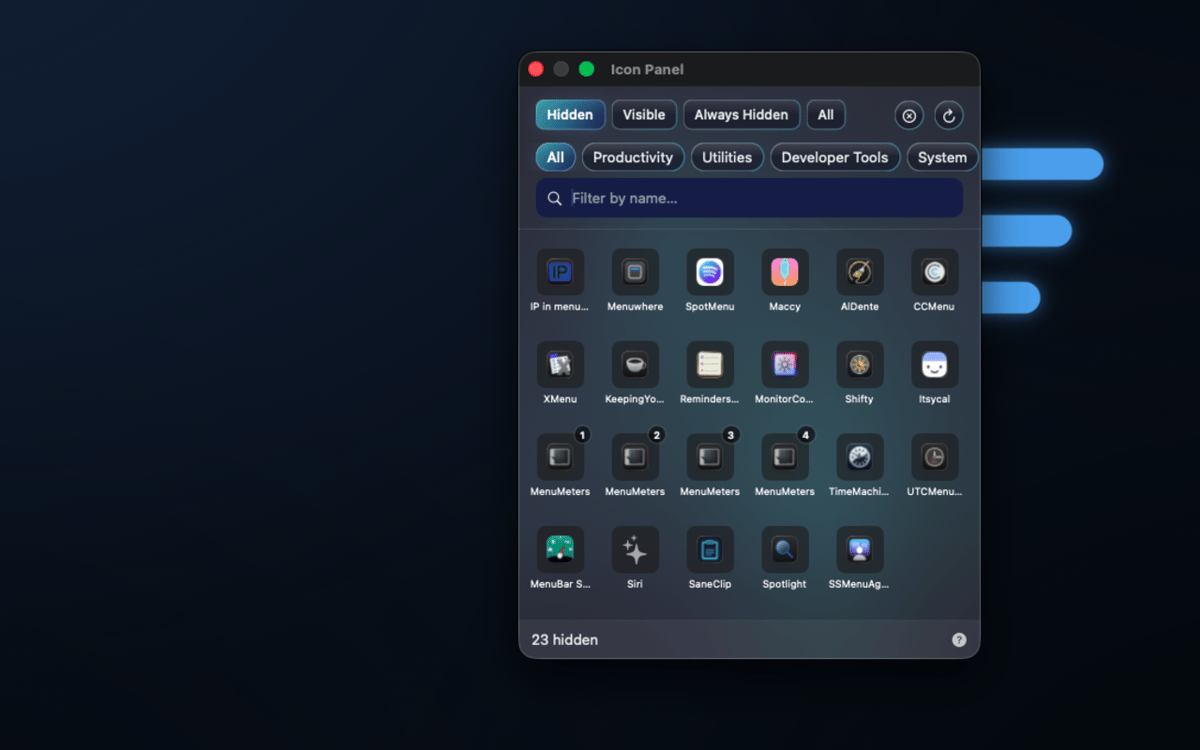
SaneBar is a privacy-first menu bar manager for Mac. It keeps your menu bar setup on your Mac: no cloud account, no user-content upload, and no spying on your menu bar contents. Hide icons you do not need, reveal them with a click, search, hotkey, hover, or scroll, and lock sensitive hidden icons behind Touch ID or a password.
Hide clutter privately
Lock icons with Touch ID
Find hidden icons fast
Automate menu bar layouts
SaneBar-Funktionen
Keep menu bar organization private
SaneBar keeps everything on your Mac — layouts, preferences, icon names, screenshots, and personal content never reach SaneApps servers. No cloud account required, no data uploaded. What's in your menu bar stays exactly where it belongs: with you.
Hide and reveal icons your way
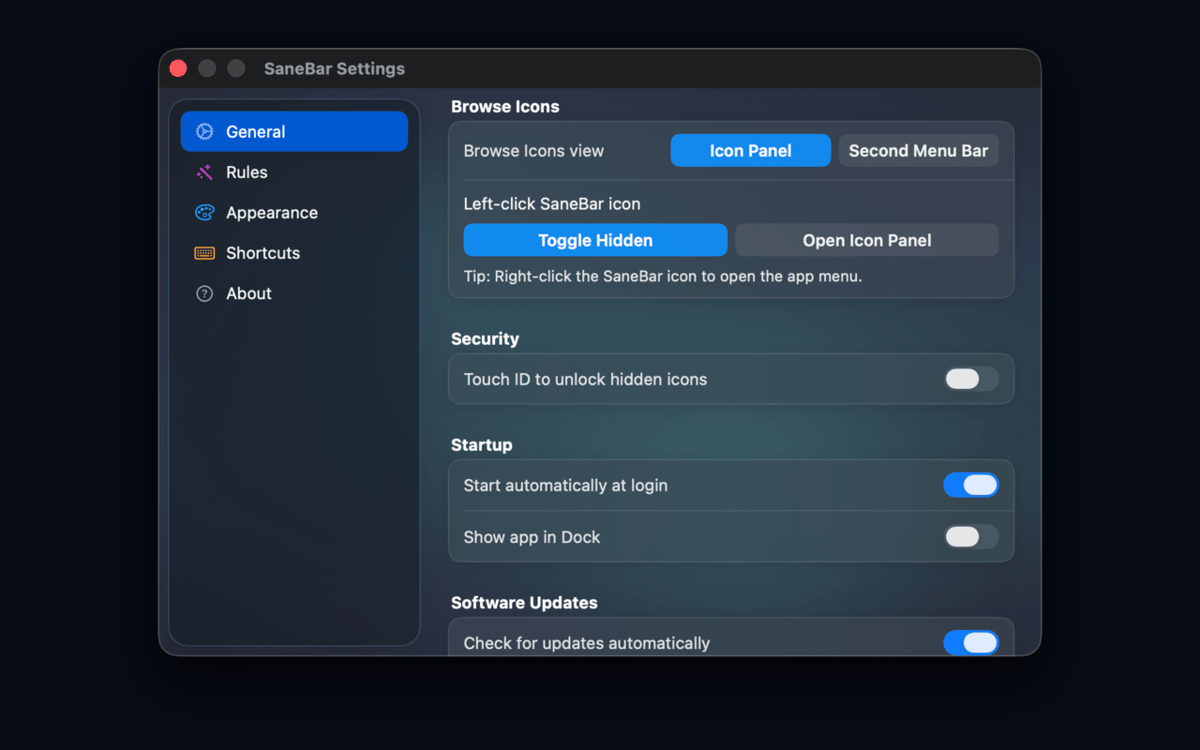
Keep the icons you actually use front and center. Tuck the rest away and bring them back whenever you need them — with a click, a hotkey, a hover, or a scroll. You're always one gesture away from the full picture.
Lock sensitive icons from prying eyes
Screen sharing or presenting to a crowd? Lock hidden icons behind Touch ID or a password so no one accidentally glimpses what's tucked away. It's a small thing that makes a big difference.
Smart triggers that read the room
Set SaneBar to reveal icons automatically based on context — Focus mode, battery level, Wi-Fi network, schedule, app launch, or a custom script. Your menu bar adapts to what you're doing, not the other way around.
Find any icon in seconds
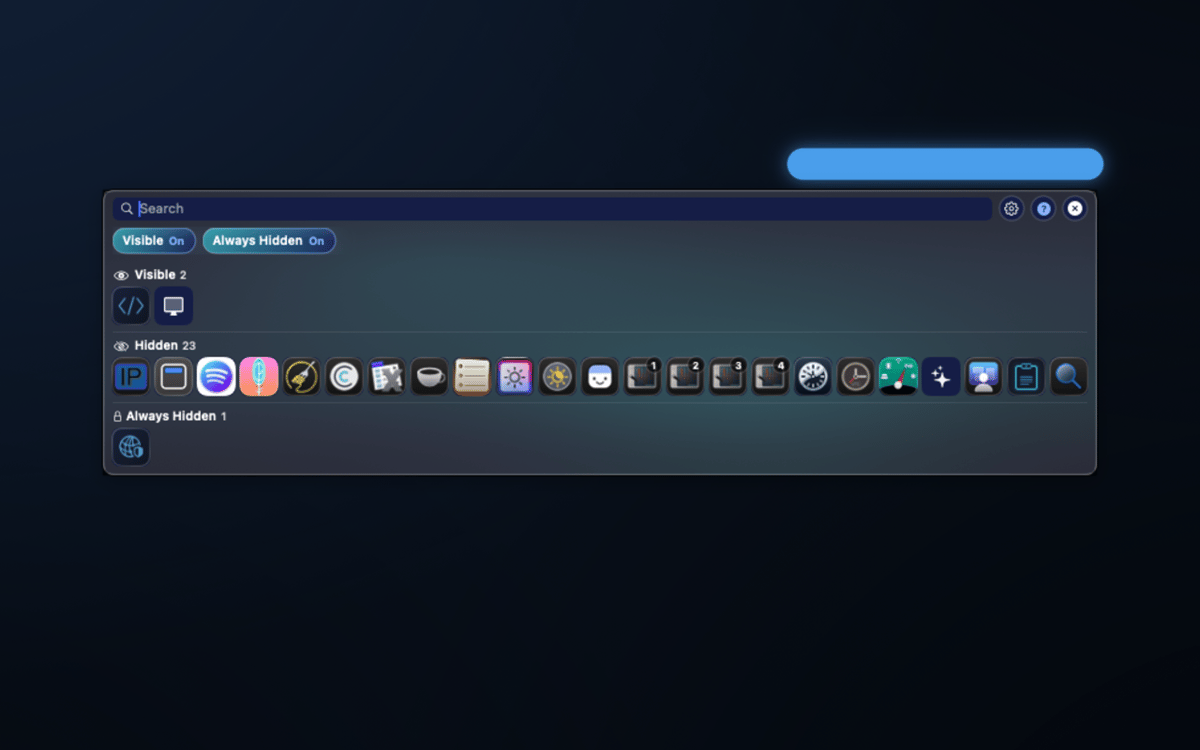
A floating icon panel and a second menu bar let you search hidden icons by app name and open their menu items on the spot — no need to shuffle your layout every time you need something buried.
Organize like a pro
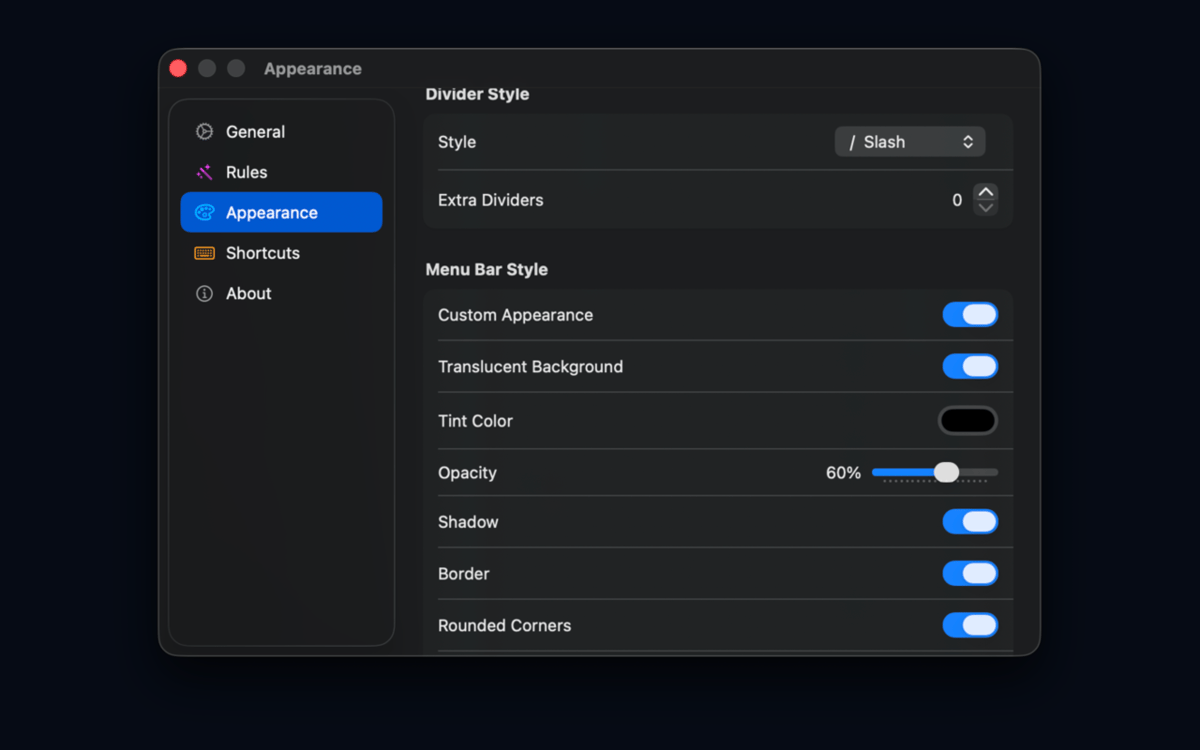
Group icons, create profiles, set up an Always Hidden zone, adjust spacing, tweak appearance, and use import/export to back up or share your setup. Migrating from Bartender or Ice? SaneBar handles that too.
Erhalten Sie Hunderte von Apps mit Membership
Werden Sie Setapp Member und nutzen Sie mit nur einem Abonnement hunderte genialer Apps.
Testen Sie 7 Tage kostenlos, im Anschluss nur eine einfach monatliche Gebühr.
Setapp auf dem Mac installieren
Erkunden Sie Apps für Mac, iOS und Web. Finden Sie einfache Möglichkeiten für die Bewältigung täglicher Aufgaben.

Die gesuchte App finden
In Setapp wartet eine wunderbare App auf Sie. Installieren Sie sie mit einem Klick.

SaneBar
Abonnement wählen
Eine App oder mehr mit der Setapp Membership. Holen Sie sich Apps, so wie Sie es möchten.

Erhalten Sie Hunderte von Apps mit Membership
Werden Sie Setapp Member und nutzen Sie mit nur einem Abonnement hunderte genialer Apps.
Testen Sie 7 Tage kostenlos, im Anschluss nur eine einfach monatliche Gebühr.
1
Setapp auf dem Mac installieren
Erkunden Sie Apps für Mac, iOS und Web. Finden Sie einfache Möglichkeiten für die Bewältigung täglicher Aufgaben.
2
Die gesuchte App finden
In Setapp wartet eine wunderbare App auf Sie. Installieren Sie sie mit einem Klick.
SaneBar
3
Abonnement wählen
Eine App oder mehr mit der Setapp Membership. Holen Sie sich Apps, so wie Sie es möchten.
Die besten Apps
Von Planung und Routineaufgaben bis hin zu kreativen Tätigkeiten und Programmieren – mit den Apps von Setapp sind Sie bestens für Aufgaben gerüstet.

TypingMind
KI-Chat mit alternativer UI
Text erzeugen oder zusammenfassen
Prompt-Bibliothek nutzen
KI

Spark Mail
E-Mails verwalten
KI

CleanMyMac
Datenmüll entfernen

Bartender
Menüleiste anpassen

CleanShot X
Vielseitige Bildschirmfotos aufnehmen

Luminar Neo
Fotos bearbeiten
KI

ClearVPN
Sichere Verbindung herstellen

Craft
Mit Dokumenten arbeiten
KI
SaneBar
Private menu bar control