Screenshot Blur
Sensible Daten schnell verbergen
Mac
Version 1.1.0
macOS 13.0 oder neuer
23.3 MB
1 Sprachen
Screenshot Blur ist ein Datenschutz-Tool für Mac-Screenshots. Es integriert sich in den nativen Screenshot-Workflow von macOS, sodass Sie direkt von der Aufnahme zur Bereinigung übergehen können, ohne Ihren Rhythmus zu unterbrechen. Unkenntlichmachen oder Verpixeln von Passwörtern, Token, E-Mails, Wallet-Adressen und anderen sensiblen Daten vor der Weitergabe. Jede Bearbeitung bleibt lokal auf Ihrem Mac, und Sie können das Ergebnis speichern, kopieren oder beides in einem Schritt.
Private Daten vor Weitergabe unscharf machen
Tokens, E-Mails und URLs verbergen
Saubere Screenshots für Docs und Posts
In einem Zug speichern oder kopieren
Screenshot Blur-Funktionen
Screenshots direkt nach der Aufnahme bearbeiten
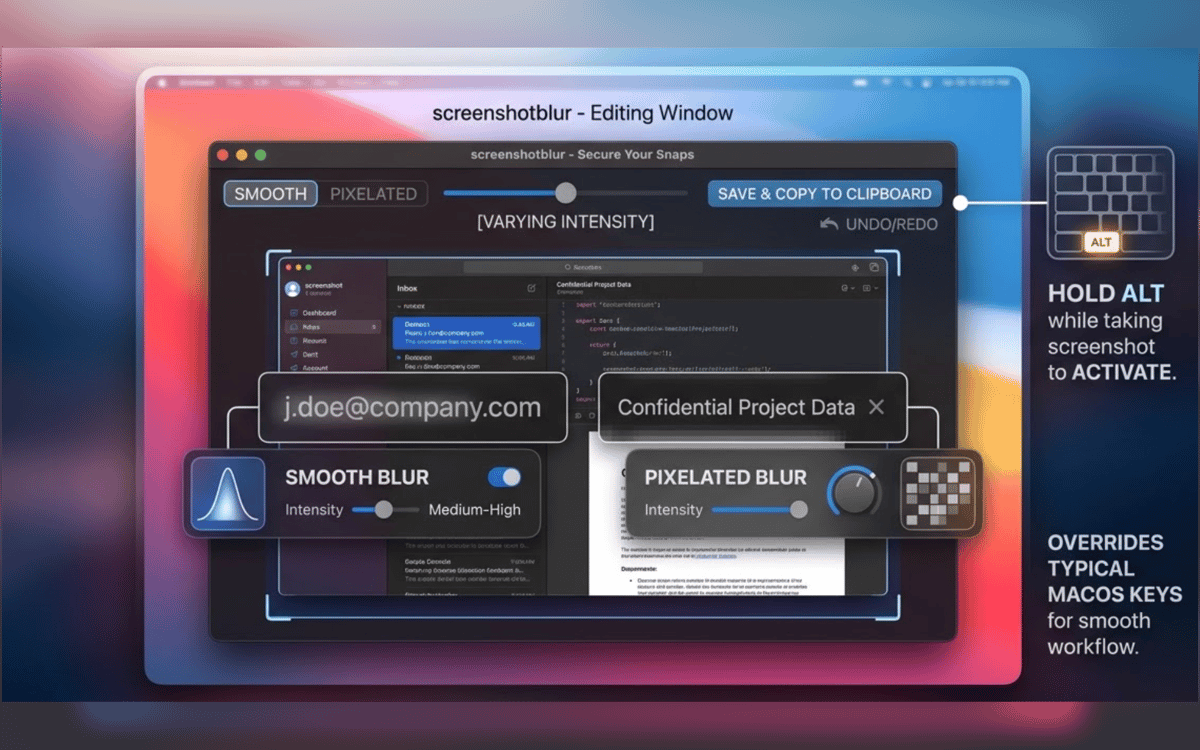
Keine erneute Öffnung von Dateien. Kein mühsames Durchsuchen von Ordnern. Erstellen Sie einen Screenshot mit der integrierten macOS-Tastenkombination, halten Sie die Wahltaste gedrückt, und Screenshot Blur öffnet das Bild sofort, damit Sie es direkt bearbeiten können.
Bleiben Sie in Ihrem gewohnten Screenshot-Workflow
Screenshot Blur funktioniert mit dem nativen macOS-Screenshot-Workflow, anstatt Sie in ein separates Aufnahmetool zu zwingen. Das bedeutet weniger Aufwand und weniger Schritte, wann immer Sie schnell etwas teilen möchten.
Private Details verpixeln oder verwischen
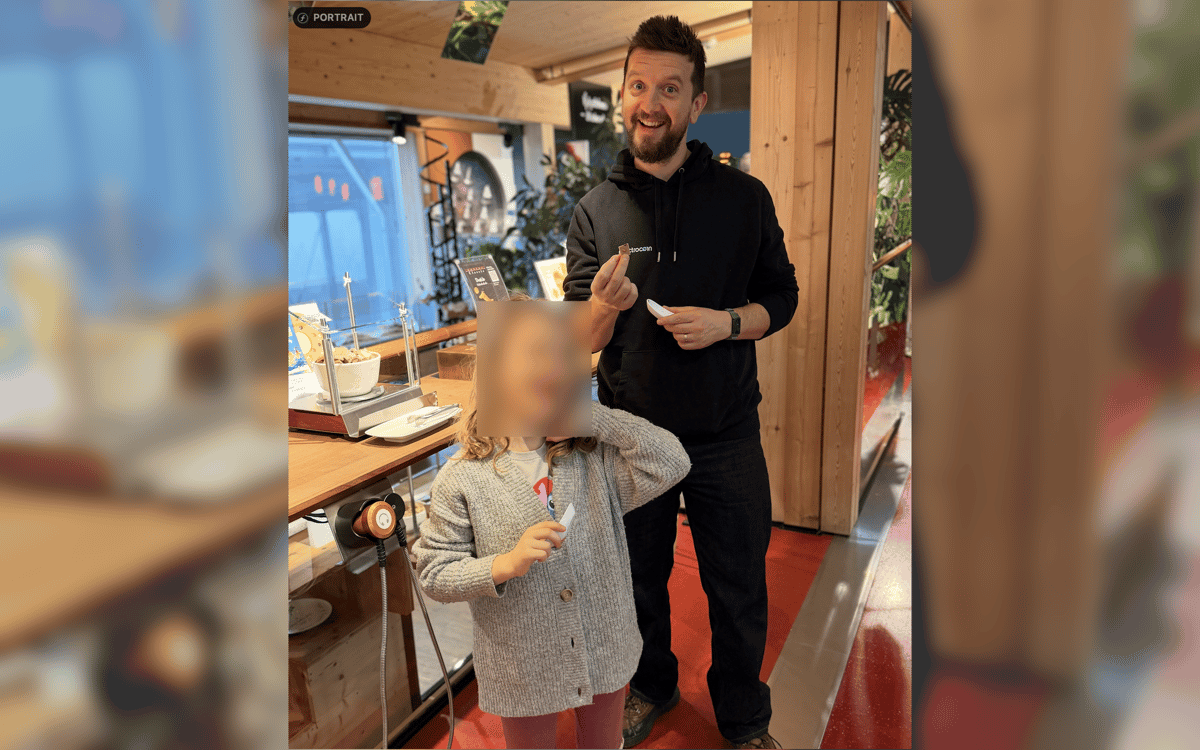
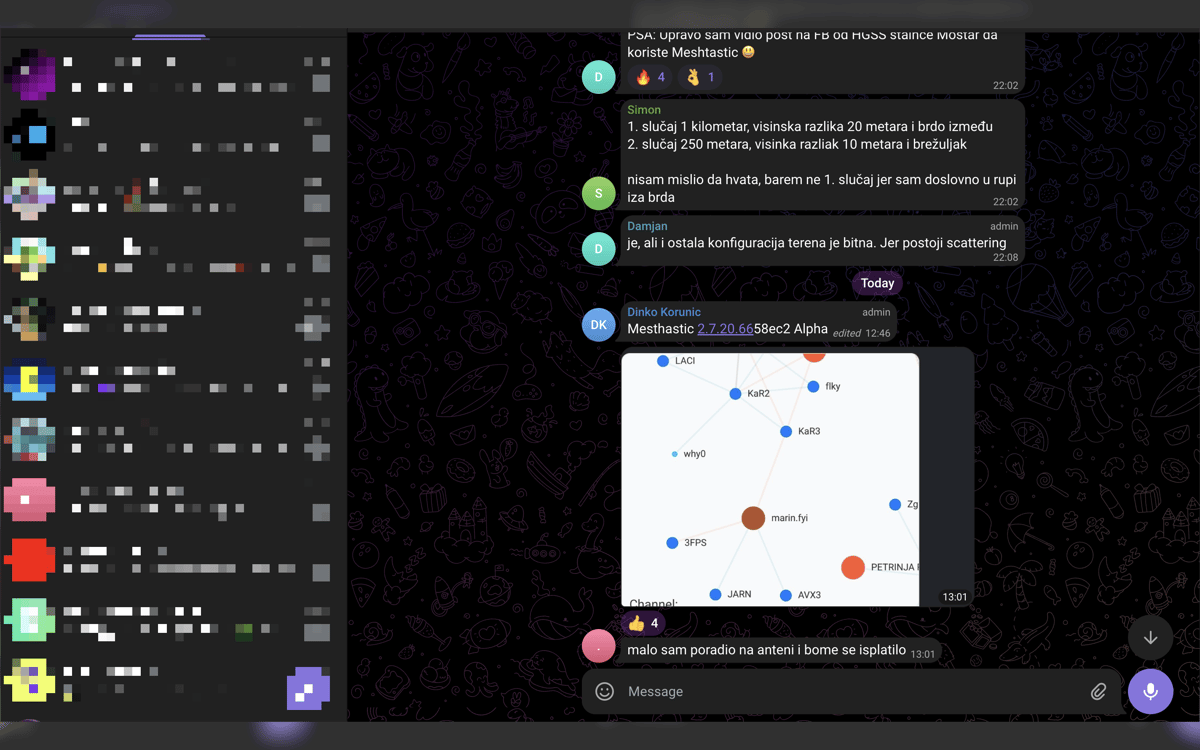
Verbergen Sie, was Ihren Bildschirm nicht verlassen sollte – Passwörter, API-Schlüssel, Zugriffstoken, Kundendaten, Wallet-Adressen, interne URLs und mehr. Wählen Sie zwischen weicher Unschärfe und Verpixelung, je nachdem, was im Endbild am besten aussieht.
Jede Bearbeitung lokal behalten
Diese App wurde für Datenschutz entwickelt, nicht für Uploads. Ihre Screenshots bleiben auf Ihrem Mac – ohne Cloud-Editor, ohne Zwangsregistrierung und ohne Abhängigkeit von einem Online-Dienst nur zum Verbergen einiger Details.
Teilen Sie Ihre Arbeitsweise
Sobald der Screenshot bearbeitet ist, können Sie ihn speichern, kopieren oder beides auf einmal erledigen. Es ist zwar eine Kleinigkeit, aber sie erspart dir den lästigen letzten Schritt beim Arbeiten an Dokumenten, Support-Antworten, internen Chats oder Social-Media-Beiträgen.
Erhalten Sie Hunderte von Apps mit Membership
Werden Sie Setapp Member und nutzen Sie mit nur einem Abonnement hunderte genialer Apps.
Testen Sie 7 Tage kostenlos, im Anschluss nur eine einfach monatliche Gebühr.
Setapp auf dem Mac installieren
Erkunden Sie Apps für Mac, iOS und Web. Finden Sie einfache Möglichkeiten für die Bewältigung täglicher Aufgaben.

Die gesuchte App finden
In Setapp wartet eine wunderbare App auf Sie. Installieren Sie sie mit einem Klick.

Screenshot Blur
Abonnement wählen
Eine App oder mehr mit der Setapp Membership. Holen Sie sich Apps, so wie Sie es möchten.

Erhalten Sie Hunderte von Apps mit Membership
Werden Sie Setapp Member und nutzen Sie mit nur einem Abonnement hunderte genialer Apps.
Testen Sie 7 Tage kostenlos, im Anschluss nur eine einfach monatliche Gebühr.
1
Setapp auf dem Mac installieren
Erkunden Sie Apps für Mac, iOS und Web. Finden Sie einfache Möglichkeiten für die Bewältigung täglicher Aufgaben.
2
Die gesuchte App finden
In Setapp wartet eine wunderbare App auf Sie. Installieren Sie sie mit einem Klick.
Screenshot Blur
3
Abonnement wählen
Eine App oder mehr mit der Setapp Membership. Holen Sie sich Apps, so wie Sie es möchten.
Die besten Apps
Von Planung und Routineaufgaben bis hin zu kreativen Tätigkeiten und Programmieren – mit den Apps von Setapp sind Sie bestens für Aufgaben gerüstet.

TypingMind
KI-Chat mit alternativer UI
Text erzeugen oder zusammenfassen
Prompt-Bibliothek nutzen
KI

Spark Mail
E-Mails verwalten
KI

CleanMyMac
Datenmüll entfernen

Bartender
Menüleiste anpassen

CleanShot X
Vielseitige Bildschirmfotos aufnehmen

Luminar Neo
Fotos bearbeiten
KI

ClearVPN
Sichere Verbindung herstellen

Craft
Mit Dokumenten arbeiten
KI
Screenshot Blur
Sensible Daten schnell verbergen