
ShelfShot
Produktfotos auf den Punkt
Mac
Version 0.5.7
macOS 13.0 oder neuer
43.3 MB
1 Sprachen
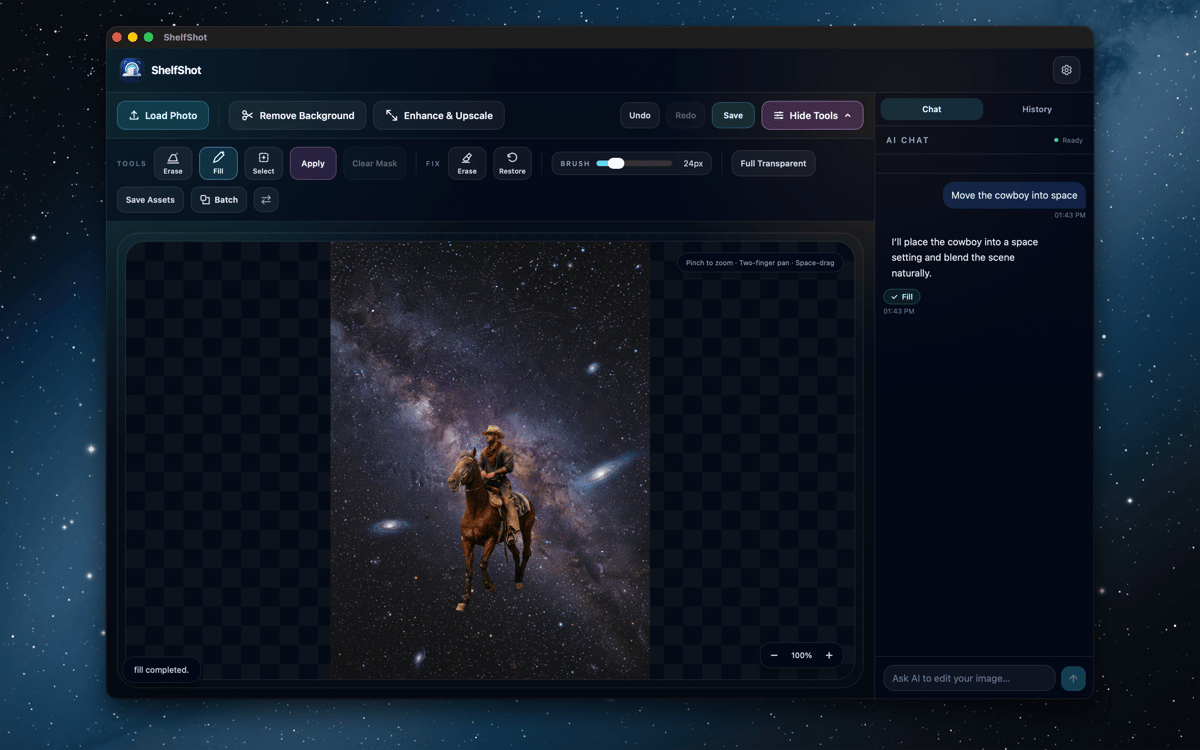
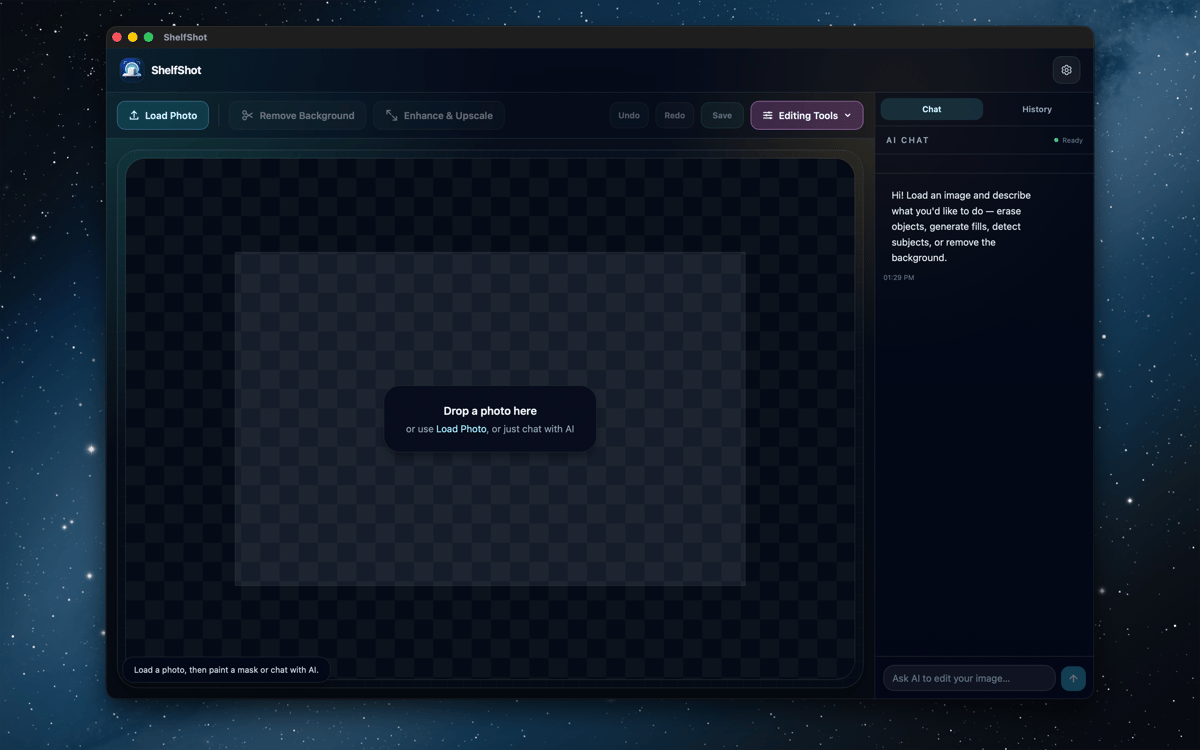
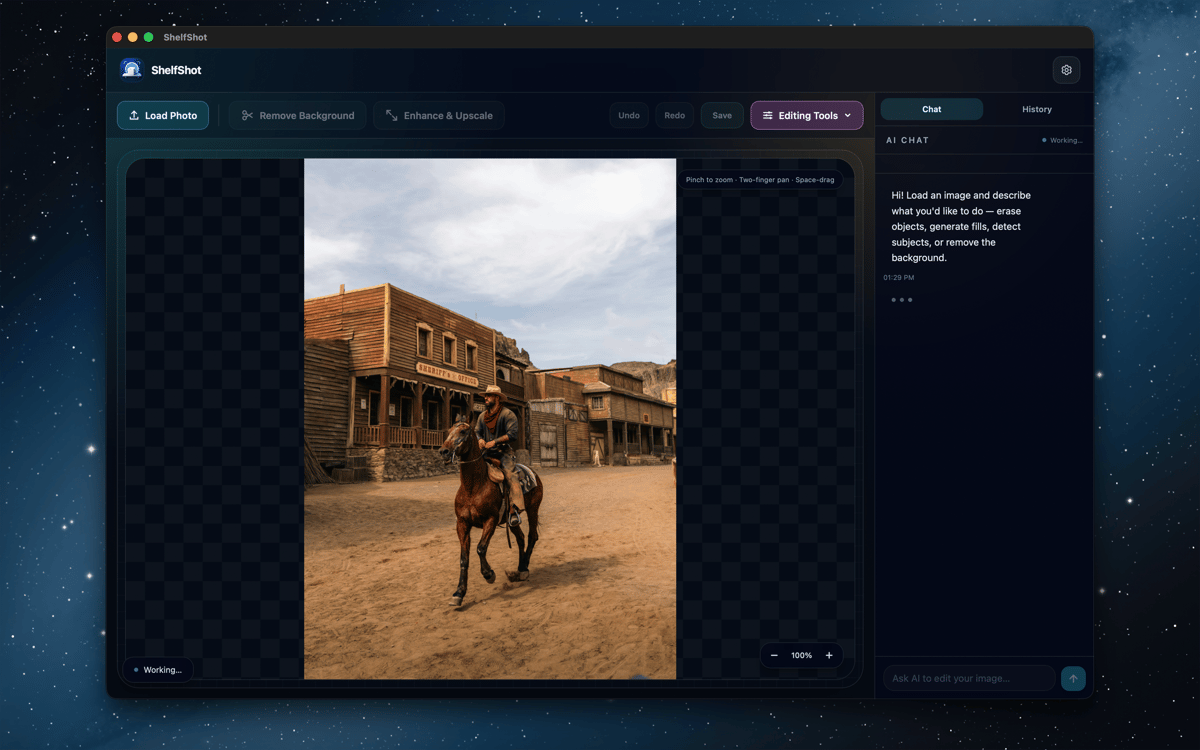
ShelfShot ist ein KI-gestützter Produktfoto-Editor für Mac. Entfernen Sie Hintergründe, retuschieren Sie Details, generieren Sie neue Szenen, skalieren Sie Bilder hoch und bearbeiten Sie ganze Ordner – alles in einem fokussierten Arbeitsbereich. Manuelle Änderungen bleiben lokal, während KI-Aktionen nur dann über Setapp AI ausgeführt werden, wenn Sie sie starten. So entstehen saubere Produktbilder, ohne dass Ihr Mac zum kleinen Fotoproduktionszirkus wird.
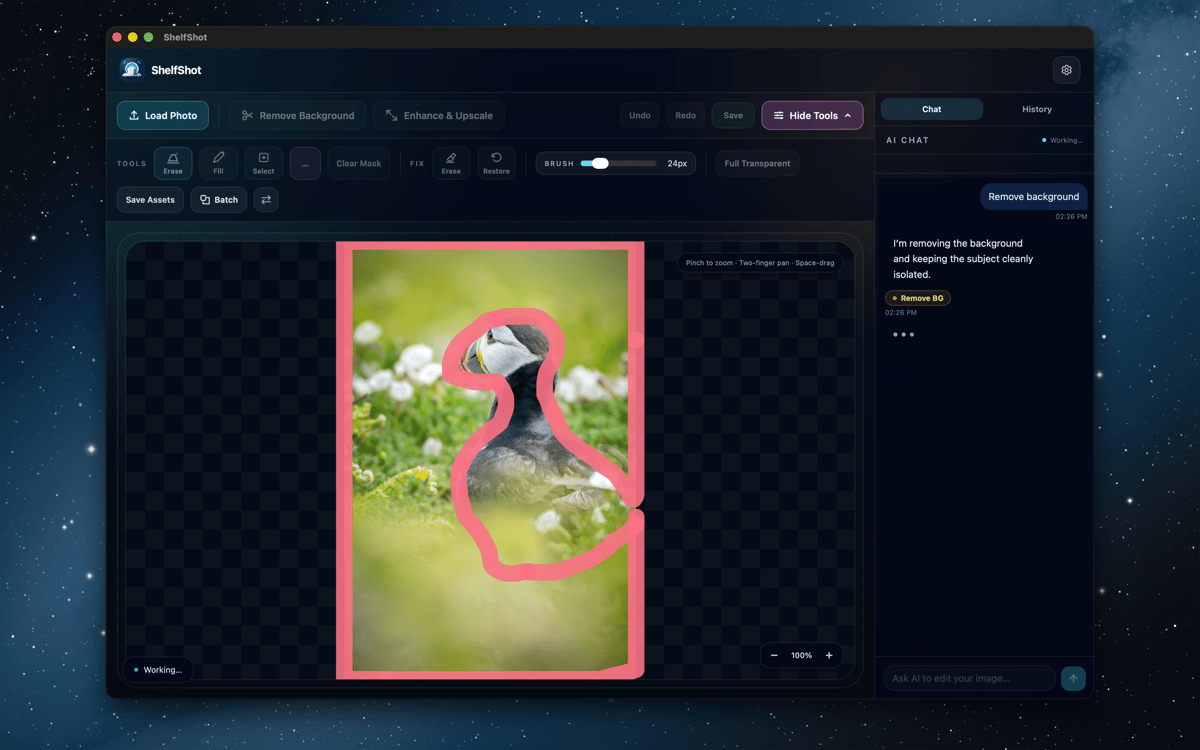
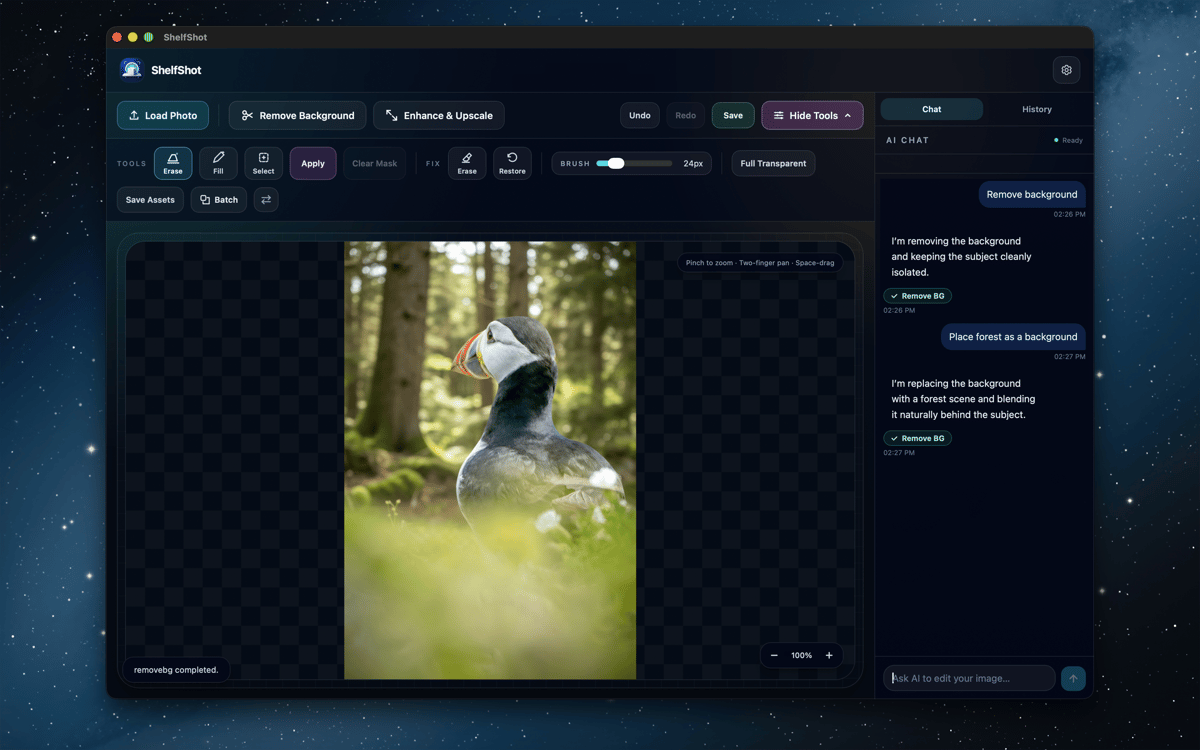
Produkthintergründe entfernen
Kleine Bilddetails retuschieren
Neue Produktszenen generieren
Katalogordner stapelweise bearbeiten
ShelfShot-Funktionen
Hintergründe entfernen und Kanten verfeinern
Schneiden Sie Produkte mithilfe von KI aus und korrigieren Sie anschließend knifflige Stellen mit lokalen Radier- und Wiederherstellungspinseln. Ideal für Glas, Schatten, feine Kanten und all die winzigen Pixel, die gerne für Dramatik sorgen.
Retuschieren mit KI-Unterstützung
Verwenden Sie Anweisungen und optionale Masken, um Details zu korrigieren, Bereiche zu ersetzen, Hintergründe zu entfernen, Bilder hochzuskalieren oder benutzerdefinierte Änderungen vorzunehmen. Überprüfen Sie jedes Ergebnis vor der Veröffentlichung, insbesondere Produktfarben, Etiketten, Texturen und Form.
Produktszenen generieren
Beschreiben Sie ein Setting, eine Stimmung oder eine kommerzielle Komposition und erstellen Sie ein neues Produktvisual. Praktisch für Kampagnenideen, Store-Assets und das Testen eines Looks vor der Planung eines größeren Shootings.
Hochskalieren für schärfere Exporte
Erstellen Sie größere PNGs, wenn ein Katalog, ein Eintrag oder eine Kampagne mehr Pixel benötigt. Prüfen Sie das fertige Bild in voller Größe und exportieren Sie dann die Version, die einsatzbereit ist.
Ordner stapelweise verarbeiten
Wenden Sie Hintergrundentfernung, transparente Ausgabe, Hochskalierung, benutzerdefinierte Prompts oder Voreinstellungen im Marktplatz-Stil auf mehrere Dateien an. Die Ergebnisse der Stapelverarbeitung werden in einem eigenen Ausgabeordner gespeichert.
Marktorientierte Voreinstellungen verwenden
Starten Sie mit Workflows im Amazon-, Etsy- oder Shopify-Stil für die gängige Angebotsvorbereitung. Sie sind hilfreiche Abkürzungen, aber keine Garantie für die Einhaltung von Vorschriften – prüfen Sie daher vor der Veröffentlichung stets die aktuellen Marktplatzregeln.
Bewertungen und Rezensionen
ShelfShot
•
4 Bewertungen
Khabib
26. Okt. 2026
App-Version: 0.5.7
Great app for editing photos
Greg Wilkinson
30. Sept. 2026
App-Version: 0.5.7
Works easily - good with sharpening portraits. Early days as yet.
Erhalten Sie Hunderte von Apps mit Membership
Werden Sie Setapp Member und nutzen Sie mit nur einem Abonnement hunderte genialer Apps.
Testen Sie 7 Tage kostenlos, im Anschluss nur eine einfach monatliche Gebühr.
Setapp auf dem Mac installieren
Erkunden Sie Apps für Mac, iOS und Web. Finden Sie einfache Möglichkeiten für die Bewältigung täglicher Aufgaben.

Die gesuchte App finden
In Setapp wartet eine wunderbare App auf Sie. Installieren Sie sie mit einem Klick.

ShelfShot
Abonnement wählen
Eine App oder mehr mit der Setapp Membership. Holen Sie sich Apps, so wie Sie es möchten.

Erhalten Sie Hunderte von Apps mit Membership
Werden Sie Setapp Member und nutzen Sie mit nur einem Abonnement hunderte genialer Apps.
Testen Sie 7 Tage kostenlos, im Anschluss nur eine einfach monatliche Gebühr.
1
Setapp auf dem Mac installieren
Erkunden Sie Apps für Mac, iOS und Web. Finden Sie einfache Möglichkeiten für die Bewältigung täglicher Aufgaben.
2
Die gesuchte App finden
In Setapp wartet eine wunderbare App auf Sie. Installieren Sie sie mit einem Klick.
ShelfShot
3
Abonnement wählen
Eine App oder mehr mit der Setapp Membership. Holen Sie sich Apps, so wie Sie es möchten.
Die besten Apps
Von Planung und Routineaufgaben bis hin zu kreativen Tätigkeiten und Programmieren – mit den Apps von Setapp sind Sie bestens für Aufgaben gerüstet.

TypingMind
KI-Chat mit alternativer UI
Text erzeugen oder zusammenfassen
Prompt-Bibliothek nutzen
KI

Spark Mail
E-Mails verwalten
KI

CleanMyMac
Datenmüll entfernen

Bartender
Menüleiste anpassen

CleanShot X
Vielseitige Bildschirmfotos aufnehmen

Luminar Neo
Fotos bearbeiten
KI

ClearVPN
Sichere Verbindung herstellen

Craft
Mit Dokumenten arbeiten
KI
ShelfShot
Produktfotos auf den Punkt