
talat
Your meetings, kept private
Mac
Version 1.9.0
macOS 15.0 oder neuer
32.4 MB
1 Sprachen
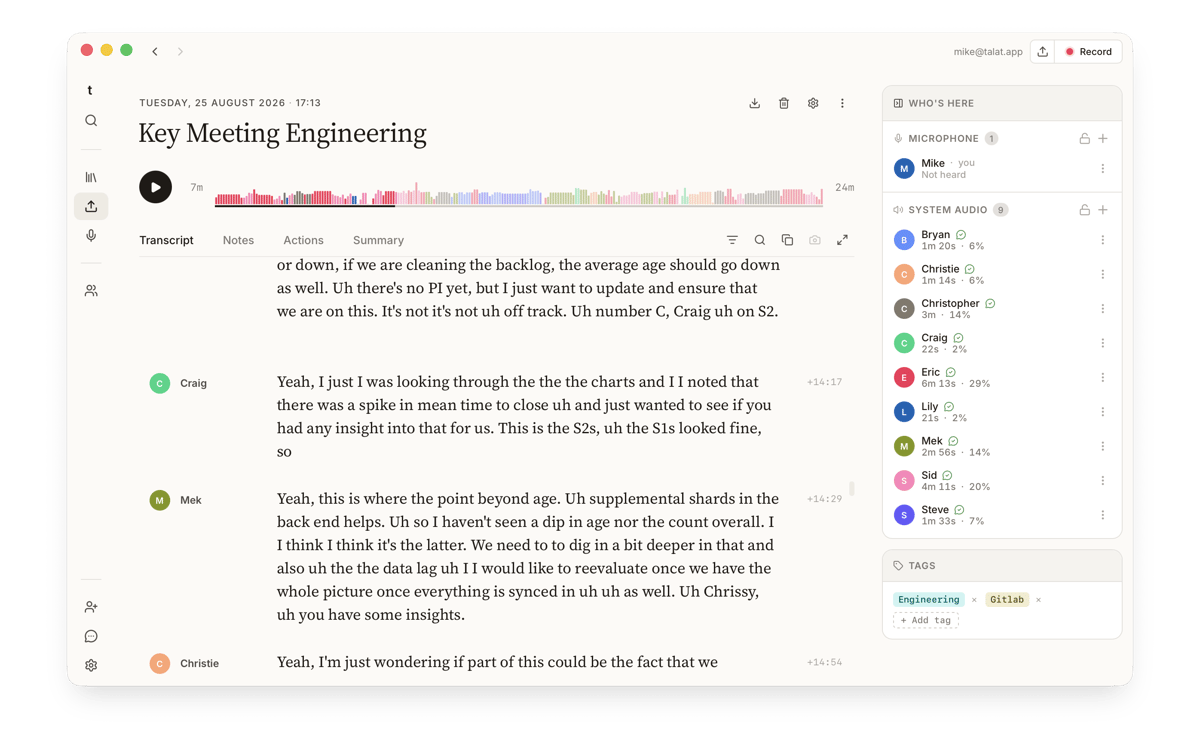
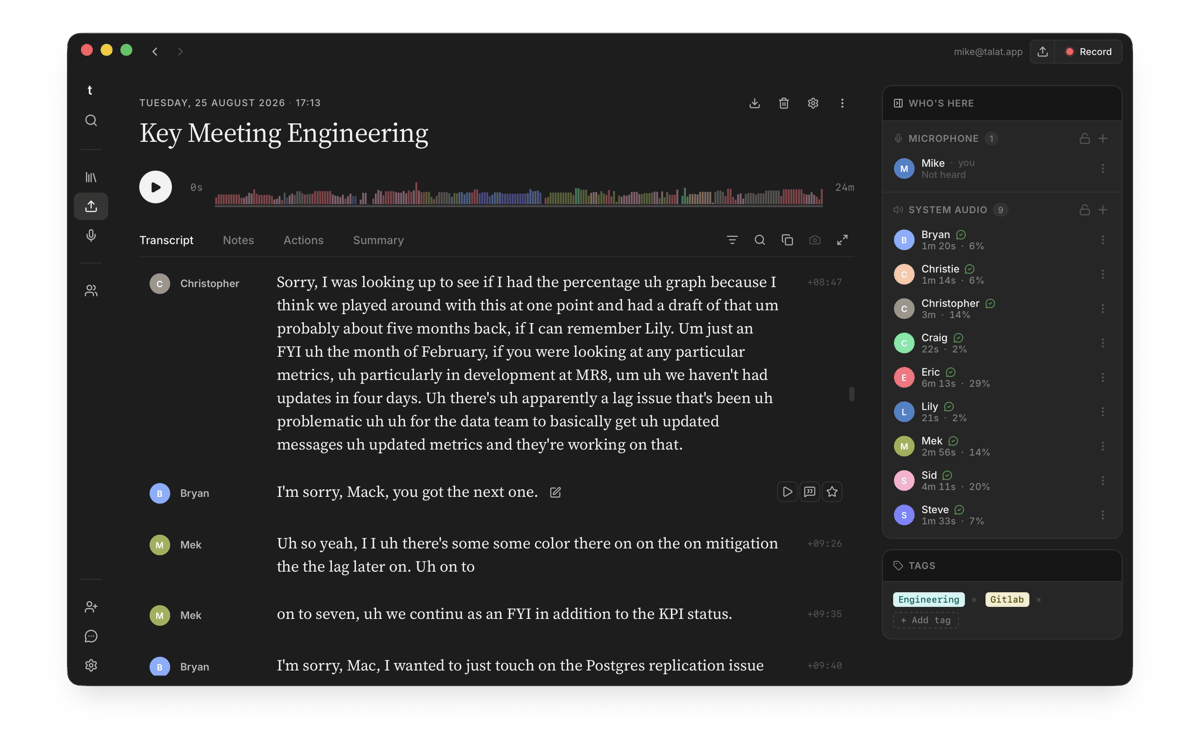
talat is a private meeting recorder for Mac. It captures both sides of any call — mic and system audio — without sending anything off your device. Transcription runs in real time on your Mac's Neural Engine, speaker recognition learns your colleagues' voices over time, and a local AI turns each recording into a summary, chapters, and action items the moment the meeting ends. Everything works offline; your data stays yours.
Record any call without joining bots
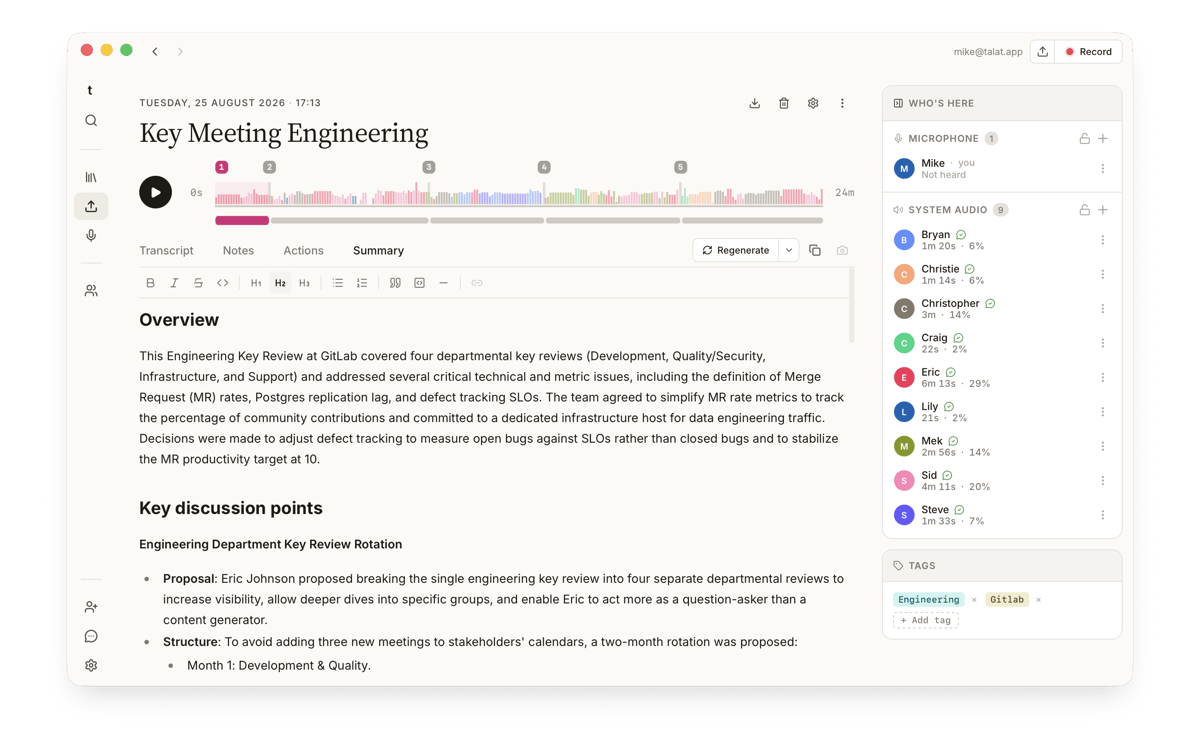
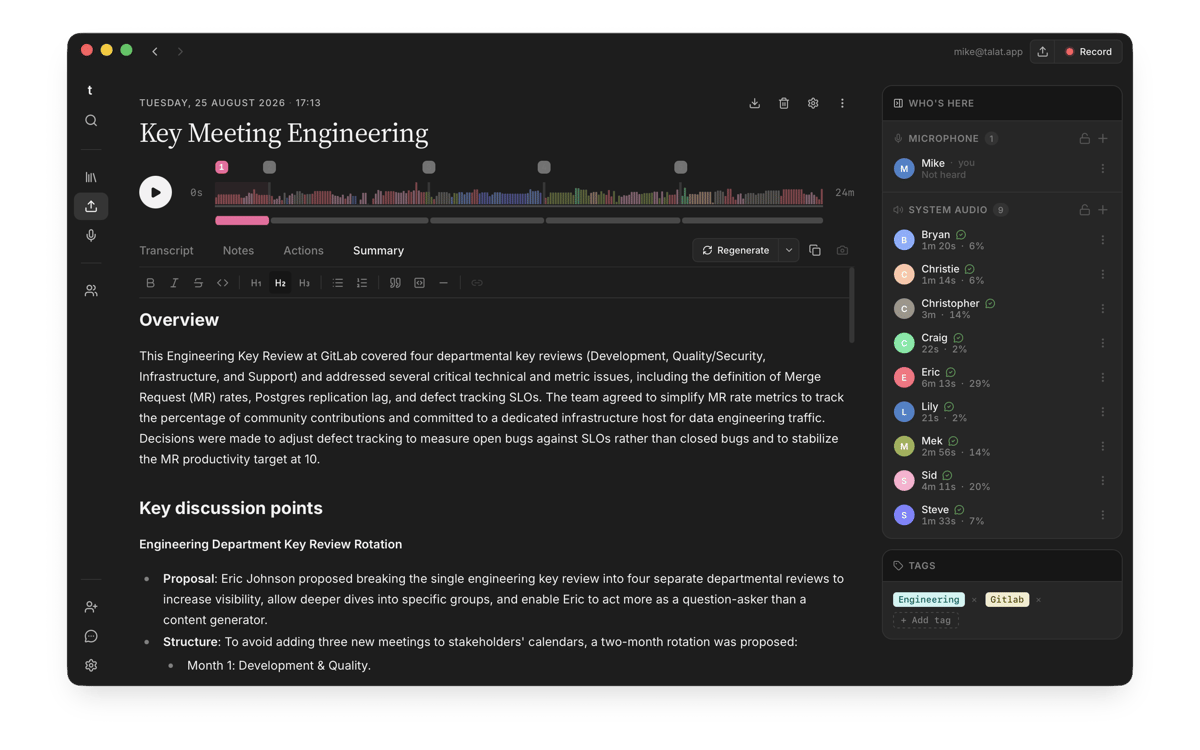
Get summaries and action points locally
Search across all your past meetings
Export notes to Obsidian and beyond
talat-Funktionen
No bot, no cloud, no compromise
talat captures your microphone and system audio directly — so it hears both sides of every Zoom, Meet, or Teams call without a bot joining the meeting. Transcription runs on your Mac's Neural Engine in real time, in English or multilingual mode across dozens of languages. Nothing leaves your machine unless you want it to.
It knows who's talking
Speaker recognition goes beyond "Speaker 1" and "Speaker 2." talat matches voices against people you've named before, so your transcripts read like actual conversations between actual colleagues. The more you use it, the better it gets at telling people apart.
Instant summaries, action points, and chapters
When the meeting ends, talat's local AI gets to work. You get a summary, a chaptered view of what was discussed, and a list of action points — all generated on your Mac, with no API calls required. Prefer a cloud model? Bring your own key and pick your provider. The default is local; the choice is yours.
Searchable, editable notes
Every meeting becomes a note you can search, read, and edit. Calendar integration lines up recordings with the meetings they belong to, so you're never hunting for context. Import audio files from elsewhere and talat will treat them the same way — transcribed, summarized, and ready to search.
Connect it to your workflow
talat fits into how you already work. Auto-export notes to Obsidian or any folder you choose. Push meeting data to other tools via webhooks. Wire your meeting history into Claude and other AI assistants through the built-in MCP server. There's even a dictation mode for writing anywhere on your Mac.
Works everywhere — including offline
talat runs entirely on your Mac, which means a spotty connection or a long flight changes nothing. Record, transcribe, and summarize on a plane, in a basement, or anywhere else. Everything works offline; a perfectly good place to catch up on your meeting notes.
Erhalten Sie Hunderte von Apps mit Membership
Werden Sie Setapp Member und nutzen Sie mit nur einem Abonnement hunderte genialer Apps.
Testen Sie 7 Tage kostenlos, im Anschluss nur eine einfach monatliche Gebühr.
Setapp auf dem Mac installieren
Erkunden Sie Apps für Mac, iOS und Web. Finden Sie einfache Möglichkeiten für die Bewältigung täglicher Aufgaben.

Die gesuchte App finden
In Setapp wartet eine wunderbare App auf Sie. Installieren Sie sie mit einem Klick.

talat
Abonnement wählen
Eine App oder mehr mit der Setapp Membership. Holen Sie sich Apps, so wie Sie es möchten.

Erhalten Sie Hunderte von Apps mit Membership
Werden Sie Setapp Member und nutzen Sie mit nur einem Abonnement hunderte genialer Apps.
Testen Sie 7 Tage kostenlos, im Anschluss nur eine einfach monatliche Gebühr.
1
Setapp auf dem Mac installieren
Erkunden Sie Apps für Mac, iOS und Web. Finden Sie einfache Möglichkeiten für die Bewältigung täglicher Aufgaben.
2
Die gesuchte App finden
In Setapp wartet eine wunderbare App auf Sie. Installieren Sie sie mit einem Klick.
talat
3
Abonnement wählen
Eine App oder mehr mit der Setapp Membership. Holen Sie sich Apps, so wie Sie es möchten.
Die besten Apps
Von Planung und Routineaufgaben bis hin zu kreativen Tätigkeiten und Programmieren – mit den Apps von Setapp sind Sie bestens für Aufgaben gerüstet.

TypingMind
KI-Chat mit alternativer UI
Text erzeugen oder zusammenfassen
Prompt-Bibliothek nutzen
KI

Spark Mail
E-Mails verwalten
KI

CleanMyMac
Datenmüll entfernen

Bartender
Menüleiste anpassen

CleanShot X
Vielseitige Bildschirmfotos aufnehmen

Luminar Neo
Fotos bearbeiten
KI

ClearVPN
Sichere Verbindung herstellen

Craft
Mit Dokumenten arbeiten
KI
talat
Your meetings, kept private