TinyStopwatch
Time it from the top
Mac
Version 3.2
macOS 15.6 oder neuer
10.8 MB
1 Sprachen
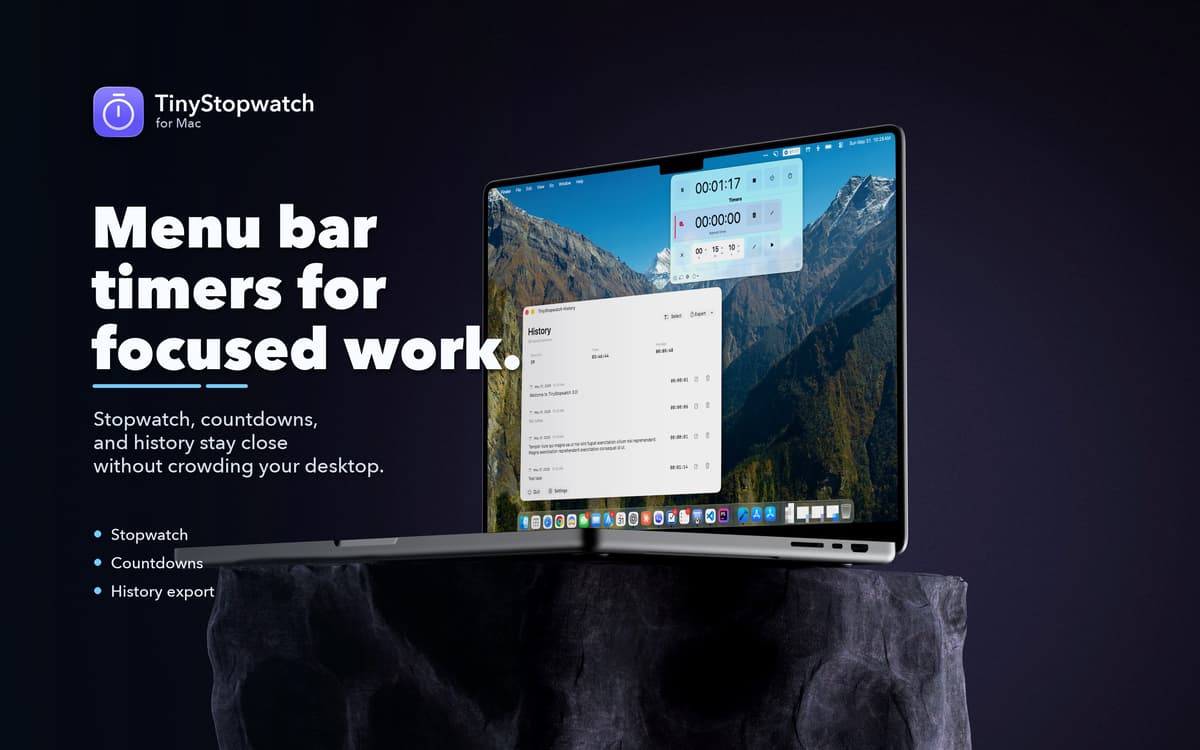
TinyStopwatch — Menu bar timer app for Mac. Start a stopwatch, set a countdown, or track a few sessions at once — all from a clean popup that stays out of your way. It's practical time tracking without the project management overhead. Keep a session history, add notes, and export to CSV when you need the data elsewhere.
Time-box tasks without switching apps
Track work sessions right from menu bar
Set countdown timers for breaks or calls
Export session history for invoicing
TinyStopwatch-Funktionen
See your time at a glance
TinyStopwatch lives in your menu bar, so your active timer is always visible without switching windows or opening another app. Pick your preferred display format, choose a visual style, and set color indicators to tell timers apart at a glance. Your time tracking, always one eye away.
Stopwatch and countdown in one place
Whether you're timing how long something takes or counting down to when it ends, TinyStopwatch handles both. Start, pause, and resume stopwatches or create named countdown timers for focus sessions, meetings, or breaks — all from the same compact popup.
Keep a record of your sessions
Every completed stopwatch session lands in your history. Add a note to each one, review how you spent your time, and export everything to CSV for reporting, invoicing, or analysis in another tool. Simple, honest time tracking — no dashboards required.
Customize how it looks and behaves
TinyStopwatch doesn't force a one-size-fits-all setup. Choose different menu bar display formats, switch up the visual style, and adjust app behavior to match your workflow. It's your timer; it should work the way you want it to.
Stay accurate even when your Mac sleeps
TinyStopwatch can automatically pause your stopwatch when your Mac goes to sleep, so your tracked time stays accurate. No more sessions that ran for six hours because you closed the lid.
Erhalten Sie Hunderte von Apps mit Membership
Werden Sie Setapp Member und nutzen Sie mit nur einem Abonnement hunderte genialer Apps.
Testen Sie 7 Tage kostenlos, im Anschluss nur eine einfach monatliche Gebühr.
Setapp auf dem Mac installieren
Erkunden Sie Apps für Mac, iOS und Web. Finden Sie einfache Möglichkeiten für die Bewältigung täglicher Aufgaben.

Die gesuchte App finden
In Setapp wartet eine wunderbare App auf Sie. Installieren Sie sie mit einem Klick.

TinyStopwatch
Abonnement wählen
Eine App oder mehr mit der Setapp Membership. Holen Sie sich Apps, so wie Sie es möchten.

Erhalten Sie Hunderte von Apps mit Membership
Werden Sie Setapp Member und nutzen Sie mit nur einem Abonnement hunderte genialer Apps.
Testen Sie 7 Tage kostenlos, im Anschluss nur eine einfach monatliche Gebühr.
1
Setapp auf dem Mac installieren
Erkunden Sie Apps für Mac, iOS und Web. Finden Sie einfache Möglichkeiten für die Bewältigung täglicher Aufgaben.
2
Die gesuchte App finden
In Setapp wartet eine wunderbare App auf Sie. Installieren Sie sie mit einem Klick.
TinyStopwatch
3
Abonnement wählen
Eine App oder mehr mit der Setapp Membership. Holen Sie sich Apps, so wie Sie es möchten.
Die besten Apps
Von Planung und Routineaufgaben bis hin zu kreativen Tätigkeiten und Programmieren – mit den Apps von Setapp sind Sie bestens für Aufgaben gerüstet.

TypingMind
KI-Chat mit alternativer UI
Text erzeugen oder zusammenfassen
Prompt-Bibliothek nutzen
KI

Spark Mail
E-Mails verwalten
KI

CleanMyMac
Datenmüll entfernen

Bartender
Menüleiste anpassen

CleanShot X
Vielseitige Bildschirmfotos aufnehmen

Luminar Neo
Fotos bearbeiten
KI

ClearVPN
Sichere Verbindung herstellen

Craft
Mit Dokumenten arbeiten
KI
TinyStopwatch
Time it from the top