
Typedesk
Weniger tippen, mehr sagen
Mac
Version 3.3.4
macOS 12.0 oder neuer
636.1 MB
1 Sprachen
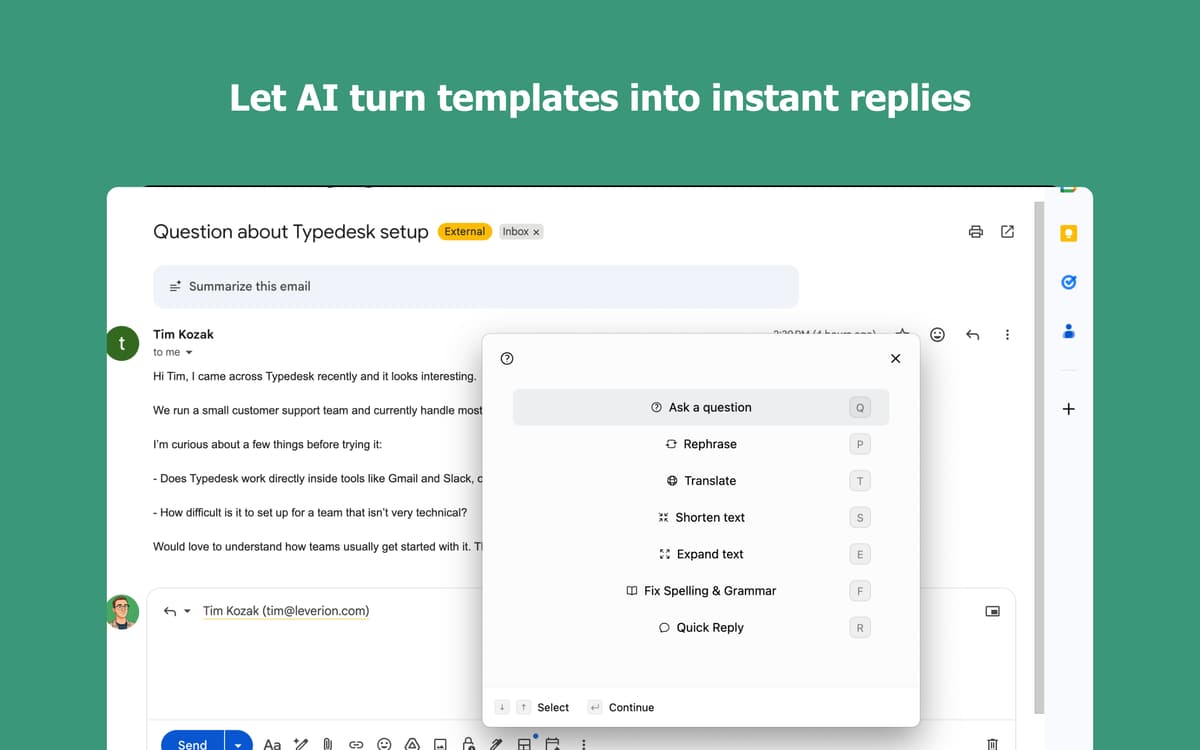
Hast du es satt, immer wieder dasselbe einzugeben? Mit Typedesk erstellen Sie einfache Shortcuts für alles, was Sie regelmäßig tippen – E-Mail-Antworten, Signaturen, Code-Snippets und vieles mehr. Typedesk integriert sich nahtlos in Ihre Mac-Apps und spart Ihnen so Zeit, wo immer Sie arbeiten.
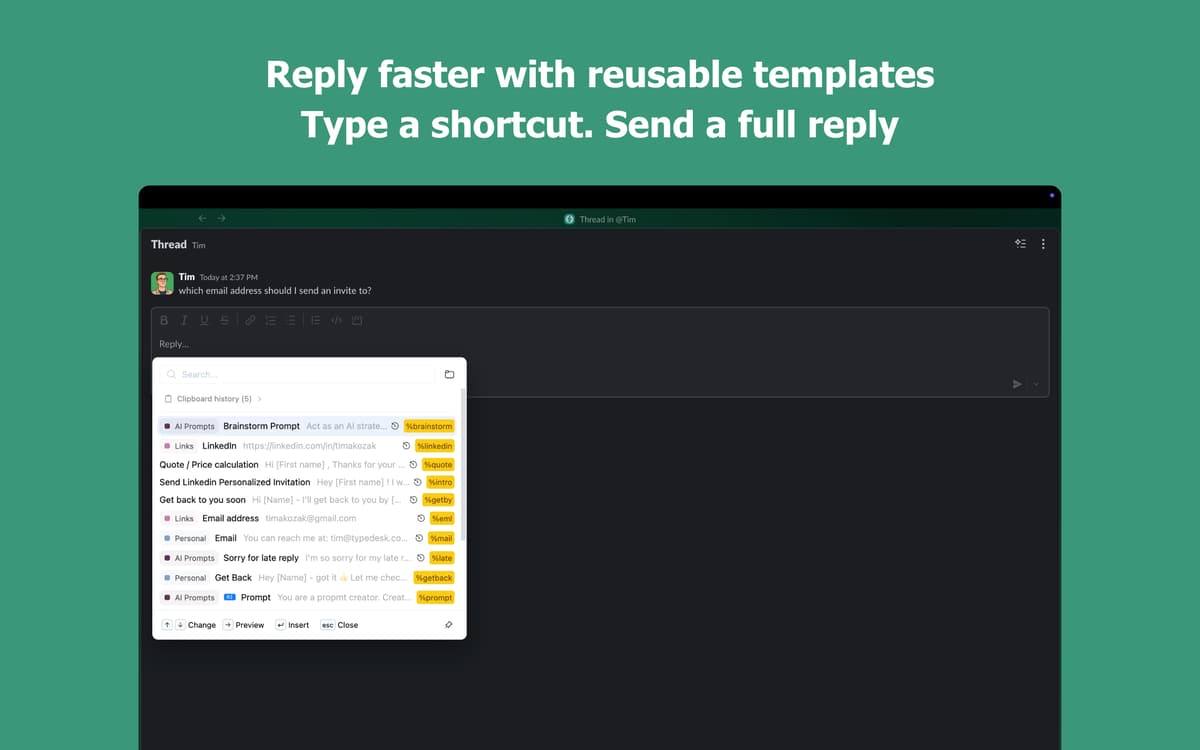
Shortcuts für Textbausteine erstellen
Fügen Sie Vorlagen mit wenigen Tastendrücken ein
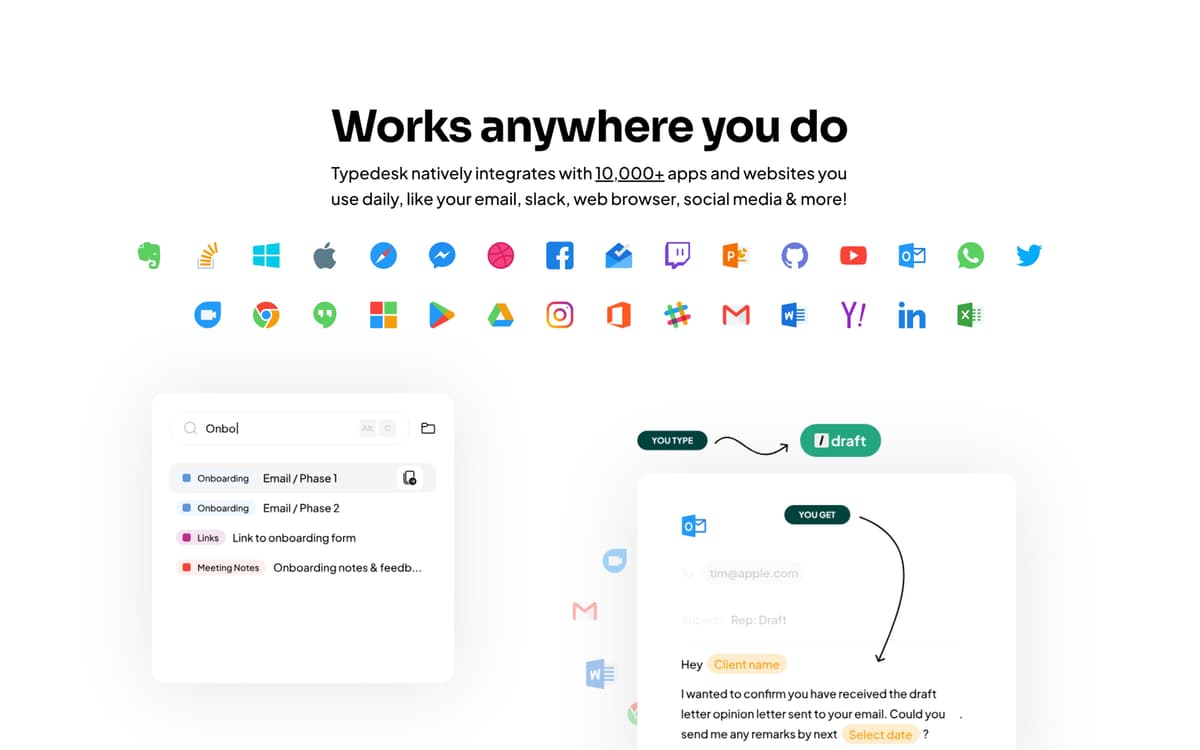
Funktioniert in jeder App auf Ihrem Mac
Shortcuts auf all Ihren Geräten synchronisieren
Typedesk-Funktionen
Schneller tippen
Geben Sie eine kurze Abkürzung ein und sie wird sofort in den vollständigen Text umgewandelt. Geben Sie „addr" ein und Ihre vollständige Adresse erscheint – im Handumdrehen. Funktioniert in jeder App, die Sie bereits verwenden, von E-Mails über Nachrichten bis hin zu Dokumenten. Ihre Finger werden es Ihnen danken.
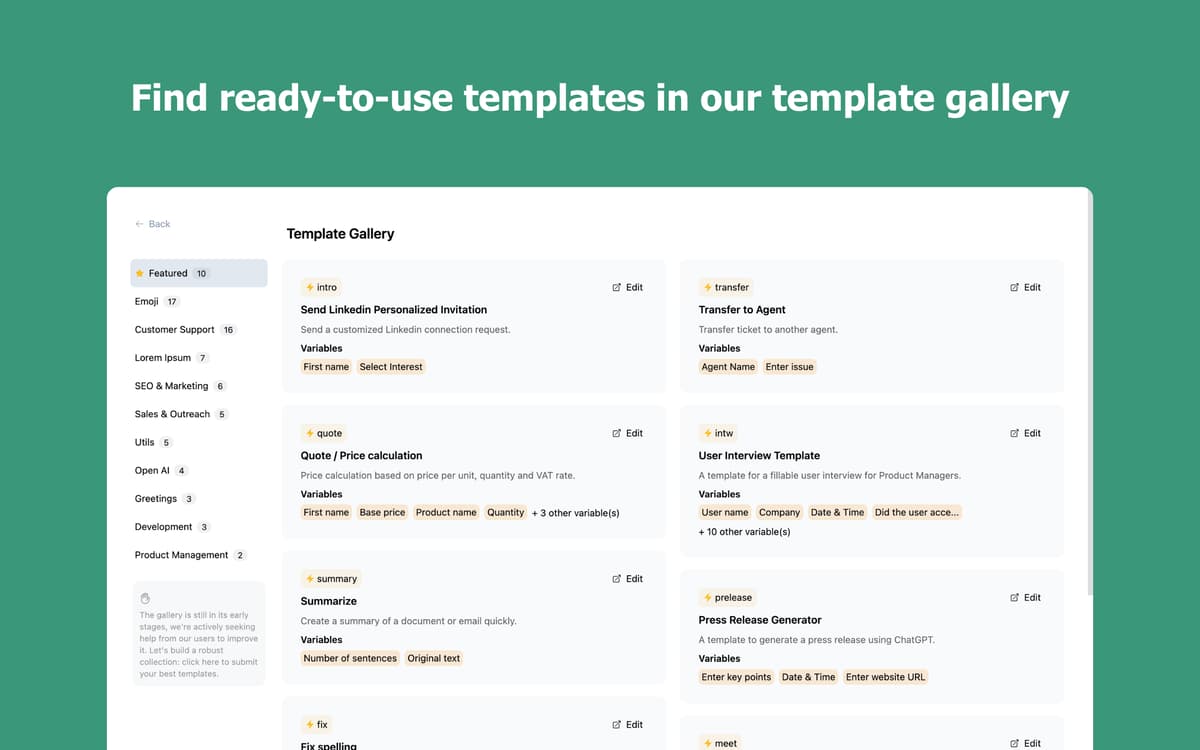
Erstelle deine eigene Textbaustein-Bibliothek
Speichern Sie E-Mails, Begrüßungen und Phrasen, die Sie täglich tippen. Organisieren Sie sie in Ordnern, finden Sie in Sekundenschnelle, was Sie brauchen, und fügen Sie es nahtlos ein. Je öfter Sie es nutzen, desto besser funktioniert es für Sie.
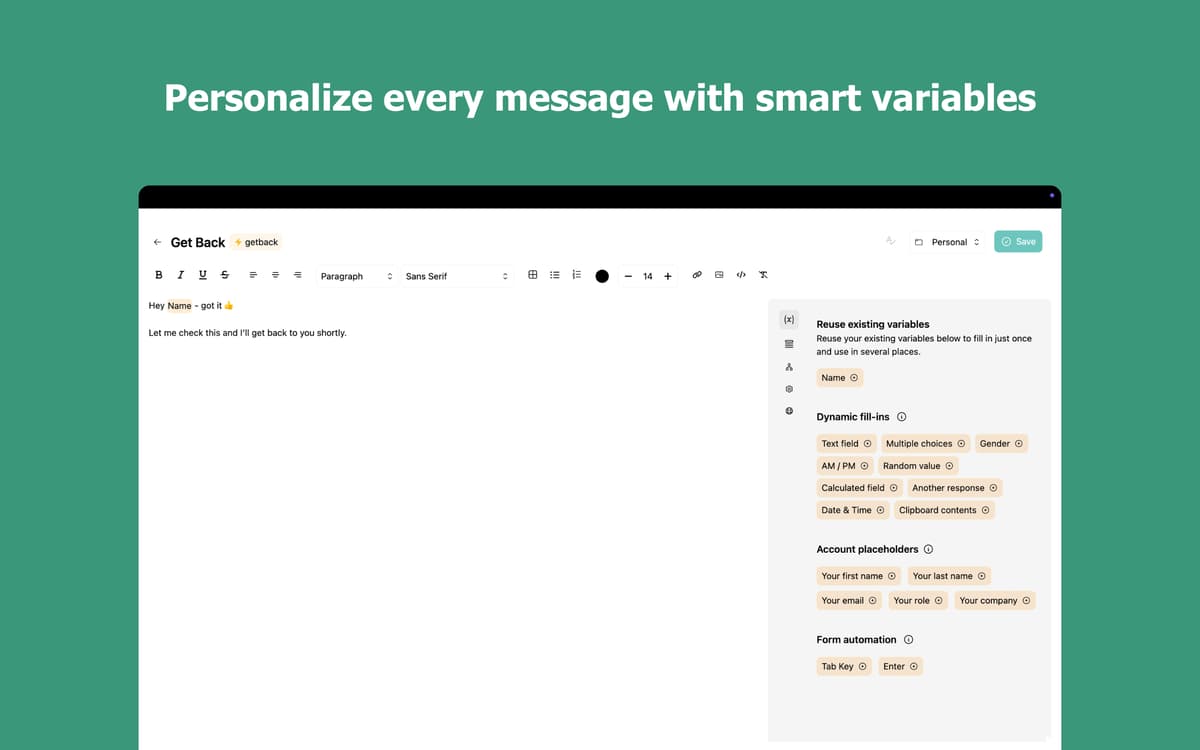
Machen Sie jeden Snippet intelligenter mit Variablen
Fügen Sie personalisierte Details wie Namen, Datum oder benutzerdefinierte Felder direkt in Ihre Snippets ein. Wählen Sie spontan aus mehreren Optionen mit Mehrfachauswahlvariablen. Schreiben Sie nicht länger dieselbe Nachricht neu, nur um ein paar Wörter zu ändern.
Tippen Sie in jeder App, auf jedem Gerät
Typedesk funktioniert überall auf Ihrem Mac: in E-Mail-Clients, Browsern, Chat-Apps und Code-Editoren. Ihre Shortcuts werden geräteübergreifend synchronisiert, sodass Sie immer produktiv sind, egal wo Sie sind.
Bewertungen und Rezensionen
Typedesk
•
46 Bewertungen
Nadir Palacios
11. Sept. 2026
App-Version: 3.3.4
Works amazing
Mark van Silfhout
20. Aug. 2026
App-Version: 3.3.3
This is the app I have been waiting for for a long time. Default substitution on a Mac works, however this is easier and works on any app/browset! I can’t wait to see them develop an iPhone/iPad version :-D Unfortunately it stopped working?: can not log you in with Setapp :-(
Christian Saborio
6. Aug. 2026
App-Version: 3.3.3
Wonderful app - in less than 5 minutes it has already replaced Atext (which I have been using for years but interface is a bit meh). Nice to have a fresh UI with an app that works really well - love the \ * 2 feature!
Erhalten Sie Hunderte von Apps mit Membership
Werden Sie Setapp Member und nutzen Sie mit nur einem Abonnement hunderte genialer Apps.
Testen Sie 7 Tage kostenlos, im Anschluss nur eine einfach monatliche Gebühr.
Setapp auf dem Mac installieren
Erkunden Sie Apps für Mac, iOS und Web. Finden Sie einfache Möglichkeiten für die Bewältigung täglicher Aufgaben.

Die gesuchte App finden
In Setapp wartet eine wunderbare App auf Sie. Installieren Sie sie mit einem Klick.

Typedesk
Abonnement wählen
Eine App oder mehr mit der Setapp Membership. Holen Sie sich Apps, so wie Sie es möchten.

Erhalten Sie Hunderte von Apps mit Membership
Werden Sie Setapp Member und nutzen Sie mit nur einem Abonnement hunderte genialer Apps.
Testen Sie 7 Tage kostenlos, im Anschluss nur eine einfach monatliche Gebühr.
1
Setapp auf dem Mac installieren
Erkunden Sie Apps für Mac, iOS und Web. Finden Sie einfache Möglichkeiten für die Bewältigung täglicher Aufgaben.
2
Die gesuchte App finden
In Setapp wartet eine wunderbare App auf Sie. Installieren Sie sie mit einem Klick.
Typedesk
3
Abonnement wählen
Eine App oder mehr mit der Setapp Membership. Holen Sie sich Apps, so wie Sie es möchten.
Die besten Apps
Von Planung und Routineaufgaben bis hin zu kreativen Tätigkeiten und Programmieren – mit den Apps von Setapp sind Sie bestens für Aufgaben gerüstet.

TypingMind
KI-Chat mit alternativer UI
Text erzeugen oder zusammenfassen
Prompt-Bibliothek nutzen
KI

Spark Mail
E-Mails verwalten
KI

CleanMyMac
Datenmüll entfernen

Bartender
Menüleiste anpassen

CleanShot X
Vielseitige Bildschirmfotos aufnehmen

Luminar Neo
Fotos bearbeiten
KI

ClearVPN
Sichere Verbindung herstellen

Craft
Mit Dokumenten arbeiten
KI
Typedesk
Weniger tippen, mehr sagen