
Yaps
Your words, on your Mac


Mac
Version 2.4.1719
macOS 13.0 oder neuer
1068.1 MB
30 Sprachen
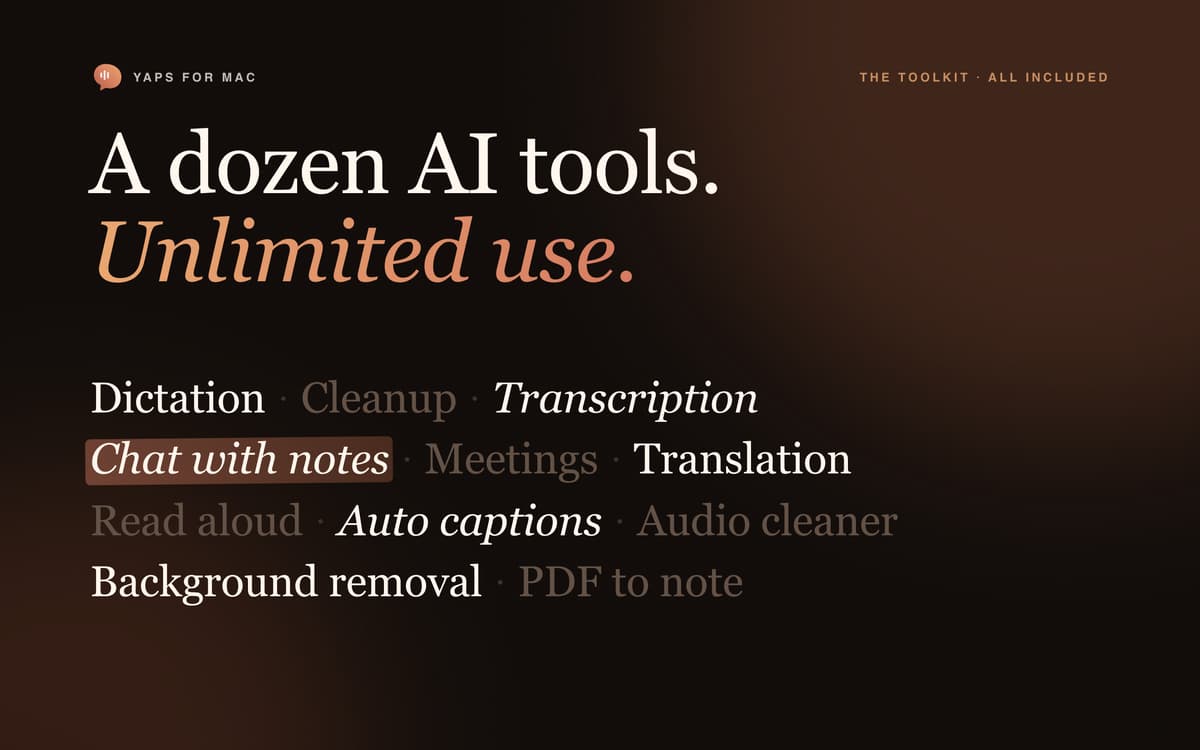
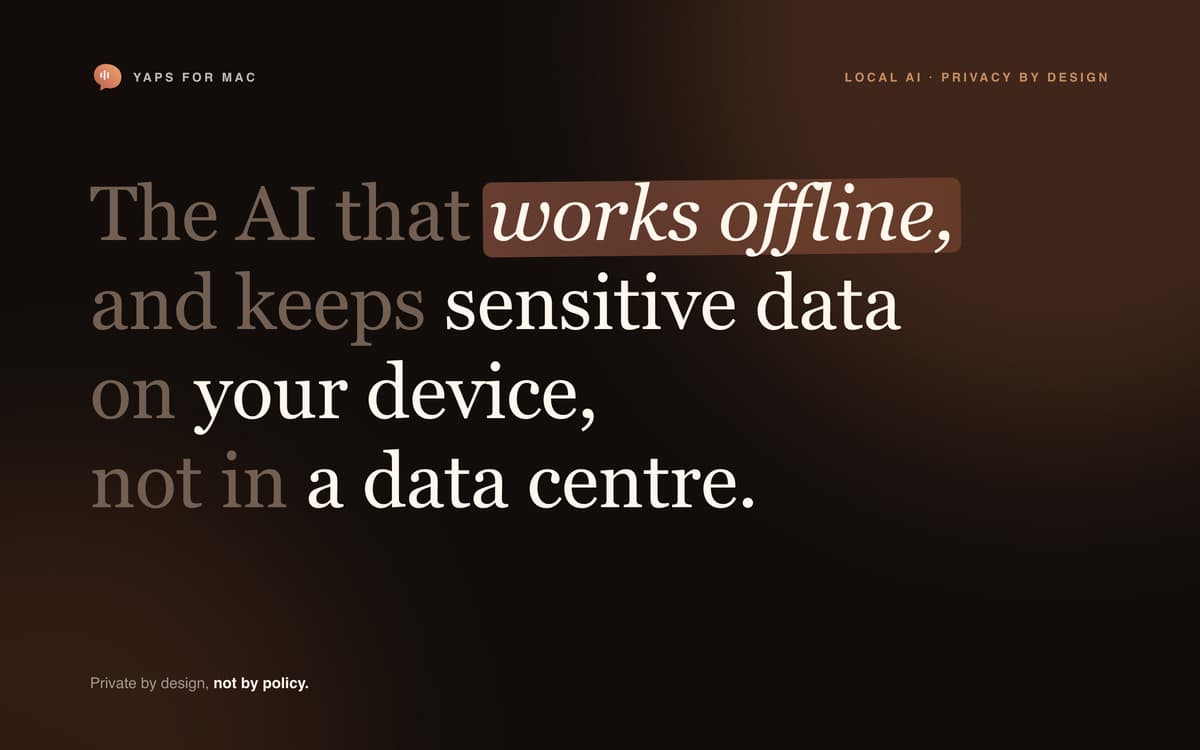
Yaps is a private AI super app that brings dictation, transcription, meetings, notes, translation, read-aloud and media tools together in one Mac app. Choose the tools you need, download their models once, and use them without per-minute or per-task limits. AI content processing happens on your Mac, so your words, recordings, notes and media do not need to be uploaded to an AI service.
Dictate into any Mac app instantly
Transcribe audio, video, and meetings
Build a local AI-powered knowledge base
Translate, read aloud, and clean up media
Yaps-Funktionen
Talk instead of type
Use a global shortcut to dictate into almost any Mac app. Yaps turns speech into polished text, tidying punctuation, grammar, and formatting while handling natural pauses, restarts, and corrections. Add your own vocabulary and adjust shortcuts, languages, sounds, and behavior.
Listen, record and understand
Read selected text or complete notes aloud with natural and multilingual voices. Import voice notes, interviews, podcasts, audio, or video and turn them into editable transcripts with word-level timing. Record meetings or import conversations, identify speakers, and create summaries, decisions, questions, key points, and action items. Export text and subtitles.
Build a local knowledge base
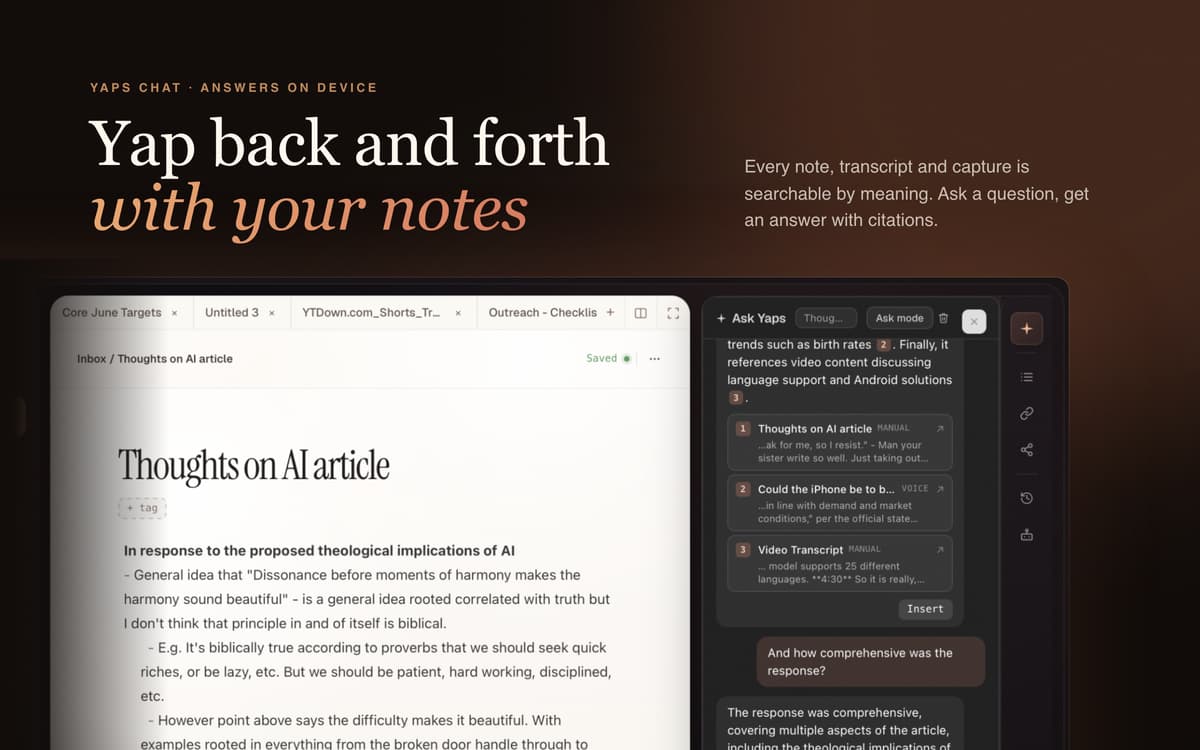
Write and organize Markdown notes in local vaults, search across them, add attachments, and retain earlier versions with local checkpoints. Ask questions across your notes and get answers that cite their sources. Convert digital PDFs into editable Markdown and translate notes or selected text locally.
Create and clean up media
Image generation is a separate generative feature that creates new images locally from text prompts. It requires Apple Silicon, macOS 14 or later, at least 16 GB of memory, and an optional download of approximately 4.3 GB.
Mac compatibility
All listed features except Image generation are available on both Apple Silicon and Intel Macs. The optional Expressive read-aloud voice and voice cloning, Accurate Hindi transcription, and accelerated long-meeting processing also require Apple Silicon. Their parent features still work on Intel through compatible local engines.
Private, flexible and yours
The Setapp edition contains no Sentry crash or error reporting. Optional models can be installed or removed at any time. Your Setapp subscription includes every feature available for your Mac in this edition, with no separate Yaps plan or usage meter. Setapp handles activation and updates.
Erhalten Sie Hunderte von Apps mit Membership
Werden Sie Setapp Member und nutzen Sie mit nur einem Abonnement hunderte genialer Apps.
Testen Sie 7 Tage kostenlos, im Anschluss nur eine einfach monatliche Gebühr.
Setapp auf dem Mac installieren
Erkunden Sie Apps für Mac, iOS und Web. Finden Sie einfache Möglichkeiten für die Bewältigung täglicher Aufgaben.

Die gesuchte App finden
In Setapp wartet eine wunderbare App auf Sie. Installieren Sie sie mit einem Klick.

Yaps
Abonnement wählen
Eine App oder mehr mit der Setapp Membership. Holen Sie sich Apps, so wie Sie es möchten.

Erhalten Sie Hunderte von Apps mit Membership
Werden Sie Setapp Member und nutzen Sie mit nur einem Abonnement hunderte genialer Apps.
Testen Sie 7 Tage kostenlos, im Anschluss nur eine einfach monatliche Gebühr.
1
Setapp auf dem Mac installieren
Erkunden Sie Apps für Mac, iOS und Web. Finden Sie einfache Möglichkeiten für die Bewältigung täglicher Aufgaben.
2
Die gesuchte App finden
In Setapp wartet eine wunderbare App auf Sie. Installieren Sie sie mit einem Klick.
Yaps
3
Abonnement wählen
Eine App oder mehr mit der Setapp Membership. Holen Sie sich Apps, so wie Sie es möchten.
Die besten Apps
Von Planung und Routineaufgaben bis hin zu kreativen Tätigkeiten und Programmieren – mit den Apps von Setapp sind Sie bestens für Aufgaben gerüstet.

TypingMind
KI-Chat mit alternativer UI
Text erzeugen oder zusammenfassen
Prompt-Bibliothek nutzen
KI

Spark Mail
E-Mails verwalten
KI

CleanMyMac
Datenmüll entfernen

Bartender
Menüleiste anpassen

CleanShot X
Vielseitige Bildschirmfotos aufnehmen

Luminar Neo
Fotos bearbeiten
KI

ClearVPN
Sichere Verbindung herstellen

Craft
Mit Dokumenten arbeiten
KI
Yaps
Your words, on your Mac