How to force public Wi-Fi to work
The most annoying thing is to discover you can’t connect to Starbucks Wi-Fi after you had ordered the cake. Read on to learn about the workarounds.
Is it the pop-up’s fault?
When you try to connect to a public network, you’ll see a login screen that asks you to provide personal details such as your email address, or accept some terms and conditions.
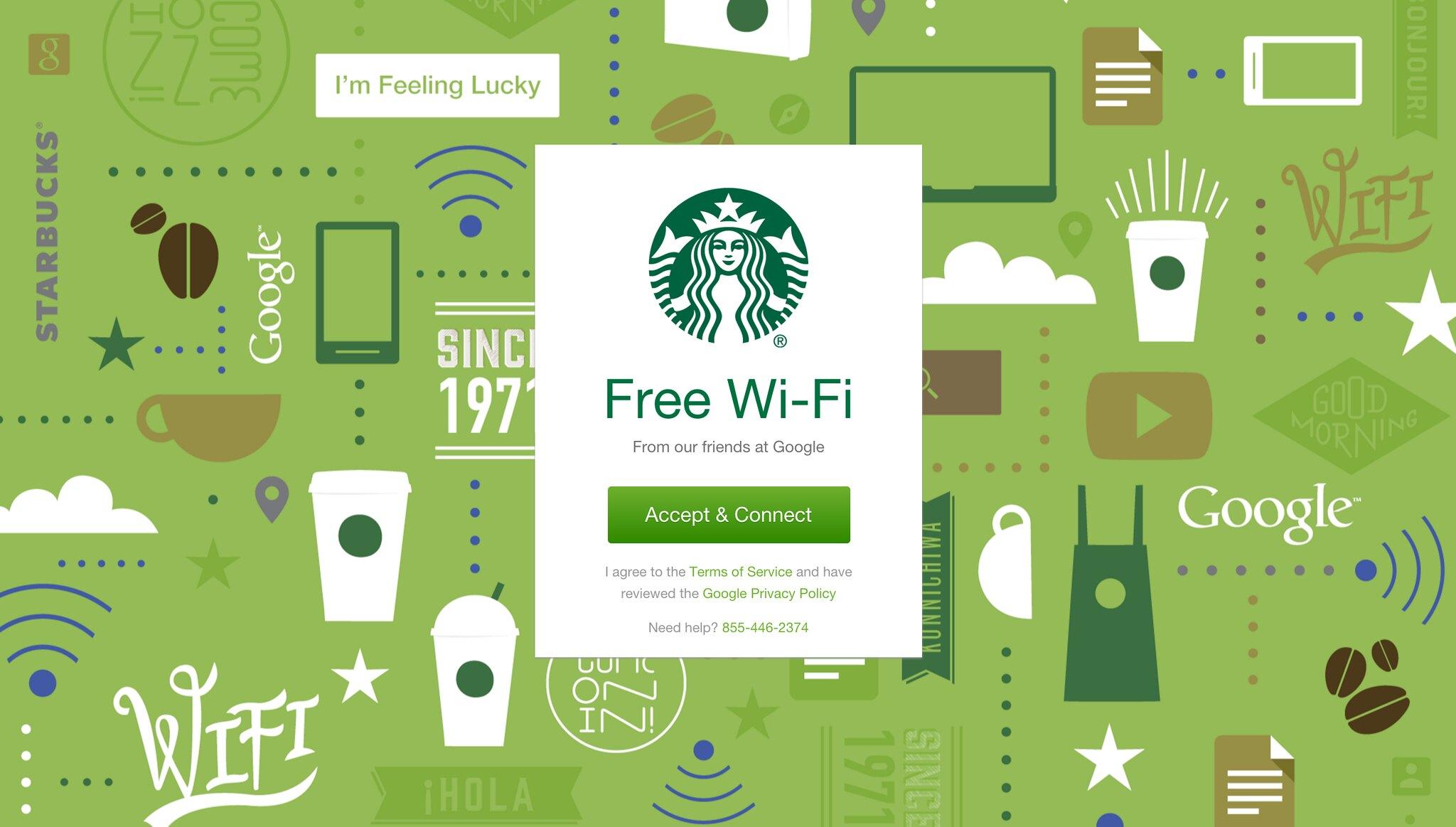
What if that login screen won't show up?
First, check if you have a pop-up blocker enabled. If you do, you get a hundred points right away — because it’s a smart thing to do! But when you try to connect to a public unsecured network, you need to allow pop-ups for the login screen to appear.
AdLock is a great tool you can use for the job. While it acts as an ad blocker and anti-tracking tool, it can help make your browsing distraction-free and secure. On the other side, it’s easy to apply a filter that will enable pop-ups and notifications.
Go to AdLock Settings > Ad Filters, then toggle off General and Annoyances filters.
Turn off alternative third-party servers
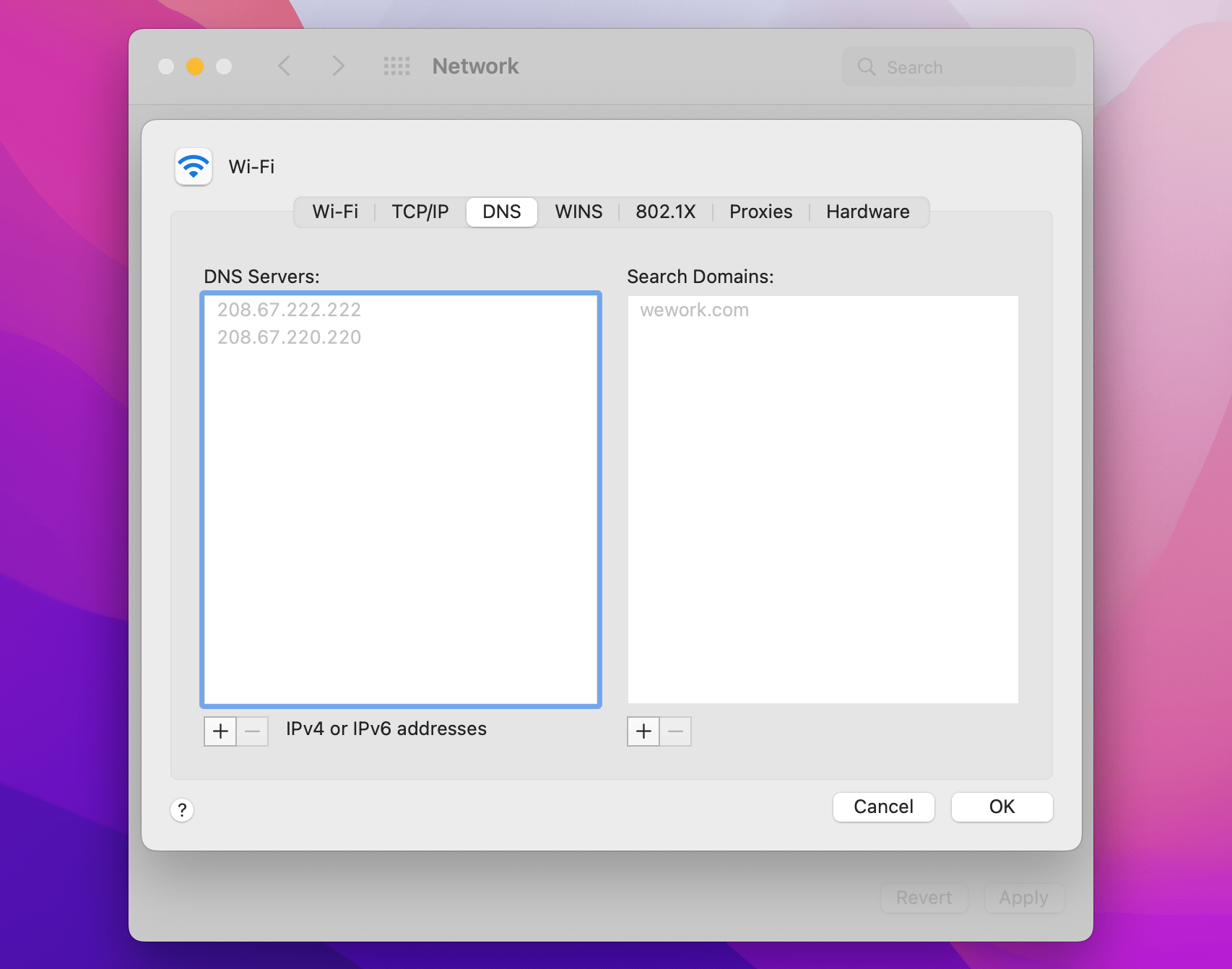
If you’ve ever manually edited DNS on your Mac, you should try to turn off alternate DNS. This can help load that login screen. Access System Preferences > Network > Advanced > DNS. Then remove any odd DNS server using the minus button.
Check if something’s off with the network
If you’ve seemingly connected to Wi-Fi but there’s still no Wi-Fi, we recommend a WiFi Explorer check. This tool is used by professionals to fine-tune network settings, but you can use it too! Simply open the app and view details such as signal strength and quality of the public network you’re connected to.
Last resort: personal hotspot
Use your phone as a personal hotspot (Settings > Personal Hotspot) to connect to the internet on Mac.
We know we know, you don’t want to waste your mobile data. And you shouldn’t! Install TripMode and it will optimize your Mac’s data usage, blocking background updates and disabling internet access for select apps. You can even set your personal data usage limit and TripMode will notify you when it’s used up.
Why working from public places is good for you
Ever noticed you can do many of your tasks more productively when surrounded by the hustle and bustle of a hipster cafe, rather than at home, in complete silence? That’s the positive effect of “social presence,” which can be traced back to a study from 1977. By the way, according to this study, even kids like to play in each other’s presence, without necessarily interacting. So head off to your favorite coffee shop and get your best work done! We hope public Wi-Fi won’t be an issue after you’ve read our tips.