Marketplace Membership
My Setapp

Time to share!

Share this link with a friend. Once they start their paid Setapp subscription, you’ll both get a free month.

Learn more
Setapp logo
Home Marketplace Membership How it works Solve with AI+ Pricing Blog About Setapp
My Setapp

Monterey privacy perks

Do we really get a built-in VPN?

With the release of macOS Monterey, Apple brings an exciting addition to iCloud Plus — Private Relay and Hide My Email. The former anonymizes your IP and the latter anonymizes your email. How does it work and does it mean you no longer need a VPN? Let’s see.  

Hiding IP in a browser 

The point of Private Relay is encrypting the traffic that leaves your device when you use Safari so that websites can’t track your IP address or browsing history. Yes, that means the internet will stop creeping you out with ads that are a bit too...personalized. 

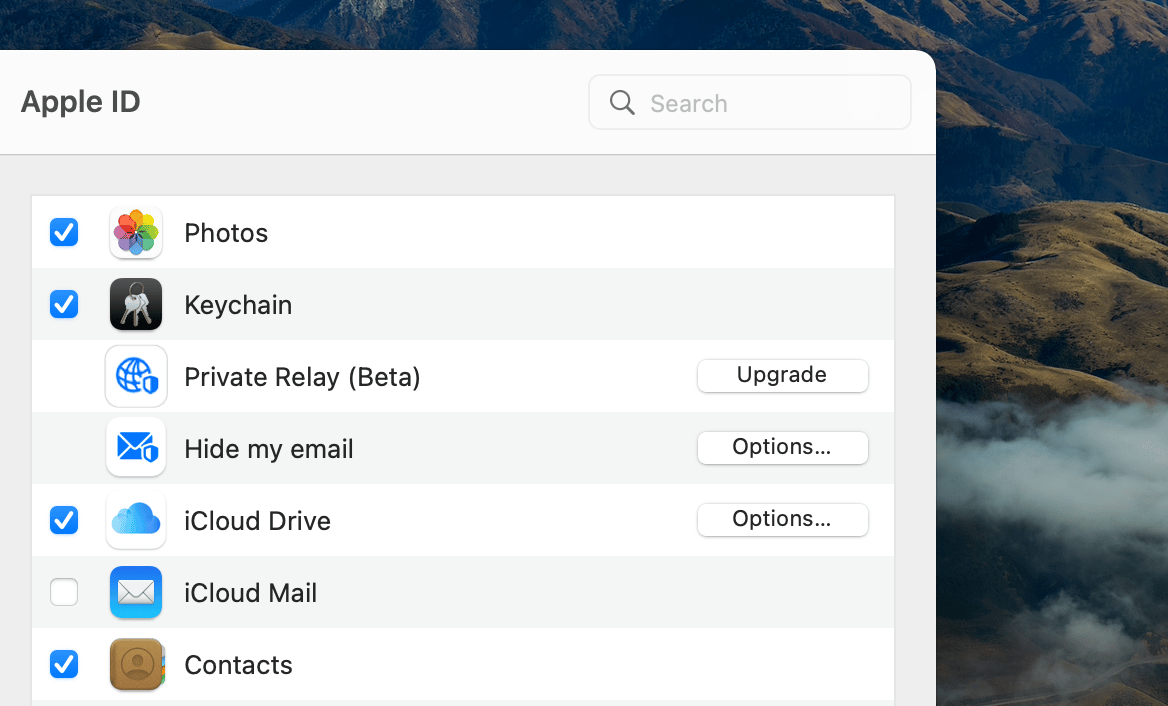
To turn on Private Relay in Safari: 

  1. Open System Preferences > Apple ID 

  2. Choose iCloud in the left sidebar 

  3. Click Upgrade next to Private Relay 

  4. If you don’t have an iCloud Plus account, set it up 

  5. Choose approximate or broader IP location > OK. 

Approximate location will give you more relevant search results for your area.

Note: In some countries, Private Relay won’t work due to regulatory restrictions. This includes Russia, Belarus, Colombia, Egypt, South Africa, and a few more. 
Can Private Relay replace VPN? 

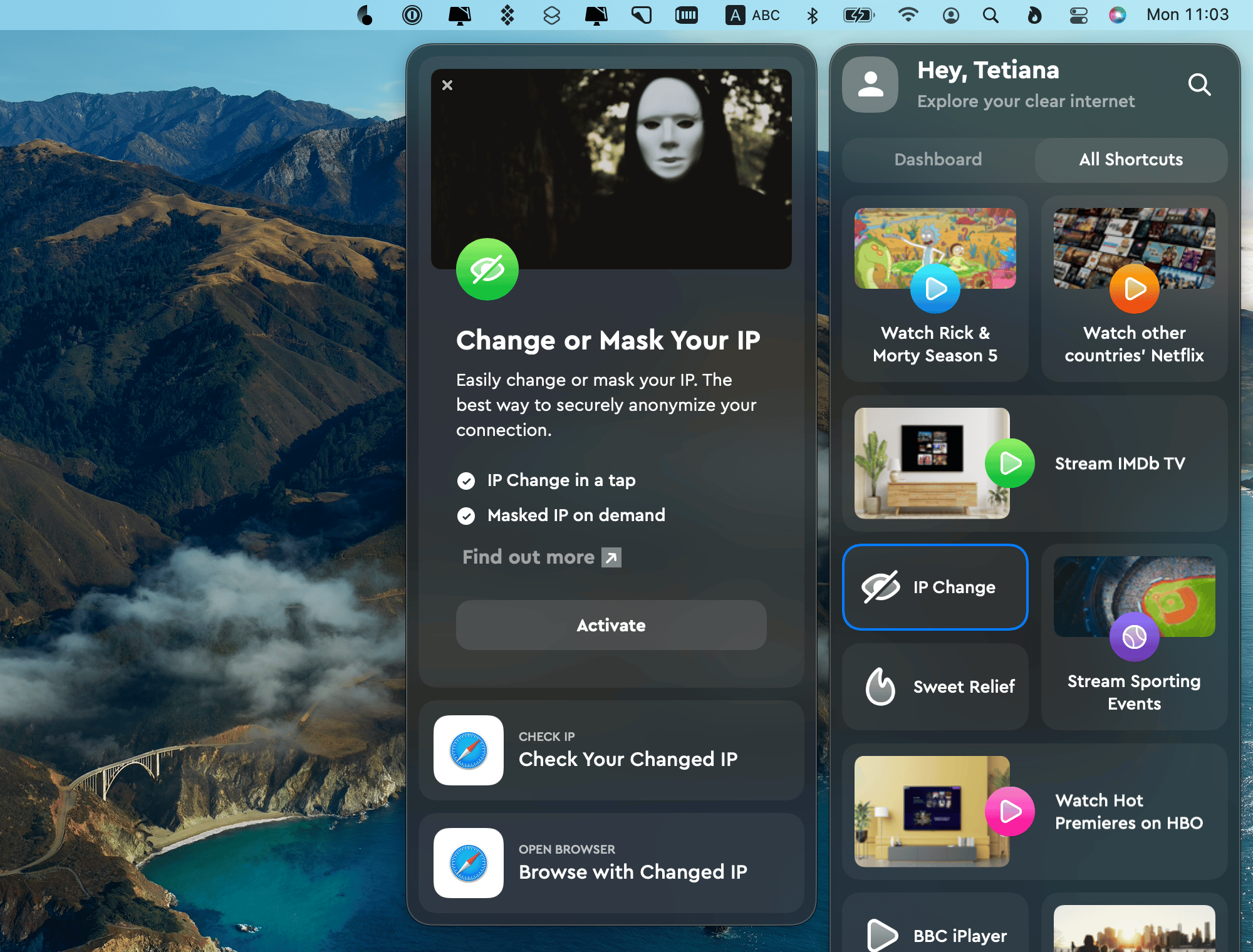
Absolutely not. Hiding IP is a useful trick but it won’t let you bypass geo-blocking, for example. So if you want to watch German Netflix from the US, you’ll still need a VPN app like ClearVPN. Also, Private Relay doesn’t encrypt all your device’s traffic — just Safari and a small part of DNS-related traffic. A real bummer for Chrome fans. 

ClearVPN will help you hide or mask IP in any browser or app, as well as unlock any streaming content blocked in your area. 
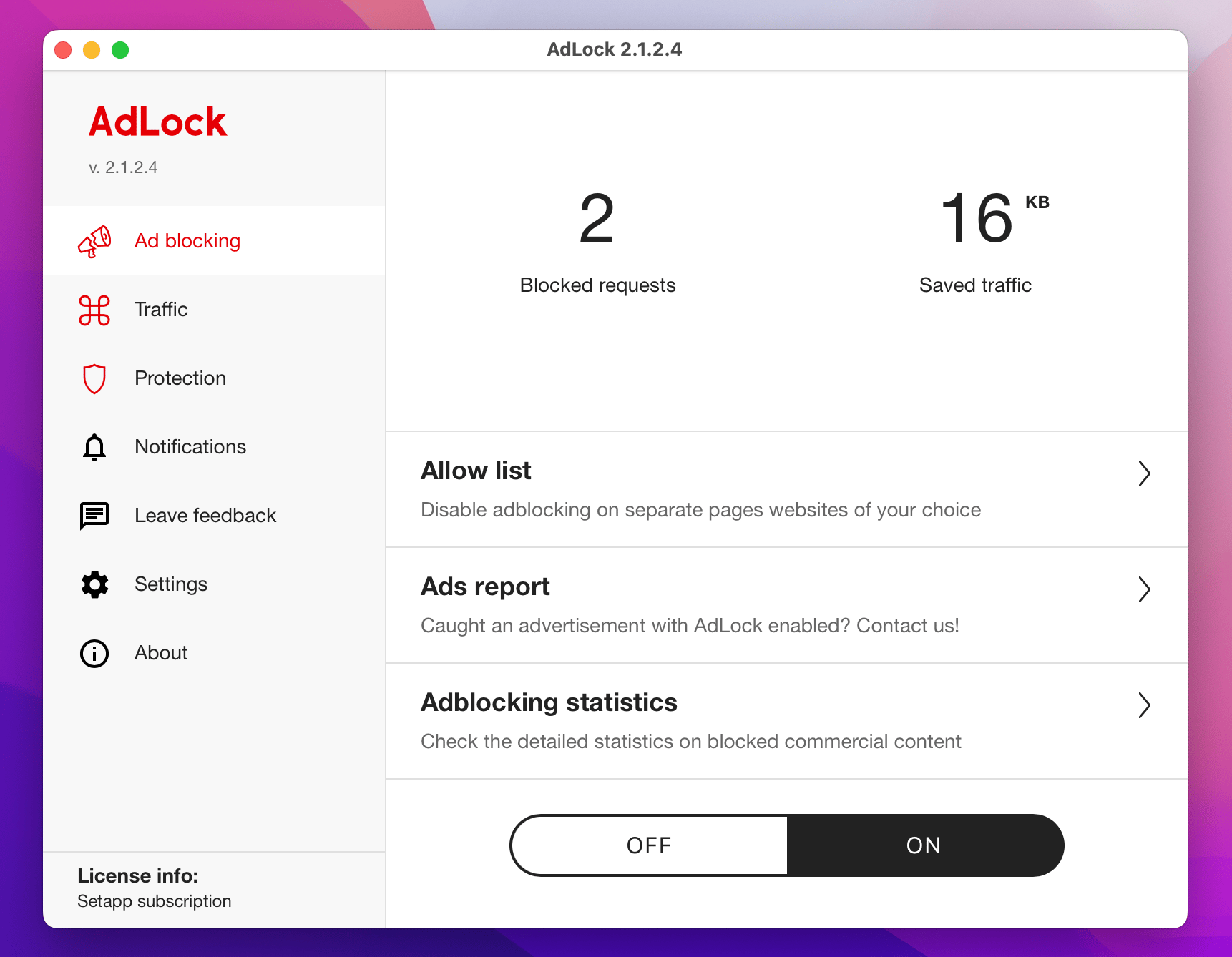
And if you don’t want a VPN, you just want fewer ads jumping at you from all corners in a browser, get AdLock. It’s a lightweight ad blocker for Mac that works in all browsers. A nice touch: AdLock shows how much data it saves by keeping those annoying trackers and ads away.
Hiding email address

Another privacy enhancement bundled in iCloud Plus this year is Hide My Email. Essentially, it lets you interact with online services and apps without using your real email address. So when you create an account with some app for the 1257th time, you can use a randomly generated email address. If they send you an email, it will be redirected to your real inbox. 

While Hide My Email is a great privacy tool, it doesn’t solve the problem of a cluttered inbox — because you’ll still be getting all the emails. To declutter, we suggest Unibox. It’s an alternative to Mail that groups emails by sender in a messenger-like style. 
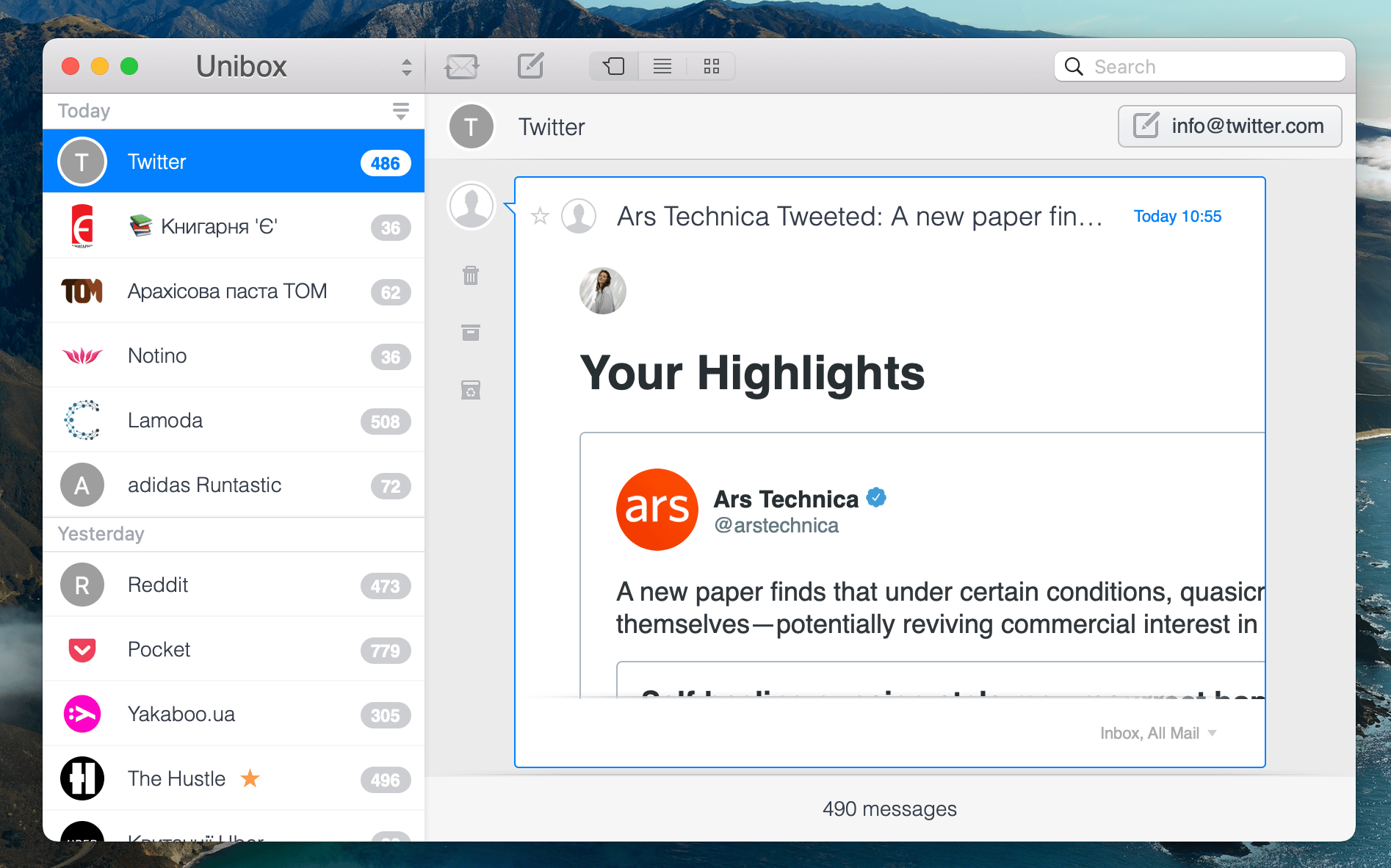
Hope this use case will help you solve tasks faster, and enjoy solving them, too! Check out more use cases picked for you below. 


More reads for you

Keep what's private private
Redact information in images and docs
Get the feel of macOS Monterey
Read about macOS 12 and how Setapp complements its features.
Setapp logo

Company

  • Home
  • All apps
  • How it works
  • Pricing
  • About Setapp
  • Download Setapp
  • Getting started with Setapp
  • Uninstall Setapp

Helpful

  • Support
  • Trust center
  • Join as a developer
  • Setapp reviews
  • Affiliate program
  • Blog

Inside the blog

  • Editorial process
  • How we evaluate apps
  • Human writing
  • Write for us

Best apps

  • VPN for Mac
  • YouTube downloader for Mac
  • Screen recorder for Mac
  • Recovery software for Mac
  • Password manager for Mac
  • Video editing software for Mac
  • Note–taking app for Mac
  • Terminal for Mac
  • Calendar app for Mac
  • Remote desktop for Mac
  • Cloud backup for Mac
  • Screenshot tool for Mac
  • Antivirus for Mac
  • Browser for Mac

Our best content

  • All macOS versions
  • All iOS versions
  • MacBook generations in order
  • iPhone releases in order
  • iPad generations in order
  • AirPods generations in order

How to's

  • View clipboard history on Mac
  • Change folder icon or color on Mac
  • Recover deleted iPhone photos
  • Access unrecognized external drive
  • Access your Mac remotely
  • Use recovery mode on Mac
  • View and kill processes on Mac
  • Stop Mac from sleeping
  • Check MacBook temperature
  • Fix frozen Mac
  • Reset iPhone
  • Reset iPad

Our tools

  • Apple serial number
  • iPhone serial number
  • Mac serial number
  • iPad serial number
  • AirPods serial number
  • Apple Watch serial number
  • Apple warranty number
  • Mac warranty checker
  • iPad warranty checker
  • HEIC to JPG
  • HEIC to PNG
  • HEIC to PDF
  • GPTs for Mac

Updates from our team, written with love

Love is coming your way, soon. This doesn’t look right, please try again. Try once more, our server fell asleep for a bit.
I agree to receive emails from Setapp as per this Privacy Notice.
Please select the checkbox to continue.
Need help? Terms of Use Privacy Notice
© 2026 MacPaw Way Ltd., 25 Serifou, Allure Center 11, Office No. 11-12, 2nd Floor, 3046 Zakaki, Limassol, Cyprus
Sweet, let’s get you started
or sign in with
Apple icon
Google icon
Create a strong password
Come up with a unique password for your Setapp account:
  • 8 characters minimum.
  • At least 1 uppercase letter.
  • At least 1 lowercase letter.
What should we call you?
Continue with new account:
Captcha is required