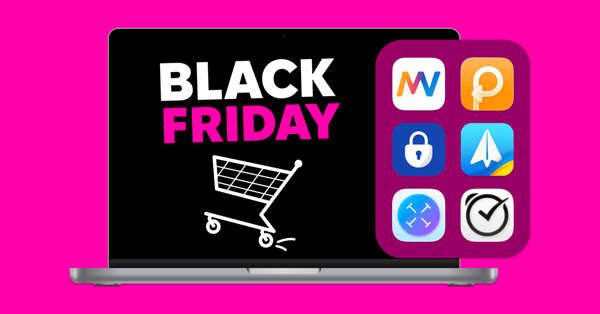
5 apps to check deals and shop safely
The holiday sales run from Black Friday through December, and every new order means another payment, another account, and another website to trust. These apps help you spot real deals, keep track of new subscriptions, and protect your data while you shop.
Keep track of sale subscriptions
Many holiday deals are discounted subscriptions or free trials that renew at full price. Add each one to Chronicle with its renewal date and get a reminder before the next payment, so you can cancel anything you don’t need before you’re charged.
Check if a deal is really a deal
A discount doesn’t always mean a lower price. In Soulver, type calculations the way you’d write them, like $249 - 30% or $89 × 3 + $12 shipping, and see the result on each line. Compare a few offers side by side before you check out.
Shop safely on public Wi-Fi
Holiday shopping often happens on the go, on Wi-Fi networks in cafes, malls, and airports that may not be secure. ClearVPN sends your browsing through an encrypted connection to help keep your payment details private. Connect with one click before you enter your card details.
Scan your Mac for malware
Fake deal websites and suspicious email attachments are more common during the sales. Moonlock scans your Mac, removes threats it finds, and explains what each one does, so you know what to avoid next time.
Sign in with two-step codes
A password alone isn’t always enough to protect the accounts that store your payment details. Step Two keeps your two-step verification codes on your Mac, so you can sign in securely without reaching for your phone.
Check out more how-tos picked for you below.