The new macOS Tahoe is officially out, but before you hit Download, make sure your Mac is ready for the transition. A bit of prep now can save you a lot of trouble later.
Free up space and clear the clutter
The macOS Tahoe installer could take up 14GB or more, but we recommend having 25GB free to be on the safe side. Go to System Settings > General > Storage to check your available space.
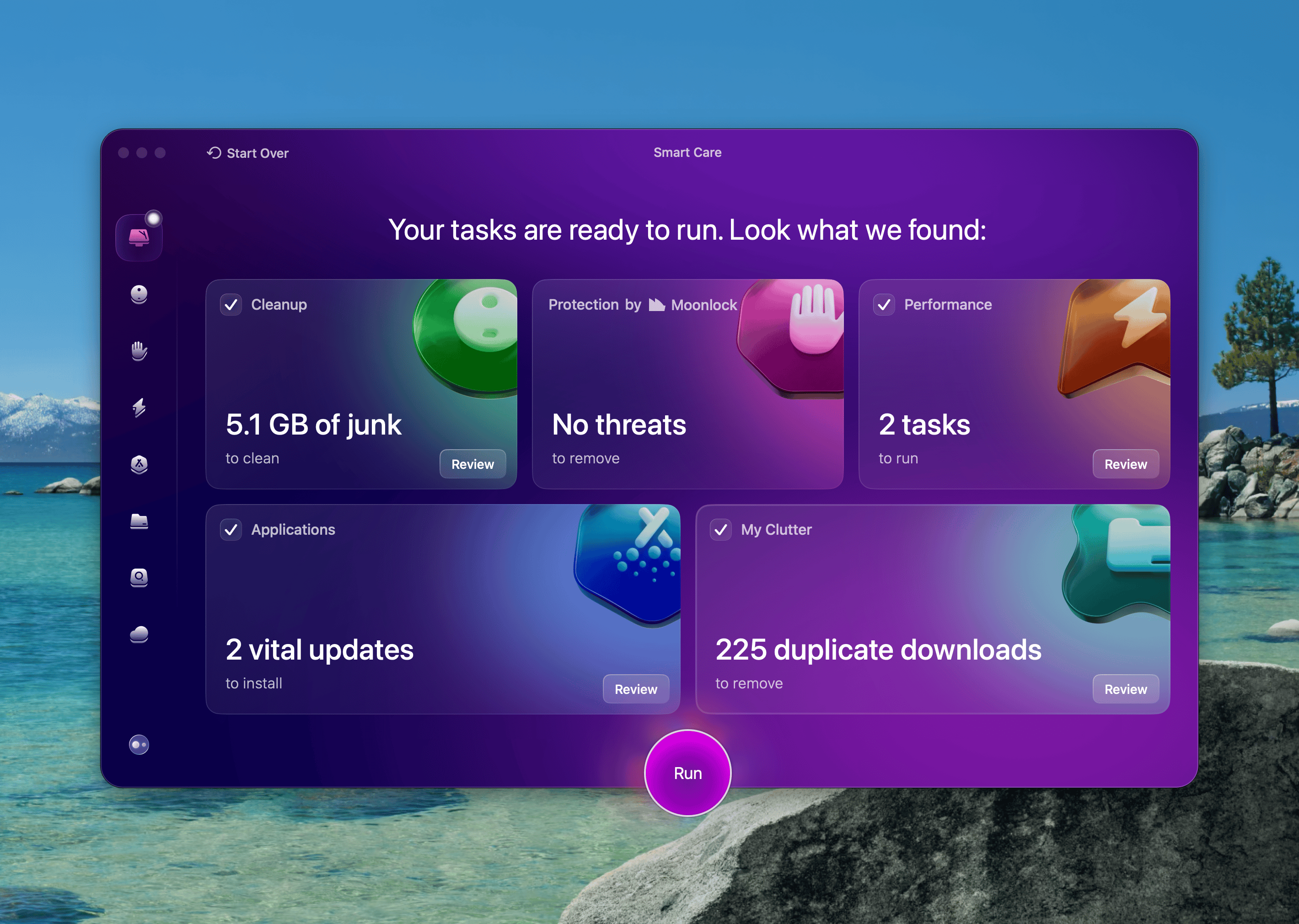
Now's also the perfect time to give your Mac a cleanup. Use CleanMyMac X to remove outdated files, clear cache, and get rid of what you no longer need. Just click Smart Care > Scan and follow the instructions to reclaim space.
Secure yourself with a backup
No matter how smooth Apple says the upgrade will be, it’s smart to have a backup just in case.
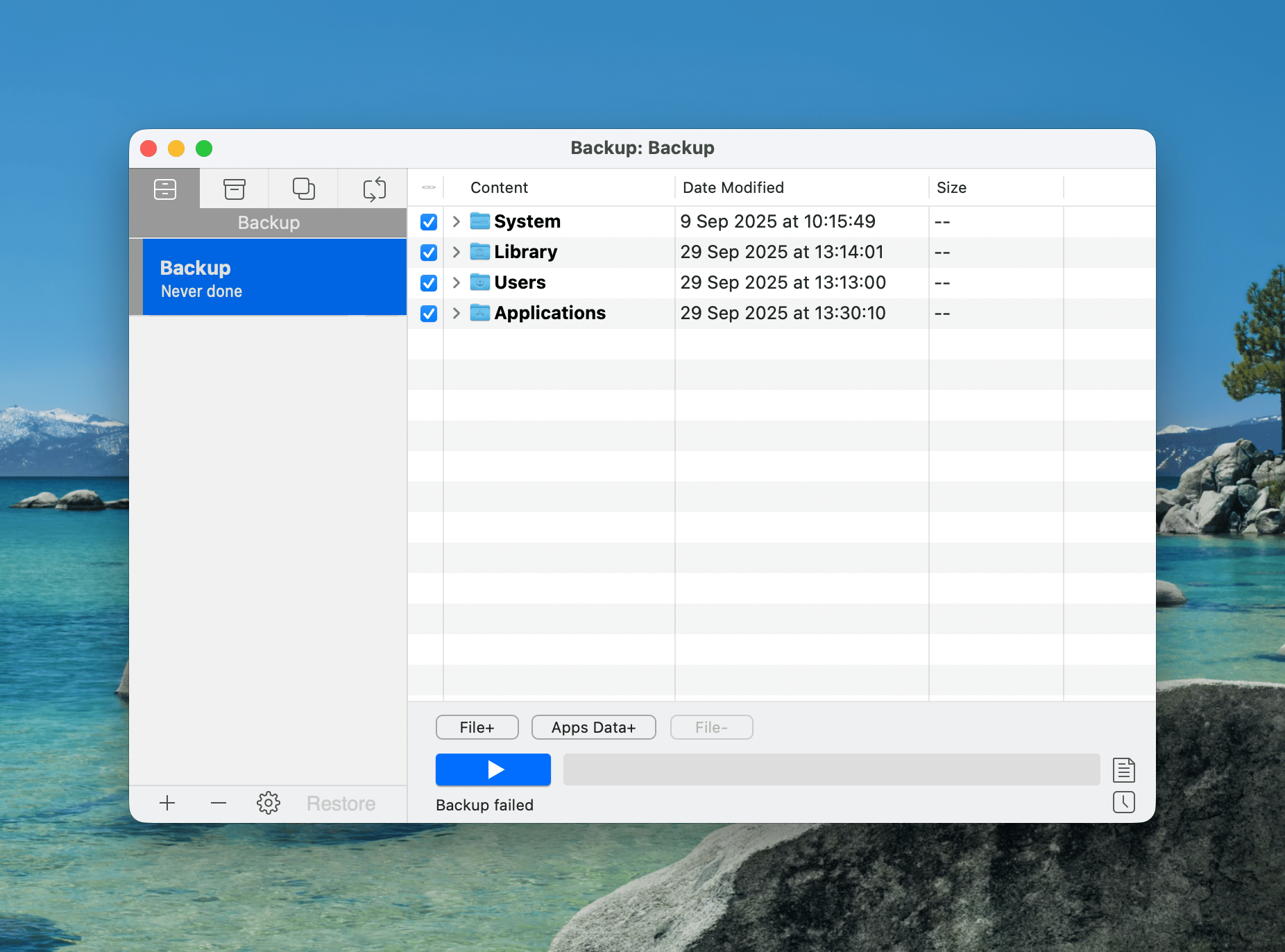
Get Backup Pro lets you create a full, bootable copy of your system or just back up the essentials to save time and space. You'll thank yourself if something doesn't go as planned.
Check your Wi-Fi connection
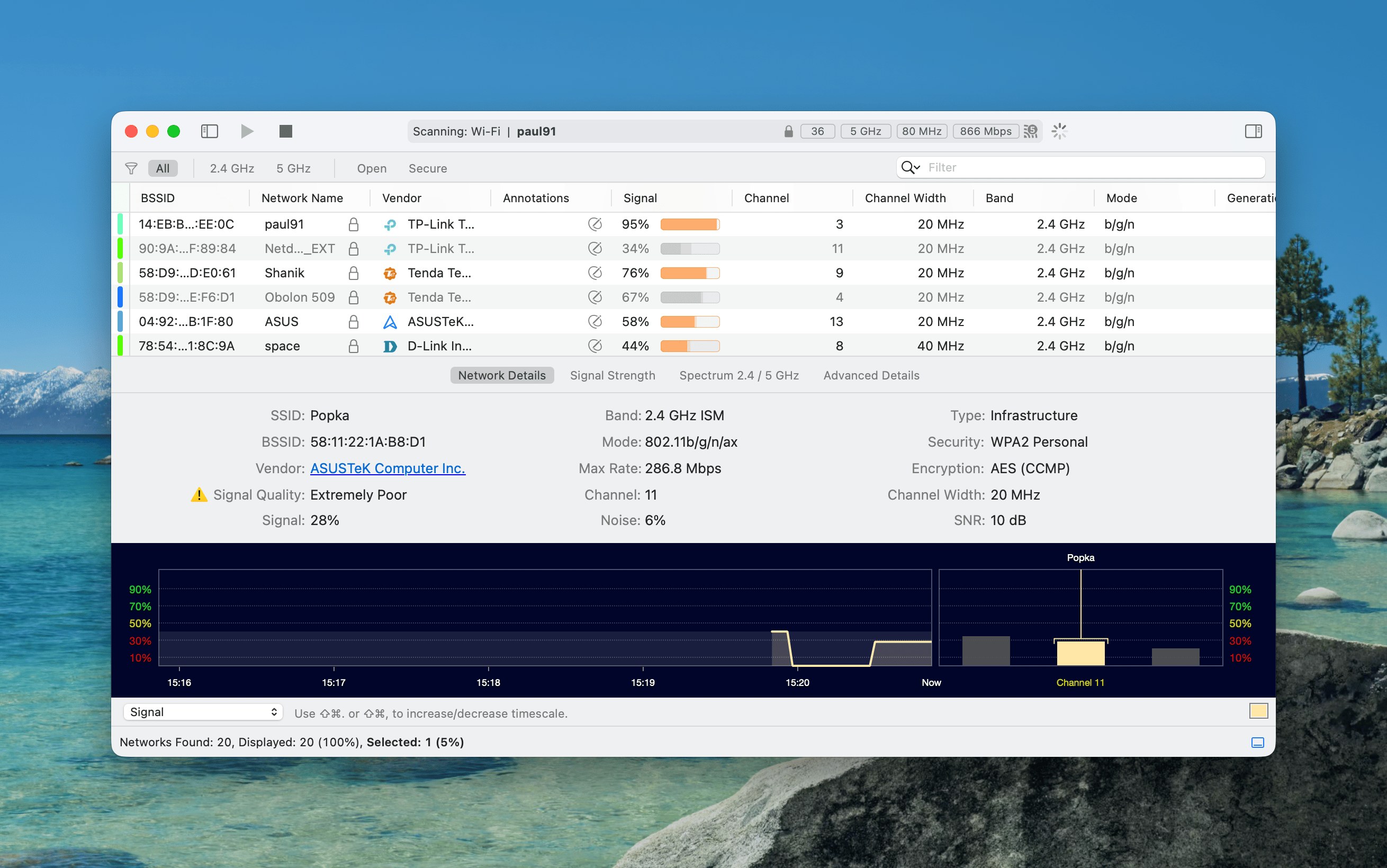
Large system updates need a stable connection; and not all Wi-Fi is created equal. Before you start the download, fire up WiFi Explorer to scan your network, spot weak spots, and switch to a better channel if needed.
It's a quick step that can save you from a failed or painfully slow update.
All set? Head to System Settings > General > Software Update and start installing macOS Tahoe.
Hope this how-to will help you solve tasks faster, and enjoy solving them, too! Check out more how-tos picked for you below.