Marketplace Membership
My Setapp

Time to share!

Share this link with a friend. Once they start their paid Setapp subscription, you’ll both get a free month.

Learn more
Setapp logo
Home Marketplace Membership How it works Solve with AI+ Pricing Blog About Setapp
My Setapp

How to recover deleted files

Bring any data back from the dead

A bad day is when Finder wouldn’t find that file you’ve been working on since last winter, and the Bin is hopelessly empty. Luckily, there are apps that can help fix this nightmare. 

Keep your files safe with these apps
Recover with Disk Drill 

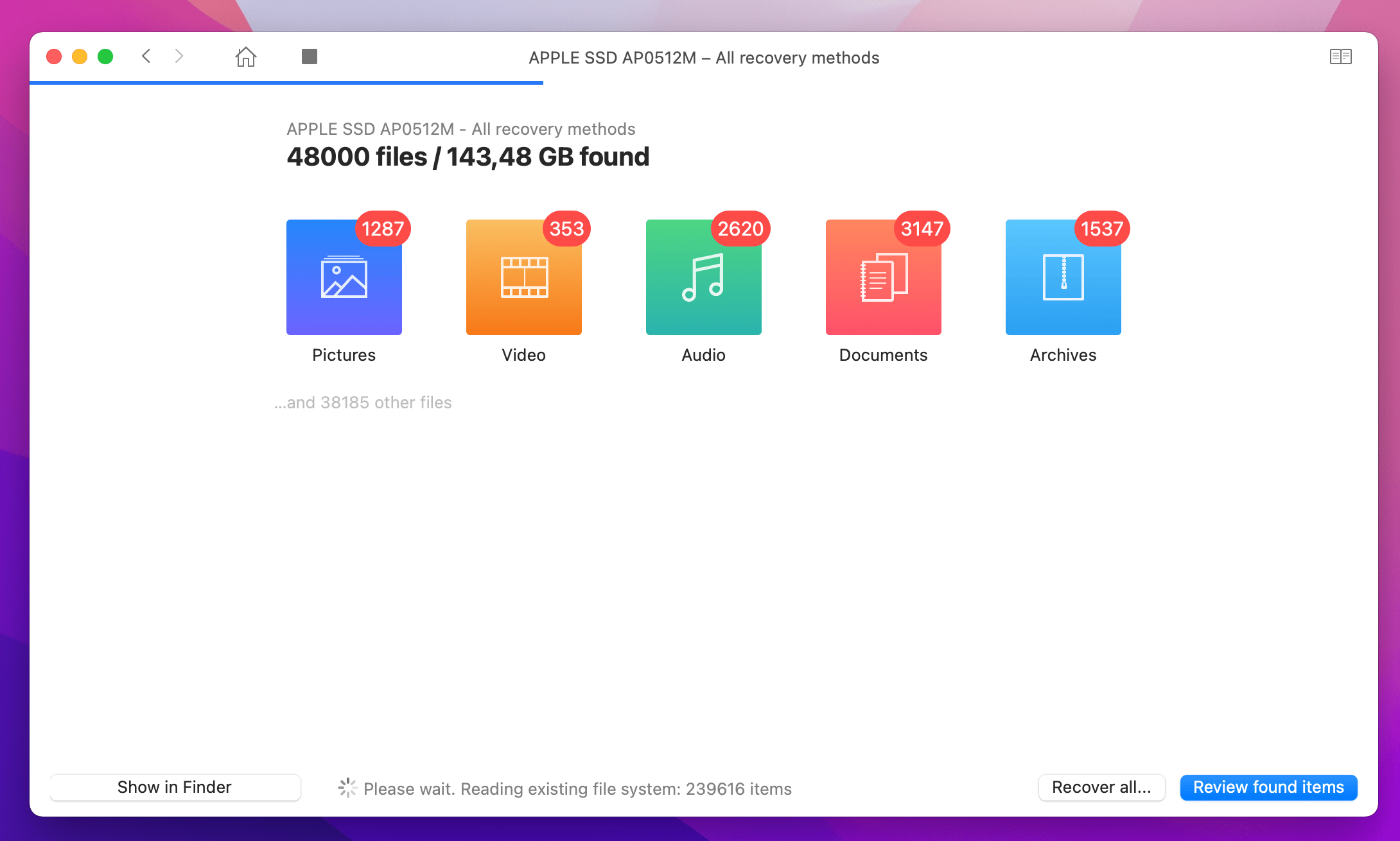
We dare to say Disk Drill is the best data recovery software for Mac. It can help restore deleted files even after you’ve emptied the Bin. And yes, even if those files weren’t backed up. So it’s truly a magical tool that will save you in case there’s a weird software glitch, disk failure, or any other problem that leads to data loss. Here’s how the app works: 

  1. Run the scan to see all the files that can be restored

  2. Browse the results or search for the exact file name or extension

  3. Choose the file you want back and click Recover. 
Back up with Get Backup Pro 

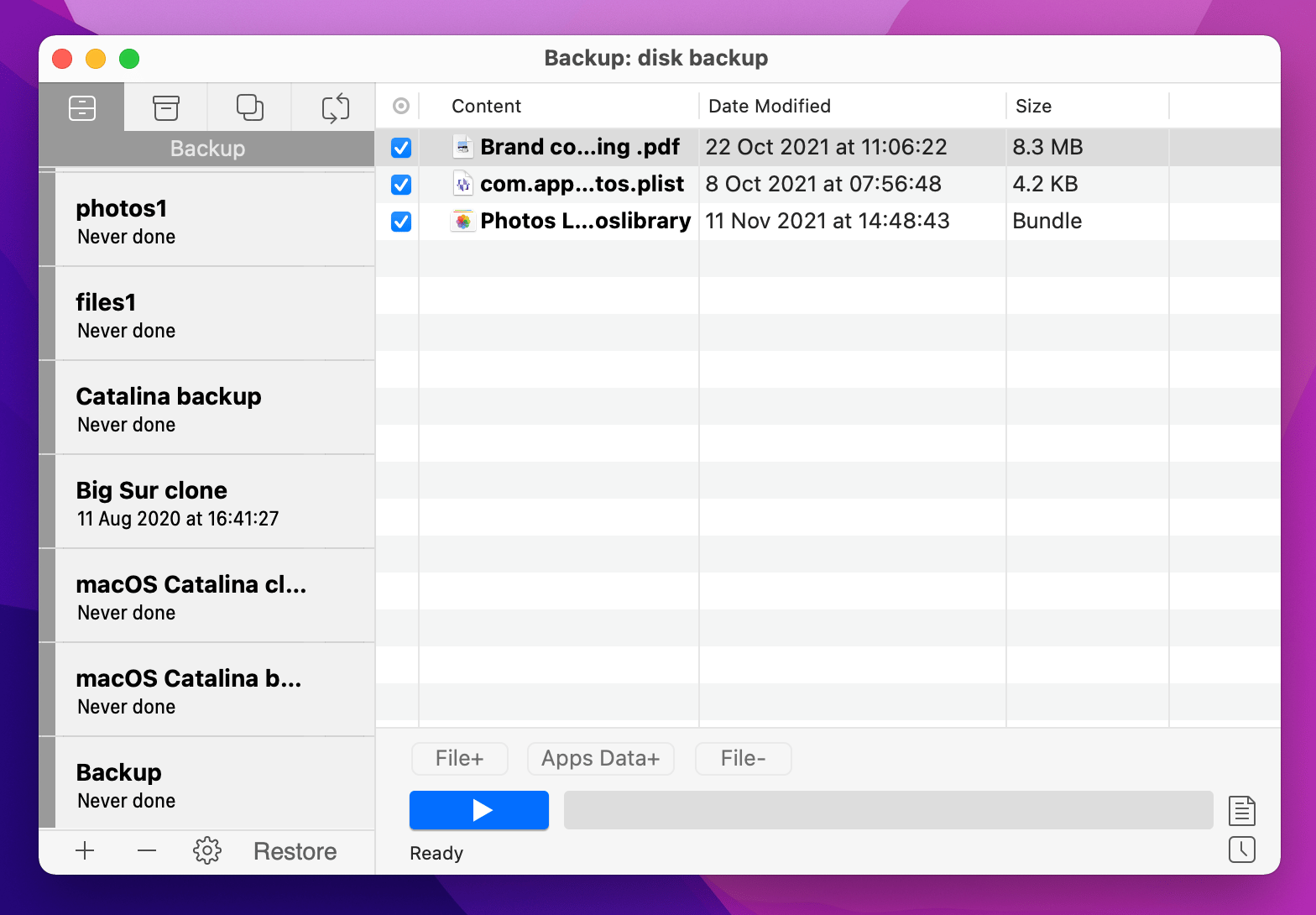
We all have favorites. Favorite piece of code, favorite photos from the last trip, or favorite college thesis (well, why not). To ensure you never lose them, create a bootable clone of your most essential data with Get Backup Pro. 

Get Backup Pro is an advanced alternative to Time Machine, which lets you choose which files and folders to back up instead of backing up the whole disk. Saves so much space and time!
Store with Dropshare or CloudMounter

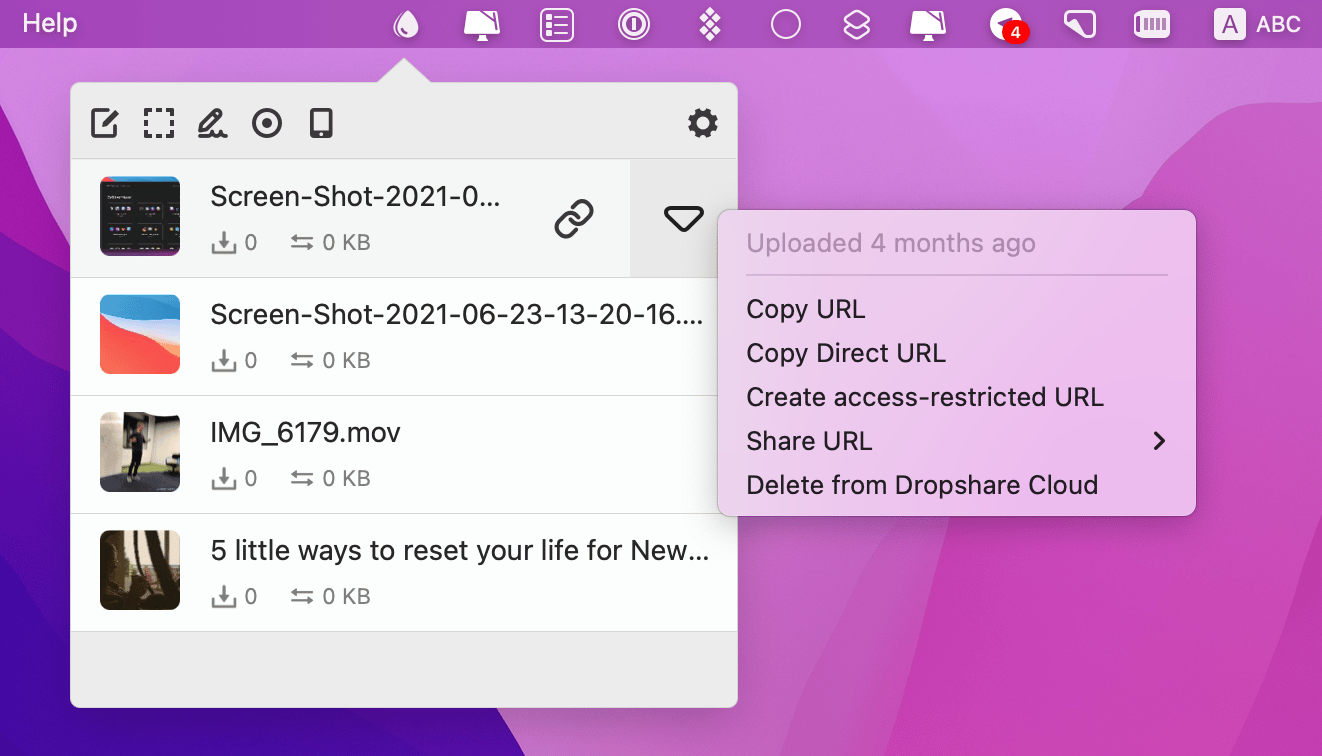
Finally, Dropshare will help you avoid the bad days in the future. It’s a file sharing solution that lets you securely share important files to your favorite cloud storage. If anything happens to your disk, you’ll be able to just retrieve the files from the cloud. And if you want someone else to have access to those files, you can password protect them and share easily. 

Also, Setappians get 10GB of complimentary Dropshare Cloud. It’s almost a sin to ignore such a gift, I hope we all agree here. 
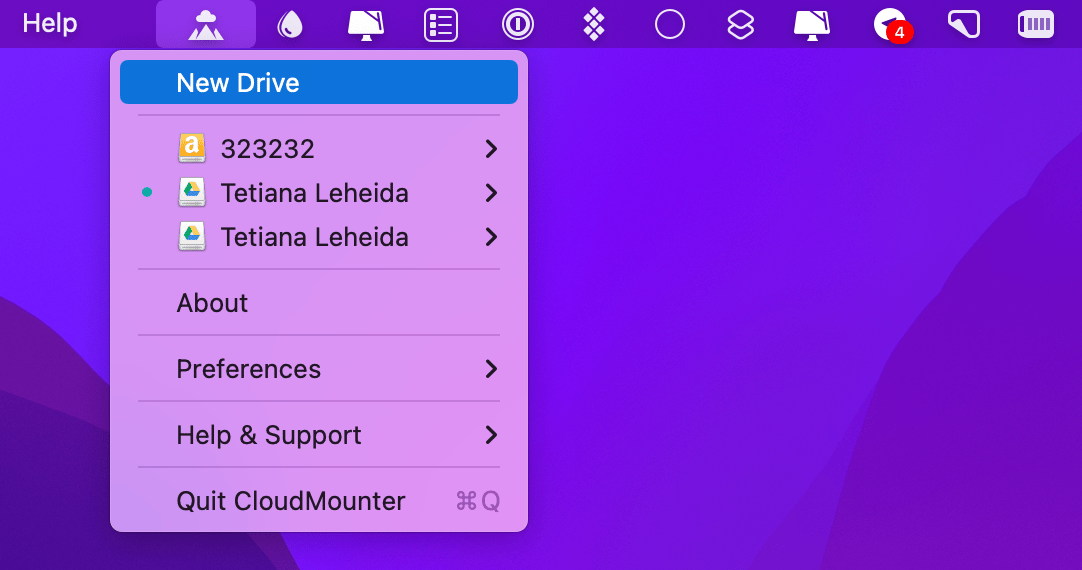
If you have multiple Google Drive or Dropbox accounts and tend to store big amounts of data in the cloud, it’s best to use CloudMounter. Unlike native cloud storage clients, CloudMounter doesn’t sync all your cloud content but connects directly to the cloud servers, which will save you disk space. CloudMounter also has superb encryption, so you shouldn’t worry about file security. 
Hope this use case will help you solve tasks faster, and enjoy solving them, too! Check out more use cases picked for you below. 

More reads for you

Cybersecurity checklist
How to keep your Mac safe and sound
Save space on Mac
Sync, clean up and squeeze files
Setapp logo

Company

  • Home
  • All apps
  • How it works
  • Pricing
  • About Setapp
  • Download Setapp
  • Getting started with Setapp
  • Uninstall Setapp

Helpful

  • Support
  • Trust center
  • Join as a developer
  • Setapp reviews
  • Affiliate program
  • Blog

Inside the blog

  • Editorial process
  • How we evaluate apps
  • Human writing
  • Write for us

Best apps

  • VPN for Mac
  • YouTube downloader for Mac
  • Screen recorder for Mac
  • Recovery software for Mac
  • Password manager for Mac
  • Video editing software for Mac
  • Note–taking app for Mac
  • Terminal for Mac
  • Calendar app for Mac
  • Remote desktop for Mac
  • Cloud backup for Mac
  • Screenshot tool for Mac
  • Antivirus for Mac
  • Browser for Mac

Our best content

  • All macOS versions
  • All iOS versions
  • MacBook generations in order
  • iPhone releases in order
  • iPad generations in order
  • AirPods generations in order

How to's

  • View clipboard history on Mac
  • Change folder icon or color on Mac
  • Recover deleted iPhone photos
  • Access unrecognized external drive
  • Access your Mac remotely
  • Use recovery mode on Mac
  • View and kill processes on Mac
  • Stop Mac from sleeping
  • Check MacBook temperature
  • Fix frozen Mac
  • Reset iPhone
  • Reset iPad

Our tools

  • Apple serial number
  • iPhone serial number
  • Mac serial number
  • iPad serial number
  • AirPods serial number
  • Apple Watch serial number
  • Apple warranty number
  • Mac warranty checker
  • iPad warranty checker
  • HEIC to JPG
  • HEIC to PNG
  • HEIC to PDF
  • GPTs for Mac

Updates from our team, written with love

Love is coming your way, soon. This doesn’t look right, please try again. Try once more, our server fell asleep for a bit.
I agree to receive emails from Setapp as per this Privacy Notice.
Please select the checkbox to continue.
Need help? Terms of Use Privacy Notice
© 2026 MacPaw Way Ltd., 25 Serifou, Allure Center 11, Office No. 11-12, 2nd Floor, 3046 Zakaki, Limassol, Cyprus
Sweet, let’s get you started
or sign in with
Apple icon
Google icon
Create a strong password
Come up with a unique password for your Setapp account:
  • 8 characters minimum.
  • At least 1 uppercase letter.
  • At least 1 lowercase letter.
What should we call you?
Continue with new account:
Captcha is required