Now also on desktop
Widgets provide at-a-glance insights both in the Notification Center and on your desktop, starting from macOS Sonoma. You can even interact with some of them! Check our top widget picks for Mac.
Grab widgets that fit your flow
Track batteries
AirBuddy’s battery control widget is a great way to keep an eye on each device’s battery.
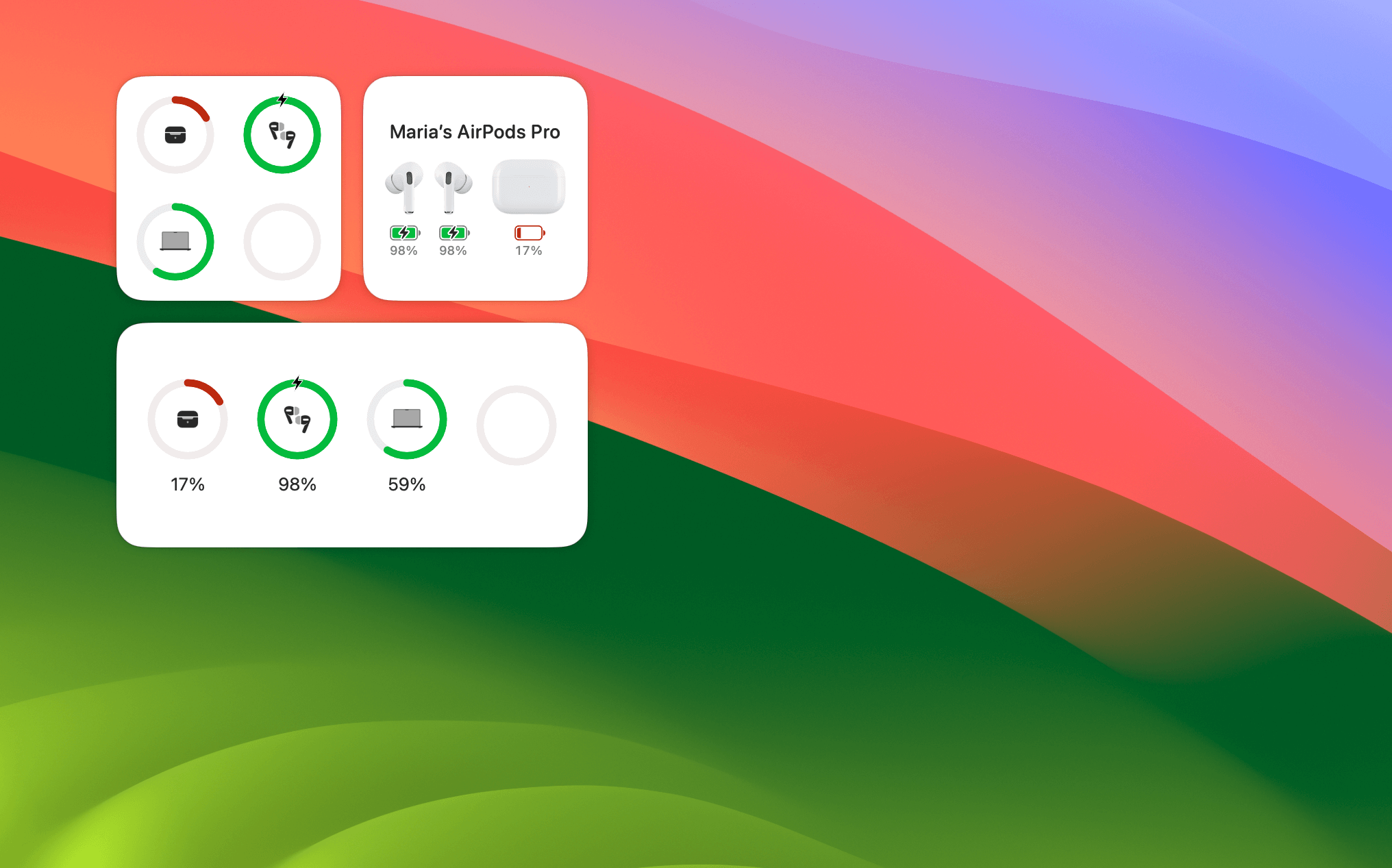
We love AirBuddy for its sleek menu and an effortless way to set up Bluetooth connections. And battery tracking is for sure one of the most precious features. With the AirBuddy widget, you’ll never forget to charge your Watch and AirPods case (those are the most problematic for us).
How to add widgets on Mac: Open the Notification Center (click the date and time in your menu bar) and choose Edit Widgets. Pick AirBuddy or any other app, and drag its widget to your desktop or Notification Center.
Check your clipboard history
How about a widget with a perfect memory? Yoink’s clipboard history widget can save everything you’ve copied lately. Jump back in time whenever you need to grab something you’ve saved to your clipboard before. Text or links.
Tip: On macOS Sonoma, you can set all widgets to appear in monochrome or full color. Go to System Settings > Desktop & Dock > Widgets and pick a desired option under "Widget style."
Keep a calendar at hand
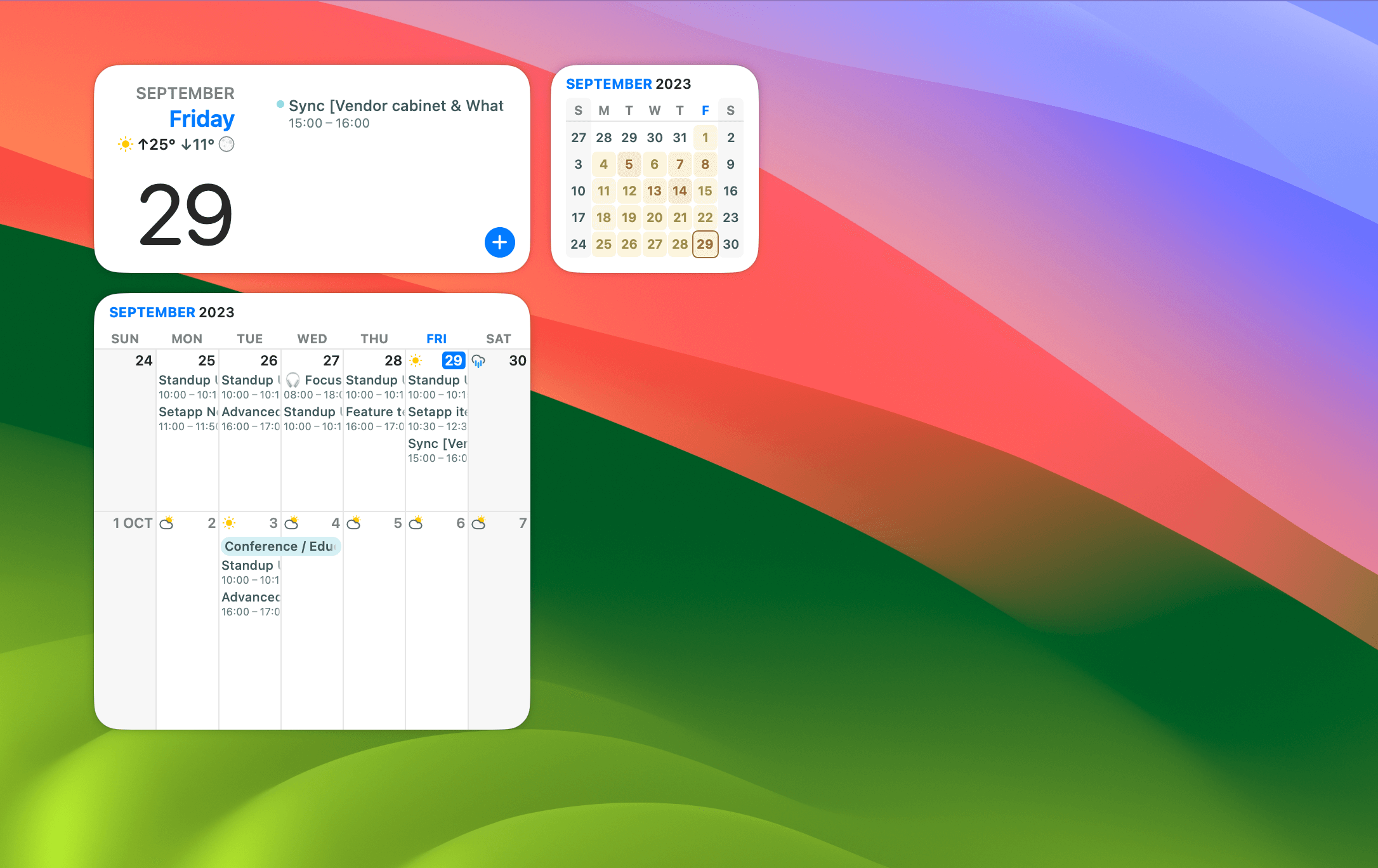
Can't live without a calendar? Then BusyCal won't disappoint you. The app features more than 15 various widgets with upcoming events, tasks, and monthly and bi-weekly views. Pick your favorite or combine multiple widgets for a perfect overview of your agenda.
Stay on top of your tasks
A productive day starts with a plan, and Structured is a perfect app to create one. The app organizes your to-dos into a beautiful timeline, so you always know what's next. Add a Structured widget to your desktop to keep your eyes on the plan.
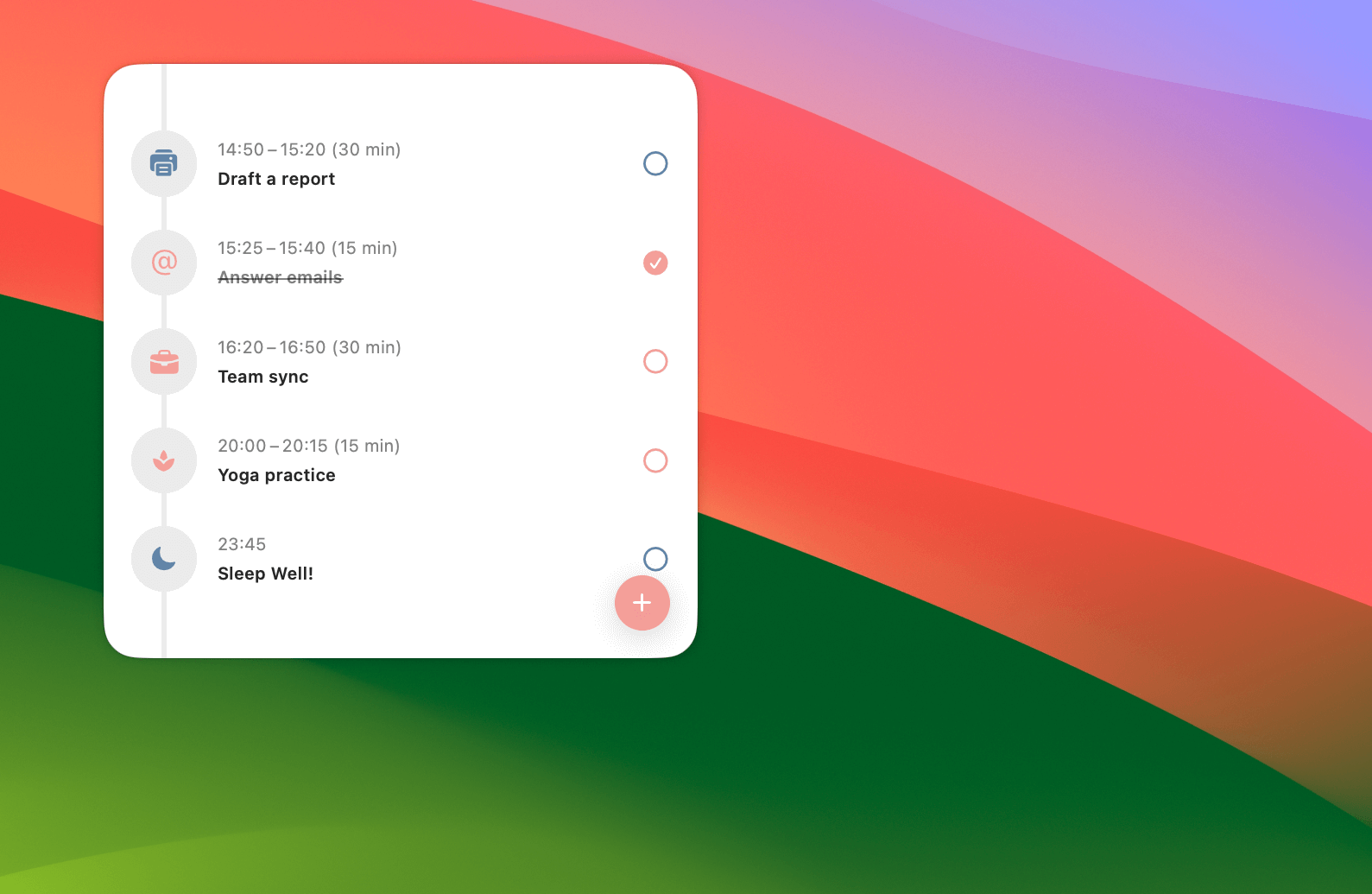
Structured widgets are interactive, so you can mark tasks as done without opening the app.
GoodTask is another solid task manager based on Apple's Reminders but with many advanced features. Add its widget to create and mark tasks as complete right from your desktop.
Build a widget wall
Those of you who’re serious about widgets can get the app that will satisfy all your needs. From browser windows to cute cat pics to Mac stats, WidgetWall can turn anything into a widget and keep it visible on your screen. And you can customize the color of each widget, too!
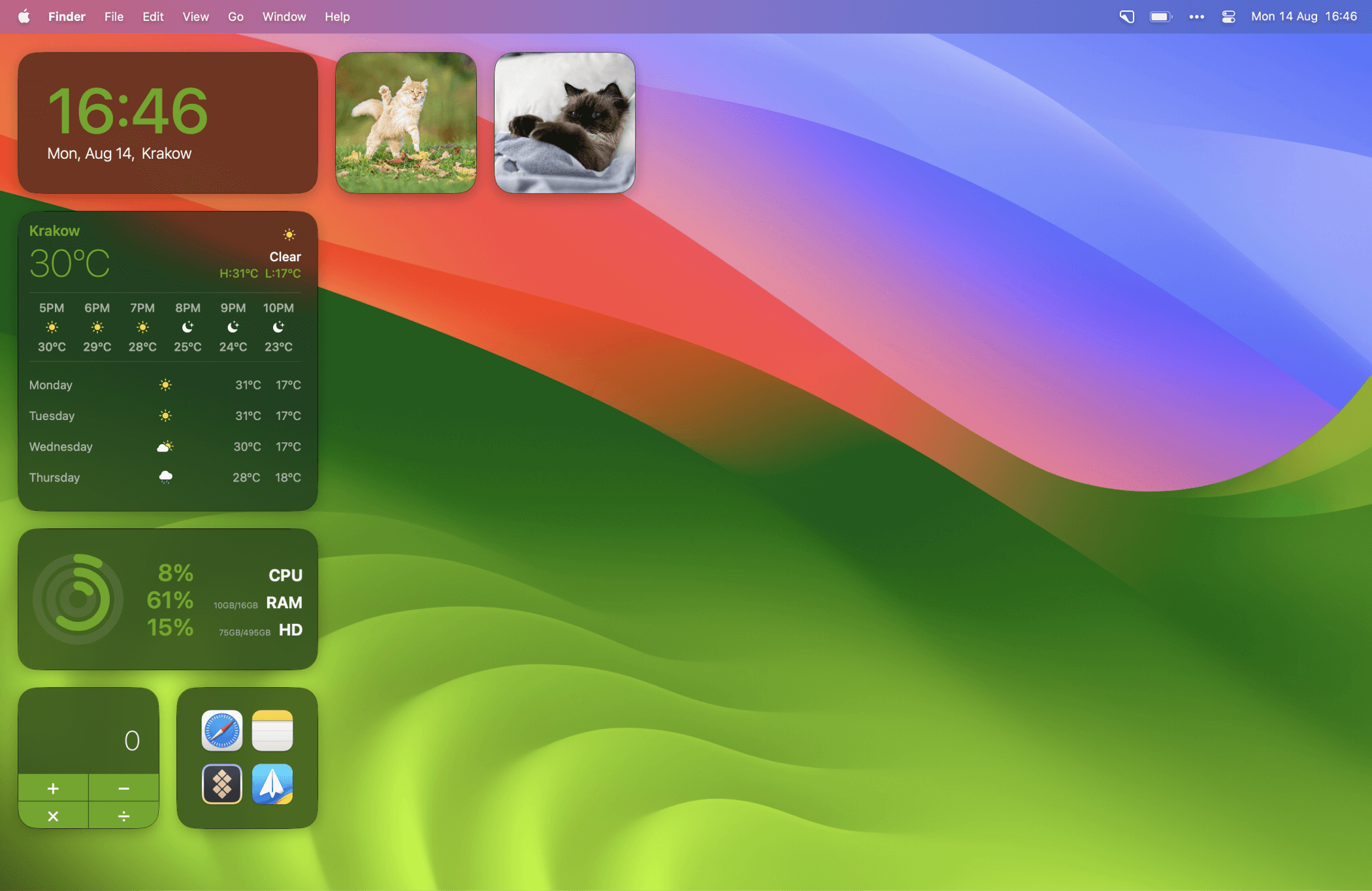
Reddit or Instagram feed on your desktop? Why not. Photos from the last trip? Hope they remind you of the great times when you didn’t have to chase deadlines.
Hope this how-to will help you solve tasks faster, and enjoy solving them, too! Check out more how-tos picked for you below.