
AuraFx
AI image editing for Mac
Mac
Version 1.2.0
macOS 14.6 oder neuer
25 MB
1 Sprachen
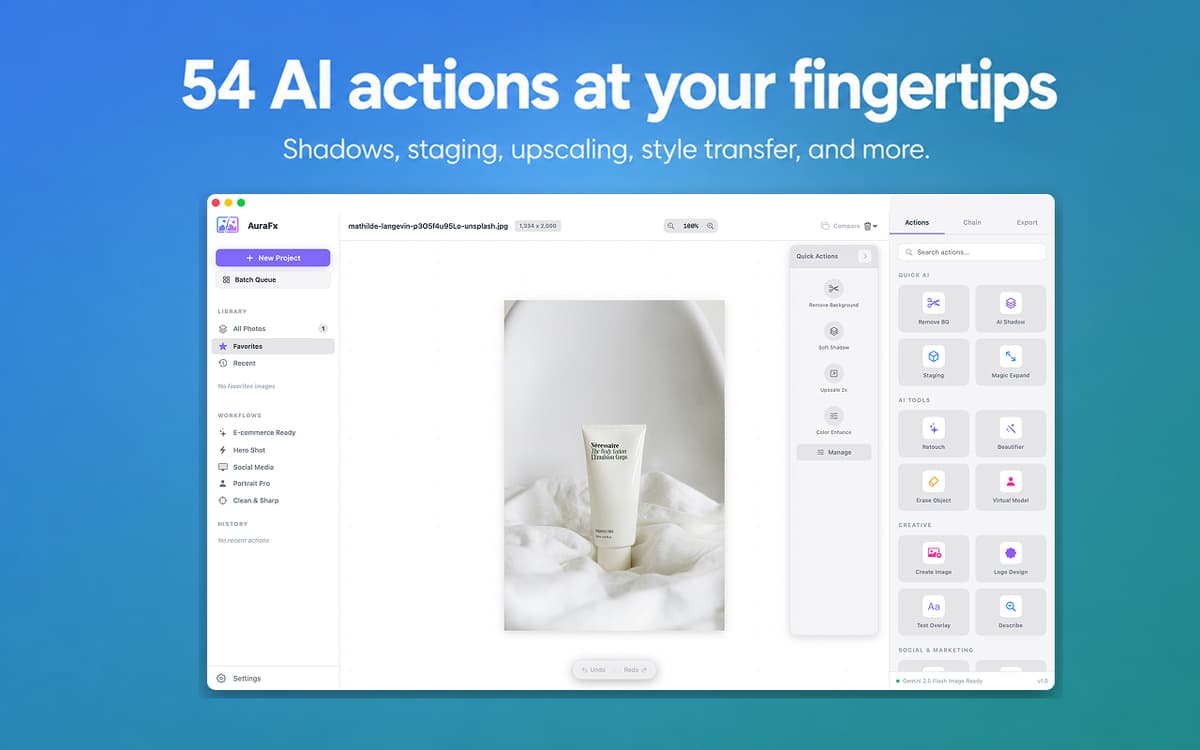
AuraFx is an AI image editor for Mac. Drop an image, pick an action, get a result — no layers, no selections, no fiddling. It handles background removal, shadows, staging, upscaling, and 50+ other tasks using AI. Process a whole folder at once or chain actions into reusable workflows. Powered by Setapp AI credits — open the app and go.
Remove backgrounds instantly
Batch edit up to 100 images
Generate images from text prompts
Chain multiple AI actions together
AuraFx-Funktionen
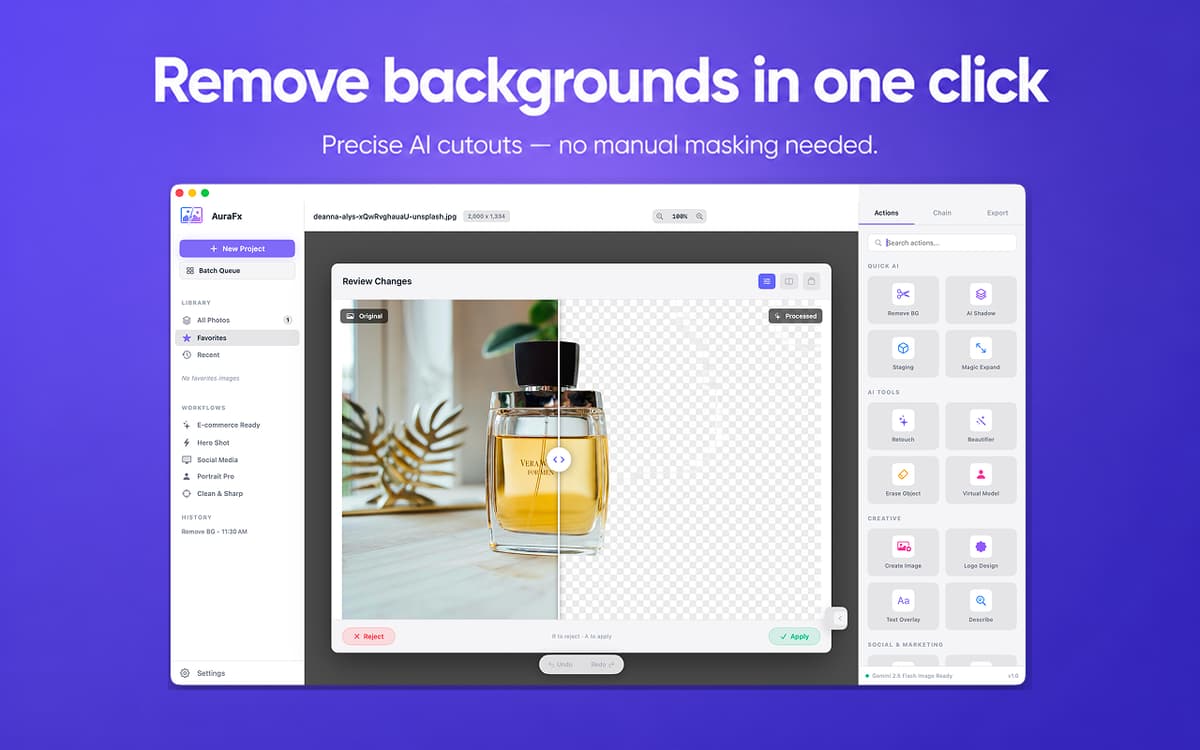
Remove backgrounds in one click
Drop any image, tap Remove BG, and you get a clean cutout. Works on product photos, portraits, and tricky edges — no manual masking, no selection tools. Just the result you needed.
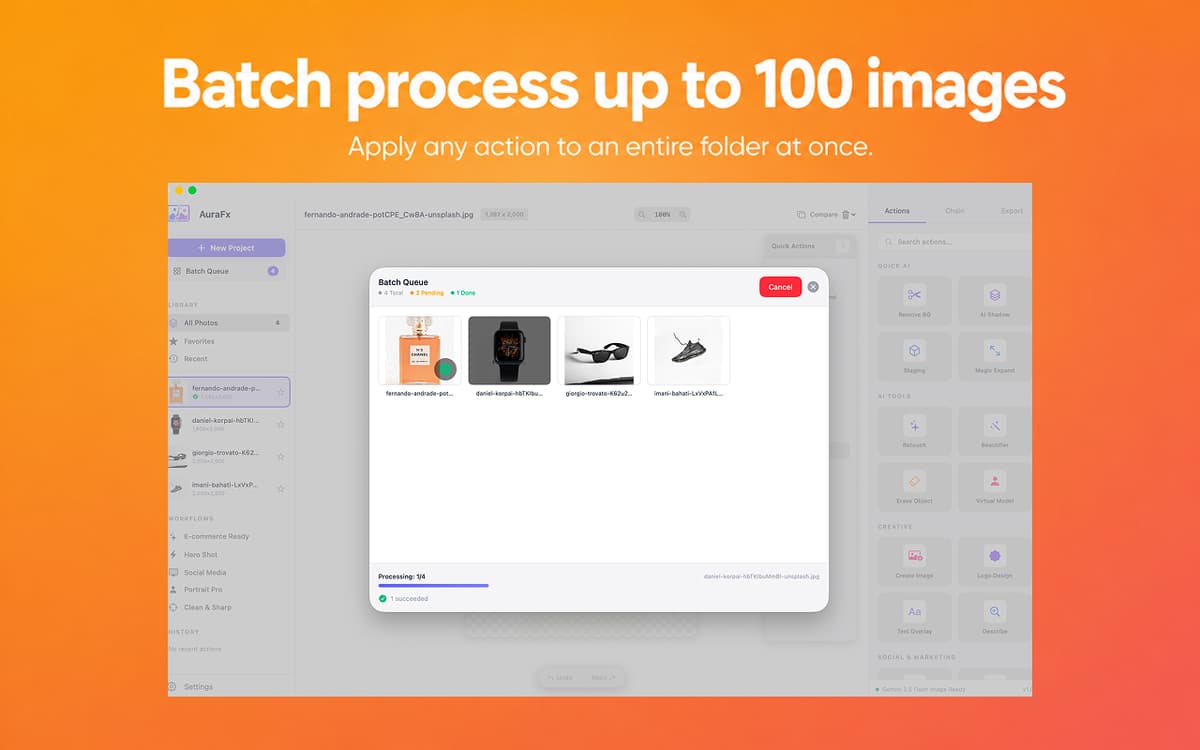
Batch process up to 100 images
Apply any action to an entire folder at once. Progress tracking and per-file error handling keep things moving — nothing slips through, even with large batches.
Chain actions into reusable workflows
Remove background → add shadow → upscale → export. Build multi-step sequences and save them as presets. One click to run the whole chain again next time.
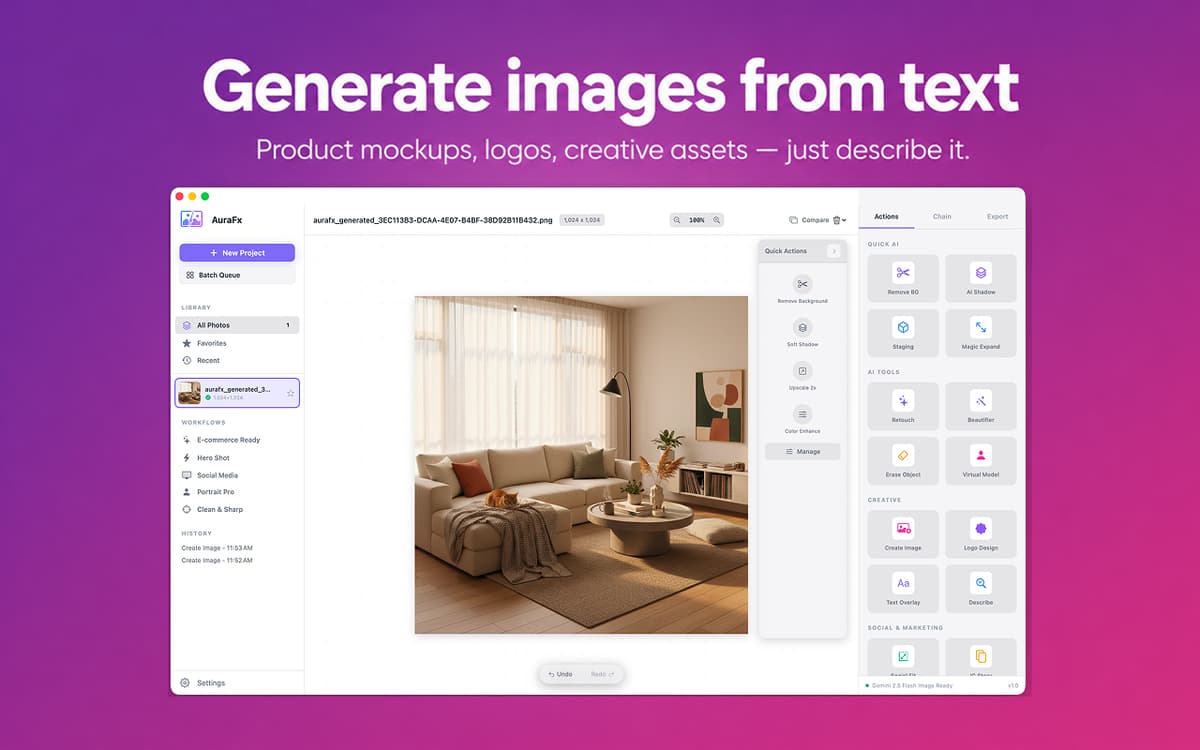
Generate images from text
Describe what you need — a product mockup, a lifestyle shot, a logo concept — and AuraFx generates it. Suggestion chips help you get started fast when you're not sure where to begin.
Switch between AI models
Choose between Gemini and GPT Image in Settings. Faster models for quick drafts, more capable ones for final assets. The choice is yours, and it's always easy to change.
No setup required
AuraFx runs on your Setapp AI credits. No API keys to manage, no extra accounts to create, no configuration steps. Open the app and start editing right away.
Bewertungen und Rezensionen
AuraFx
•
21 Bewertungen
Turgut Derman
10. Sept. 2026
App-Version: 1.2.0
Love this app. Makes it so easy to tweak images.
Aiden
31. Aug. 2026
App-Version: 1.2.0
Very buggy, even paid for Google API to use this app, every step returns an error message
jusbroo
28. Juli 2026
App-Version: 1.2.0
Using the background remover, it doesnt actually remove the background, instead it actually created a background with grey adn white squares, The exact opposite of what the feature should do!
Erhalten Sie Hunderte von Apps mit Membership
Werden Sie Setapp Member und nutzen Sie mit nur einem Abonnement hunderte genialer Apps.
Testen Sie 7 Tage kostenlos, im Anschluss nur eine einfach monatliche Gebühr.
Setapp auf dem Mac installieren
Erkunden Sie Apps für Mac, iOS und Web. Finden Sie einfache Möglichkeiten für die Bewältigung täglicher Aufgaben.

Die gesuchte App finden
In Setapp wartet eine wunderbare App auf Sie. Installieren Sie sie mit einem Klick.

AuraFx
Abonnement wählen
Eine App oder mehr mit der Setapp Membership. Holen Sie sich Apps, so wie Sie es möchten.

Erhalten Sie Hunderte von Apps mit Membership
Werden Sie Setapp Member und nutzen Sie mit nur einem Abonnement hunderte genialer Apps.
Testen Sie 7 Tage kostenlos, im Anschluss nur eine einfach monatliche Gebühr.
1
Setapp auf dem Mac installieren
Erkunden Sie Apps für Mac, iOS und Web. Finden Sie einfache Möglichkeiten für die Bewältigung täglicher Aufgaben.
2
Die gesuchte App finden
In Setapp wartet eine wunderbare App auf Sie. Installieren Sie sie mit einem Klick.
AuraFx
3
Abonnement wählen
Eine App oder mehr mit der Setapp Membership. Holen Sie sich Apps, so wie Sie es möchten.
Die besten Apps
Von Planung und Routineaufgaben bis hin zu kreativen Tätigkeiten und Programmieren – mit den Apps von Setapp sind Sie bestens für Aufgaben gerüstet.

TypingMind
KI-Chat mit alternativer UI
Text erzeugen oder zusammenfassen
Prompt-Bibliothek nutzen
KI

Spark Mail
E-Mails verwalten
KI

CleanMyMac
Datenmüll entfernen

Bartender
Menüleiste anpassen

CleanShot X
Vielseitige Bildschirmfotos aufnehmen

Luminar Neo
Fotos bearbeiten
KI

ClearVPN
Sichere Verbindung herstellen

Craft
Mit Dokumenten arbeiten
KI
AuraFx
AI image editing for Mac