For enterprise IT support, TeamViewer or Splashtop are the closest like-for-like replacements. TeamViewer has the deepest integrations and AI-powered Session Insights; Splashtop is the more affordable option with AWS-hosted infrastructure.
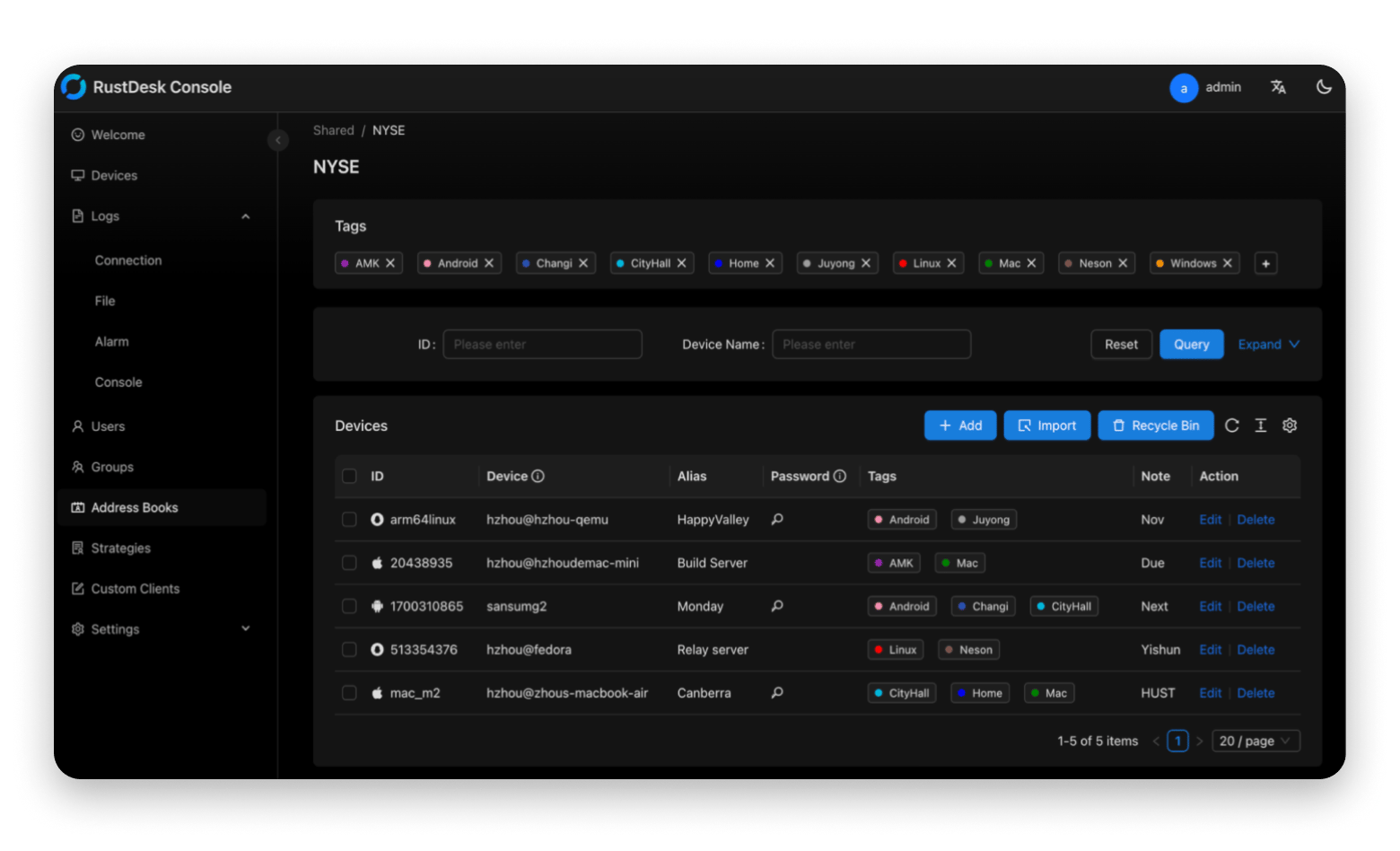
For open-source and self-hosted control, RustDesk is the strongest pick. It's free, lets you run your own server, and gives you 90 advanced configuration options — ideal for IT teams that can't send data through third-party infrastructure.
For VNC/RDP flexibility and team management, Jump Desktop is the go-to. It supports both protocols natively and offers SSO and cloud access logs for larger teams.
For free personal use, HopToDesk and Chrome Remote Desktop do the job. No frills, no cost, but limited to basic features and single sessions.
For remote downloads across Apple devices, Transloader is the only Mac-native option. Drop a link from your iPhone, and the file lands on your Mac.
Before any remote session, check macOS Screen Recording and Accessibility permissions. Most connection issues on macOS trace back to these two settings being ungranted or reset after an update.
Transloader is free for 7 days with Setapp.Start your trial — cancel before Day 7, and you won't be charged anything.
As a freelancer, AnyDesk was once my tried-and-true for accessing files remotely and collaborating with clients. But sometimes, you just want to see what else is out there. You want to optimize your workflow, remove any room for frustration, and find a tool that fits your needs like a glove. AnyDesk is still a fantastic program, but maybe you feel like there's a little something missing.
Note before we start: If you frequently jump into client calls or remote sessions, Hand Mirror gives you a one-click camera preview from the menu bar — useful for a quick check before you share your screen and look professional from the first second.
Ready to find an AnyDesk equivalent for Mac? Let's go.
Is AnyDesk available for Mac (macOS)?
Yes! AnyDesk is available for practically every platform, including macOS, Windows, Linux, Raspberry Pi, and more. It offers just as strong an experience as its other counterparts, with access and control, collaboration, and security and privacy features that make it work for you right out of the box.
I've compiled a table of AnyDesk alternatives for Mac with a quick description of its main function, as well as a more detailed section below to learn more:
Download files remotely across multiple Apple devices.
Included in Setapp for a flat fee, along with over 250 other apps
HelpWire
Remote assistance with communication tools.
Free for now but business plans expected
Jump Desktop
VNC and RDP support for larger teams that need to manage many users and simultaneous connections.
From ~$7.99/user/month (Teams plans)
TeamViewer
Established remote desktop tool with features suited to enterprises.
~$25+/month
RustDesk
Self-hosted servers with advanced configuration options.
Free with paid plan from $9.90
Splashtop
Tailored remote desktop software hosted on AWS.
From ~$6/month (billed annually; tiered plans)
HopToDesk
Suitable for personal and professional use without the frills.
Free
Chrome Remote Desktop
Simple browser-based remote desktop software.
Free
Best AnyDesk alternatives for Mac (Quick comparison)
Not sure which tool to go with? Take some time to check them out one by one. You'll definitely find the right one for you.
Transloader — Best for remote downloads across Apple devices
Best for: Mac and iPhone/iPad users who want to start downloads remotely
Platforms: Mac / iOS
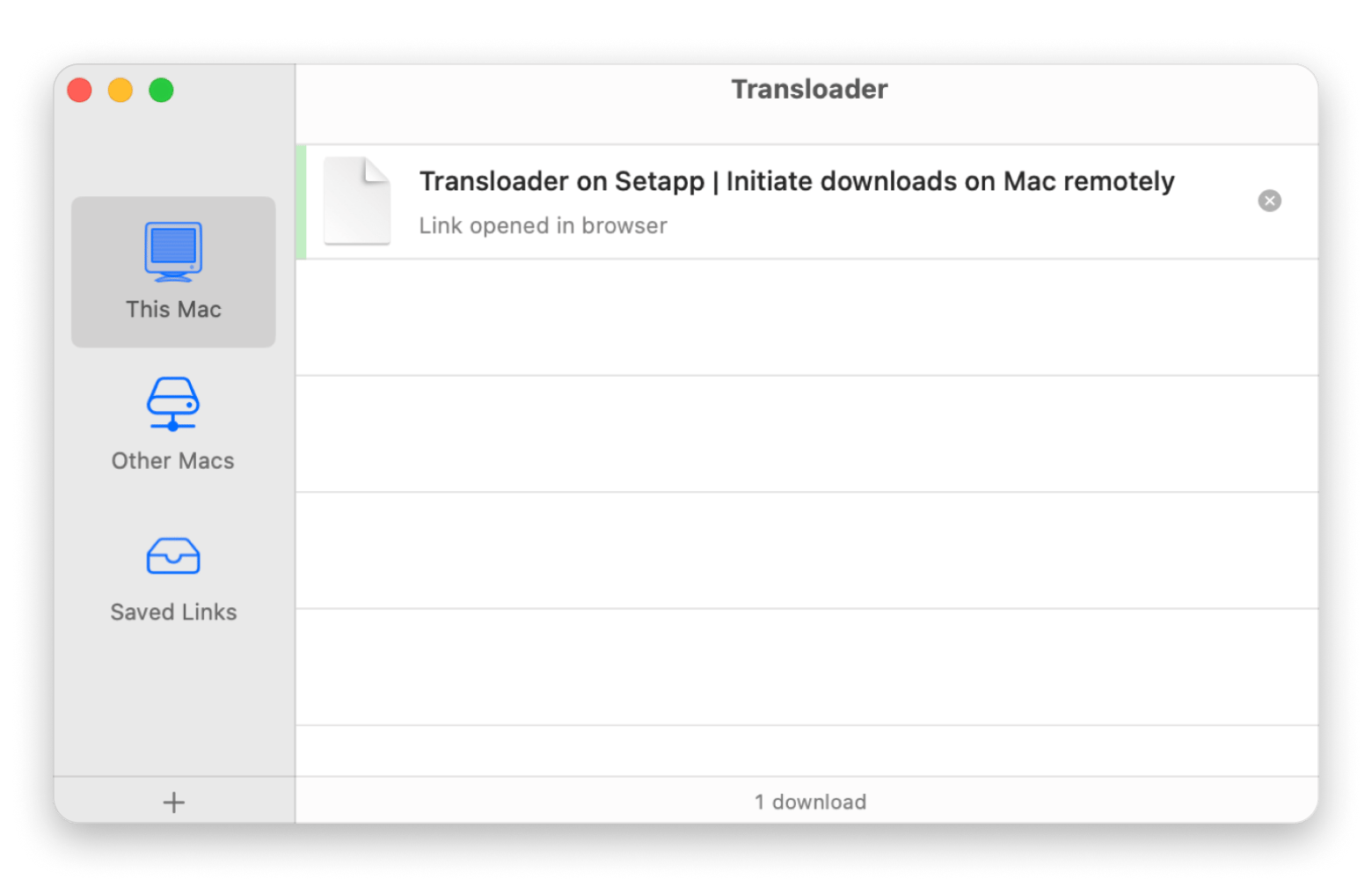
Transloader is the perfect app for downloading files across your Apple devices. I've been in a situation where I've needed to download a couple of articles and papers I found on the go on my phone, but I want to get them onto my Mac. Rather than waiting until I got home and went through the AirDrop process, I've used Transloader to take care of my business. It syncs perfectly between devices and helps me stay productive 24/7. What's more, the app is easily accessible through the Share menu on iPhone or iPad, making it a one-tap task.
Wins:
✅ No complicated permissions
✅ Supports large downloads
✅ Remote login anywhere for downloads
Woes:
❌ Only one function — downloading files
If you manage multiple tasks across devices, choosing the right project management software is crucial. Check out the review of the best project management tools for Mac to find the perfect fit for your workflow and personal use.
HelpWire — Best free remote support alternative to AnyDesk
Best for: Support teams looking for free remote desktop assistance tools
Platforms: Mac / Windows / Linux
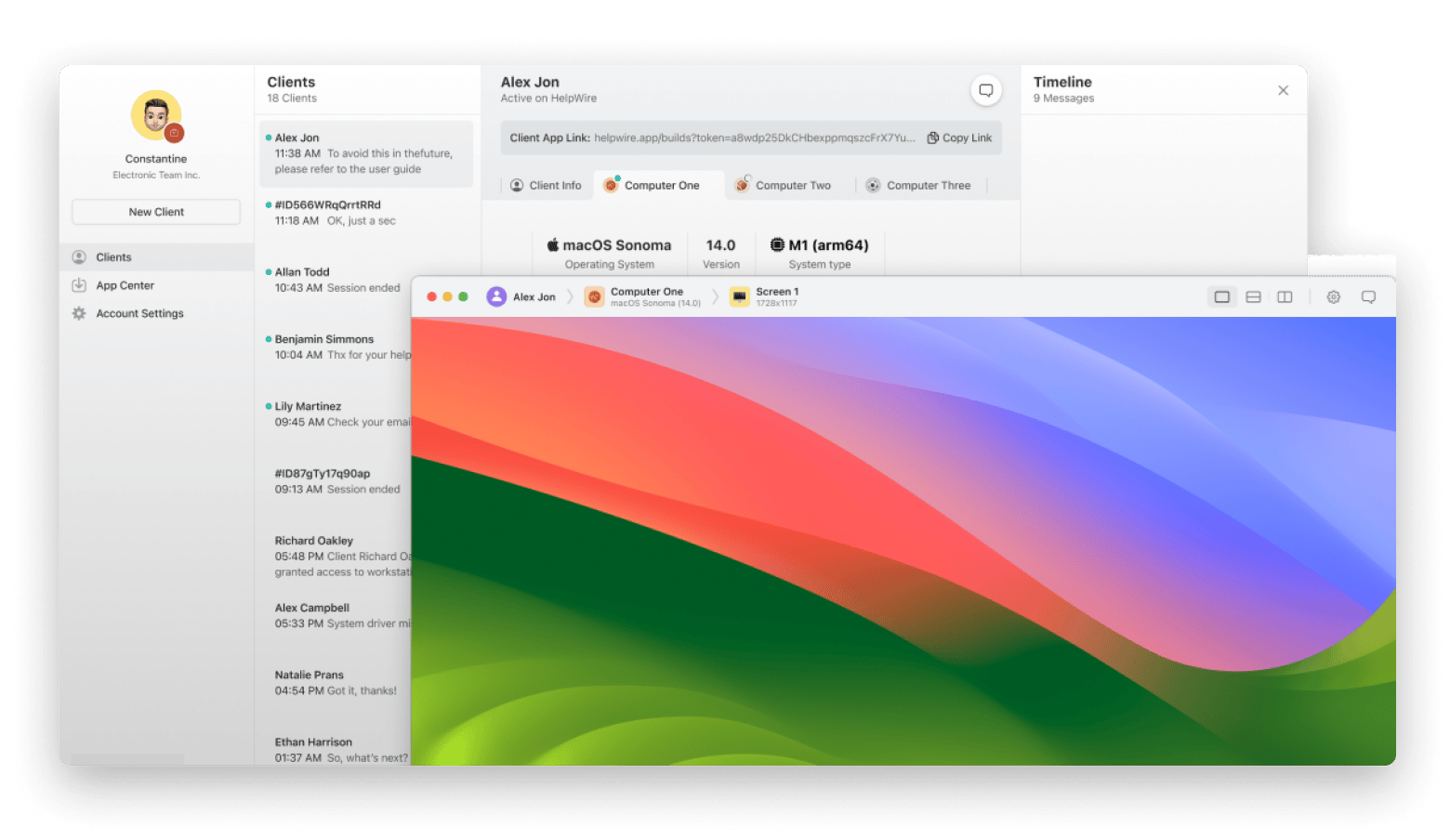
HelpWire is geared towards remote assistance. It lets businesses and support teams connect with users or customers in real-time, providing much deeper and clearer assistance through remote desktop control and live chat. With customer support more important than ever, this remote access has never been more valuable. It provides a comprehensive dashboard that collates client messaging, secure connections, and other control essentials.
Source: helpwire.app
Wins:
✅ Full suite of communication tools
✅ Simple and intuitive with drag-and-drop and single-click connections
Woes:
❌ Lacks session recording
Jump Desktop — Best AnyDesk alternative for VNC/RDP on Mac
Best for: Teams looking for VNC/RDP flexibility and multi-user management
Platforms: Mac / Windows / iOS / Android/ Web
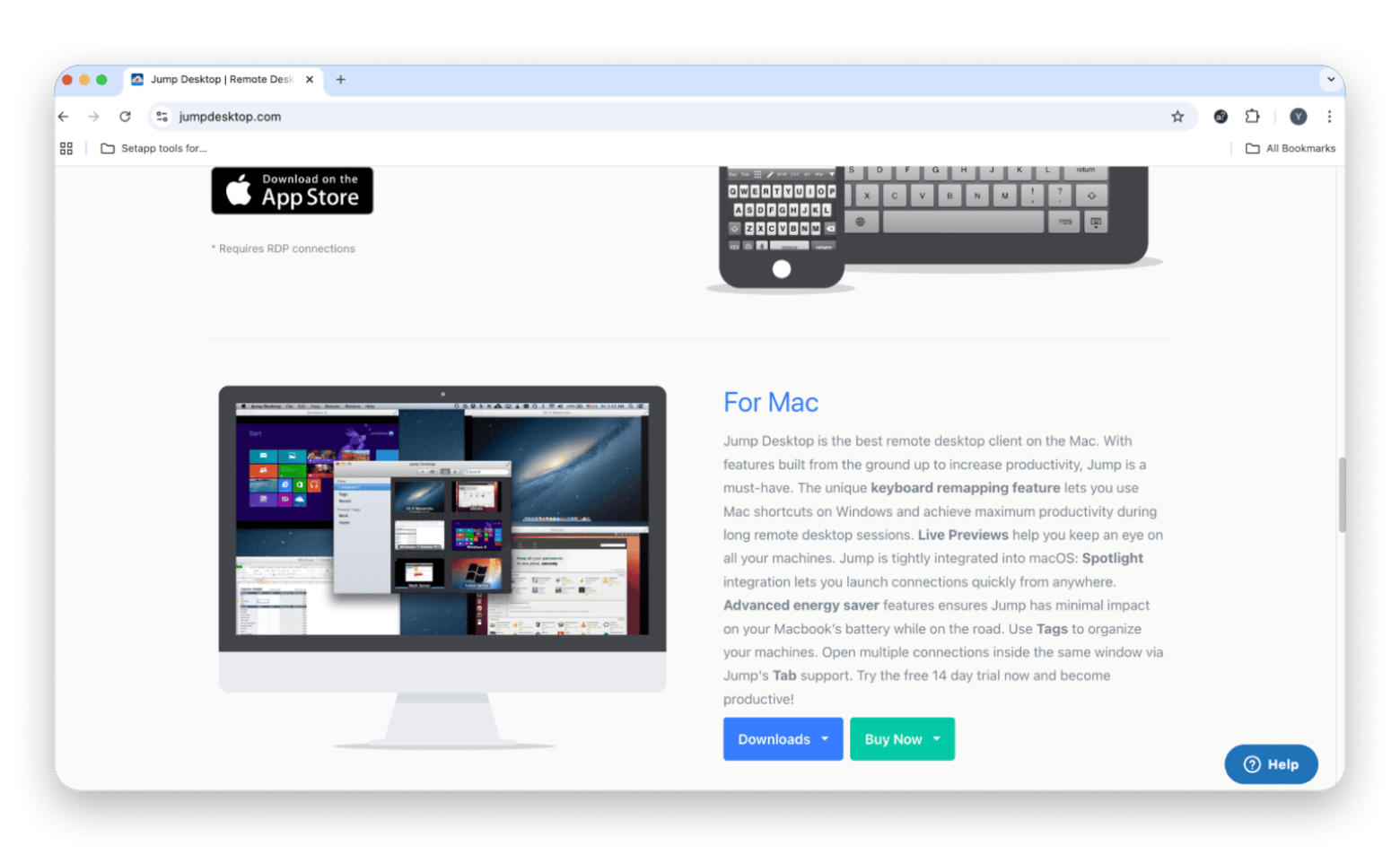
If you want versatility, Jump Desktop provides just that. With support for virtual network computing (VNC) and remote desktop protocol (RDP), you can seamlessly connect to and control a variety of devices, including mobile devices and computers. It's particularly suited for larger teams that need to manage an entire group of computers and several users, thanks to Single-Sign-On (SSO), cloud access logs, and customized installers.
Wins:
✅ Multiple connection protocols
✅ Unlimited simultaneous connections for each team
Woes:
❌ No built-in file transfer capabilities
TeamViewer — Best AnyDesk alternative for enterprise remote support
Best for: Enterprise teams that need deep integrations
Platforms: Mac / Windows / Linux / iOS / Android
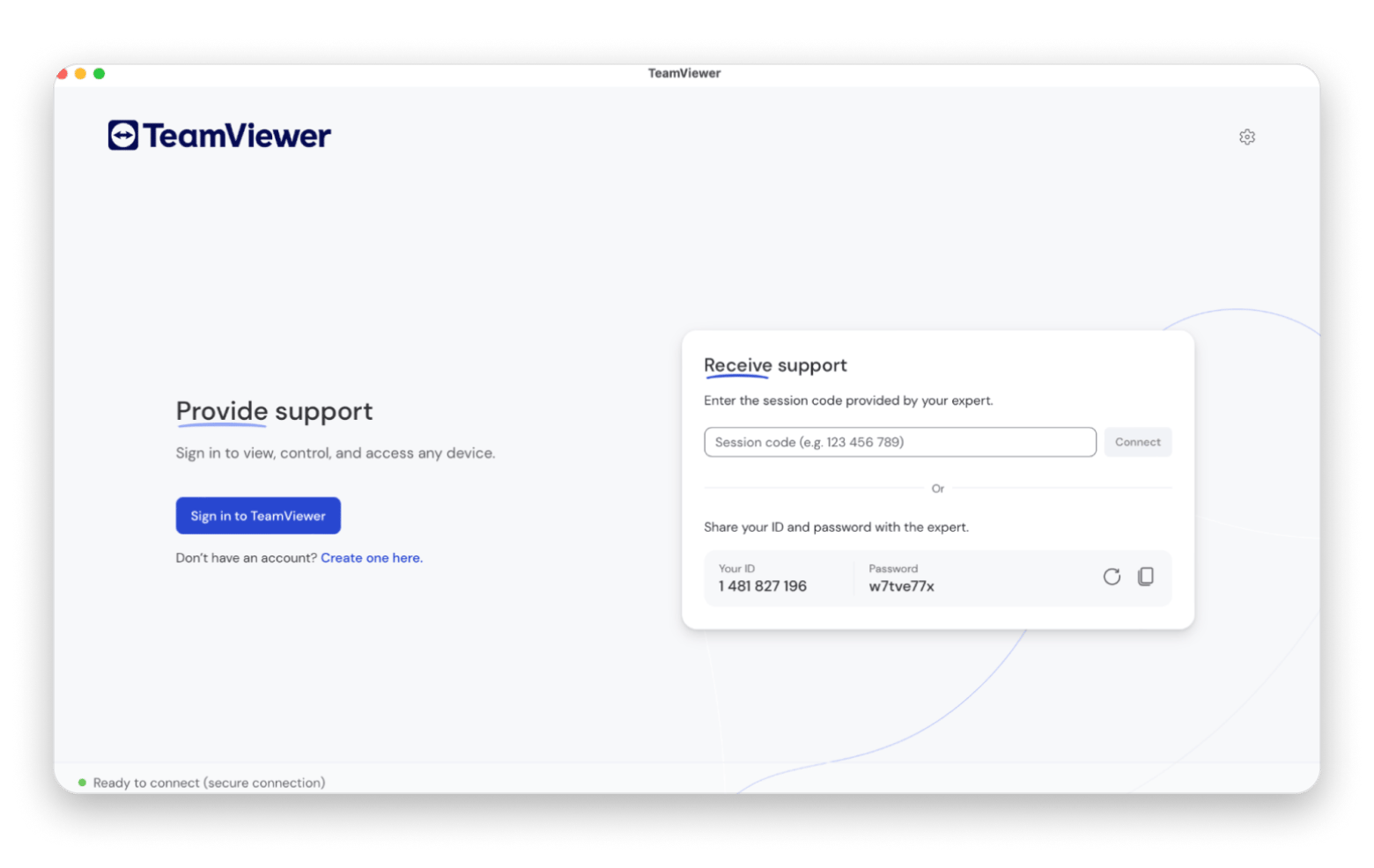
TeamViewer is one of the original remote desktop tools, first released in 2005. It was developed because IT teams wanted to avoid traveling to customers to perform tasks that could be handled online. Naturally, its functions and features have expanded since then, and it's now available for a wide range of operating systems and smartphones. TeamViewer provides unique interfaces for many functions and apps, like Microsoft Teams and Salesforce, and even has augmented reality elements.
Wins:
✅ Session Insights AI-based feature
✅ Compatible with many apps, services, operating systems, and languages
Woes:
❌ Unsuitable for casual, personal users
For enterprise teams troubleshooting UI issues remotely, PixelSnap is a useful companion — it lets you quickly measure spacing and alignment during a screen-share and document the findings accurately.
RustDesk — Best open-source / self-hosted AnyDesk alternative
Best for: Developers and IT teams who want open-source control and self-hosting
Platforms: Mac / Windows / Linux / Android / Web
What makes RustDesk stand out is its customizability, data sovereignty, and flexibility. While many might enjoy the preconfigured, ready-to-go nature of other AnyDesk macOS equivalents, others might want a program that gives them more control over their infrastructure and data. With self-hosted servers, you won't need to rely on third-party servers and get a better handle on your own privacy and security.
Source: rustdesk.com
Wins:
✅ Self-hosted servers
✅ 90 advanced configuration options
Woes:
❌ Not a plug-and-play solution, requiring more technical knowledge
Splashtop — Best high-performance AnyDesk alternative for Mac
Best for: Teams and pros who need reliable but affordable remote access
Platforms: Mac / Windows / iOS / Android
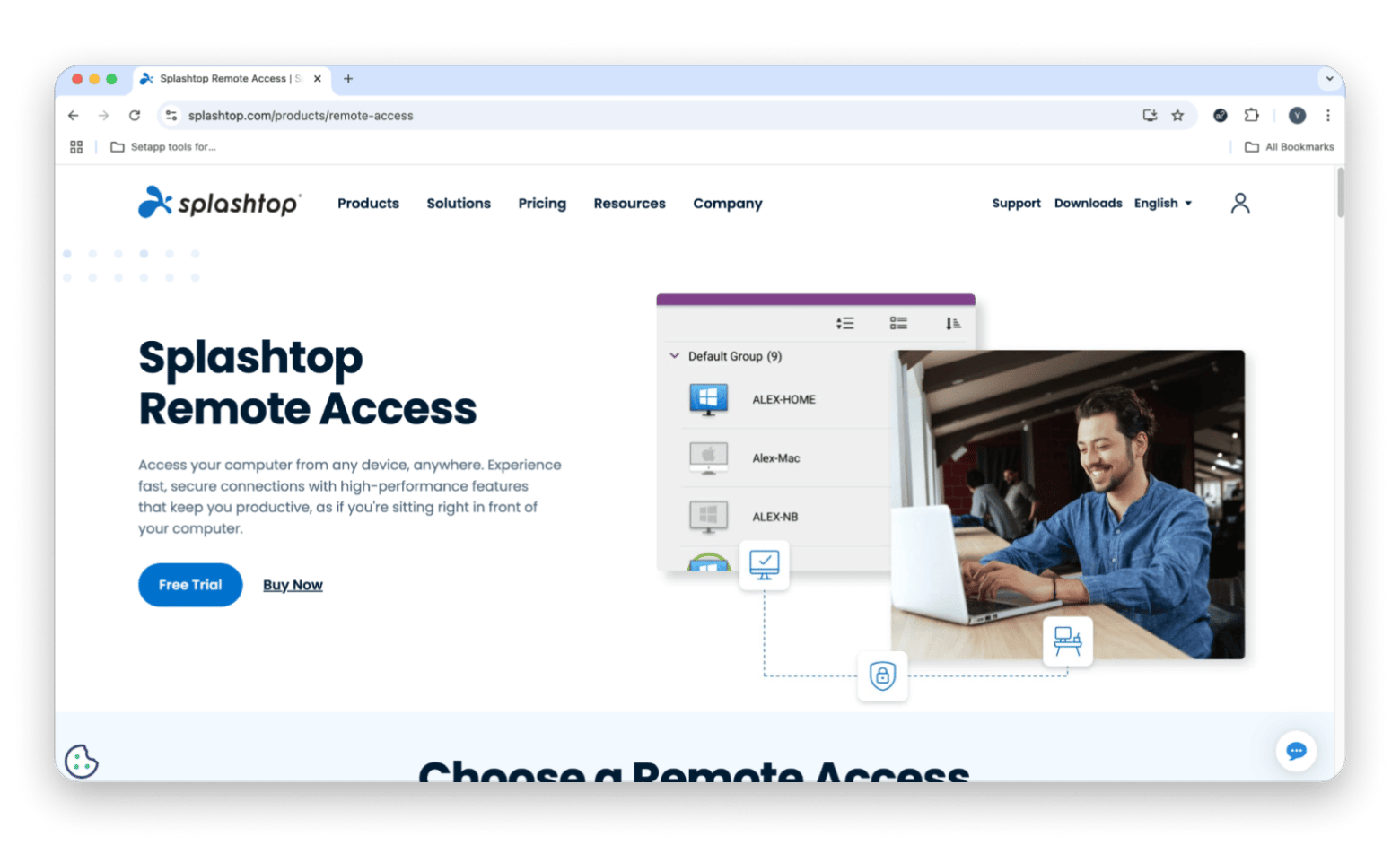
Splashtop has three solutions: Splashtop Business Access, Splashtop SOS, and Splashtop Enterprise. That means those who require an endpoint management solution, on-demand remote support, or remote access can find an ideal solution. Splashtop allows you to browse by industry, role, or need so you can choose the right remote access and support software. As a bonus, its cloud infrastructure is hosted on AWS, which provides real peace of mind when it comes to security.
Wins:
✅ Optimized solutions by industry, role, and need
✅ Strong security features to keep remote sessions secure
Woes:
❌ Some key features are only available in higher-tier plans (multi-monitor support/file transfer, etc.)
Splashtop has a super-useful file-sharing feature, but it can be restricted by plan limitations or organizational policies. In that case, Dropshare can be a superb fallback when you want to exchange logs, installers, and screenshots. It has a drag-and-drop workflow, works with all popular cloud hosting services, and allows you to share files via links.
HopToDesk — Best simple free alternative for personal use
Best for: Individuals looking for straightforward free remote access
Platforms: Mac / Windows / Linux
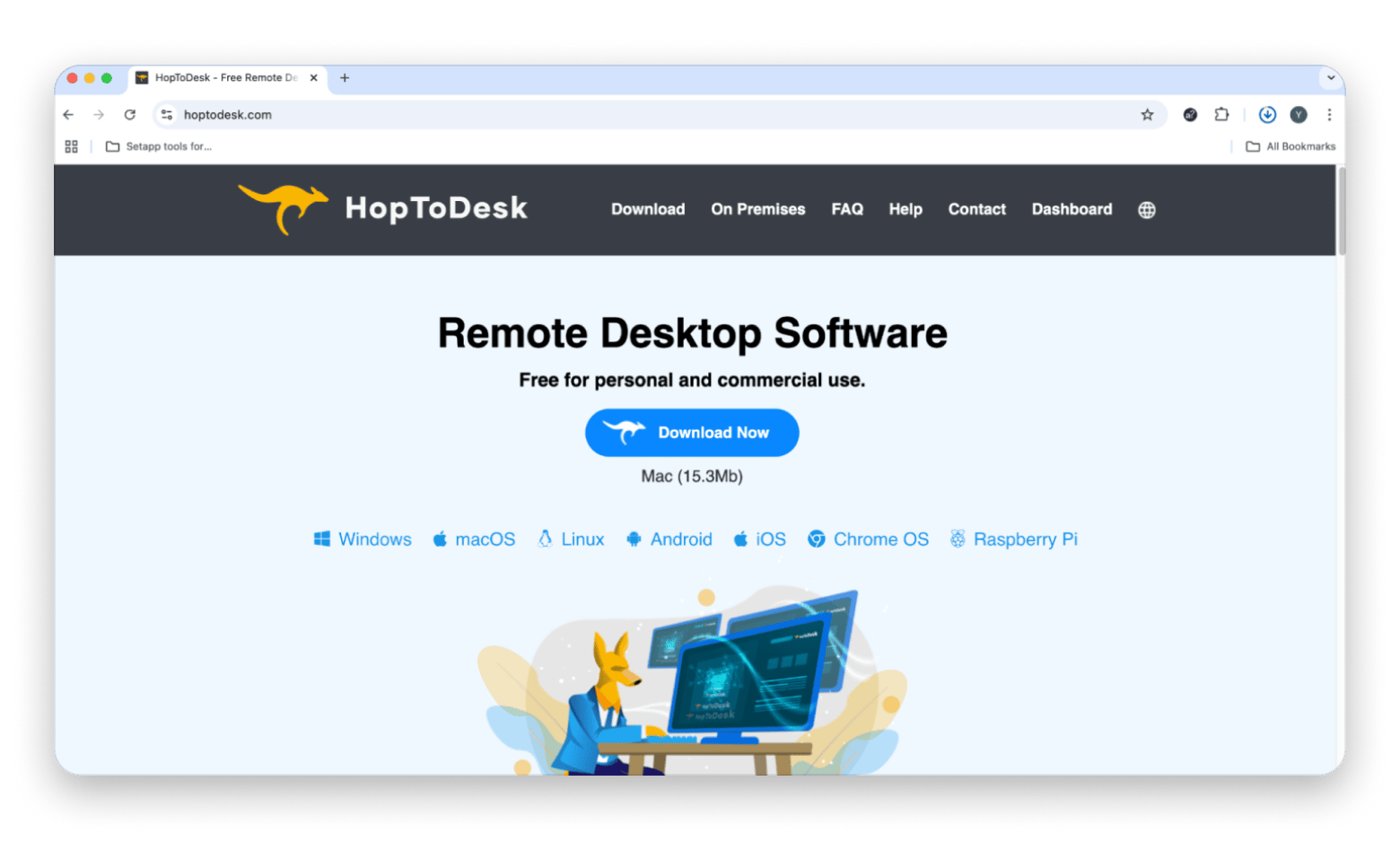
HopToDesk doesn't only cater to businesses. Instead, it's designed to suit both personal and commercial use for a variety of operating systems. The app doesn't have all the frills and fancy features that some of the other ones do, but rather does the basics well, such as remote control, screen sharing, file transfer, and live chat. While many do have advanced features, they also require complex setups and for you to fork out a hefty monthly fee. In contrast, HopToDesk is free and open-source.
Wins:
✅ Secure remote access without the extra fluff
✅ Easy setup
Woes:
❌ Limited customization and features, which make it unsuitable for large businesses and enterprises
Chrome Remote Desktop — Best browser-based free AnyDesk alternative
Best for: Individuals looking for simple and free remote access
Platforms: Web (Chrome)
Chrome Remote Desktop is the only browser-based remote access tool I've added to the list, partly because there aren't very many and partly because it's developed by Google — a reputable name in the tech biz. It's conveniently tied to Google's ecosystem, making setup a breeze and allowing it to match any need or workflow. It's a simple, easy-to-use tool.
Wins:
✅ Backed up by Google's security protocols
✅ Easy setup that requires a Google account and the Chrome extension
Woes:
❌ No multi-user support
Although Chrome Remote Desktop is significantly limited, you can combine it with Presentify when conducting a live session. It allows you to annotate any part of your screen and highlight the cursor to make presentations easier and more effective.
AnyDesk vs alternatives: Feature comparison (Mac-focused)
Here's a summary of how AnyDesk compares to the various alternatives based on the features offered on macOS:
Not sure whether you need a full remote desktop tool or something more lightweight like Transloader? This productivity tools GPT is good for matching your actual use case to the right tool without having to test them all yourself first.
Free AnyDesk alternatives for Mac (what you get vs paid)
Sometimes, you just want a tool that can accomplish a specific task without a huge bill. Here are some free options you can choose from, although they all have their limits:
Chrome Remote Desktop: Completely free, but you can only use it to access a single computer. It also relies on the Chrome browser and can't wake up a machine.
HopToDesk: Free and open source, but the features are very limited. Not meant for teams.
RustDesk: Free and allows self-hosting, but requires technical setup and ongoing maintenance.
HelpWire: Currently free because it's in a tech preview window. Has team support tools, with 1 remote connection at a time.
These work great if you are looking for a simple session, but you'll need to upgrade to get advanced functionalities like multi-monitor support and session recording.
Security checklist for remote desktop tools on macOS
While remote access tools are necessary for remote support and file access, they also open a backdoor to your machine. It's therefore good to take some time to evaluate the security features a tool offers:
End-to-end encryption: All remote sessions should be encrypted to ensure the data is not readable. Most reputable tools use AES-256 encryption for this, but confirm before settling on one.
Multi-factor authentication (MFA): MFA helps ensure that even if your credentials are compromised, extra verification is still needed to gain access.
Access logs: Access logs help create accountability, as you can see who connected, from where, and for how long.
Device approval: Some tools offer extra security by requiring device approval for new connections. This can be done via admin panels or email verification. It blocks unauthorized access.
Session recording: Session recording goes beyond logs to create a full audit of what actually happened during a remote session. It's valuable in IT support.
Self-hosting option: Regular sessions pass through someone else's infrastructure. Self-hosting is highly valuable when you want to keep all data under your control.
SSO support: Single Sign-On allows you to integrate the tool with your existing identity provider. It's crucial for enterprises as it makes it easier to manage permissions in a central platform.
Troubleshooting: common macOS remote access issues
If a remote access tool starts misbehaving, there are quick checks that can help you solve some of the most common issues:
Screen Recording and Accessibility permissions: macOS requires explicit permission for apps to record your screen or control input. Provide access from System Settings > Privacy & Security.
Firewall and VPN conflicts: A firewall or active VPN can block the ports used by remote desktop tools. Temporarily disable them or check settings for blocked connections.
Unattended access not working: In most cases, it's usually due to missing Accessibility permissions or the app not being set to launch at login. You can also check new device permissions for authorization.
High latency or dropped sessions: This is often due to a network issue, not the tool. Switch to a wired or better connection if possible.
In case the app is not working well after a macOS update, re-grant Screen Recording and Accessibility access and restart the app.
How to choose the best AnyDesk alternative for Mac
Choosing an alternative to AnyDesk on Mac becomes a lot more straightforward the more you understand what you're looking for. Here are some considerations to get you started:
Personal or professional use: Tools like HopToDesk and Chrome Remote Desktop have limited features, but they work well for personal use. If you are managing a team or providing IT support, you'll want a fully-featured option like TeamViewer or Splashtop.
Features you actually need: It's good to have a short list of must-haves and nice-to-haves. You can then try to balance them and see the option that suits you best.
Budget: There are several options that are free, but most only have basic features. Premium tools like TeamViewer and Splashtop also vary significantly in pricing. Compare the different options against their features to see what works best.
Platform compatibility: Most tools support both Mac and Windows. However, if you want mobile and web access, double-check before committing.
Team size and collaboration needs: Check the number of users, simultaneous connections, pricing per user/device, and the various team features.
Whenever possible, take advantage of a tool's free trial to ensure it actually suits you before committing.
Best AnyDesk alternative for Mac: Quick recommendations
Not sure where to start? Here are a few quick picks based on common use cases:
Best free option: HelpWire
Best for teams and enterprises: TeamViewer for IT support or Jump Desktop for creative teams
Best self-hosted / open-source: RustDesk
Best for remote downloads: Transloader
Final verdict: Which AnyDesk alternative is best for Mac?
Well, it's clear now that AnyDesk isn't the only remote access tool out there for macOS. Maybe you need more customization, crave that self-hosted environment, or simply want a basic option without the extras. There's no shortage of AnyDesk alternatives, but the right pick ultimately depends on what you need the tool for. If it's enterprise use, TeamViewer, Jump Desktop, and Splashtop are the best options. RustDesk wins in flexibility and self-hosting, and HopToDesk is a free and open-source alternative.
If you are simply looking to download files remotely, Transloader makes it possible on both iOS and macOS. Along with other supporting tools like CleanShot X, PhotoBulk, Presentify, TouchRetouch, ScreenFloat, and Dropshare, it's available at no extra cost via Setapp. The remote tools are sorted. Make every session smoother with Setapp on the side. 250+ Mac apps, free for 7 days. Get 250+ Mac Apps Free. Need just one app? Browse Setapp Marketplace for standalone options.
FAQ
What is the best alternative to AnyDesk for Mac?
The best alternative to AnyDesk for Mac depends on the use case. If you are focusing on enterprise support, TeamViewer is the most established option in that category. Splashtop is the cheaper alternative and offers high performance. If you'd like a free alternative, you can go for RustDesk or HelpWire.
What is the best app like AnyDesk?
TeamViewer and Splashtop are the options closest to a like-for-like replacement as they have strong IT support and remote control features. RustDesk is also a strong alternative if you prefer an open-source or self-hosted infrastructure.
Is there a free version of AnyDesk for Mac?
Yes, AnyDesk has a free plan for personal and home use. However, it only offers basic remote access features and has a 3-device limit. To unlock advanced features, you need to upgrade to a premium plan.
What is the best remote desktop for Mac?
TeamViewer and Splashtop are consistently ranked as the best remote desktop tools for Mac thanks to their excellent IT support features. But if you are looking for protocol flexibility, Jump Desktop is a great alternative as it supports both RDP and VNC natively.
What are some free alternatives to AnyDesk?
Chrome Remote Desktop is one of the most straightforward free options if you are looking for basic remote access. HopToDesk is even more comprehensive and even supports self-hosting. HelpWire is currently free because it's in a tech preview window, and RustDesk is completely free and open source.
Are there any alternatives to AnyDesk?
Yes, there are many alternatives to AnyDesk. Some of the best are TeamViewer, Splashtop, Jump Desktop, HelpWire, RustDesk, HopToDesk, and Chrome Remote Desktop. Note that each has its specialties.
What's the best open-source AnyDesk alternative?
RustDesk is the best open-source AnyDesk alternative. It allows users to set up their own server and allows tighter control over privacy and infrastructure. It also has many features.






 Best solution
 Best solution