The best AppCleaner alternative for Mac is CleanMyMac. It does everything AppCleaner does — uninstall apps and remove leftover files — plus adds malware scanning, system optimization, cloud cleanup, and automated maintenance. Try it free for 7 days on Setapp.
For power users who want free + deep system control, OnyX is the pick. It gives you granular access to macOS maintenance scripts, hidden settings, and disk verification — but requires technical confidence and has no undo.
For automatic leftover cleanup, Hazel beats every other option. Its App Sweep feature watches your Trash for deleted apps and prompts you to remove all associated preference files, caches, and support data — no manual hunting.
DaisyDisk is the best way to see what's eating your storage before you start deleting. Its visual disk maps make 50GB+ hidden caches impossible to miss. Pair it with Gemini to find duplicate files afterward.
Avoid "miracle cleaner" apps that promise one-click fixes. Legitimate tools show you exactly what they'll delete and explain why. If an app can't do that, it's a red flag.
CleanMyMac, Hazel, DaisyDisk, and Gemini are all included in Setapp — along with 270+ other Mac and iOS apps. Try Setapp free for 7 days.
If you've been using AppCleaner for Mac, you might have noticed it lacks some features that could make your cleaning routine more thorough. Or perhaps you've found that it can't remove certain apps, particularly system-protected ones. Maybe you're concerned about granting full disk access to a third-party app that isn't open source, as many Reddit users have expressed. The good news is that you'll find several AppCleaner alternatives worth checking out in this guide.
In this guide, I'll share seven alternatives I've personally tested, each one tackling different challenges that AppCleaner users often run into. Whether you need deeper system cleaning, automated maintenance schedules, or just want an app that shows exactly what it's deleting, you'll find your ideal solution here.
Decision framework: Matching your needs to the right tool
I ran into this issue when AppCleaner left behind preference files after I uninstalled Adobe Creative Suite. That's when I realized different cleaning tools work better for different situations.
If you want set-it-and-forget-it automation: Choose CleanMyMac or Hazel. When I set up CleanMyMac's scheduled cleaning, it automatically removed 12GB of leftover associated files I didn't even know existed. Plus, it offers protection against malware, iCloud storage cleaning and just takes overall care of Mac.
If you're technically confident and want control: OnyX or OmniDiskSweeper give you granular control. During the tests, I used OnyX when I needed to run specific maintenance scripts or verify disk permissions — tasks that AppCleaner can't handle.
If you're switching from Windows: CCleaner will feel familiar. The interface mirrors the Windows version, making the transition seamless for switchers.
If visual organization helps you think: DaisyDisk's colorful storage maps helped me identify a forgotten 50GB Final Cut Pro cache.
If you need comprehensive protection: MacKeeper combines cleaning with security features. While expensive, it replaces multiple apps in your workflow.
Comparison table: AppCleaner alternatives at a glance
Included in Setapp along with 270+ macOS and iOS apps
Beginner
Complete Mac maintenance
Malware protection included
OnyX
Free
Advanced
Scheduled system maintenance
Deep system access
CCleaner
From $44.95/year
Beginner
Quick daily cleaning
Windows-like interface
Hazel
$42 one-time
Moderate
Automated file organization
Rule-based automation
DaisyDisk
$11.99 one-time
Beginner
Visual storage analysis
Beautiful disk maps
OmniDiskSweeper
Free
Moderate
Manual file control
Directory-level access
MacKeeper
$10.95/month
Beginner
All-in-one protection
Built-in VPN
Not sure which cleaner fits your setup? The Productivity Tools GPT assistant can help match your maintenance needs to the right tool. Free and takes about a minute.
Complete guide to 7 essential AppCleaner alternatives for Mac
Here's my personal take on which tool you can use if AppCleaner isn’t a good fit.
CleanMyMac for complete Mac maintenance
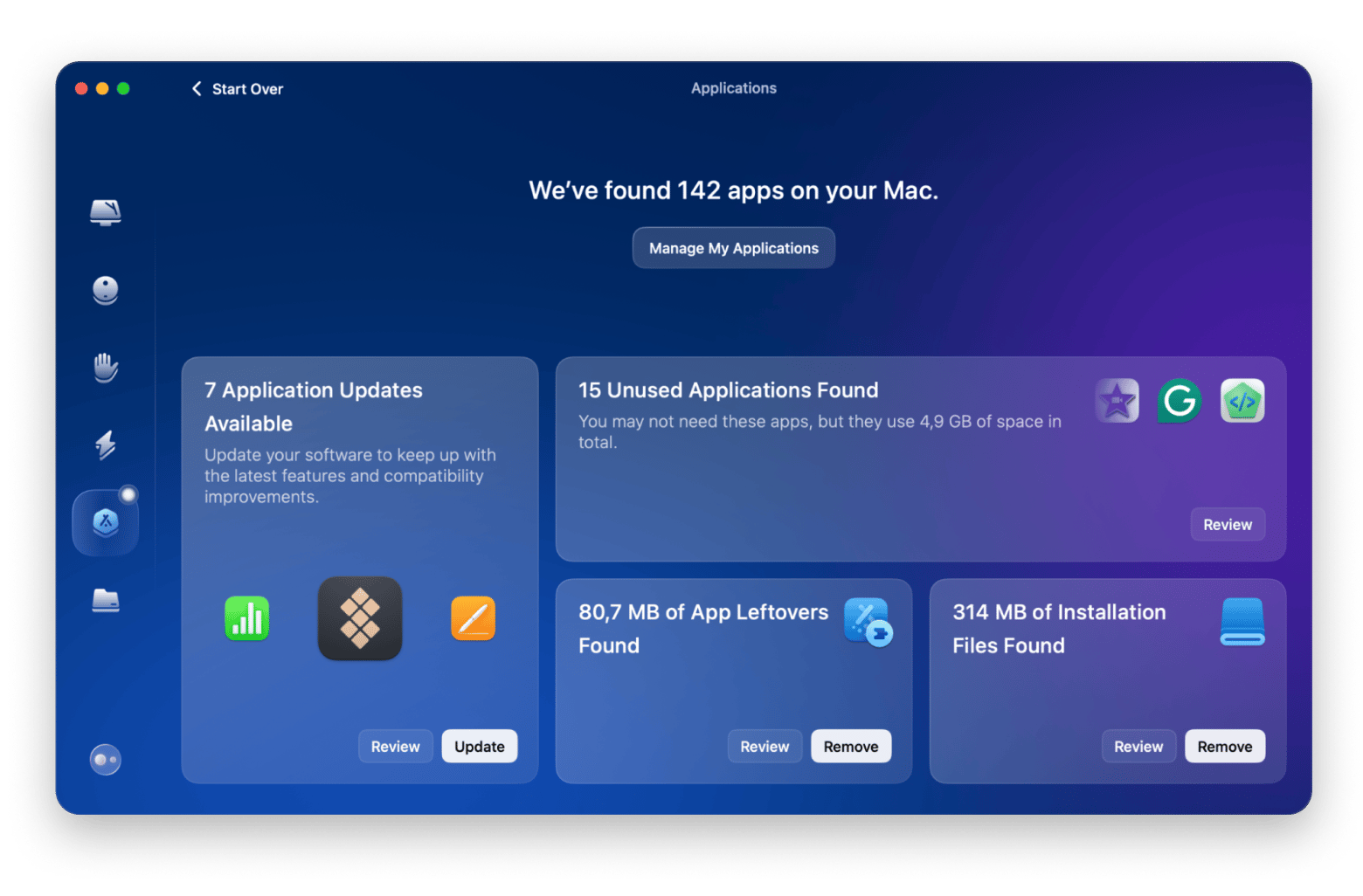
CleanMyMac makes Mac maintenance much simpler than AppCleaner's basic uninstallation. It not only uninstalls apps, but also handles system optimization and protection in just a couple of clicks.
Best for: Mac users who want comprehensive system care without technical knowledge, creative professionals managing large project files, and anyone tired of manual maintenance tasks.
Problems CleanMyMac solved:
Leftover files after app deletion: When you uninstall apps with CleanMyMac, it deletes the unwanted app itself, plus the leftover files it creates.
Unknown malware threats: The malware scanner updates daily and catches suspicious files, extensions, etc. that can threaten or slow down your Mac.
Degrading system performance: Regular maintenance scripts clear gigabytes of cache files, speeding up your MacBook noticeably.
CleanMyMac’s feature benefits:
Smart Scan technology: Analyzes your entire system in just a few minutes, identifying junk, threats, and performance issues simultaneously.
Application Reset feature: Instead of uninstalling, you can reset misbehaving apps to their default state — perfect when an app starts acting up.
Space Lens visualization: CleanMyMac shows exactly what's eating your storage with an interactive map, making 50GB+ file monsters impossible to hide.
Background monitoring: Tracks RAM usage and alerts you when apps consume excessive resources.
Cloud Cleanup: You can connect your iCloud, Google Drive, OneDrive, and Dropbox to your CleanMyMac for cleanups, saving your storage space and improving sync times.
CleanMyMac’s strengths:
Notarized by Apple for security, addressing safety concerns many Reddit users have about cleaning apps.
One-click operations make complex maintenance accessible to beginners.
Runs several background processes, which can use more system resources
Using CleanMyMac in your workflow: Let me share my routine. Every Monday morning, I run CleanMyMac's Smart Scan while having coffee. It automatically cleans system junk, checks for malware, and optimizes performance. Last week, it freed up 8GB by removing old iOS backups I forgot existed, and identified an outdated Java runtime that was a security risk.
Pricing info on CleanMyMac: Included in Setapp along with 270+ other iOS and macOS apps.
OnyX for advanced system maintenance
OnyX offers power users complete control over macOS maintenance tasks, providing deep system access that AppCleaner users seeking more control will appreciate.
OnyX is best for: Developers, experienced Mac users, and tech-savvy professionals who want more control over their system maintenance. OnyX provides power users with a GUI for advanced macOS maintenance, including verification, cleaning, and parameter configuration — ideal for those wanting more depth than basic tools like AppCleaner.
Problems OnyX solved:
Maintenance tasks: Run built-in macOS scripts for cache cleaning, log management, database rebuilding, and more— either manually or via basic scheduling options for routine optimization.
System integrity concerns: The verification tools can help you identify and fix disk permission issues.
Hidden system optimization: Accessing hidden macOS features, like disabling window animations, can help you speed up your older Macs significantly.
OnyX’s feature benefits:
Automation scheduler: Create complex maintenance routines combining multiple tasks (cache cleaning, log rotation, database optimization) to run automatically.
S.M.A.R.T. status monitoring: Displays the drive’s reported S.M.A.R.T. health status to identify potential hardware issues.
Hidden parameter access: Adjust numerous hidden macOS settings (e.g., in Finder, Dock, and Apple apps) via a convenient GUI — no Terminal required.
System-wide cleaning: Perform cache and log cleaning (admin privileges required for full access, impacting system and user-level items where applicable).
OnyX’s strengths:
Completely free with no ads or premium upsells.
Updated for each macOS version promptly.
Includes powerful maintenance and tweaking features in a free package, often requiring Terminal or paid alternatives for similar GUI convenience.
OnyX’s limitations:
Interface overwhelms newcomers with dozens of checkboxes and technical terminology
No undo function for most operations.
Using OnyX in your workflow: A friend of mine uses OnyX's automation to maintain her development Mac. Every Friday night, it rebuilds the Spotlight index, cleans Xcode derived data, verifies disk structure, and optimizes databases. In advanced workflows, users can clean various caches, including those from tools like Homebrew, via targeted maintenance options.
Pricing info on OnyX: Completely free. The developer accepts donations but doesn't require payment.
CCleaner for familiar Windows-style cleaning
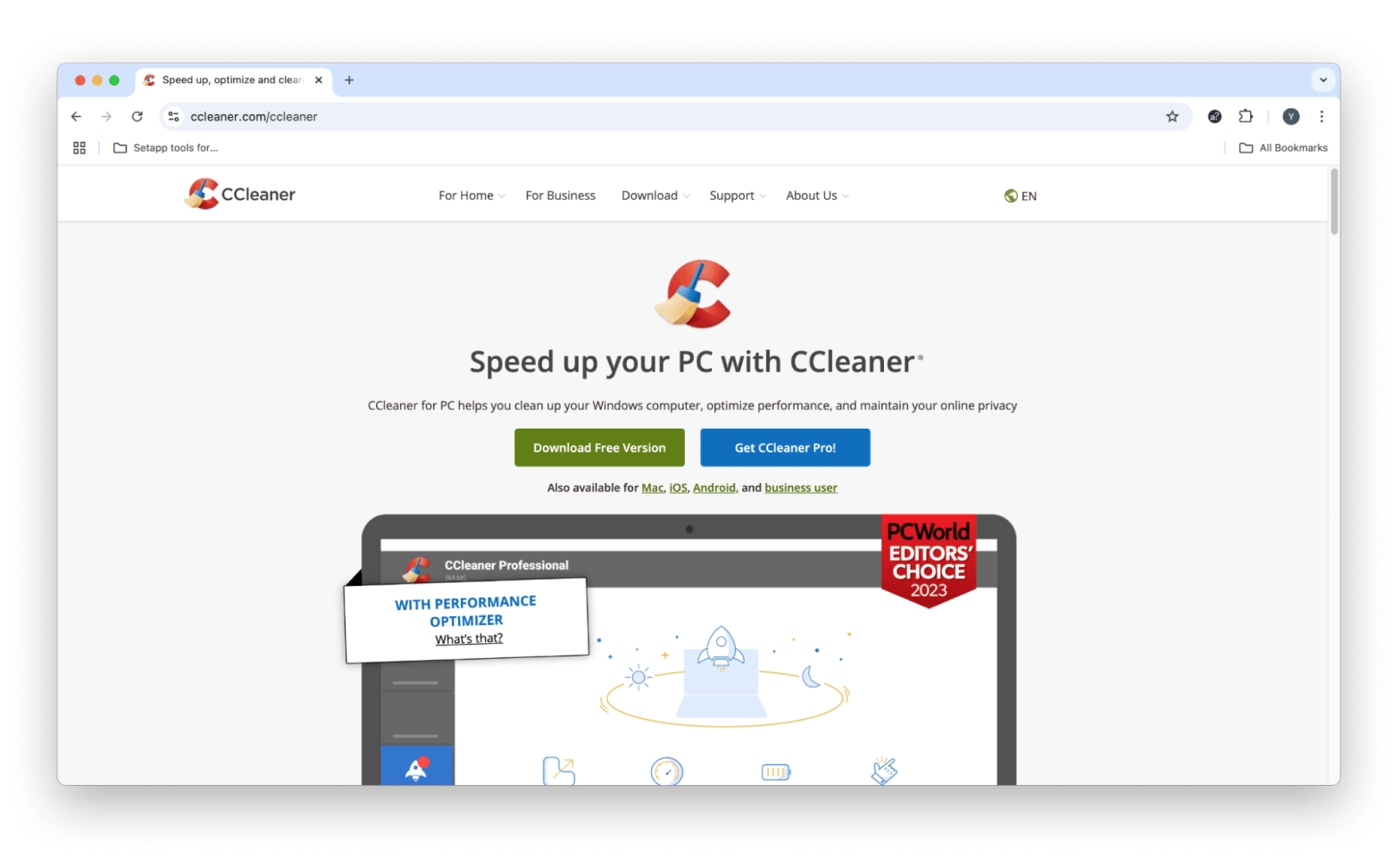
CCleaner brings Windows users a familiar cleaning experience to Mac, offering straightforward system optimization without the learning curve of Mac-specific tools.
CCleaner is best for: Recent Windows-to-Mac switchers, budget-conscious users needing basic cleaning, and small business owners maintaining multiple computers with different operating systems.
Problems CCleaner solved:
Browser privacy concerns: You can use CCleaner to wipe browsing history, cookies, and cache across Safari, Chrome, and Firefox simultaneously.
Duplicate photo accumulation: Can find and remove duplicate photos from your Photos library, recovering gigabytes of space.
Startup bloat: Will remind you of (potentially) unnecessary login items that are adding seconds or minutes to boot time.
CCleaner’s feature benefits:
Cross-browser cleaning: Cleans data from all major browsers in one pass, including passwords, form data, and download history.
Duplicate finder with preview: Shows side-by-side comparisons before deletion, preventing accidental removal of similar but unique files.
Driver updater: Automatically updates third-party drivers for peripherals — especially useful for external GPUs and audio interfaces.
Custom cleaning rules: Create profiles for different cleaning intensities (quick daily, thorough weekly).
CCleaner’s strengths:
Interface nearly identical to Windows version reduces learning time to zero.
Affordable annual license covers up to 3 computers (Mac or PC).
Includes secure file shredder meeting DoD 5220.22-M standards.
CCleaner’s limitations:
Doesn't specialize in macOS-specific optimizations like APFS snapshots or Time Machine management.
Some Reddit forum users report that it misses deeply embedded app preferences that AppCleaner would catch.
Workflow example: You can use CCleaner's "Quick Clean" profile that takes just a few minutes, daily. It will clear browser data, empty trash, and remove temporary files. For weekly maintenance, I’d recommend a thorough scan to find duplicates and large files. This routine can just mirror exactly what you did on Windows, making the transition seamless.
Pricing info on CCleaner: $44.95/year for Pro version; $64.95 for Pro Plus (3 Macs), $89.95/year for Premium Bundle (includes tools for file recovery, monitoring system info, and stopping tracking). Free version available with limited features.
Hazel for rule-based file automation
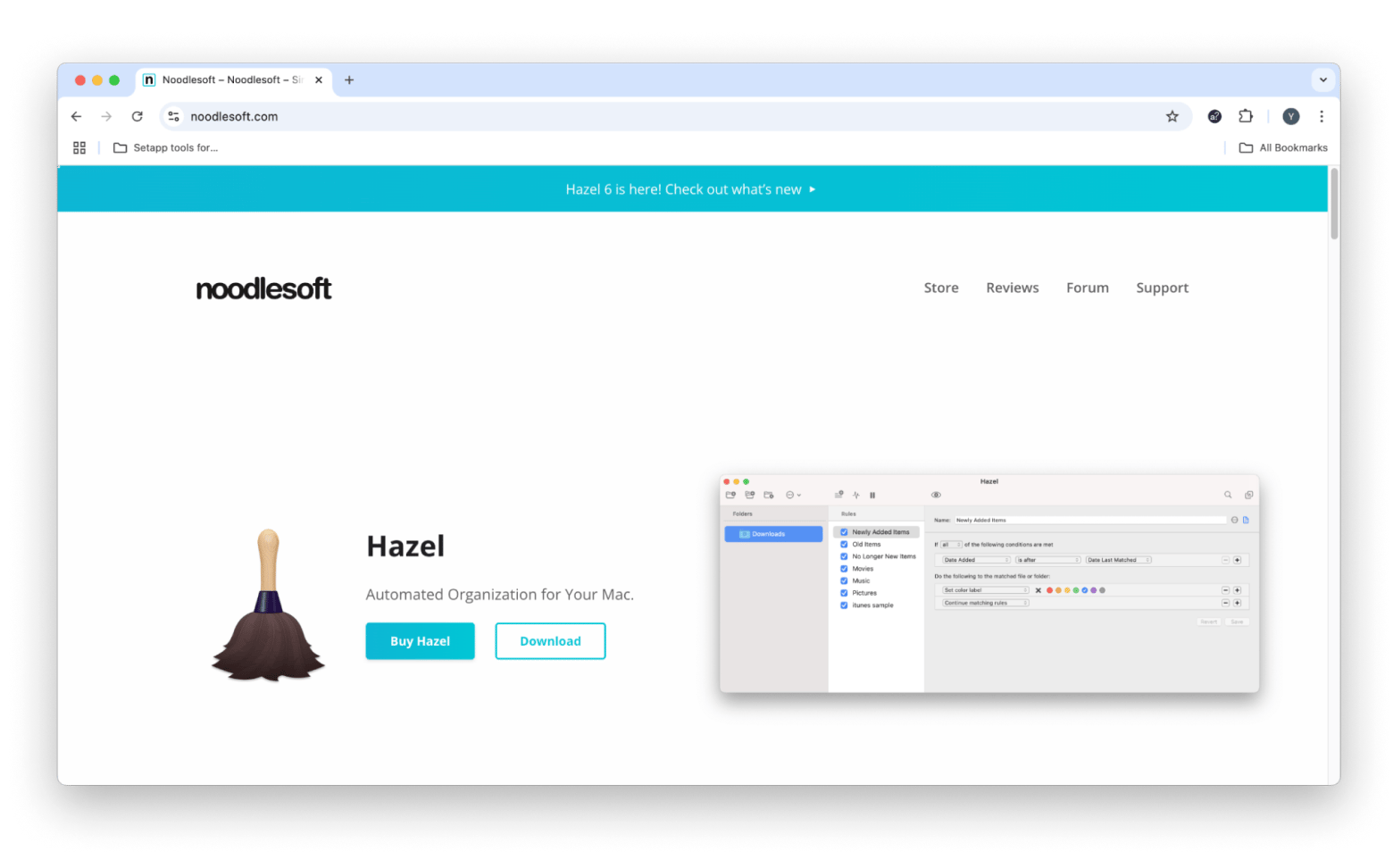
Hazel revolutionizes file management by automatically organizing and cleaning your Mac based on rules you create, solving problems before you notice them.
Hazel is best for: Productivity enthusiasts, photographers managing thousands of files, academics organizing research materials, and anyone who downloads files frequently but struggles to keep them organized.
Problems Hazel solved:
Leftover associated app files: When you drag and drop an unwanted app to Trash, Hazel's App Sweep automatically finds and removes associated preferences, caches, and support files — no manual hunting required.
Downloads folder chaos: With Hazel, your 500+ file Downloads folder can turn into a self-organizing system, with PDFs going to Documents, images to Pictures, and old files auto-archiving after 30 days.
Repetitive filing tasks: Hazel can automatically rename and file your documents by date (perfect for bank statements!).
Hazel’s feature benefits:
App Sweep technology: Monitors Trash for deleted apps and prompts to remove all related files, catching items AppCleaner might miss.
OCR/text recognition: Performs on-the-fly text recognition in non-OCRed PDFs and image files to match and organize based on file contents (note: does not permanently add searchable text to files).
One-time purchase, including free updates within the major version (e.g., all Hazel 6 releases).
Rules sync via iCloud to work across multiple Macs.
Extensive AppleScript and shell script support for advanced automation.
Hazel’s limitations:
Steep learning curve for complex rules — expect 2-3 hours to master basic concepts.
No built-in backup before moving files (though you can add a "Copy" action in rules first for safety, or back up folders manually).
Using Hazel in your workflow: Here’s an idea. I created a rule for my screenshot workflow: Hazel watches my Desktop, identifies screenshots (filename pattern), waits 24 hours (in case I need them), then moves them to a dated folder in Documents. Another rule compresses screenshots older than 30 days. This system has organized 200+ screenshots without any manual intervention.
Pricing info on Hazel: $42 one-time purchase. $65 for up to 5 members of your household. Plus, paid updates from the previous version to the newest one.
DaisyDisk for visual storage analysis
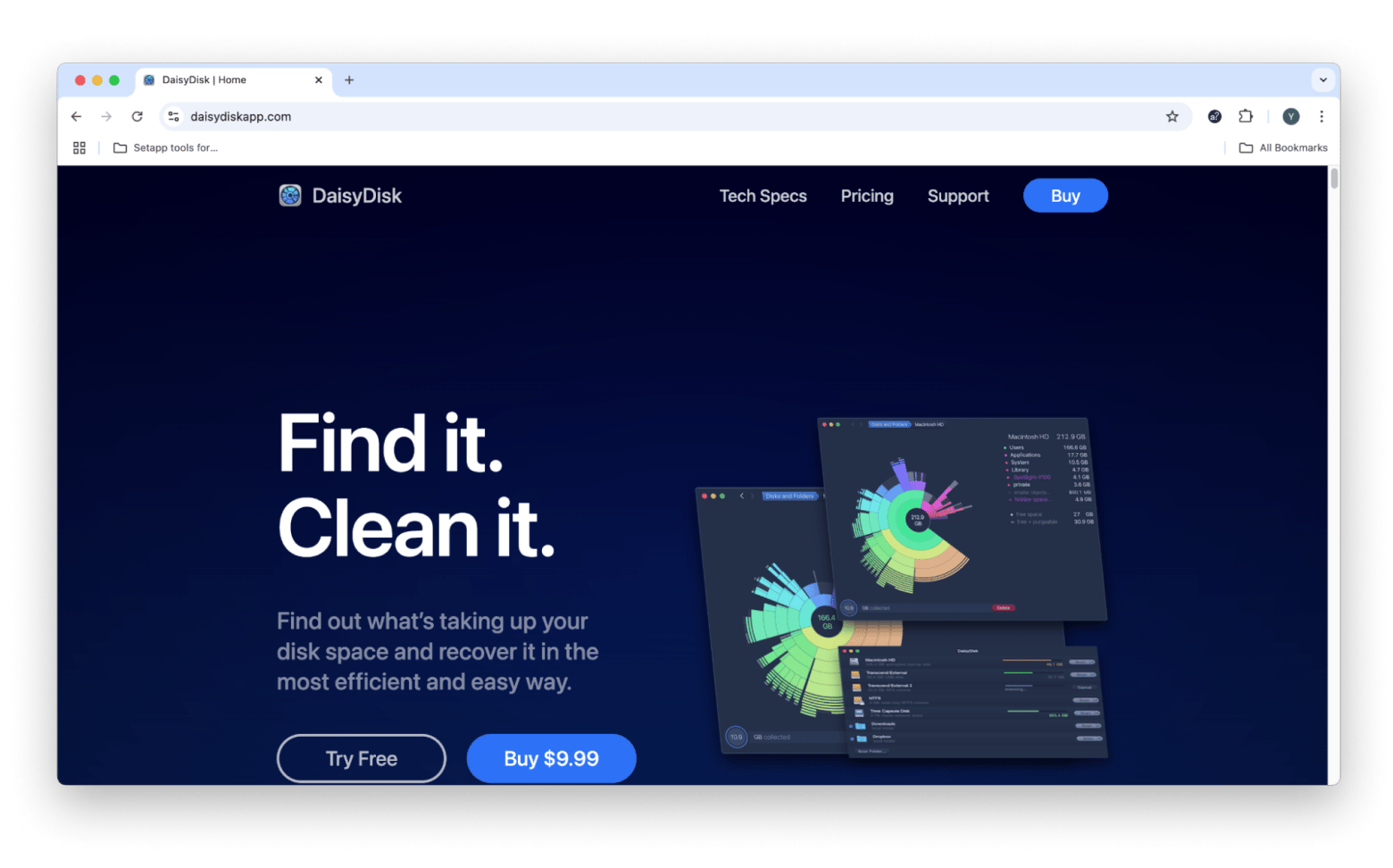
DaisyDisk transforms the tedious task of finding large files into an interactive, visually stunning experience that makes storage management actually enjoyable.
DaisyDisk is best for: Visual learners, video editors managing massive project files, musicians with large sample libraries, and anyone who struggles with traditional file browsers.
Problems DaisyDisk solved:
External drive mysteries: DaisyDisk is good for scanning external SSDs and HDDs. In my case, it showed 200GB of Final Cut Pro render files from completed projects.
Network storage blindness: Unlike many tools, it’s also great for scanning NAS. For my friend, it quickly found duplicate Time Machine backups consuming 2TB.
DaisyDisk’s feature benefits:
Interactive sunburst map: Click through colored segments to drill down into folders, with smooth animations showing your navigation path.
Collector feature: Drag files to the Collector for batch deletion after reviewing everything.
Quick Look integration: Preview files directly within DaisyDisk without opening external apps.
Parallel scanning: Analyzes multiple drives simultaneously, saving time when checking all storage.
DaisyDisk’s strengths:
One of the fastest scanning engines tested, often completing in seconds.
The beautiful interface makes finding files feel like playing a game.
Supports APFS, HFS+, NTFS, FAT, exFAT, and more across local, external, network (NAS), and cloud drives.
DaisyDisk’s limitations:
Purely diagnostic — doesn't clean caches, logs, or optimize like dedicated cleaner apps.
Can't always delete deeply protected system files due to macOS restrictions (even with admin privileges and Full Disk Access enabled).
Using DaisyDisk in your workflow: If you've decided to stick with DaisyDisk, try scanning all drives bimonthly. The visual map immediately highlights problem areas — in my tests, a red segment revealed 30GB of forgotten RAW photos in a buried folder. The visual approach catches files I'd never find manually.
Pricing info on DaisyDisk: $11.99 one-time purchase. Free trial scans, but doesn't delete.
Tip: Once DaisyDisk shows you what's eating your storage, the next step is often to look for duplicate files. Gemini scans for exact and near-identical duplicates (photos, documents, downloads, and so on) and lets you review before deleting. It's a natural complement to DaisyDisk's visual audit.
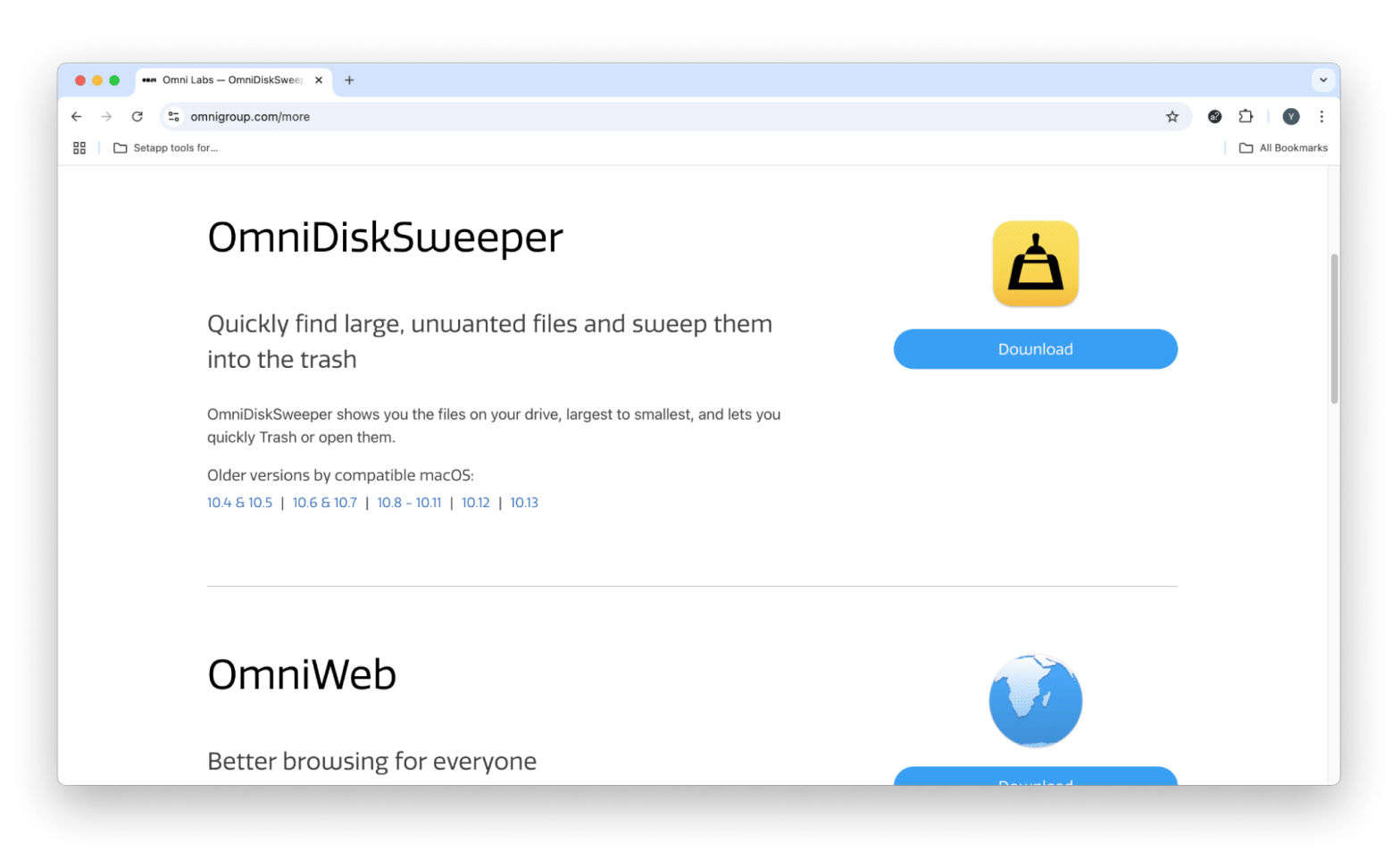
OmniDiskSweeper for manual file control
OmniDiskSweeper gives you surgical precision in file deletion, showing exactly what's consuming space in a straightforward, no-frills column view.
OmniDiskSweeper is best for: System administrators, developers who understand file structures, and users who want complete control over what gets deleted without any automation or suggestions.
Problems OmniDiskSweeper solved:
Need for granular control: When cleaning up development environments, you can navigate directly to node_modules folders and delete only specific packages.
System file investigation: For my colleague, the app helped identify which apps were writing huge log files to /var/log, letting him address the source.
Selective cache cleaning: Unlike some cleaners, you can preserve specific app caches while removing others.
OmniDiskSweeper’s feature benefits:
Column browser interface: Navigate through directories like classic macOS, seeing folder sizes at each level.
Real-time size calculation: Folder sizes update as you navigate, showing impact before deletion.
Protected file visibility: Displays hidden and system files (including those normally concealed), with warnings; respects macOS System Integrity Protection (SIP) and prevents deletion of critical protected files unless SIP is disabled.
OmniDiskSweeper’s strengths:
Completely free with no limitations or ads.
Lightweight — very low RAM and CPU footprint during scans and operation.
Shows actual disk usage.
OmniDiskSweeper’s limitations:
No safety net — deleted files bypass Trash by default.
Requires understanding of macOS file structure to use safely.
Using OmniDiskSweeper in your workflow: OmniDiskSweeper works alongside Terminal for power users — you can right-click any folder to open it in Terminal. It respects SIP and won't let you delete critical system files without disabling protection first.
Pricing info on OmniDiskSweeper: Free forever. Part of Omni Group's free utilities collection.
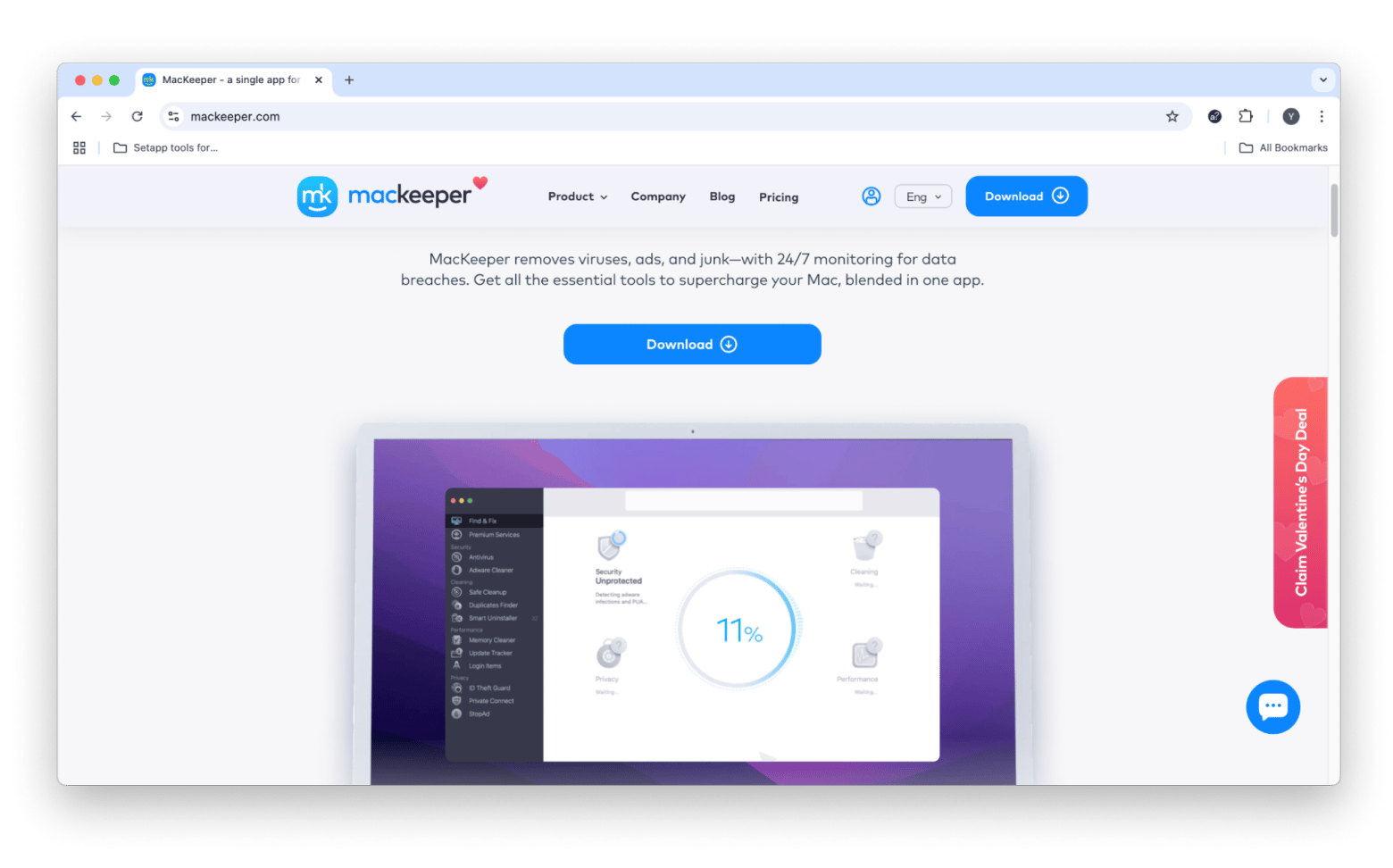
MacKeeper for all-in-one protection
MacKeeper bundles cleaning, security, and optimization into one comprehensive package, though its kitchen-sink approach and premium pricing aren't for everyone.
MacKeeper is best for: Non-technical users wanting protection, small business owners needing simple IT management, and users who prefer one uninstalling app over multiple specialized tools.
Problems MacKeeper solved:
Multiple app management fatigue: Can replace a separate cleaner app, antivirus, VPN, and optimization tool with one interface.
Identity theft concerns: The ID theft monitor will alert you if your email appears in a data breach.
Built-in VPN: Enhances security on public Wi-Fi by encrypting your connection.
MacKeeper’s feature benefits:
Real-time antivirus: Provides instant threat blocking and ongoing protection against malware and adware.
VPN with dozens of servers: Includes unlimited bandwidth across 50 countries, providing strong encryption for secure browsing.
Memory cleaner: Frees up RAM with one click, showing exactly which apps were consuming resources.
Update tracker: Monitors and updates all unwanted apps, not just Mac App Store purchases.
Ad blocker: Blocks ads and trackers in Safari, Chrome, and Firefox.
MacKeeper’s strengths:
24/7 live chat support with actual Mac experts.
Apple-notarized for security.
MacKeeper’s limitations:
At $10.95/month, it's one of the most expensive options tested.
Feature overlap means you're paying for tools you might not use.
Using MacKeeper in your workflow: MacKeeper can just sit on your computer and do its job: block tracking attempts, clean cache, and alert you to update apps. When you connect to the unprotected Wi-Fi (as in a cafe or airport), the VPN activates instantly. While expensive, it can eliminate your need to think about Mac maintenance.
Pricing info on MacKeeper: $10.95/month for 1 Mac. $5.95/month (if billed annually) for 1 Mac. $7.45/mo (if billed annually) for 3 Macs.
Final verdict: choosing your AppCleaner alternative
After trying out all these alternatives, I found that each one handles different needs better than AppCleaner's basic approach. CleanMyMac stands out as the best overall replacement, offering the perfect balance of power, safety, and ease of use that most Mac users need. Its combination of thorough app removal, system optimization, and malware protection addresses every limitation of AppCleaner while maintaining the simplicity that made AppCleaner popular.
For those with specific needs: If you're technically proficient and want free tools, OnyX and OmniDiskSweeper provide unmatched control. Visual thinkers will love DaisyDisk's beautiful interface. Automation enthusiasts should choose Hazel for its powerful rule system. And if you're switching from Windows, CCleaner offers the familiarity you crave.
The key insight from testing all these tools? The best AppCleaner alternative isn't necessarily the most powerful — it's the one that fits your workflow. Start with your biggest pain point, whether that's leftover files, system performance, or simple organization, and choose accordingly.






 Best solution
 Best solution