iBoysoft NTFS for Mac is the best plug-and-play Paragon alternative for Mac. Fast, stable, includes Bitlocker support, and doesn't require disabling SIP.
Mounty and MacFUSE are free but need technical setup. Both require Homebrew, NTFS-3G, and comfort with the Terminal — not beginner-friendly on macOS Ventura and later.
Avoid tools that require disabling SIP unless you know the risks. NTFSTool asks you to turn off System Integrity Protection, which removes a core macOS security layer.
If you control the drive format, exFAT avoids the problem entirely. Full read/write on both Mac and Windows, no drivers needed.
iBoysoft NTFS for Mac is included in Setapp — along with 270+ other Mac and iOS apps. Try Setapp free for 7 days.
It’s a well-known fact that Microsoft Windows and macOS sometimes just don’t get along. One of the more frustrating times this becomes apparent is when trying to mount and write to a USB flash drive or hard disk formatted with the NTFS file system.
Paragon NTFS has long been a go-to solution owing to its ease of installation, but it’s not the only option. Whether you’re looking for a free alternative to Paragon NTFS for Mac or something that works better with macOS, there are plenty of choices.
Hands up! I’ve installed and tested the best Paragon NTFS alternatives to help you find the right one, saving you the guesswork.
What is Paragon NTFS?
Paragon NTFS for Mac is a handy tool that lets you fully read and write to NTFS drives on macOS. Normally, macOS can only read these drives, which means if you try to copy a file over to an NTFS drive, it won’t work.
NTFS, which stands for New Technology File System, is a file system created by Microsoft and has been the standard for Windows since 1993. Unfortunately, Apple didn’t add any built-in support to write to NTFS drives, so you’ll need an application like Paragon to be able to do that.
While it’s not free, Paragon is a reliable and stable application for reading and writing to NTFS drives. It is also incredibly easy to install and set up.
Is there a Paragon NTFS alternative for macOS?
If you’re looking for a more lightweight, portable, or free Paragon NTFS equivalent for Mac, you have plenty of options.
Below is a quick overview I put together that gives you the best alternatives for macOS, along with their best features:
Fast and stable NTFS read/write access with disk management features accessible from the menu bar.
Mounty
Free and lightweight NTFS mounting tool.
EaseUS NTFS
One-click read and write access to NTFS drives with support for Apple Silicon M1, M2, and M3.
NTFSTool
An NTFS read/write tool that is officially certified by Apple.
Hasleo NTFS
A free NTFS tool that can be accessed and used straight from the Status bar.
KingShiper NTFS
Free NTFS read-and-write tool with plug-and-play features like Windows.
macFUSE
A powerful and open-source SDK that can mount and write to NTFS natively (along with numerous other file systems).
If you'd rather skip NTFS drivers entirely, CloudMounter lets you mount cloud storage (Google Drive, Dropbox, OneDrive, S3) as a local disk in Finder. It won't help with a physical NTFS drive, but if you're shuttling files between a Mac and a Windows PC, moving them through cloud storage sidesteps the NTFS problem altogether.
Best Paragon NTFS alternatives for Mac
Now that we’ve covered the basics, let’s take a look at the Paragon NTFS for macOS alternatives in some more detail. Some of these tools are quite simple to install and use. Others are for more advanced users who are comfortable bypassing Apple System Integrity Protection and using Brew to install features.
iBoysoft NTFS for Mac: Best overall for fast, stable NTFS read/write
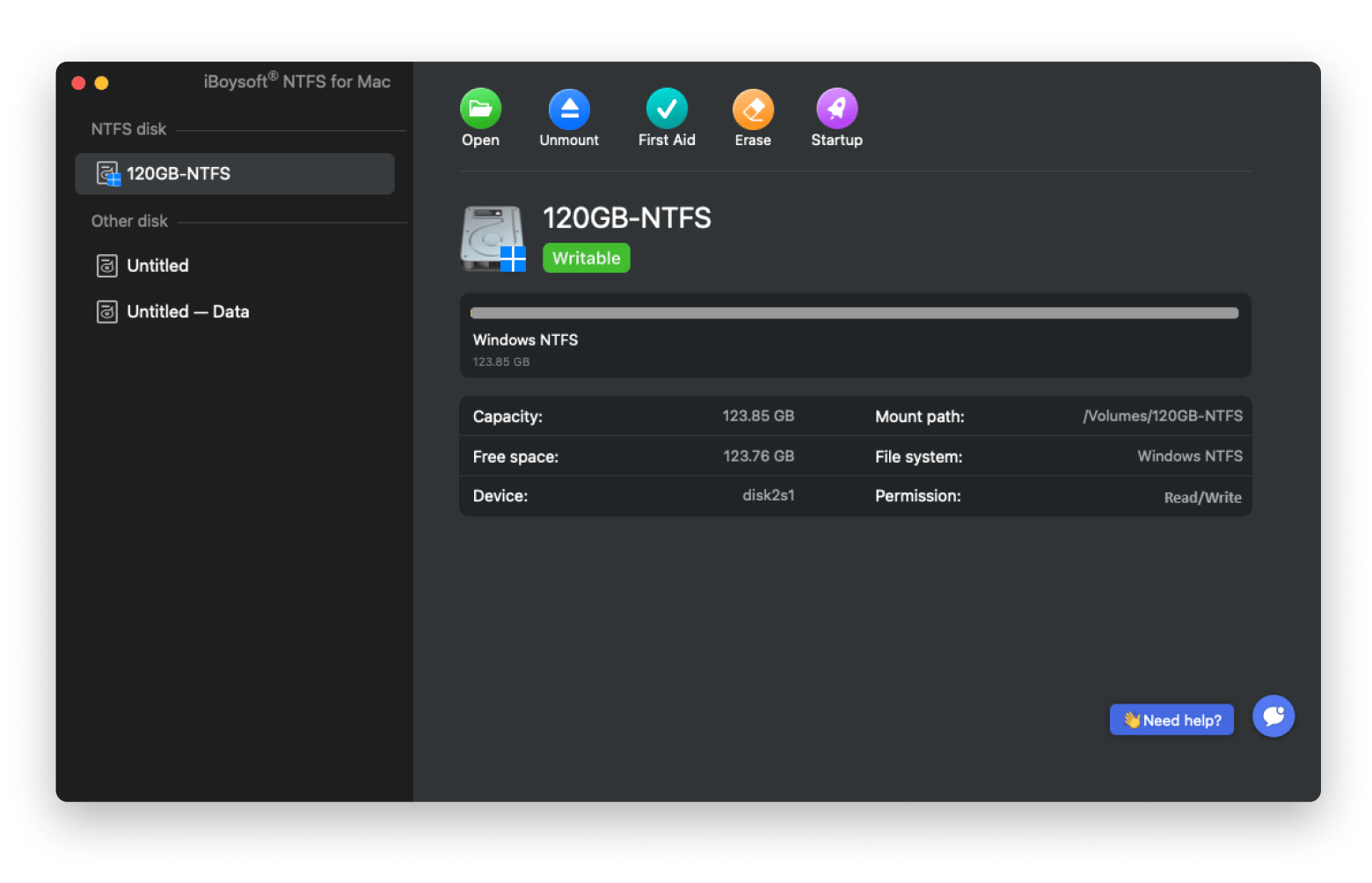
If you want a native-feeling macOS for NTFS write support, iBoysoft NFTS for Mac is easily the best Paragon NTFS for macOS alternative. It offers fast and reliable NTFS read/write speeds and makes your NTFS drives feel like a part of the macOS operating system.
The setup is quick and simple. After installing the app itself, you will only need to install the NTFS driver manually and grant permissions for folder access, and you’re good to go.
Support for Microsoft Bitlocker is included as default, making it the only Paragon alternative that can handle Microsoft-encrypted drives.
Pros:
✅ Bitlocker support for accessing and encrypting NTFS drives.
✅ Built-in disk management tools for formatting and repairing.
Cons:
❌ Documentation could be a little more extensive.
Mounty for NTFS: Best free option (requires NTFS-3G setup)
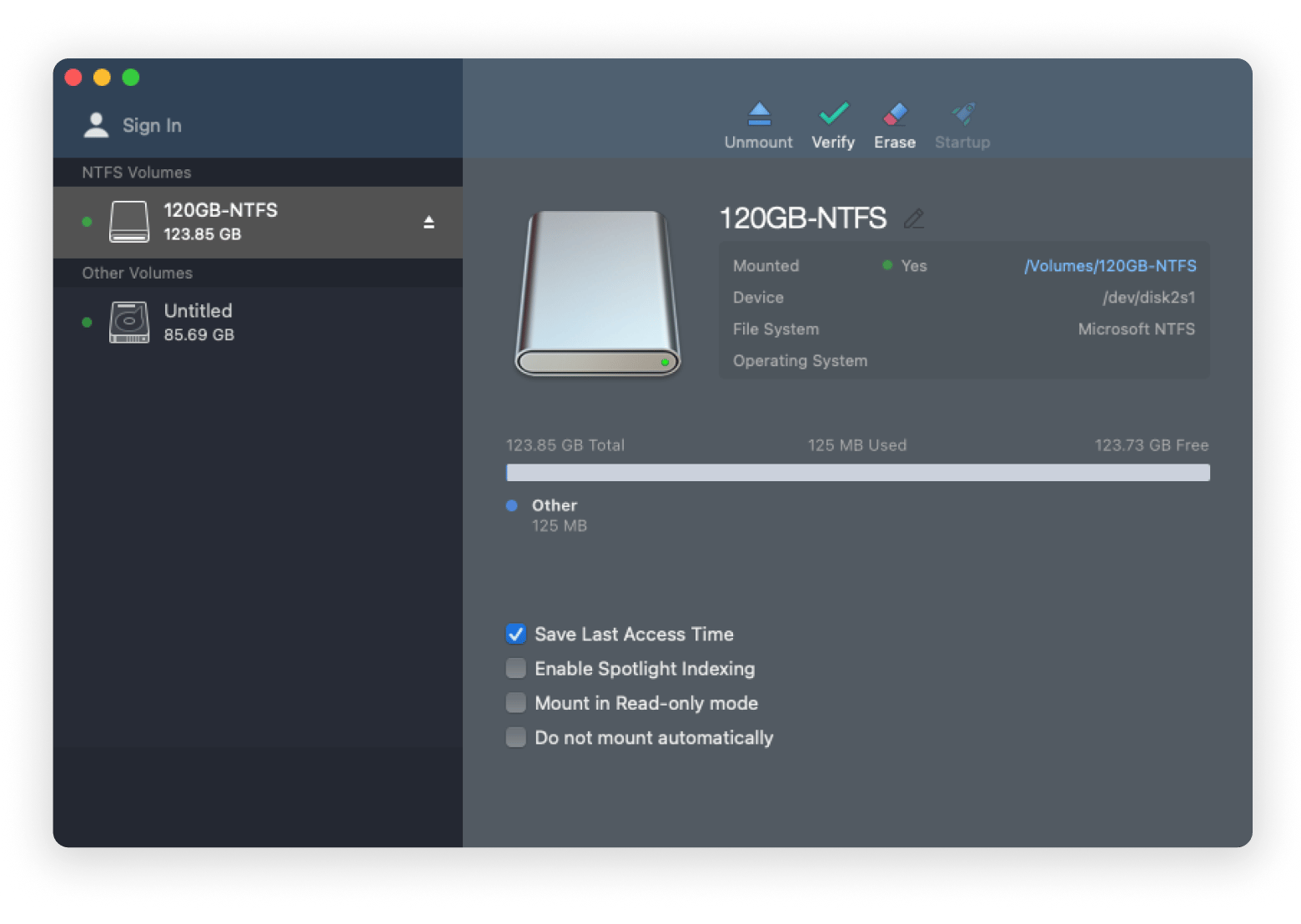
Paragon NTFS on Mac can be resource-heavy, so if you’re looking for something lightweight, Mounty for NTFS is ideal. Mounty has been a long-time favorite, and the older versions 1.x used the native file system writing functionality of macOS. Now, with macOS Ventura and later, a third-party driver must be installed to make it work.
Essentially, this means that the installation is now more difficult as you need to install Brew and Xcode tools along with NTFS-3G to get it up and running. Once Mounty is set up, it is extremely reliable and fast.
Pros:
✅ Open-source and completely free.
✅ Extremely lightweight and reliable once set up.
Cons:
❌ Installation is complex, requiring users to be comfortable in the Terminal and to install Homebrew, Xcode, and NTFS-3G.
EaseUS NTFS: Best for beginners who want a simple UI
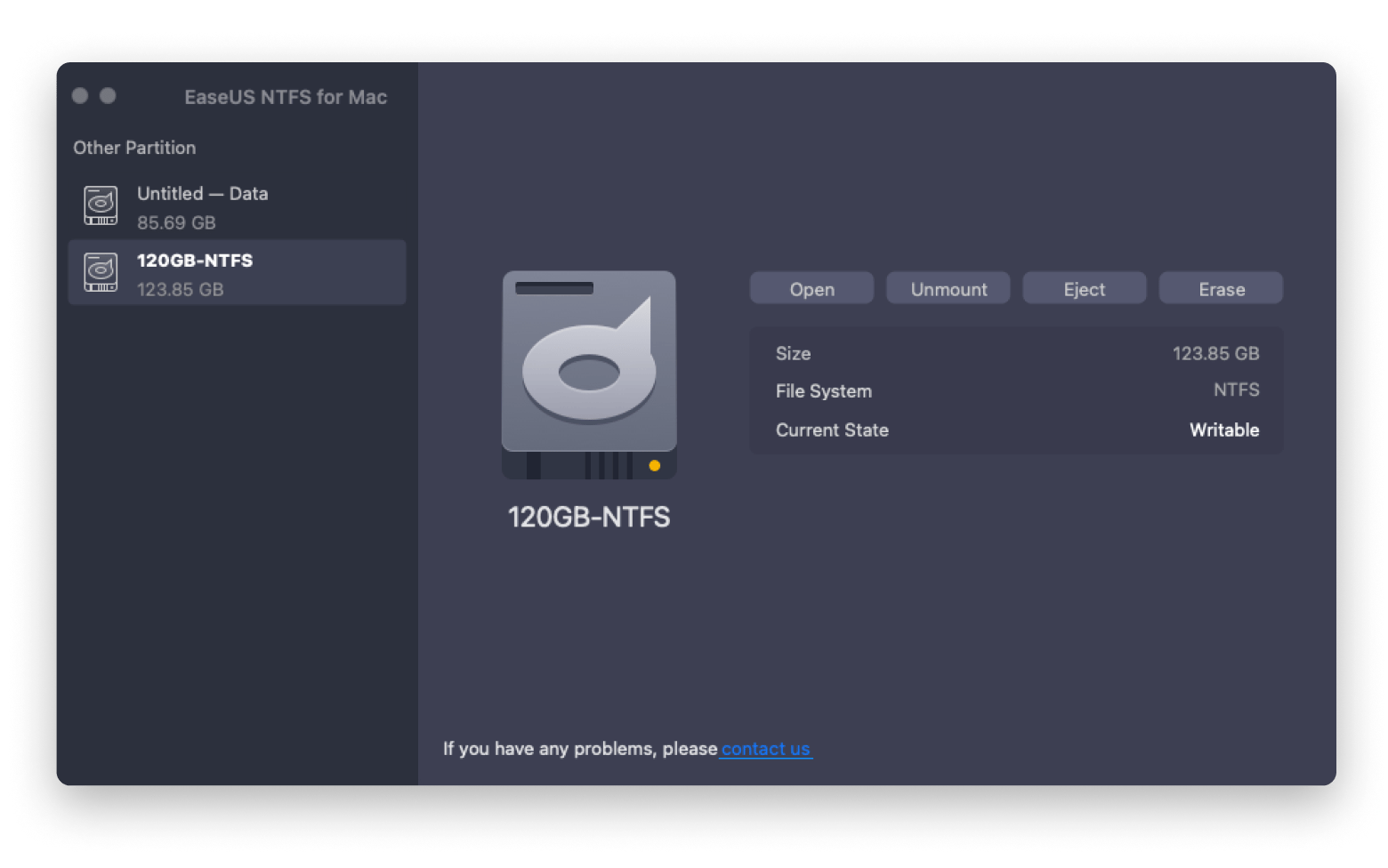
If you’re looking for a simple one-click NTFS tool that’s easy to use and install, EaseUS is a good choice. It has a clean interface and has been designed for beginners who just want to use NTFS drives without the bells and whistles.
That said, the installation isn’t truly instant. You’ll still need to install the NTFS driver and perform a system restart after mounting your first drive.
There’s also no functionality on the free trial whatsoever, so make sure you’re fully committed before purchasing it.
Pros:
✅ Straightforward setup and simple but reliable functionality.
✅ Works with NTFS drives formatted by both Linux and Windows without adding hidden folders.
Cons:
❌ No free trial functionality. You can't test NTFS write access without purchasing. Note: EaseUS now officially supports macOS Tahoe and Apple silicon.
NTFSTool: For power users only (requires disabling SIP)
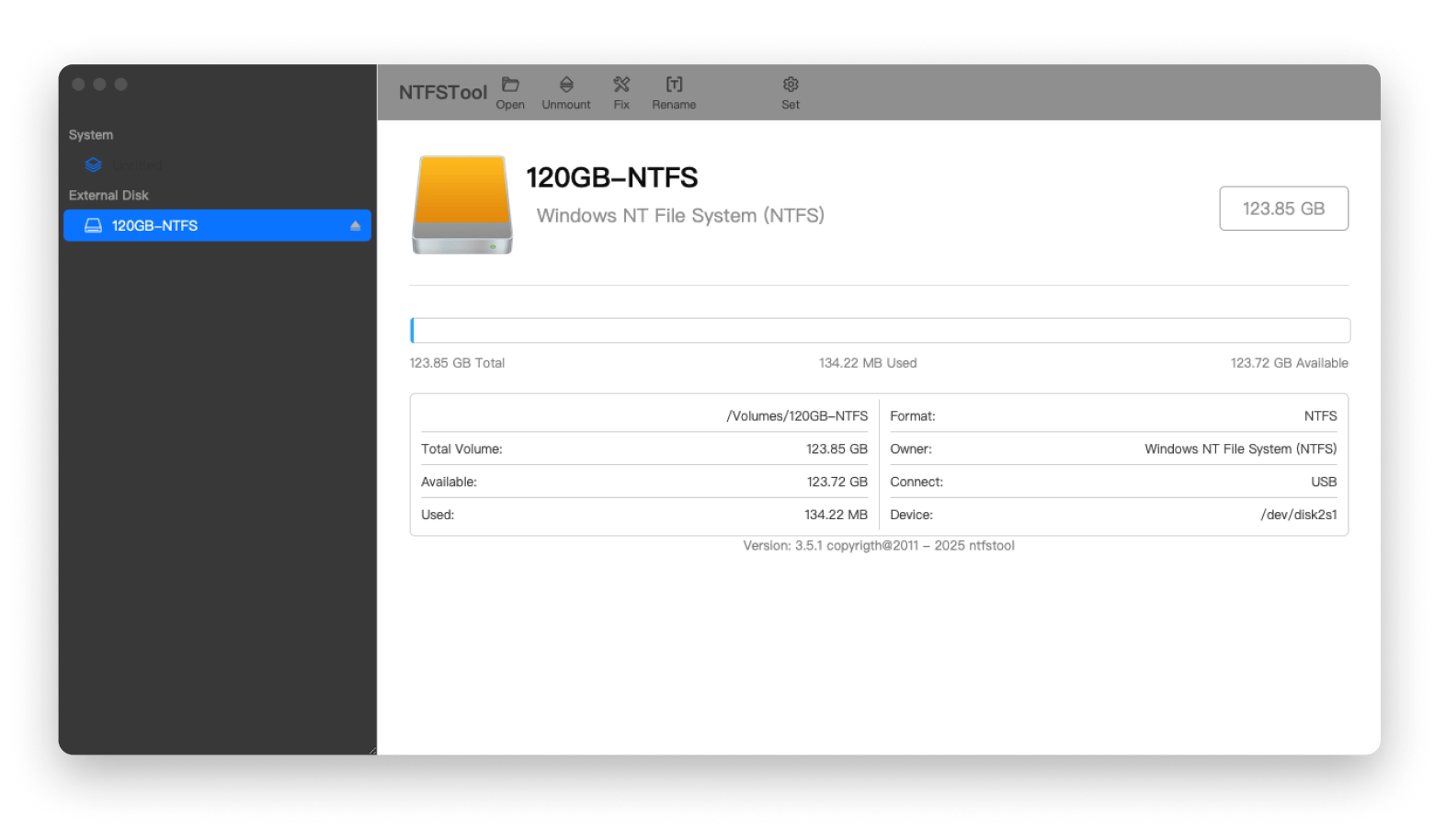
NTFSTool is a powerful and open-source tool that is a good alternative to Paragon NTFS, but it has a catch. While it offers NTFS compression and repair tools, the other alternatives don’t. It requires you to disable the System Integrity Protection (SIP) and macOS’s malicious software check to install it despite claiming it’s Apple Certified.
Most users aren’t going to be comfortable doing this, making it a riskier option. Once installed, it’s fully functional and easy to use, but proceed with caution — macOS security measures exist for a reason. If you’re comfortable and don’t mind a bit of tinkering, NTFSTool gets the job done, but for most users, there are safer alternatives.
Pros:
✅ Comes with powerful drive management tools.
✅ Works with NTFS compression.
Cons:
❌ Stability issues on later versions of macOS.
Hasleo NTFS: Best lightweight menu-bar NTFS mounter
Hasleo NTFS is an affordable and very simple NTFS file system tool. Installation is simple, only requiring one system permission to mount an external volume, and it doesn’t even require a restart.
The application runs only in the menu bar and is otherwise non-obtrusive. It simply waits for an NTFS drive to become available. Drives do have to be unmounted and remounted using the application, but once done, it works flawlessly.
Pros:
✅ Automatically mounts NTFS drives when connected.
✅ Native-feeling app that acts like the macOS Finder.
Cons:
❌ User interface could be more polished and include a dedicated GUI.
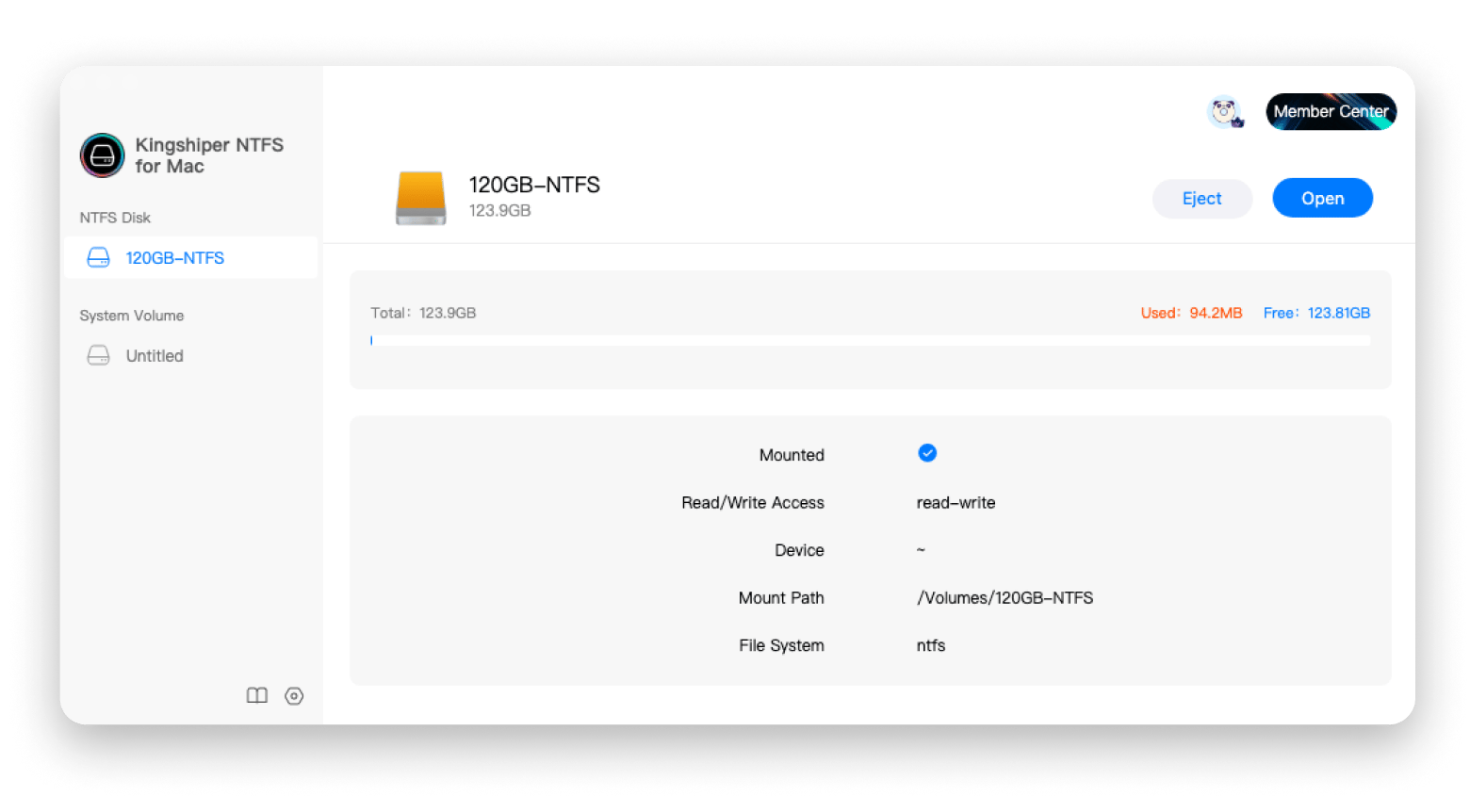
Kingshiper is as straightforward as it comes. It focuses on ease of use without any unnecessary extras that require driver installation and restarts. It installs fast, requires no restarts, and just started working.
For users who just want simplicity, Kingshiper is ideal but will require you to sign up for an account and pay to have even basic functionality.
Pros:
✅ 100% plug-and-play, no driver installation required.
✅ Just simple NTFS support and basic drive repair utility, no extras, no fuss.
Cons:
❌ It’s missing a lot of the drive management features of other Paragon NTFS Mac alternatives.
macFUSE: Best open-source foundation for advanced setups
For developers and advanced users, macFUSE is a powerful and open-source tool that actually serves as the underlying technology behind most of the Paragon NTFS alternatives listed here.
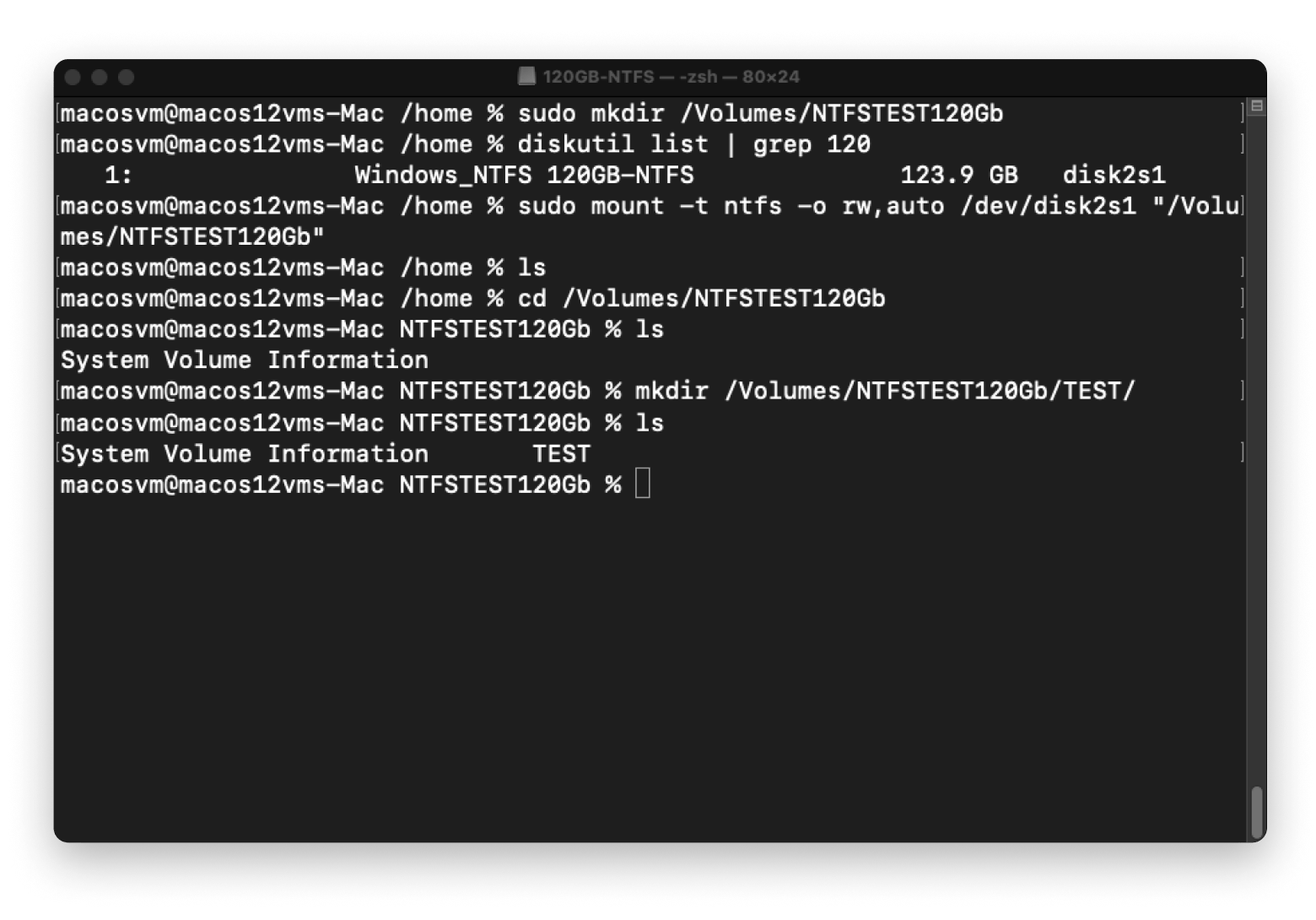
Setting up macFUSE is a time-consuming process (it took me over an hour). It requires multiple restarts, as well as installation of the package manager HomeBrew and dependencies Xcode, tap, and NTFS-3G-Mac.
Once installed, NTFS drives can only be mounted via the Terminal with the NTFS mount command sudo mount -t ntfs -o rw,auto /dev// . There is no graphical user interface.
Pros:
✅ Powerful, open-source, and free—ideal for developers.
✅ Extends macOS with advanced file system capabilities, including FUSE-based file systems.
Cons:
❌ Not for beginners. To use macFUSE with a GUI, a tool like Mounty also needs to be installed.
How to Choose the Best Paragon NTFS Equivalent for Mac
With several Paragon NTFS on macOS alternatives out there, picking the right one comes down to what you need the most. If you’re not sure where to start, here’s how you can narrow it down:
Your top priority: Are you looking for just basic NTFS write support, or do you need the extra functionality like disk management tools? Do you want something that just works out of the box? Or are you comfortable with a more technical setup?
Ease of installation: Does the software require you to disable the macOS security features just to get it running? Will the installation require command-line work or modifications to your system?
macOS compatibility: Some NTFS tools require earlier versions of macOS to work and don’t support the latest versions. Check if the software actively maintains compatibility with new macOS releases.
Free trial or demo: Can you actually test if the tool works before having to pay for it? Does the free version limit functionality, or can you guarantee full NTFS write functionality before entering your credit card number?
Not sure which NTFS tool fits your setup? I ran my macOS version and use case through the Productivity Tools GPT assistant before writing this guide — it's a quick way to match your needs to the right tool. Free to try.
Do you actually need NTFS write support on a Mac?
Before you install anything, it's worth asking: do you actually need to write to an NTFS drive?
macOS can already read NTFS drives out of the box, so if you just need to copy files from a Windows drive to your Mac, you don't need any extra software. You only need an NTFS tool if you want to copy, edit, or delete files on the NTFS drive from your Mac. And if you control the drive's format, reformatting it to exFAT gives you full read/write on both macOS and Windows without any third-party tools.
Finding the best Paragon NTFS alternative for Mac
As you can see, Paragon NTFS for Mac isn’t the only NTFS write tool out there. Whether you’re looking for an open-source solution, an advanced tool, or just need a plug-and-play solution, there’s something that fits your needs.
Some options require a lot of technical setup, while others just work right out of the box. So, choosing the right one comes down to what matters to you the most.
Suppose you want a reliable and easy-to-use solution. In that case, iBoysoft NTFS for Mac is available through Setapp, along with 270+ other macOS and iOS apps that you can use under a single subscription plan. Try it for free for 7 days and see how easily it fits into your workflow.
FAQ
Is iBoysoft NTFS for Mac on Setapp the same as buying it directly?
The app and its features are the same. On Setapp, you get the full version of iBoysoft NTFS for Mac with no locked, removed, or stripped-down features. The main difference is the payment model.
With Setapp Membership:
iBoysoft NTFS for Mac is included alongside 270+ other macOS, iOS, and web apps.
Get access only to iBoysoft NTFS for Mac and not to the broader app catalog.
There is also a difference in pricing. The developer charges $19.95 per year, which may be the more cost-effective option if iBoysoft NTFS for Mac is the only app you need. However, if you plan to use other paid apps as well, such as iBoysoft Data Recovery, Path Finder, Paste, CleanMyMac, and others, Setapp Membership may provide better overall value, since all of these apps are included under a single subscription.
Can I use iBoysoft NTFS for Mac on multiple Macs with Setapp?
Yes, Setapp Membership plans cover from 1 to 4 Macs. You can use iBoysoft NTFS for Mac, along with all other apps included in Setapp Membership, on the number of Macs covered by your plan.
Is there a free Paragon NTFS alternative for Mac?
Yes — Mounty for NTFS and macFUSE + NTFS-3G are both free and open-source. The tradeoff is setup complexity: both require Homebrew, Xcode command-line tools, and NTFS-3G, and you'll need to be comfortable working in the Terminal. On macOS Ventura and later, this has gotten harder, not easier.
Do I really need NTFS for Mac?
Only if you need to write to an NTFS drive (copy files onto it, edit, or delete). macOS reads NTFS drives natively. If you control the drive's format, reformatting to exFAT gives you full read/write on both Mac and Windows without any third-party software.
Is Paragon NTFS for Mac safe?
Paragon is an established vendor, and the software is widely used. Like all NTFS drivers, it installs system-level components, so always download from the official site and keep it updated. The alternatives in this guide vary in how much system access they need — iBoysoft NTFS for Mac and Hasleo require minimal permissions, while NTFSTool and macFUSE need deeper system changes.
Powerful apps live on Setapp
Ditch defaults and discover new gems on one app platform.






 Best solution
 Best solution