Digital reading apps offer features paper books can't: instant notes, searchable highlights, dictionary lookups, and your entire library in one device
Amazon Kindle and Apple Books dominate mainstream reading with massive libraries: choose Kindle for better prices, Apple Books for seamless ecosystem integration.
Time-crunched learners can choose between Blinkist or Headway.
Libby connects you to public library systems in 50+ countries completely free with just your library card
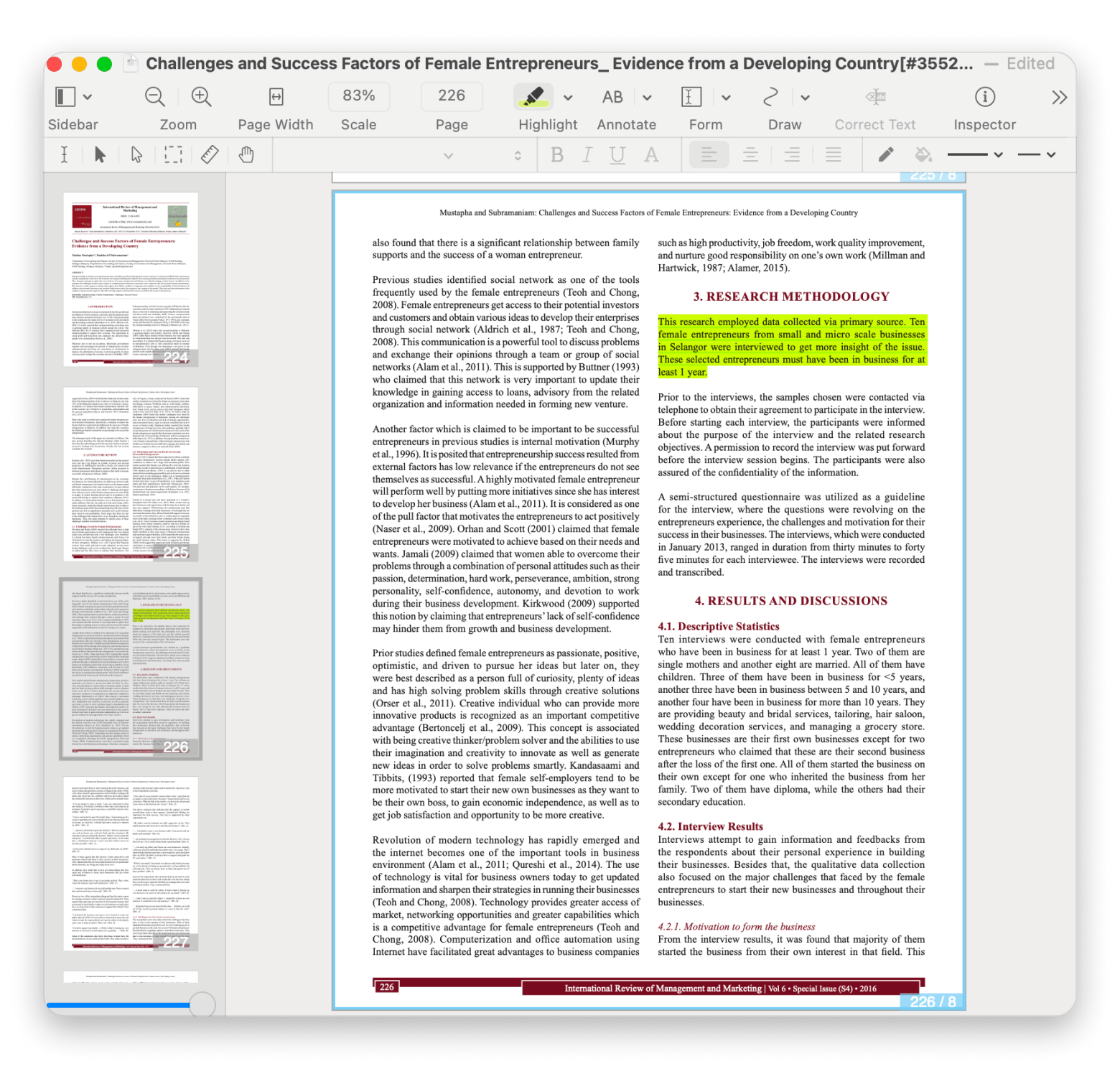
Students and researchers should explore MarginNote for mind-mapping annotations and Nitro PDF Profor advanced PDF editing and document work
Instead of buying separate apps for reading, annotations, and PDF editing, Setapp includes MarginNote, Headway and Nitro PDF Pro plus 250+ productivity tools. Try Setapp free for 7 days.
I love reading! Honestly, if I didn't have to work, I'd probably spend my entire life lost in books — reading inspiring stories and writing my own. Now here comes a confession that might get me kicked out of the book club: I don't always read paper books. I actually love digital versions. With the right reading apps, it's even better than paper — instant notes, searchable highlights, one-tap quote copying, and my whole library fits in my pocket.
So, I analyzed the best reading apps to see which ones are better for different types of content, what their pros and cons are, so you can choose your tool from this variety.
Best reading apps: feature comparison
Reading a research paper in PDF on an e-book reader is inconvenient, and reading a long novel on a Mac is not practical. Know what I mean? The best reading apps depend on your needs, and I've briefly explained here which tools are best for specific purposes.
Research papers, work reports, technical documentation
Included in Setapp
Libby
Library bestsellers, audiobooks
Free
Margin Note
Academic papers, textbooks, technical manuals
Included in Setapp
Blinkist
Business books, popular non-fiction,
From $80/year
Now let's explore what makes each one worth considering for your reading habits.
Amazon Kindle: Best reading app with the largest library
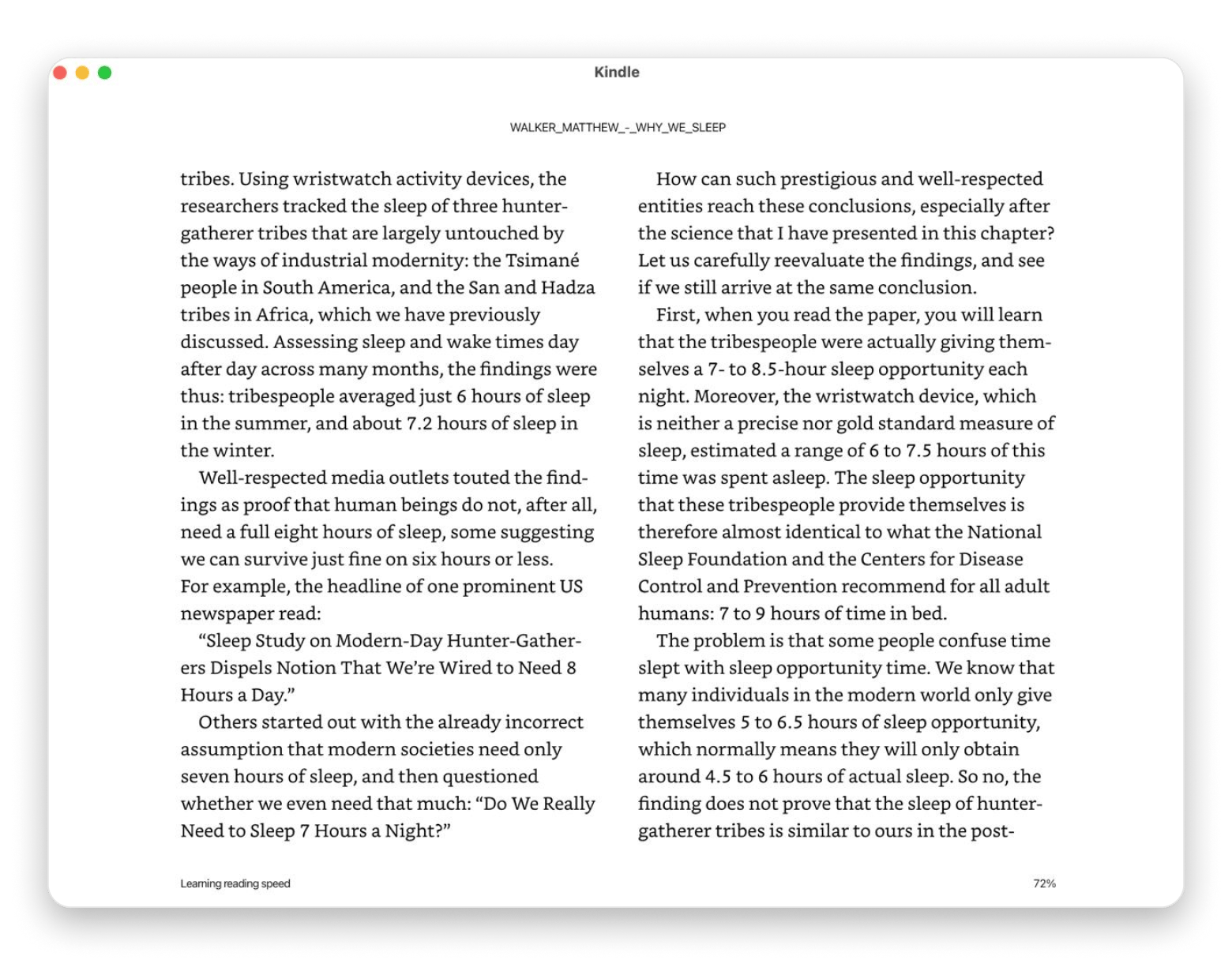
I have a Kindle ebook reader, and I consider it the best investment for reading enthusiasts. However, you can also read books on your phone or iPad with the Amazon Kindle app. It has an almost limitless collection of books!
You can customize your reading experience and bookmark pages in your books. On top of that, Kindle lets you use words that you don't understand by directing you to Google and Wikipedia within the app. Plus, if you start a book on my Mac and want to continue on your phone later, it picks up exactly where you left off.
Best features:
Millions of books available
Customizable fonts, brightness, and reading layouts
Extensive highlighting and note-taking tools
Pros
Option to check unfamiliar words in the built-in dictionary
Ability to take notes and highlight paragraphs
Works across Mac, iPhone, iPad, Android, and dedicated Kindle devices
Cons
It's hard to share books on Kindle. You can do it with Amazon Household, but there are limitations
It doesn't support vertical scrolling between pages
You're locked into Amazon's ecosystem for purchases
Price: Free app + book purchases.
“I use the kindle app to read on my iPhone if I’m out of the house and don’t have the kindle with me!
If I have another option though, I generally prefer to read on the kindle or the kindle app on my iPad just because of the bigger screen size (I have an iPhone 13). If your phone is similarly sized to the kindle and it feels comfortable for you to read on, I’d think the app would work fine for you!” says a Reddit user.
Apple Books: Best for readers committed to the Apple ecosystem
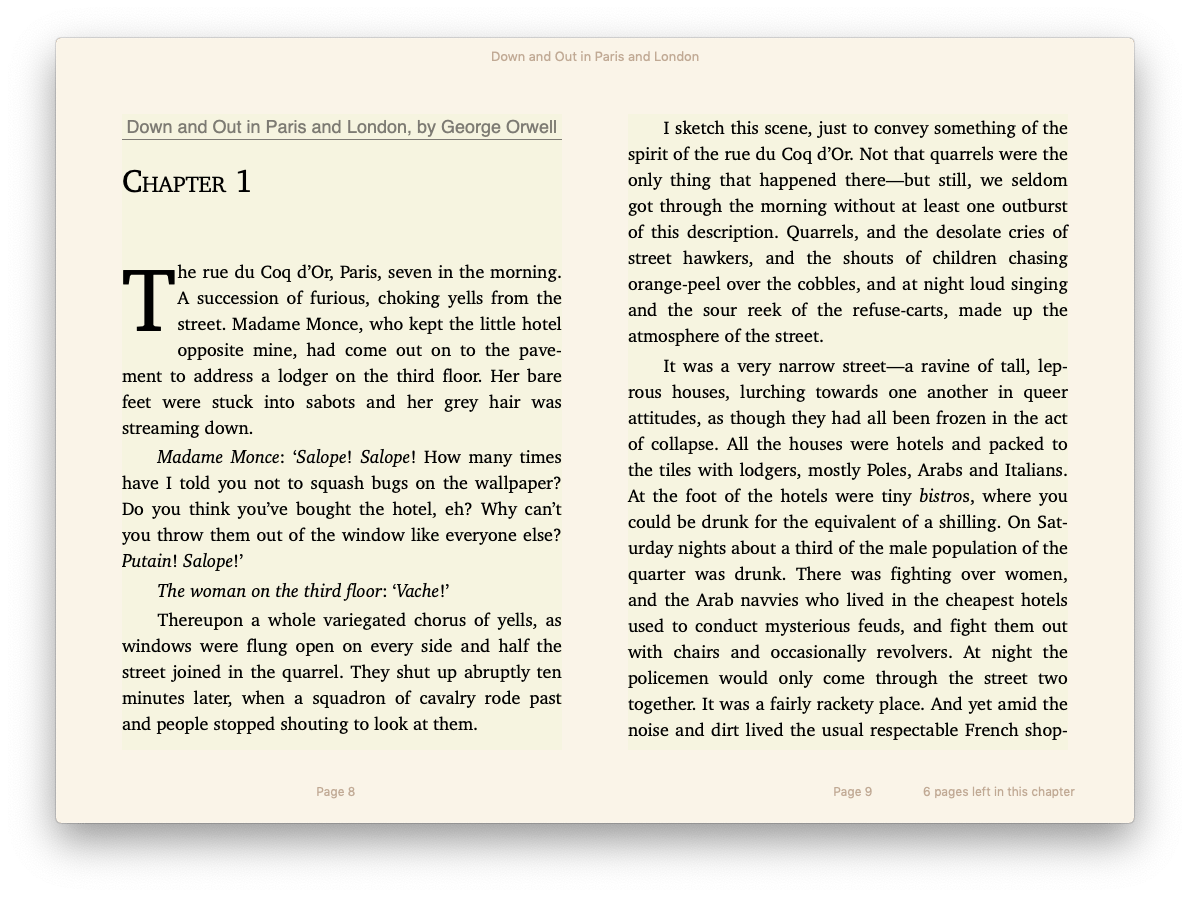
Apple Books is the default reading app on every Mac, and for Apple users, it's honestly hard to beat. It has all the features that book lovers need, including bookmarks, font size adjustments, and access to massive libraries of free and paid books. You can also annotate on the Books app.
Best features:
Pre-installed on every Mac
Automatic sync across all Apple devices via iCloud
Access to Apple Book Store directly in the app
Adjustable fonts, themes, and night mode
Support for audiobooks alongside ebooks
Pros:
Synchronizes with all connected Apple devices
Lets you buy books exclusively available on the Apple Book Store
Easy to use
Cons
Only supports .epub and .pdf
Might strain your eyes because it only works on backlit devices
Google Play Books: Essential option for readers who want web flexibility
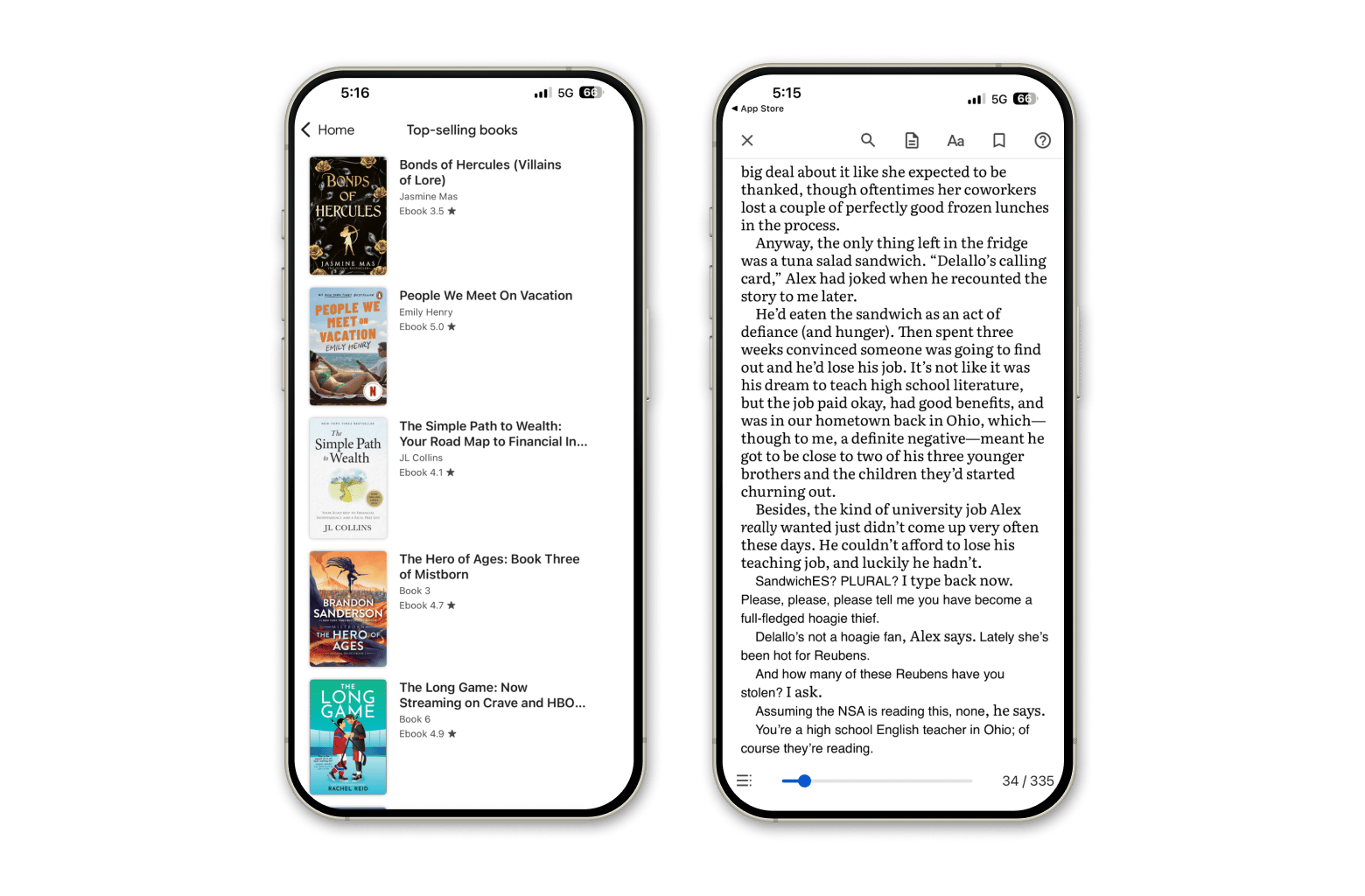
Google Play Books offers solid syncing and a massive library, but here's the honest take: the mobile and desktop apps feel clunky compared to Kindle or Apple Books. That said, the web interface is actually quite good, and if you're already deep in the Google ecosystem, the cross-platform sync is excellent.
I use it occasionally when I want to read in a browser tab or when a book is cheaper on Google than Amazon.
Best features:
Read on phones, tablets, computers, or in your car via CarPlay
Download books for offline reading
Custom shelves to organize your library by genre or theme
Smart notes that sync with Google Drive for collaboration
Audiobook library with adjustable playback speed and sleep timers
Pros:
Syncing across all devices (Android, iOS, web, desktop)
Huge library
Often competitive or better pricing than other platforms
Strong web-based reading experience
Can customize fonts, brightness, and text size
Cons:
Desktop and mobile apps feel basic and buggy
Note management is limited
Headway: Top-rated 15-minute book summary app
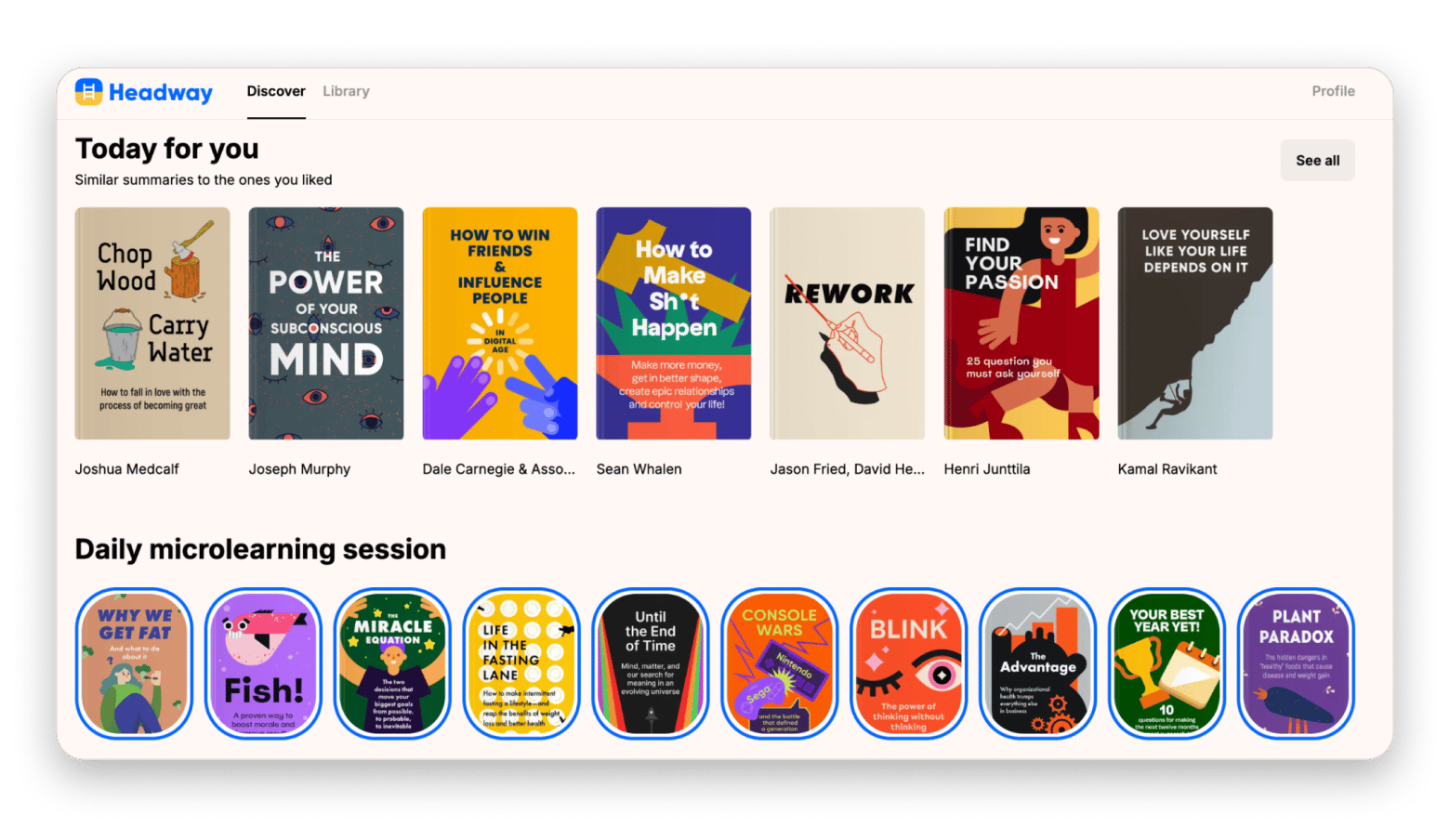
Headway takes the book summary concept and adds motivation layers that actually work. It's designed around microlearning — 3-minute daily sessions that expose you to ideas from 10 different books. Think of it as Duolingo for book knowledge.
I use Headway when I want to buy a book for self-improvement or business, but I'm not sure if it's worth it. So, I read the summary on Headway and then decide whether to buy the full version or not. Spoiler: Often, the summary with insights is enough for me, because it really contains all the important info.
Best features:
1,500+ nonfiction book summaries in 15-minute formats
Personalized book recommendations
Themed challenges for specific areas:
Audio summaries
Progress tracking and streak monitoring
Pros:
Gamification
Personalized recommendations
Easy-to-navigate interface
Great for goal-oriented readers
Listen mode works while doing other tasks
Cons:
Still not a replacement for reading full books
“I've recently bought a subscription to the Headway app and didn't expect to love it so much. Based on two months of use, here is my sincere recommendation. The spaced repetition feature is a hidden gem. Not many Headway reviews mention it, but this feature really helps me memorize and apply the knowledge I get. I highlight the insights I find especially useful and revise them over time. Reading nonfiction no longer feels like an overhead, and I can actually see the impact”, shares a Reddit user.
Price: Available on Setapp, a subscription platform with 250+ apps. You can try it free for 7 days.
Nitro PDF Pro: Best for PDF-heavy reading and professional documents
Nitro PDF Pro is technically a PDF editor, but if you read a lot of research papers, technical documentation, or work-related PDFs, it's one of the best reading apps for that specific use case. You can annotate extensively, merge documents, convert to other formats, and even add secure passwords.
“What I like best about Nitro PDF is its clean and user-friendly interface combined with fast, reliable performance. The tools are well organized, making it easy to edit, convert, merge, and review PDFs without confusion. It handles large files smoothly and offers strong features like OCR, commenting, and secure sharing, which saves time and improves overall productivity in daily work. Moreover I can whiteout the unwanted area of the uploaded pdf”, shares Mahesh on G2.
Best features:
Merge multiple PDFs into single documents
OCR makes scanned text editable
Add comments, drawings, highlights, and audio notes
Compare document versions to spot changes instantly
Suited for work/study, not leisure reading
Pros:
All-in-one solution for reading and editing PDFs
Strong security features—passwords, encryption, digital signatures
Excellent for collaboration with comment tracking
Can fill and sign forms digitally
Works great for professional and academic documents
Cons:
Not designed for ebook formats like .epub
Price: Available on Setapp, a subscription platform with 250+ apps. You can try it free for 7 days.
Libby: Best free reading app with public library integration
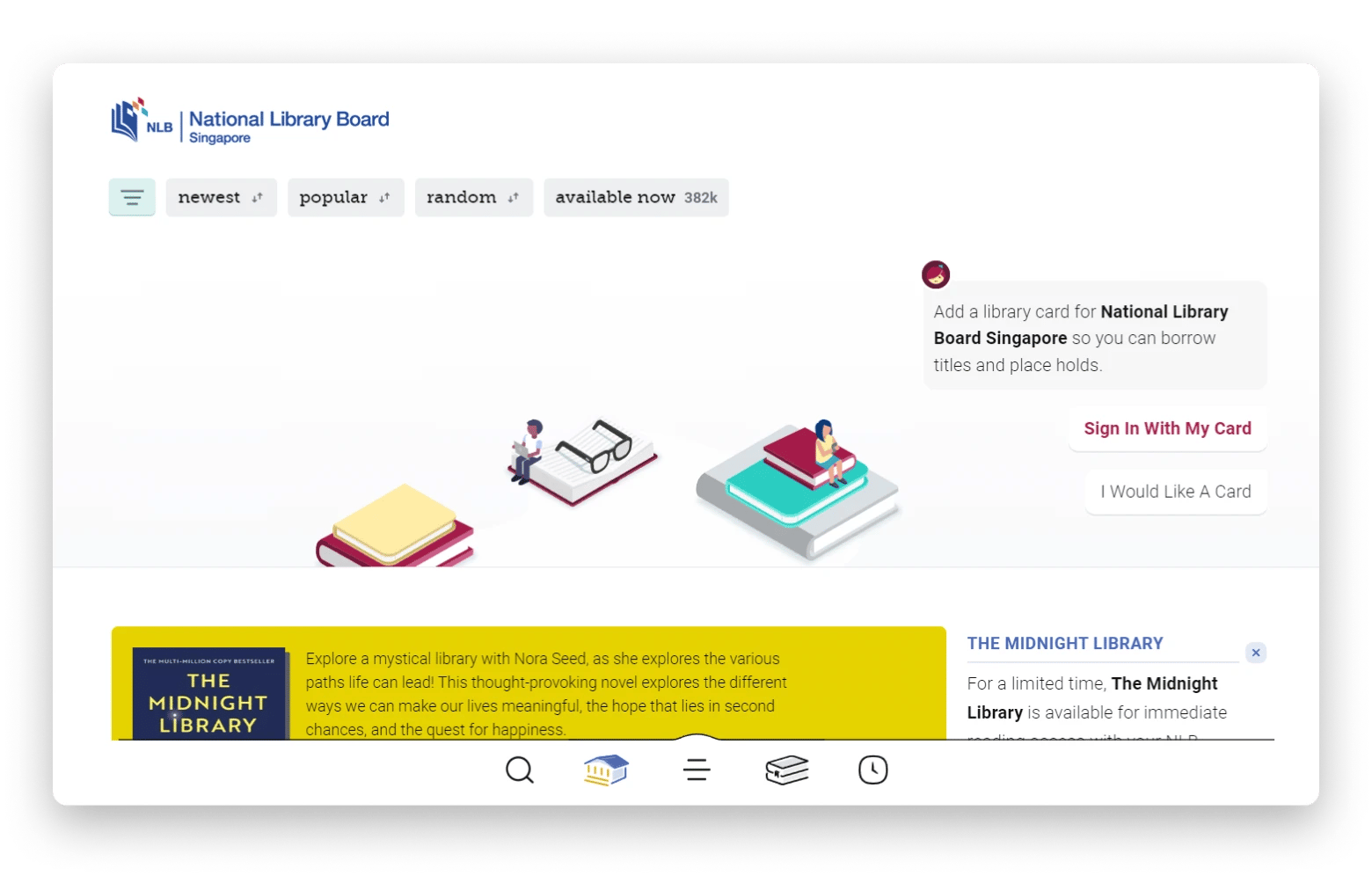
Libby is honestly one of my favorite discoveries. It's a completely free app that connects you to public library systems in over 50 countries. All you need is a library card from your local library, and suddenly you have access to thousands of ebooks and audiobooks at zero cost.
I use Libby for fiction reads, bestsellers I'm curious about but not sure I'll love, and audiobooks during workouts. Yes, popular books have wait times, but honestly? That's a small price to pay for completely free reading.
Best features:
Clean, intuitive interface
Adjustable fonts and reading settings
Note-taking and highlight export features
Audiobook integration
Pros
It’s free
It's easy to find available books
No ads
Cons
Book selection is limited to specific libraries
Long wait time for popular books
“I have the Libby app for my library. You download audio books and regular books to your kindle app by "borrowing" them. I've saved hundreds of dollars this way. The only downside is that a lot of the time I have to put a book on hold because there aren't enough copies to borrow. I've waited months to listen or read books that are popular”, says a Reddit user.
Price: Free.
MarginNote: Best reading app for students, researchers, and deep learners
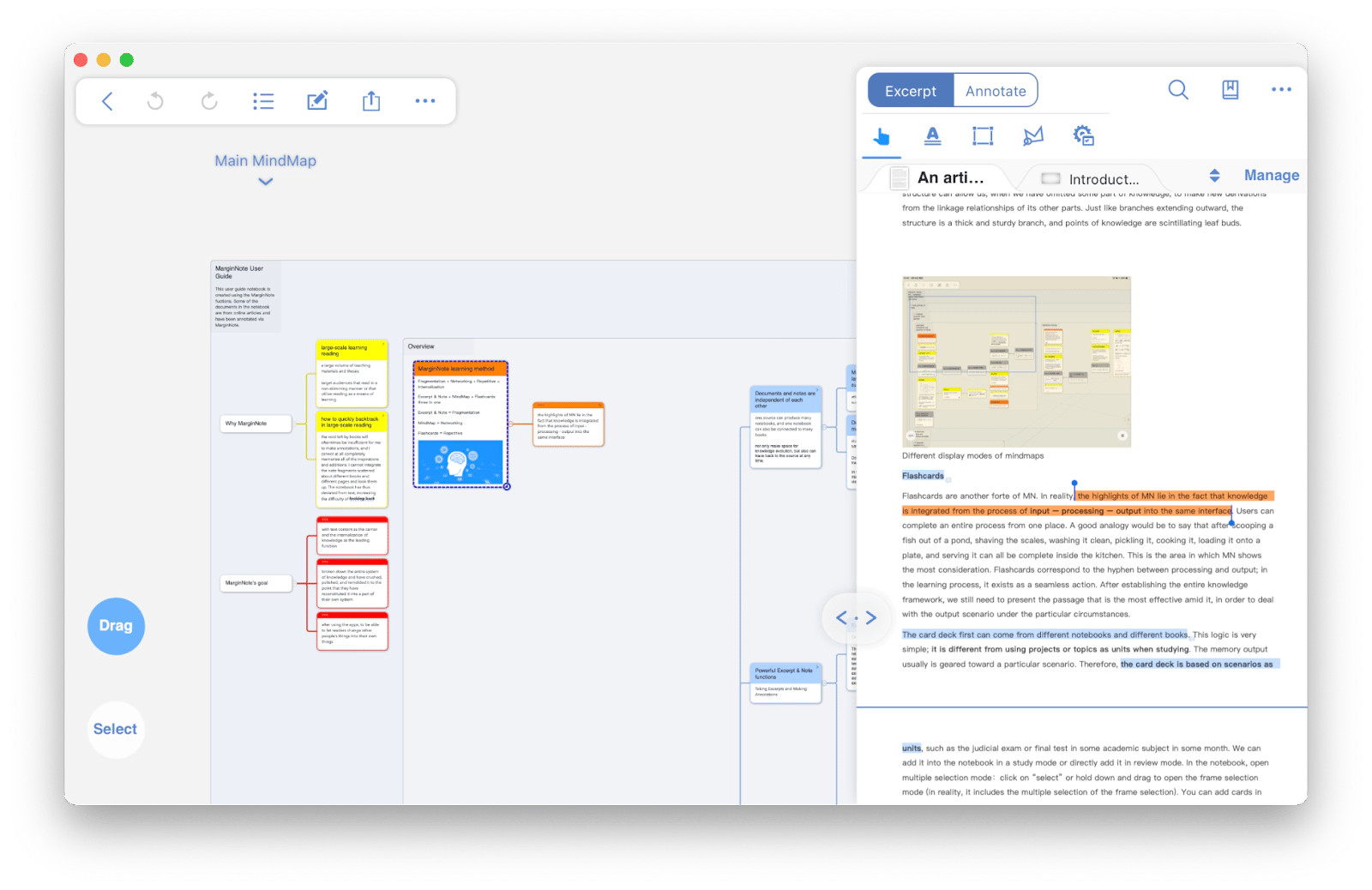
MarginNote promises a smart reading experience with advanced note-taking features. You can organize notes with mind maps, annotate any paragraphs, and turn them into flash cards. It's arguably the best book reader app for taking notes.
I recommend using MarginNote for reading non-fiction that requires actual study — business books, research papers, technical documentation. With the mind-mapping feature, you can connect concepts across different books and chapters, which is honestly game-changing for retaining complex information.
Best features:
Import ebooks and PDFs for annotation
Create mind maps automatically from your notes and highlights
Turn annotations into flashcards for spaced repetition learning
Multi-colored highlighting with custom tags
Split-screen reading with note-taking panel
Export notes in various formats
Pros
The app's mind-mapping feature helps you connect different ideas together.
It offers extensive annotation features, such as adding multiple notes, screenshots, and different colored highlights.
You can tag the notes to review them later.
Cons
Possible steep learning curve for some users
Doesn't support handwritten notes
Price: Available on Setapp, a subscription platform with 250+ apps. You can try it free for 7 days.
Blinkist: Best reading app with bite-sized content
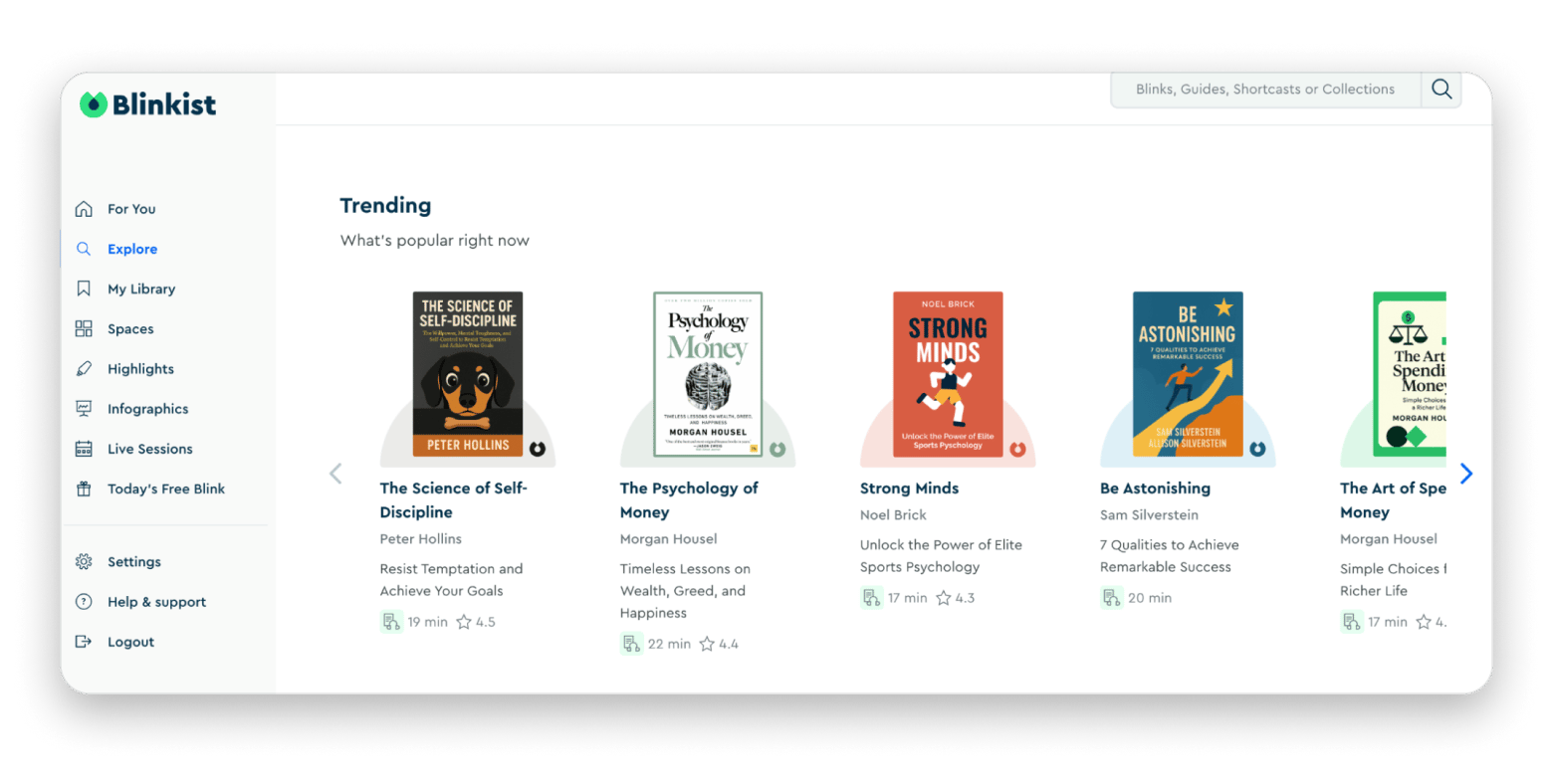
Blinkist offers short summaries of popular fiction and nonfiction works. From personal development to thrillers, the app provides highly concentrated summaries of over 9,000 titles and hundreds of topics.
This way, you can learn new insights even if you lack time. At present, it's available as an iPhone and iPad book reader app.
Best features:
9000+ book summaries across various topics
Audio narration for listening
Curated collections on specific themes
Daily recommendations based on reading history
Pros:
Affordable compared to buying multiple books
Ability to absorb insights in under 20 minutes
Great for sampling books before committing to full reads
Cons:
Limited selection of scientific and technical books
To sum up: What is the best reading app
The perfect reading setup isn't about finding one "best" app; it's about choosing the right tool for each type of reading you do.
Use Kindle or Apple Books for mainstream fiction and bestsellers. Pick Libby when you want free access to thousands of books through your library card. Reach for MarginNote when studying academic materials or business books that require deep note-taking.
Turn to Blinkist or Headway when you're time-crunched but want to absorb key concepts, and use Nitro PDF Pro for professional documents that need editing, signing, or annotation.
If you're building a complete digital reading workflow without apps them separately, Setapp offers the best reading apps like Headway, Nitro PDF Pro and MarginNote plus 240+ others for one subscription. It's especially valuable if you're also using productivity, creative, or development tools on your Mac.
Powerful apps live on Setapp
Ditch defaults and discover new gems on one app platform.






 Top-rated on Setapp
 Top-rated on Setapp