
Nitro PDF Pro
Work with your PDFs
Mac, iOS
Version 26.4
macOS 26.0 or later
741.3 MB
5 languages
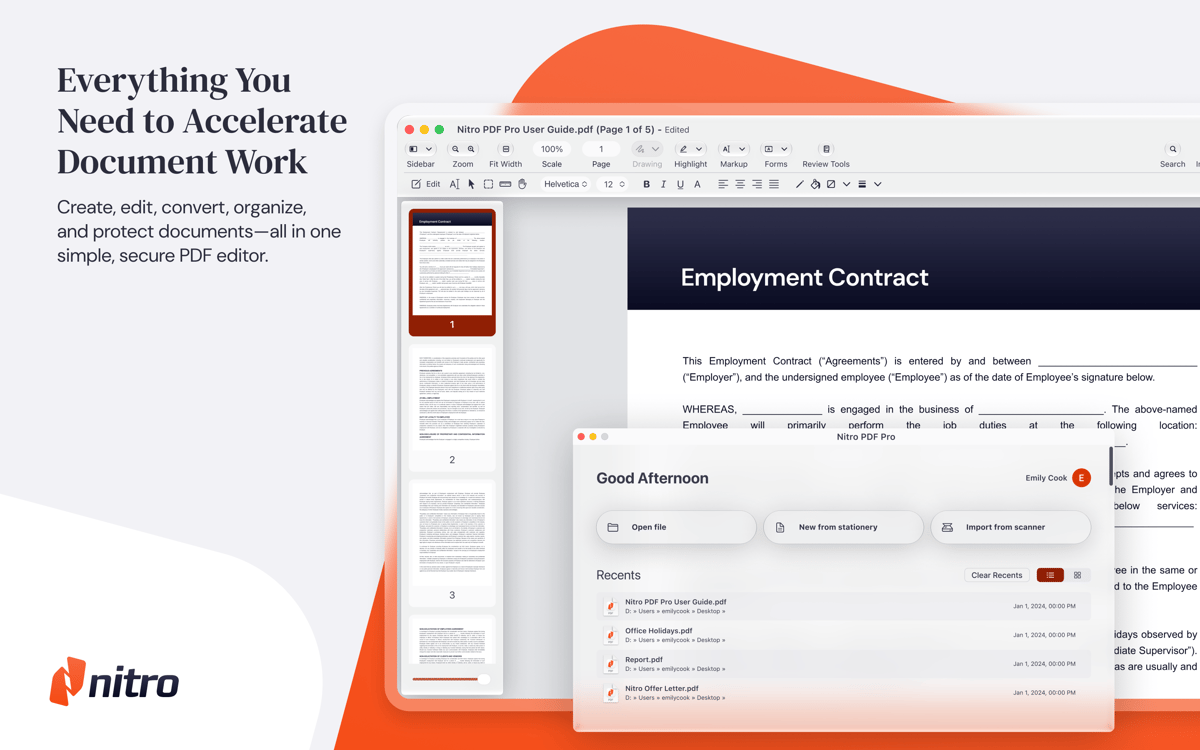
Discover this all-round tool for all your PDF editing needs. Create and edit PDFs in Nitro PDF Pro, merge multiple files into one document, or convert into popular formats. Use the app to cut down on paper as it helps turn your scans into editable text. Enjoy a host of additional features to annotate, fill and sign forms, add secure passwords, and more.
Create and edit PDF files and forms
Merge and convert your PDFs
Annotate, sign, and convert PDFs
Add passwords and encrypt your PDFs
Nitro PDF Pro features
Create and edit PDFs
Create streamlined PDFs for any task with Nitro PDF Pro. Edit with a robust set of tools — add page numbers, footers, headers, or bookmarks; resize, copy, and delete images; create fillable forms or turn OCR (optical character recognition) scans into editable PDFs; add and request esignatures, redact sensitive information, and more.
Annotate PDFs
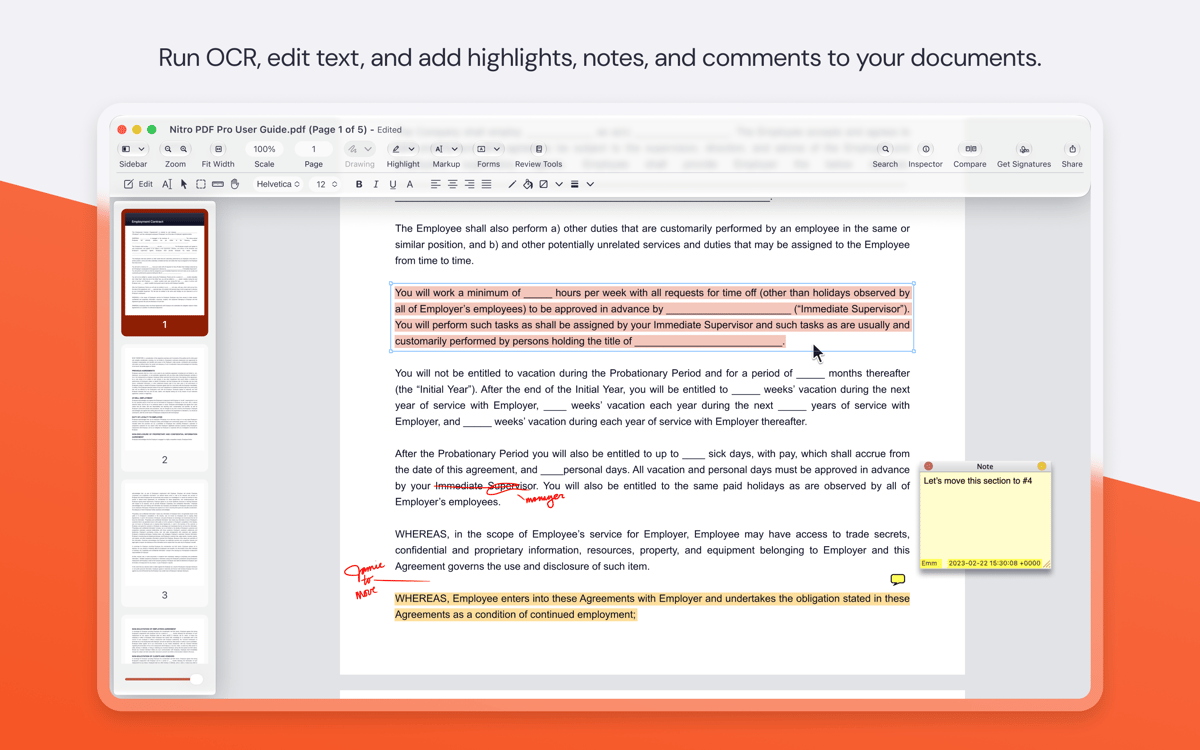
Take collaboration a step further with Nitro PDF Pro — add comments, scribbles or drawings, reply to notes, and track comments by author. Highlight, underscore, or strikethrough for quick and precise annotation. Compare document versions to spot the differences in text or images right away. And you can even record audio notes for speedier communication.
Merge PDFs
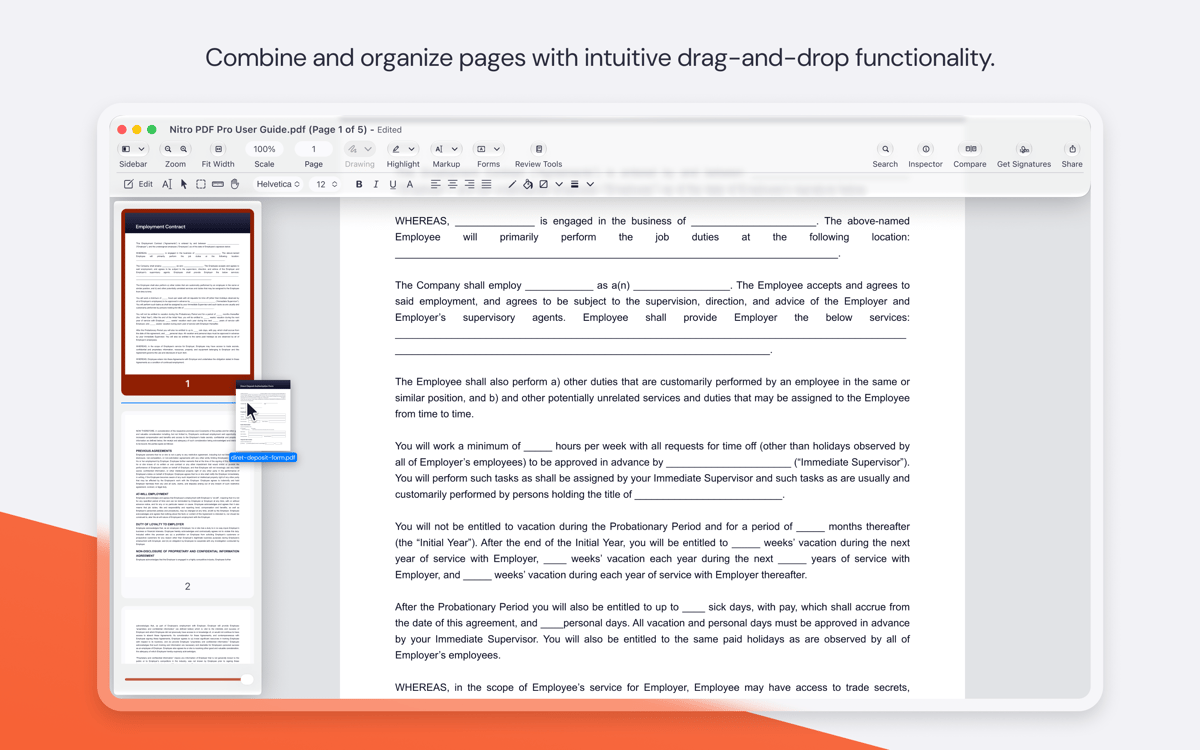
Easily merge multiple PDFs into a single document, to create reports and presentations in no time. Drag and drop pages to rearrange your document. Need to extract a page or several out of your PDF or turn them into an image? Do it in a snap with Nitro PDF Pro!
Convert PDFs
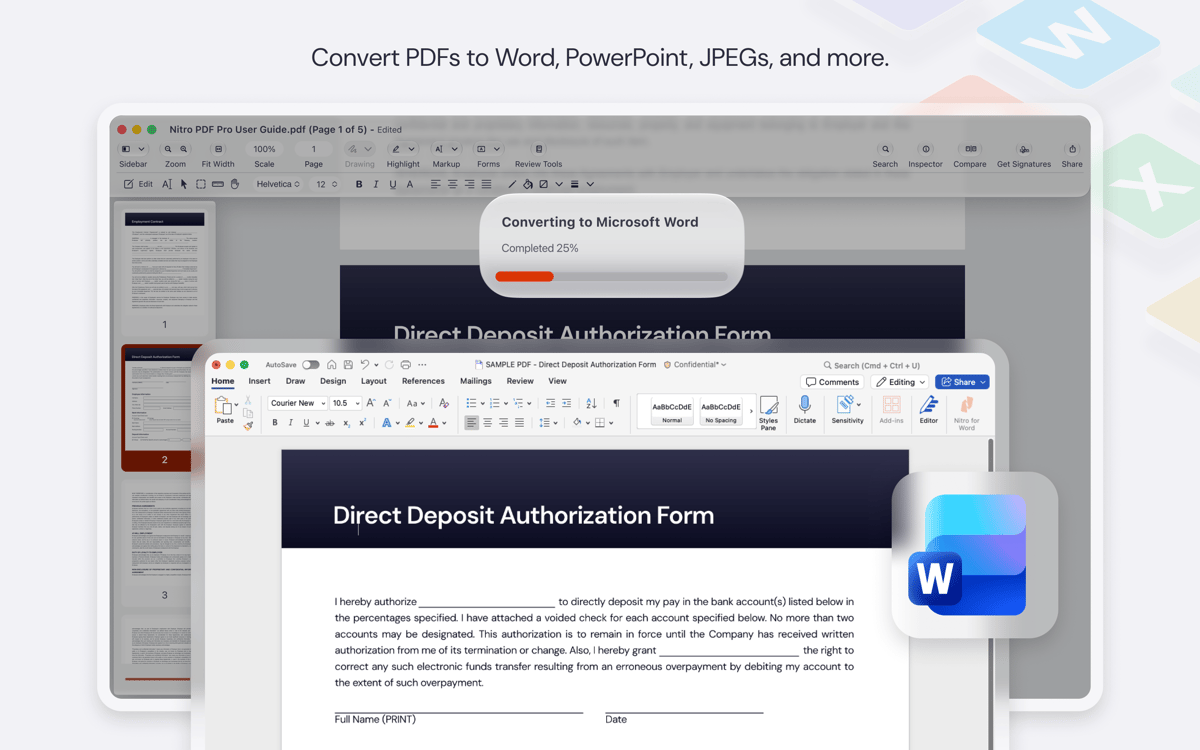
Convert your documents from PDF to Microsoft Office formats for more advanced editing. The app works to keep your layout, fonts, and images consistent through the conversion. Save your documents to iCloud or Dropbox for easy access on other devices.
Protect PDFs
Security is a top priority with Nitro PDF Pro. Control exactly who can access your documents by managing user permissions, adding passwords, or encrypting PDFs to authorize users through digital IDs. Sign and validate signatures digitally to cut your turnaround time without sacrificing security.
Ratings and reviews
Nitro PDF Pro
•
3101 ratings
Michael Collins
Oct 9, 2026
App version: 26.3
all works. as promised
Anonymous
Oct 9, 2026
App version: 26.4
Hanging happens frequently
Alexander van Nievelt
Sep 15, 2026
App version: 26.3
Works well as an update to pdfpen pro.
Get hundreds of apps with Membership
Become Setapp member and use hundreds of stellar apps with one subscription.
Try 7 days free, then pay one simple fee.
Install Setapp on Mac
Explore apps for Mac, iOS, and web. Find easy ways to solve daily tasks.

Get the app you came for
That one shiny app is waiting inside Setapp. Install with a click.

Nitro PDF Pro
Choose your subscription
One app or more with a Setapp membership. Get apps the way you want.

Get hundreds of apps with Membership
Become Setapp member and use hundreds of stellar apps with one subscription.
Try 7 days free, then pay one simple fee.
1
Install Setapp on Mac
Explore apps for Mac, iOS, and web. Find easy ways to solve daily tasks.
2
Get the app you came for
That one shiny app is waiting inside Setapp. Install with a click.
Nitro PDF Pro
3
Choose your subscription
One app or more with a Setapp membership. Get apps the way you want.
Home to the top apps
From planning and routine tasks to creative pursuits and coding, tackle tasks with apps on Setapp.


Nitro PDF Pro
Work with your PDFs