I’ve spent years working with spreadsheets, reviewing transactions, and testing different accounting tools on my Mac. One thing I discovered is that most programs are made for Windows, and finding ones that are compatible with Mac is rare.
In this guide, I'll walk you through the best accounting software for Mac users. I'll highlight tools that offer smooth performance, Apple-friendly features, and everything you need to manage your finances with ease.
But first, here’s a quick look at each app I found, thanks to the Productivity tool finder, to help you compare your options at a glance:
App
Who it’s great for
Top features
QuickBooks
Small to medium businesses
Payroll, invoicing, expense tracking, 24/7 support
Freshbooks
Freelancers, solo entrepreneurs
Invoicing, expense tracking, reports, and mileage tracking
Xero
Small businesses with remote teams
Team collaboration, bank reconciliation, tax tools
Wave Accounting
Freelancers, small businesses
Invoicing, receipt scanning, and team member payments
Zoho Books
Small businesses need customization
Multi-currency, tax filing, automation, and team roles
I've tried and tested many paid and free accounting apps for Mac. Some worked for my business while others failed to manage invoices, track expenses, and do payroll. Here's a more in-depth analysis of my findings, so you can choose the software that best fits your needs and saves you time.
QuickBooks for Mac
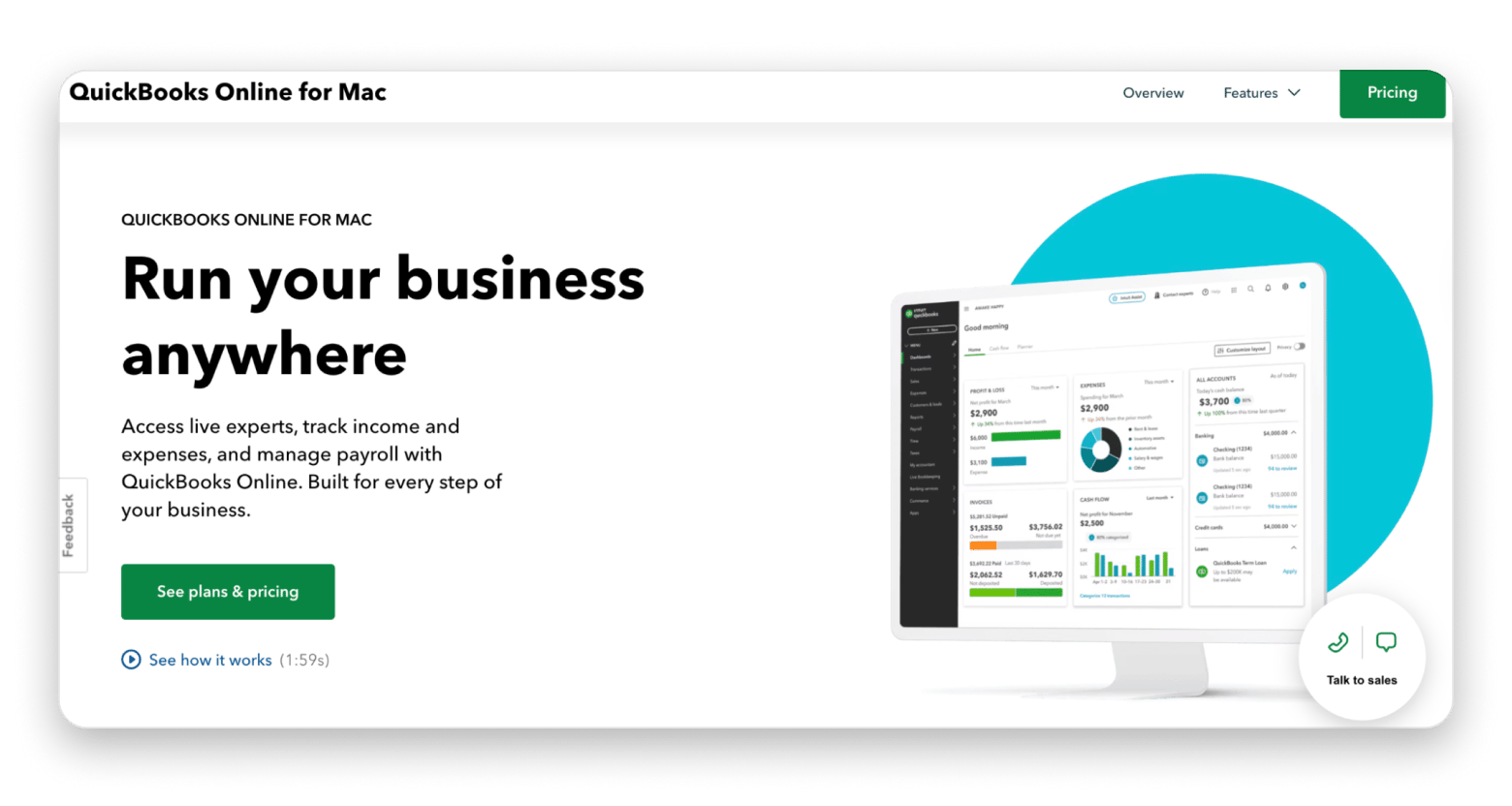
QuickBooks helps you manage your business finances with ease. It’s user-friendly and one of the most popular tools out there. You can run payroll, track income and expenses, and get help from live experts whenever you need it.
Minimum requirement: iOS 16.0 or later for iPhone and macOS 13.0 or later with an Apple M1 chip or newer for Mac.
Source: quickbooks.intuit.com
What makes it great:
Keeps your financial data up to date by automatically syncing all your bank and credit card transactions.
Shows what you earn and spend over time with easy-to-read widgets.
Tracks income and expenses, and sorts transactions into tax categories.
Creates, sends, and tracks invoices from your phone and includes a payment link for easy payments.
Tracks time and lets you run payroll with QuickBooks Online Payroll.
Gives you access to 24/7 support, on-demand training, and expert assistance.
Backs up your books in the background, so you can restore your data to any point in time if needed.
FreshBooks
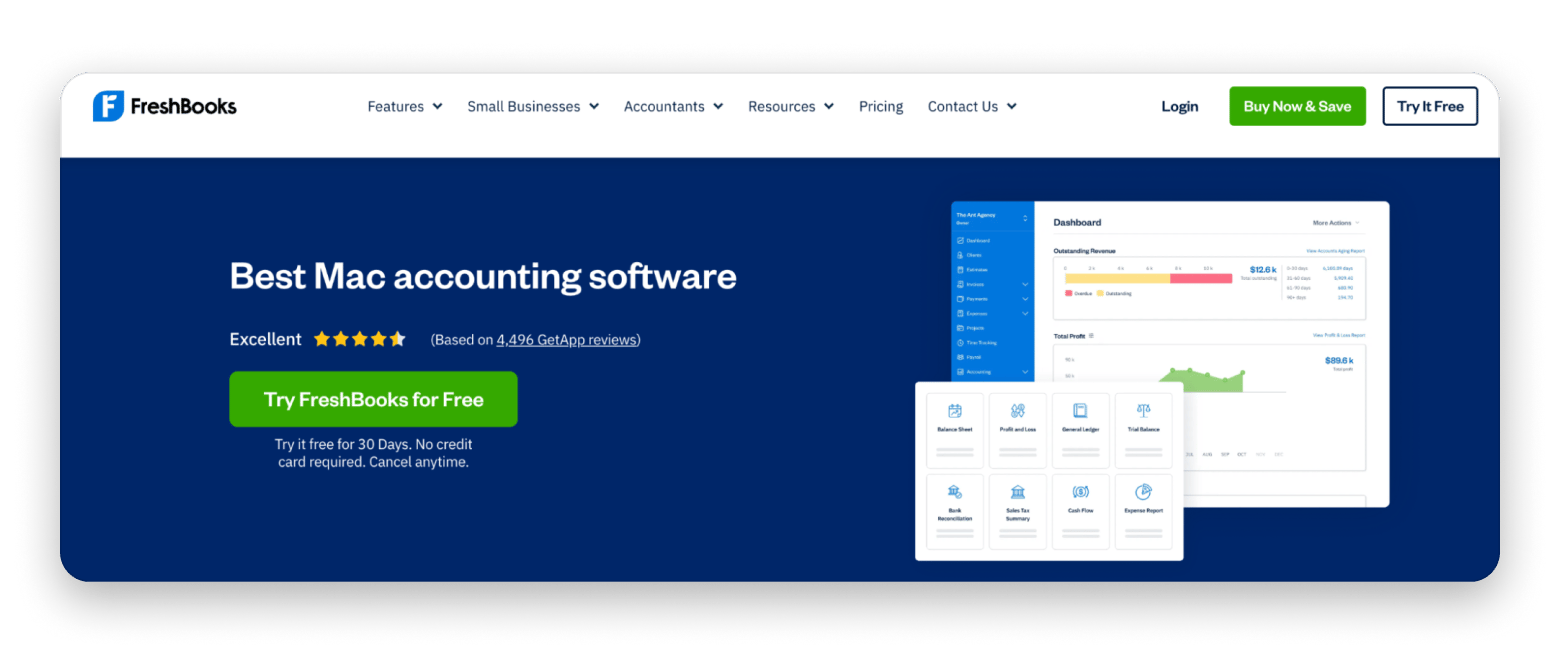
I love FreshBooks for handling everything in one place, like sending invoices, managing clients, accepting payments, running reports, and even keeping projects on track. It’s simple to use and a real time-saver for freelancers and solo business owners. Just create an account, fill in your details, and you’re good to go.
Minimum requirement: iOS 15.0 or later for iPhone and iPod touch, iPadOS 15.0 or later for iPad, and visionOS 1.0 or later for Apple Vision.
Source: freshbooks.com
What makes it great:
Creates professional invoices in a short time with expense tracking, automatic tax calculations, and different payment options.
Tracks expenses with mobile receipt scanning, bank imports, and automated categorization.
Stays updated in real-time with double-entry accounting, detailed financial reports, and easy access.
Tracks mileage for tax and reimbursement purposes.
Xero for Mac
Xero is the best cloud-based bookkeeping app for Macs. I love how it supports multi-currency transactions and bank reconciliation. It’s powerful enough for smaller businesses and supports collaboration with your accountant. You can easily customize your organization with accounting apps for payroll and billing.
Minimum requirement: iOS 16.0 or later for iPhone and iPadOS 16.0 or later for iPad.
Source: xero.com
What makes it great:
Helps you manage your finances from anywhere and collaborate with your team.
Keeps all your financial documents and records in one secure place.
Offers easy reconciliation by using automated bank transaction imports.
Includes automatic time tracking and tax calculations to help you create and send professional invoices in minutes.
Lets you view financial data instantly, including cash flow and reports.
Automates recurring invoices, expense categorization, and other routine tasks.
Wave Accounting
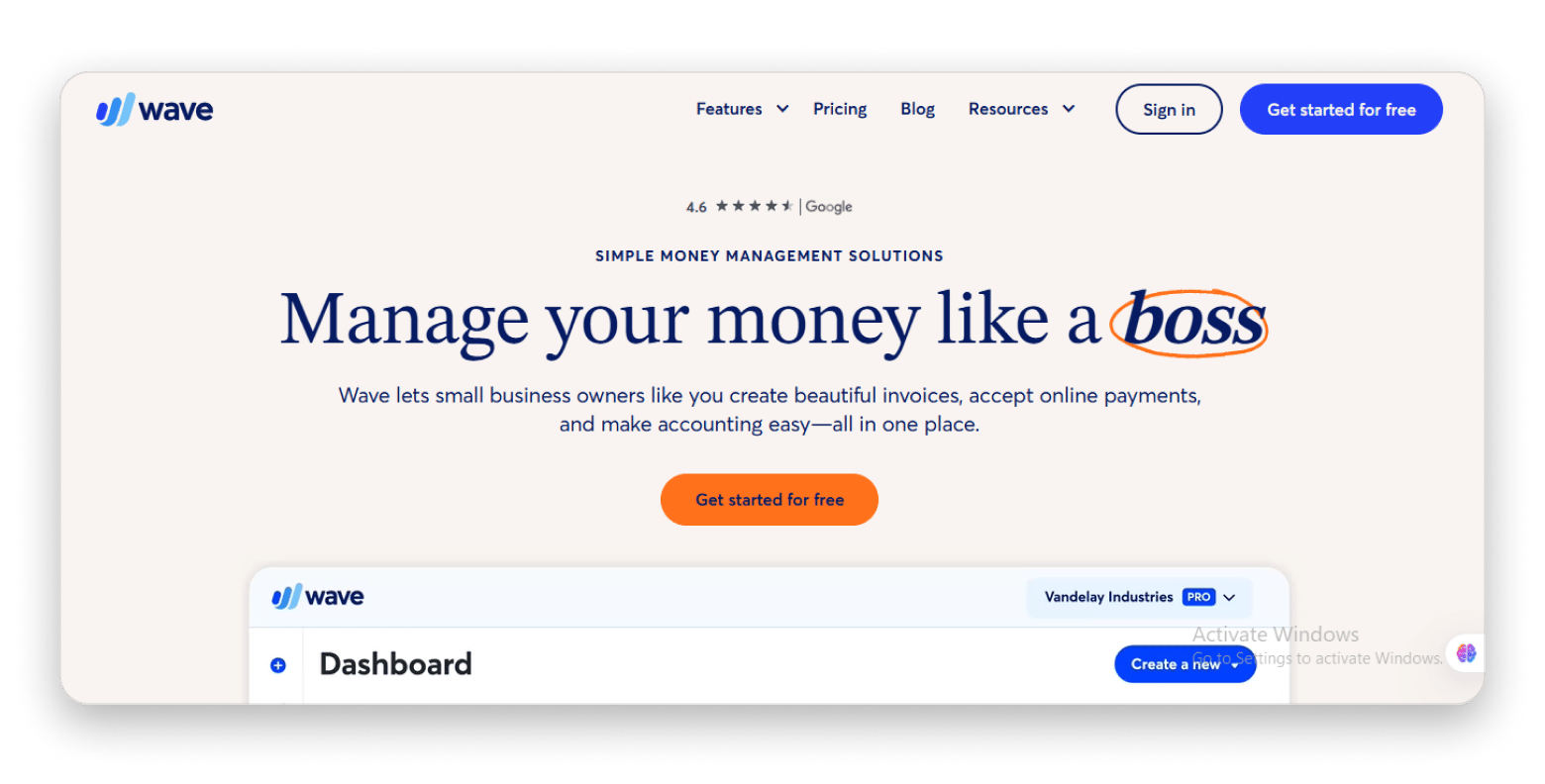
If you're looking for small business accounting software for Mac, Wave Accounting is a top pick. It lets you create professional invoices, scan receipts, and run payroll. It made it easy for me to manage all my accounting in one place, including accepting online payments.
Minimum requirement: iOS 14 or later for iPhone. And iOS 14 or later for iPod.
Source: waveapps.com
What makes it great:
Lets you track income, manage expenses, and access detailed reports.
Creates stunning, professional invoices and estimates in just a few clicks.
Allows customers to pay easily via credit card, bank transfer, or Apple Pay.
Ensures on-time payments for employees and contractors.
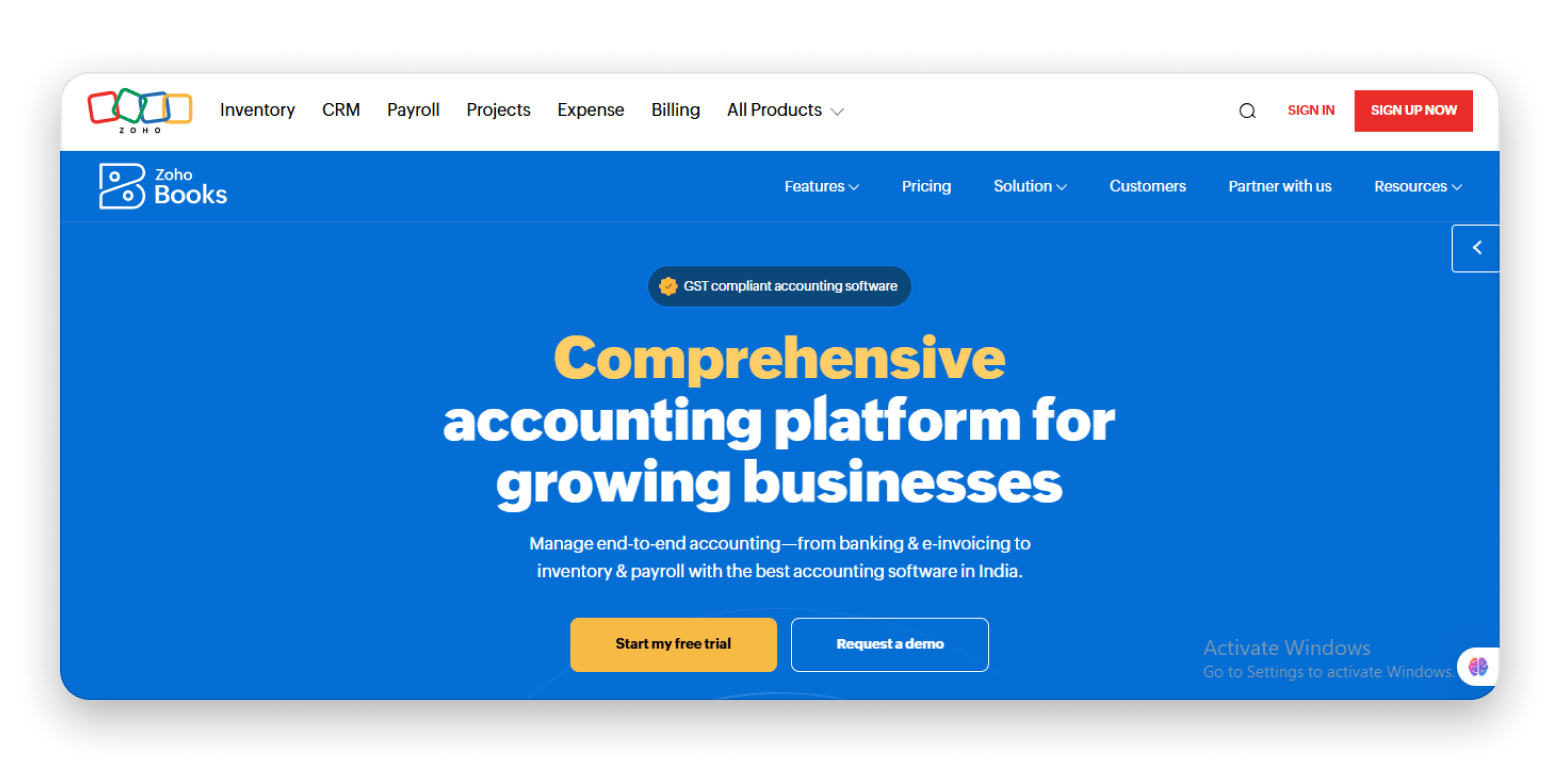
Zoho Books
Zoho Books is a great pick for Mac users running a small business. The interface is clean, automation is smart, and it plays nicely with all your Apple devices. What really sold me is how much you can tweak it, from setting up custom workflows to tracking expenses, sending invoices, and handling taxes; it all happens in one app.
Minimum requirement: iOS 14.0 or later for iPhone and iPod touch, iPadOS 14.0 or later for iPad, tvOS 10.0 or later for Apple TV, watchOS 4.0 or later for Apple Watch, and visionOS 1.0 or later for Apple Vision.
Source: zoho.com
What makes it great:
Gives you the tools to make e-Way bills, e-invoices, and delivery slips, figure out your taxes automatically, and file your tax returns without any stress.
Fetches bank feeds, categorizes entries, and reconciles them automatically to simplify payments.
Manages foreign transactions with multi-currency support, applying exchange rates automatically or manually.
Lets you assign roles to teams, using customer and vendor portals.
Sage Accounting for Mac
I tested Sage and found it simple and reliable. It gave real-time updates and made managing my finances easy on my MacBook, iPhone, or iPad. Switching between devices was seamless, and it felt like it was made for Apple users.
Minimum Requirement: iOS 16.6 or later for iPhone and iPadOS 16.6 or later for iPad.
Source: sage.com
What makes it great:
Runs smoothly on MacBook, iPhone, and iPad.
Links business operations with Mac accounting software.
Automates accounting tasks like invoicing, expense tracking, and reconciliation.
Provides real-time financial updates and customizable reports.
Supports collaboration by allowing multiple users with role-based access.
Offers cloud backups to keep your financial data safe and accessible anywhere.
If none of the apps so far felt right for you, no problem. Here are a few more solid picks that I’ve tested myself. They are easy to use, work well on all your Apple devices, and help you handle invoicing, organize receipts, and manage your money without any hassle.
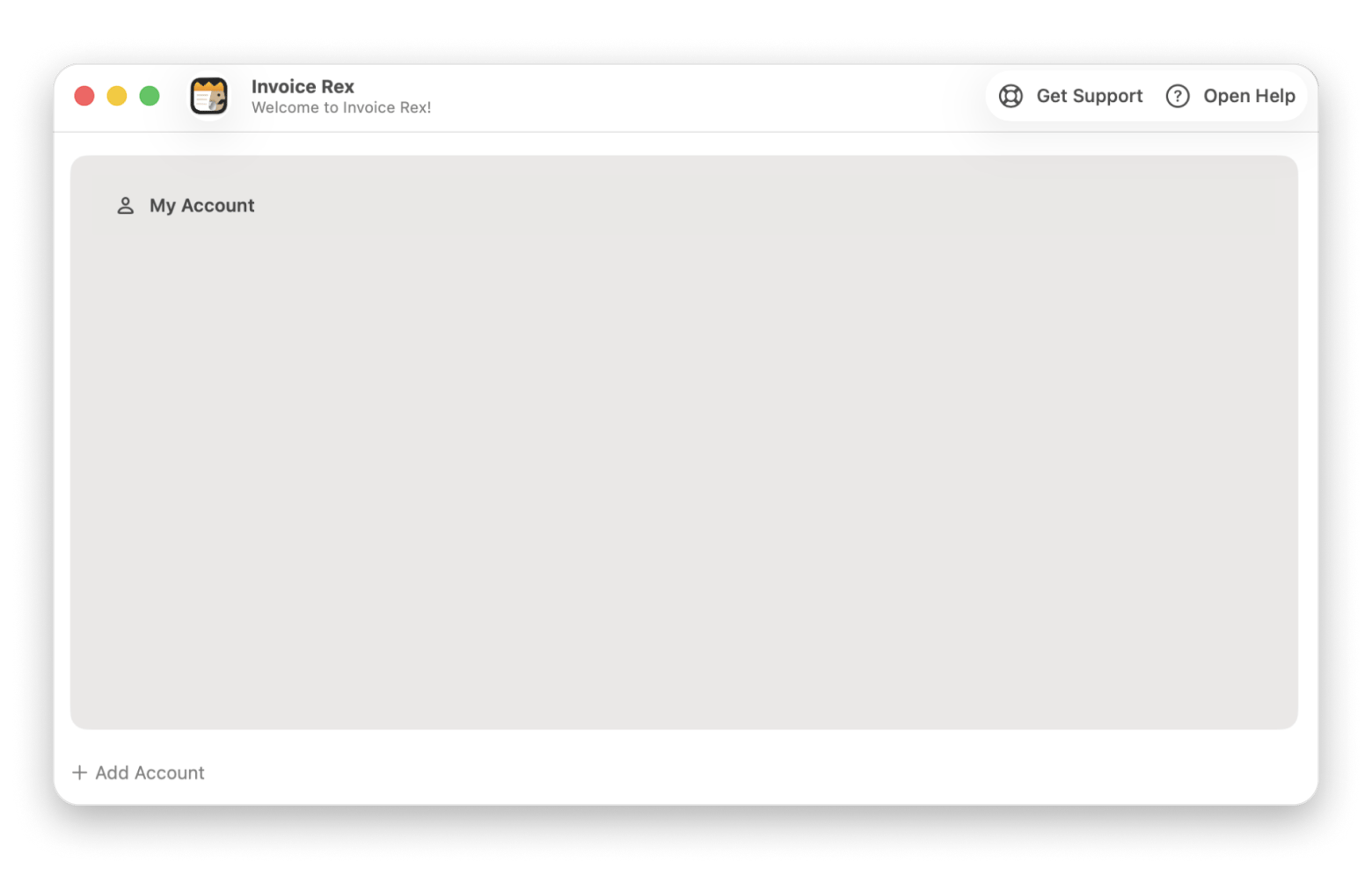
Invoice Rex
Compatibility: iPhone (iOS 17.0 or later), iPad (iPadOS 17.0 or later), Mac (macOS 14.0 or later), and Apple Vision (visionOS 1.0 or later).
Invoice Rex is an ideal solution if you want quick invoicing without the need for a full accounting system. It keeps all your information well-organized and easily accessible. Its design is simple and user-friendly, which makes the invoicing process easy. It took me an hour or two to understand how the software works. It's fully compatible with the native applications that are already installed on Apple devices. It streamlines both invoicing and client management.
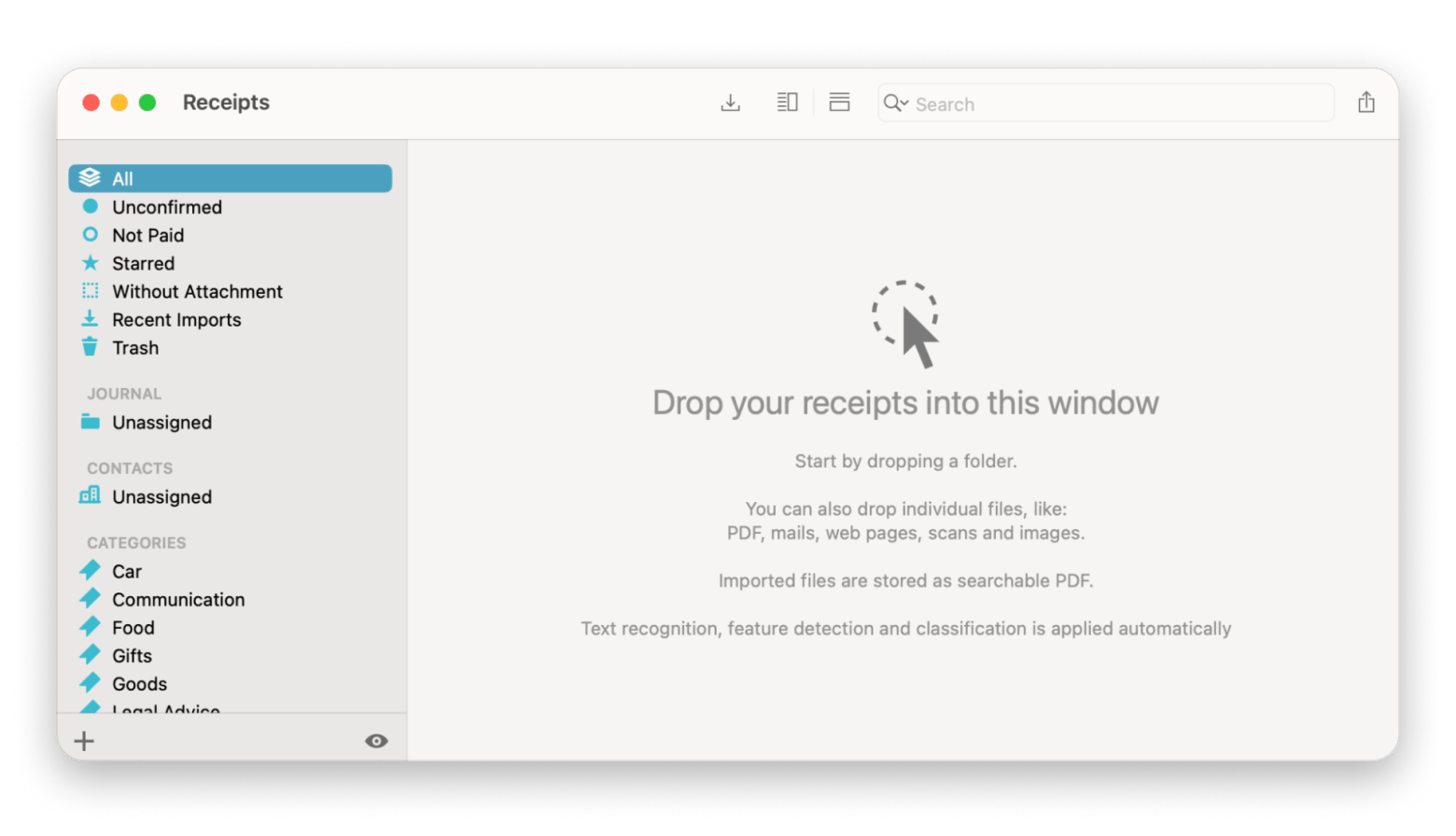
Receipts
Compatibility: macOS 10.13 or later.
I played around with Receipts and tried to manage my business expenses. It worked pretty great for everything I tried to do. It lets me upload a picture of my receipts, and then the app automatically pulls out key details like the amount and vendor. It stores all the receipts in one central location. If you want to track expenses or prepare for tax filing and stay organized with minimal effort, this is a top-notch choice.
GreenBooks
Compatibility: Mac and iPhone.
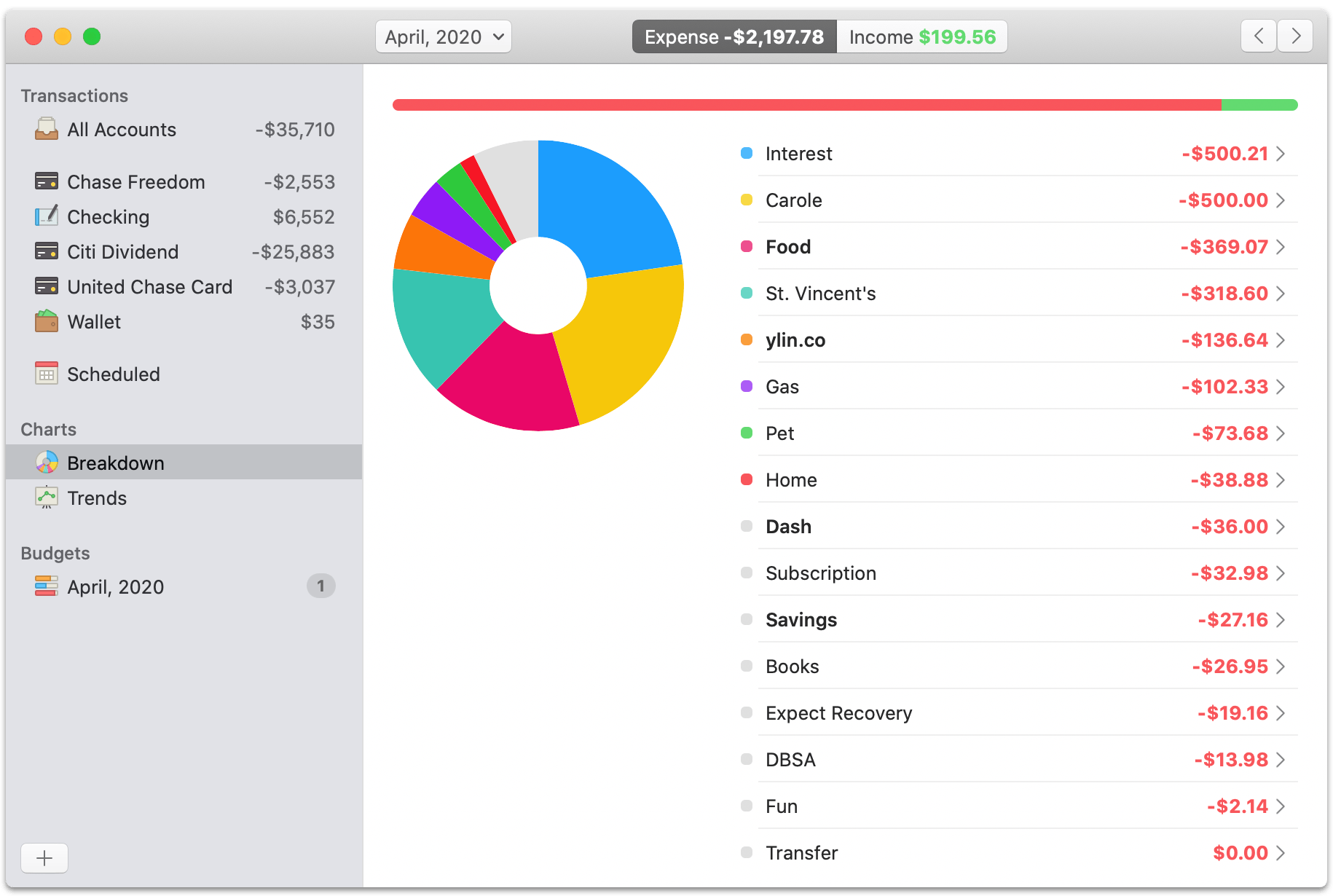
GreenBooks is great for tracking your daily income and expenses, either manually or automatically. You can connect a U.S. or Canadian bank account to the app and automatically import your transactions. The Breakdown feature then helps you visualize spending trends across all your accounts, so you can easily see where your money is going.
Free vs paid accounting software for Mac
Should you go for a free or paid accounting software option when you are managing your business finances on a Mac? While each software comes with its own set of features, benefits, and limitations, the best option for you depends on your accounting needs and budget.
Free accounting software options
If you’re a freelancer or an entrepreneur needing basic accounting tools for your small business, you'd be happy to hear that there are many free bookkeeping software for Mac. Some options include Wave Accounting and Zoho Books. These tools come with all the tools you'll need and help you keep your accounting operations organized without spending any money.
What you'll like:
No upfront or monthly costs.
Easy to use for basic accounting tasks.
Great for startups, freelancers, or small businesses.
Offers features like invoicing, expense tracking, and receipt scanning.
A few downsides that can put you off:
Limited features compared to paid versions.
Fewer customization options.
Don't offer payroll or advanced reporting.
Limited support.
Paid accounting software options
Paid options are designed for growing businesses that need advanced tools for accounting. Paid software, like QuickBooks, FreshBooks, and Xero, comes with powerful features that go beyond basic bookkeeping and help businesses manage payroll, generate detailed reports, and automate day-to-day financial tasks.
What you'll like:
Advanced features like payroll, inventory tracking, and tax reporting.
Better automation and time-saving tools.
Stronger data security and customer support.
A few downsides that can put you off:
Monthly or annual subscription fees.
Can be more complex to learn at first.
May include features you don’t need, depending on your business.
Which is best for you: Free or paid accounting software?
Choosing whether free or paid accounting software is right for you depends on how complex your financial tasks are. Understanding what you need will make it easier to pick the right option.
What to consider
Free accounting software
Paid accounting software
Who it's for
Freelancers, solo workers, and small teams
Growing or established companies
What it costs
Nothing at all
Monthly or yearly fee
What you can do
Send invoices, track expenses
Handle payroll, taxes, inventory, and reports
What’s included
Basic features, nothing advanced
Extra tools, automation, integrations
How easy it is
Super simple to use
Might take a bit to learn
Getting help
Limited support
More reliable support
Tips for choosing the right accounting software for your Mac
Choosing the right accounting software for your Mac depends on your business size, budget, and specific needs. If you are still unsure about which accounts receivable software for Mac is best for you, here are some tips to help you guide your decision.
Assess your business needs
Each business has its own accounting requirements, so consider your business needs. While small businesses might need inventory management and payroll features, freelancers may use the software for invoicing and expense tracking. If budgeting is your focus, be sure to check out our top picks for the best budgeting apps.
Look for integrations
Pick accounting software that integrates smoothly with the apps you are already using on your Mac. Compatibility of your accounting software with other software will streamline your workflow and save time.
Budget considerations
Think about whether a free option will be enough or if you'll need advanced features like extensive reporting, automation, and customer support. The right choice depends on your budget and the complexity of your accounting tasks.
Why do Mac users need dedicated accounting software?
Mac users need dedicated accounting software because not all accounting software works well with Apple devices. Software designed specifically for Windows syncs slowly and integrates poorly on Mac.
Let’s take a closer look at the other reasons:
Seamless syncing: Users expect updates made on one device to automatically sync across all their systems, such as MacBook, iPhone, and iPad, without any glitches.
Mac-native experience: Mac users need accounting software for Mac that offers smooth interactions and a user-friendly design.
Apple-specific integrations: Mac users rely on iCloud for backups, Apple Pay for transactions, and syncing their Contacts. The dedicated accounting programs for Mac integrate well with the Apple tools.
Stability and performance: Mac-optimized apps simply run better. These dedicated accounting software for Apple don’t crash or lag in performance.
Top features to look for in accounting software for Mac
Not all accounting software is designed for the same purpose. Some accounting tools focus on invoicing, and others on payroll or expense tracking. However, the best accounting software for Mac offers its users a combination of features that cater to all their needs in one place.
From my experience, a good Apple accounting software should offer the following features:
Multi-device compatibility
Your small business accounting software for Mac should be capable of syncing everything in real time. You should be able to access data easily and enjoy a smooth experience across multiple devices.
User-friendly interface
You should always choose software that's simple and easy to use. Locating features should be fast and painless, so you can focus more on managing your finances and less on figuring out the interface.
Integration with other apps
Good accounting software works seamlessly with the apps you use every day. It should integrate with iCloud, Apple Calendar, Reminders, Zoom, Slack, and other popular tools.
Security features
Accounting apps store sensitive data, so pick one with strong security features such as end-to-end encryption, two-factor authentication, and secure iCloud backups.
Automated processes
Automation can save you an hour or two every day. That's why you should opt for an accounting software that offers recurring invoices, scans receipts, categorizes them, and maintains organization. For example, a feature like bank feed integration can automatically track your transactions.
When choosing the best accounting software for Mac, choose the tool that fits your budget and needs. The right Mac-optimized software will help you keep everything in sync with your Apple devices, your data safe, and make it easy to switch between devices.
For simpler needs, I recommend options like Wave Accounting. But if you need more advanced features or automation, QuickBooks, FreshBooks, and Xero are great choices.
Other equally awesome options are UctoX, Invoice Rex, and Receipts. These apps make tasks like invoicing and expense tracking a breeze. You'll find all these apps on Setapp, a subscription platform that gives you access to over 260 top Mac and iOS apps. There's a free seven-day trial, so take these tools for a spin before deciding.
FAQs
What is the best free accounting software for Mac?
The best free accounting software for Mac is Wave Accounting. It’s user-friendly, offers solid invoicing, and is great for freelancers and solopreneurs.
Can I use QuickBooks on my Mac?
Yes, you can use QuickBooks on Mac. The software integrates well with Apple’s features and provides comprehensive accounting tools.
Is there accounting software for Mac that supports multiple currencies?
Xero and Zoho Books are two accounting software apps for Mac that support multiple currencies and are ideal for international businesses.
Can I integrate my accounting software with Apple Pay or iCloud?
Yes, you can integrate accounting software like QuickBooks and FreshBooks with Apple Pay and iCloud. The software syncs well and keeps data secure and accessible across devices.
What features should I look for in small business accounting software for Mac?
Some features you should look for in small business accounting software for Mac include invoicing, payroll, multi-device syncing, strong reporting, and integration with iCloud and Calendar.






 Best solution
 Best solution