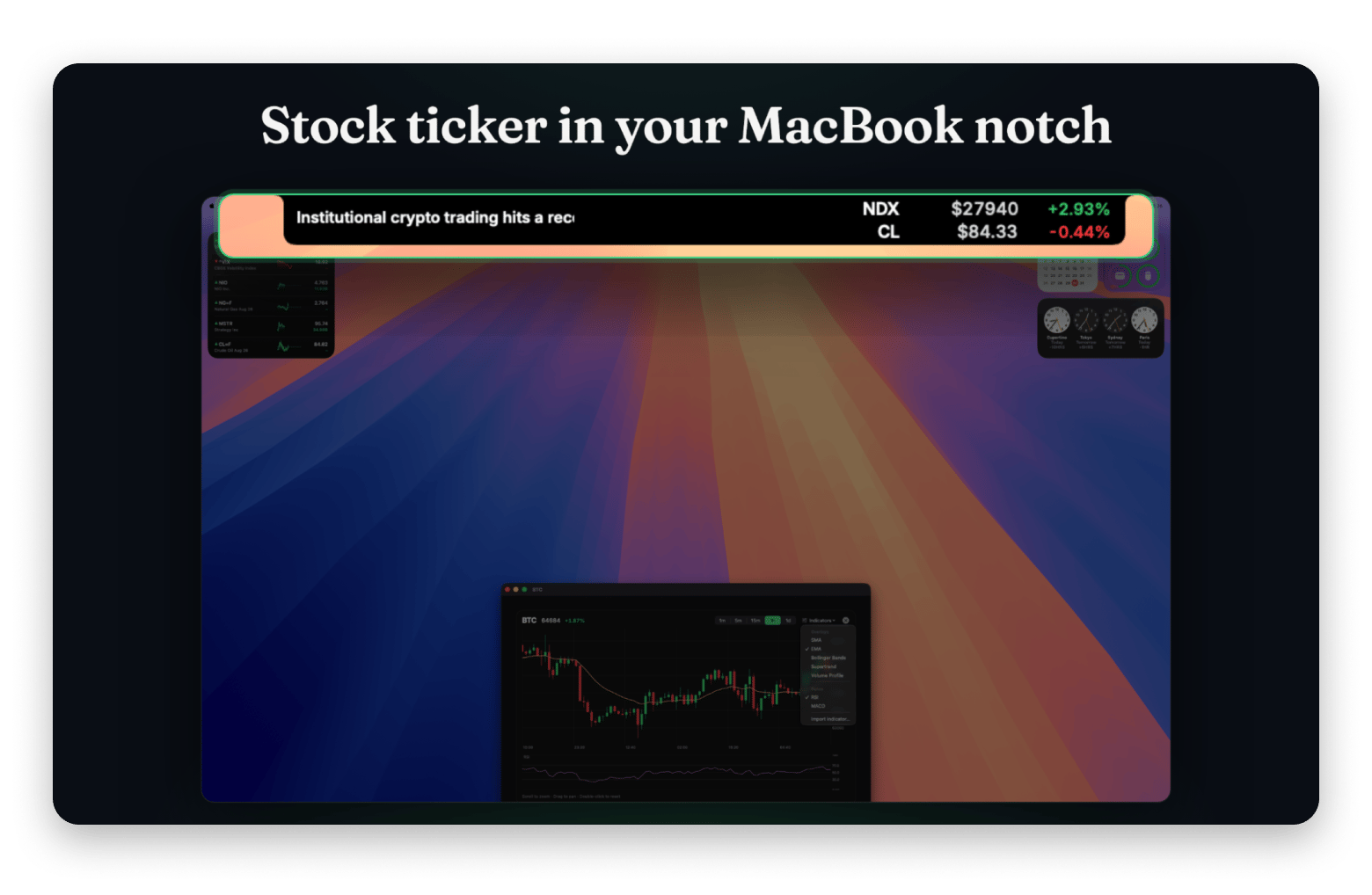
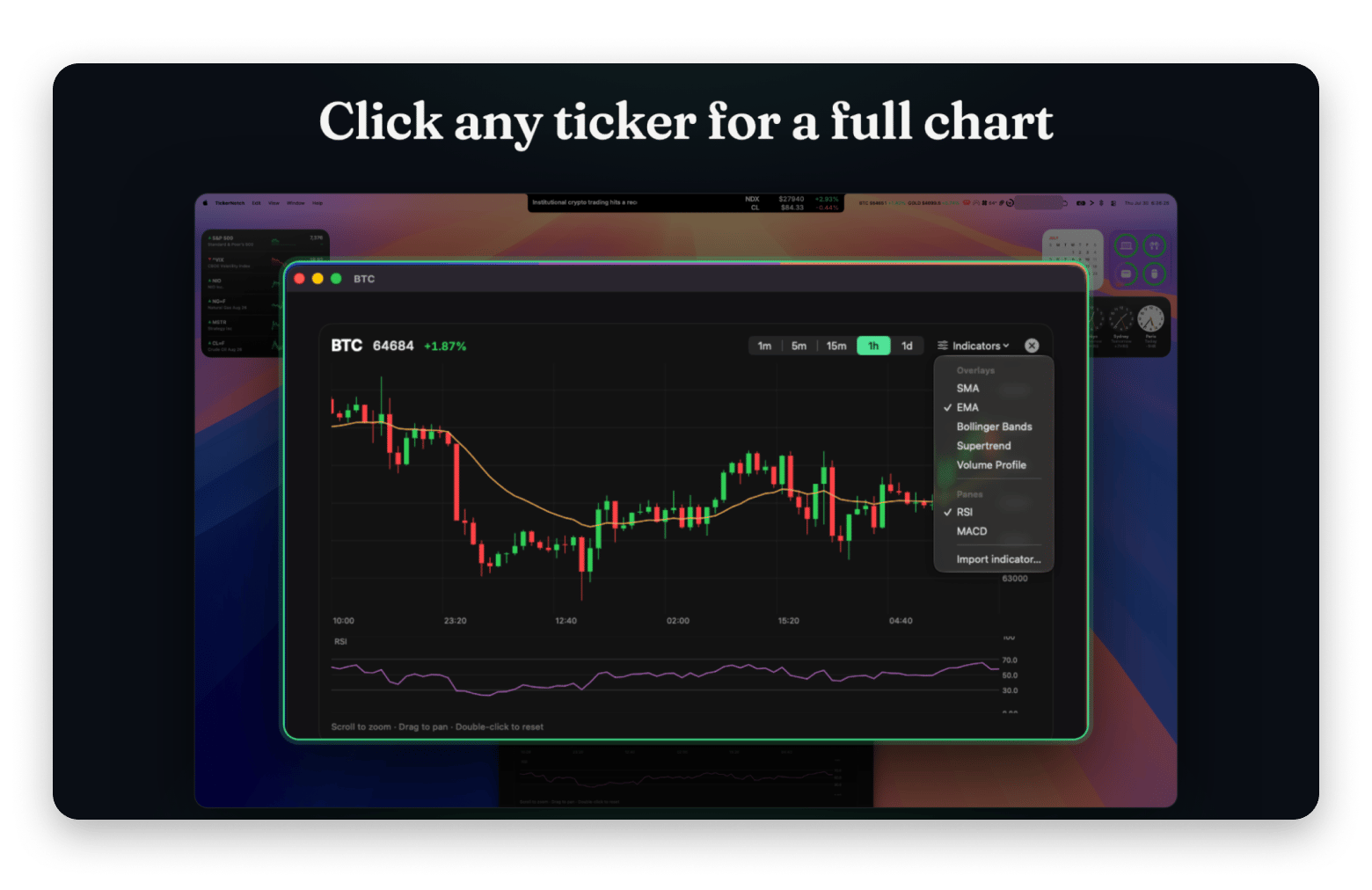
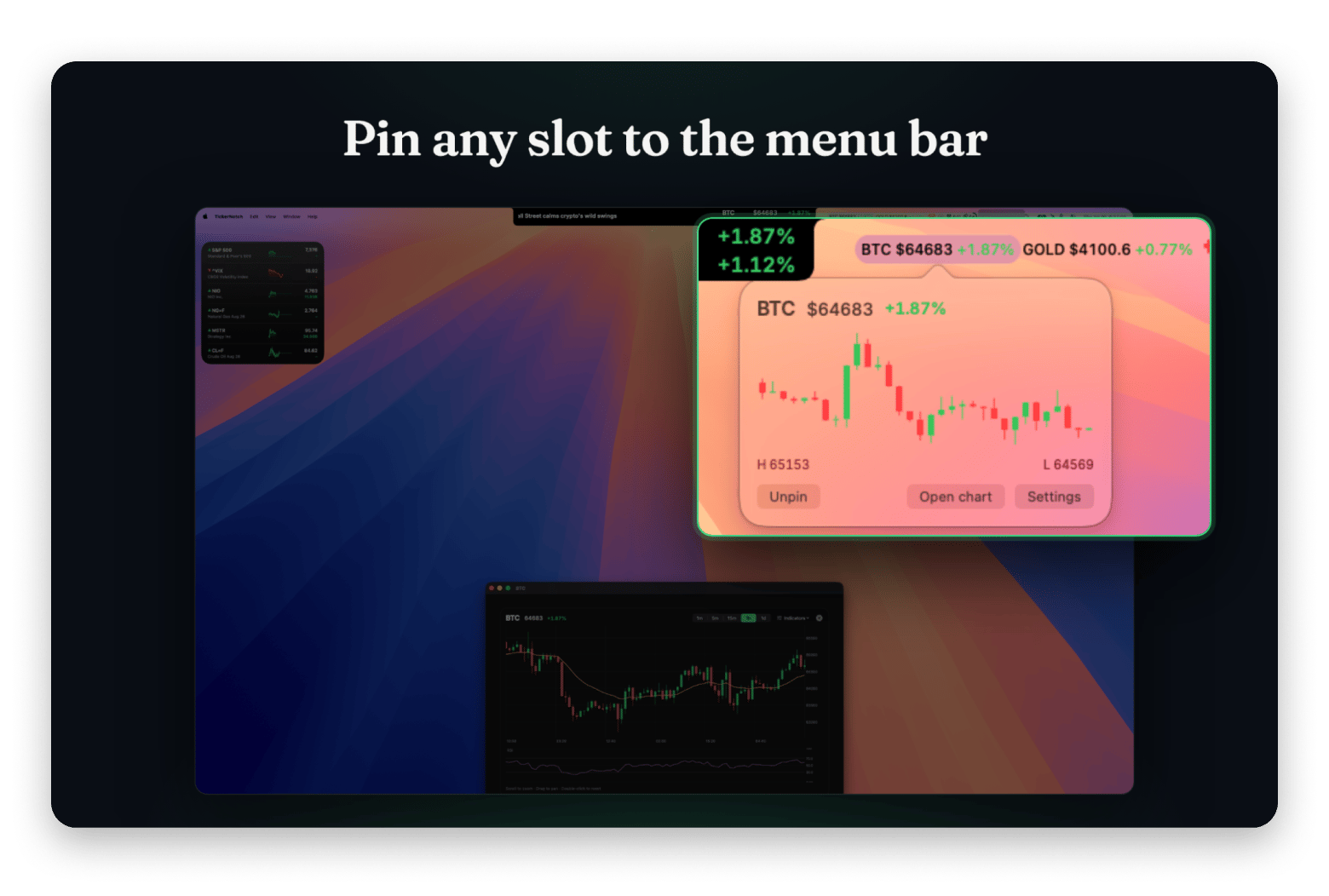
TickerNotch is a menu bar app that turns the MacBook notch into a live strip of market tickers and headlines. I shipped it with no analytics at all. No telemetry, no account. I was proud of that, and it left me blind. In the weeks after the first public build I could not say how many people had installed it, whether they kept it, or which of my postings reached anyone. I was deciding where to launch and what to spend on ads based on guesses.
The first number I trusted was wrong. The app polls an update feed on my server, and the request counter on that feed showed four. I read that as four installs. A request is not an install. So before any code I wrote down what I actually needed to know: distinct installs per version, how many are still active, the split between trial, free and paid, and which features get used. Not who anyone is, which tickers they follow, or their address. A ticker app can see your watchlist, and I do not want to know what is on anyone's.
Layer one: counting at the server
Installs from my site periodically ask my server whether a new version exists, and every new direct user downloads the installer from it. Those requests arrive anyway, so counting them asks nothing extra of the user. For each one I hash the IP address and user agent with a secret that changes with the date. I keep only the day's hashes, and only long enough to count each one once; they delete themselves after about three days. The raw address is never written down, and because the secret changes daily, the same Mac gets an unrelated hash tomorrow.
Two corrections made the count honest. My release scripts download the installer to verify it, so they now send a header that tells the server to skip them. And the download sites that re-fetch the file on their own schedule, which I once mistook for a launch spike of 35 downloads, now get their own column.
Layer two: shapes, never values
The server reports the number to me, but it cannot tell me what people use. For that, the app sends one small report a day, under one rule: the shape of a setting, never its value. It carries the app and macOS versions, the processor type, whether the Mac has a notch, the licence tier, how many ticker, weather, social and system slots, pins and alerts are set up, in ranges like "three to five", plus the strip mode and which side shows news. Never a ticker symbol, a city, a social handle, a feed address, a file path or a licence key.
Two tests enforce the rule. One encodes a report and asserts that a real symbol, city, handle, licence key and home path appear nowhere in it. The other fails if anyone adds a field to the report at all. The report is on by default, because an opt-in switch that nobody flips measures nothing. The welcome screen explains it before first use, and one switch turns it off.
Three bugs in the measuring code
With both layers running, my dashboard said almost nobody was paying. The trial share read close to 100%. All three bugs were in the measuring code, not the product.
First, the report went out only at app launch. TickerNotch is a menu bar app and nobody quits it, so each Mac reported exactly once, on its first day, while still on the trial. A customer who bought a licence a week later never launched again, so the paid tier never showed up. Now the app checks whether today's report is still due once an hour and every time it returns to the foreground.
Second, the app stamped "sent today" before the request went out. If the send failed, which is common right after a reboot, the app believed it had reported and never retried. The stamp is now written only after a successful response.
Third, my continuous integration was manufacturing trial users. The tests run on a rented Mac in the cloud, inside a real copy of the app, and a fresh machine has no licence, so every push to main and every pull request looked like a new trial install. The app now stays quiet when it finds XCTest or a CI variable in its environment.
The dashboard only ever showed the symptom. I found the worst of these by picking one number I already knew, my own paid install, and checking whether it showed up. If the pipeline could not see a case I knew was there, I had no reason to trust it on the rest.
What a rotating hash cannot tell me
It cannot follow an install across days, so retention is not measurable. I accepted that for a while, then wanted the one number that tells you whether a product works: do the people who install it keep it?
So the app now generates a random install ID the first time it reports. Against it, the server keeps one small record: the shapes above, the first and last day it reported, and the country the last report came from as a two-letter code, never the address. The ID is not tied to hardware or to any account. Turning the switch off deletes it from the Mac. It is shown in Settings with a copy button, so anyone can send it to me and ask for their records to be removed.
That forced two edits. The switch used to say "Share anonymous usage statistics", and with a stable ID the word anonymous was no longer true, so it now says "Share usage statistics". I also rewrote the privacy notice before the build shipped, not after.
What it cost, and what I got for it
A few hundred lines in the app, a server function under a thousand, and a test file. The Setapp build has the reporter compiled out and never contacts my update server either, because Setapp already reports installs to its developers.
What I got is the ability to say true things about my own product: how many Macs run this version, what fraction of them pay, which slot types get used and which do not. None of it costs anyone their privacy. Until I measured, I was guessing, and I spent weeks marketing to nobody on the strength of those guesses.






 Best solution
 Best solution