The Apple App Store and Google Play Store are the default stores for their platforms, but they're far from your only options.
Setapp is a real alternative to mainstream app stores for Mac and iOS developers: list your app on Setapp Membership (250+ curated apps, one subscription) or sell individually via Setapp Marketplace. You keep distribution control, get billing handled for you, and reach a paying audience without exclusivity.
Developers on Setapp get a predictable monthly revenue stream, fast app review, and platform-managed billing infrastructure — alongside the App Store, not instead of it.
F-Droid is the best privacy-focused option for Android: all apps are free, open-source, and don't require an account to use.
The right store depends on your platform, target audience, and revenue model. For macOS and iOS developers, combining the App Store with Setapp covers the most ground.
The Apple App Store and Google Play Store are the defaults, but defaults aren't always the best fit. The EU's Digital Markets Act, the rise of curated app subscriptions, and a new wave of privacy-focused stores have changed how developers distribute apps and how users find them.
I've spent time across pretty much every major store, and this guide covers the ones actually worth knowing in 2026: what they do well, where they fall short, and which one fits your setup.
Why use an alternative app store?
Users, developers, and marketers today are looking beyond the App Store and Google Play for several reasons.
For developers:
Expand reach and monetisation beyond the obvious channels.
Get more friendly revenue-sharing models. E.g., Apple’s 15-30% cut vs Setapp’s up to 90% model.
Gain control over distribution without adapting to stringent rules and review processes.
Gain monetisation flexibility beyond in-app purchases and paid downloads.
For users:
To get apps that aren’t published on mainstream stores due to strict guidelines or niche audiences.
Save significantly via alternative app stores with free apps or alternative payment options like Setapp’s all-in-one macOS and iOS subscription.
Best stores for apps at a glance
Different stores operate using varied models and target different users, and here’s an overview of the best ones:
Developers who want predictable revenue and a paying audience
Google Play Store
Android
2.3M+
Free + paid
Developers targeting the widest Android audience
Amazon Appstore
Android, Fire OS
500K+
Free + paid + IAP
Developers targeting Fire TV and Fire tablet users
Samsung Galaxy Store
Samsung devices
100k+
Free + paid
Developers optimising for Samsung hardware
F-Droid
Android
3K+
Free
Open-source app developers
Microsoft Store
Windows
800k+
Free + paid
Windows developers who want a verified distribution channel
Apple App Store: For ecosystem integration
Best for: Developers targeting iPhone, iPad, and Mac users who expect a polished, trusted experience.
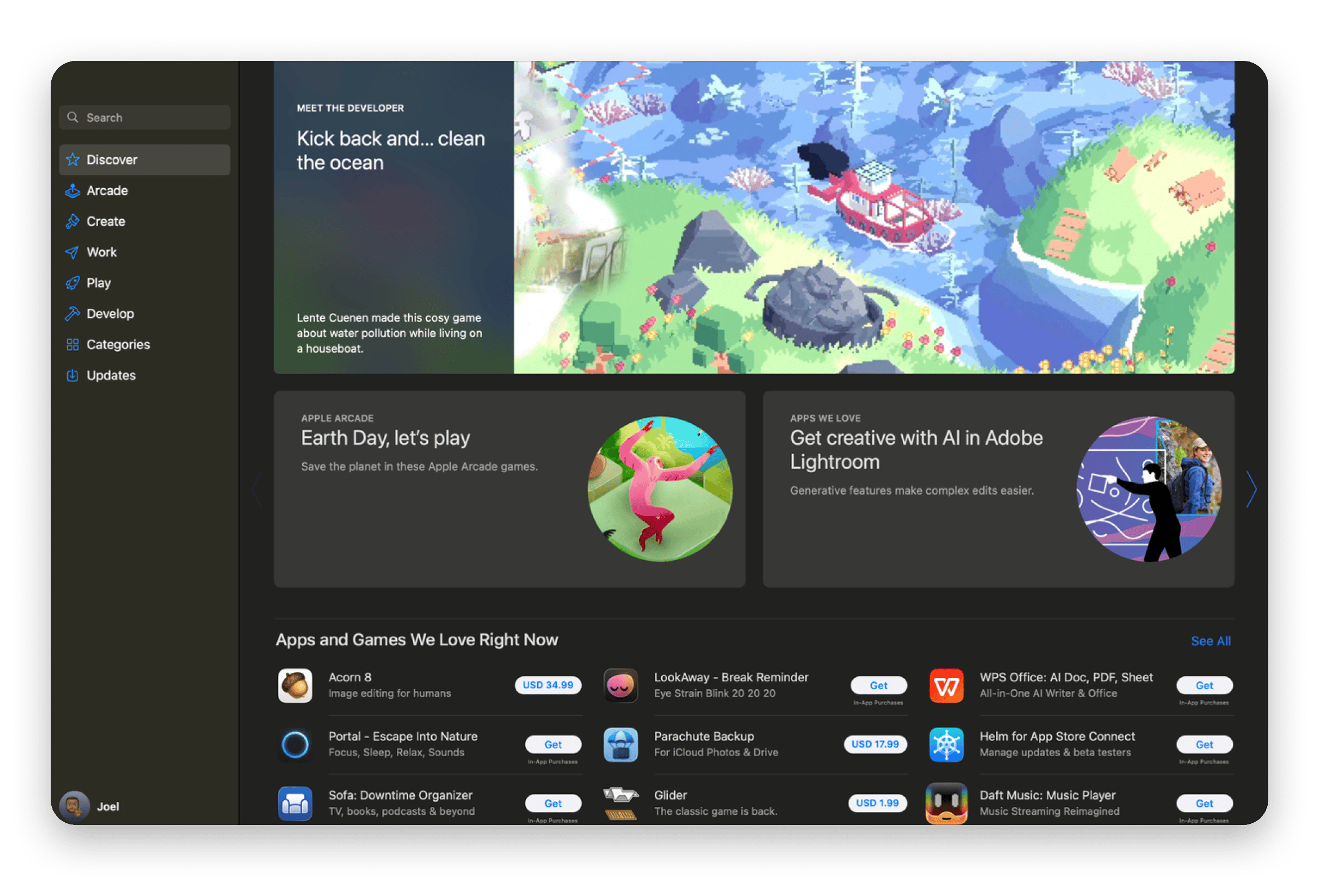
The App Store is the main app store for Macs, iPhones, and iPads. It currently has over 2.4 million apps, which makes it the second-largest marketplace after Google’s.
One thing the App Store is known for is its strict evaluation criteria. Apple still reviews each app manually and has set out strict guidelines that all developers must follow. It’s what makes it one of the safest stores, but this is a pain for developers. The rules tend to restrict features, and the manual process often means that apps take a long time to be published or simply updated.
However, now that the EU has the DMA (Digital Markets Act), Apple has no alternative but to allow alternative stores in the region.
Pros:
The strict review enhances app quality and security
User experience is largely consistent across apps
Developers enjoy relatively higher trust and expenditure
Has both iOS and macOS versions
Cons:
Some features can’t make it past the review process
Releases and updates are relatively slower
Setapp: For predictable revenue on Mac and iOS
Best for: macOS and iOS developers who want a predictable revenue stream and a paying, quality-focused audience without exclusivity requirements.
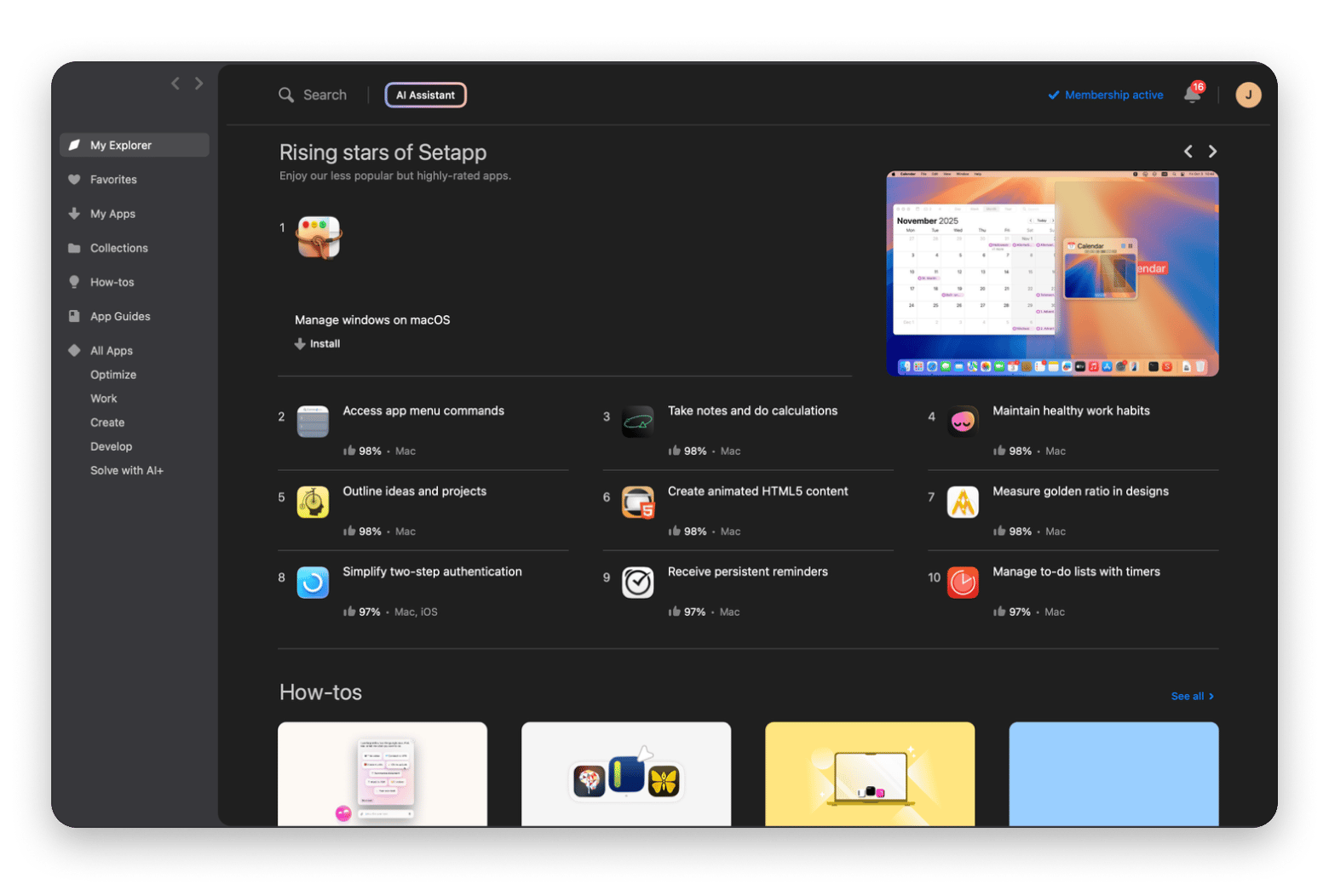
Setapp takes a different approach to app distribution. Instead of competing for visibility in a marketplace of millions, your app gets placed in a curated collection of 250+ tools that subscribers actively use. You get exposure without the noise.
There are two ways to list on Setapp. Setapp Membership puts your app in front of subscribers who pay a flat monthly fee — your revenue is tied to usage, not one-time purchases or seasonal spikes. Setapp Marketplace lets users buy or subscribe to your app individually, with Setapp handling billing, taxes, and payment infrastructure.
Setapp shares up to 90% of its revenue with developers, compared to Apple's 70–85%. App review is fast, and there's no exclusivity: you keep your App Store listing running in parallel.
“The only metric that I care about is revenue. First month I joined Setapp, Session made exactly the number I promised myself to quit all job/contract work" — Philip Young Gunawan, Session developer.
“The revenue from Setapp tends to be very stable and reliable. Now I’m sure I can keep working on Timing long-term,” — Daniel Alm, Timing founder.
Pros:
Two distribution models: Membership (subscription bundle) and Marketplace (per-app sales)
Predictable monthly revenue stream — not dependent on release cycles or seasonal spikes
Setapp handles billing, taxes, and payment infrastructure
Fast app review
No exclusivity: list on the App Store and Setapp simultaneously
Access to a high-intent, paying audience that actively uses productivity software
Apps are manually curated, which means less noise and better discoverability
Cons:
The catalogue is smaller compared to mainstream app stores
Best for: Developers targeting the widest possible Android audience.
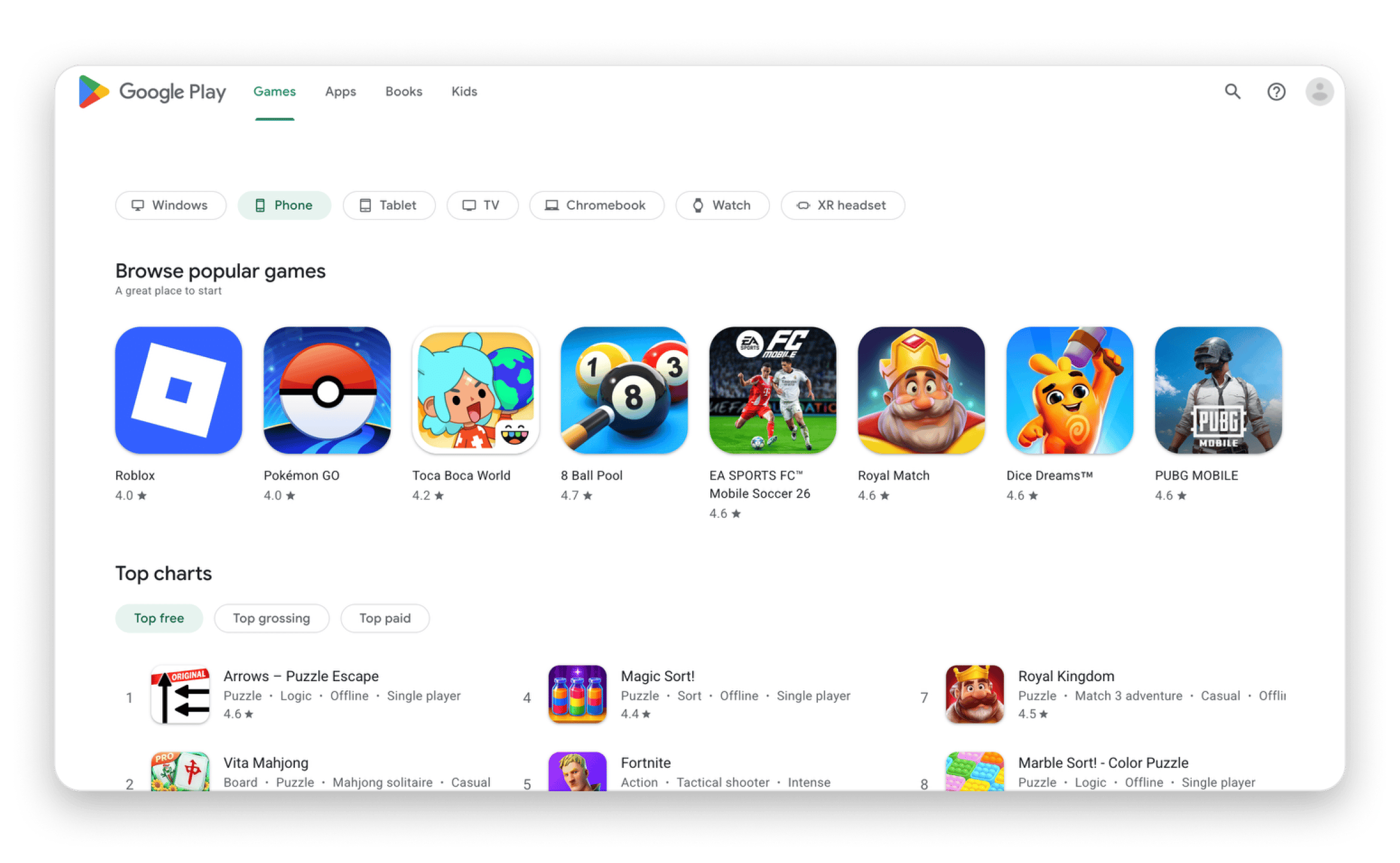
The Google Play Store has a commendable 2.3M+ apps and is available on every Android smartphone and tablet outside China (and Huawei devices).
The huge app list makes it the go-to marketplace for Android users. However, that also introduces a few challenges. The main one is that Google can’t really go over every app manually. It relies on automated checks for both apps and updates. This makes distribution faster, but it has also subjected the store to several malware incidents. Users also get a less cohesive app experience than with Setapp or the Apple App Store.
Revenue share is similar to Apple's: 15% for the first $1M annually, then 30%.
Pros:
Largest app selection for Android devices
Faster and more flexible approval process
Offers a broader reach for developers
Cons:
App quality can vary significantly
Discovery is highly competitive due to volume
Amazon Appstore: For Fire TV and Fire tablet users
Best for: Developers targeting Fire TV, Fire tablet, and Kindle users.
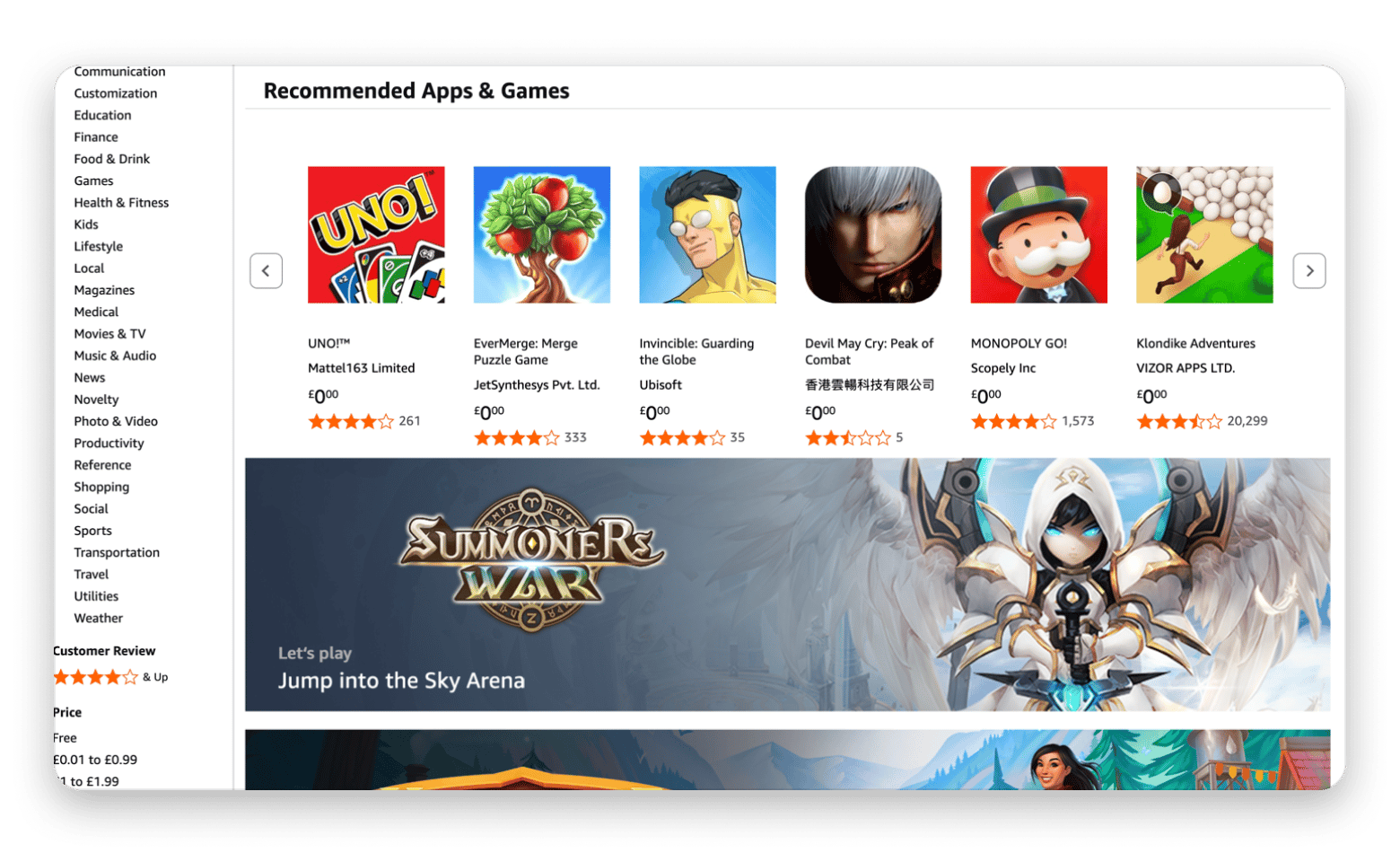
The Amazon Appstore comes installed on Fire TV devices and Fire tablets. There’s also a Kindle Store version, but this one only focuses on books.
A while back, the store became popular even among Android users due to its rotation of free daily apps. The program was later discontinued, and the Android version of the store also reached its end of life in 2025. Amazon decided to focus on its own lineup.
The Amazon Store only has about 500k apps, but users can still install Android apps through sideloading. If you are a developer, you can publish there to reach Fire TV and Fire tablet users easily.
Pros:
It’s already installed on Fire TV devices and tablets
The apps are optimised for the specific devices
Makes it easy to discover new apps
Cons:
The reach is limited to Amazon device users
The app selection is significantly small
Samsung Galaxy Store: For Samsung-exclusive apps and features
Best for: Developers optimising apps for Samsung hardware and accessories.
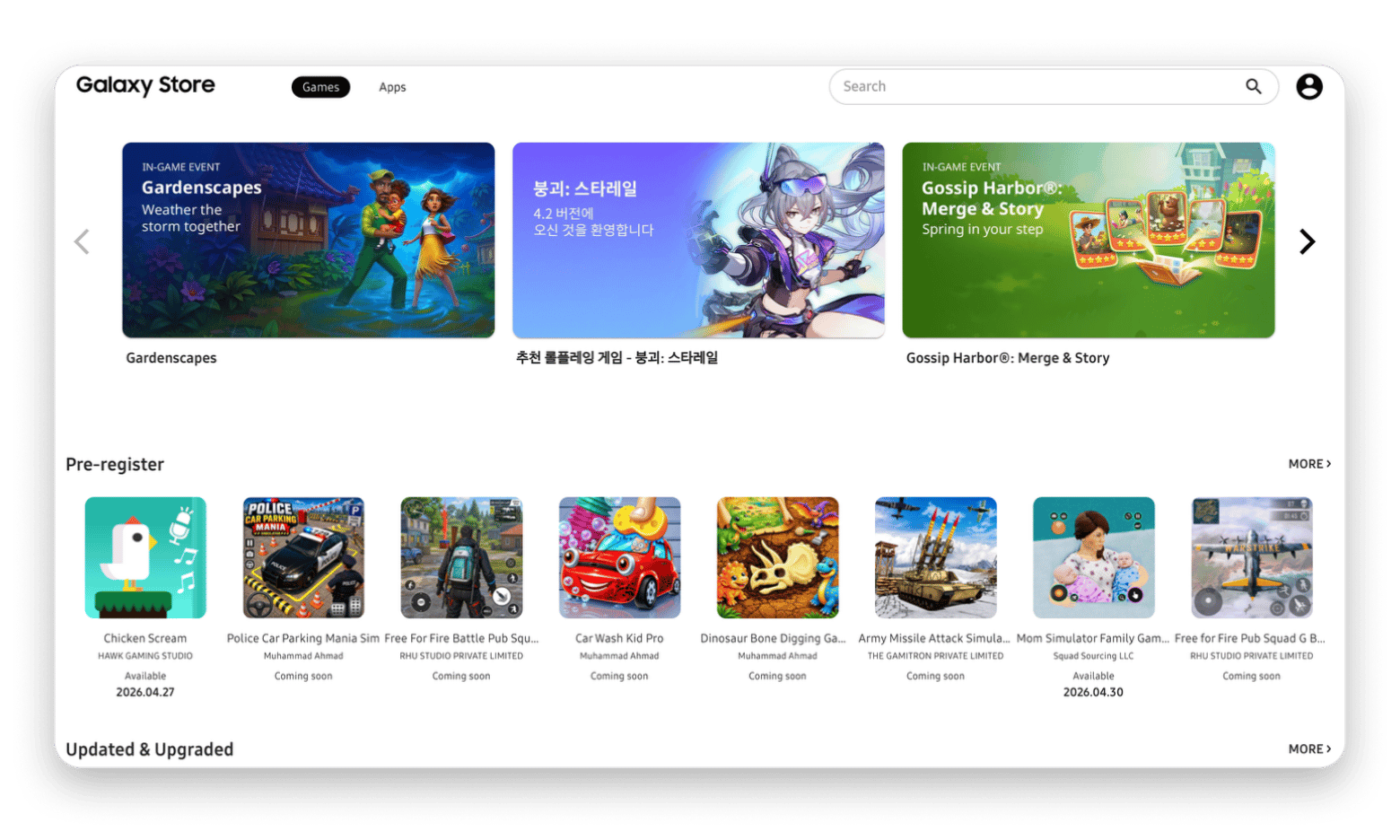
The Samsung Galaxy Store is built into the various Samsung smartphones and tablets. The unique thing about it is that it’s not trying to compete with the Google Play Store, which is also pre-installed on the devices. Instead, it just wants to help Galaxy users get the most out of their devices.
It includes some Samsung-exclusive apps and utilities, such as Good Lock. These offer features beyond what you can get on standard Android devices. If you are a developer, you can also use the store to optimise your apps for accessories like the S Pen. Otherwise, it’s still an extra channel for reaching users, and it’s actually one with less direct competition.
Pros:
Access to apps with Samsung-only apps and features
Less crowded than major app marketplaces
Built-in on all Samsung devices
Cons:
A smaller app library compared to the Play Store
Only meant for Galaxy devices
F-Droid: For open-source, privacy-first Android apps
Best for: Open-source Android developers who want a privacy-focused distribution channel.
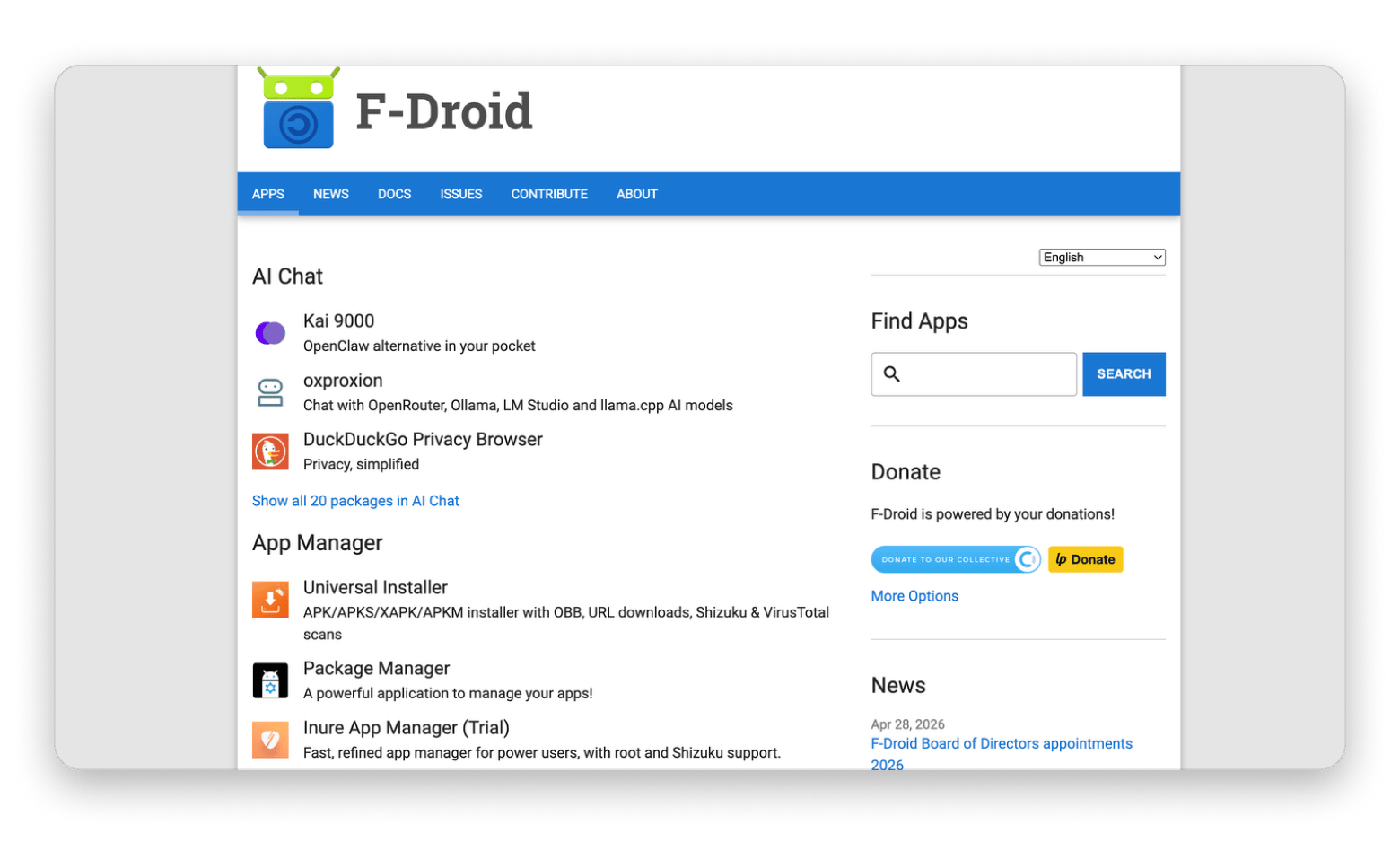
F-Droid is run by volunteers and exists to give users a privacy-friendly alternative to Google Play. All apps must be free and open-source — their source code is publicly available for audit. There are no fees and no accounts required.
For developers, it's a niche channel but a credible one. F-Droid users are technically savvy and privacy-conscious — a valuable audience if your app aligns with those values. The store flags "anti-features" like ads and trackers, so apps that avoid these tend to be well-received.
Pros:
All apps are free and open-source
You don’t need an account
Has a strong privacy stance with auditable code
Cons:
Smaller catalogue compared to competitors
No commercial apps
The interface is outdated
Microsoft Store: For verified app downloads on Windows 11
Best for: Windows developers who want a trusted, verified distribution channel.
I’m one of the people who never really used the Microsoft Store, as I always thought it lacked apps, and the ones it did offer were toned down. And in most cases, I’d download an app, only to need to download its files separately.
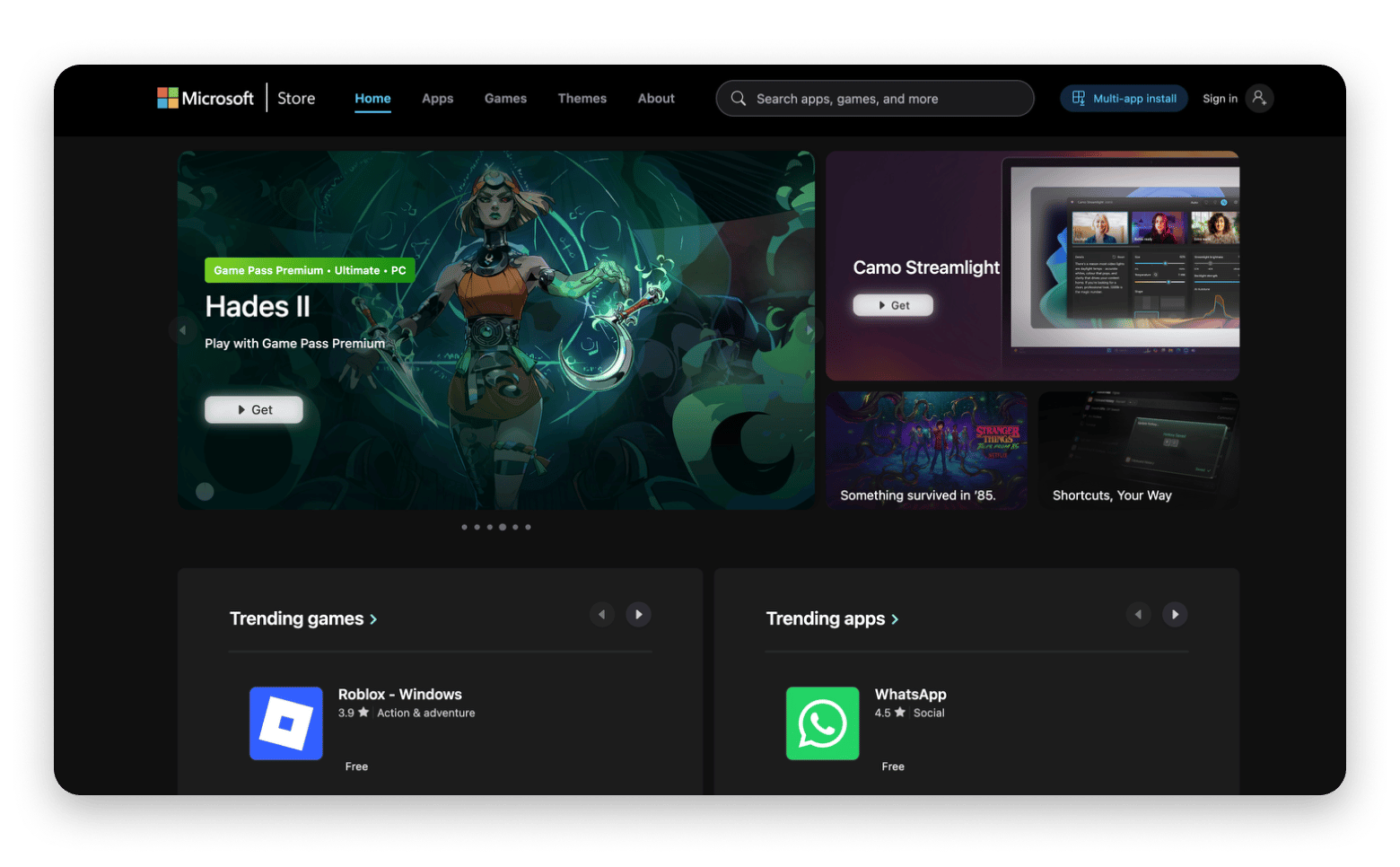
However, that has changed with a recent Windows 11 update. It’s now more of an open store, as developers no longer have to use the store’s proprietary packaging (UWP).
This means that you can now distribute or download unmodified Win32 apps (.exe and .msi). Developers also have freedom when updating apps within the store, as they don’t have to wait for approvals to update some apps. It may not eliminate the popularity of direct downloads from developer websites, but it’s a move in the right direction as it makes Windows app installation safer.
Pros:
Now supports Win32 apps
Safer than random downloads
It’s now more business-friendly
Cons:
Still playing catch-up in the catalogue
Not yet a habit for most Windows users
App stores in 2026: the right mix beats any single platform
No single app store covers everything, and that's fine. The right distribution strategy depends on your platform, audience, and revenue goals.
For macOS and iOS developers, the practical answer is a combination: the App Store for baseline reach, and Setapp for a more predictable, higher-margin revenue stream alongside it. For Android developers, Google Play is the foundation — the Samsung Galaxy Store and Amazon Appstore are worth adding if your app fits those audiences.
If you're a macOS or iOS developer, Setapp offers two ways in. Setapp Membership puts your app in front of 250+ curated tools subscribers already pay for monthly. Setapp Marketplace lets users buy or subscribe to your app individually. Both models run alongside the App Store — no exclusivity required.
What is the safest alternative app store for Android in 2026?
The safest alternative app store for Android in 2026 is F-Droid. The store only publishes open-source apps that have been reviewed by the community, which is a great way to ensure that apps don’t have tracking or malicious code.
What is the difference between the Mac App Store and Setapp?
The Mac App Store uses the traditional marketplace model that hosts apps varying in quality and monetisation methods. On the other hand, Setapp is only made up of curated apps and offers hundreds of them through a single subscription and a flat fee.
Which app store platform has the most apps available?
The Google Play Store has the largest number of apps, with over 3 million apps, according to Statista. It’s followed by the Apple App Store with about 2.4 million apps. Other stores like Setapp, F-Droid, and the Samsung Galaxy store have significantly fewer numbers, but that’s because they focus on specific audiences and curated selections.
Powerful apps live on Setapp
Ditch defaults and discover new gems on one app platform.






 Best solution
 Best solution