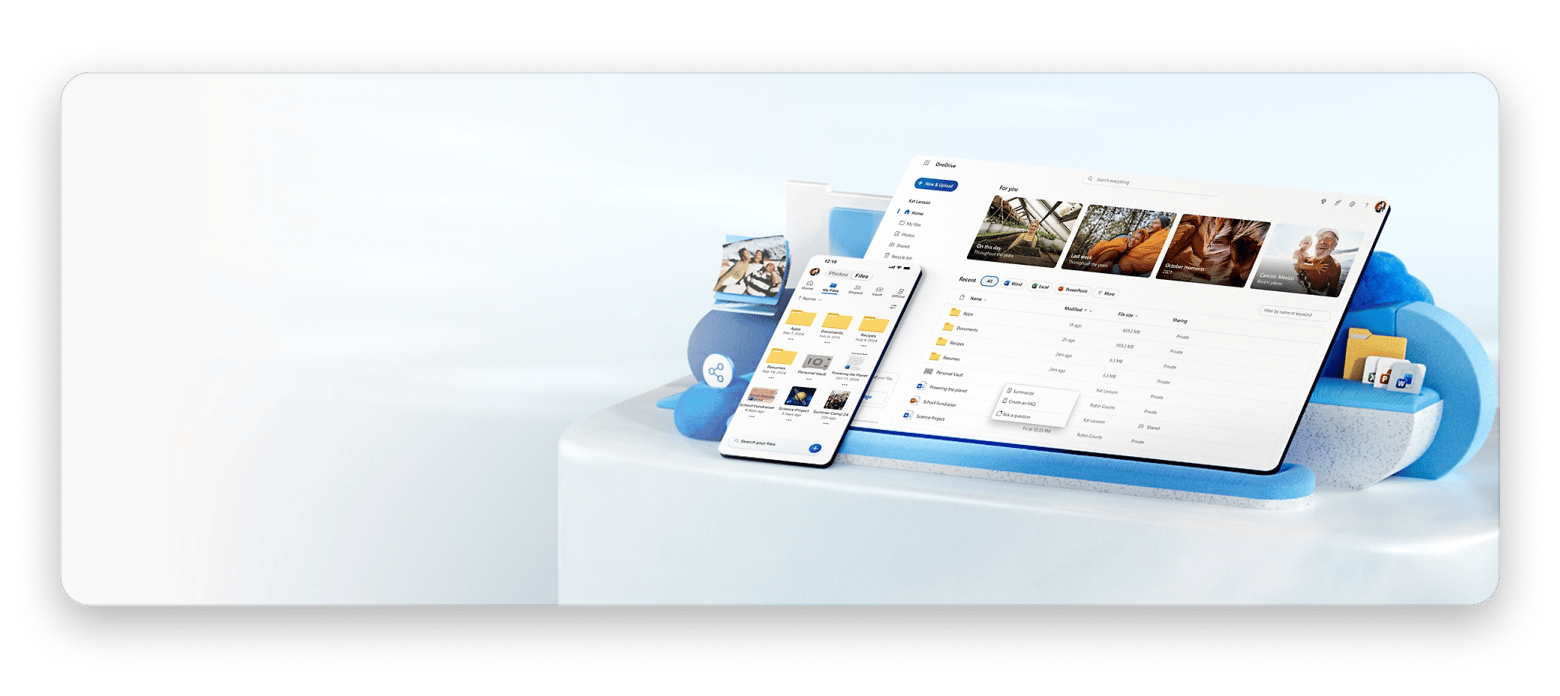
Users are looking for alternatives to iCloud that offer greater privacy, more storage, and competitive pricing.
pCloud offers lifetime storage plans that pay for themselves after 3 years, with optional zero-knowledge encryption and up to 10 TB of capacity.
Google Drive and Dropbox lead in collaboration features and third-party integrations, but lag behind specialized security providers in privacy.
Most iPhone backup features remain exclusive to iCloud, requiring users to maintain a minimum amount of iCloud storage for system backups while using alternatives for photos and documents.
Setapp offers integrated cloud workflow tools plus 250+ productivity apps. Try Setapp free for 7 days to streamline your storage strategy.
As a content creator, I’ve collected hundreds of gigabytes of video projects, raw footage, and photos over two decades. My childhood photos from the 2000s sit alongside recent 4K video files, creating an archive I can’t afford to lose. When I got the notification that I hit the 2TB limit, I had two options: pay even more or look for an iCloud storage alternative.
After researching and testing multiple services, I found solutions offering better capacity, stronger privacy, and often lower costs. In this article, I will share 8 alternatives to iCloud storage that may be useful to anyone who is also looking for a way to store heavy business files, video content for a blog, or precious memories.
Compare iCloud alternatives: Storage, pricing, and key features
Cloud storage providers differentiate through storage capacity limits, pricing models, and privacy implementations. While iCloud caps storage at 2TB with standard encryption, alternatives offer lifetime subscriptions, zero-knowledge protection, and capacity exceeding 10TB.
Service
Best for
Max Storage
Price
pCloud
Lifetime storage
10 TB
From $5/month
Google Drive
Collaboration
30 TB
Free or from $1.99/month
Dropbox
Integrations
3 TB for individuals/ unlimited for business
Free or from $9.99/month
Internxt
Budget-conscious
10TB
Free or from $18/first year
Microsoft OneDrive
Microsoft 365 users
6 TB
Free or from $1.99/month
IDrive
Comprehensive backup
5 TB
Free or from $9.95/month
pCloud: Best iCloud alternative with lifetime storage plans
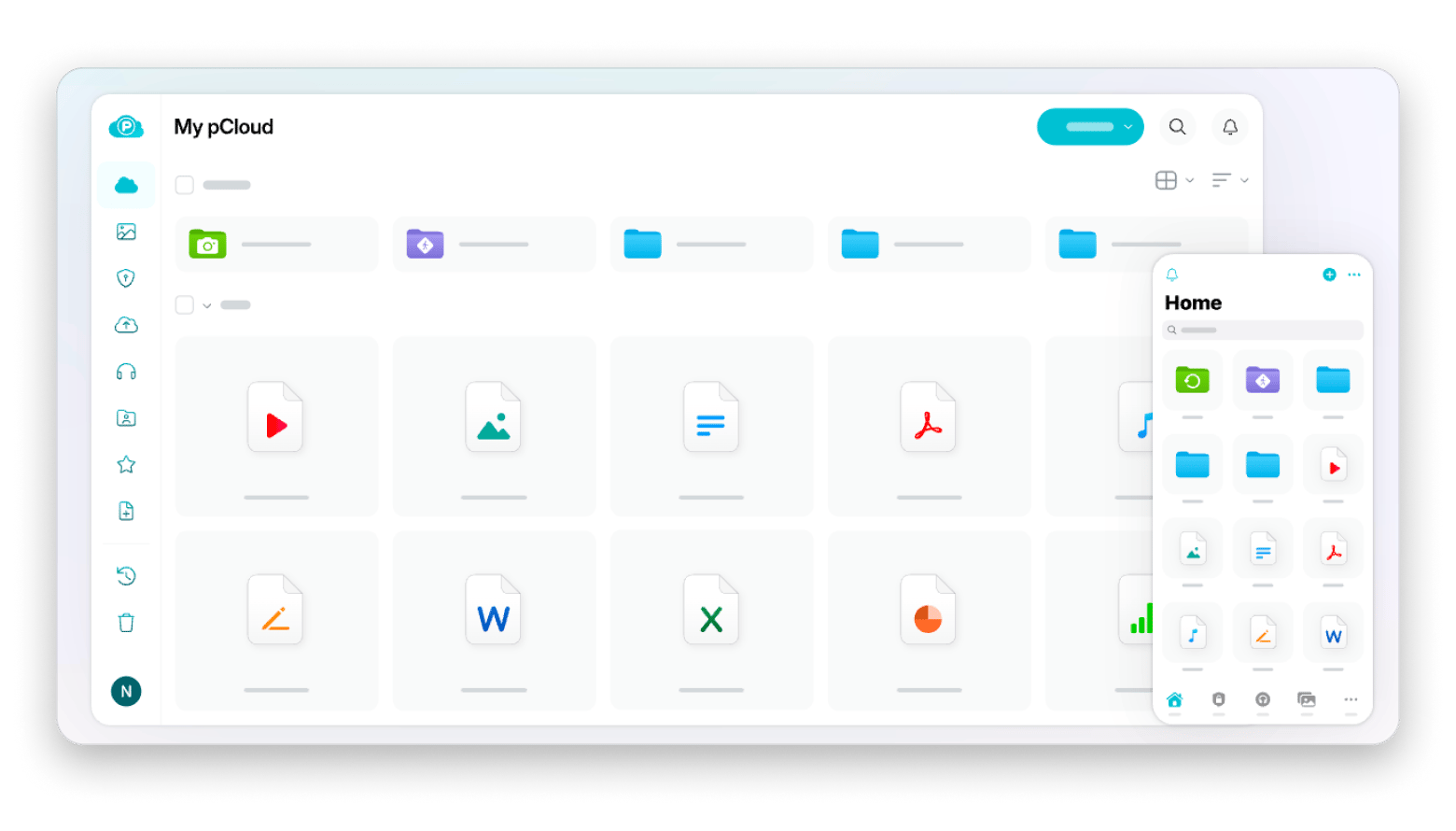
pCloud puts an end to recurring subscriptions with lifetime plans that pay for themselves. The one-time payment of $600 for 2 TB seemed high at first, until I calculated that the monthly fee of $9.99 for iCloud would cost twice as much over a period of ten years.
The virtual drive implementation mounts cloud storage directly in Finder without consuming local disk space. Files download temporarily when opened, with modifications syncing automatically to the cloud. This approach freed up 800GB on my Mac while maintaining access to my complete video project library.
Source: pCloud
“I've had many years with Pcloud 2Tb lifetime. No complaints. Some things I love: 1. Automatic backup of photos/videos from my phone at full res which is great as Google Photos does not sync full res for free. 2. Automatic backup of Google Drive. 3. Automatic backup of social media accounts”, shares a Reddit community member.
Best features:
Favorable lifetime plans
10TB maximum capacity
Block-level sync transfers only modified file portions
Google Drive: Best iCloud alternative for collaboration
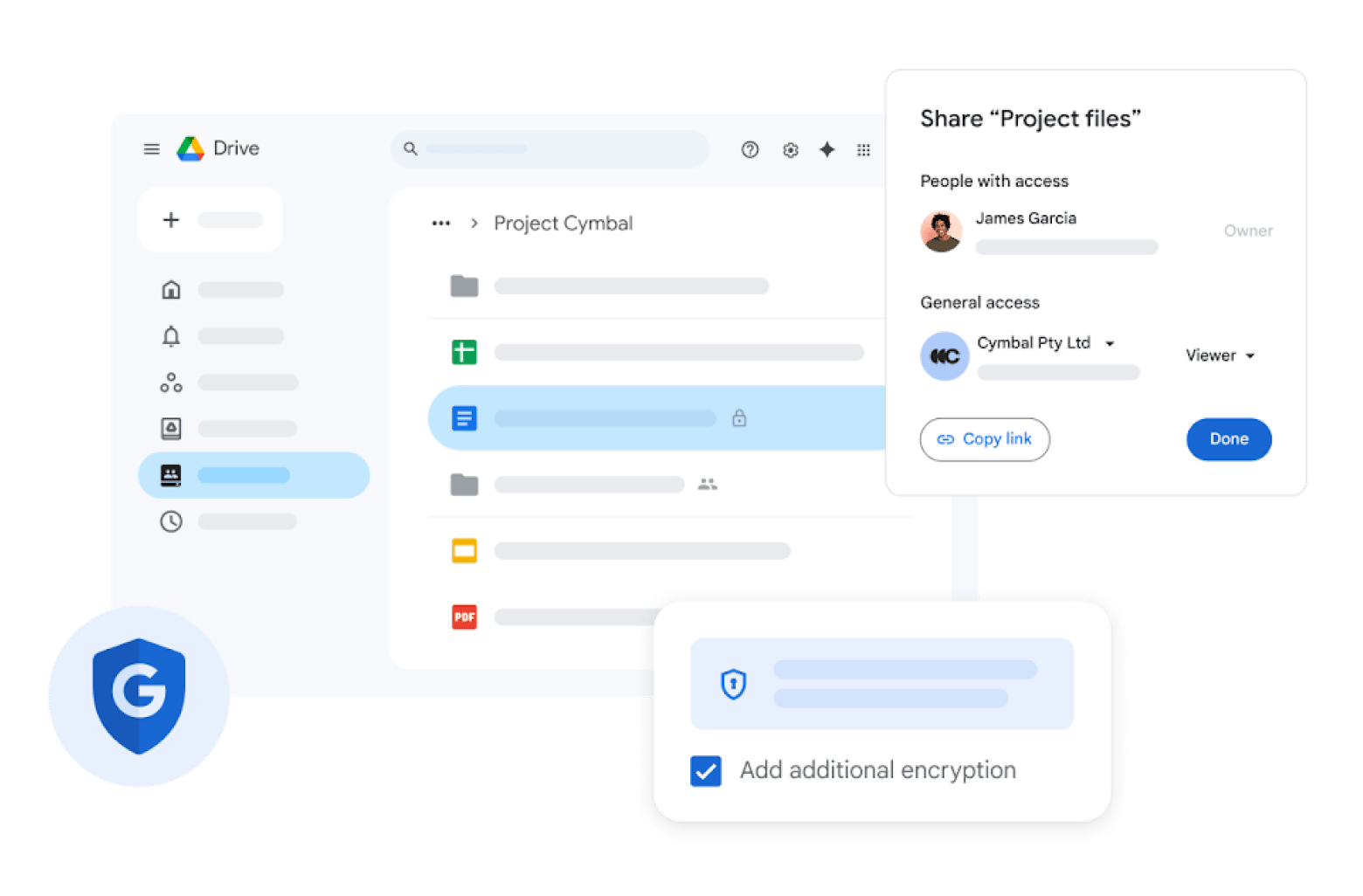
Google Drive provides 15GB of free storage, triple iCloud's 5GB allocation. Therefore, it was my first choice as an iCloud storage alternative. In addition, I appreciate the real-time editing capabilities. I can collaborate with my team on scripts and storyboards with automatic conflict resolution.
“I like that I can set up a folder on one machine and find it on everything else.
Full integration with gmail (my mx points to google.)
Integration with GSuite. I can open a .docx with gsuite while in my G: drive.
The ungodly amount of storage I have available. Still haven't come close to filling it up.
It's included with my gsuite sub. If I'm paying for it already (and a good price at that), I'm going to use it, and at the end of the day, it just works”.
However, some Reddit users complain that the Google Drive desktop app may work incorrectly.
“As an IT professional working mainly with companies using Macs, Google Drive Desktop is horrible, because it's so unreliable (stops syncing/uploading, not showing up-to-date content sometimes, etc.). That's the most frustrating part — you then have to completely uninstall it manually.”
Source: Google
Best features:
15GB free storage
Real-time collaborative editing
5 TB individual file size limit
Google Workspace integration (Docs, Sheets, Slides)
Fast upload and download speeds
Powerful search with OCR capabilities
Pros:
Generous free tier
Excellent collaboration features
Works seamlessly across all platforms
Integrated with Gmail and Google Photos
Cons:
Cannot replace iPhone system backups
Price: Free or from $1.99/month.
Dropbox: Best alternative to iCloud for professional workflows and integrations
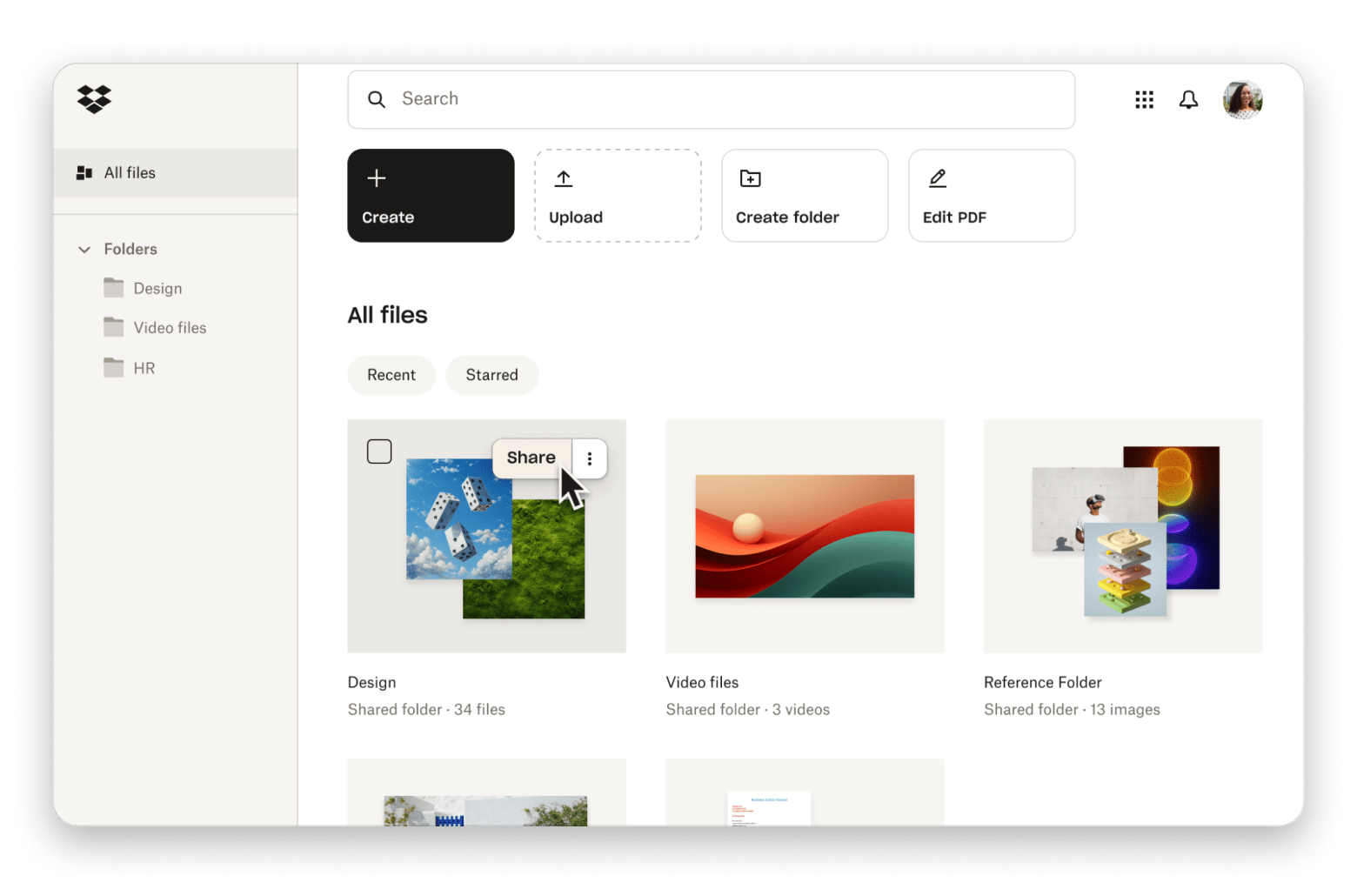
Dropbox pioneered cloud storage file synchronization and maintains extensive third-party integrations. The service connects directly with Microsoft 365 and Google Workspace, allowing users to create and edit Office documents or Google files without leaving Dropbox’s interface.
Dropbox Paper provides collaborative document creation with rich media embedding and task assignment. The eSignature feature eliminates third-party document signing services. Screen recording capabilities capture and automatically upload recordings to cloud storage.
Best features:
Microsoft 365 and Google Workspace integration
Dropbox Paper for collaborative documentation
Includes eSignature functionality
Screen recording with automatic upload
Password-protected file sharing
Extensive third-party app ecosystem
Pros:
Strong collaboration features
Professional tools for business workflows
Fast synchronization speeds
Works across all major platforms
Cons:
Only 2GB free storage
Price: Free or $9.99/month.
Internxt: Most affordable iCloud alternative
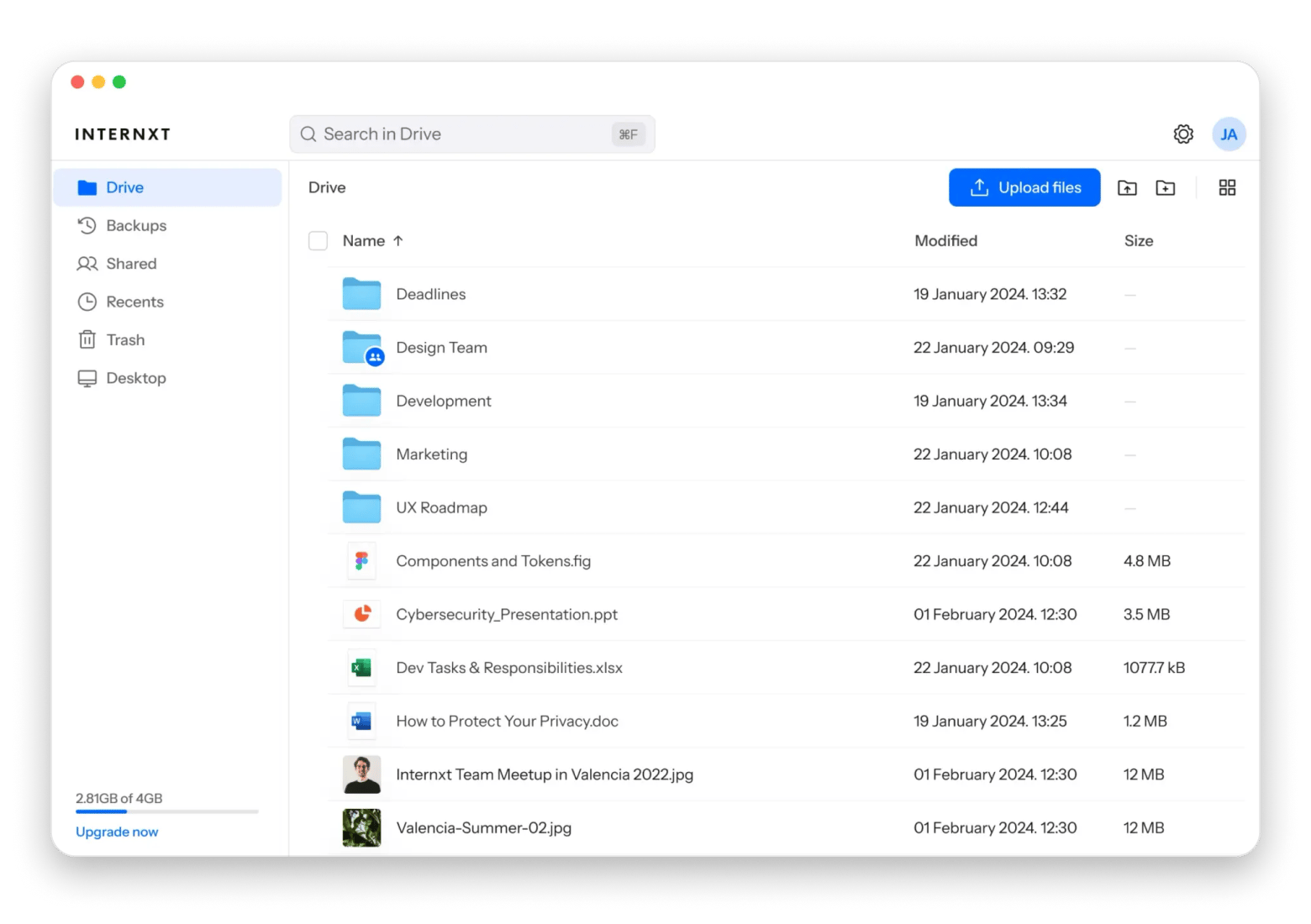
Although Internxt only provides 1 GB for free, it offers the best terms for paid storage of large amounts of files. For 5 TB of storage, you only have to pay $4.5 per month on an annual basis. The service implements end-to-end encryption with distributed data storage across multiple locations, fragmenting files to prevent unauthorized access. All paid plans include basic VPN access and antivirus protection.
“I purchased storage from Internxt and from the get go the support from the team was really good!
I am paying less than I did when using other cloud servers like Drive and iCloud, and when asking ChatGPT to summarise the fine print, Internxt is much more secure.
Very happy with the service, and excited about the new updates rolling out this quarter!”, shares a Reddit user.
Best features:
Lowest cost for large capacity with encryption
Fast transfer speeds
Included VPN and antivirus on paid plans
Lifetime plan options
Pros:
Most affordable per-GB pricing
Strong privacy protections
Additional security tools included
iOS and macOS app support
Cons:
Limited collaboration features
Smaller feature set than established providers
Price: Free or from $18/first year for 1TB, then $120/year.
Microsoft OneDrive: Best alternative to iCloud bundled with Microsoft 365
If you use both Windows and macOS at work, Microsoft OneDrive may fit your needs. It's easy to collaborate with colleagues and no problem to open office files from any device.
The Personal Vault feature provides additional encryption for sensitive files, requiring biometric or two-factor authentication for access. Files On-Demand functionality displays cloud files in Finder without downloading until opened, similar to pCloud’s virtual drive approach but with deeper system integration on Windows.
Source: Microsoft
“I’ve used google drive, idrive, mega, box..all are pretty good but i still prefer onedrive for its longivity”, says a Reddit user.
Best features:
Microsoft 365 apps included with subscription
Native macOS and Windows integration
Personal Vault for sensitive files
Files On-Demand saves local storage
Collaborative editing in Office apps
Automatic file versioning
Pros:
Best value when needing Office applications
Deep system integration
Strong collaboration features
Works well across platforms
Enhanced security with Personal Vault
Cons:
Only 5GB free storage
Price: Free or from $1.99/month,
IDrive: Best comprehensive backup solution
IDrive combines cloud storage with full device backup. One 5TB plan can protect unlimited devices, including your Mac, external drives, iPhone, and iPad — all under one account. You get more space than iCloud’s 2TB plan, for a lower price.
For extra privacy, you can use your own encryption key so only you can access your files. IDrive can also back up data from services like Microsoft 365, Google Workspace, Dropbox, and Box.
Best features:
5TB storage with unlimited device backups
Continuous automatic backup
Client-side encryption available
Cloud app backup (Microsoft 365, Google Workspace)
Pros:
Excellent value for capacity
True backup solution beyond storage
Backs up multiple devices
Physical shipping option
First-year discount pricing
Cons:
Primarily backup-focused, not sync-focused
Interface less polished than competitors
Price increases after first year
Price: Free or from $9.95/month.
To sum up: Choosing your iCloud alternative
The best iCloud alternative depends on what matters most to you — storage space, privacy, price, or collaboration tools. If you’ve ever searched how to buy more storage on iPhone not iCloud, you’ve probably realized Apple doesn’t offer extra device storage beyond iCloud upgrades. That’s why moving photos, videos, and large files to a separate cloud service can be a smarter long-term solution. My switch from iCloud’s 2TB limit to higher-capacity services showed me that protecting years of memories requires both enough space and strong security.
Choose pCloud if you want long-term savings and more than 2TB, especially for large photo or video libraries. Go with Google Drive or Dropbox if collaboration and integrations matter most. Internxt is a good budget-friendly encrypted option, OneDrive works well if you already use Microsoft 365, and IDrive is best if you want full device backups, not just file syncing.
With Setapp you can access tools that help you connect multiple cloud accounts, free up space on your Mac, and share files faster — all in one subscription. If you’re building a smarter storage workflow across services like pCloud, Google Drive, or Dropbox, Setapp makes managing everything simpler. Try Setapp free for 7 days and upgrade the way you work with cloud storage.
Powerful apps live on Setapp
Ditch defaults and discover new gems on one app platform.






 Best solution
 Best solution